Court Form Civil File Format
Description
Get your form ready online
Our built-in tools help you complete, sign, share, and store your documents in one place.
Make edits, fill in missing information, and update formatting in US Legal Forms—just like you would in MS Word.
Download a copy, print it, send it by email, or mail it via USPS—whatever works best for your next step.
Sign and collect signatures with our SignNow integration. Send to multiple recipients, set reminders, and more. Go Premium to unlock E-Sign.
If this form requires notarization, complete it online through a secure video call—no need to meet a notary in person or wait for an appointment.
We protect your documents and personal data by following strict security and privacy standards.

Make edits, fill in missing information, and update formatting in US Legal Forms—just like you would in MS Word.

Download a copy, print it, send it by email, or mail it via USPS—whatever works best for your next step.

Sign and collect signatures with our SignNow integration. Send to multiple recipients, set reminders, and more. Go Premium to unlock E-Sign.

If this form requires notarization, complete it online through a secure video call—no need to meet a notary in person or wait for an appointment.

We protect your documents and personal data by following strict security and privacy standards.
Looking for another form?
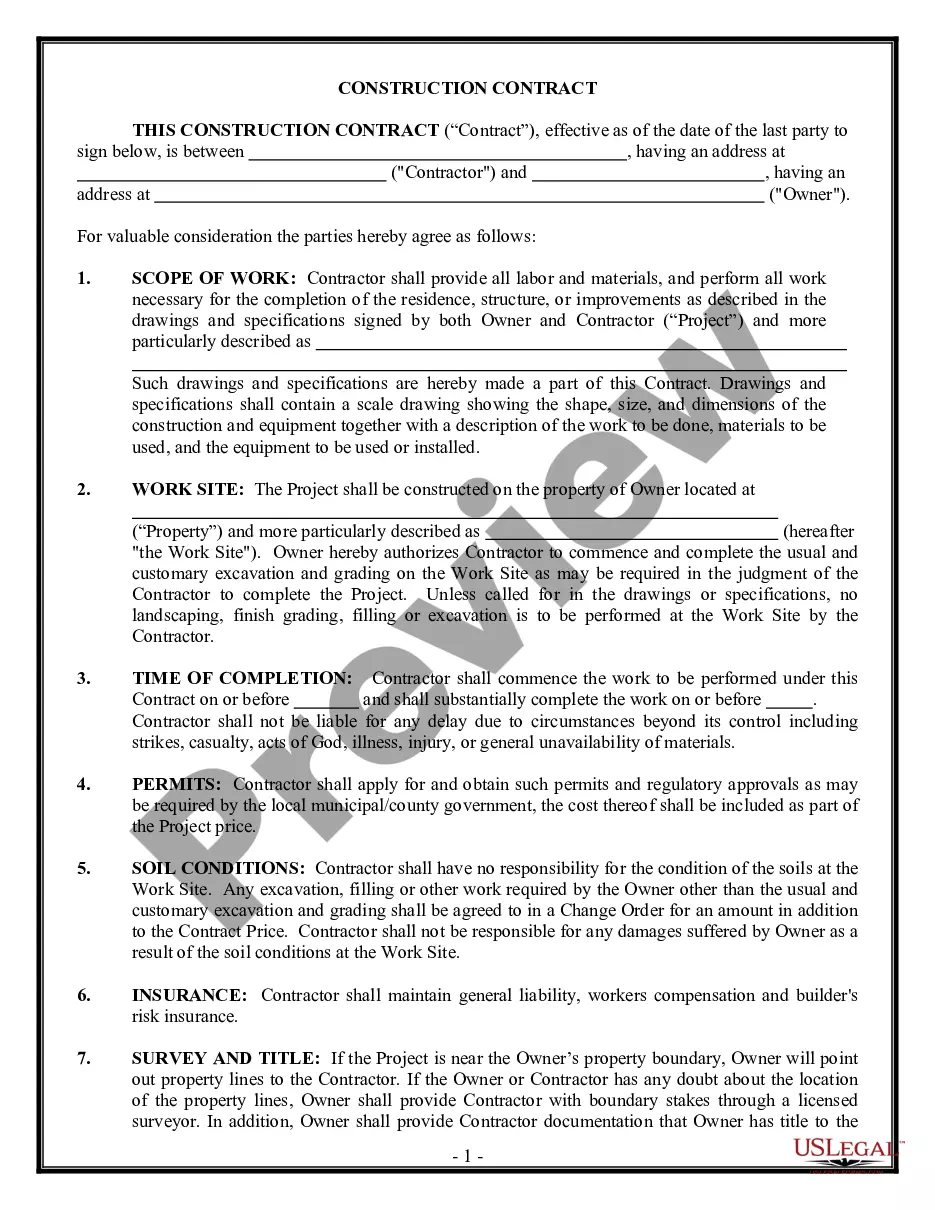
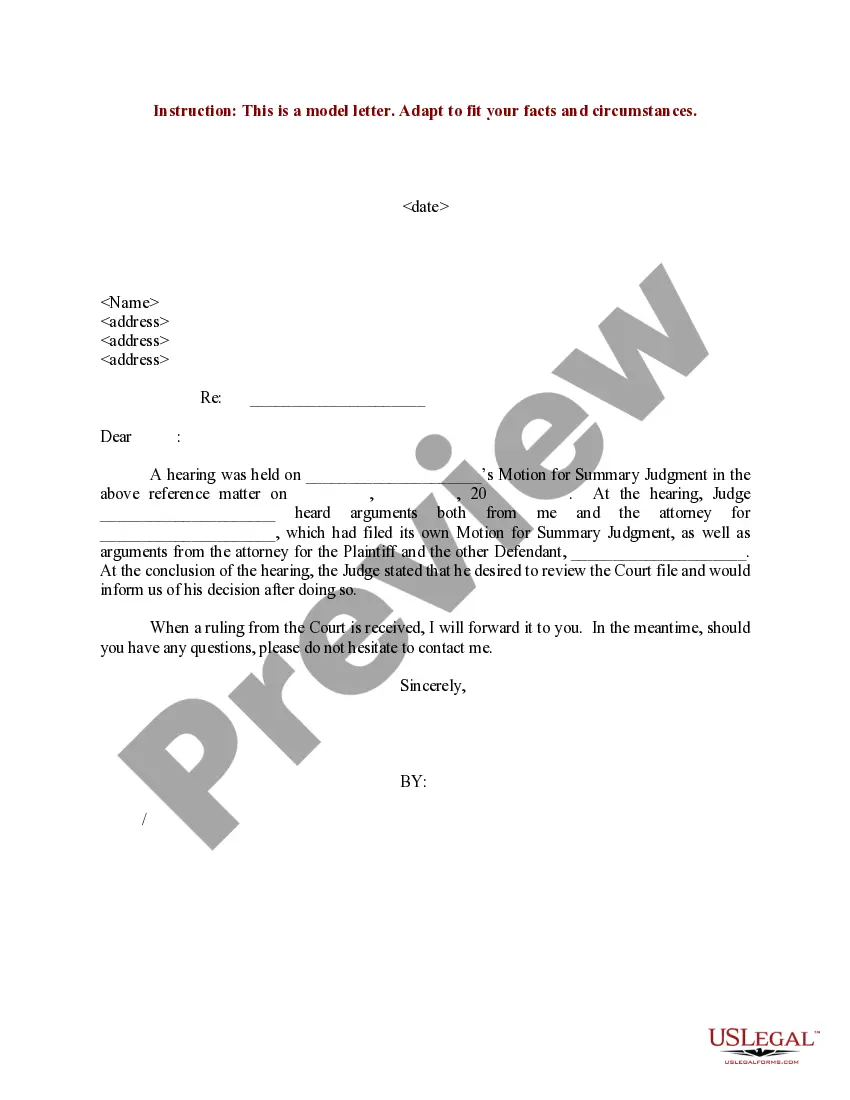

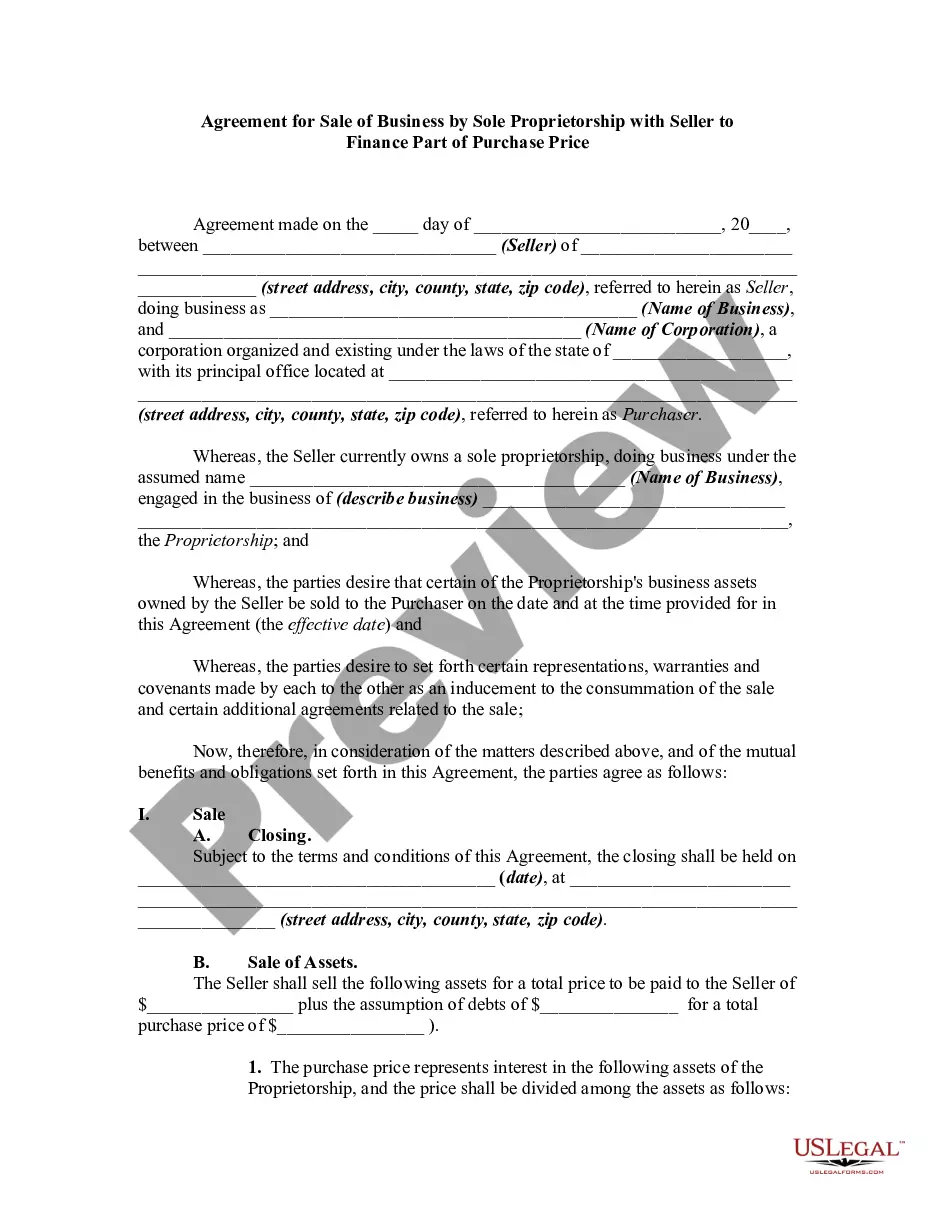


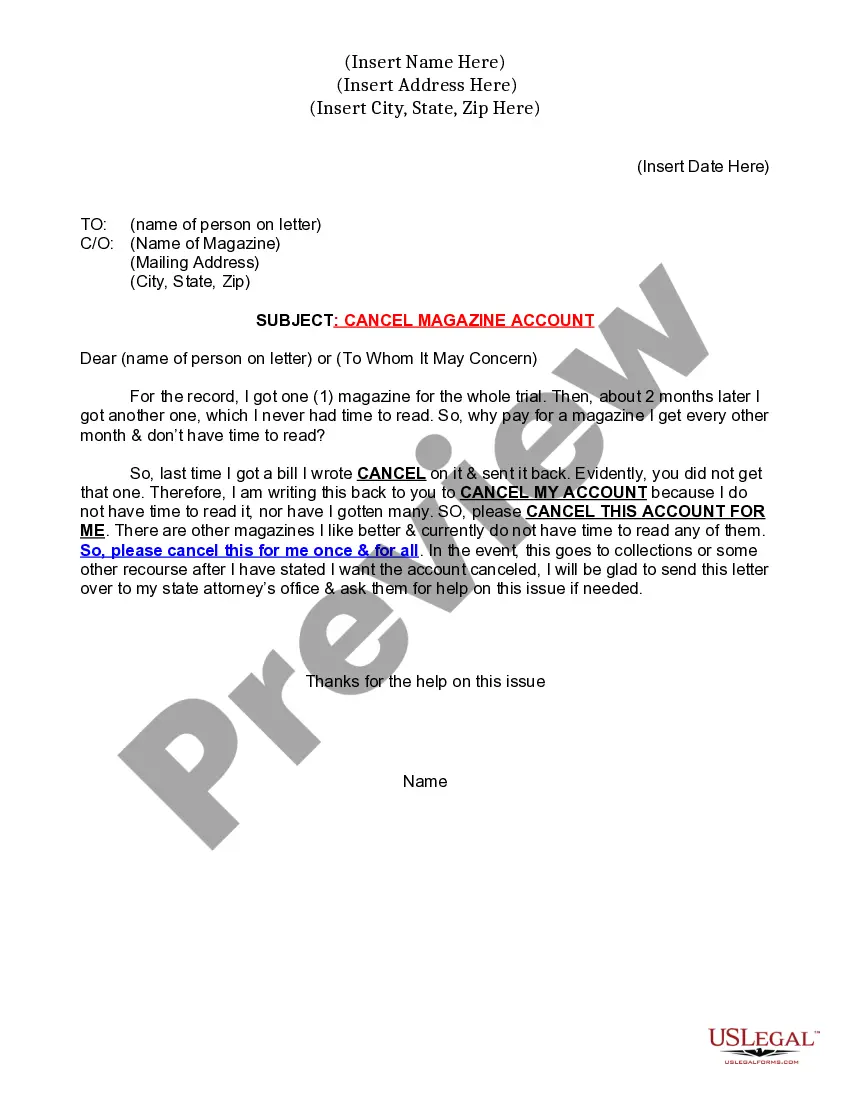
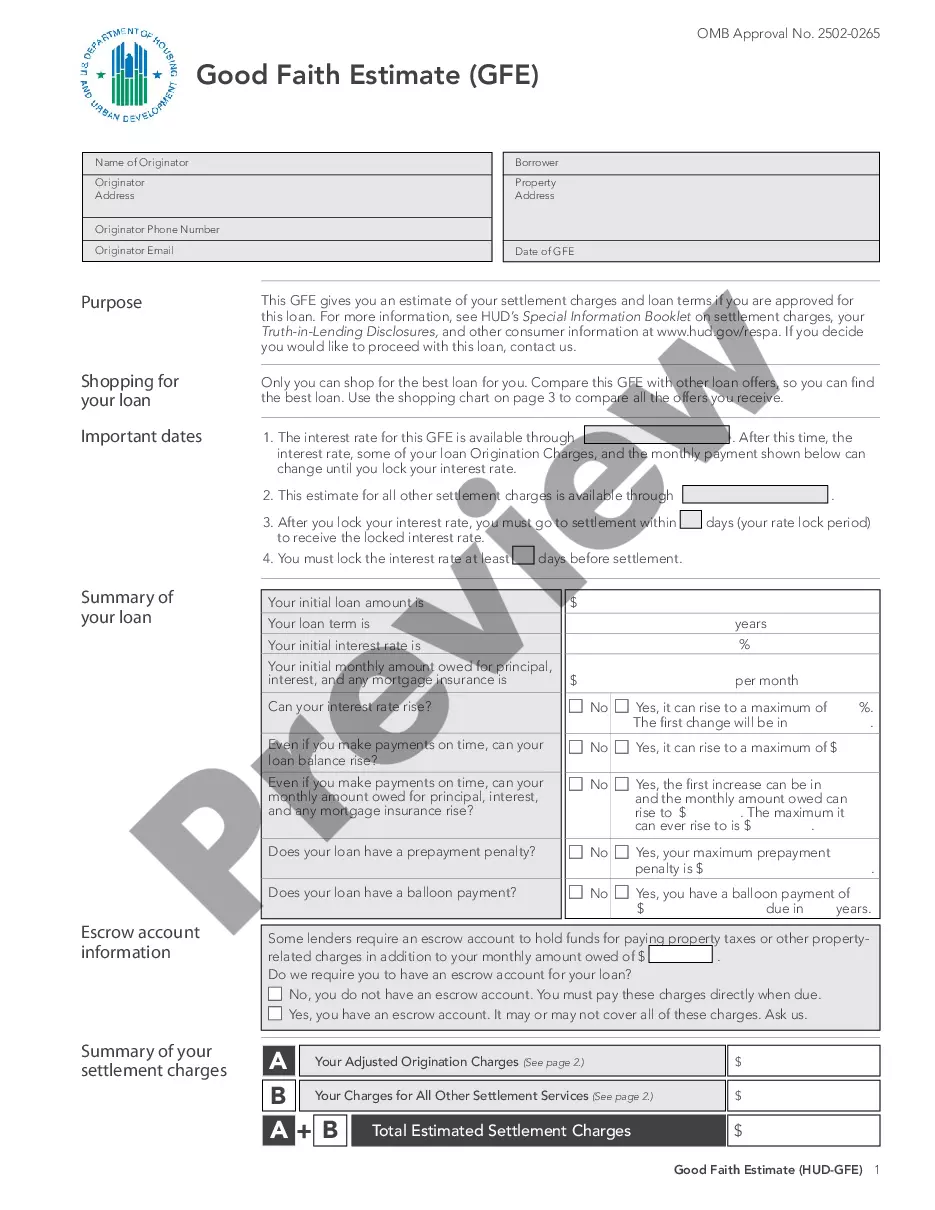


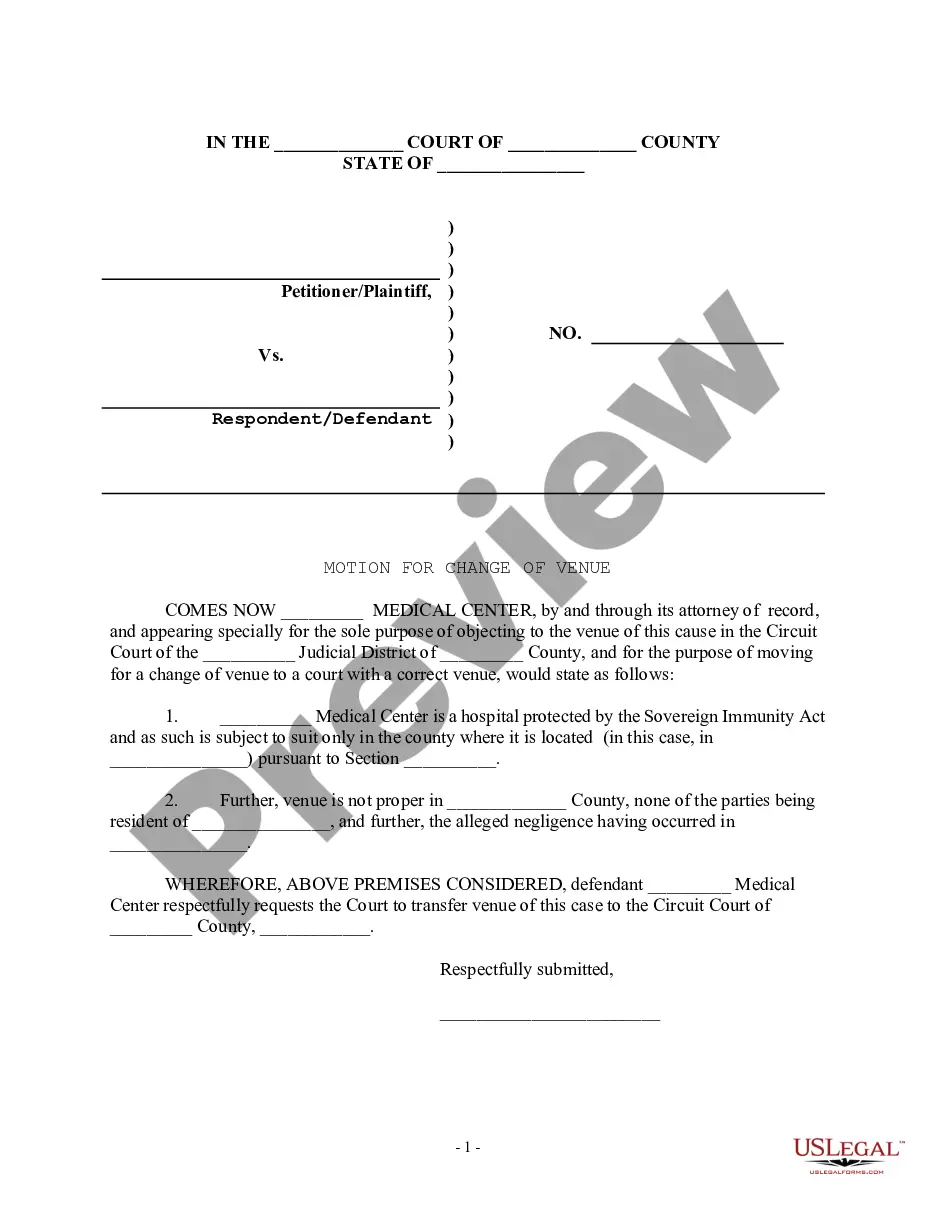
How to fill out Motion For Change Of Venue - Incorrect Court District?
Locating a reliable source for the most up-to-date and pertinent legal samples is a significant part of navigating bureaucracy.
Selecting the appropriate legal documents requires accuracy and meticulousness, which is why it's crucial to obtain samples of Court Form Civil File Format exclusively from trustworthy sources, such as US Legal Forms. A flawed template will squander your time and delay the situation you're encountering.
After obtaining the form on your device, you can edit it using the editor or print it out and complete it manually. Eliminate the stress associated with your legal paperwork. Explore the vast US Legal Forms catalog, where you can discover legal samples, verify their applicability to your situation, and download them right away.
- Utilize the catalog browsing or search function to find your sample.
- Examine the form's details to determine if it meets the standards of your state and locality.
- Preview the form, if available, to ensure the template is indeed the one you need.
- Return to your search and find the correct template if the Court Form Civil File Format does not suit your requirements.
- Once you are confident about the form's relevance, download it.
- If you are a registered user, click Log in to verify and access your chosen forms in My documents.
- If you haven't created an account yet, click Buy now to acquire the template.
- Choose the payment plan that suits your needs.
- Continue with the registration to finalize your purchase.
- Complete your order by selecting a payment method (credit card or PayPal).
- Choose the file format for downloading Court Form Civil File Format.
Form popularity
FAQ
You must use letter-sized (8½ x 11 inches) white paper. You must write or type on only one side of the page. All handwriting must be printed, readable, and in black or dark blue ink. The 1st page must have a margin of at least 3 inches from the top and 1 inch from the other 3 sides.
Pleadings are certain formal documents filed with the court that state the parties' basic positions. Common pre-trial pleadings include: Complaint (or petition or bill).
Here's how to write a legal document in 10 simple steps: Plan Out the Document Before You Begin. ... Write with Clear and Concise Language. ... Ensure the Correct Use of Grammar. ... Be as Accurate as Possible. ... Make Information Accessible. ... Ensure All Necessary Information Is Included. ... Always Use an Active Voice.
You'll want to start with a standard page size (8.5 x 11 inches) with 1-inch margins. Keep the font simple, such as Times New Roman, and avoid the use of color. Remember to break up text with headers and paragraphs for readability.
Examples of court documents would be dockets, pleadings, motions, memoranda, briefs, orders, and expert testimony.