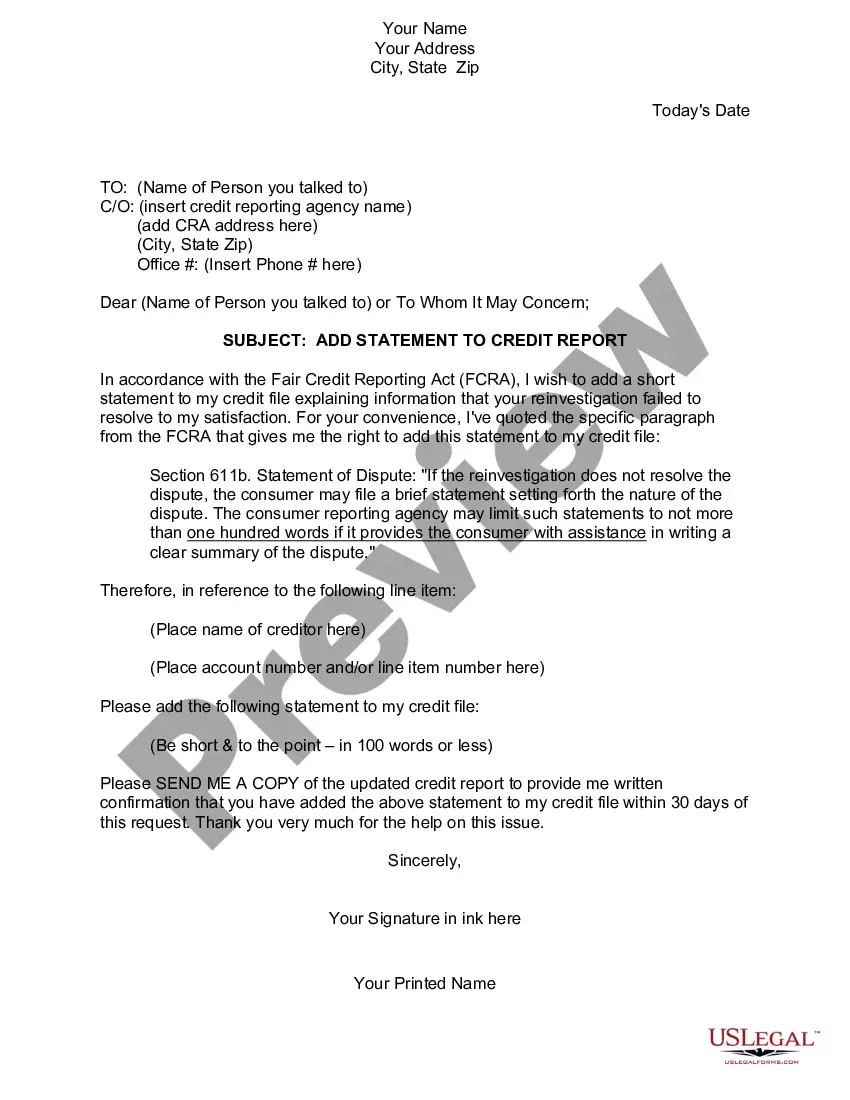
Add Credit Report With Credit Report
Description
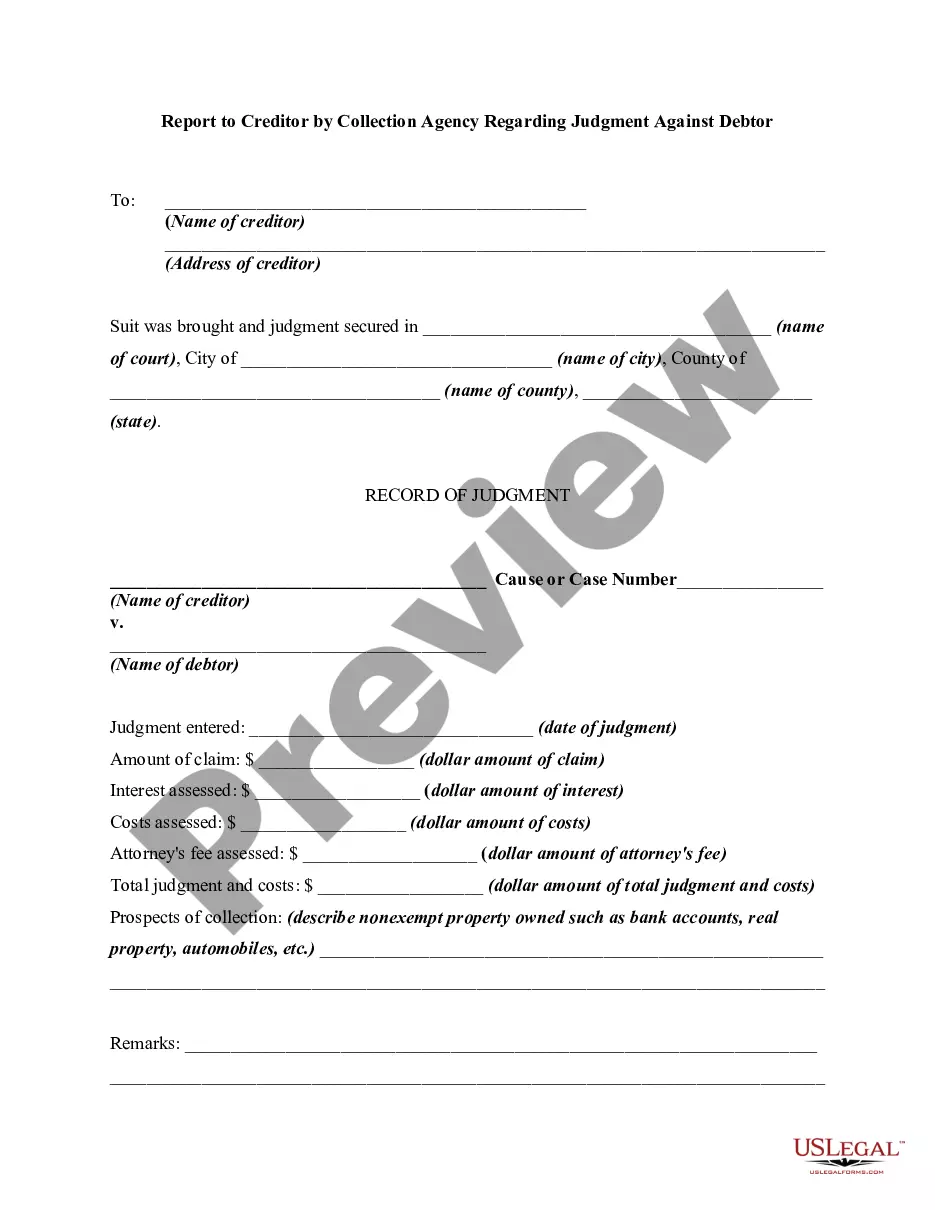
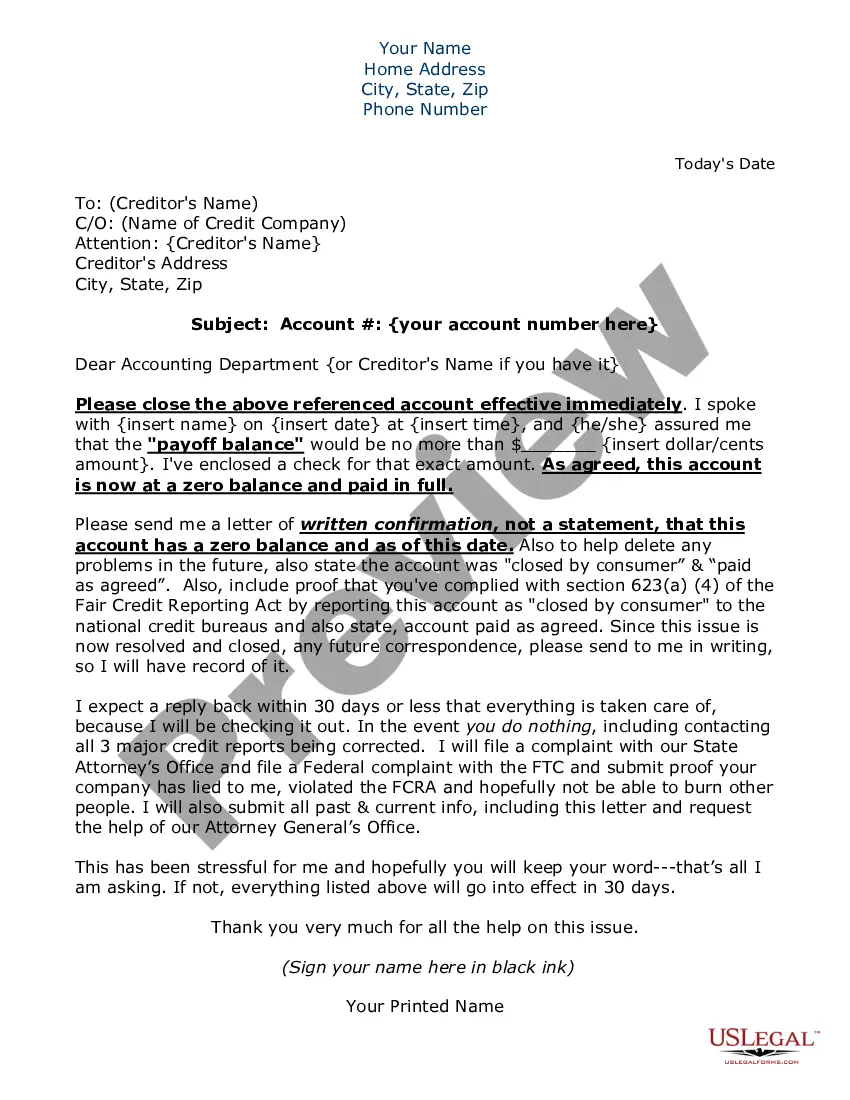
Get your form ready online
Our built-in tools help you complete, sign, share, and store your documents in one place.
Make edits, fill in missing information, and update formatting in US Legal Forms—just like you would in MS Word.
Download a copy, print it, send it by email, or mail it via USPS—whatever works best for your next step.
Sign and collect signatures with our SignNow integration. Send to multiple recipients, set reminders, and more. Go Premium to unlock E-Sign.
If this form requires notarization, complete it online through a secure video call—no need to meet a notary in person or wait for an appointment.
We protect your documents and personal data by following strict security and privacy standards.

Make edits, fill in missing information, and update formatting in US Legal Forms—just like you would in MS Word.

Download a copy, print it, send it by email, or mail it via USPS—whatever works best for your next step.

Sign and collect signatures with our SignNow integration. Send to multiple recipients, set reminders, and more. Go Premium to unlock E-Sign.

If this form requires notarization, complete it online through a secure video call—no need to meet a notary in person or wait for an appointment.

We protect your documents and personal data by following strict security and privacy standards.
Looking for another form?







How to fill out Statement To Add To Credit Report?
Managing legal documents and processes can be a lengthy addition to your entire day. Add Credit Report With Credit Report and forms like it typically require you to search for them and figure out how you can finish them efficiently.
Therefore, whether you are handling financial, legal, or personal issues, having a comprehensive and user-friendly online directory of forms readily available will be extremely beneficial.
US Legal Forms is the top online platform for legal templates, providing over 85,000 state-specific documents and a variety of tools to assist you in completing your paperwork effortlessly.
Browse the directory of suitable documents accessible to you with just a single click.
Then, follow the steps outlined below to complete your form: Ensure you have located the correct form using the Preview option and reviewing the form description. Select Buy Now when ready, and choose the subscription plan that suits your requirements. Click Download then fill out, sign, and print the form. US Legal Forms has twenty-five years of experience helping users manage their legal documents. Acquire the form you need right now and streamline any process without difficulty.
- US Legal Forms offers you state- and county-specific forms available at any time for downloading.
- Protect your document management tasks with a premium service that enables you to prepare any form in minutes without additional or concealed charges.
- Simply Log In to your account, locate Add Credit Report With Credit Report, and obtain it instantly within the My documents section.
- You can also access previously downloaded forms.
- Is it your first time using US Legal Forms? Register and establish your account in a few moments and you’ll gain access to the form directory and Add Credit Report With Credit Report.
Form popularity
FAQ
You can submit your statement to the credit bureaus by mail or online. Check each bureaus' website for specific instructions: Equifax.com, Experian.com, and TransUnion.com. Looking for help understanding your credit report?
You don't need to contact the credit bureaus to update the personal information on your credit reports. Instead, get in touch with your creditors and ask them to update your records with your new address, name or employer.
You can't directly add things to your credit report, even if they are bills you pay each month. Instead, you must depend on your creditors and lenders to send updates to the credit bureaus based on your account history. There are three major credit bureaus in the U.S.: Equifax, Experian, and TransUnion.
If you want to add a Consumer Statement to those credit reports, you'll need to contact them separately. Don't forget, you won't always ?nd the same information on your credit reports at all three nationwide consumer reporting agencies because creditors or lenders may not report to all three of them.
A credit bureau is a company that gathers and stores various types of information about you and your financial accounts and history. It draws on this information to create your credit reports, which in turn form the basis for your credit scores.