Service Agreement And Contract
Description
Get your form ready online
Our built-in tools help you complete, sign, share, and store your documents in one place.
Make edits, fill in missing information, and update formatting in US Legal Forms—just like you would in MS Word.
Download a copy, print it, send it by email, or mail it via USPS—whatever works best for your next step.
Sign and collect signatures with our SignNow integration. Send to multiple recipients, set reminders, and more. Go Premium to unlock E-Sign.
If this form requires notarization, complete it online through a secure video call—no need to meet a notary in person or wait for an appointment.
We protect your documents and personal data by following strict security and privacy standards.

Make edits, fill in missing information, and update formatting in US Legal Forms—just like you would in MS Word.

Download a copy, print it, send it by email, or mail it via USPS—whatever works best for your next step.

Sign and collect signatures with our SignNow integration. Send to multiple recipients, set reminders, and more. Go Premium to unlock E-Sign.

If this form requires notarization, complete it online through a secure video call—no need to meet a notary in person or wait for an appointment.

We protect your documents and personal data by following strict security and privacy standards.
Looking for another form?








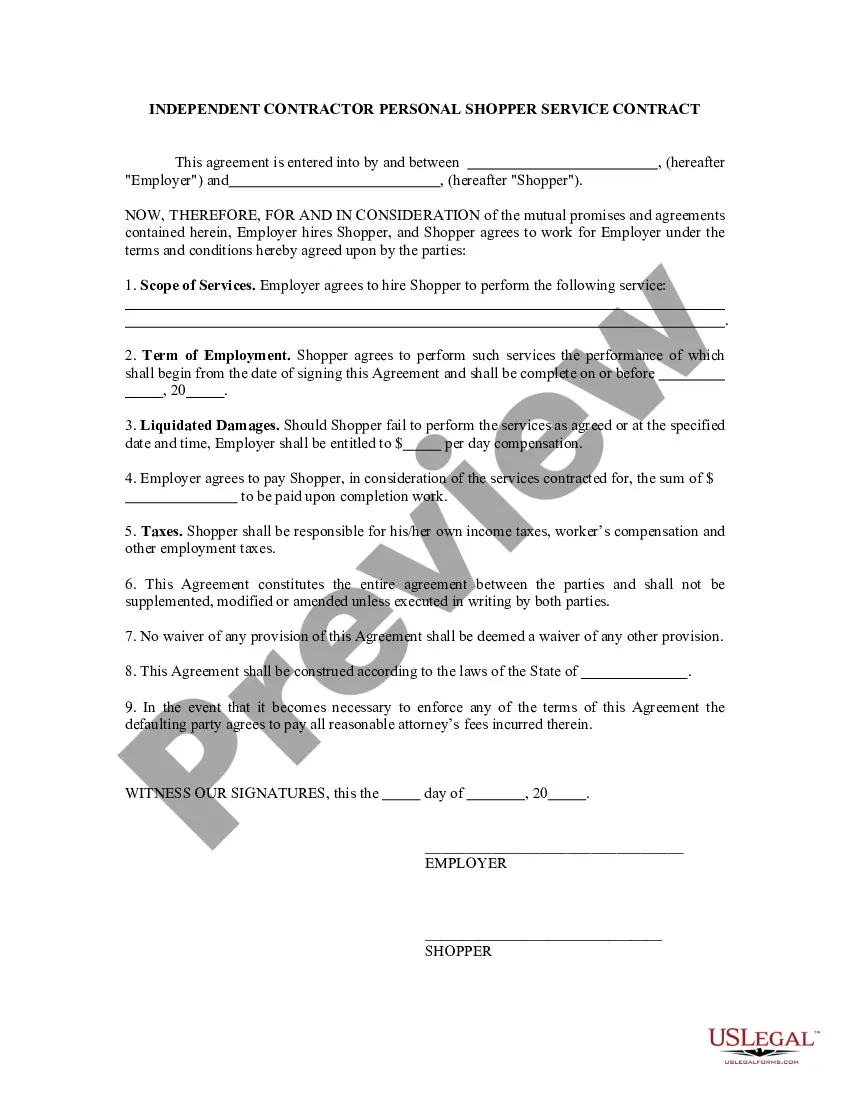
How to fill out Personal Shopper Services Contract - Self-Employed Independent Contractor?
Navigating through the red tape of official documents and templates can be difficult, particularly when one is not doing so professionally.
Even locating the appropriate template for the Service Agreement and Contract will be laborious, as it needs to be accurate and precise to the final digit.
Nevertheless, you will require to spend significantly less time selecting a fitting template from a reliable source.
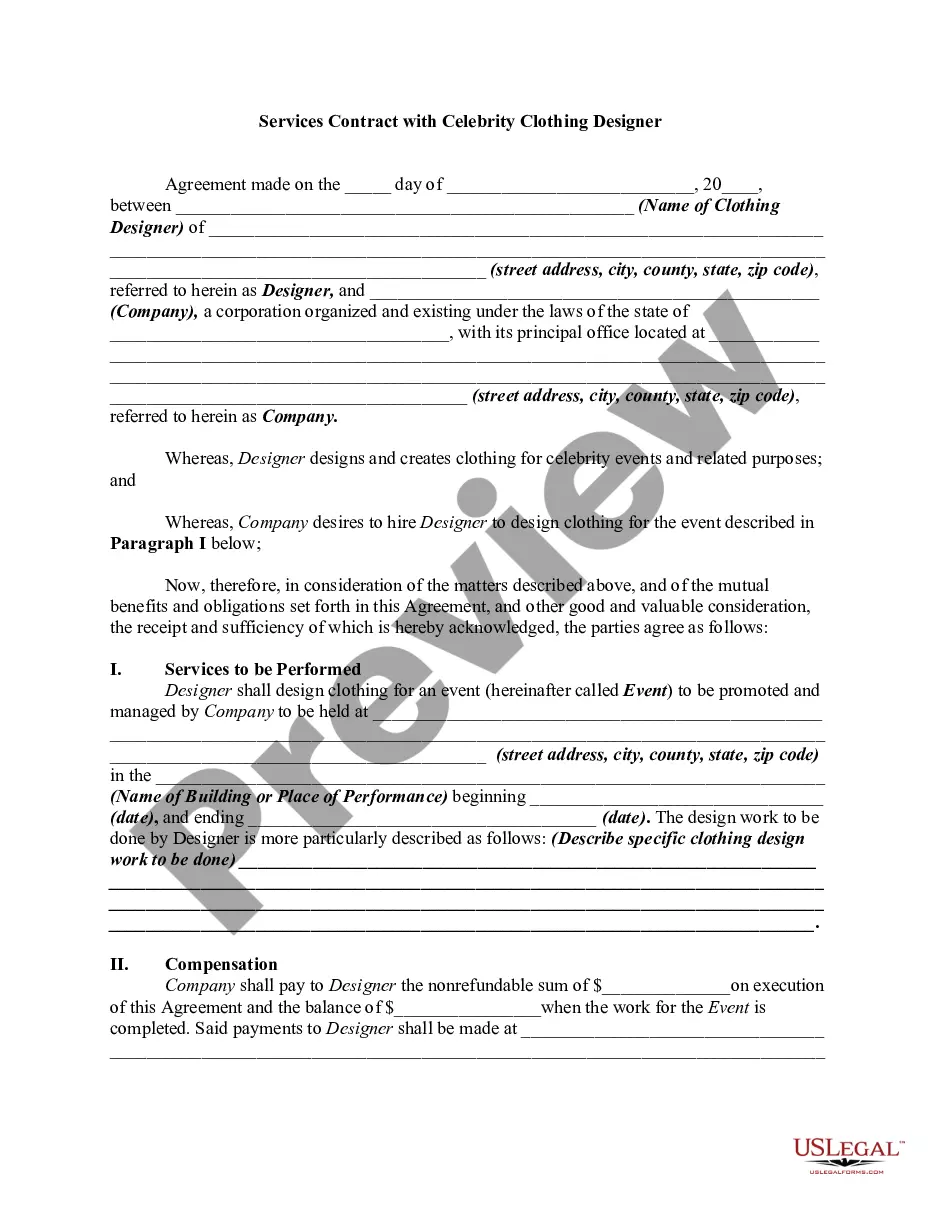
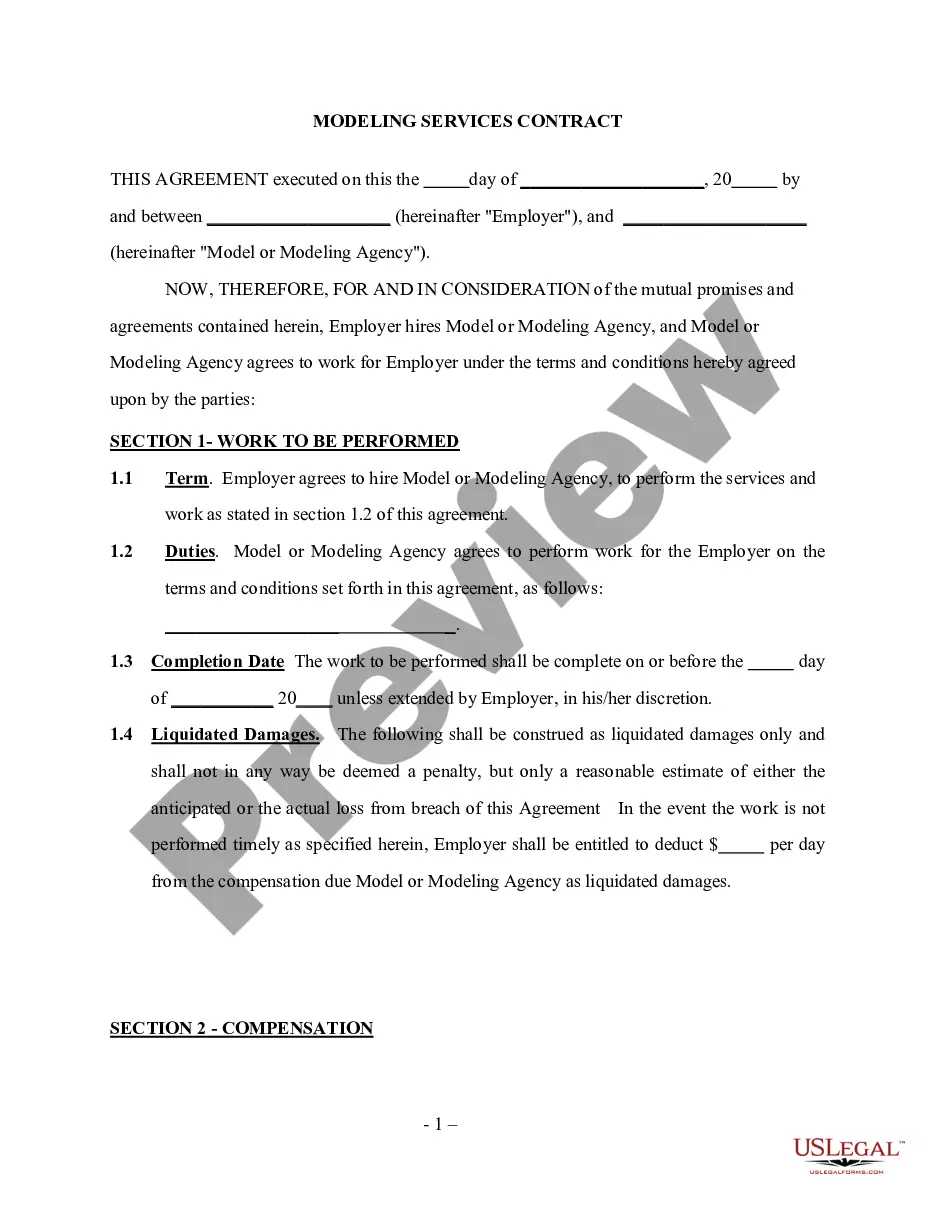
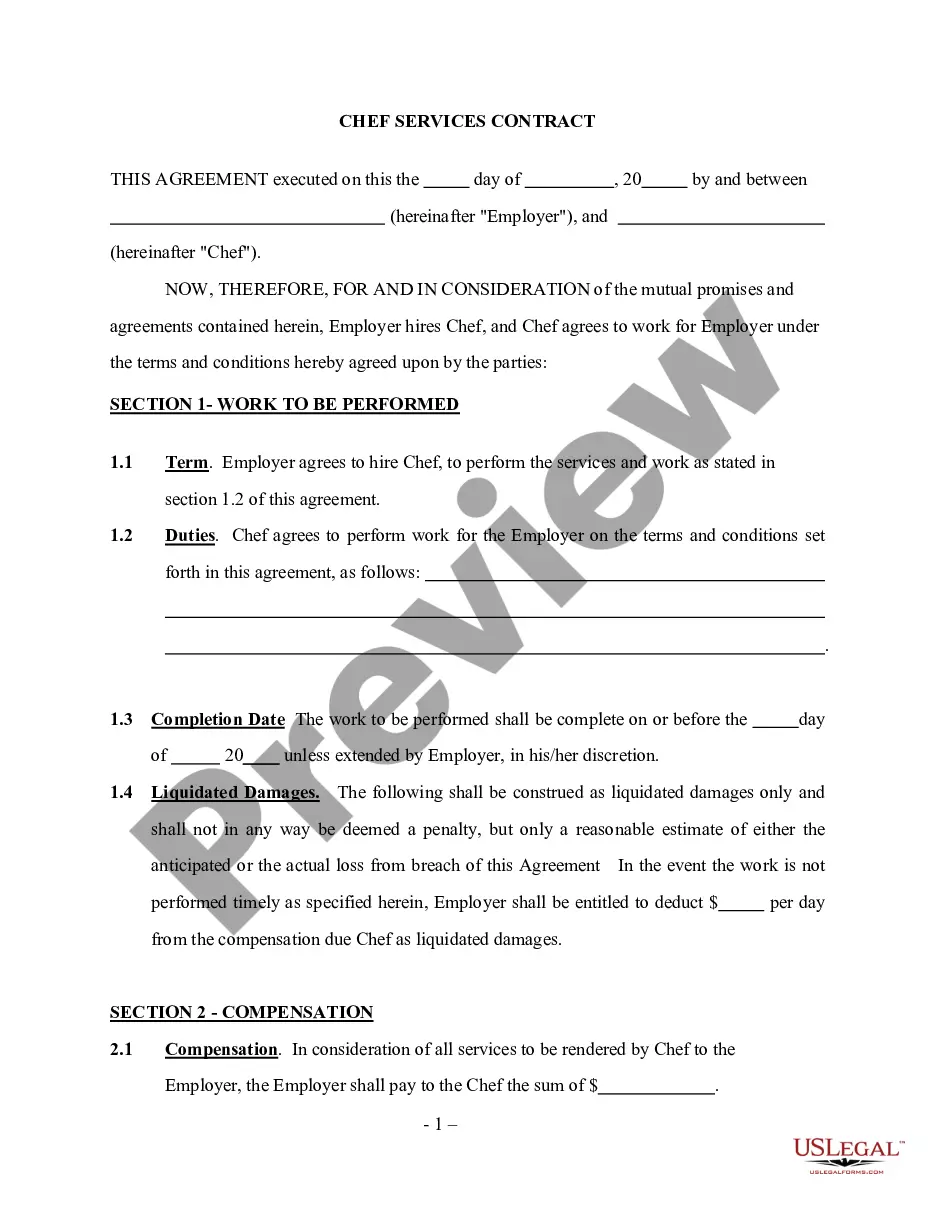
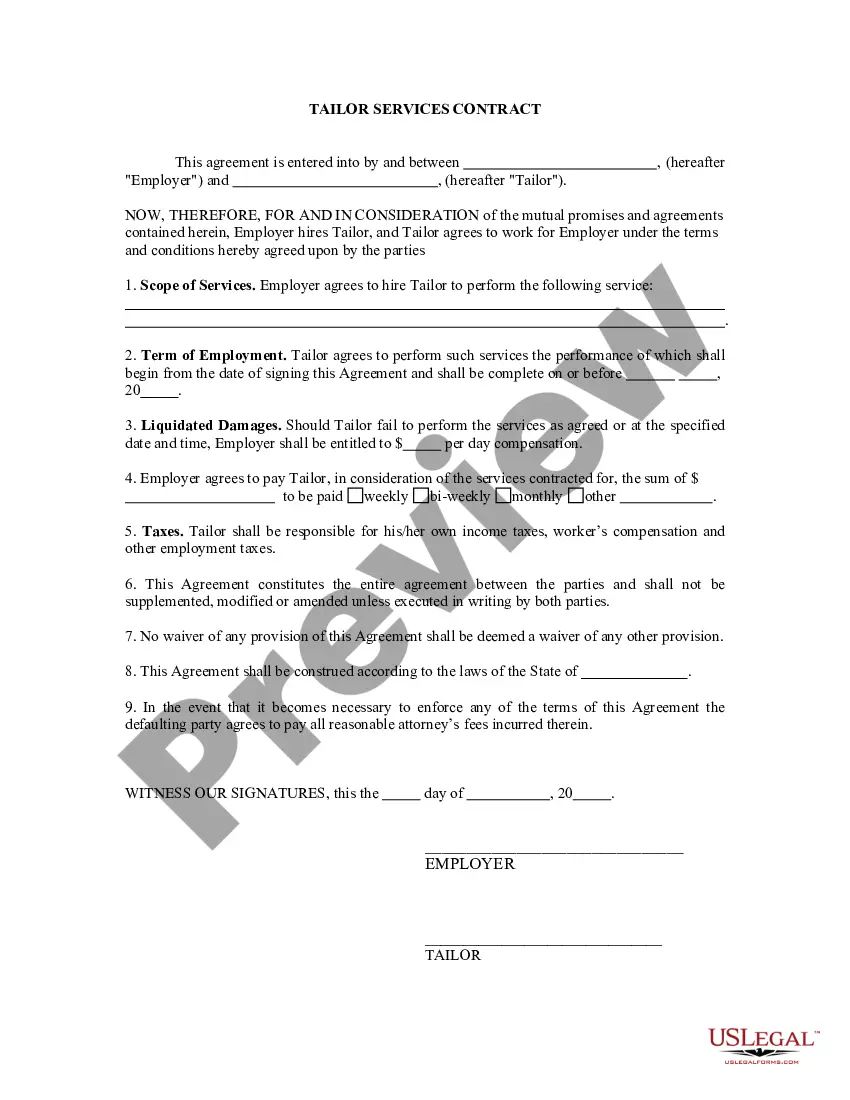
Obtain the correct form in a few simple steps: Enter the name of the document in the search field. Locate the appropriate Service Agreement and Contract from the results list. Review the description of the sample or open its preview. If the template aligns with your needs, click Buy Now. Then select your subscription option. Use your email to create a secure password to register an account at US Legal Forms. Choose a credit card or PayPal payment method. Finally, save the template file to your device in your preferred format. US Legal Forms can significantly reduce the time spent researching the suitability of a form you found on the web. Establish an account and gain unrestricted access to all the templates you require.
- US Legal Forms is a platform that streamlines the process of finding the correct forms online.
- US Legal Forms is a one-stop shop for obtaining the most recent document samples, consulting their applications, and downloading these samples for completion.
- It serves as a repository with over 85,000 forms that pertain to various professional fields.
- When searching for a Service Agreement and Contract, you need not doubt its legitimacy, as all forms are validated.
- An account with US Legal Forms guarantees you have all the essential samples at your fingertips.
- You can save them in your history or add them to the My documents directory.
- Your saved forms can be accessed from any device by simply clicking Log In on the library site.
- If you don’t yet possess an account, you can always search anew for the template you require.
Form popularity
FAQ
Services agreements are arrangements (usually informal) between two or more parties and are sometimes enforceable at law. Contracts are a formal arrangement between two or more party that, by its terms and elements, are always enforceable at law.
Write the contract in six stepsStart with a contract template.Open with the basic information.Describe in detail what you have agreed to.Include a description of how the contract will be ended.Write into the contract which laws apply and how disputes will be resolved.Include space for signatures.
The following list includes the key provisions to look for when entering into a service agreement, including: payment, scope of services, amendment, termination, liability insurance, confidentiality, IP ownership, and choice of law/dispute resolution.
For example, a Service Contract might be used to define a work-agreement between a contractor and a homeowner. Or, a contract could be used between a business and a freelance web designer. Most often, Service Contracts include details such as deadlines and payment agreements.
The simple answer is YES. You can write your own contracts. There is no requirement that they must be written by a lawyer. There is no requirement that they have to be a certain form or font.