Videographer Contract Template For Partnership
Description
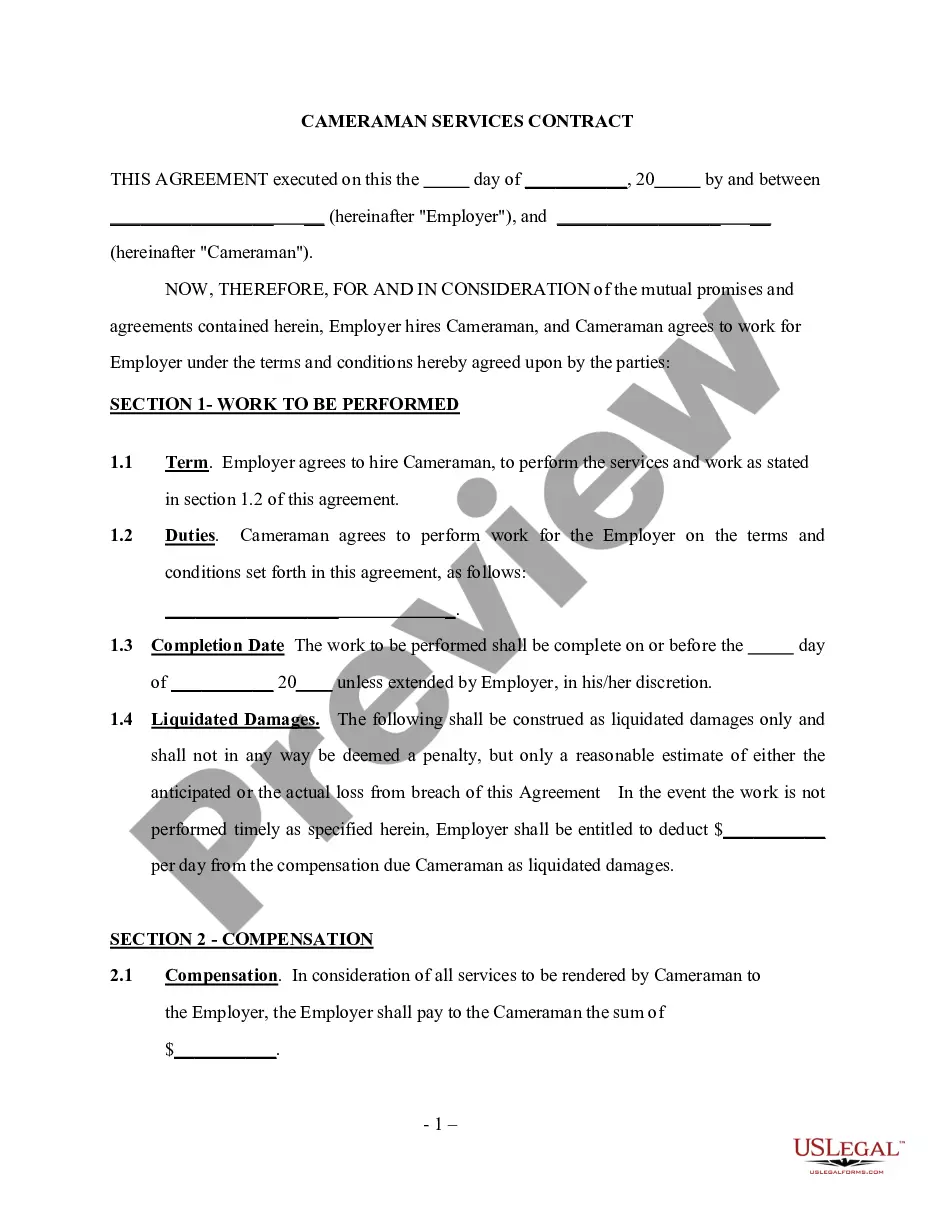
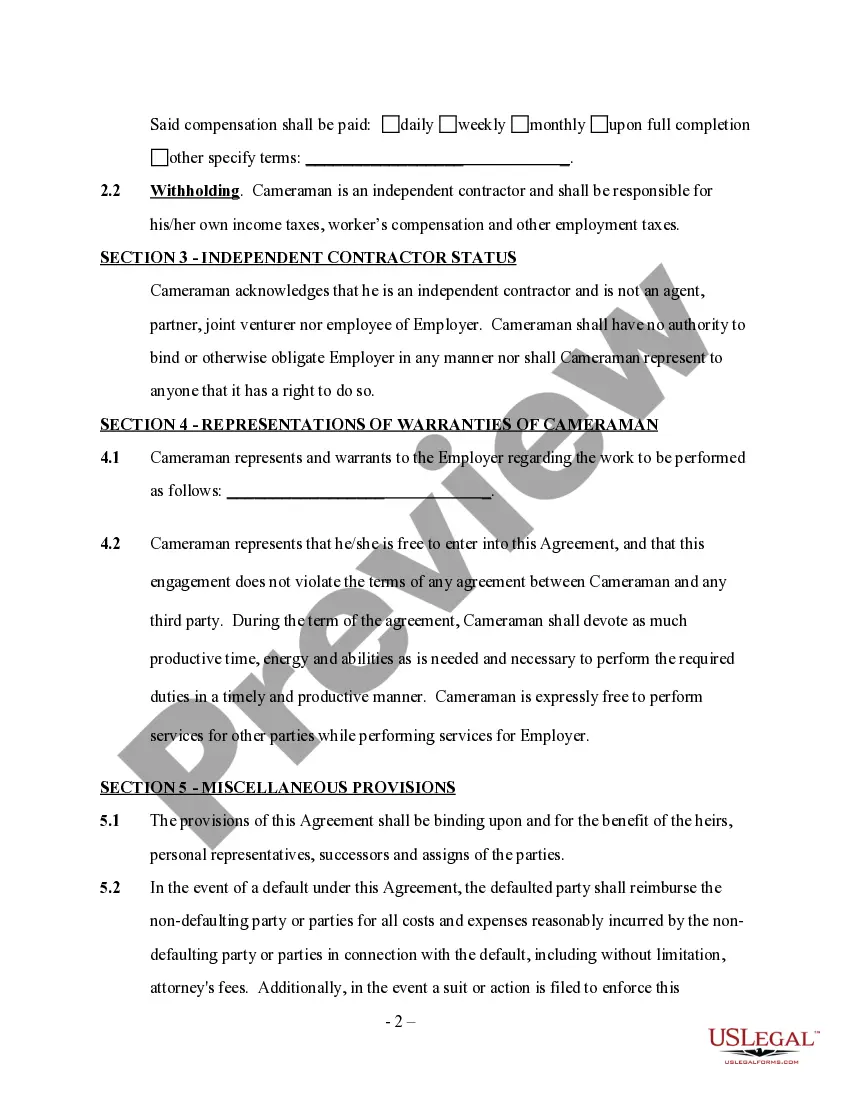
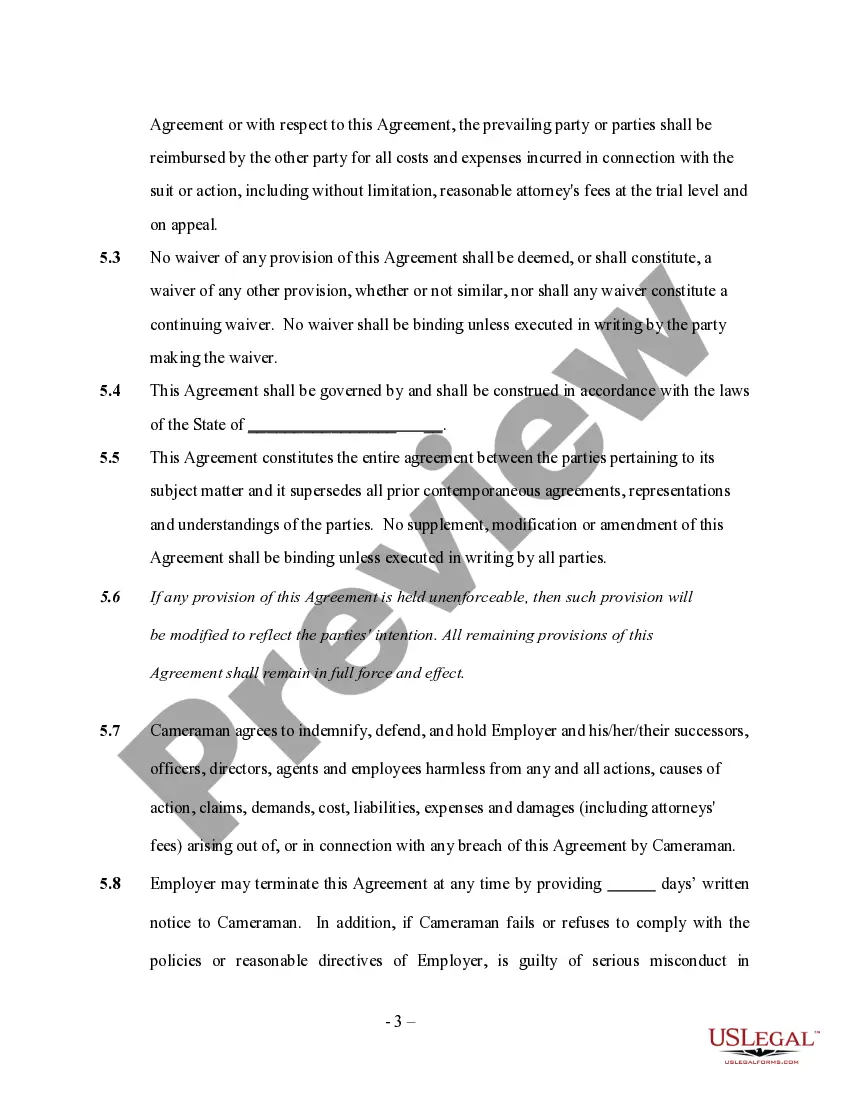
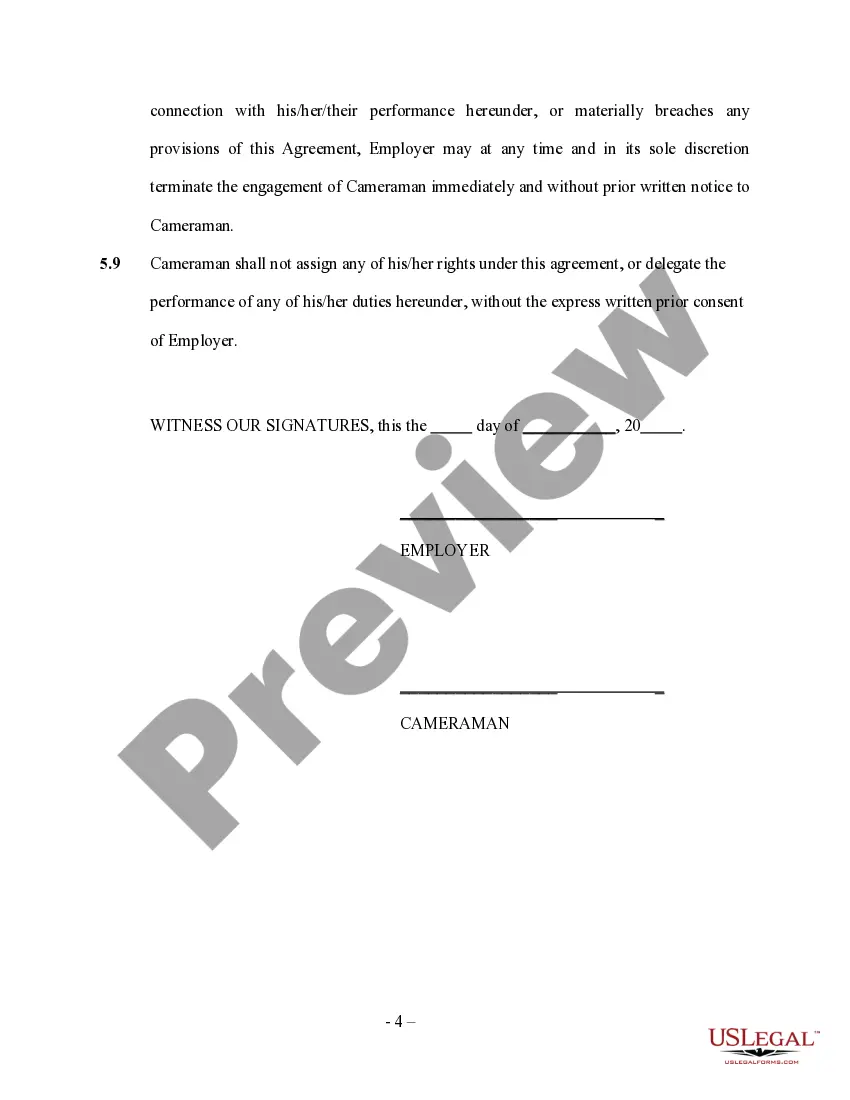
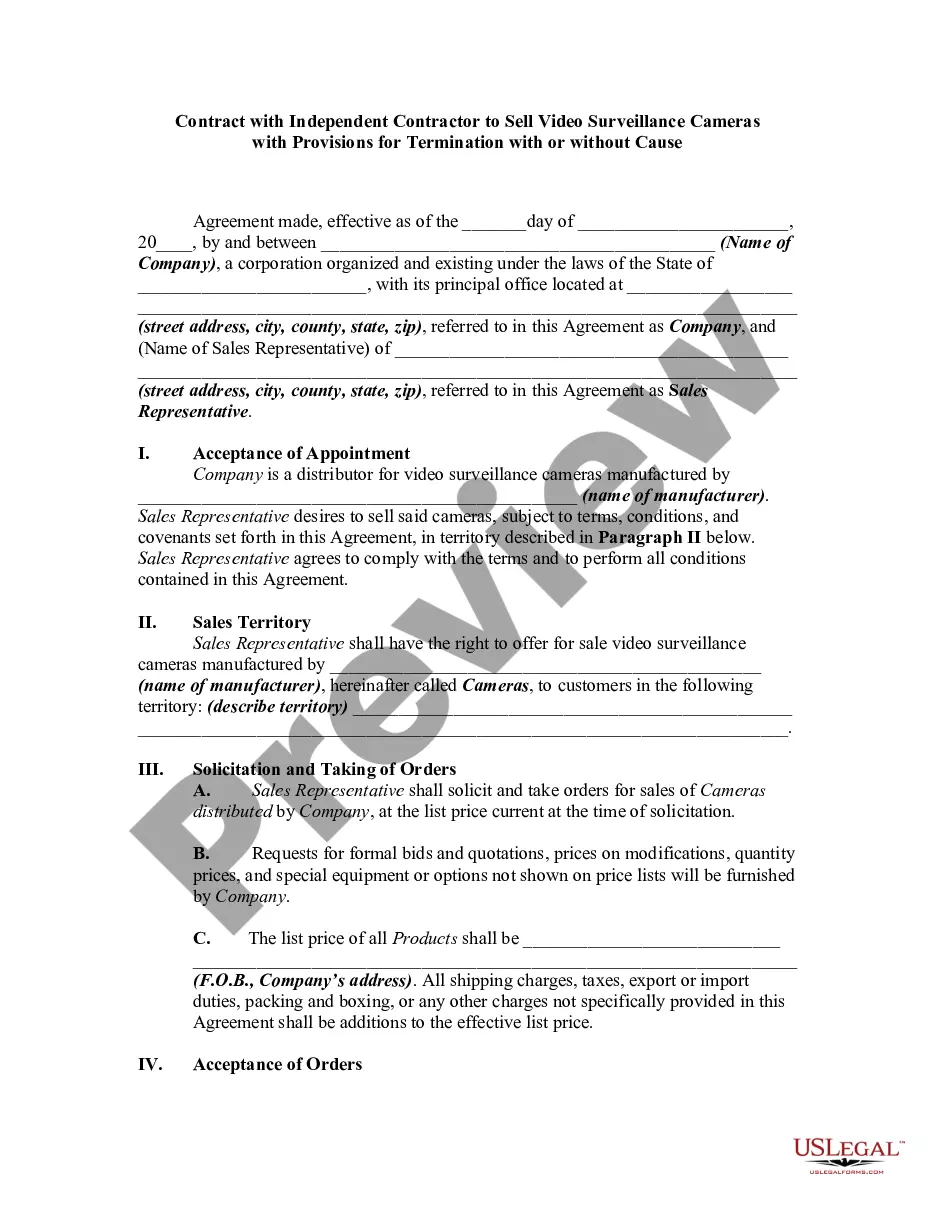
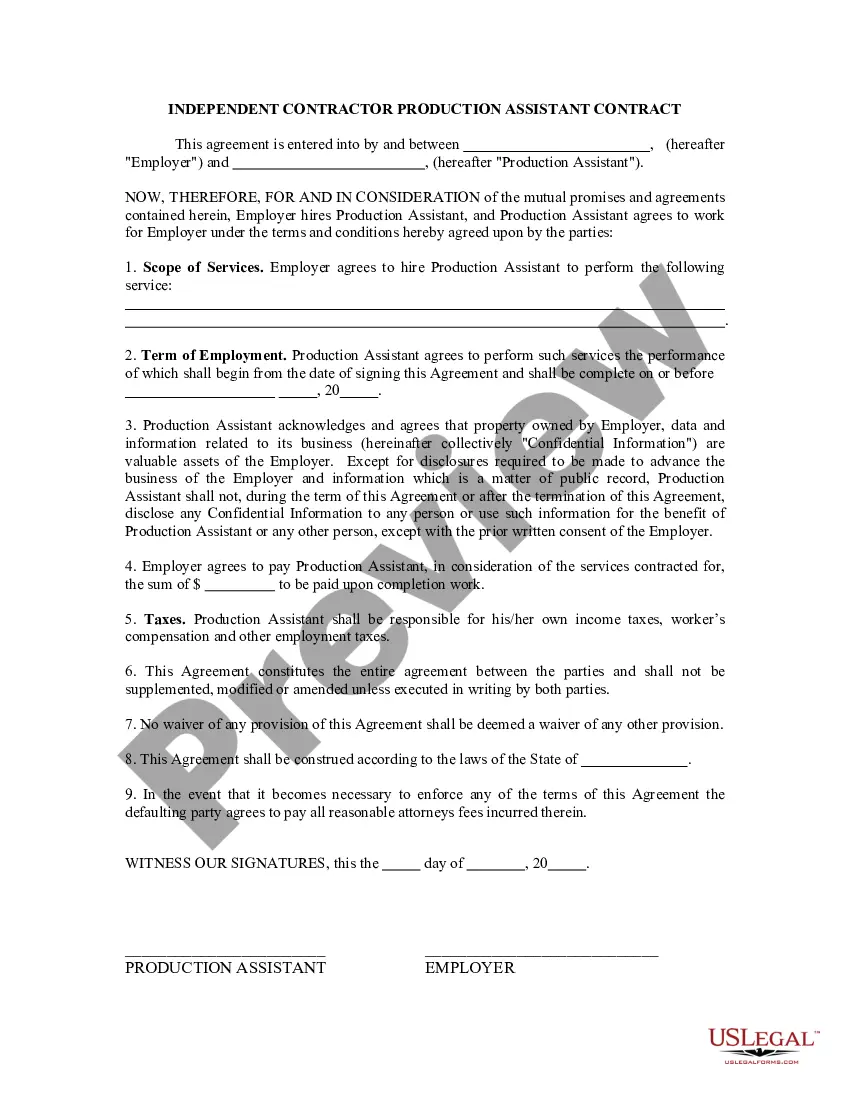
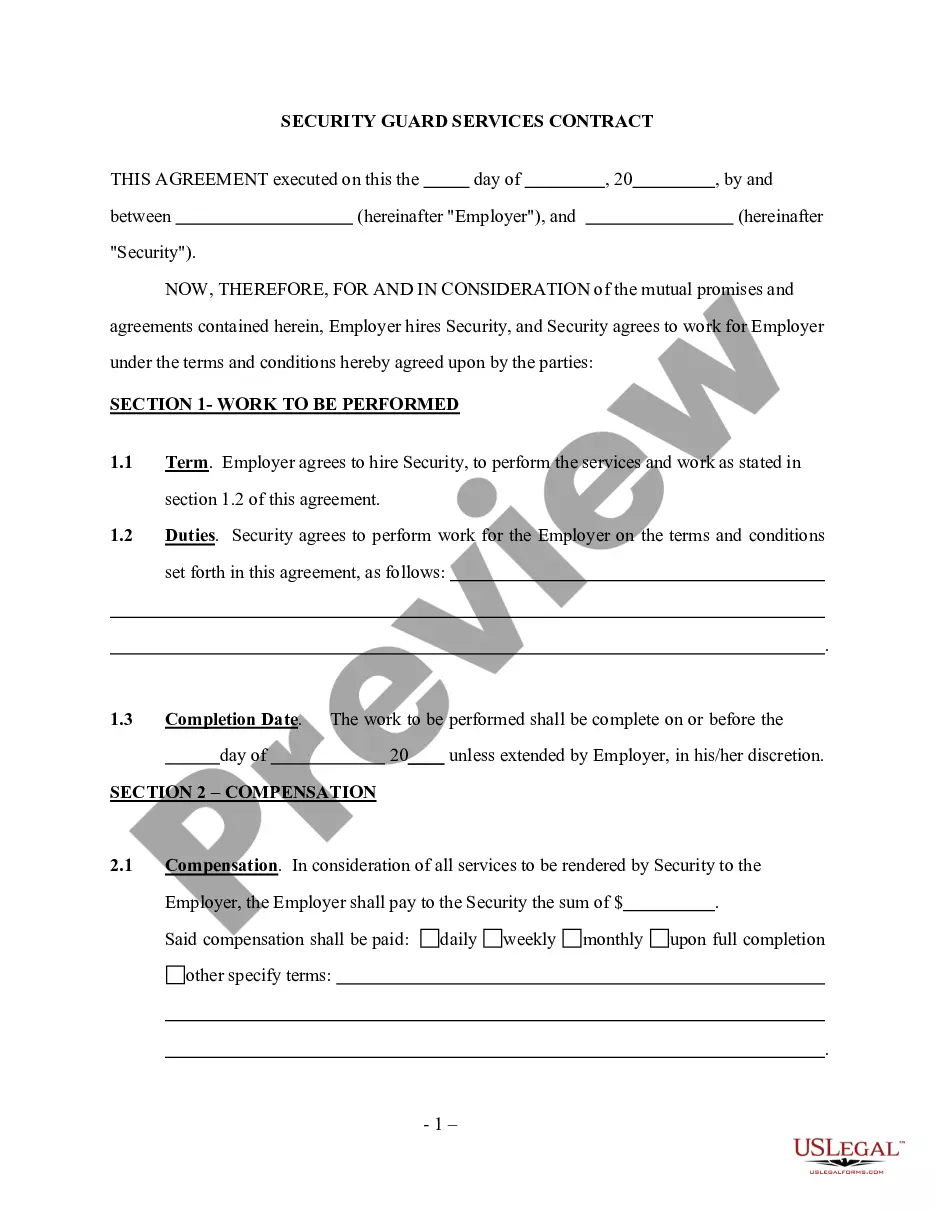
Get your form ready online
Our built-in tools help you complete, sign, share, and store your documents in one place.
Make edits, fill in missing information, and update formatting in US Legal Forms—just like you would in MS Word.
Download a copy, print it, send it by email, or mail it via USPS—whatever works best for your next step.
Sign and collect signatures with our SignNow integration. Send to multiple recipients, set reminders, and more. Go Premium to unlock E-Sign.
If this form requires notarization, complete it online through a secure video call—no need to meet a notary in person or wait for an appointment.
We protect your documents and personal data by following strict security and privacy standards.

Make edits, fill in missing information, and update formatting in US Legal Forms—just like you would in MS Word.

Download a copy, print it, send it by email, or mail it via USPS—whatever works best for your next step.

Sign and collect signatures with our SignNow integration. Send to multiple recipients, set reminders, and more. Go Premium to unlock E-Sign.

If this form requires notarization, complete it online through a secure video call—no need to meet a notary in person or wait for an appointment.

We protect your documents and personal data by following strict security and privacy standards.
Looking for another form?









How to fill out Cameraman Services Contract - Self-Employed?
Regardless of whether for professional reasons or personal issues, everyone must confront legal matters at some point in their lifetime.
Completing legal documents necessitates meticulous care, starting from selecting the correct form template.
With an extensive library of US Legal Forms available, you will never have to waste time searching for the correct template online. Utilize the library’s user-friendly navigation to find the right template for any circumstance.
- Obtain the template you require using the search feature or catalog browsing.
- Review the form’s description to ensure it suits your circumstance, state, and locality.
- Click on the form’s preview to inspect it.
- If it is the incorrect form, return to the search tool to locate the Videographer Contract Template For Partnership template you need.
- Acquire the document when it aligns with your requirements.
- If you possess a US Legal Forms account, simply select Log in to access previously stored templates in My documents.
- If you do not yet have an account, you can obtain the form by clicking Buy now.
- Choose the suitable pricing option.
- Fill out the profile registration form.
- Choose your payment method: you can utilize a credit card or PayPal account.
- Select the document format you desire and download the Videographer Contract Template For Partnership.
- Once saved, you can complete the form using editing software or print it and finalize it by hand.
Form popularity
FAQ
How to write a business contract Determine why you need a contract. Define all applicable parties. Include all essential elements of a contract. Select the appropriate governing law and jurisdiction. Write everything in plain language. Use repeatable language and formats when possible. Use tables, lists, and other tools.
Write the contract in six steps Start with a contract template. ... Open with the basic information. ... Describe in detail what you have agreed to. ... Include a description of how the contract will be ended. ... Write into the contract which laws apply and how disputes will be resolved. ... Include space for signatures.
To get started, you may want to organize the following information for the Videography Contract: Contact information. Time and date of filming, including the number of hours. Description of services. Number of days to provide sample video and final product. Price and deposit information (including overtime fees).
Contract templates: The basics A contract should include at least the following "4 must haves": The intention of the contract: why do they enter into a business relationship. The agreement: what is the object of the business relationship. The consideration: what is the remuneration for the object.
Follow these tips to create a solid business agreement. Get It in Writing. ... Keep It Simple. ... Deal With the Right Person. ... Identify Each Party Correctly. ... Spell Out All of the Details. ... Specify Payment Obligations. ... Agree on Circumstances That Terminate the Contract. ... Agree on a Way to Resolve Disputes.