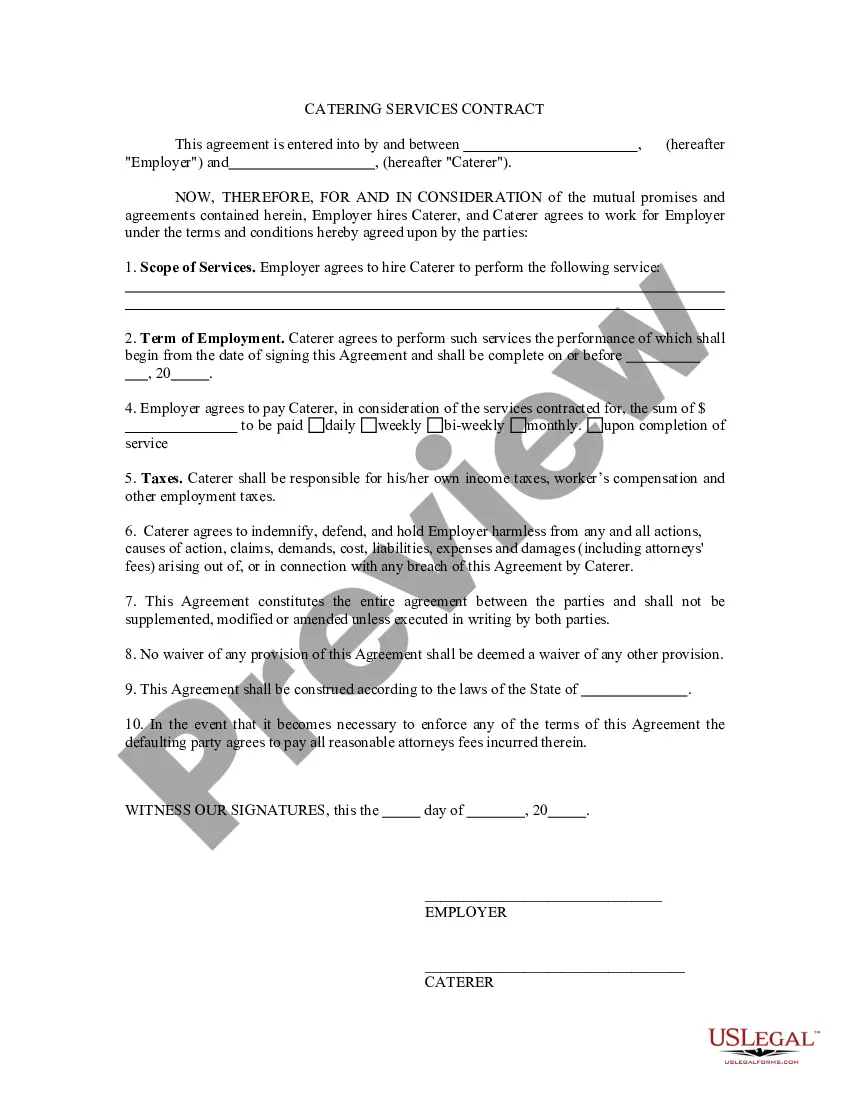
Catering Services Contract With Venue
Description
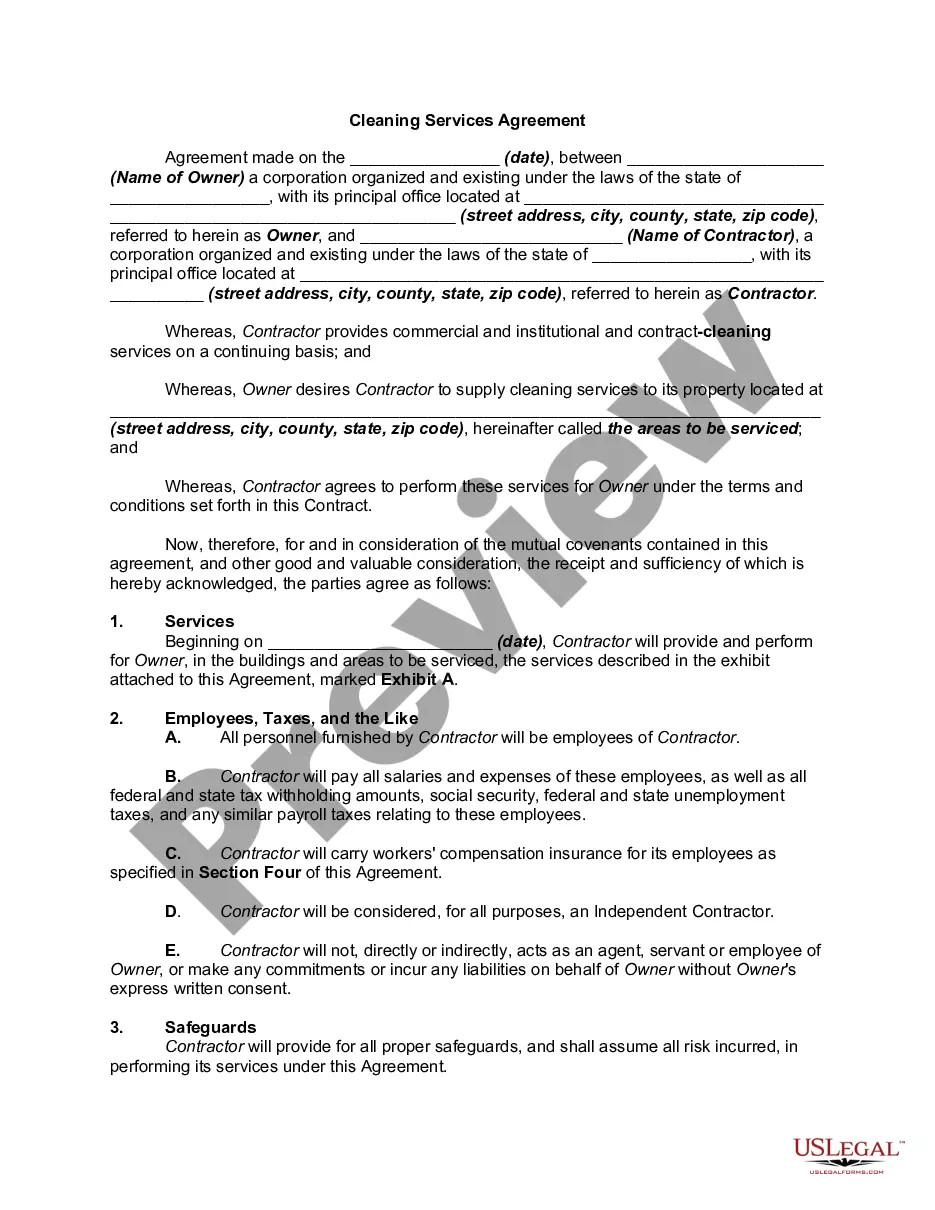
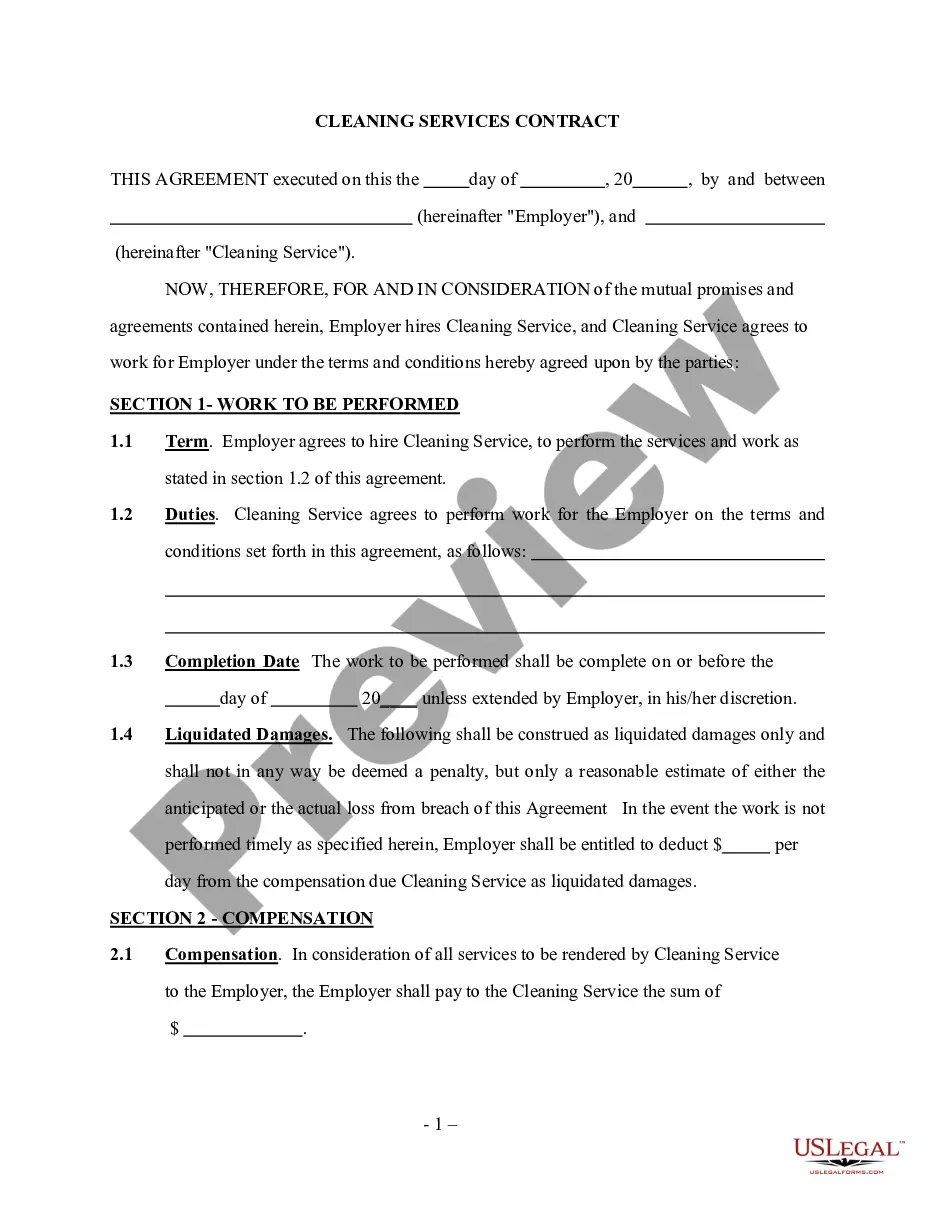
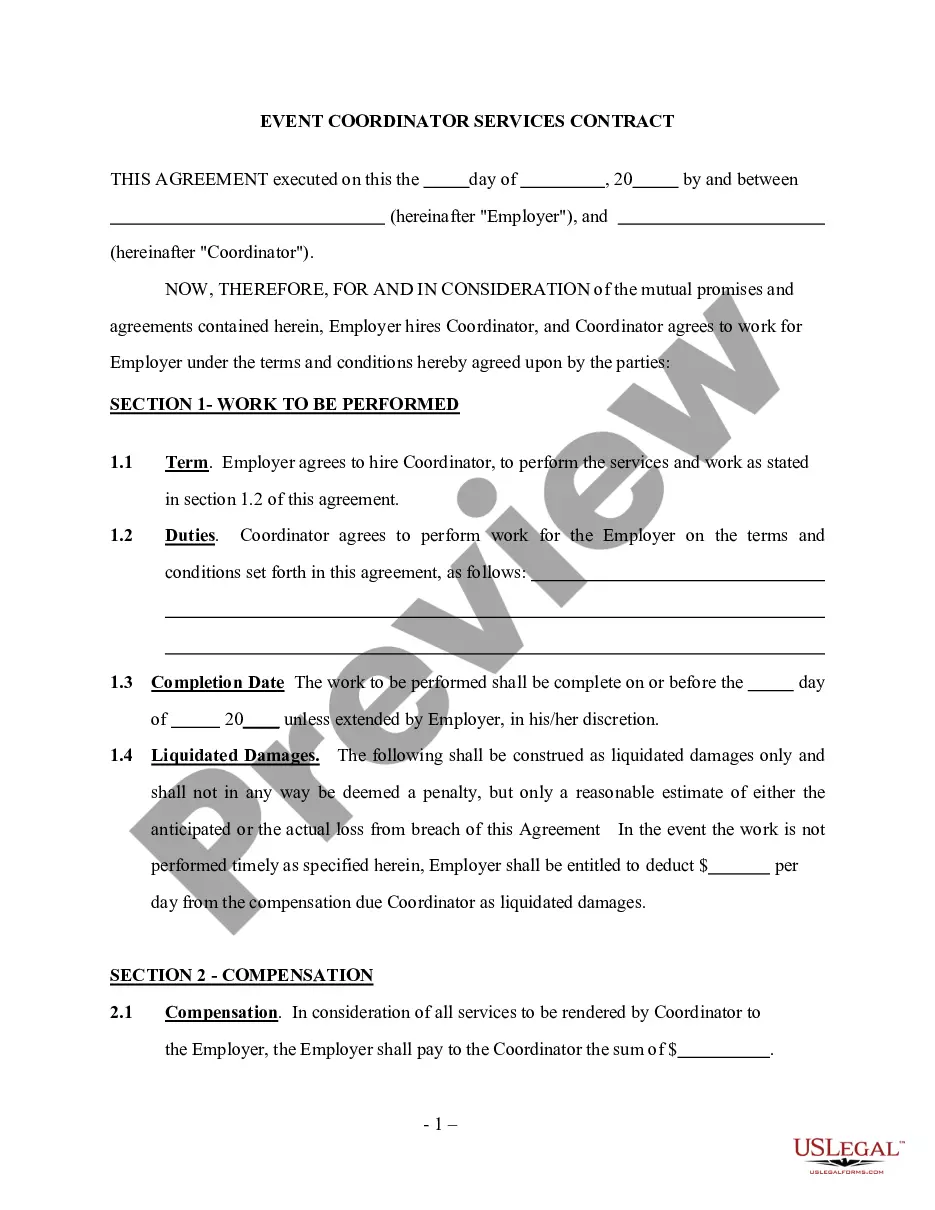
Get your form ready online
Our built-in tools help you complete, sign, share, and store your documents in one place.
Make edits, fill in missing information, and update formatting in US Legal Forms—just like you would in MS Word.
Download a copy, print it, send it by email, or mail it via USPS—whatever works best for your next step.
Sign and collect signatures with our SignNow integration. Send to multiple recipients, set reminders, and more. Go Premium to unlock E-Sign.
If this form requires notarization, complete it online through a secure video call—no need to meet a notary in person or wait for an appointment.
We protect your documents and personal data by following strict security and privacy standards.

Make edits, fill in missing information, and update formatting in US Legal Forms—just like you would in MS Word.

Download a copy, print it, send it by email, or mail it via USPS—whatever works best for your next step.

Sign and collect signatures with our SignNow integration. Send to multiple recipients, set reminders, and more. Go Premium to unlock E-Sign.

If this form requires notarization, complete it online through a secure video call—no need to meet a notary in person or wait for an appointment.

We protect your documents and personal data by following strict security and privacy standards.
Looking for another form?





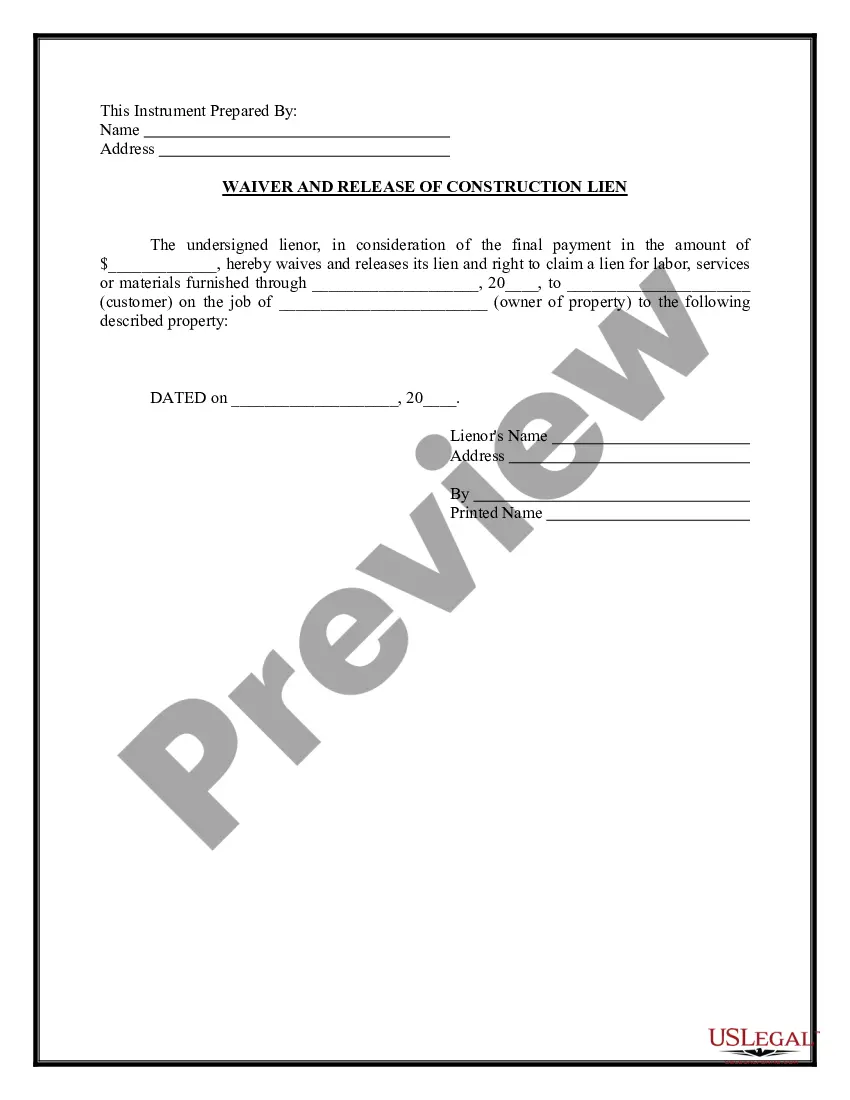




How to fill out Catering Services Contract - Self-Employed Independent Contractor?
Individuals often link legal documentation with a notion of complexity that only an expert can handle.
In some respects, this is accurate, as formulating a Catering Services Contract With Venue necessitates a profound comprehension of pertinent criteria, inclusive of local and state regulations.
However, with US Legal Forms, the process has become significantly simpler: pre-prepared legal templates for various life and business scenarios aligned with state legislation are compiled within a singular online repository and are now accessible to all.
Select a subscription plan that aligns with your requirements and financial plan. Create an account or Log In to move forward to the payment screen. Settle your subscription using PayPal or a credit card. Pick the format for your document and click Download. Print out your document or upload it to an online editor for quicker completion. All templates in our collection are reusable: once purchased, they are kept in your profile. You can access them anytime as needed through the My documents tab. Discover all the benefits of utilizing the US Legal Forms platform. Subscribe today!
- US Legal Forms provides over 85,000 current documents categorized by state and area of application, permitting quick searches for Catering Services Contract With Venue or any specific template in mere minutes.
- Previously registered users with a valid subscription must Log In to their account and click Download to retrieve the form.
- New users must first register an account and subscribe before they can store any documentation.
- Here is the sequential guide on how to acquire the Catering Services Contract With Venue.
- Carefully review the page content to confirm it meets your requirements.
- Read the form description or review it via the Preview feature.
- If the previous option doesn't meet your needs, look for another example using the Search field above.
- Once you locate the correct Catering Services Contract With Venue, click Buy Now.
Form popularity
FAQ
How to make a catering contract?Describe the services you will provide. For an event to succeed, the catering agreement should include a detailed section that covers menu-related services and items.Specify the terms and conditions. Your contract should also include standard terms as conditions including:
A Catering Contract is a service agreement between a caterer and a client that specifies the details of a catering service taking place over a specific period of time for one or more events.
How to make a catering contract?Describe the services you will provide. For an event to succeed, the catering agreement should include a detailed section that covers menu-related services and items.Specify the terms and conditions. Your contract should also include standard terms as conditions including:
In a nutshell, the proposal is your bid for business. The contract is what legally binds you to provide services for your client.
In addition to menu- and service-related items, the catering contract should include standard contract terms and conditions, including:Basic contract information.Final date for any changes.Insurance.Health and safety requirements.Cancellation policy.Breach of contract.