Digital Agreement Form
Description
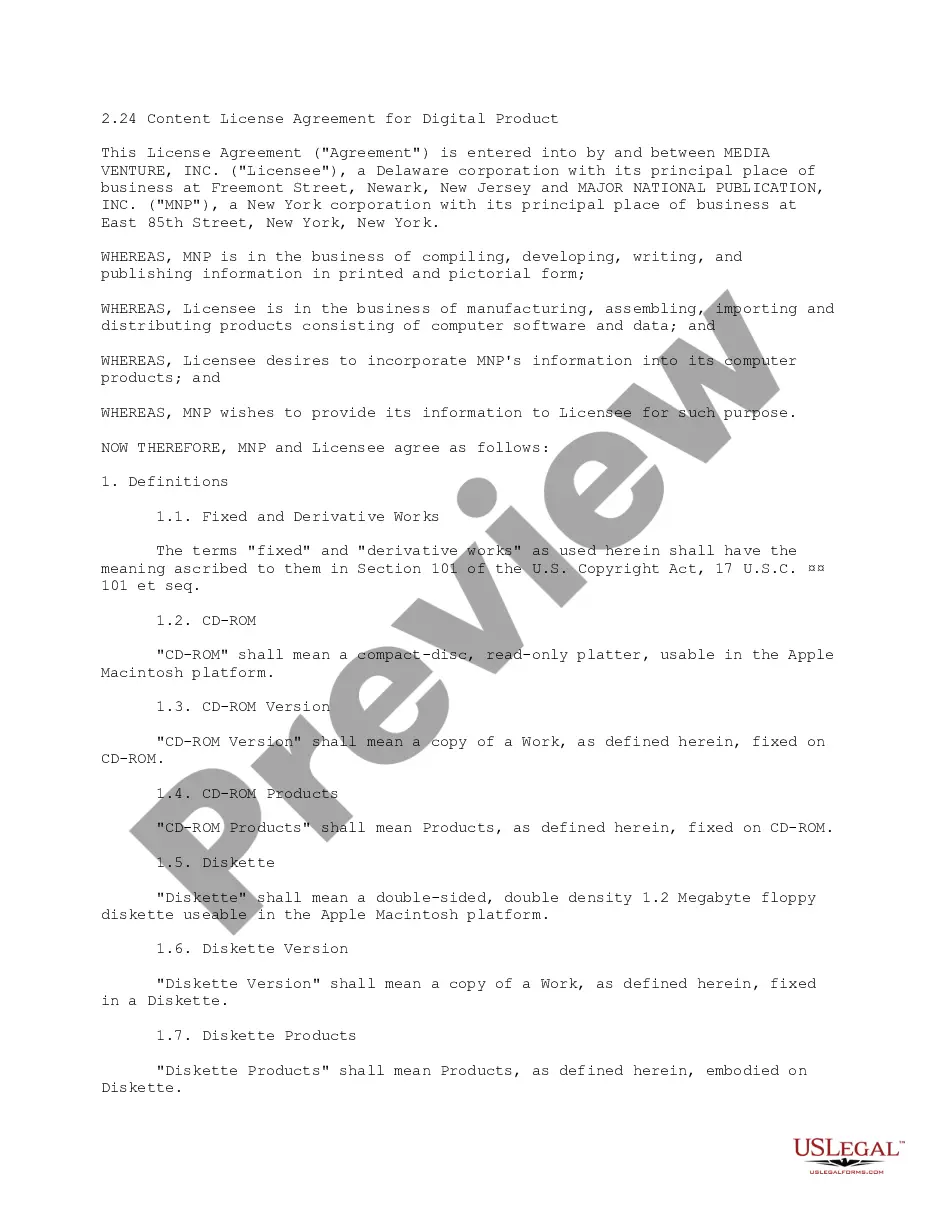
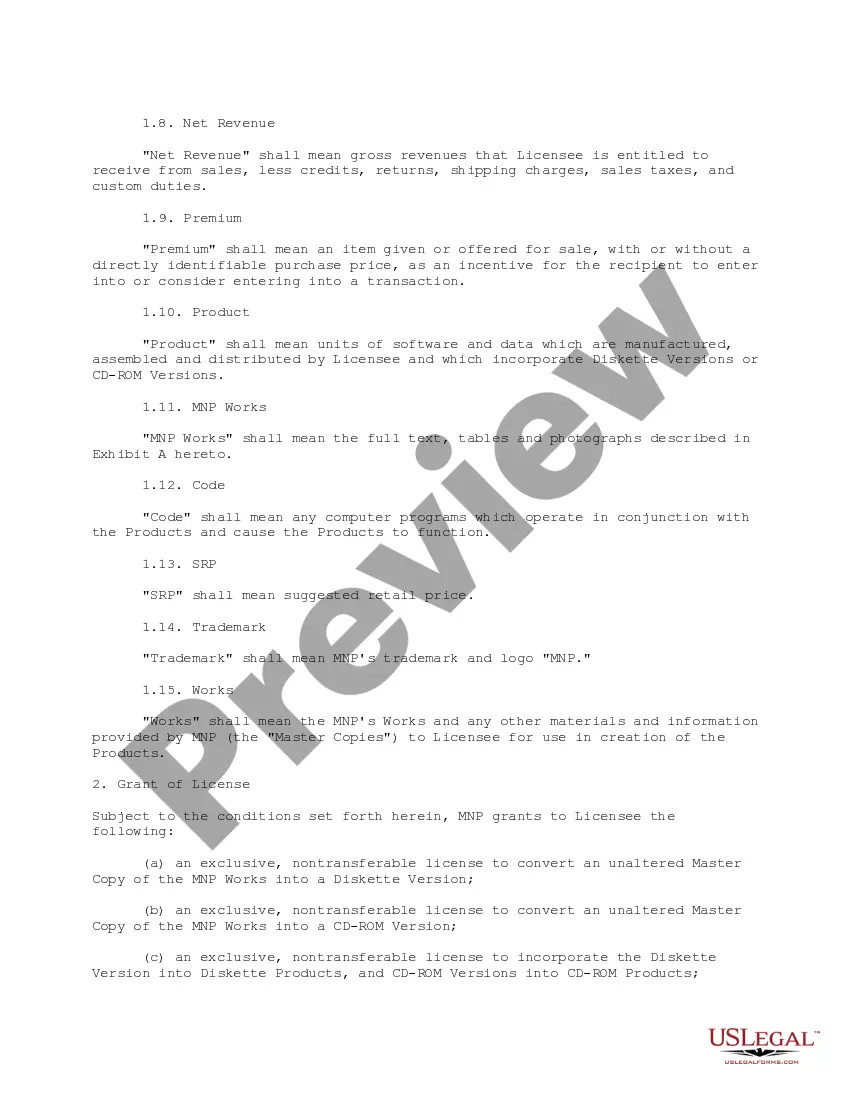
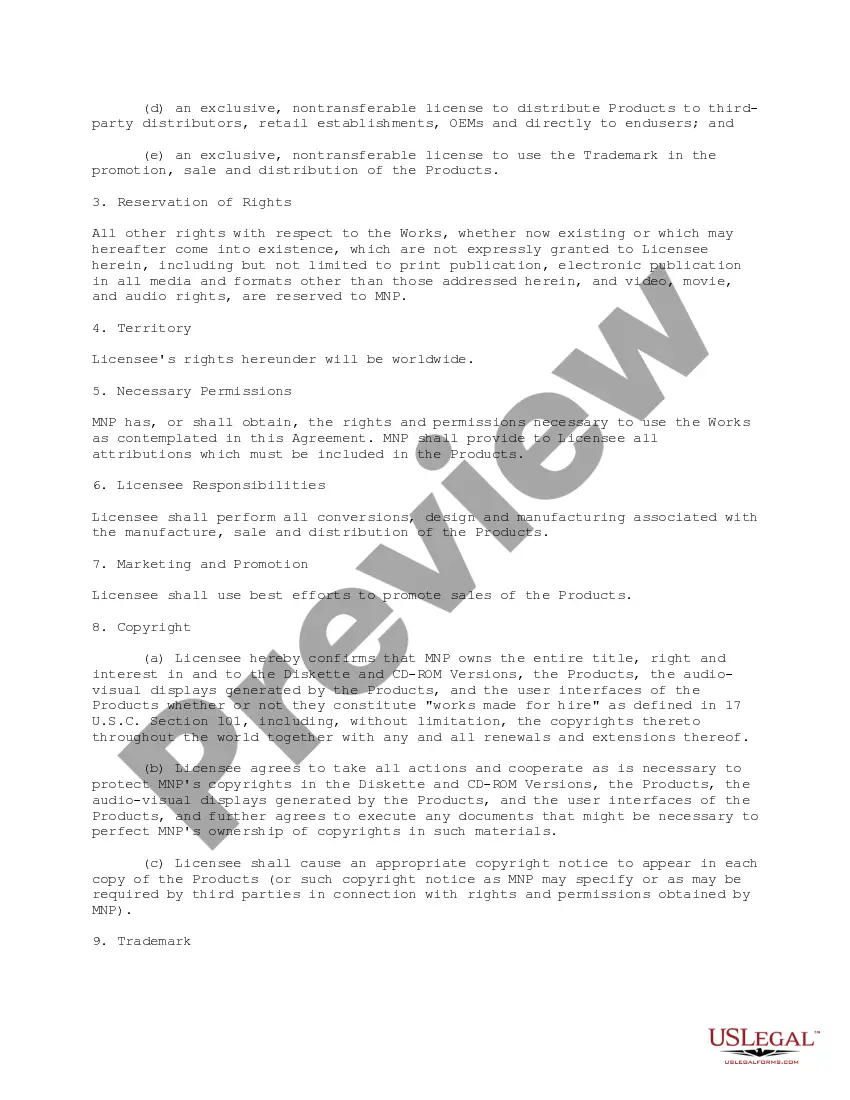
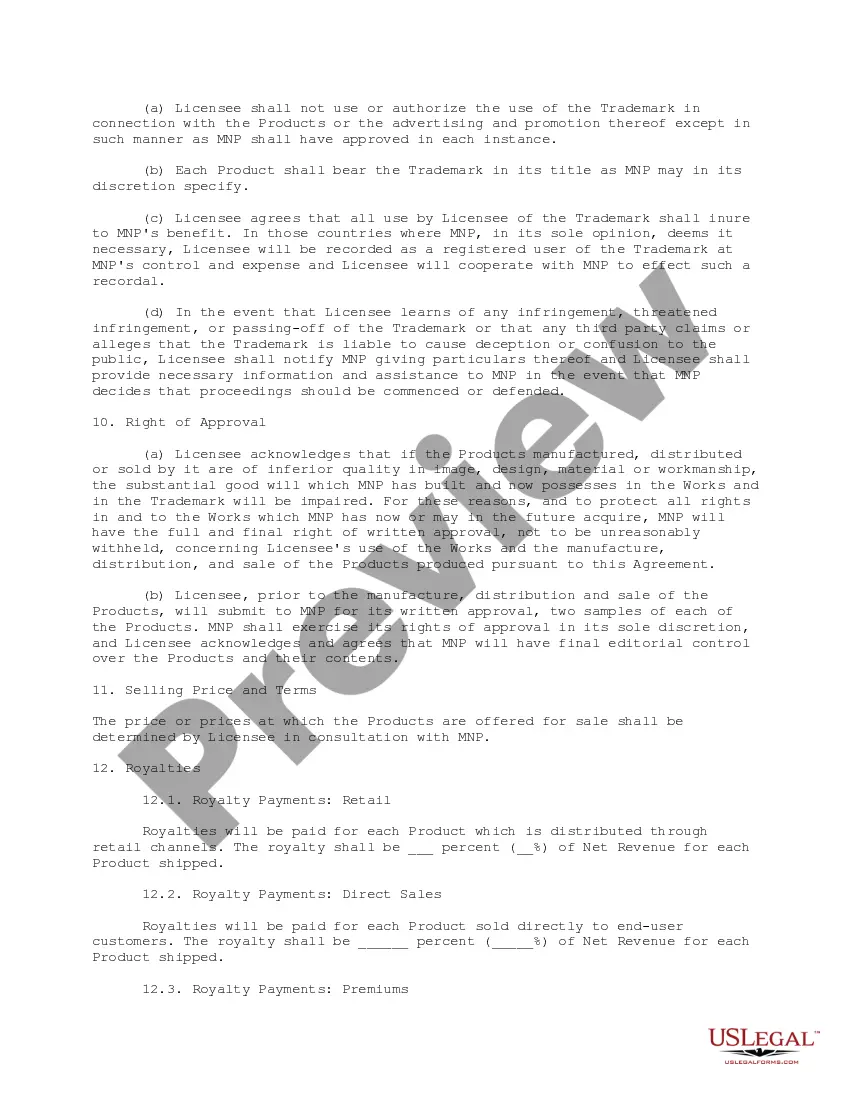
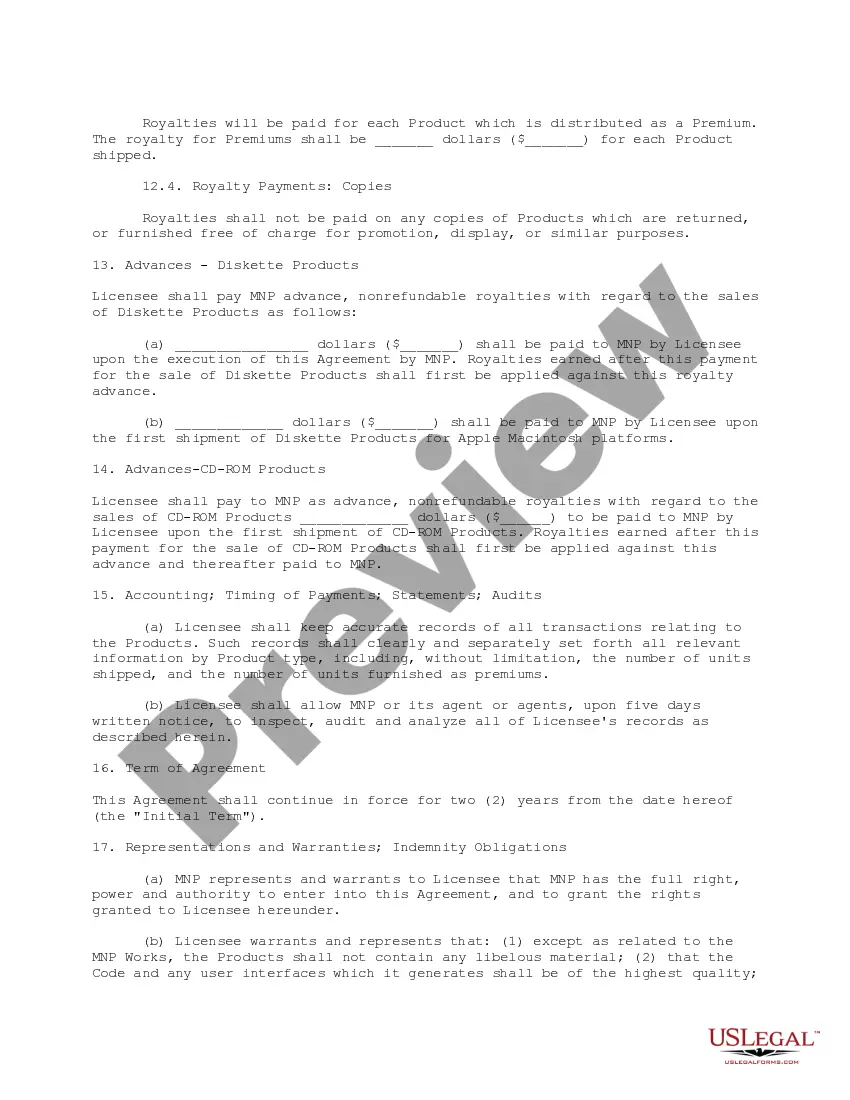
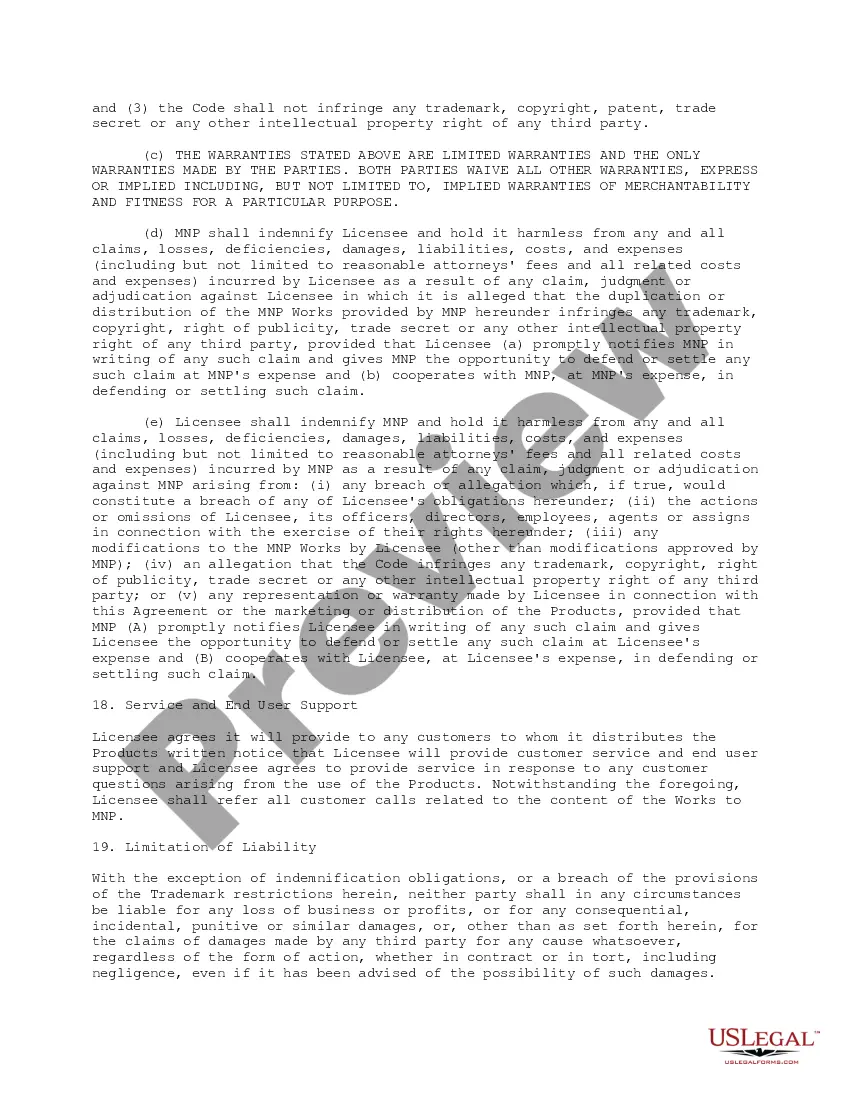
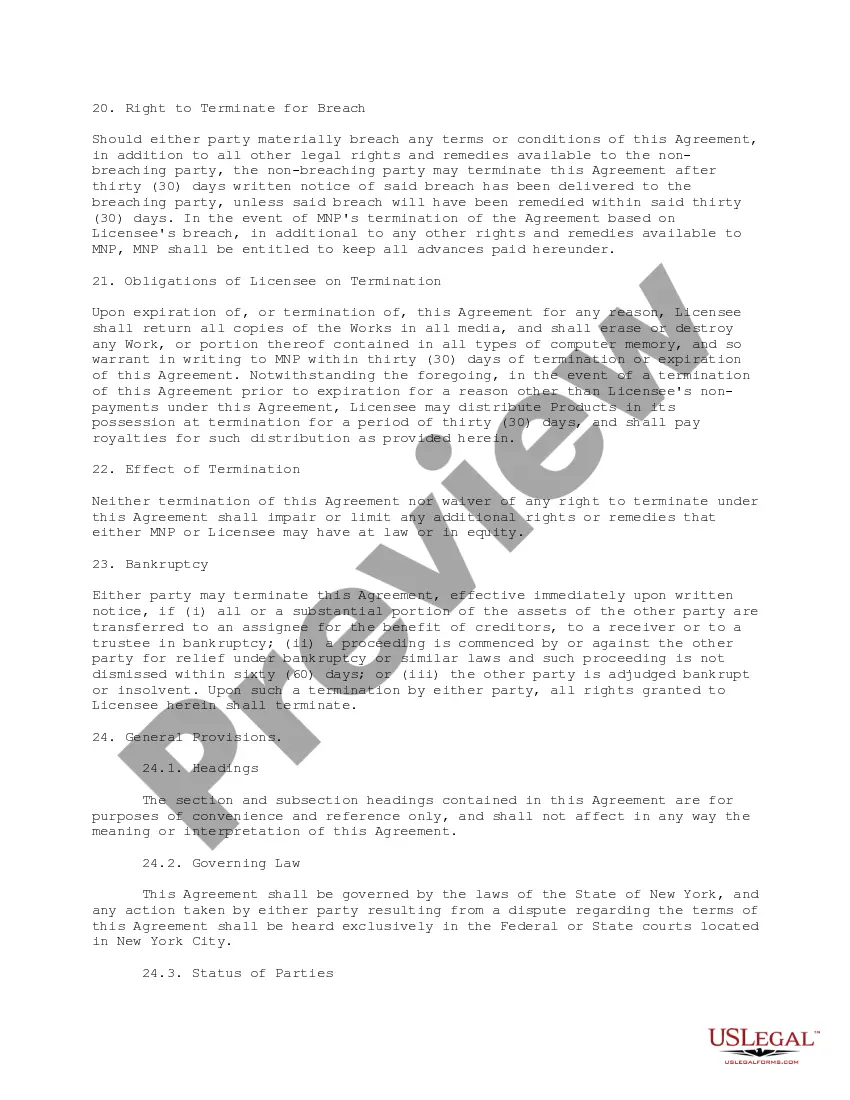
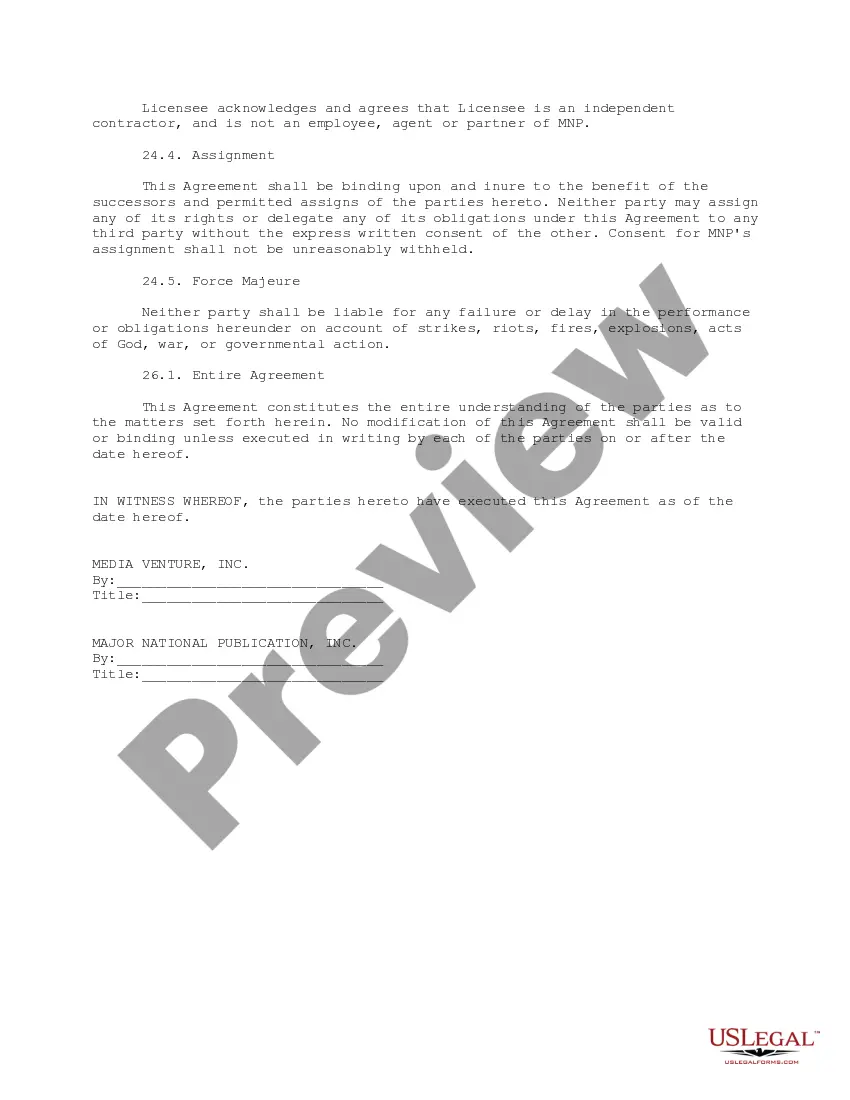
Get your form ready online
Our built-in tools help you complete, sign, share, and store your documents in one place.
Make edits, fill in missing information, and update formatting in US Legal Forms—just like you would in MS Word.
Download a copy, print it, send it by email, or mail it via USPS—whatever works best for your next step.
Sign and collect signatures with our SignNow integration. Send to multiple recipients, set reminders, and more. Go Premium to unlock E-Sign.
If this form requires notarization, complete it online through a secure video call—no need to meet a notary in person or wait for an appointment.
We protect your documents and personal data by following strict security and privacy standards.

Make edits, fill in missing information, and update formatting in US Legal Forms—just like you would in MS Word.

Download a copy, print it, send it by email, or mail it via USPS—whatever works best for your next step.

Sign and collect signatures with our SignNow integration. Send to multiple recipients, set reminders, and more. Go Premium to unlock E-Sign.

If this form requires notarization, complete it online through a secure video call—no need to meet a notary in person or wait for an appointment.

We protect your documents and personal data by following strict security and privacy standards.
Looking for another form?









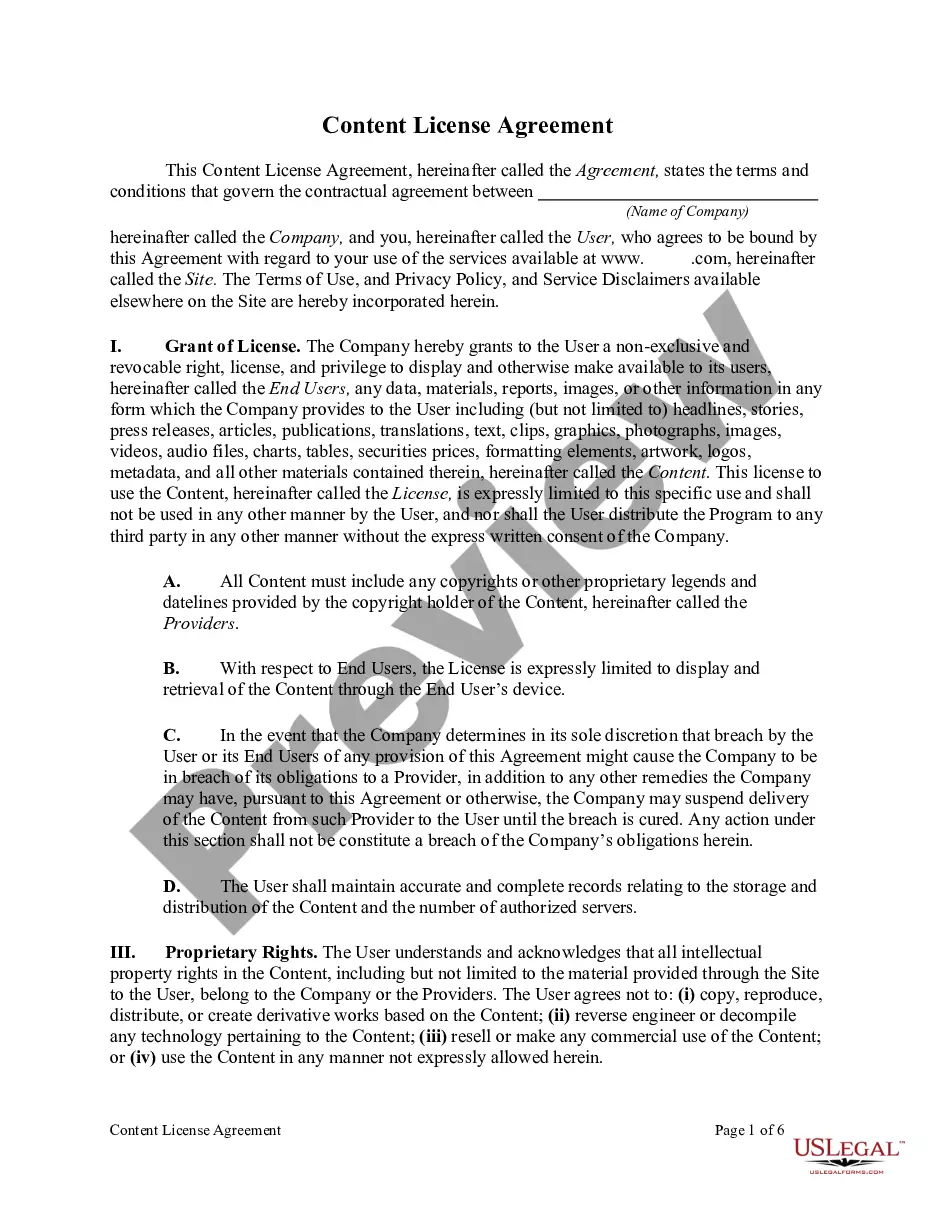
How to fill out Content License Agreement For Digital Product?
Whether you handle documents routinely or you occasionally need to present a legal report, it is essential to have a helpful source where all the templates are related and current.
The first step you should take with a Digital Agreement Form is to verify that it is the most recent version, as it determines if it can be submitted.
If you wish to simplify your quest for the most current document samples, seek them out on US Legal Forms.
Utilize the search function to locate the form you need.
- US Legal Forms is a repository of legal documents that includes nearly any document example you may need.
- Look for the templates required, assess their relevance immediately, and learn more about their application.
- With US Legal Forms, you gain access to around 85,000 document templates across various fields.
- Obtain the Digital Agreement Form samples in just a few clicks and store them anytime in your account.
- An account with US Legal Forms will provide access to all necessary samples with ease and minimal hassle.
- Simply click Log In in the site header and navigate to the My documents section where all your required forms are readily available, saving you time in searching for the ideal template or confirming its validity.
- To acquire a form without an account, follow these instructions.
Form popularity
FAQ
Enable digital signatures so that users can sign an entire formOn the Tools menu, click Form Options.Under Category, click Digital Signatures, and then click Enable digital signatures for the entire form.More items...
A digital contract is simply an electronic form of a contractual agreement. While a digital contract can be printed on paper and signed with ink, the use of electronic signatures means that never has to happen. Digital contracts are beneficial because they're: Easy to use.
That being said, let's create a contract agreement form with a digital signature field....Preparing Your Contract Agreement FormThe name of the person signing.The address of the person signing.The date the contract is signed.Space for your client (or new employee) to actually sign the contract.
That being said, let's create a contract agreement form with a digital signature field....Preparing Your Contract Agreement FormThe name of the person signing.The address of the person signing.The date the contract is signed.Space for your client (or new employee) to actually sign the contract.
Yes, electronic signatures are valid in all U.S. states and are granted the same legal status as handwritten signatures under state laws. In other industrialized countries, electronic signatures carry the same weight and legal efficiency as handwritten signatures and paper documents.