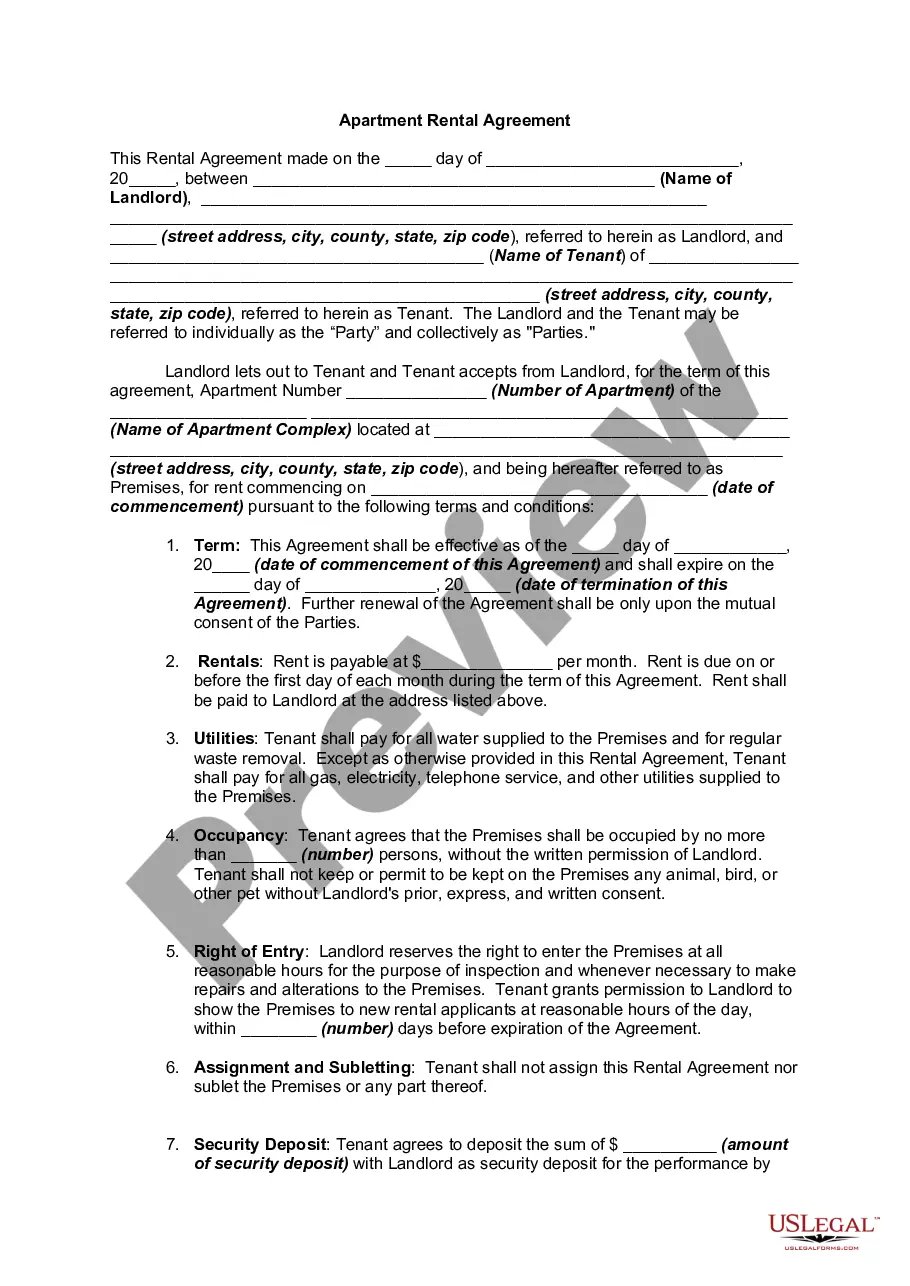
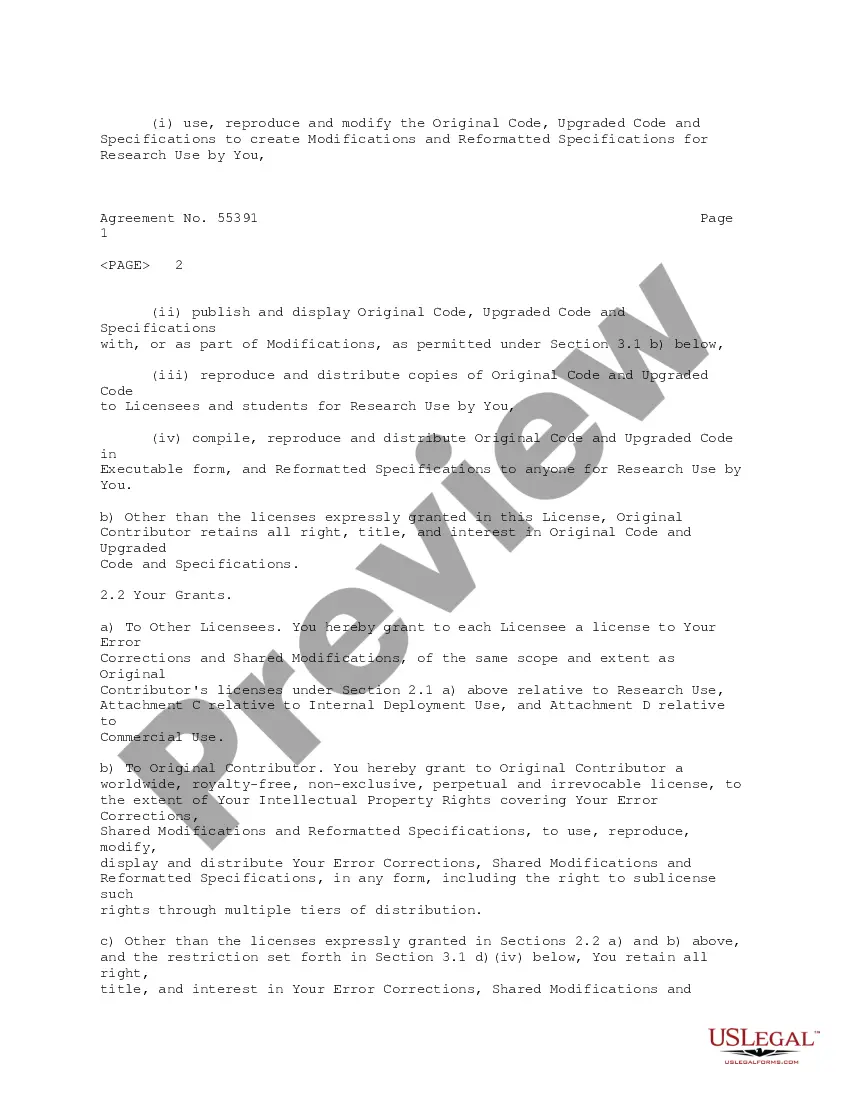
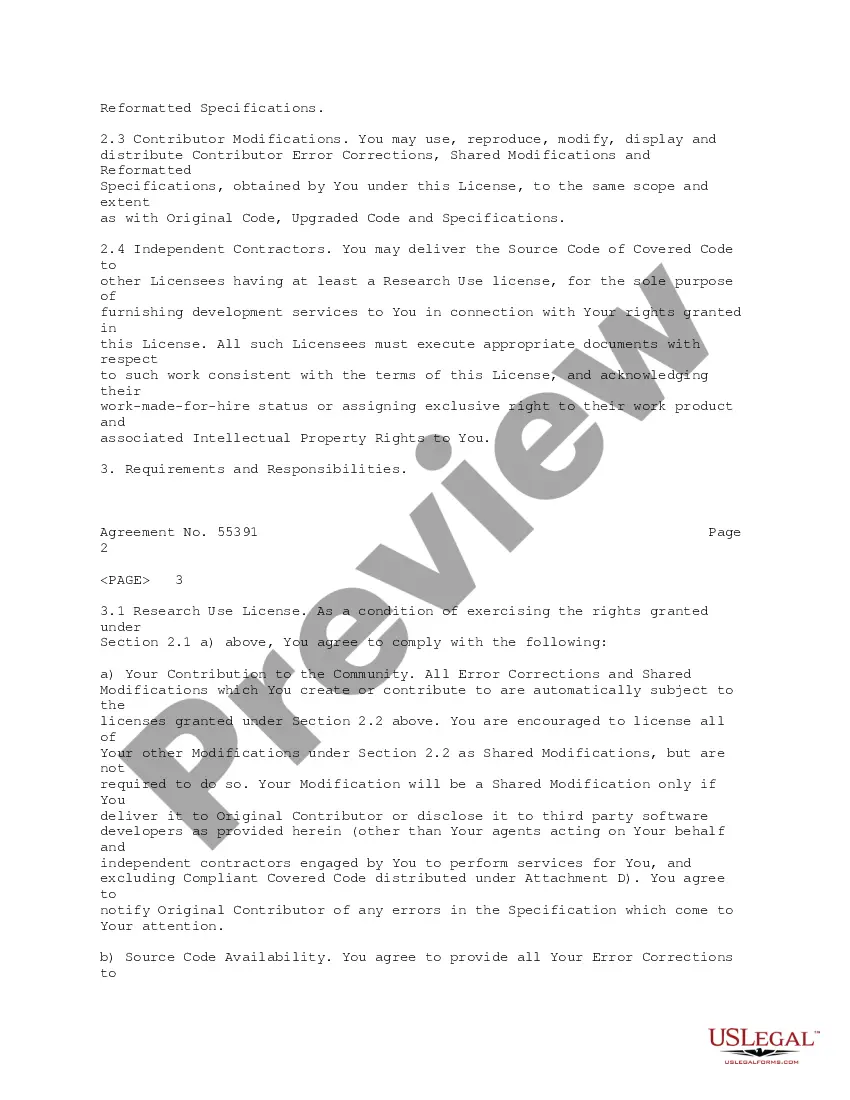
License Agreement Source Code Without
Description
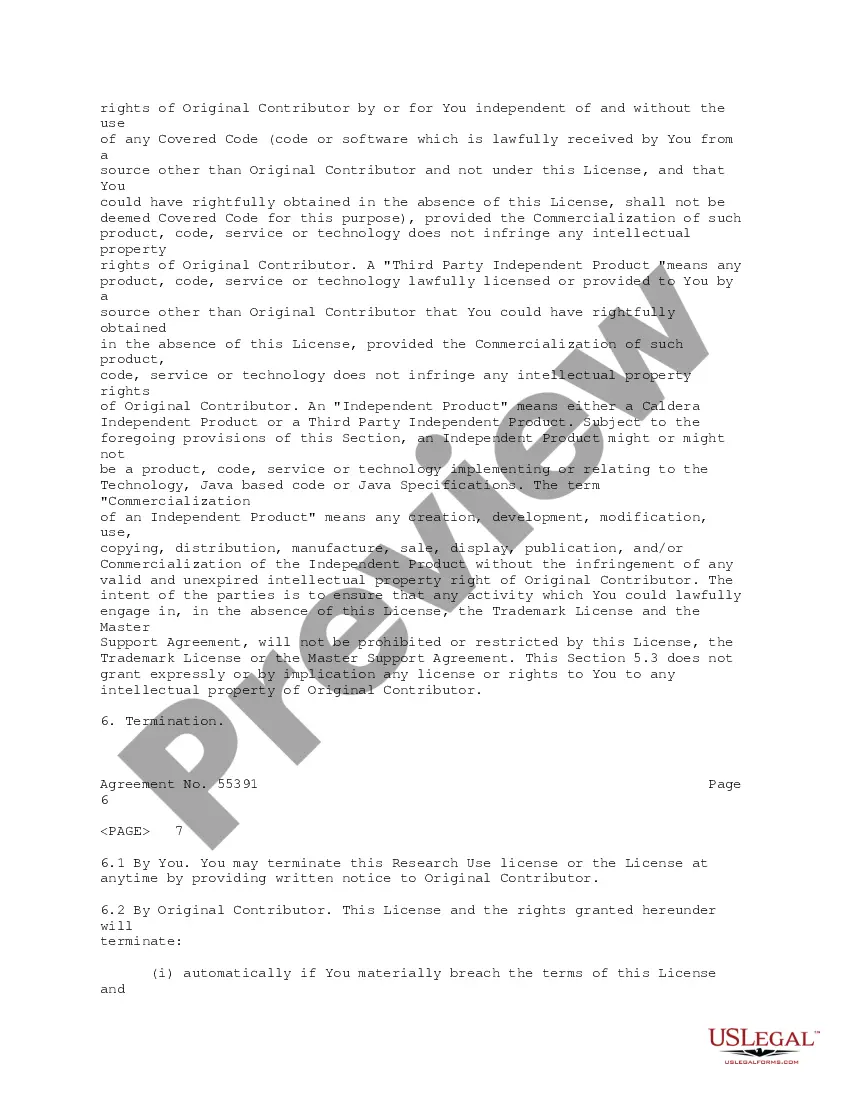
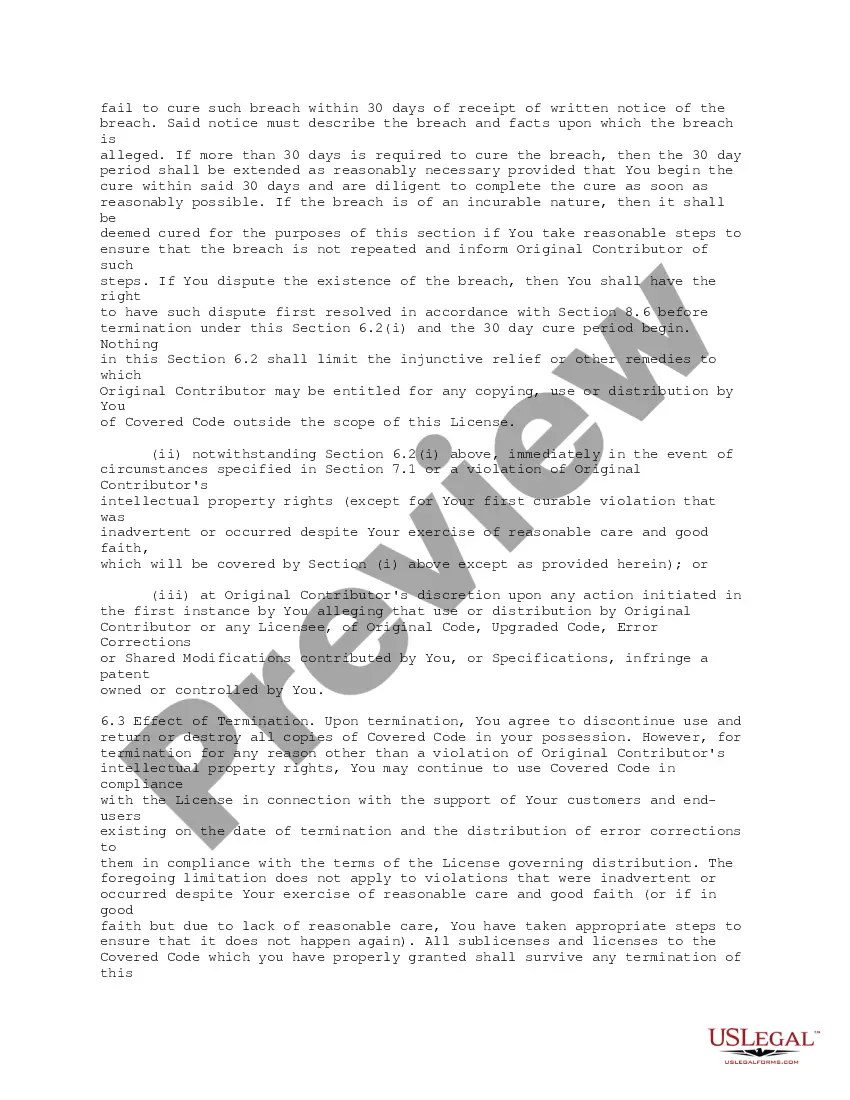
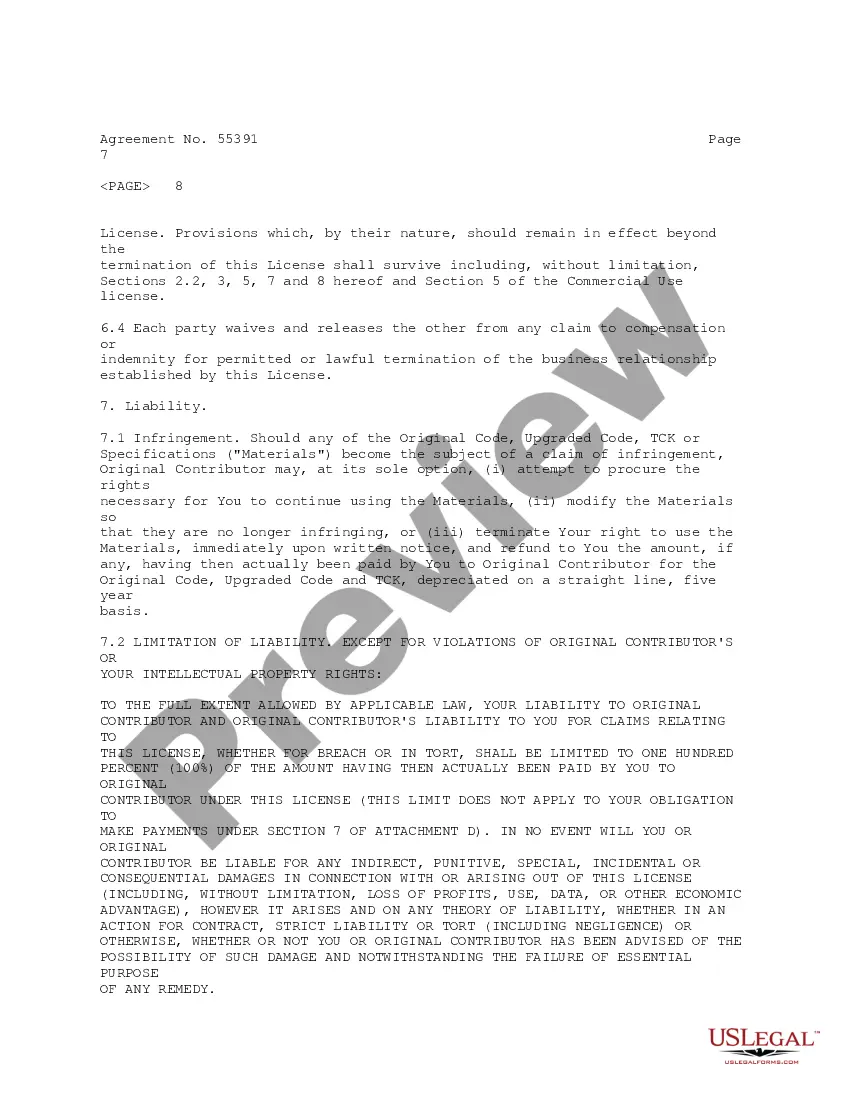

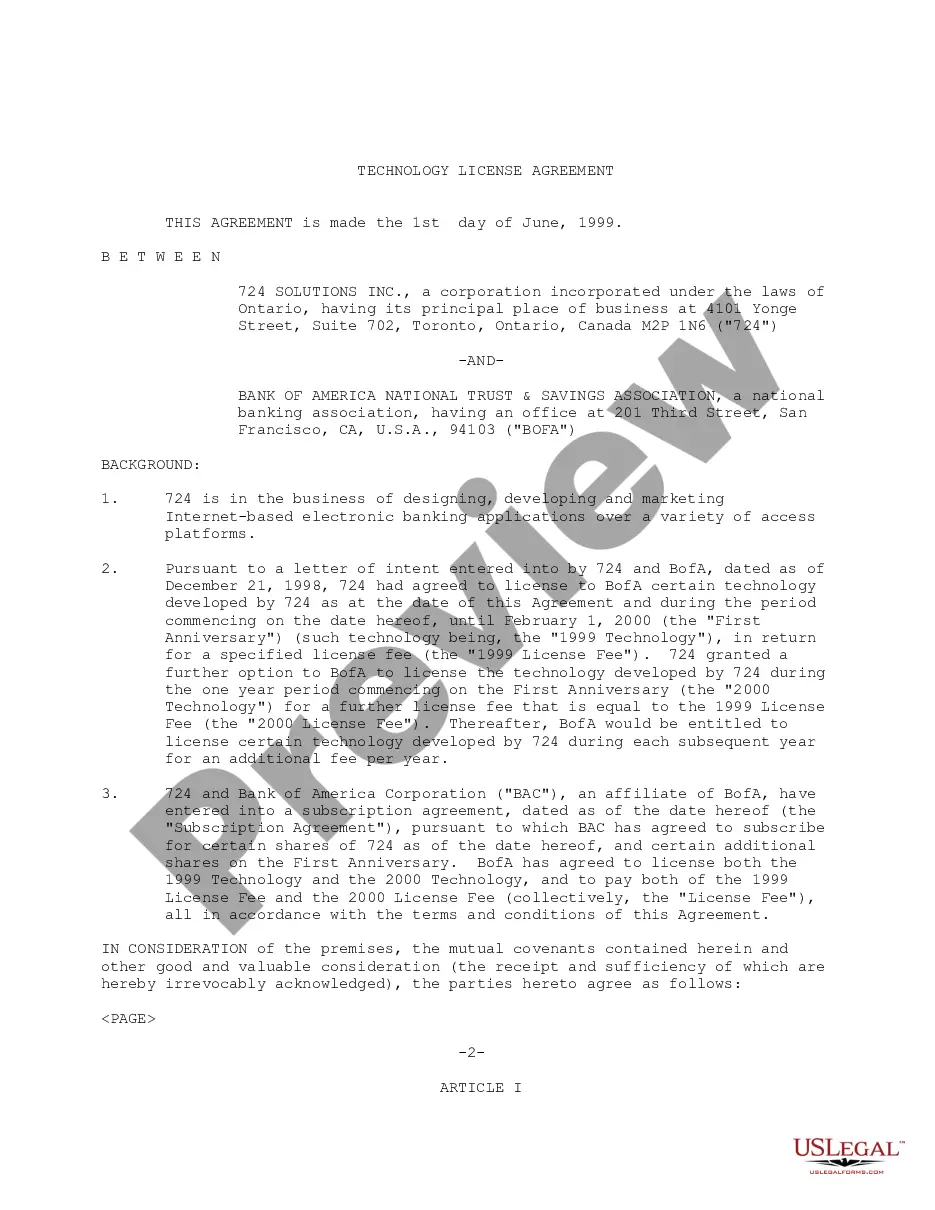
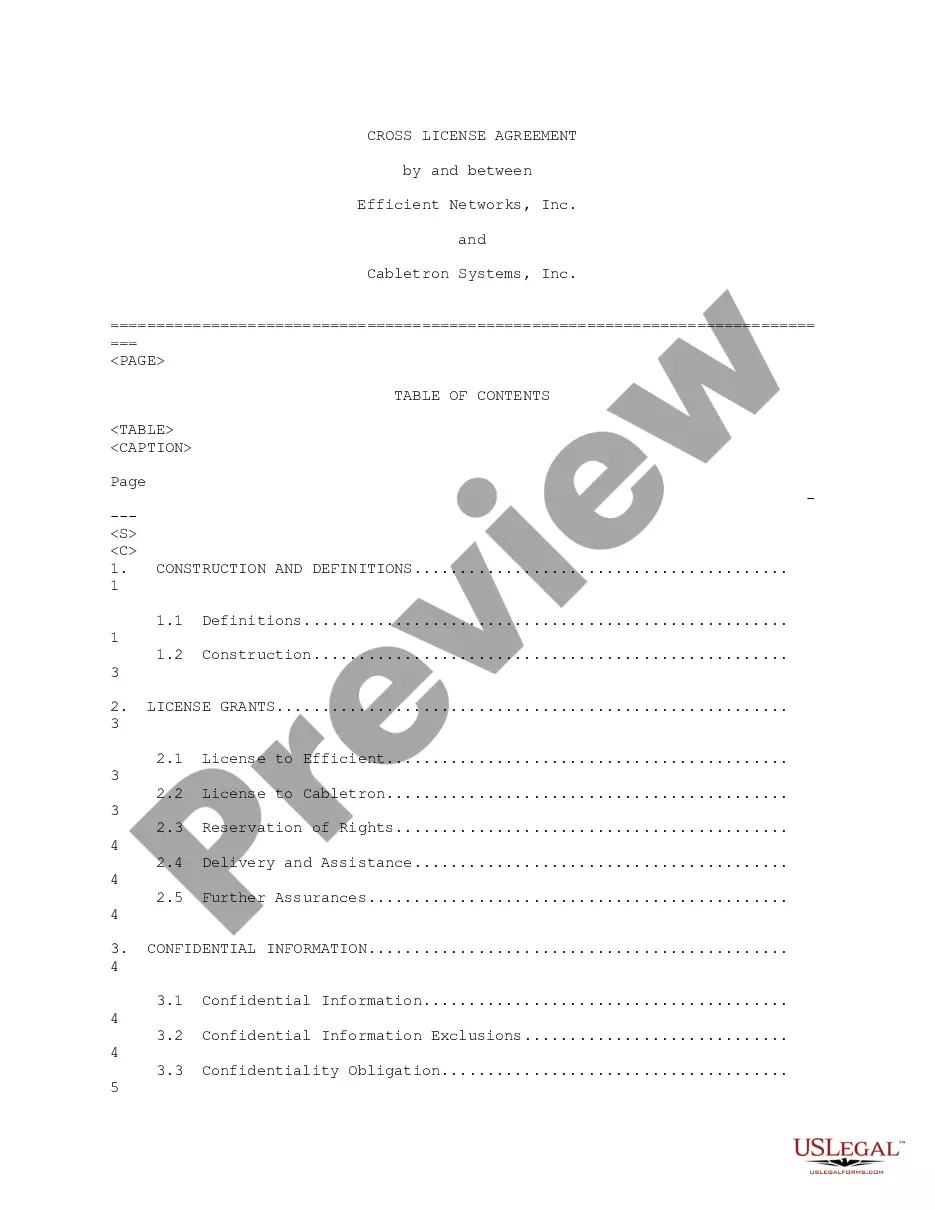
Get your form ready online
Our built-in tools help you complete, sign, share, and store your documents in one place.
Make edits, fill in missing information, and update formatting in US Legal Forms—just like you would in MS Word.
Download a copy, print it, send it by email, or mail it via USPS—whatever works best for your next step.
Sign and collect signatures with our SignNow integration. Send to multiple recipients, set reminders, and more. Go Premium to unlock E-Sign.
If this form requires notarization, complete it online through a secure video call—no need to meet a notary in person or wait for an appointment.
We protect your documents and personal data by following strict security and privacy standards.

Make edits, fill in missing information, and update formatting in US Legal Forms—just like you would in MS Word.

Download a copy, print it, send it by email, or mail it via USPS—whatever works best for your next step.

Sign and collect signatures with our SignNow integration. Send to multiple recipients, set reminders, and more. Go Premium to unlock E-Sign.

If this form requires notarization, complete it online through a secure video call—no need to meet a notary in person or wait for an appointment.

We protect your documents and personal data by following strict security and privacy standards.
Looking for another form?
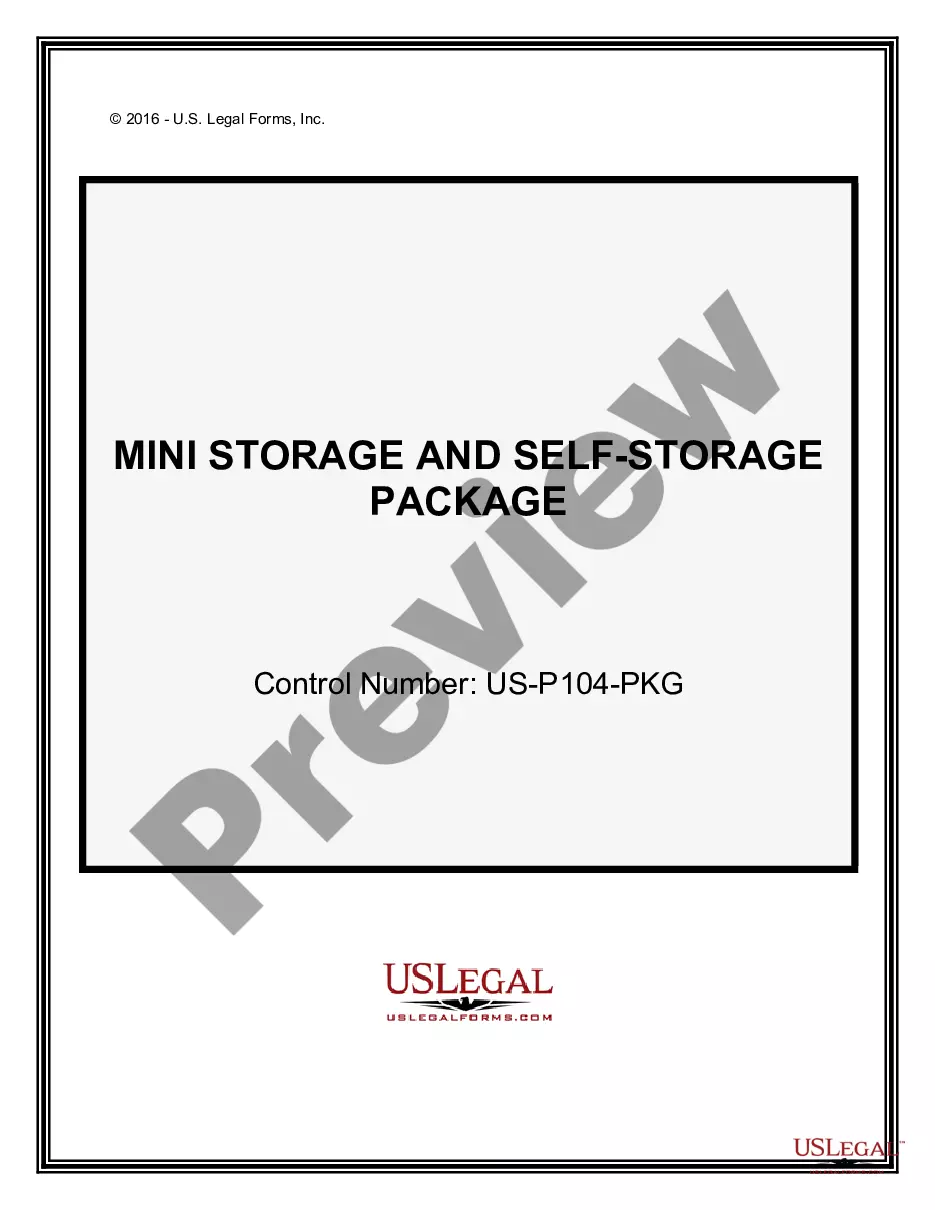


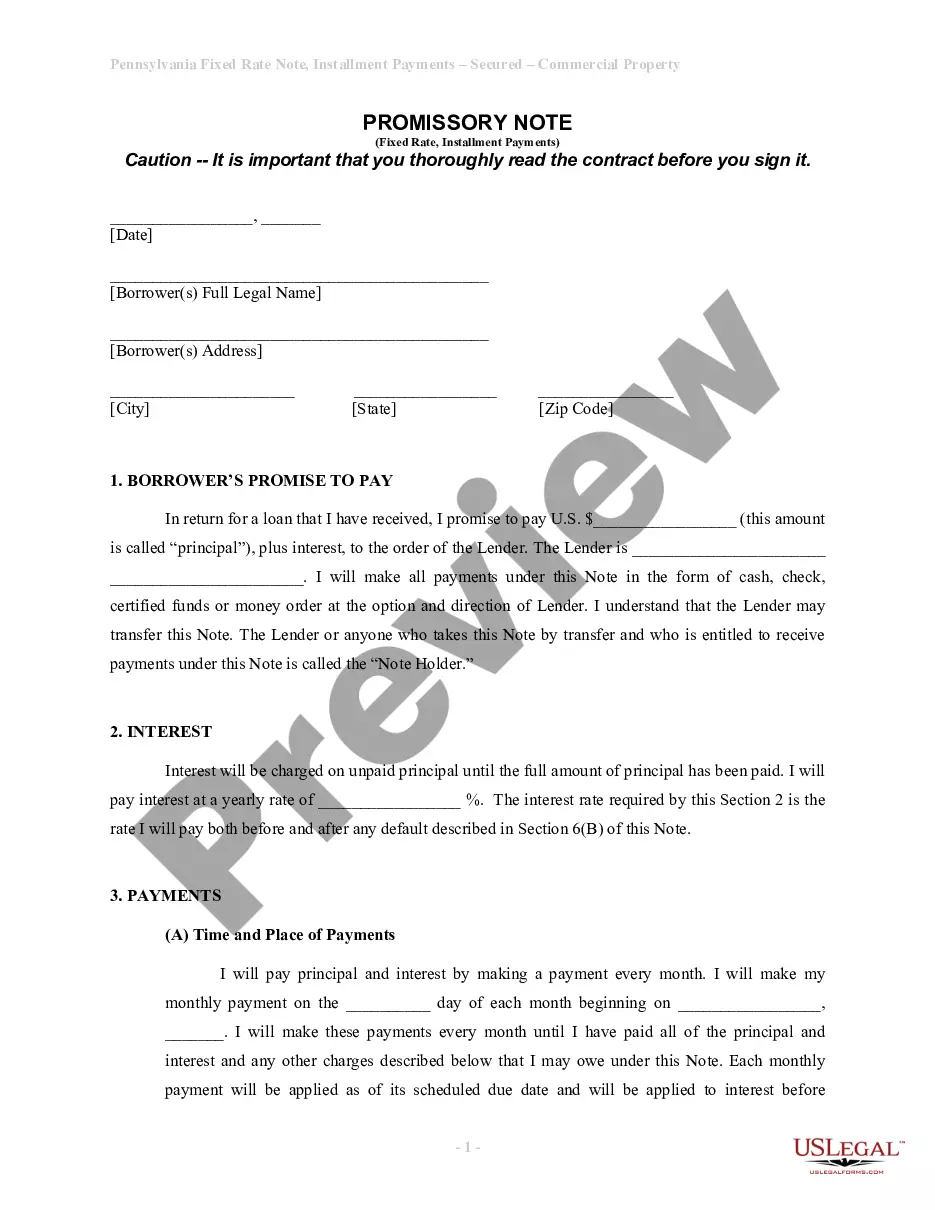




How to fill out Technology License Agreement Regarding The Development And Specifications And Source Code Implementations?
Individuals often connect legal documentation with something complex that only an expert can manage.
In a way, this is accurate, as composing License Agreement Source Code Without demands considerable knowledge of subject matter requirements, encompassing state and local laws.
Nonetheless, with the US Legal Forms, processes have become simpler: pre-made legal templates for any personal and business scenario tailored to state regulations are gathered in a single online directory and are currently accessible to all.
Print your document or upload it to an online editor for quicker completion. All templates in our collection are reusable: once obtained, they remain stored in your profile. You can access them whenever necessary through the My documents tab. Discover all the benefits of utilizing the US Legal Forms platform. Sign up today!
- Examine the page content thoroughly to confirm it meets your requirements.
- Review the form description or inspect it through the Preview feature.
- Search for another example using the Search field above if the previous one does not meet your needs.
- Select Buy Now when you locate the suitable License Agreement Source Code Without.
- Choose the pricing plan that aligns with your requirements and financial plan.
- Establish an account or Log In to proceed to the payment section.
- Complete your subscription payment via PayPal or with your credit card.
- Select the format for your template and click Download.
Form popularity
FAQ
Applying a license to your open source projectsOpen your GitHub repository in a browser.In the root directory, click on Create new file .Name the file LICENSE.Click on Choose a license template .Pick one of the licenses (all the ones mentioned in this article are there).Once chosen, click on Review and submit .More items...?
Source Code License means any contract or contractual provision (whether or not denominated a "license") that prescribes the terms, conditions and restrictions applicable to the possession and use of Source Code by a licensee of the Software to whom Source Code of any Software has been released.
A software licence key (also known as a product key) certifies that a copy of a program is original. It is usually a unique string of numbers and characters, and online activation or 'calling home' is often required in order to verify that two identical product keys are not being used at the same time.
Software that doesn't have an explicit license is under exclusive copyright. That means nobody else can use, copy, share, or change it, even if it's sitting in a public repo on GitHub.
Software that is subject to a Contract for Third-Party Intellectual Property is protected by a written source code escrow agreement that entitles the Company to access such source code in the event of certain specified circumstances (including the insolvency of the supplier) and relevant up-to-date source code has been