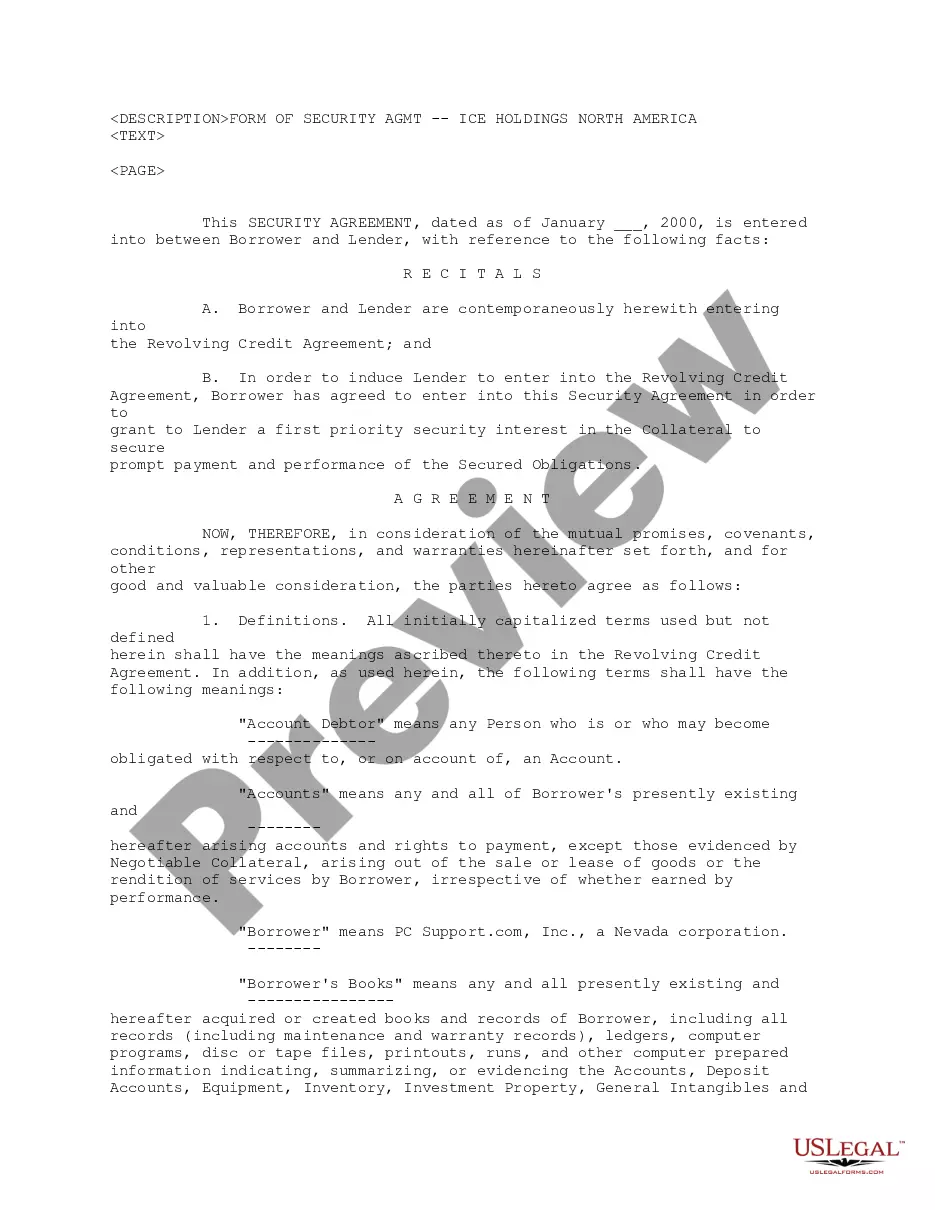
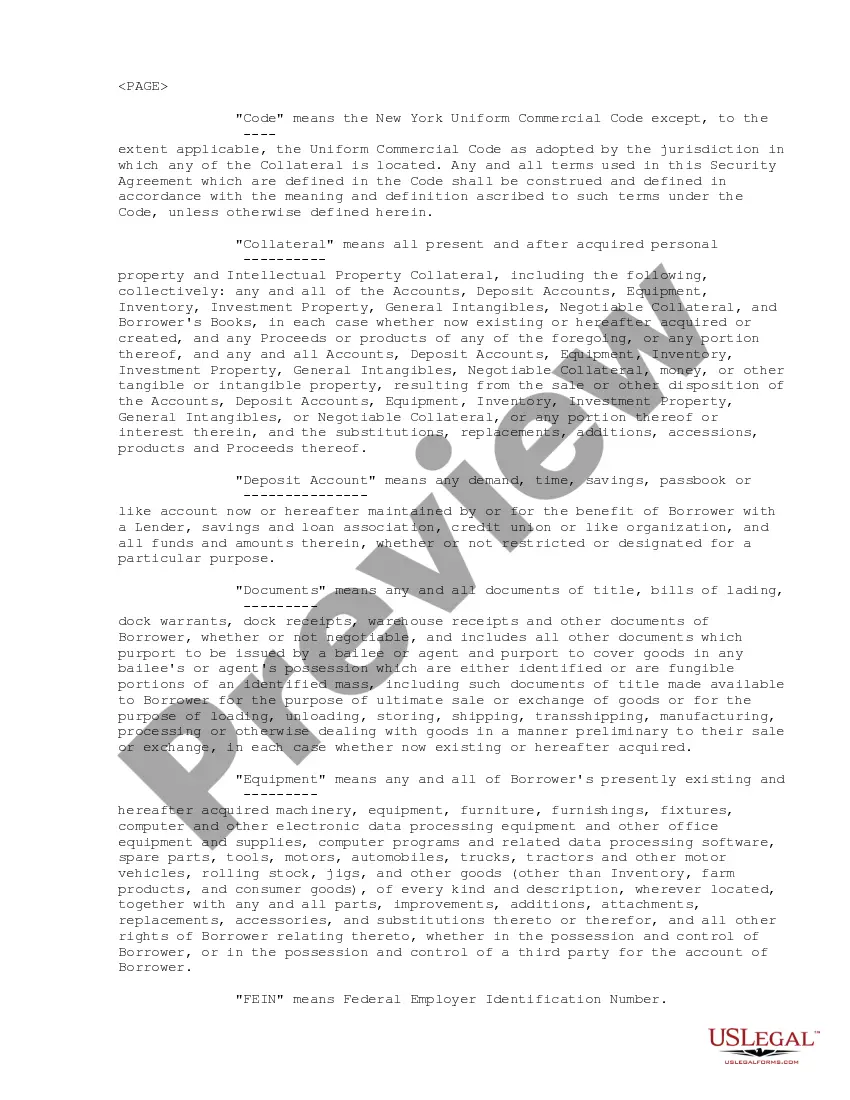
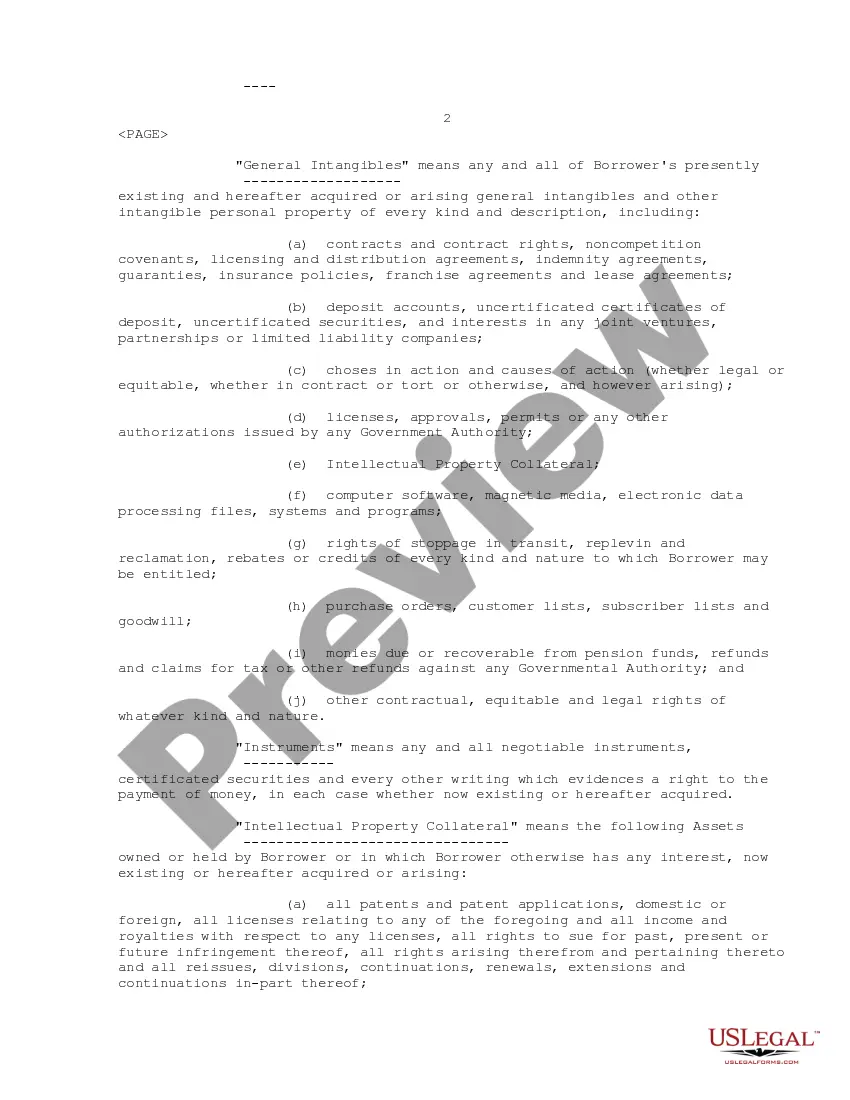
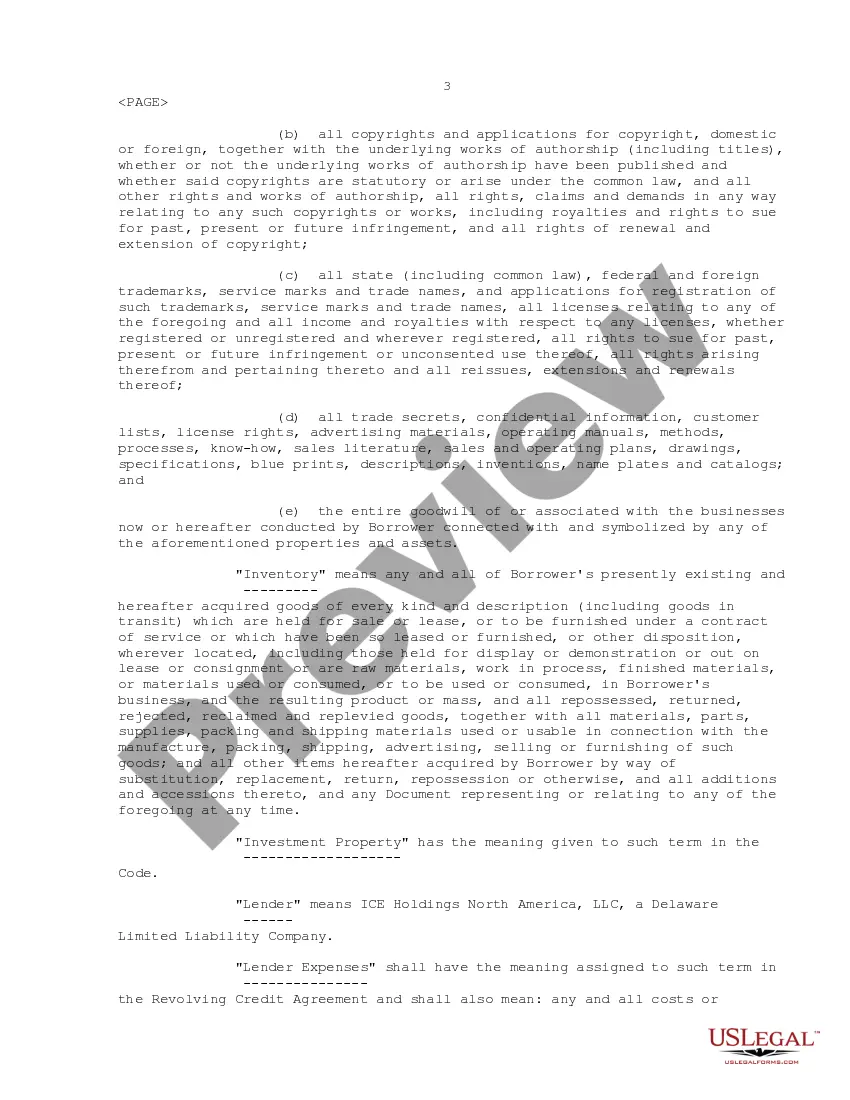
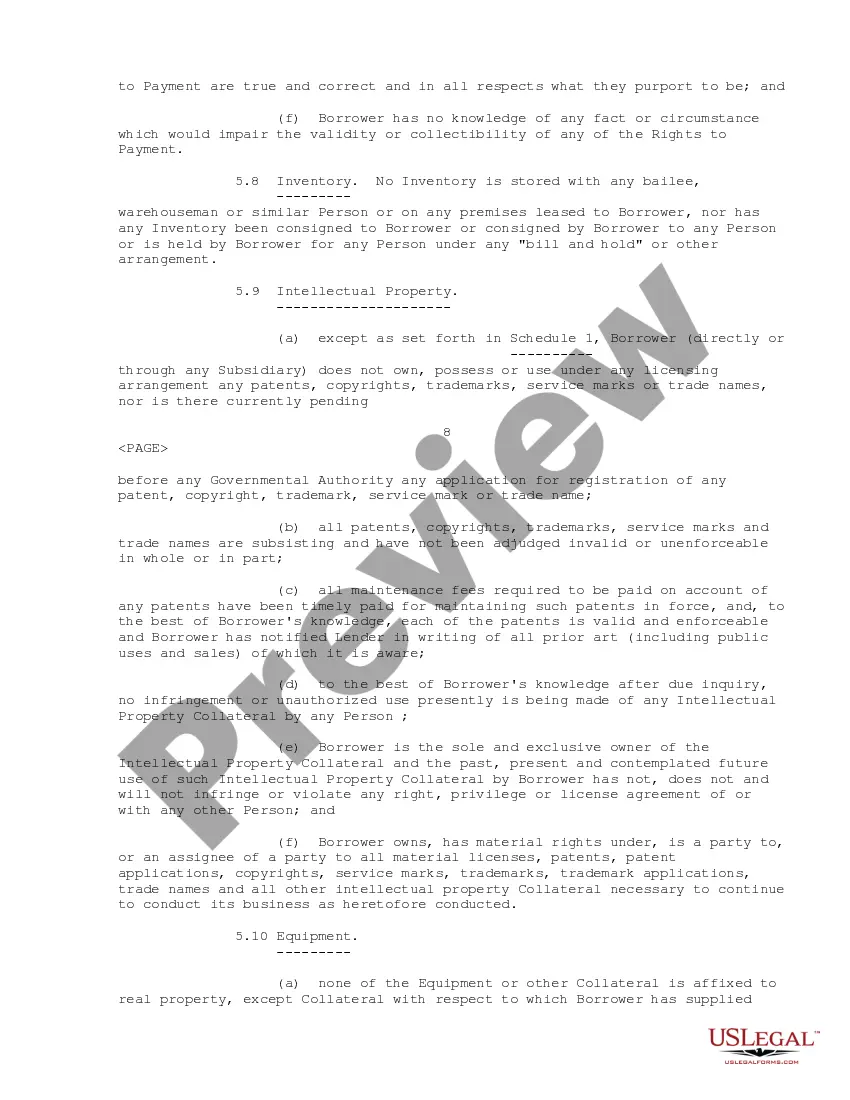
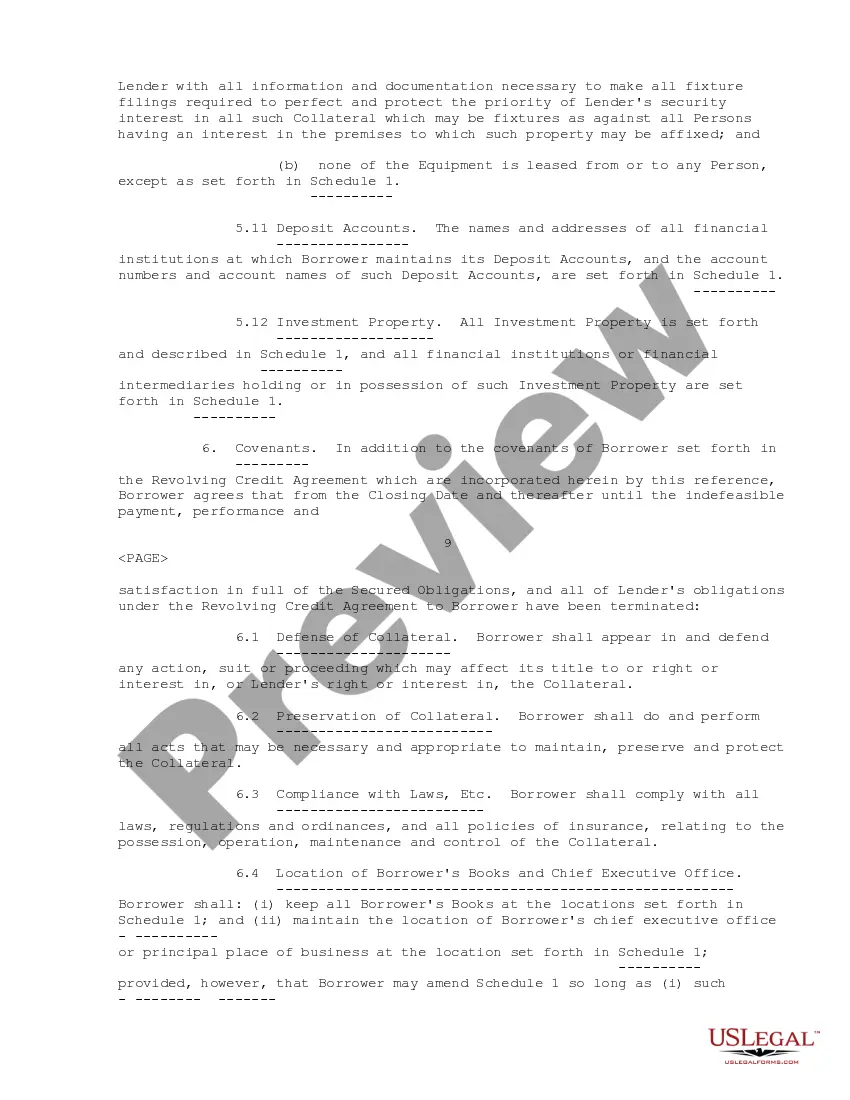
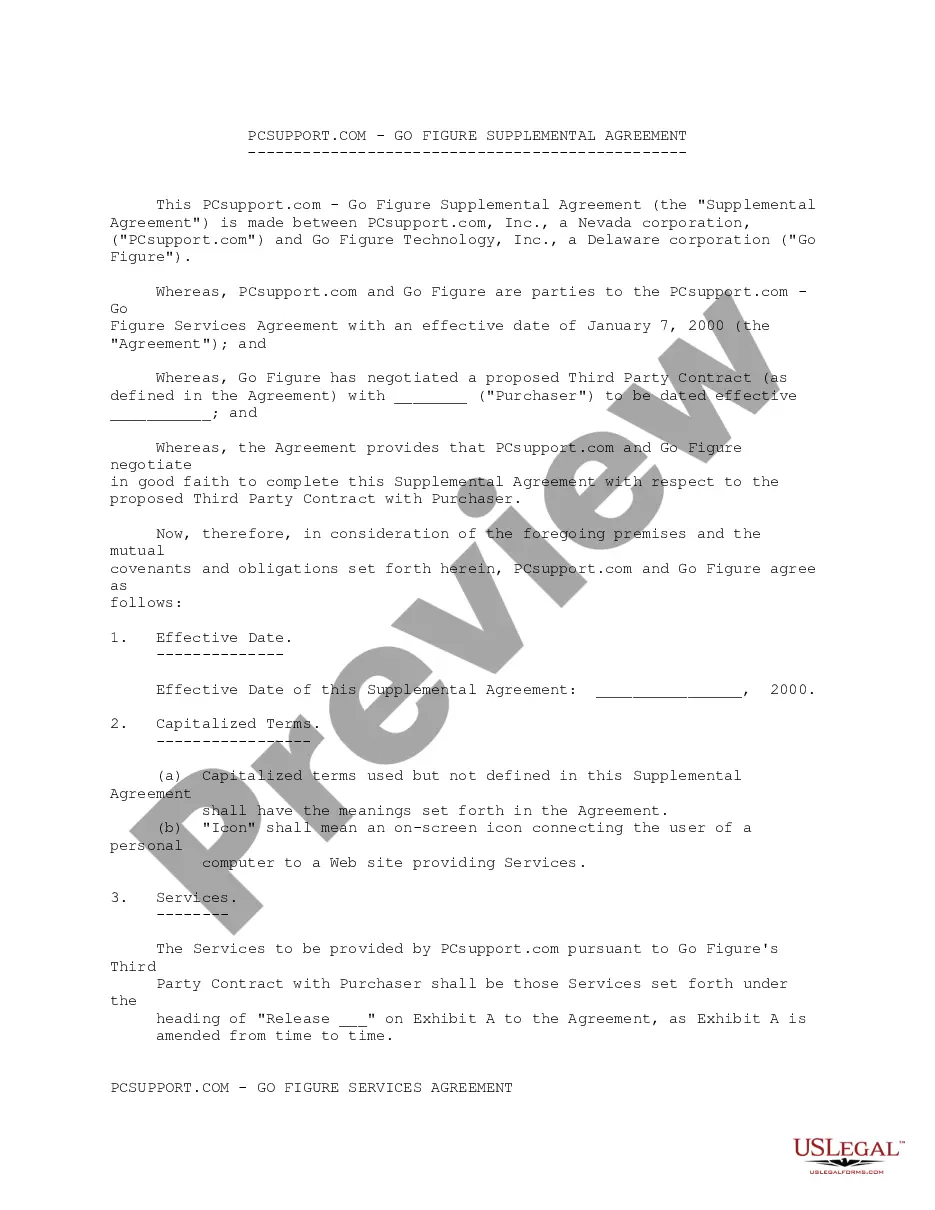
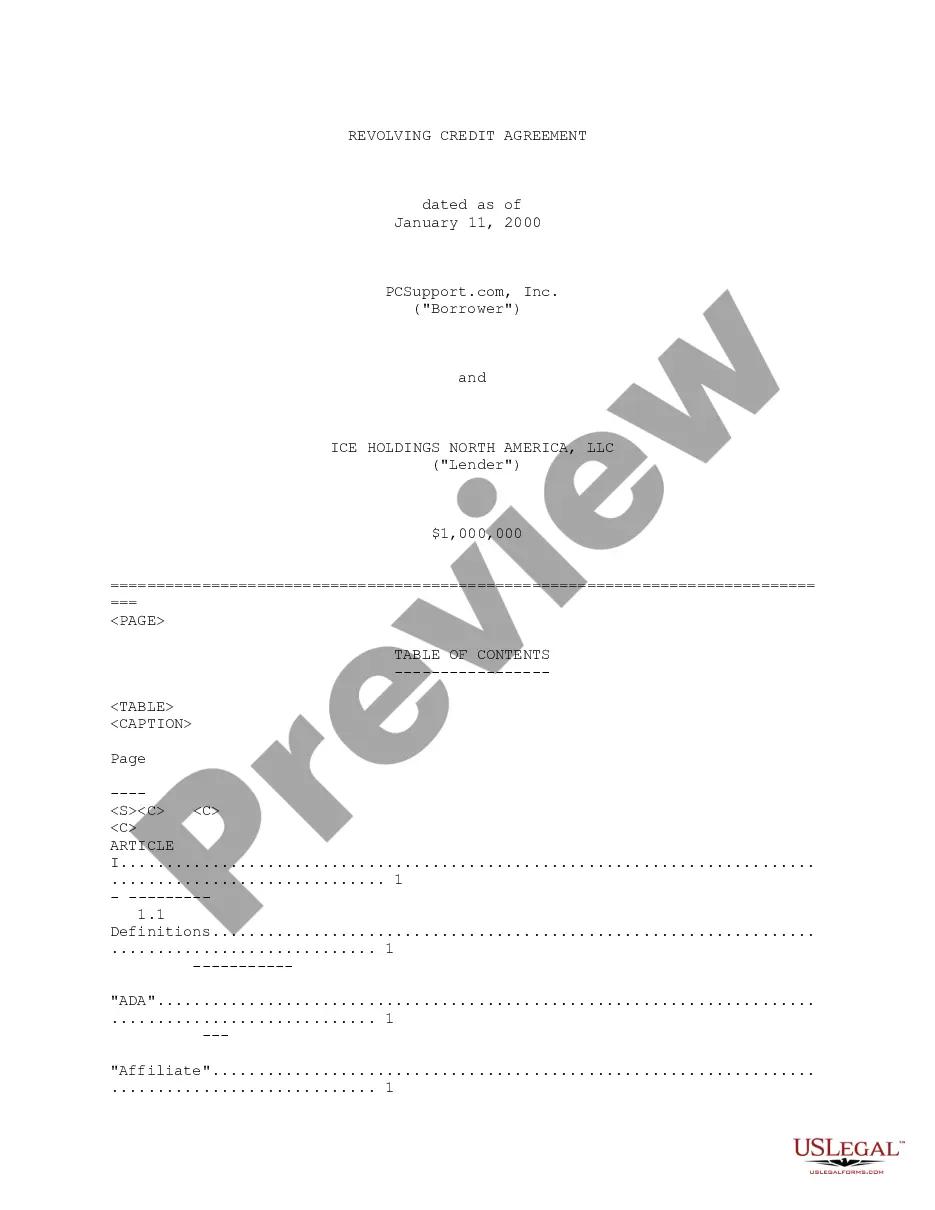
Security Agreement Between Form Ucc
Description


Get your form ready online
Our built-in tools help you complete, sign, share, and store your documents in one place.
Make edits, fill in missing information, and update formatting in US Legal Forms—just like you would in MS Word.
Download a copy, print it, send it by email, or mail it via USPS—whatever works best for your next step.
Sign and collect signatures with our SignNow integration. Send to multiple recipients, set reminders, and more. Go Premium to unlock E-Sign.
If this form requires notarization, complete it online through a secure video call—no need to meet a notary in person or wait for an appointment.
We protect your documents and personal data by following strict security and privacy standards.

Make edits, fill in missing information, and update formatting in US Legal Forms—just like you would in MS Word.

Download a copy, print it, send it by email, or mail it via USPS—whatever works best for your next step.

Sign and collect signatures with our SignNow integration. Send to multiple recipients, set reminders, and more. Go Premium to unlock E-Sign.

If this form requires notarization, complete it online through a secure video call—no need to meet a notary in person or wait for an appointment.

We protect your documents and personal data by following strict security and privacy standards.
Looking for another form?








How to fill out Security Agreement Between PCSupport.com, Inc. And ICE Holdings North America?
Regardless of whether you handle documents frequently or need to submit a legal report occasionally, it is crucial to have a resource where all the samples are interconnected and current.
One thing you should verify with a Security Agreement Between Form Ucc is that it is indeed its most recent version, as it determines if it can be submitted.
If you wish to make your search for the most up-to-date document examples easier, look for them on US Legal Forms.
Utilize the search menu to locate the form you need. Review the Security Agreement Between Form Ucc preview and description to confirm it is the one you're looking for. After double-checking the form, simply hit Buy Now. Select a subscription plan that suits you. Create an account or Log In to your existing one. Enter your credit card information or PayPal account to complete the purchase. Choose the document format for download and confirm your choice. Eliminate confusion when dealing with legal documents; all your templates will be organized and validated with a US Legal Forms account.
- US Legal Forms is a database of legal documents that includes nearly every type of sample document you might need.
- Search for the templates you want, check their relevance immediately, and get more information about their usage.
- With US Legal Forms, you have access to over 85,000 form templates across various fields.
- Obtain the Security Agreement Between Form Ucc examples in just a few clicks and store them in your account at any time.
- A US Legal Forms account enables you to access all the necessary samples with greater ease and less hassle.
- You simply need to click Log In in the website header and open the My documents section containing all the forms you require at your fingertips, eliminating the need to spend time searching for the right template or verifying its validity.
- To obtain a form without an account, follow these instructions.
Form popularity
FAQ
A General Security Agreement (GSA) is a contract signed between two parties a creditor (lender) and a debtor (borrower) to secure personal loans, commercial loans, and other obligations owed to a lender.
How to complete a UCC1 (Step by Step)Filer Information. Name and phone number of contact at filer. Email contact at filer.Debtor Information. Organization or individual's name. Mailing address.Secured Party Information. Organization or individual's name. Mailing address.Collateral Information. Description of collateral.
The security agreement must: be signed (or authenticated) by the debtor and the owner of the property, contain a description of the collateral and. make it clear that a security interest is intended.
A secured promissory note may include a security agreement as part of its terms. If a security agreement lists a business property as collateral, the lender might file a UCC-1 statement to serve as a lien on the property. A security agreement mitigates the default risk faced by the lender.
Terms Contained in a Security Agreement A basic security agreement should have the description of the parties involved, the collateral and the statement of intention of providing security interest along with signatures from all parties.
