Client Service Agreement For Home Care
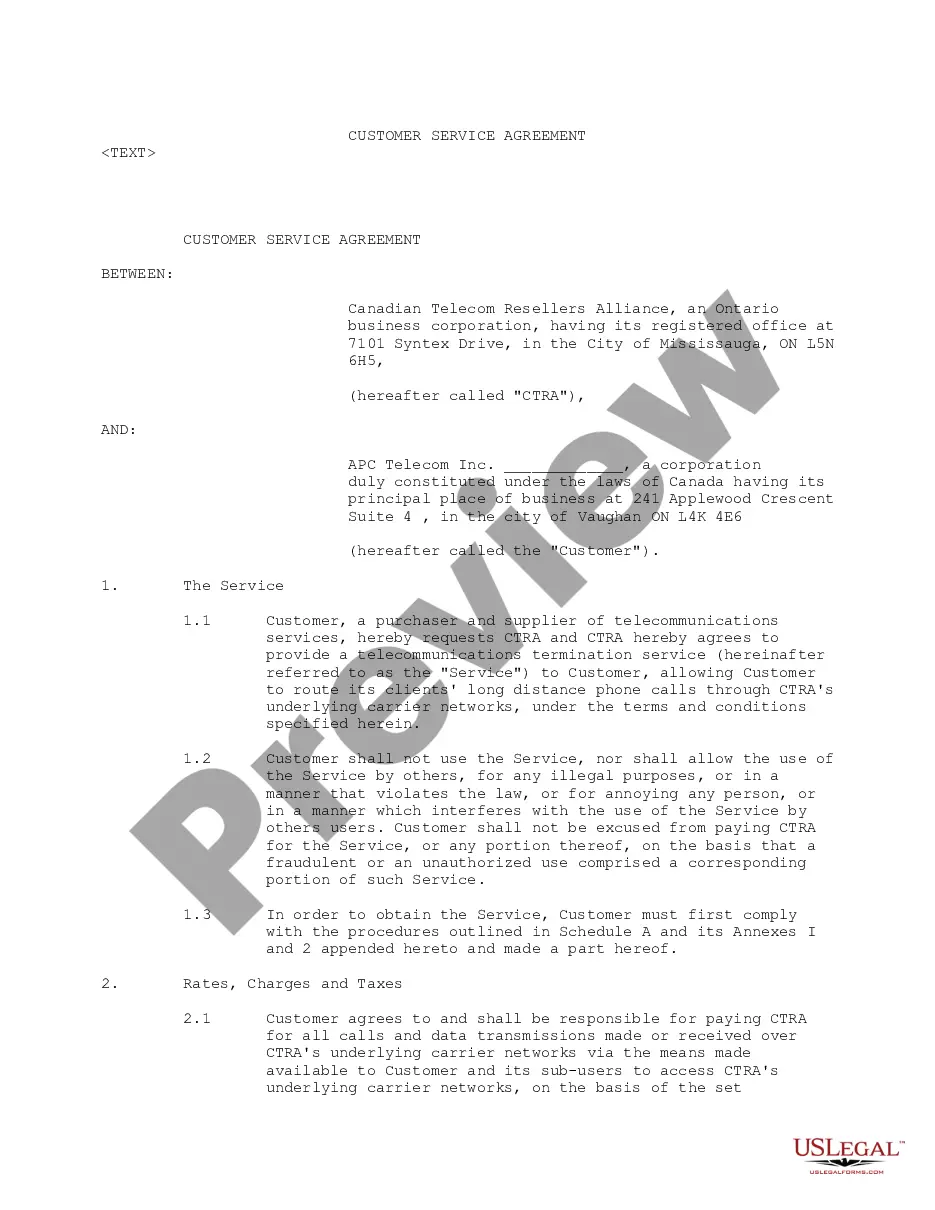
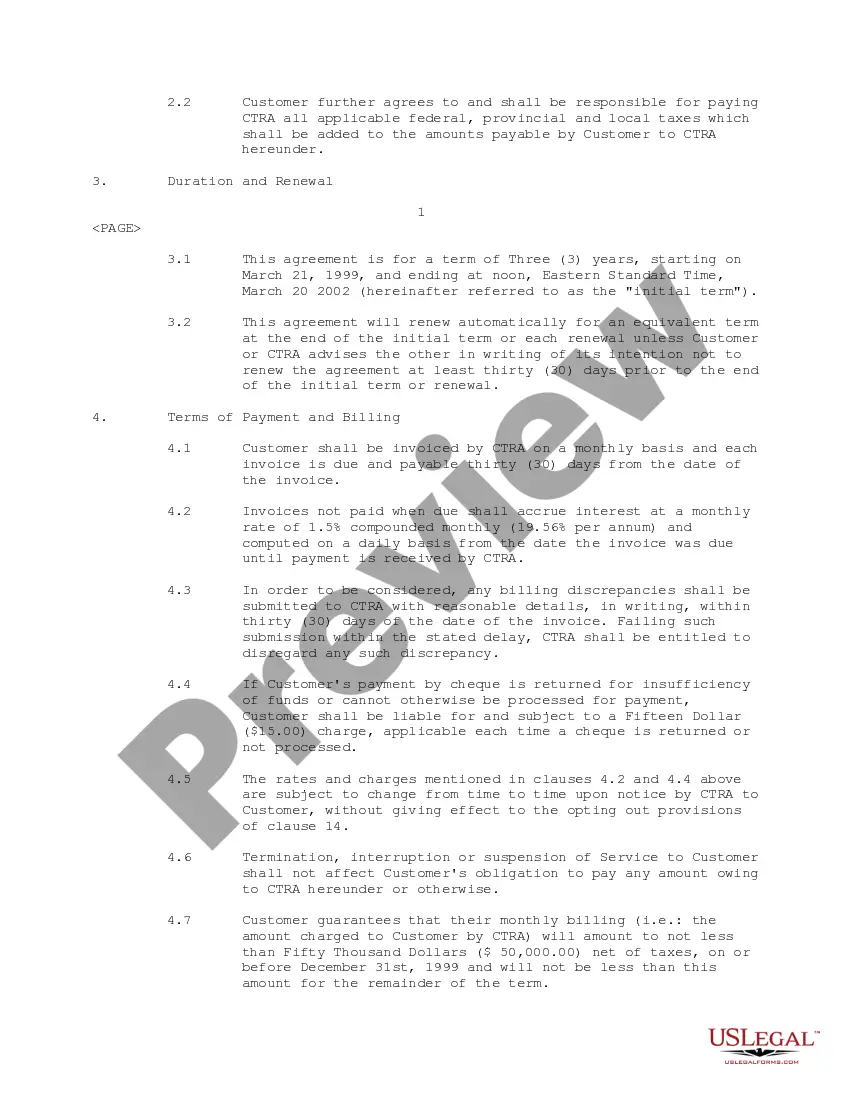
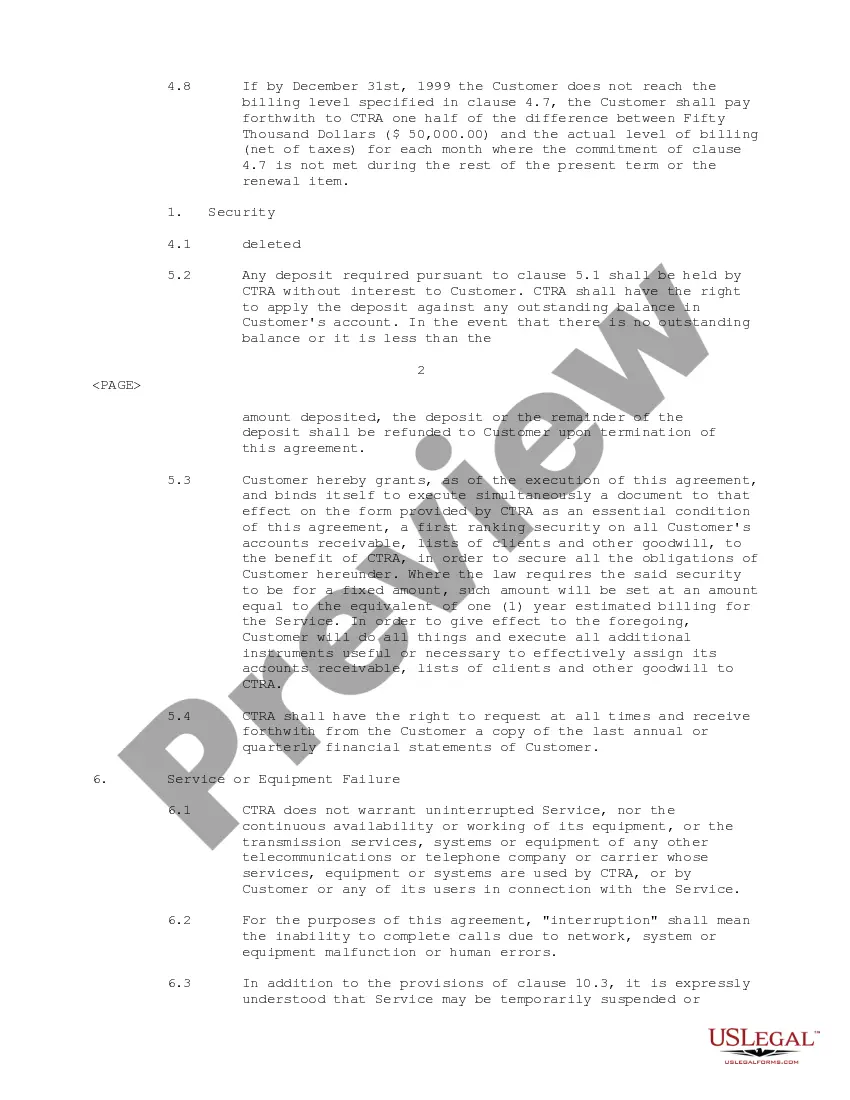
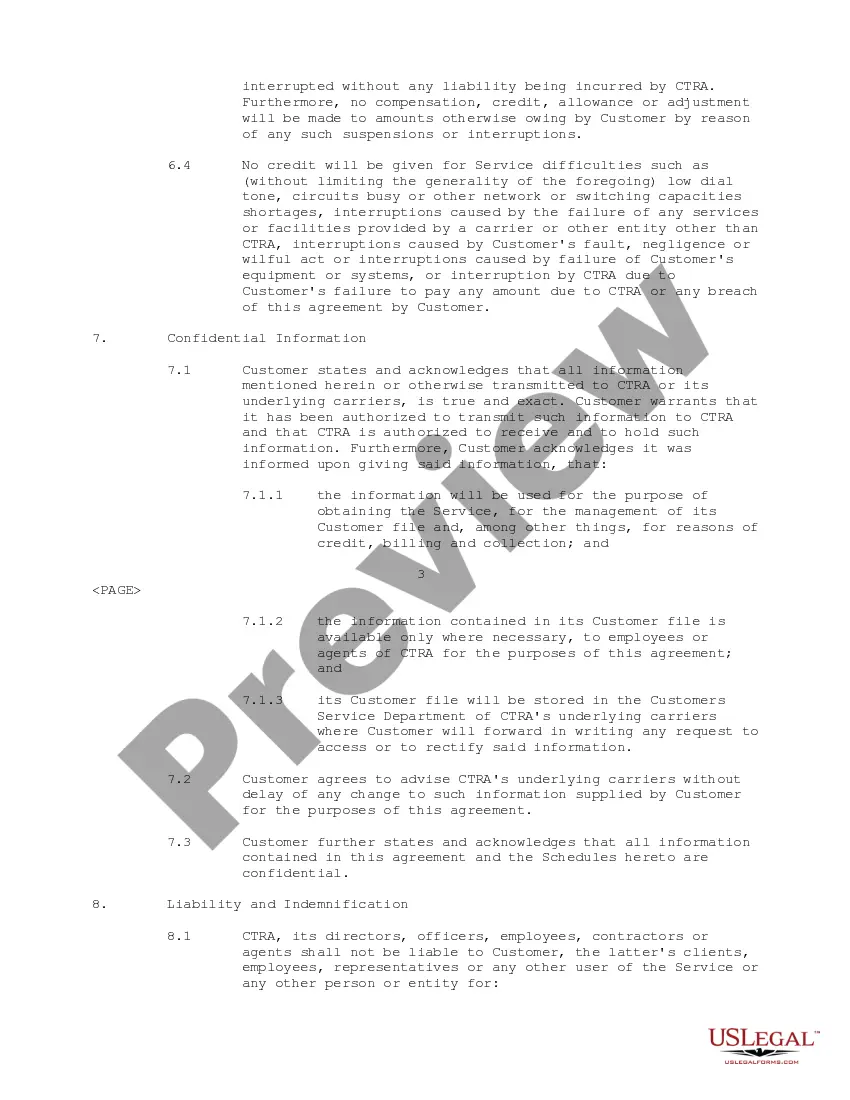
Description
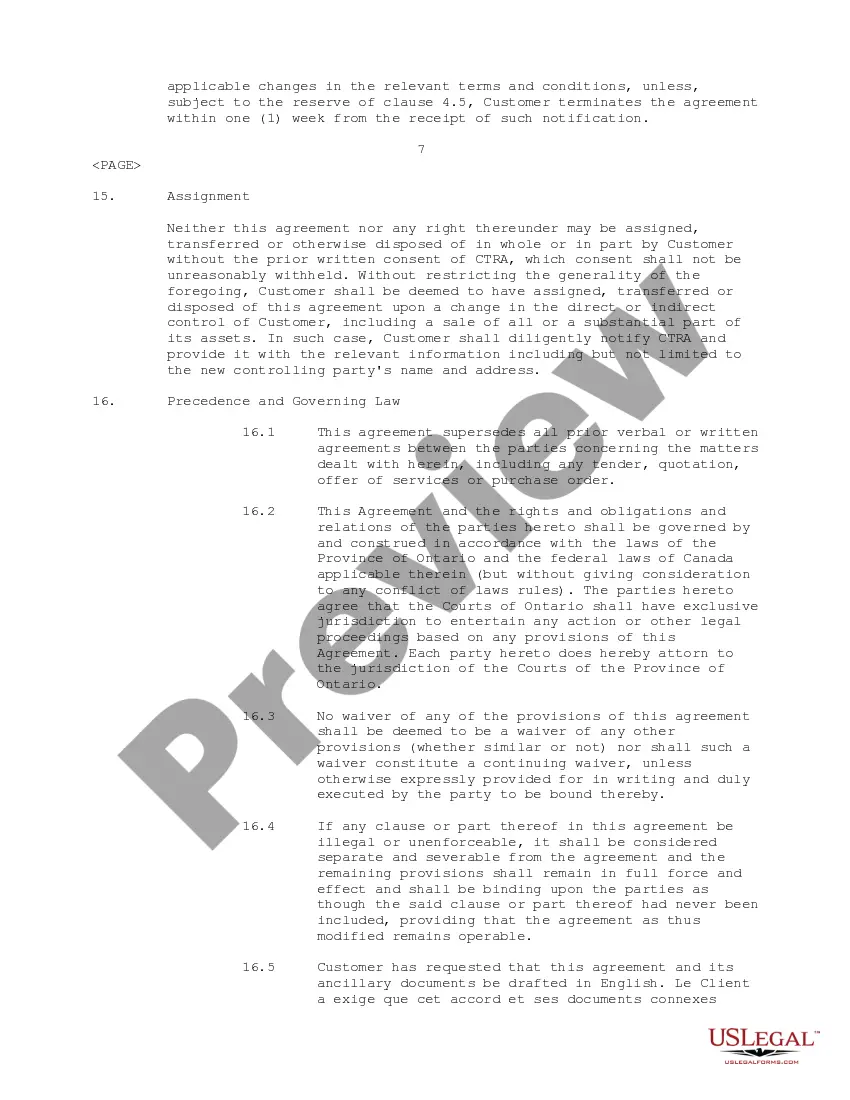
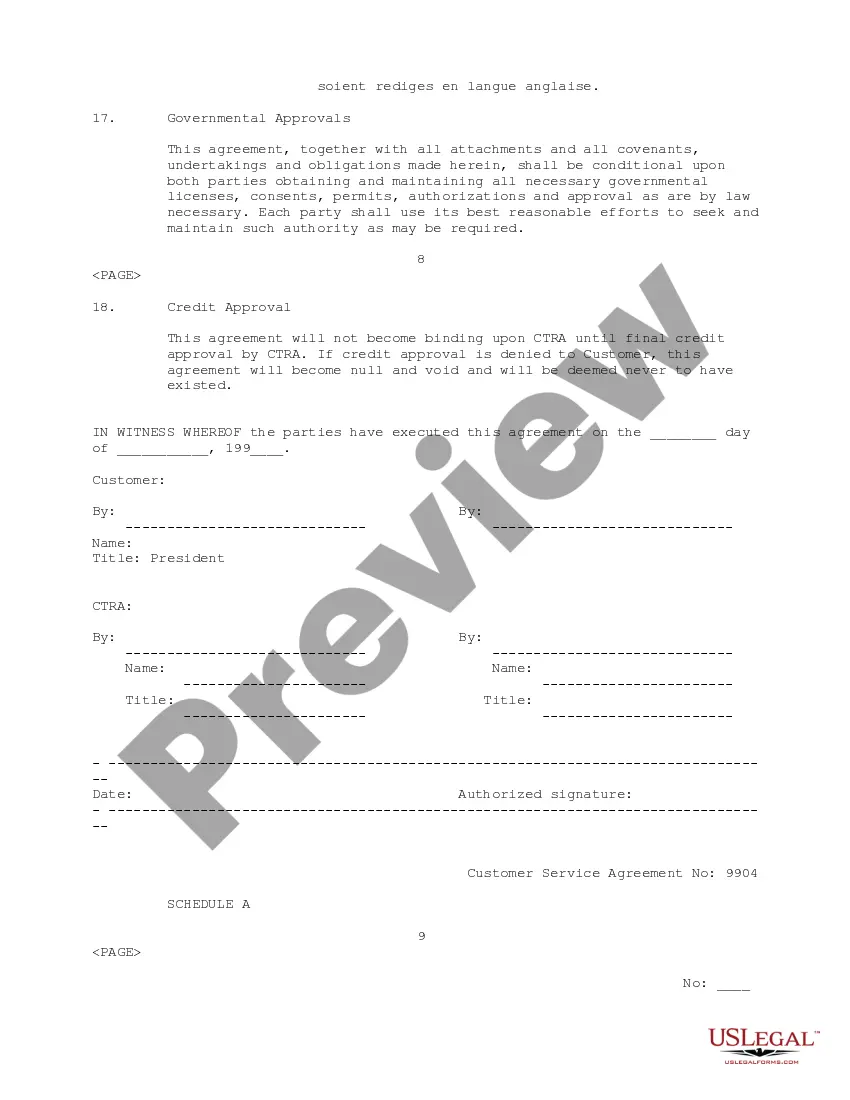

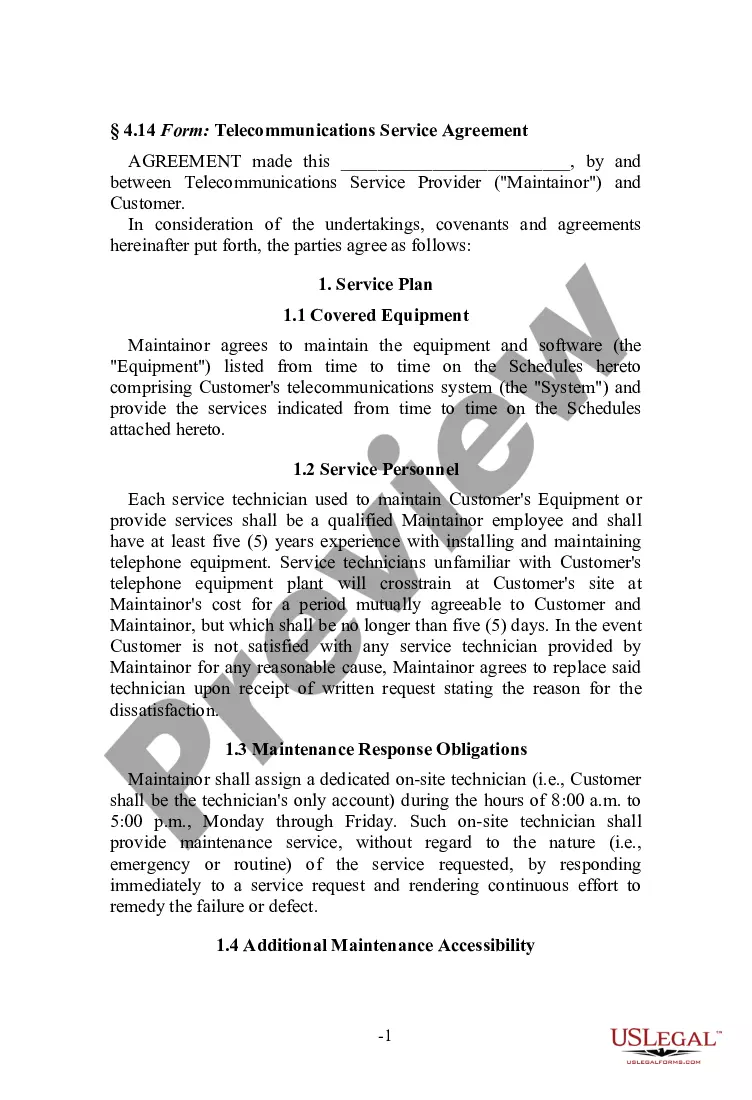
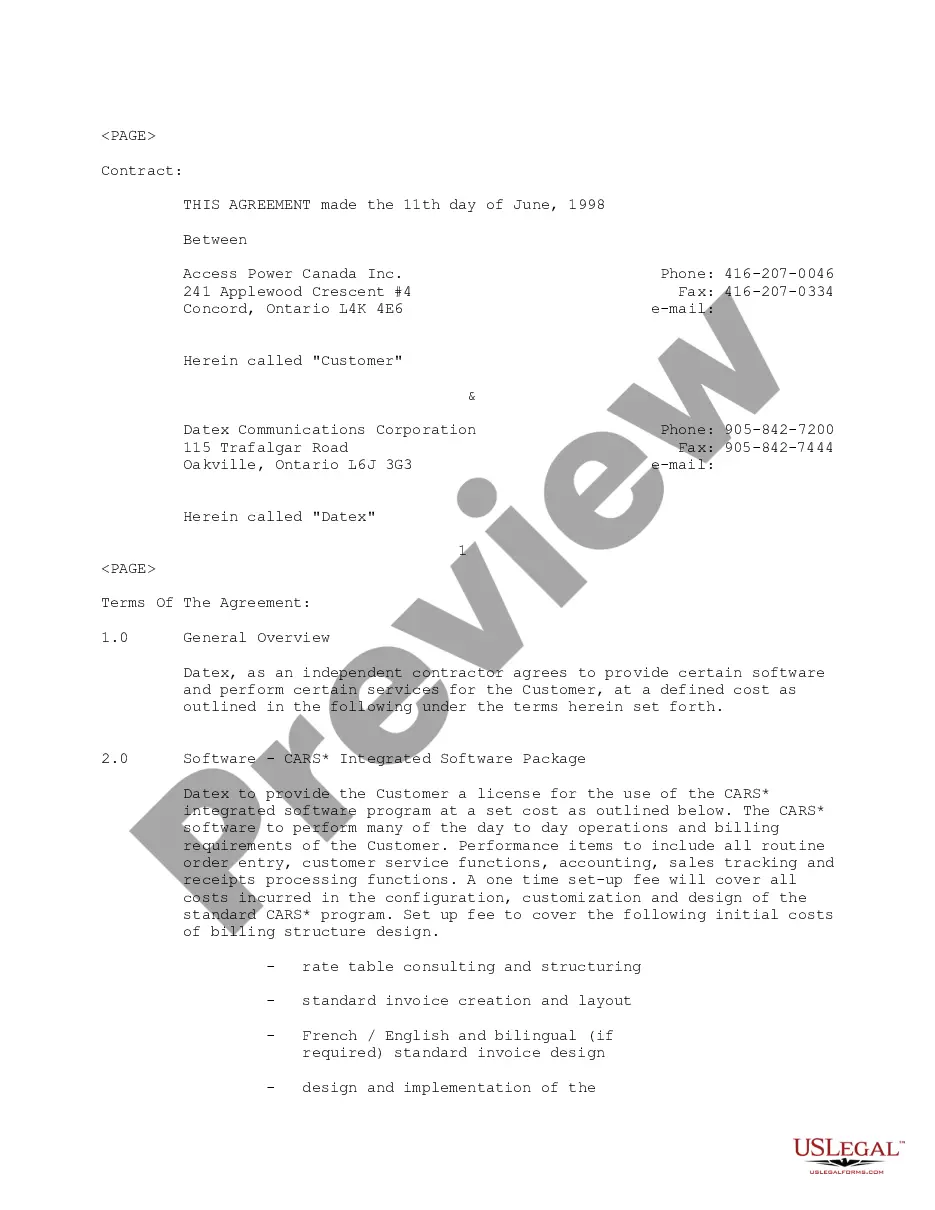
Get your form ready online
Our built-in tools help you complete, sign, share, and store your documents in one place.
Make edits, fill in missing information, and update formatting in US Legal Forms—just like you would in MS Word.
Download a copy, print it, send it by email, or mail it via USPS—whatever works best for your next step.
Sign and collect signatures with our SignNow integration. Send to multiple recipients, set reminders, and more. Go Premium to unlock E-Sign.
If this form requires notarization, complete it online through a secure video call—no need to meet a notary in person or wait for an appointment.
We protect your documents and personal data by following strict security and privacy standards.

Make edits, fill in missing information, and update formatting in US Legal Forms—just like you would in MS Word.

Download a copy, print it, send it by email, or mail it via USPS—whatever works best for your next step.

Sign and collect signatures with our SignNow integration. Send to multiple recipients, set reminders, and more. Go Premium to unlock E-Sign.

If this form requires notarization, complete it online through a secure video call—no need to meet a notary in person or wait for an appointment.

We protect your documents and personal data by following strict security and privacy standards.
Looking for another form?








How to fill out Customer Service Agreement Between Canadian Telecom Resellers Alliance And APC Telecom, Inc.?
Creating legal documents from the ground up can frequently be daunting.
Specific situations may require extensive research and significant financial investment.
If you’re searching for a more straightforward and cost-effective method of generating Client Service Agreement For Home Care or other documents without unnecessary complications, US Legal Forms is consistently available to assist you.
Our online catalog of more than 85,000 current legal documents encompasses nearly every aspect of your financial, legal, and personal affairs.
Examine the form preview and descriptions to confirm that you have located the document you need. Verify that the template you choose complies with the laws and regulations of your state and county. Select the appropriate subscription option to obtain the Client Service Agreement For Home Care. Download the form, then fill it out, certify it, and print it. US Legal Forms has a strong reputation and over 25 years of experience. Join us today and simplify your document execution process!
- With just a few clicks, you can swiftly obtain state- and county-specific templates meticulously prepared by our legal experts.
- Utilize our website whenever you require dependable and trustworthy services to easily locate and download the Client Service Agreement For Home Care.
- If you’re familiar with our services and have previously registered with us, simply Log In to your account, find the form, and download it or re-download it anytime in the My documents section.
- Not yet registered? No worries. It requires minimal time to sign up and browse the catalog.
- Before proceeding to download the Client Service Agreement For Home Care, consider these suggestions.
Form popularity
FAQ
How do you create a service contract? provide both parties' contact information. define the terms and the subject of the project. determine payment terms. make a schedule. determine what happens if a contract is canceled. work out who owns the final exclusive rights of intellectual property. indicate your applicable law.
Client service agreements should cover the basics of the transaction, such as the name of the parties involved, their specific roles pertaining to the transaction, coverage dates of the service, and an outline of the services that will be paid, as well as the agreed-upon payment.
Yes, you can write your own contract service agreement. A contract service agreement template can also help make sure you cover all the important points, but it's recommended that you consult a lawyer to ensure the contract meets all legal requirements.
How to draft a contract agreement Check out the parties. Come to an agreement on the terms. Specify the length of the contract. Spell out the consequences. Determine how you would resolve any disputes. Think about confidentiality. Check the contract's legality. Open it up to negotiation.
A Standard Service Agreement is a legal contract between a client and a service provider. The agreement outlines important details about the business relationship and the duties owed to one another. It may include information like pricing, ownership, shipment details, and much more.