Employer Letter For Excuse From Jury Duty
Description
Get your form ready online
Our built-in tools help you complete, sign, share, and store your documents in one place.
Make edits, fill in missing information, and update formatting in US Legal Forms—just like you would in MS Word.
Download a copy, print it, send it by email, or mail it via USPS—whatever works best for your next step.
Sign and collect signatures with our SignNow integration. Send to multiple recipients, set reminders, and more. Go Premium to unlock E-Sign.
If this form requires notarization, complete it online through a secure video call—no need to meet a notary in person or wait for an appointment.
We protect your documents and personal data by following strict security and privacy standards.

Make edits, fill in missing information, and update formatting in US Legal Forms—just like you would in MS Word.

Download a copy, print it, send it by email, or mail it via USPS—whatever works best for your next step.

Sign and collect signatures with our SignNow integration. Send to multiple recipients, set reminders, and more. Go Premium to unlock E-Sign.

If this form requires notarization, complete it online through a secure video call—no need to meet a notary in person or wait for an appointment.

We protect your documents and personal data by following strict security and privacy standards.
Looking for another form?


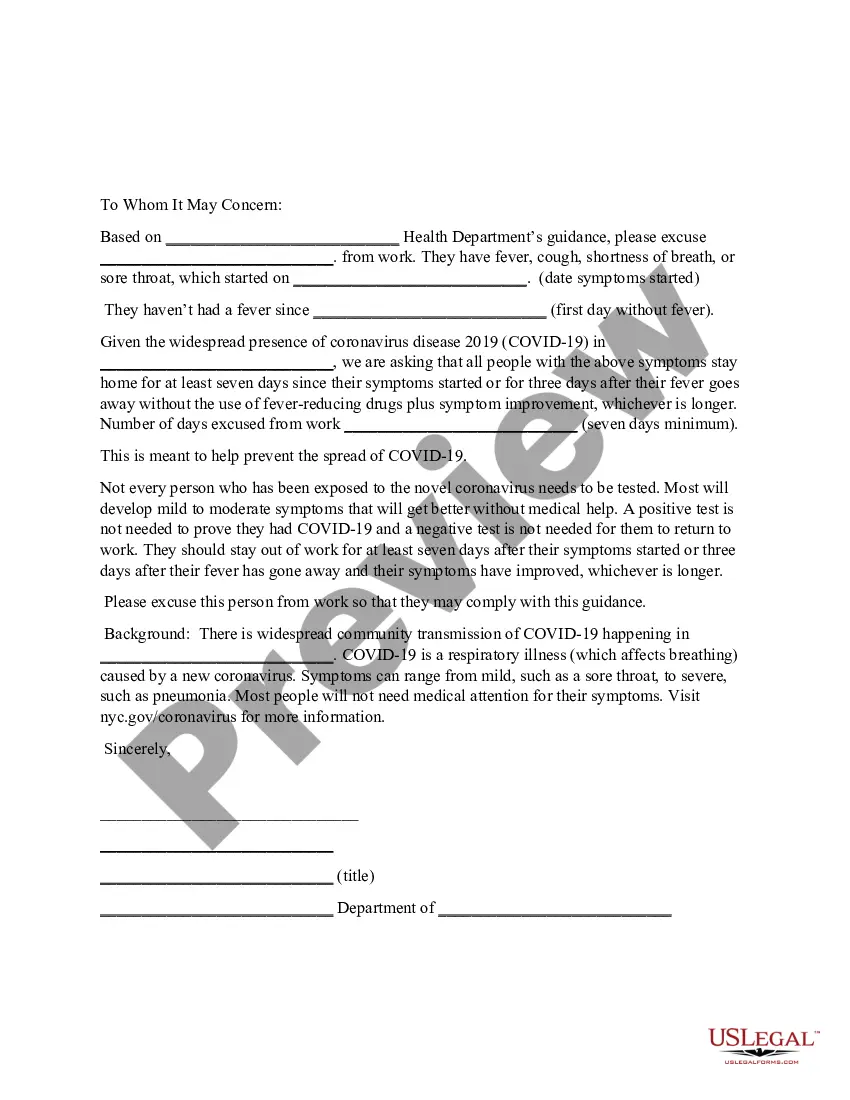
How to fill out Letter From Department Of Health To Employer To Excuse Employee Due To COVID-19 Coronavirus?
It’s well known that you can’t transform into a legal expert in a day, nor can you quickly learn how to effectively draft an Employer Letter For Excuse From Jury Duty without a tailored background.
Drafting legal documents is a lengthy process that necessitates specific education and expertise.
So why not entrust the drafting of the Employer Letter For Excuse From Jury Duty to professionals.
You can regain access to your documents from the My documents tab at any time.
If you’re a current customer, you can simply Log In, and find and download the template from the same tab.
- Locate the document you need using the search feature at the top of the webpage.
- Preview it (if this option is available) and read the accompanying description to determine if the Employer Letter For Excuse From Jury Duty is what you’re looking for.
- Start your search anew if you require a different document.
- Create a free account and choose a subscription plan to purchase the template.
- Click Buy now. After the payment is processed, you can download the Employer Letter For Excuse From Jury Duty, complete it, print it, and send or deliver it to the appropriate individuals or organizations.
Form popularity
FAQ
6 steps to writing an affidavit Title the affidavit. First, you'll need to title your affidavit. ... Craft a statement of identity. The very next section of your affidavit is what's known as a statement of identity. ... Write a statement of truth. ... State the facts. ... Reiterate your statement of truth. ... Sign and notarize.
The affidavit must be notarized and the notary public must complete all information in Part 4 of the affidavit. If this affidavit is not submitted to document legal name discrepancies in signatures and title assignments, new documents and/or signatures without discrepancies must be obtained.
How to write a general affidavit? Title your affidavit. Don't forget to list any relevant contact or identification information that you may need to include in the heading. Write your statement. ... Verify that your information is true. ... Finalize and notarize.
In a nutshell, an affidavit is a sworn statement that is documented in writing. Affidavits are usually utilized in court proceedings or in negotiations, most commonly in family law and bankruptcy cases; though they can also be used in civil and criminal cases.
How to make a sworn statement. A blank SAPS affidavit template can be downloaded below, filled in and stamped at any police station. The form can also be obtained from the police station and completed by hand.
What is a simple form of affidavit? As aforementioned, a simple affidavit is a sworn statement made in writing. The party giving the written statement declares the facts stated are true and confirms this under oath. It must be signed before an officer who is empowered to administer such oaths.
What is a General Affidavit? A General Affidavit is a written statement, sworn to be true, giving specific reasons to support the things you are asking a judge to do. You can use a General Affidavit to tell about information that you personally know and want the court to consider.
(Example: I, Jane Doe, solemnly swear that the contents of this document are true and correct, and that I agree to abide by the terms in this affidavit.)