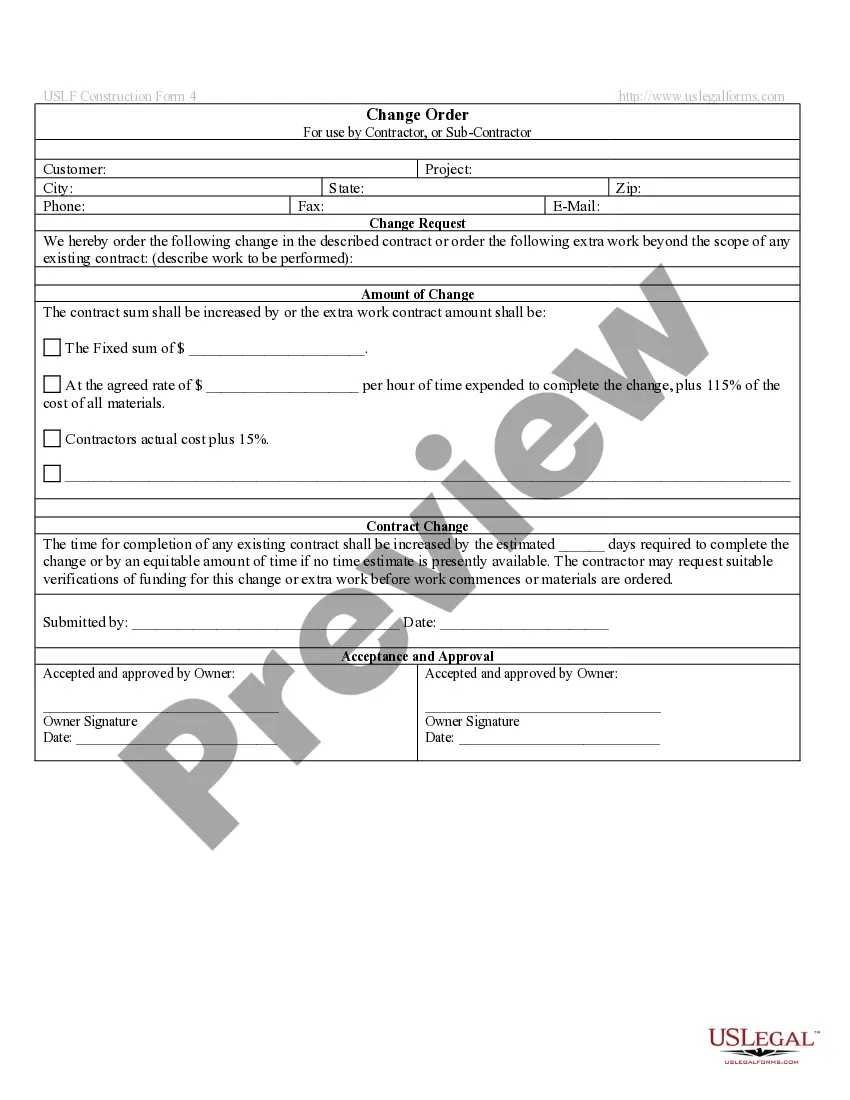
Change Order For Construction
Description
Get your form ready online
Our built-in tools help you complete, sign, share, and store your documents in one place.
Make edits, fill in missing information, and update formatting in US Legal Forms—just like you would in MS Word.
Download a copy, print it, send it by email, or mail it via USPS—whatever works best for your next step.
Sign and collect signatures with our SignNow integration. Send to multiple recipients, set reminders, and more. Go Premium to unlock E-Sign.
If this form requires notarization, complete it online through a secure video call—no need to meet a notary in person or wait for an appointment.
We protect your documents and personal data by following strict security and privacy standards.

Make edits, fill in missing information, and update formatting in US Legal Forms—just like you would in MS Word.

Download a copy, print it, send it by email, or mail it via USPS—whatever works best for your next step.

Sign and collect signatures with our SignNow integration. Send to multiple recipients, set reminders, and more. Go Premium to unlock E-Sign.

If this form requires notarization, complete it online through a secure video call—no need to meet a notary in person or wait for an appointment.

We protect your documents and personal data by following strict security and privacy standards.
Looking for another form?
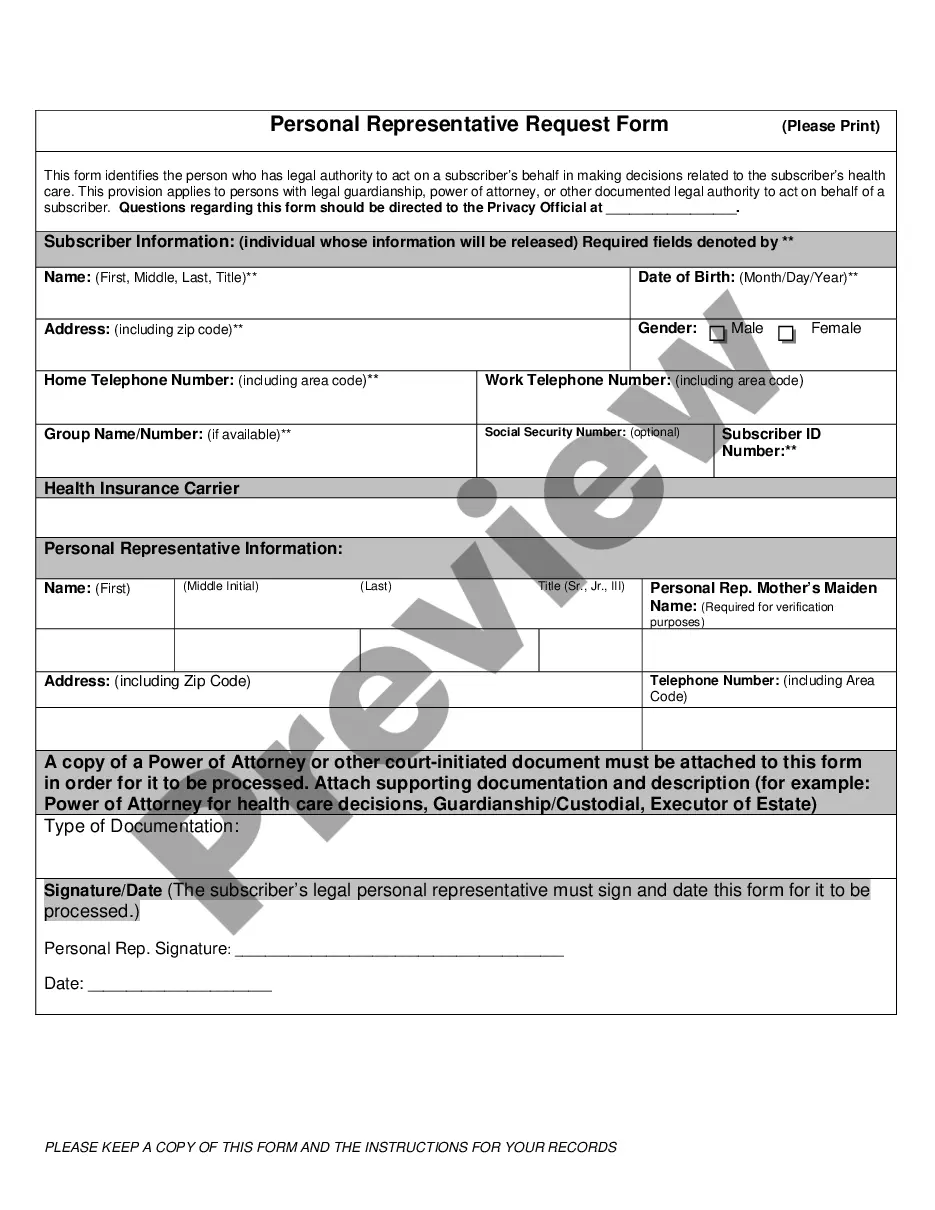
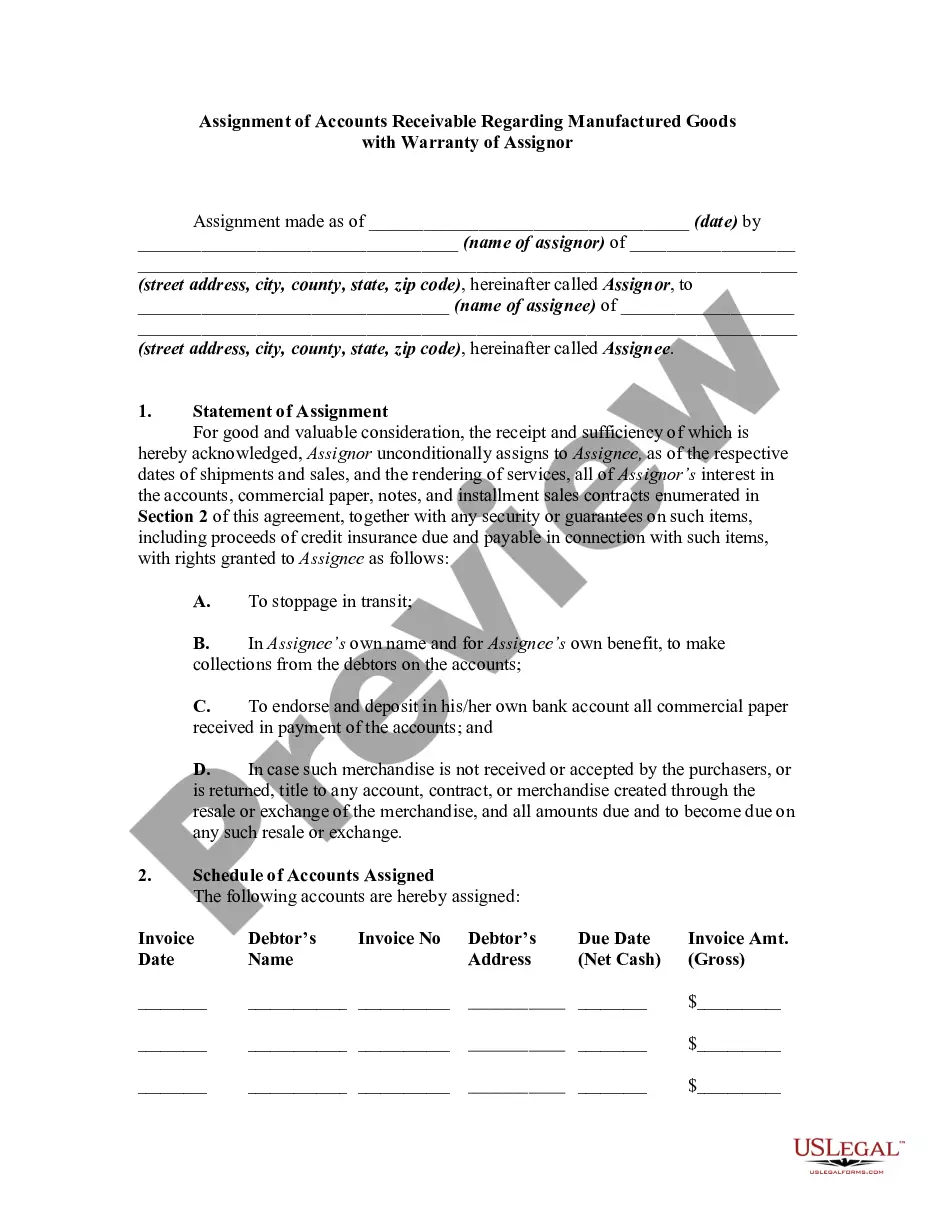

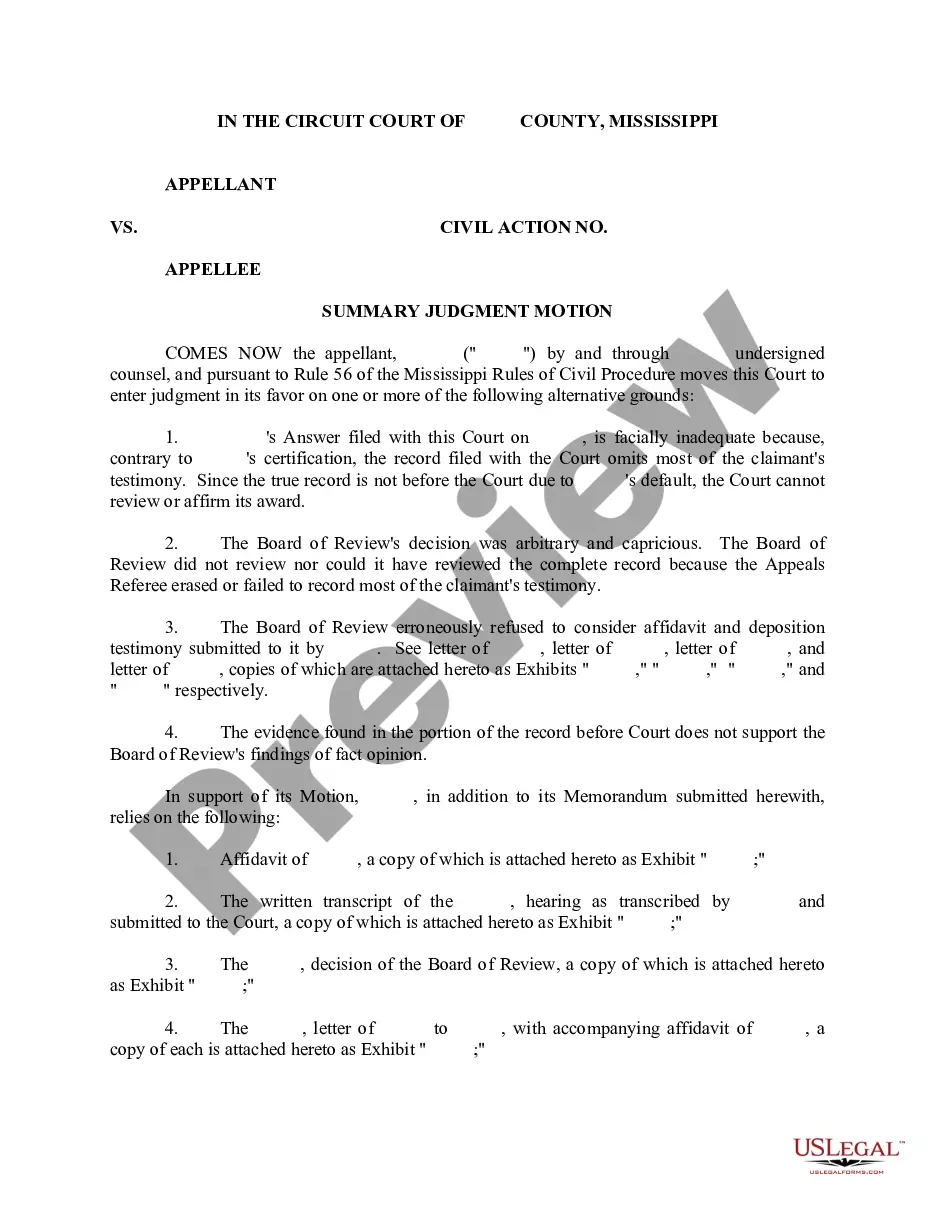
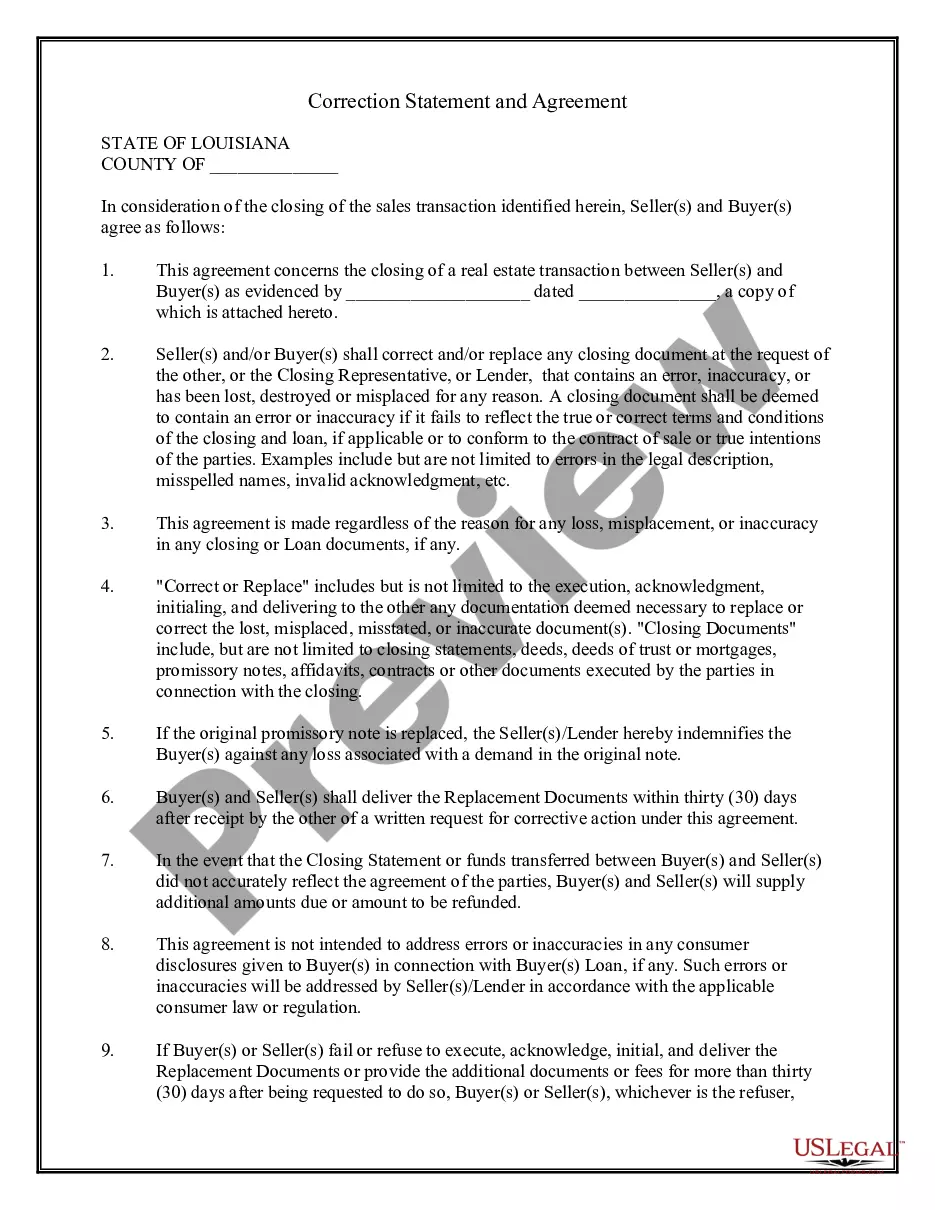

How to fill out Change Order By Contractor - Alternative Form?
How to locate expert legal documents that adhere to your state's regulations and prepare the Change Order For Construction without consulting a lawyer.
Numerous online services provide templates for various legal scenarios and requirements.
However, it may require time to determine which of the accessible samples meet both your needs and legal criteria.
Download the Change Order For Construction by clicking the appropriate button next to the file name. If you do not have an account with US Legal Forms, then follow the instructions below: Browse through the webpage you've accessed and confirm if the form meets your requirements. To do this, utilize the form description and preview options if available. If necessary, search for another template in the header specifying your state. Click the Buy Now button when you locate the appropriate document. Select the most suitable pricing plan, then either Log In or register for an account. Choose your payment method (using a credit card or via PayPal). Adjust the file format for your Change Order For Construction and click Download. The files you obtain remain yours: you can always revisit them in the My documents section of your profile. Join our library and create legal documents independently like a skilled legal professional!
- US Legal Forms is a trustworthy resource that assists you in finding official documents created in line with the latest updates to state laws and helps reduce expenses on legal support.
- US Legal Forms isn't just an ordinary online library.
- It boasts a collection of over 85,000 validated templates for a variety of business and personal situations.
- All documents are categorized by area and state to streamline your searching experience.
- It also features robust tools for PDF editing and electronic signatures, enabling users with a Premium subscription to complete their paperwork conveniently online.
- The process of obtaining the necessary documents takes minimal time and effort.
- If you already possess an account, Log In and check that your subscription is active.
Form popularity
FAQ
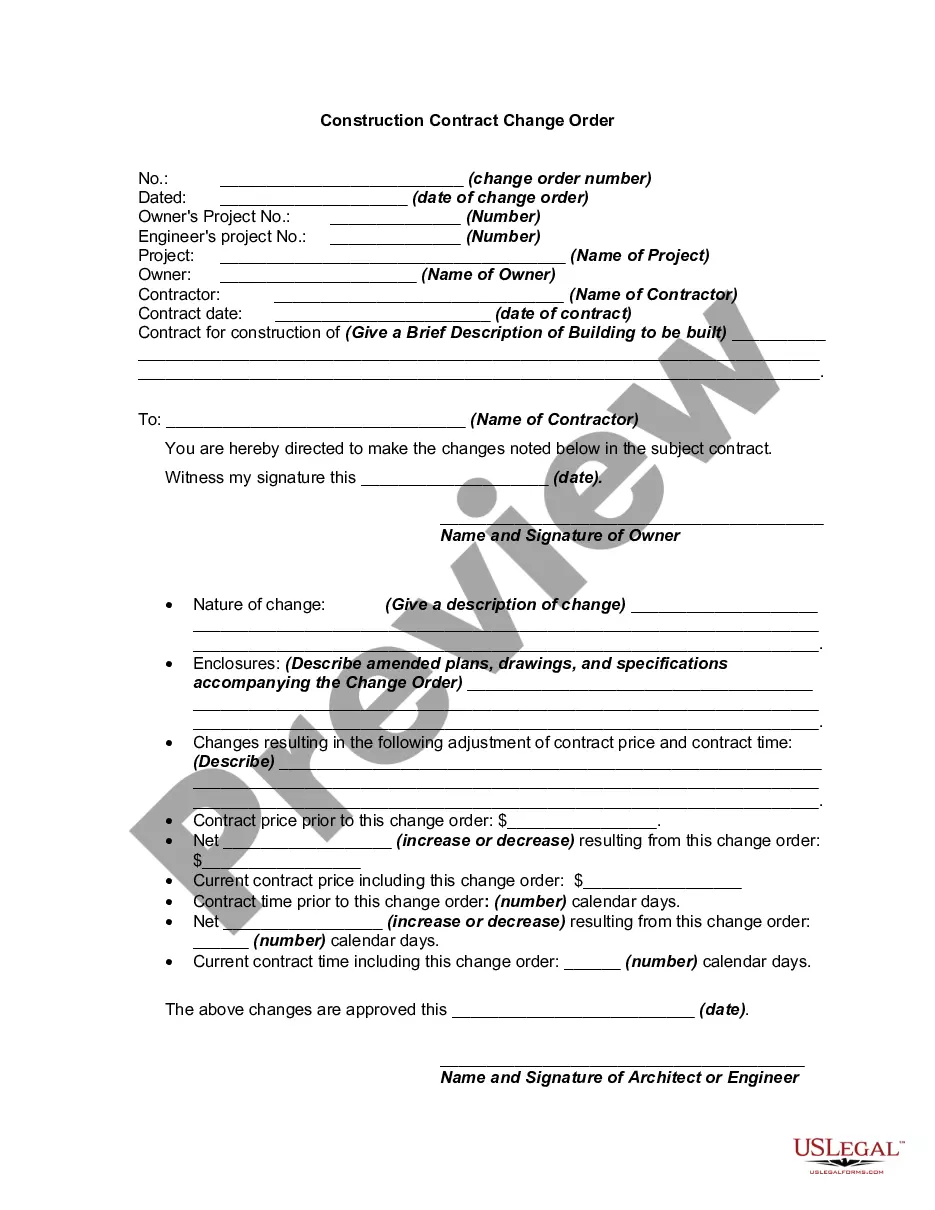
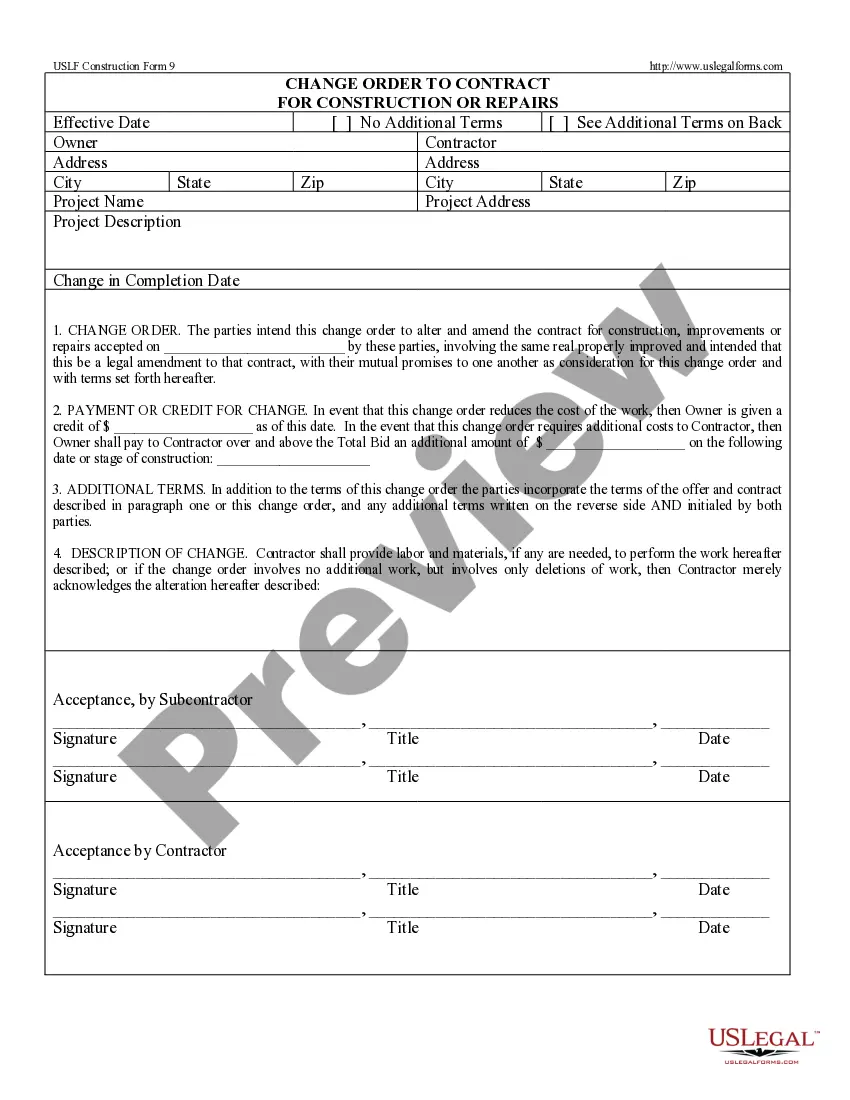
A standard change order should include the following:Job name, address and phone number.Owner's name.A complete description of new work to be performed.Total price for materials and labor to complete the change.Revised date of completion due to the change order.Signatures of the company representative.More items...?
6 things every change order should includeProject and contact information. The change order form should include:Dates of the change.Details of the work.Updated schedule.Cost of the change.Updated contract value.Match the payment application.Get it in writing and save it.
To do this, negotiate the cost, receive authorization to begin the work in writing (change the scope), and make schedule adjustments for the amended work. Delaying change orders can be disastrous to a project because it can result in substantial cost overruns and an inaccurate schedule.
The contractor prepares a "change order proposal" quoting a price for the extra work. Once the owner and contractor have agreed on scope, price, and schedule, a formal, written change order is prepared and signed by all parties. Then, the contractor proceeds to perform the changed work.
5 Best Practices to Ensure Change Orders are not Bringing Your Company DownCheck Your Contract. Check it Twice:Clearly Communicate Cost:Understand the Full Cost of Changes:Make Sure Change Orders are in Writing:Make the Change Order Process Easier: