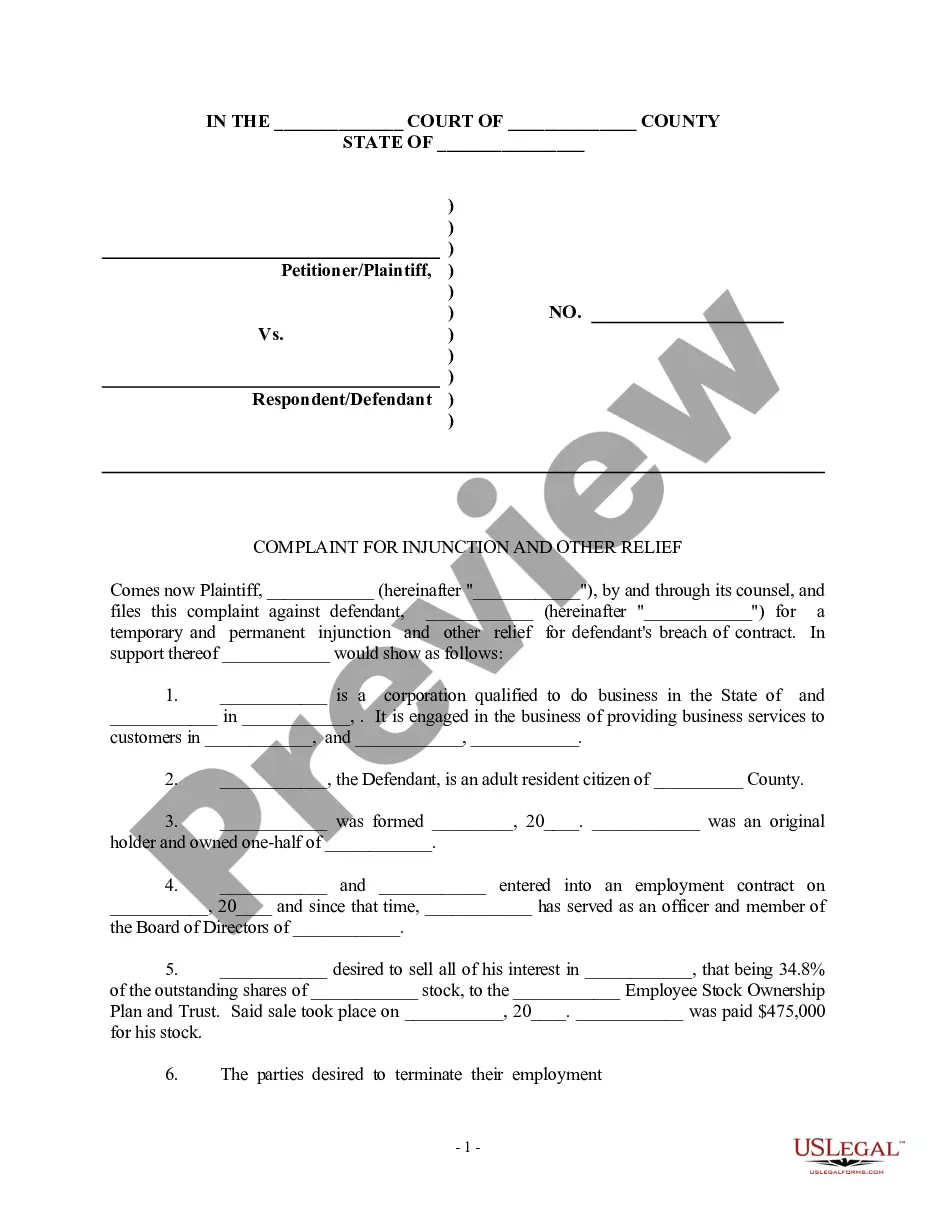
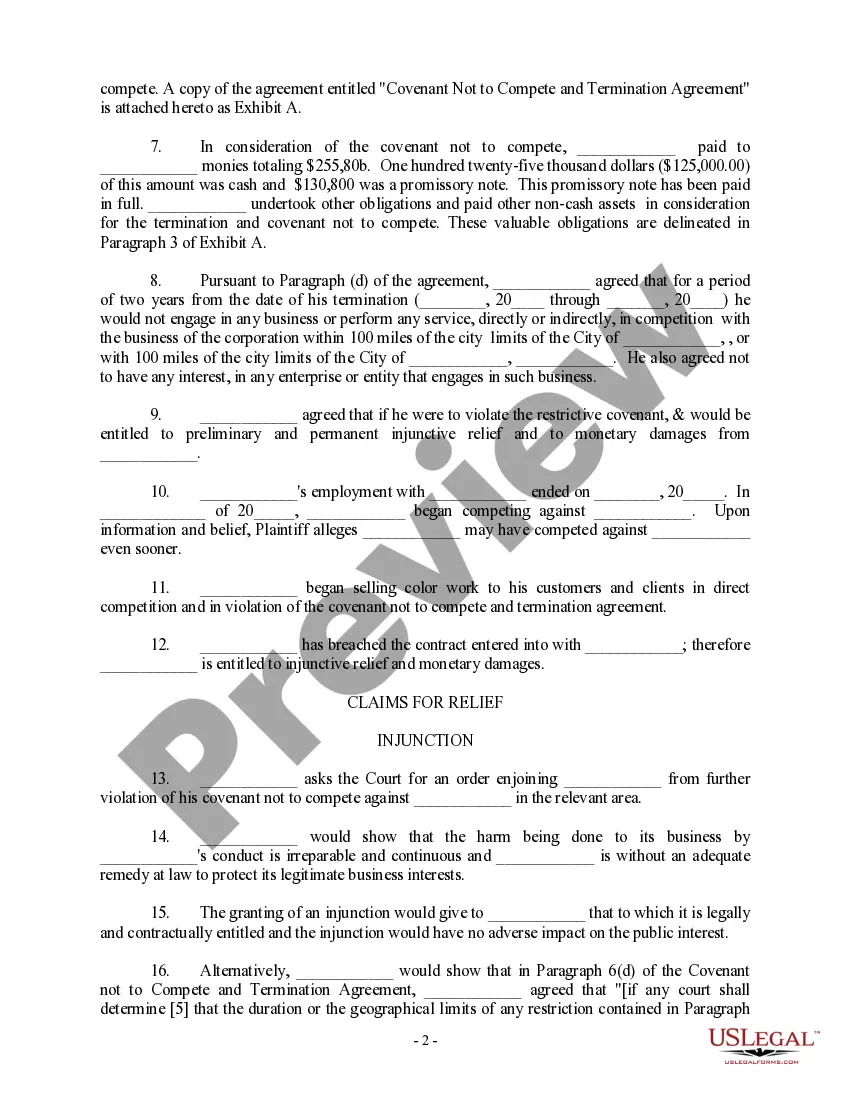
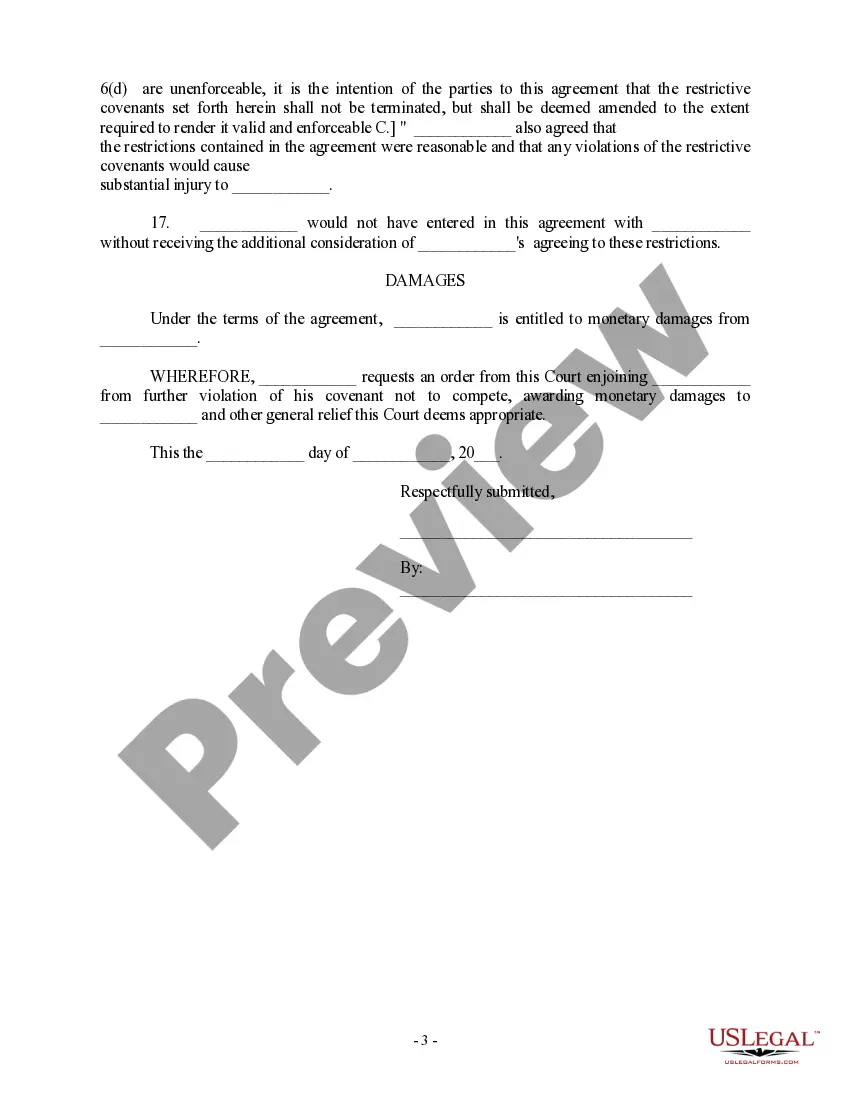
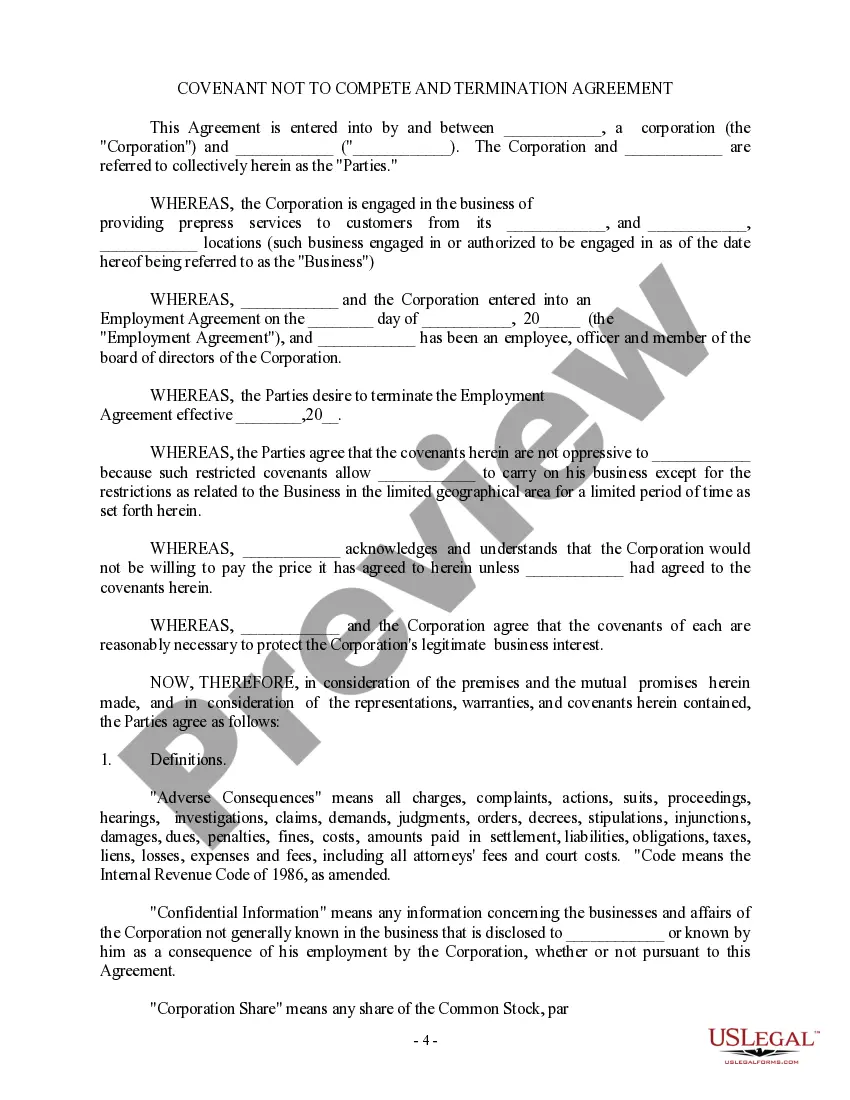
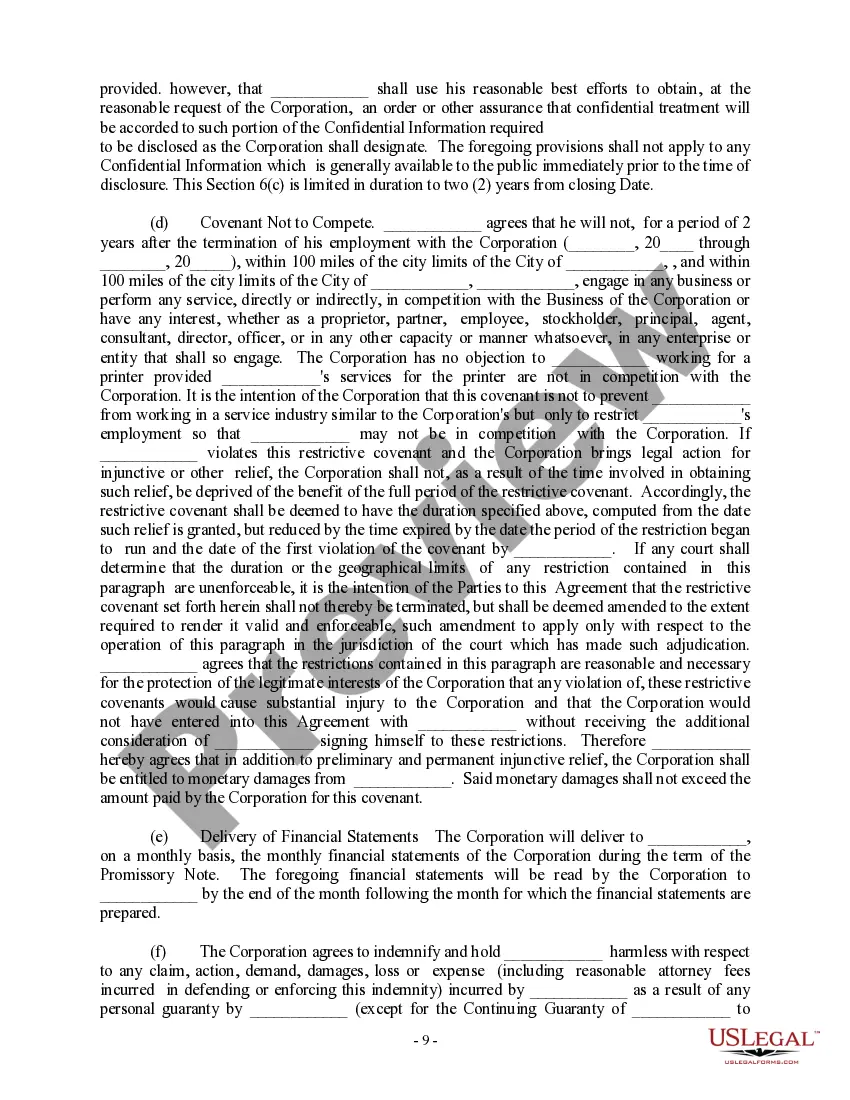
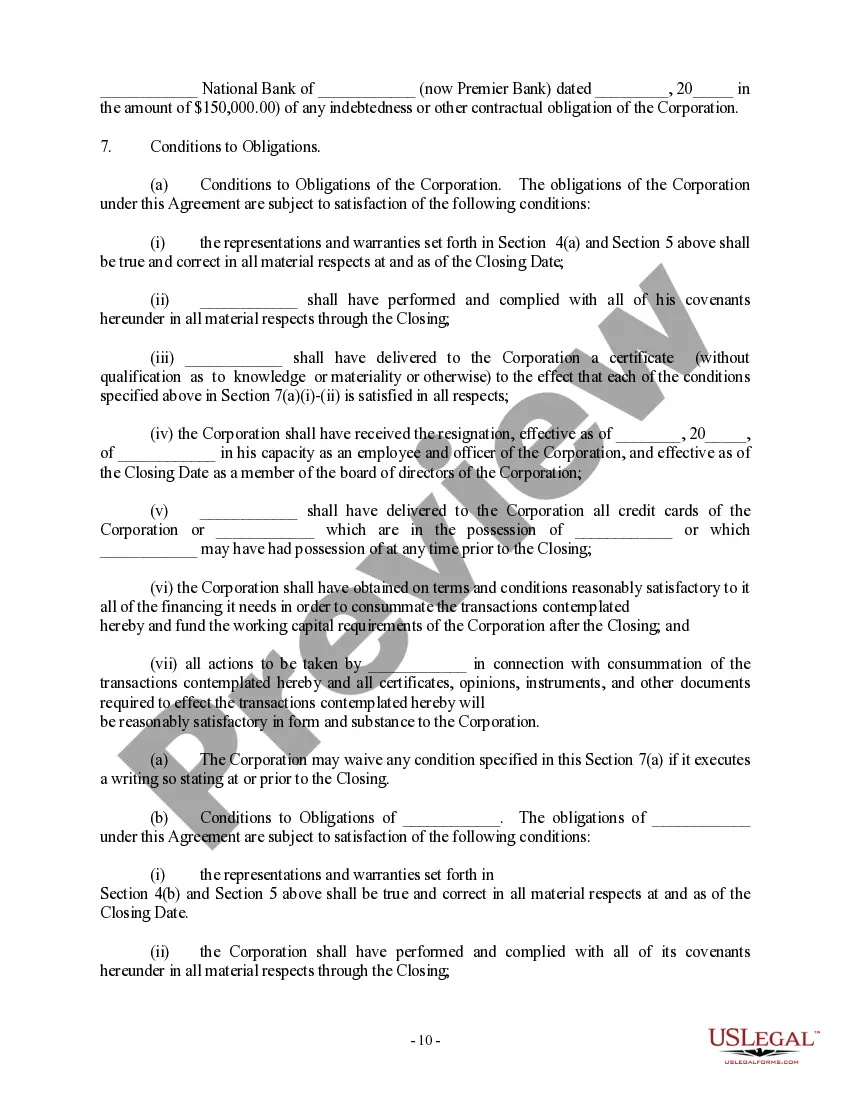
Non Compete Agreement For 1099 Employee
Description
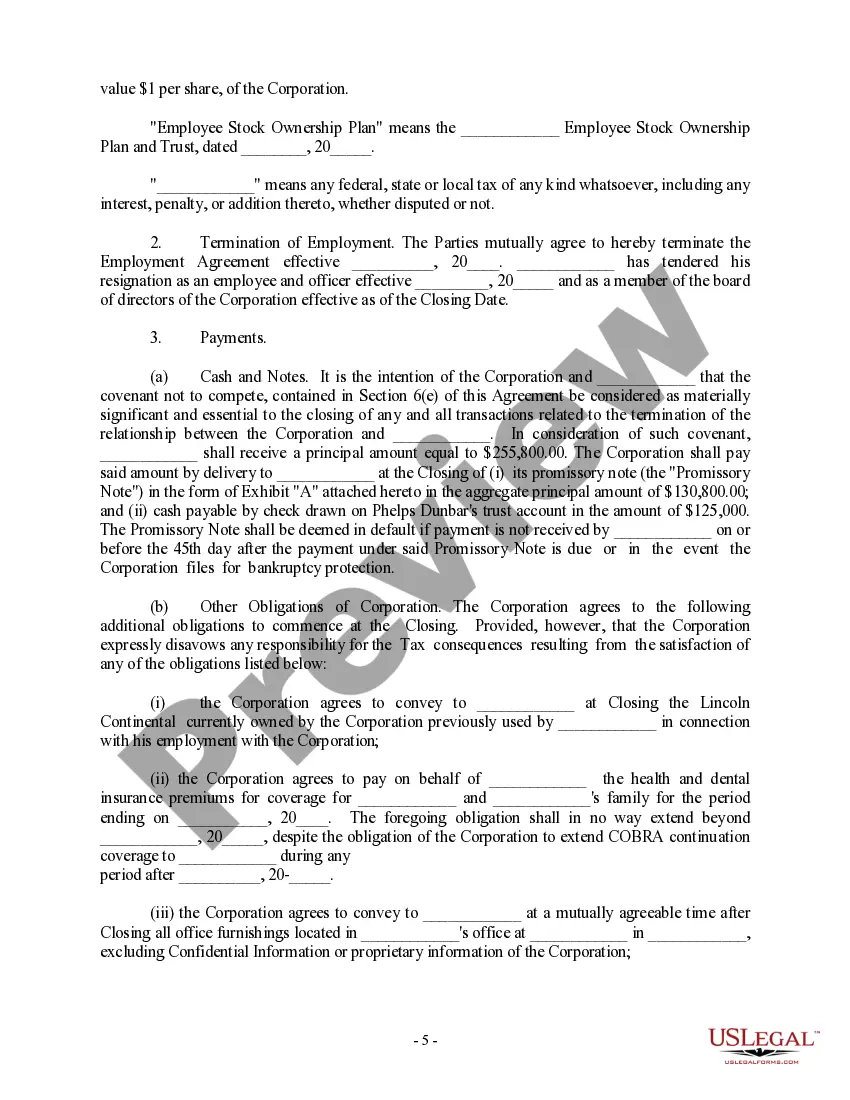
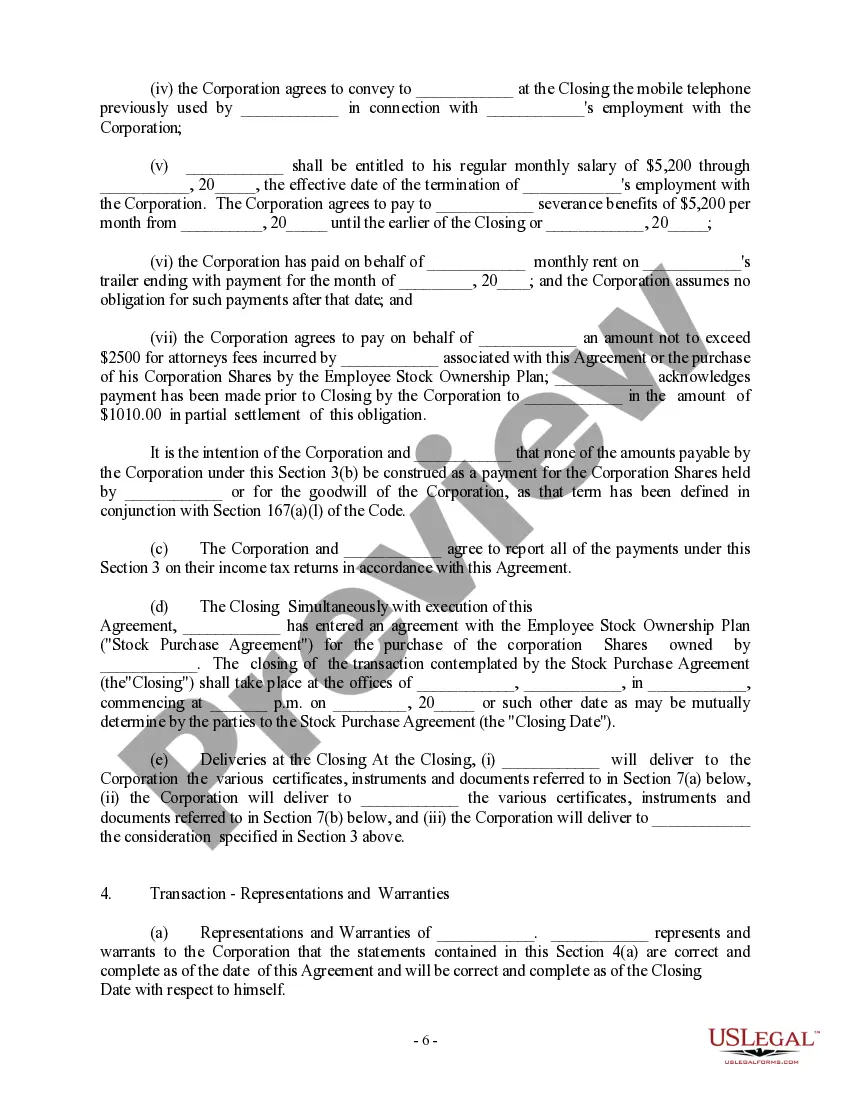
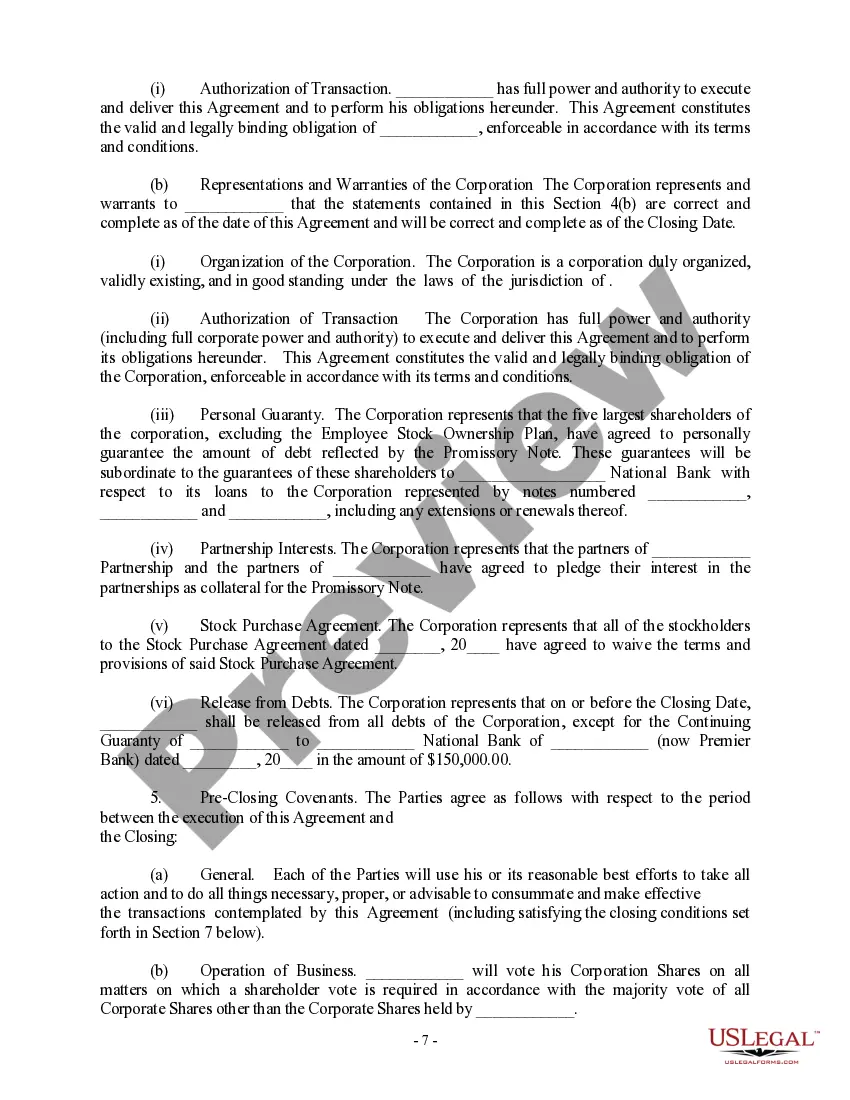
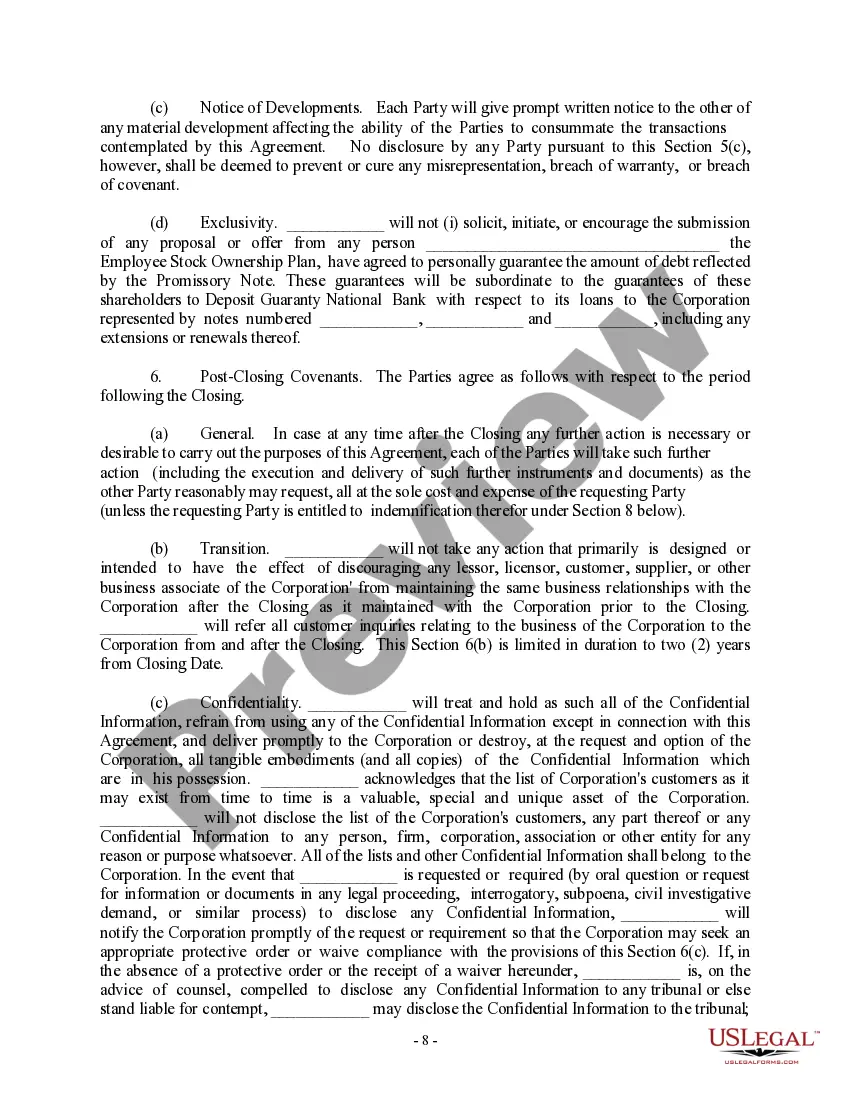


Get your form ready online
Our built-in tools help you complete, sign, share, and store your documents in one place.
Make edits, fill in missing information, and update formatting in US Legal Forms—just like you would in MS Word.
Download a copy, print it, send it by email, or mail it via USPS—whatever works best for your next step.
Sign and collect signatures with our SignNow integration. Send to multiple recipients, set reminders, and more. Go Premium to unlock E-Sign.
If this form requires notarization, complete it online through a secure video call—no need to meet a notary in person or wait for an appointment.
We protect your documents and personal data by following strict security and privacy standards.

Make edits, fill in missing information, and update formatting in US Legal Forms—just like you would in MS Word.

Download a copy, print it, send it by email, or mail it via USPS—whatever works best for your next step.

Sign and collect signatures with our SignNow integration. Send to multiple recipients, set reminders, and more. Go Premium to unlock E-Sign.

If this form requires notarization, complete it online through a secure video call—no need to meet a notary in person or wait for an appointment.

We protect your documents and personal data by following strict security and privacy standards.
Looking for another form?



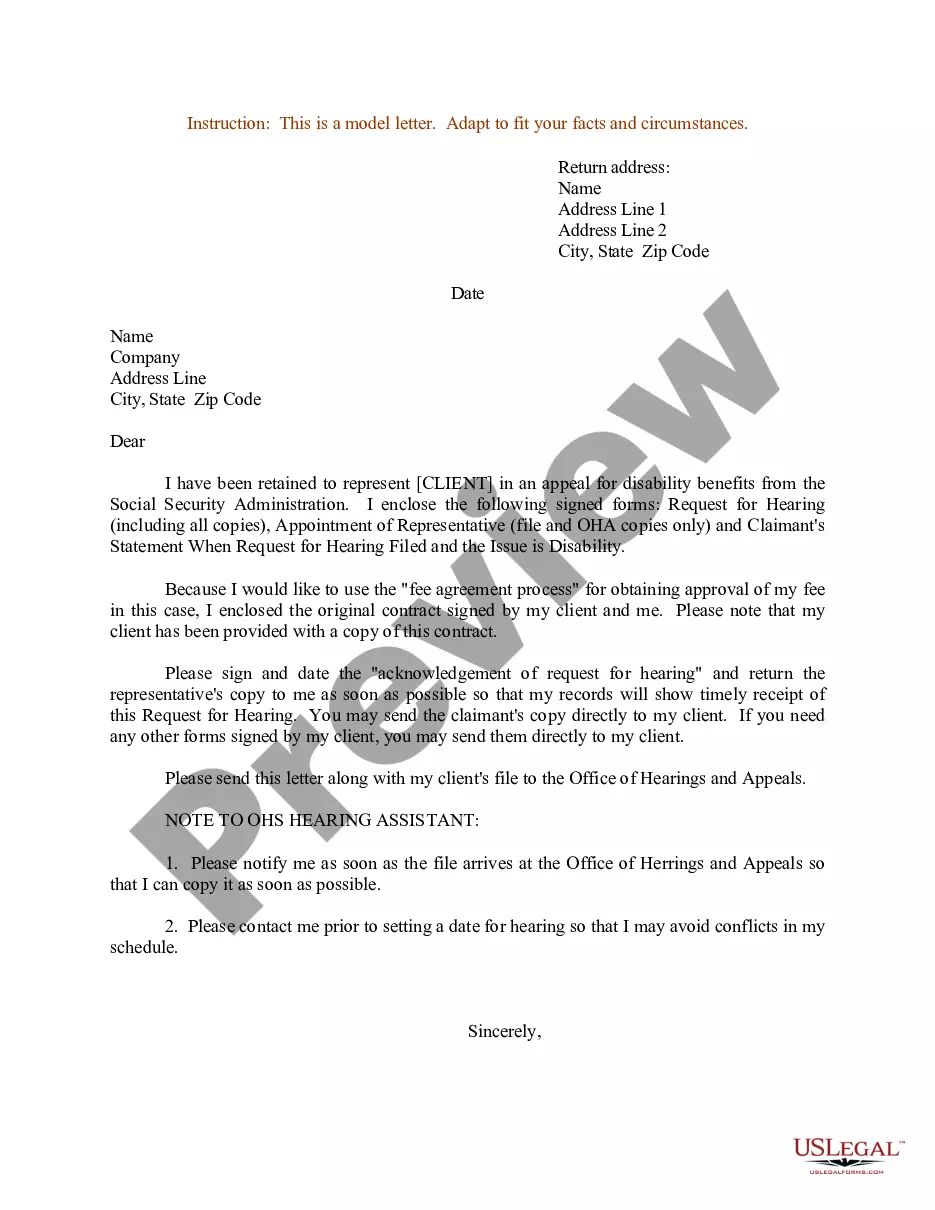

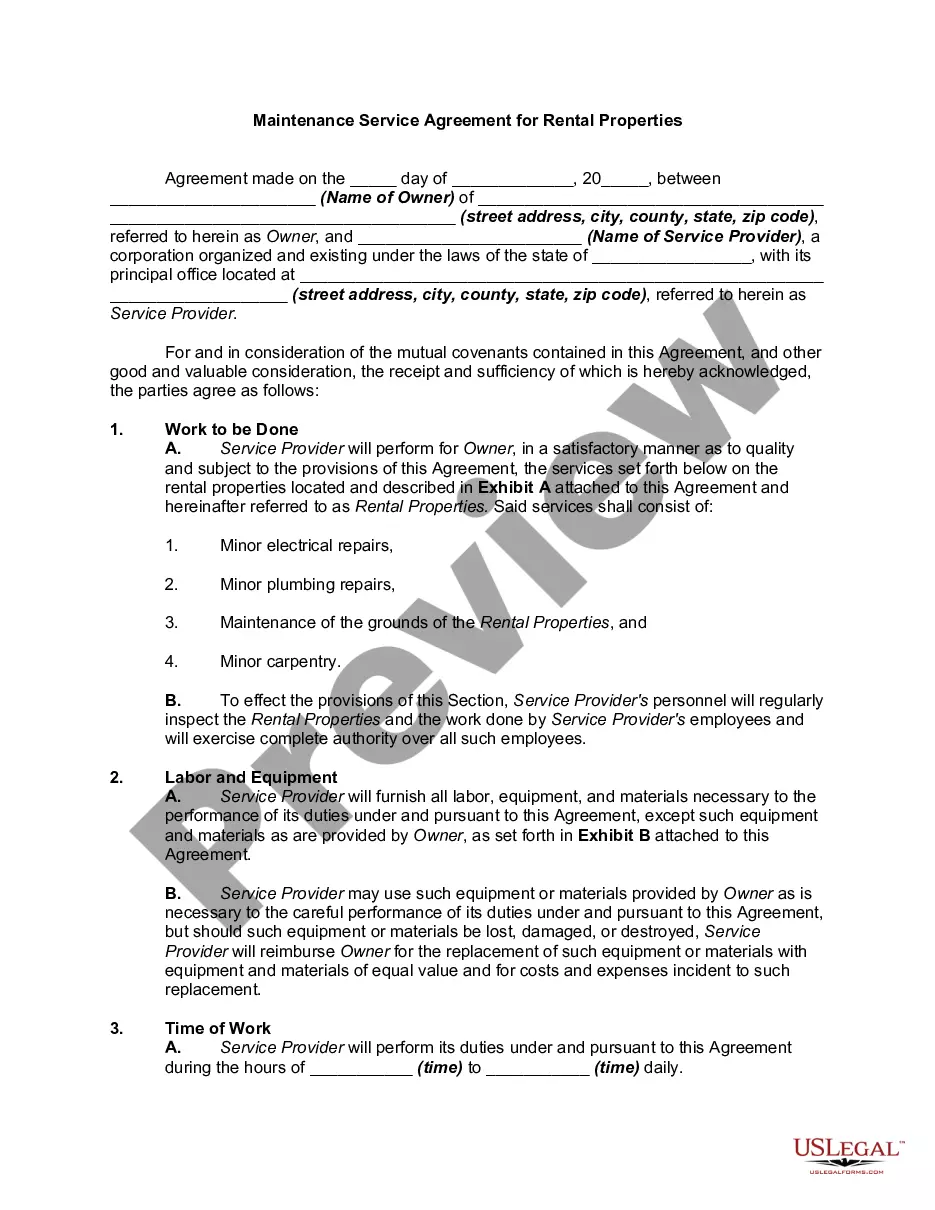
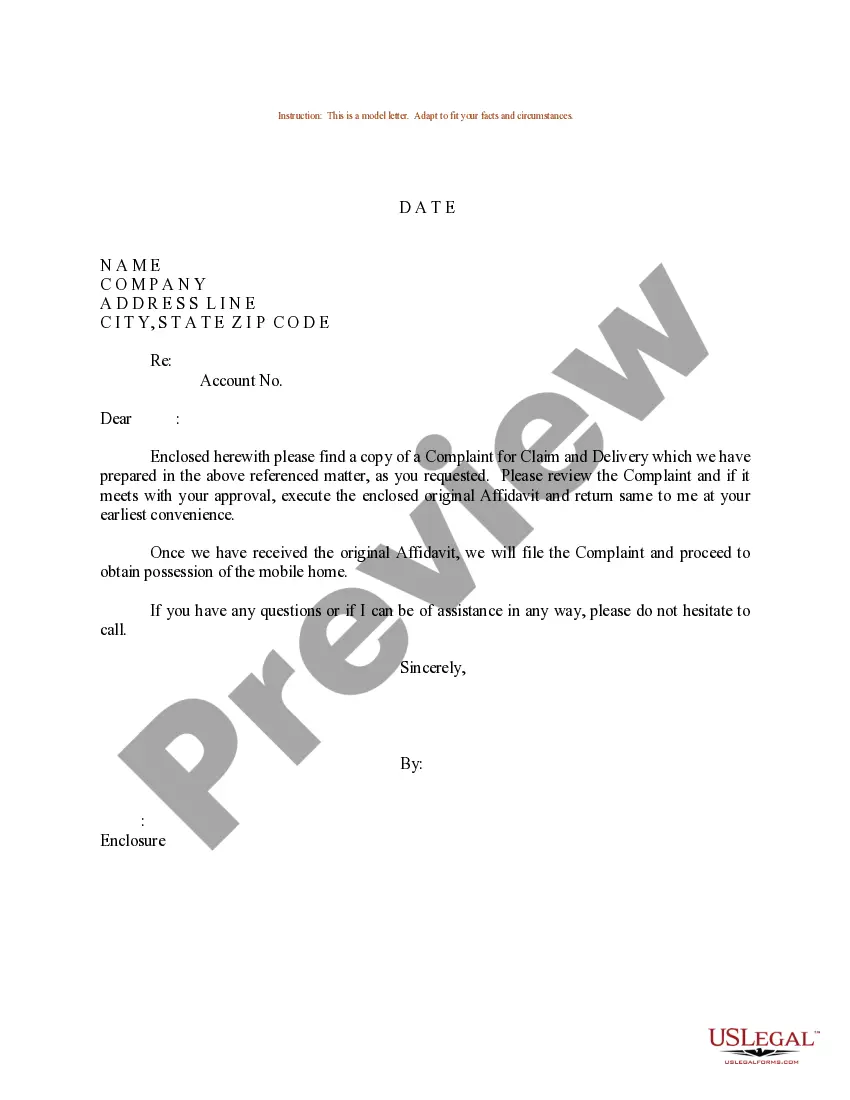

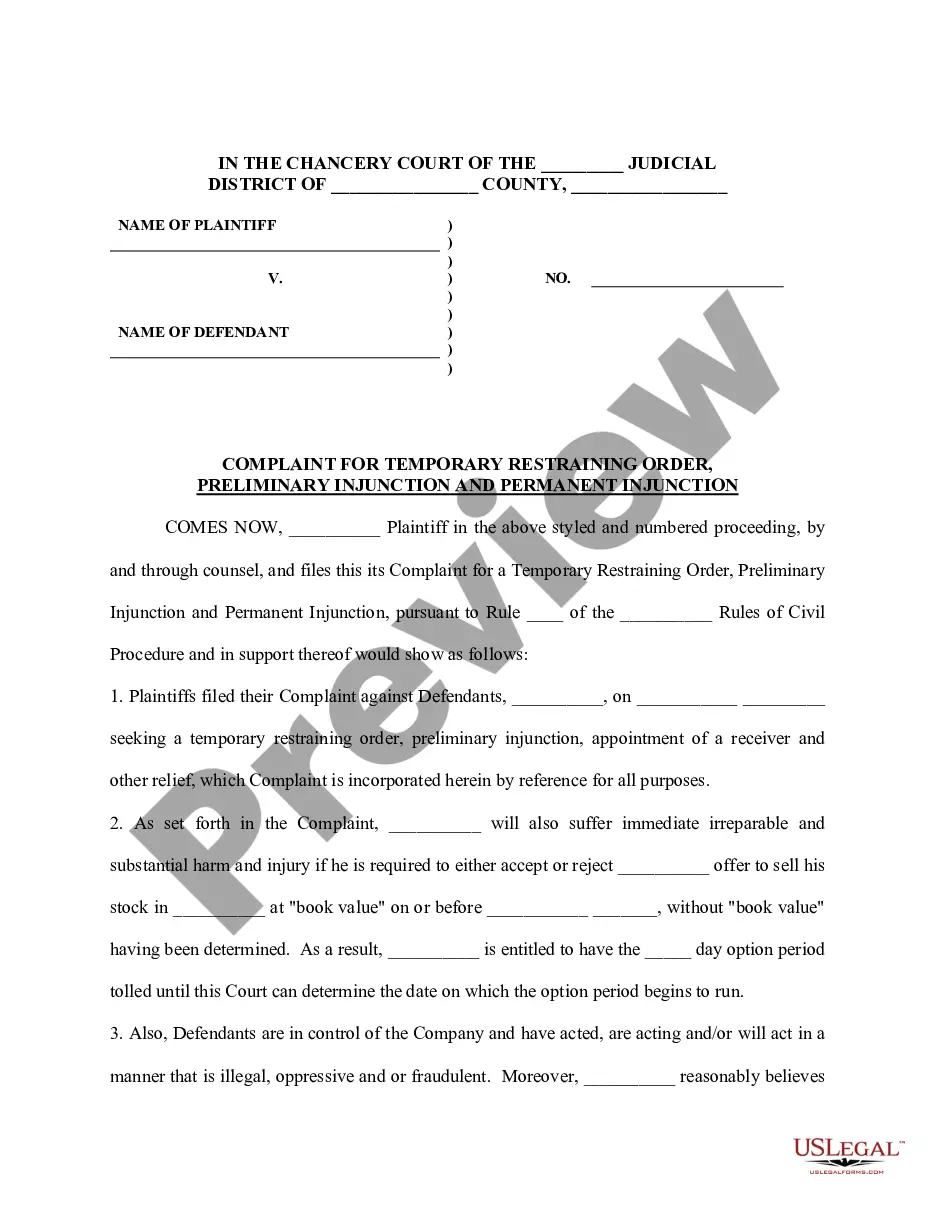
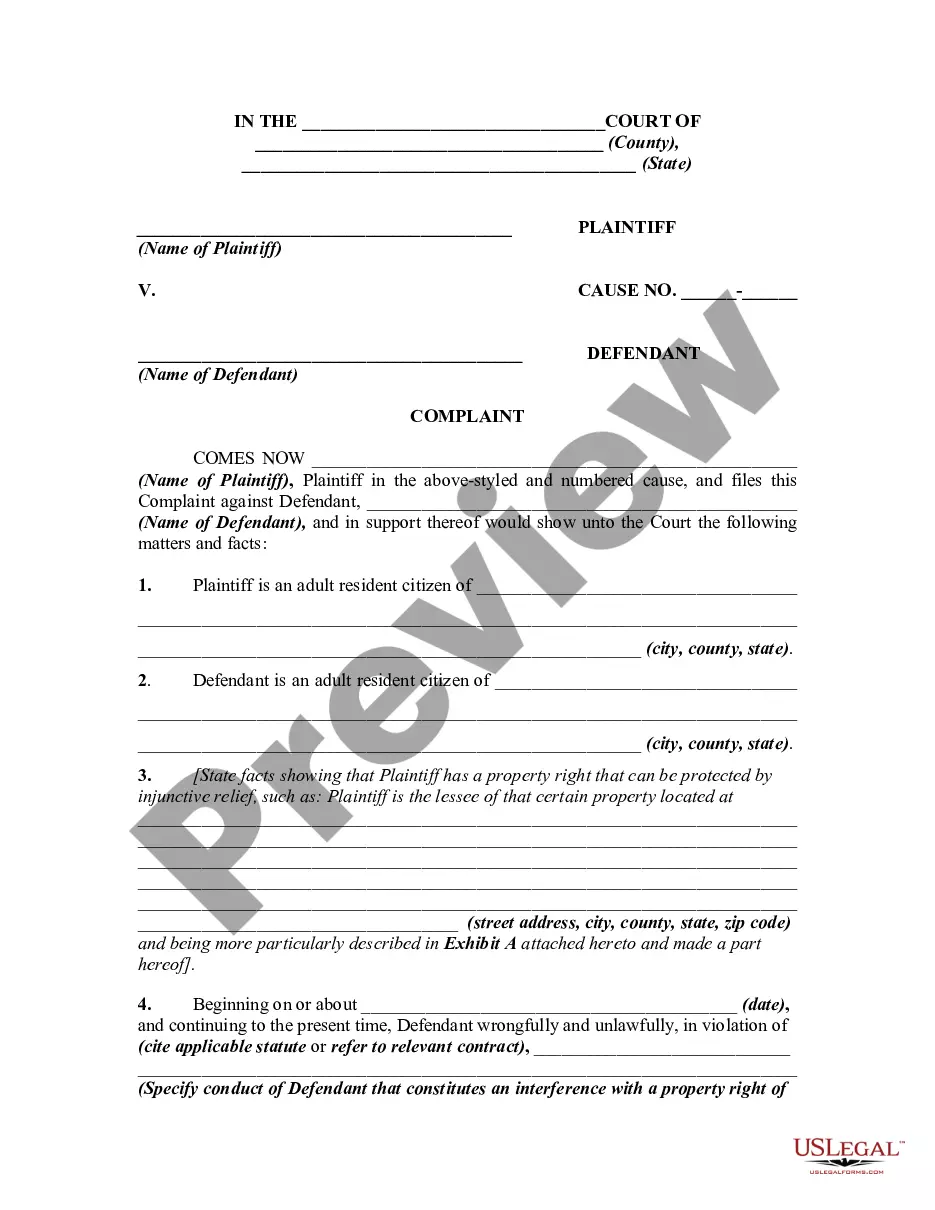
How to fill out Complaint For Injunction - Covenant Not To Compete?
Legal documentation management can be overwhelming, even for experienced professionals.
When you are seeking a Non Compete Agreement for a 1099 Employee and don’t have the time to devote to finding the suitable and current version, the process can be challenging.
With US Legal Forms, you can access state- or county-specific legal and business forms. US Legal Forms meets all needs you may have, from personal to business documentation, all in one location.
If you have a subscription, Log In to your US Legal Forms account, search for the form, and acquire it. Review your My documents tab to see the documents you previously saved and to manage your folders as desired.
Take advantage of the US Legal Forms online catalog, supported by 25 years of experience and reliability. Transform your daily document management into a straightforward and user-friendly process today.
- Verify it is the correct form by previewing it and reviewing its details.
- Ensure that the sample is valid in your state or county.
- Select Buy Now when you are prepared.
- Choose a monthly subscription plan.
- Select the format you require, and Download, complete, sign, print, and send your document.
- Utilize cutting-edge tools to complete and manage your Non Compete Agreement for a 1099 Employee.
- Access a collection of articles, guides, and resources related to your situation and needs.
- Save time and energy searching for the documents you require, and use US Legal Forms’ advanced search and Preview feature to locate the Non Compete Agreement for a 1099 Employee and obtain it.
Form popularity
FAQ
How do I create an Independent Contractor Agreement? State the location. ... Describe the type of service required. ... Provide the contractor's and client's details. ... Outline compensation details. ... State the agreement's terms. ... Include any additional clauses. ... State the signing details.
Compensatory Damages These are financial damages that the court may award you for any losses you may suffer due to the breach of contract. Compensatory damages are not a form of punishment for the breaching party. Instead, the costs are a way of restoring any money you spend on the project.
First, can a non-compete be enforced in a 1099 independent contractor agreement? Yes, they can, unless it's in a state where, as I said before, it's completely unenforceable. In most non-compete, it's going to state that the professional can't do their specific profession. It will also state for how long.
Under Texas law, the covenant not to compete must be supported by valid consideration. Also, the restrictions must be reasonable. Thus, while binding an independent contractor is possible under the Texas noncompete statute, the usual statutory requirements must be observed.
Independent contractors in Texas, and those who hire them, often wonder whether independent contractors can be bound by a non-compete agreement under Texas Law. The answer is yes. In Texas, there is no prohibition against binding an independent contractor to a non-compete agreement.