Certificate Incorporation With Withholding
Description
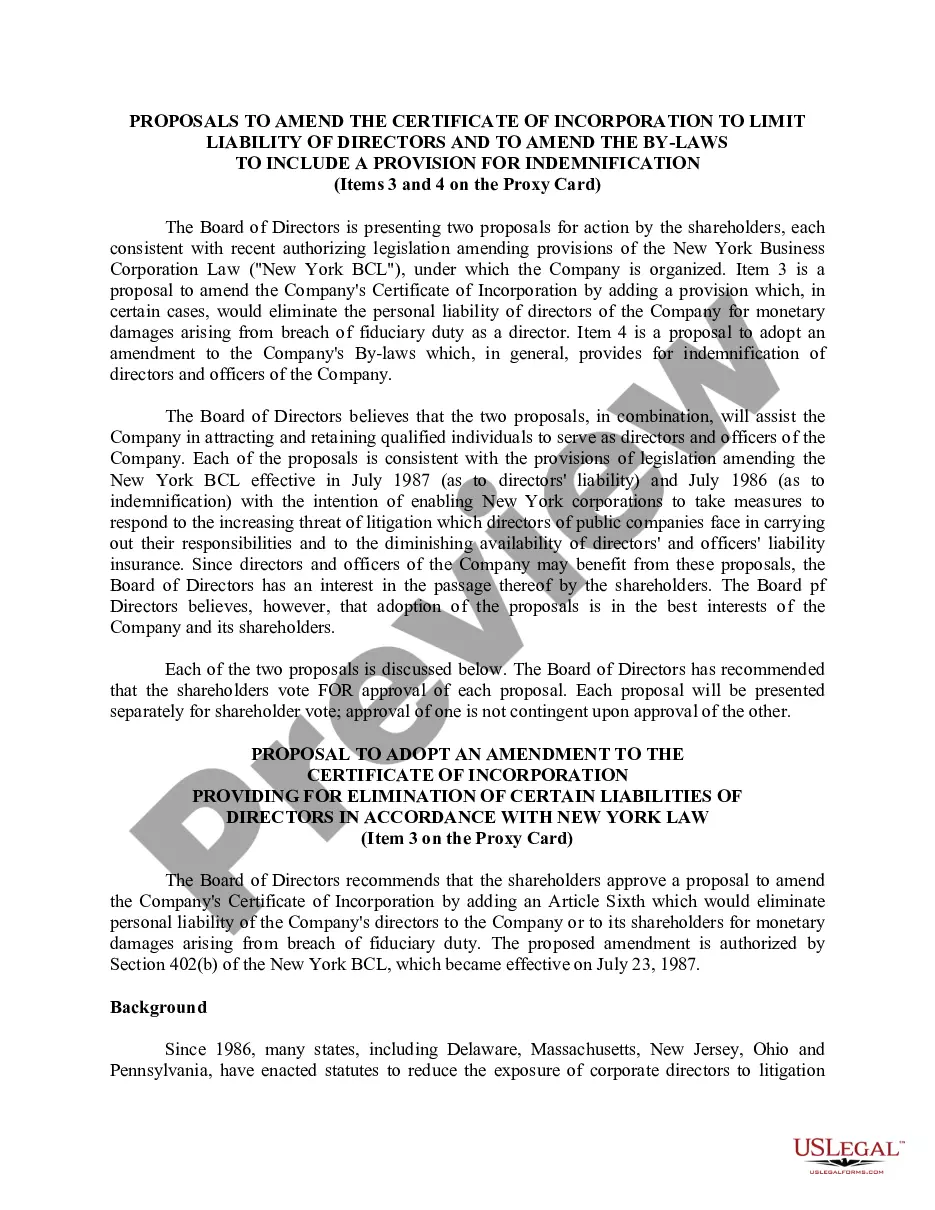
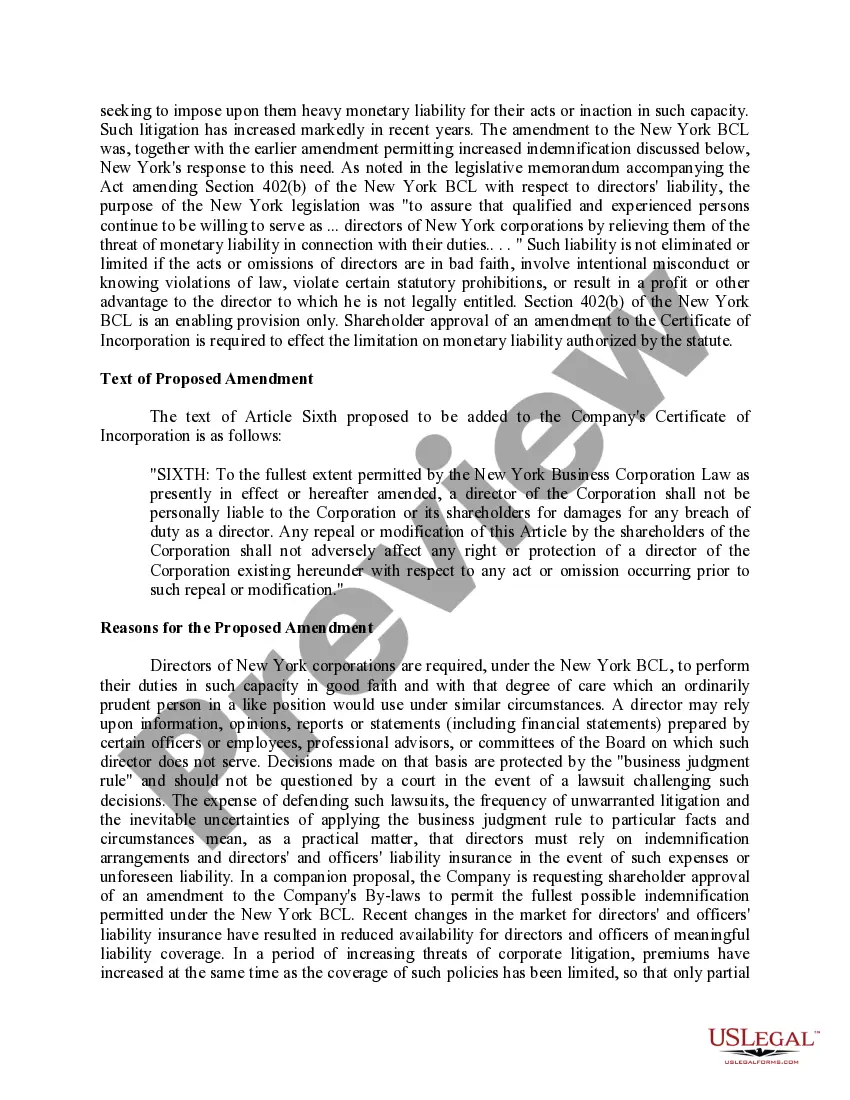
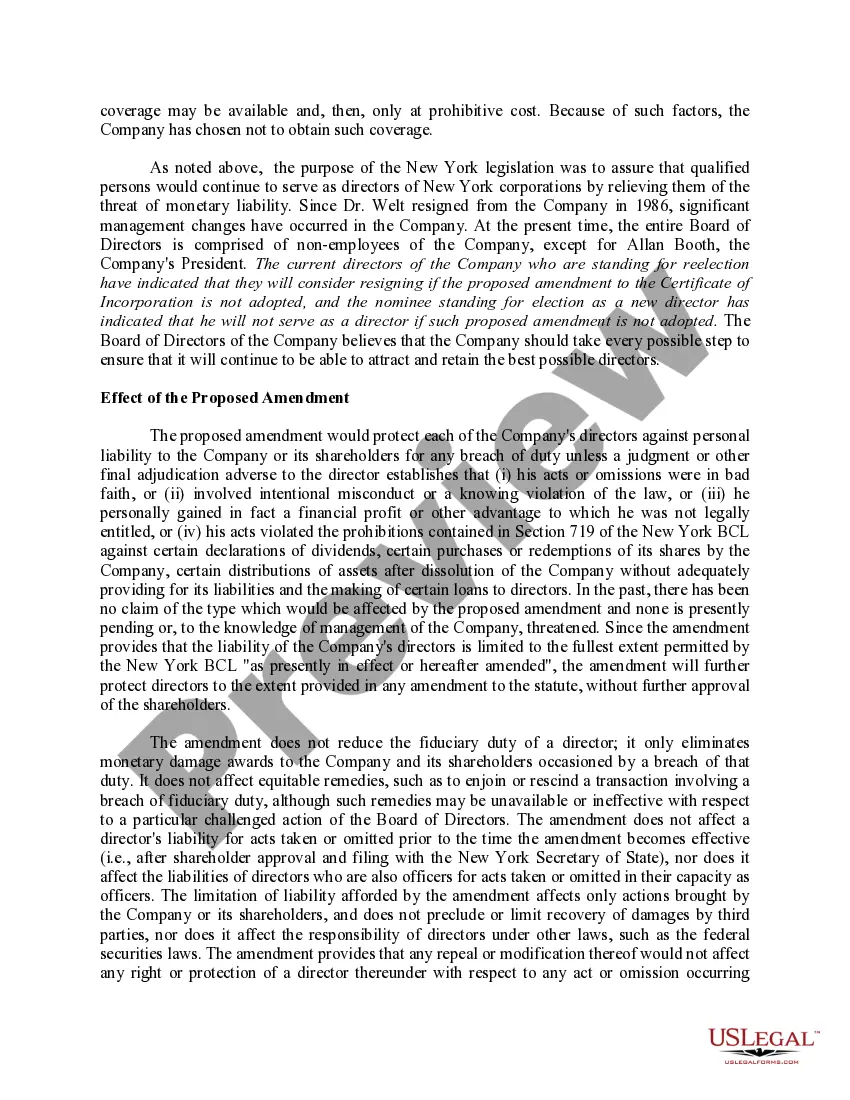
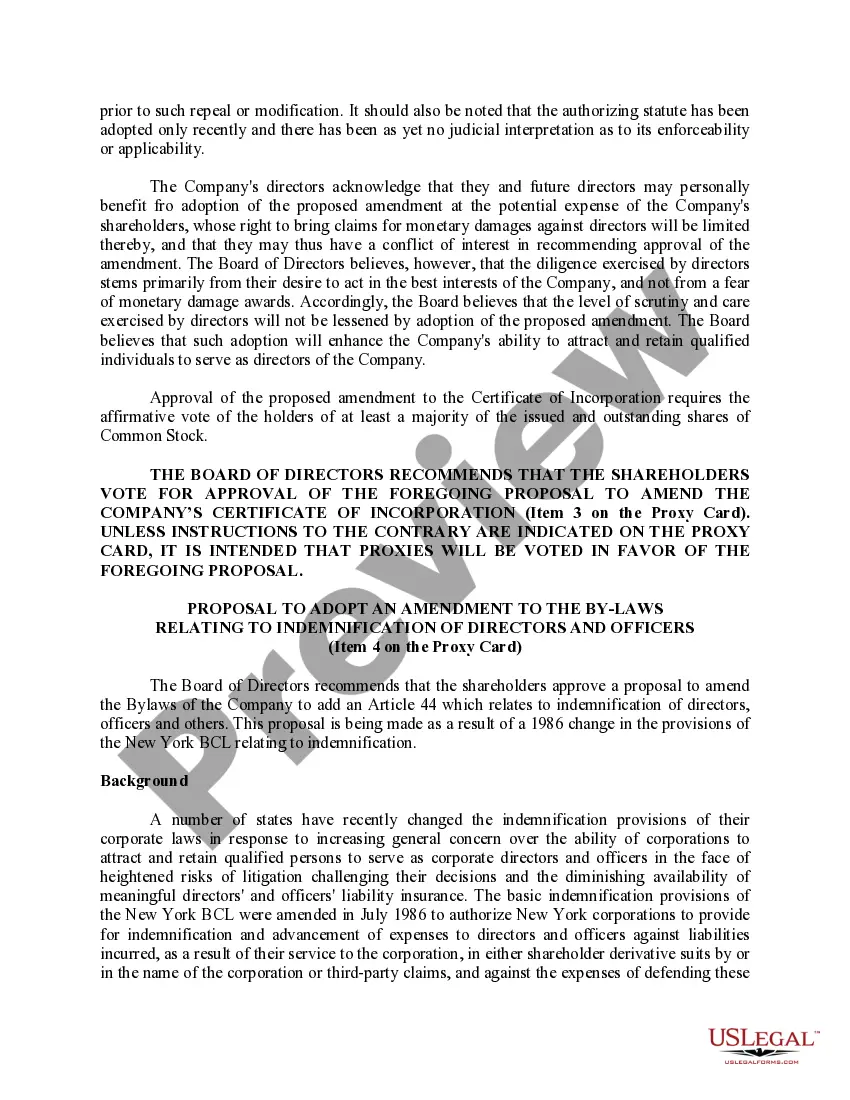

Get your form ready online
Our built-in tools help you complete, sign, share, and store your documents in one place.
Make edits, fill in missing information, and update formatting in US Legal Forms—just like you would in MS Word.
Download a copy, print it, send it by email, or mail it via USPS—whatever works best for your next step.
Sign and collect signatures with our SignNow integration. Send to multiple recipients, set reminders, and more. Go Premium to unlock E-Sign.
If this form requires notarization, complete it online through a secure video call—no need to meet a notary in person or wait for an appointment.
We protect your documents and personal data by following strict security and privacy standards.

Make edits, fill in missing information, and update formatting in US Legal Forms—just like you would in MS Word.

Download a copy, print it, send it by email, or mail it via USPS—whatever works best for your next step.

Sign and collect signatures with our SignNow integration. Send to multiple recipients, set reminders, and more. Go Premium to unlock E-Sign.

If this form requires notarization, complete it online through a secure video call—no need to meet a notary in person or wait for an appointment.

We protect your documents and personal data by following strict security and privacy standards.
Looking for another form?


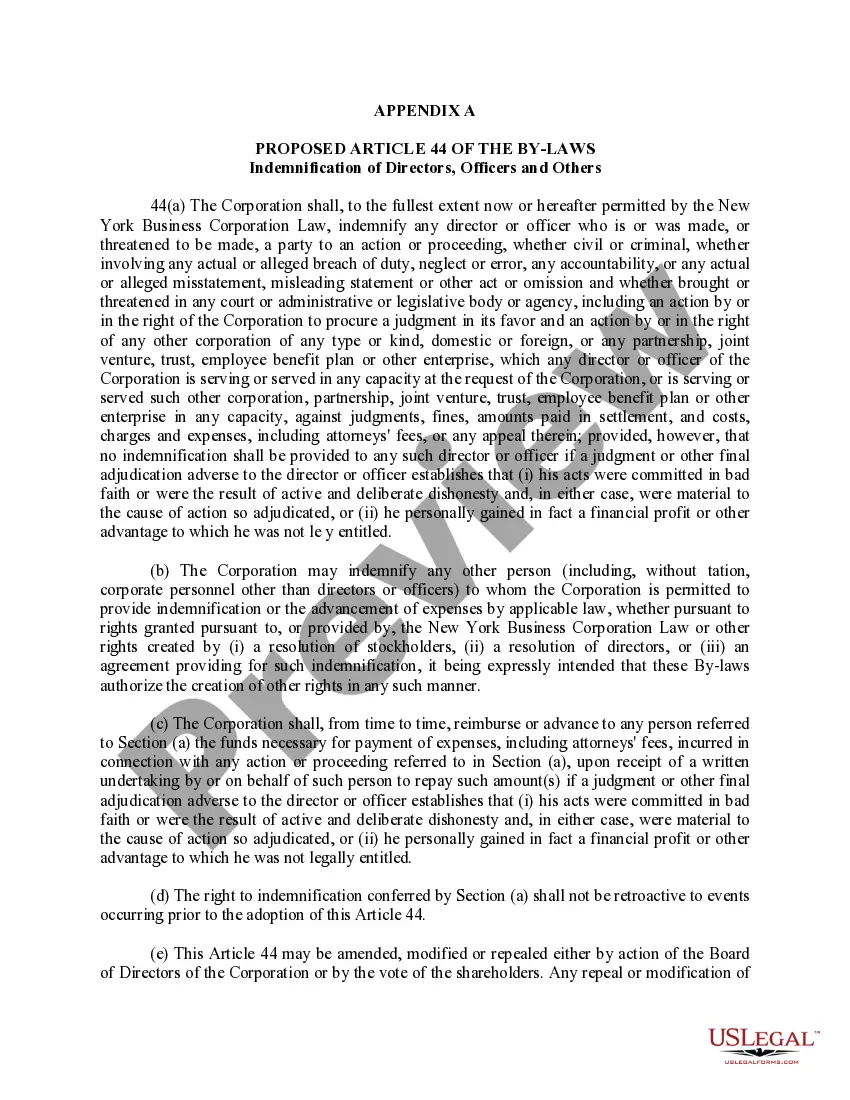
How to fill out Proposal To Amend Certificate Of Incorporation With Copy Of Proposed Article Of Bylaws?
Managing legal papers and processes can be a lengthy addition to your entire day.
Certificate Incorporation With Withholding and similar documents generally require you to seek them out and learn how to fill them out accurately.
Consequently, if you are handling financial, legal, or personal issues, having a comprehensive and user-friendly online directory of forms at your disposal will greatly assist.
US Legal Forms is the leading online platform for legal templates, featuring over 85,000 state-specific documents and various tools to help you complete your paperwork smoothly.
Is it your first time using US Legal Forms? Register and create a free account in a matter of minutes, granting you access to the form directory and Certificate Incorporation With Withholding. Then, follow the steps below to complete your form.
- Browse the collection of relevant documents available to you with just one click.
- US Legal Forms provides state- and county-specific documents accessible anytime for download.
- Safeguard your document management tasks with a premium service that enables you to assemble any form within minutes without any additional or hidden charges.
- Simply Log In to your account, find Certificate Incorporation With Withholding, and obtain it right away from the My documents section.
- You can also retrieve forms you have saved previously.
Form popularity
FAQ
Annual report fees in South Carolina are paid via licensing fees and income tax. Both S and C corporations must pay a licensing fee of $15 plus 0.1% of capital, and cannot be lower than $25.
To submit the CL-1 to the SCDOR while registering a new business, use our online tax portal, MyDORWAY.dor.sc.gov. Select Business Tax Application to get started. During the registration process, you'll be prompted to pay the $25 minimum License Fee.
To register a foreign corporation in South Carolina, you must file a South Carolina Application for Certificate of Authority with the South Carolina Secretary of State, Business Filings Division. You can submit this document by mail, in person, or online.
To register a foreign nonprofit in the State of South Carolina, you must file an Application by a Foreign Nonprofit Corporation for a Certificate of Authority to Transact Business with the South Carolina Secretary of State. You can submit this document by mail.
Yes! All businesses that are taxed as an S or C corporation must include an initial report (Form CL-1) along with their Articles of Formation, Articles of Organization, or Certificate of Authority to Transact Business in South Carolina.
To register a foreign LLC in South Carolina, you'll need to file an Application for Certificate of Authority with the South Carolina Secretary of State and pay a $110 fee ($125 if filing online).
LLC taxes and fees The following are taxation requirements and ongoing fees for South Carolina LLCs: Annual report. South Carolina does not require LLCs to file an annual report.
CL-1 The Initial Annual Report of Corporations. This form is filed with the South Carolina Department of Revenue. $25.00.