Citibank Form Statement For Entities
Description
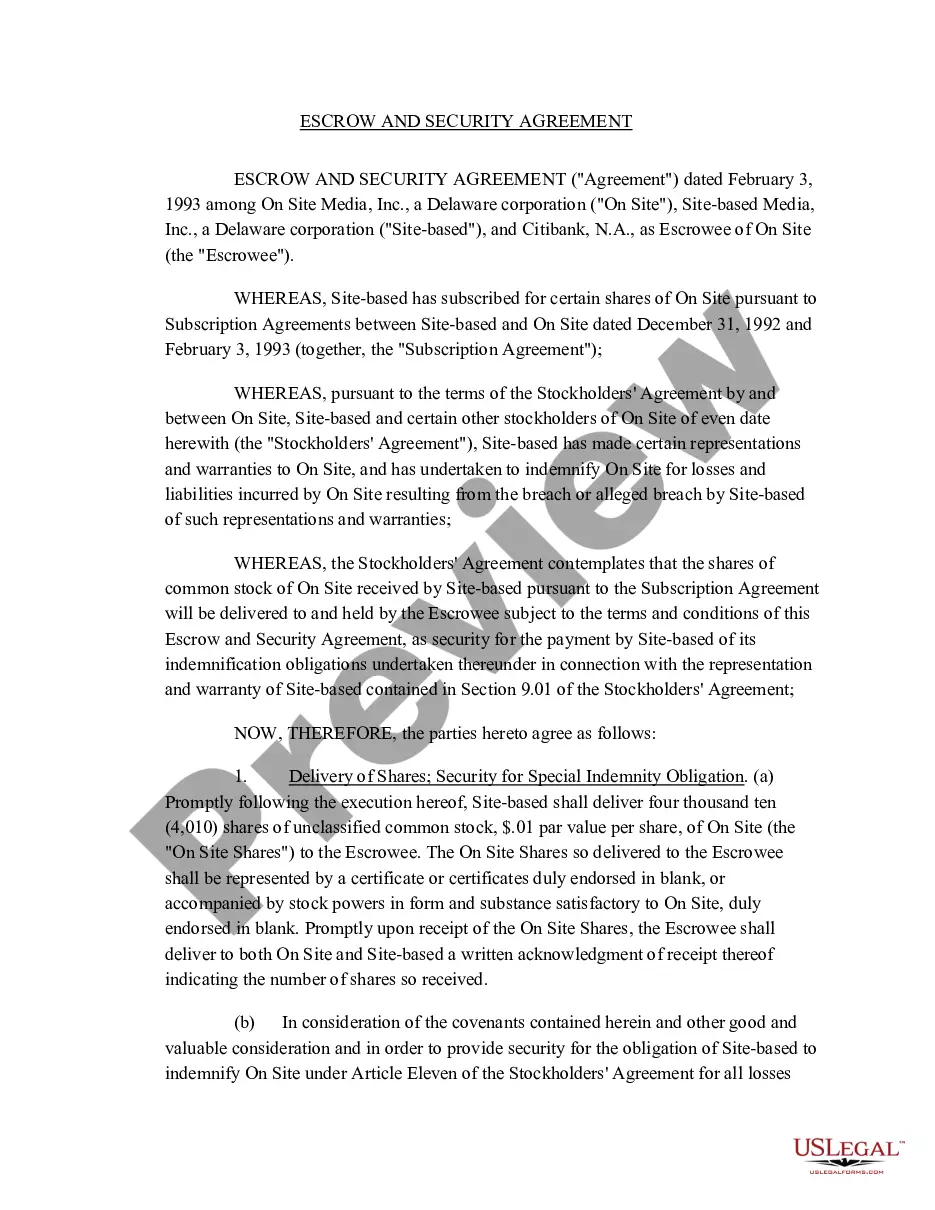
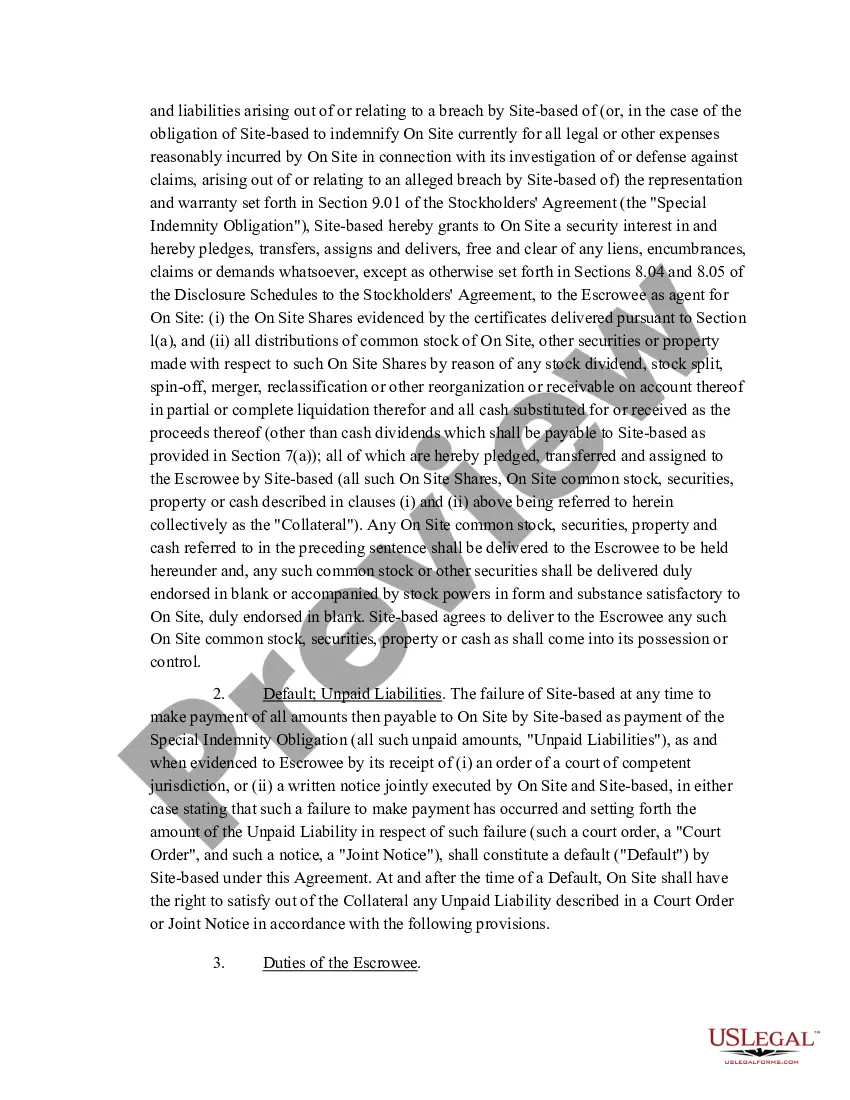
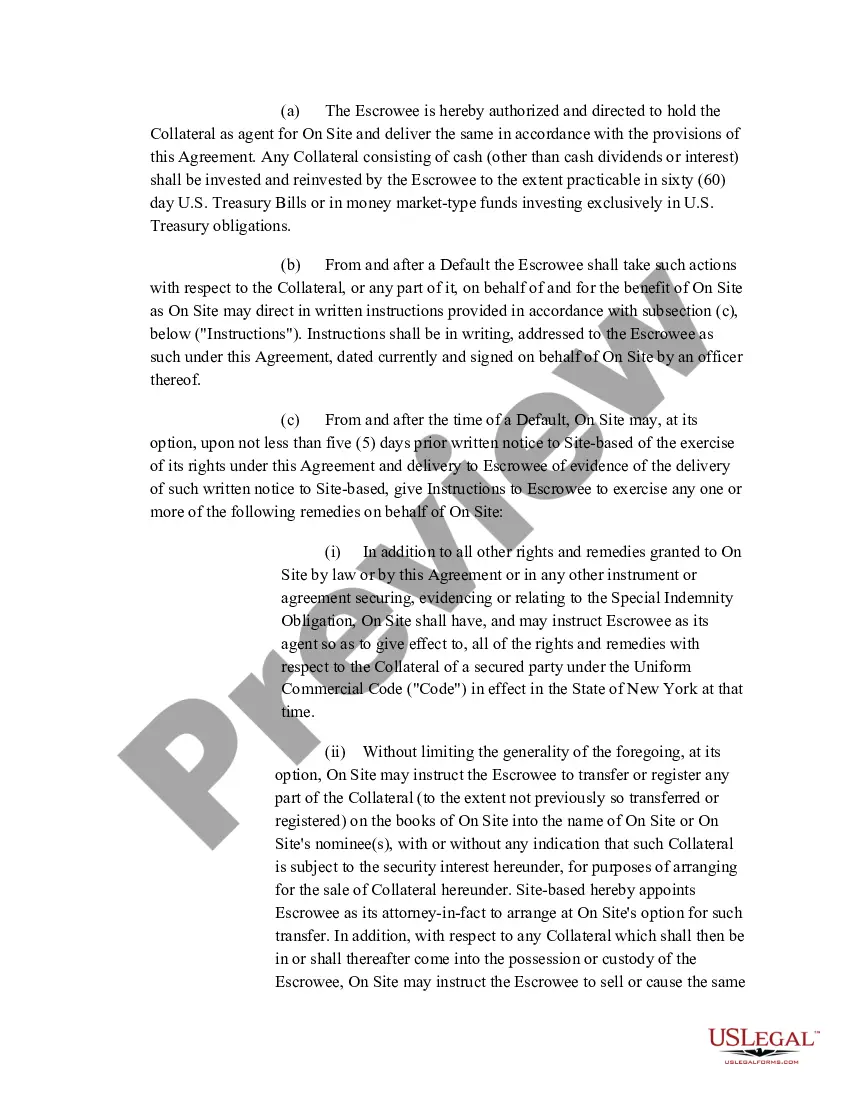
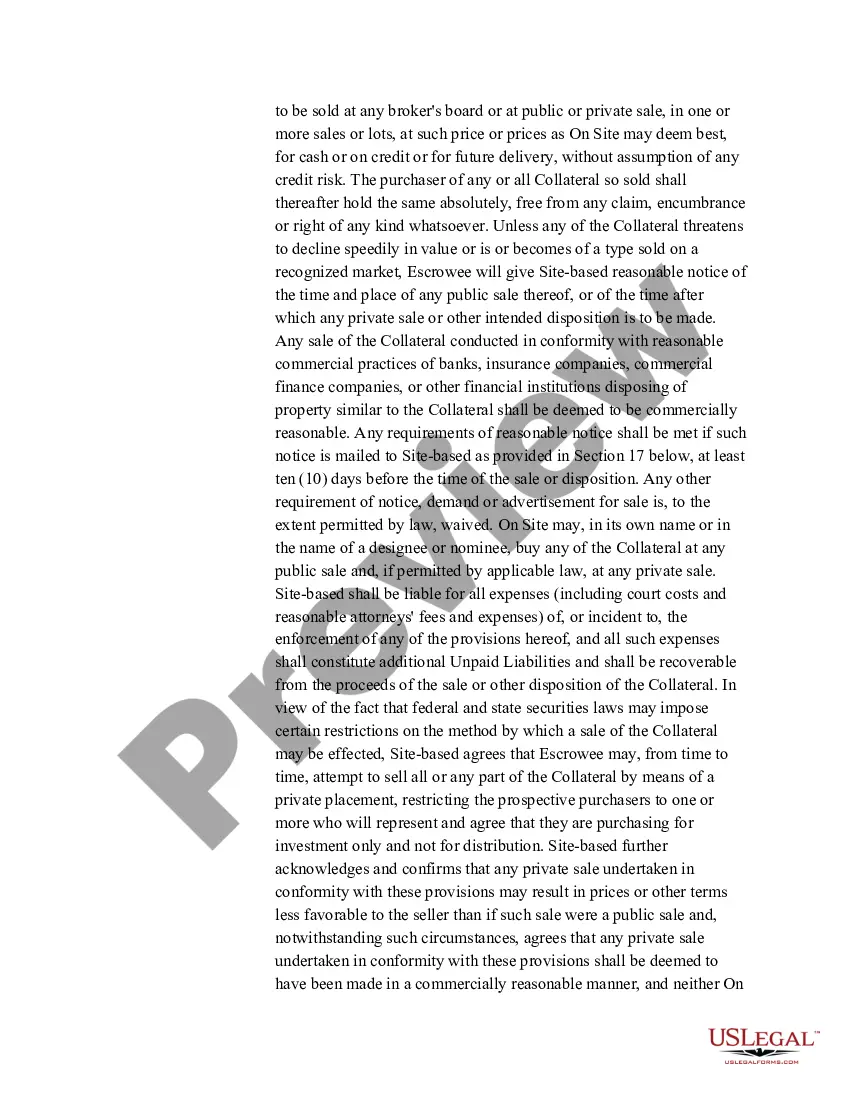
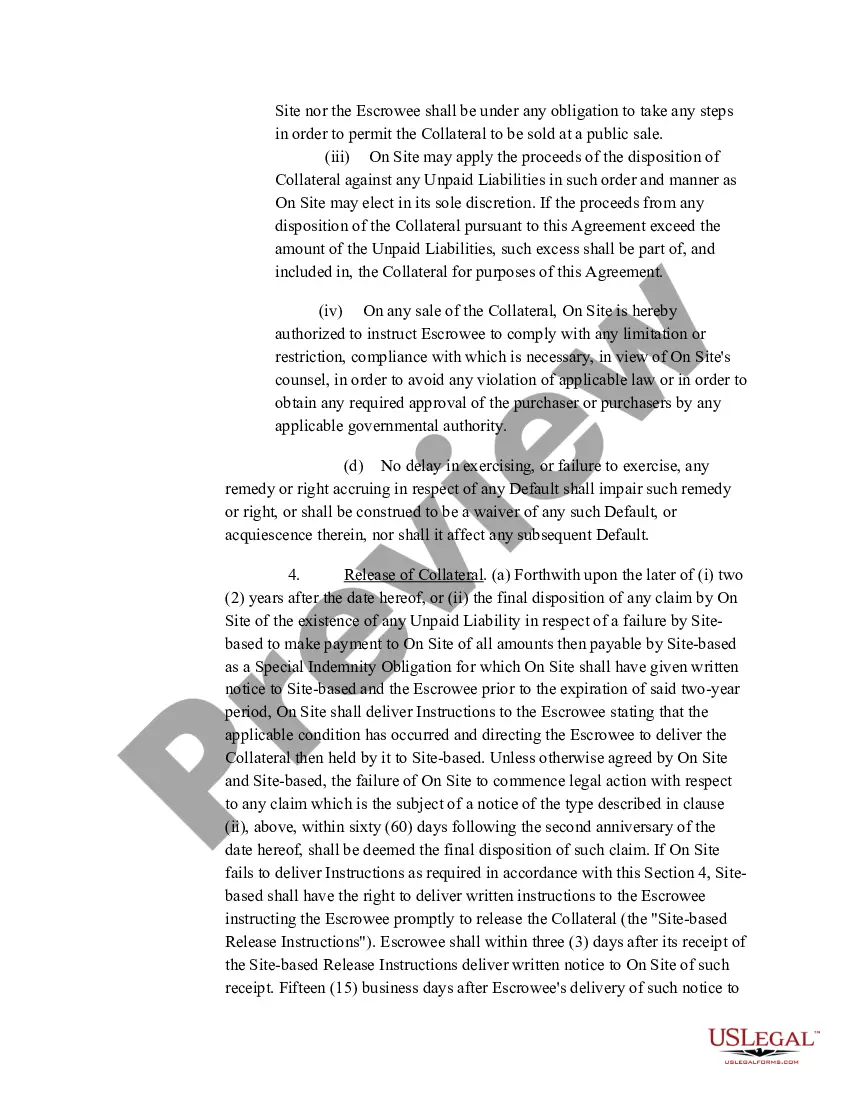
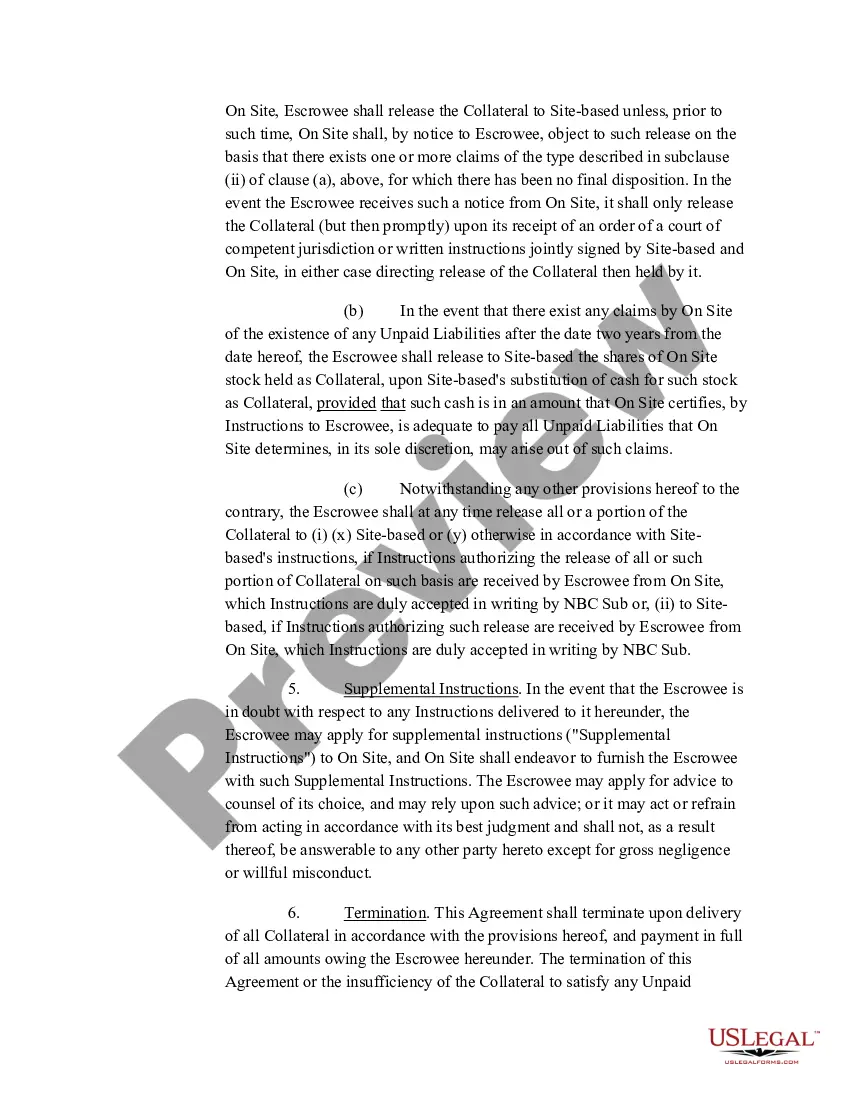
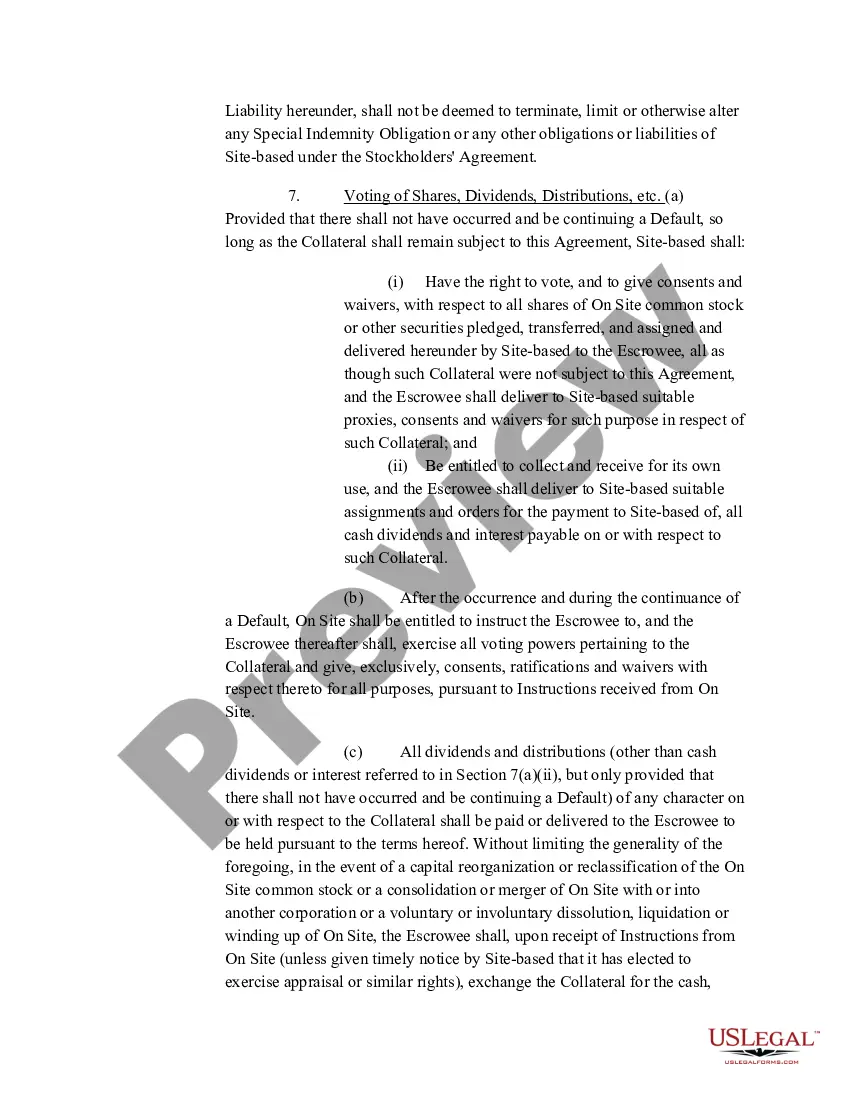
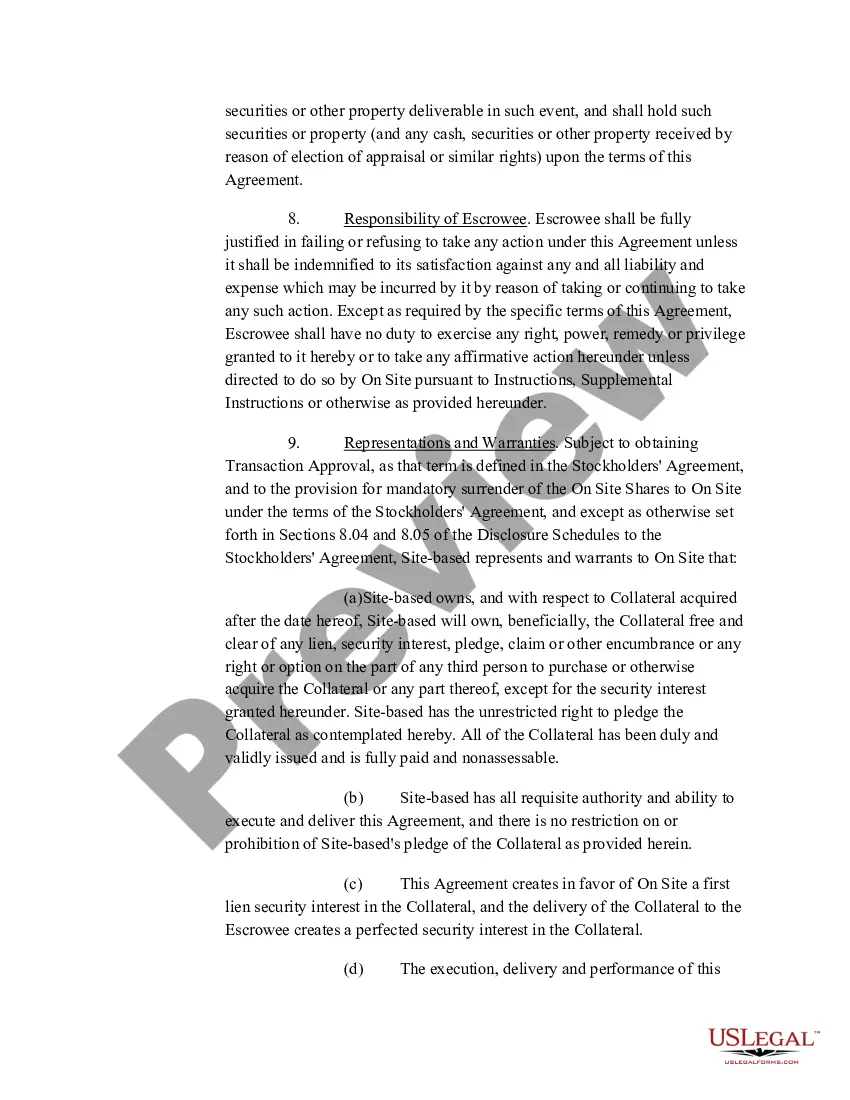
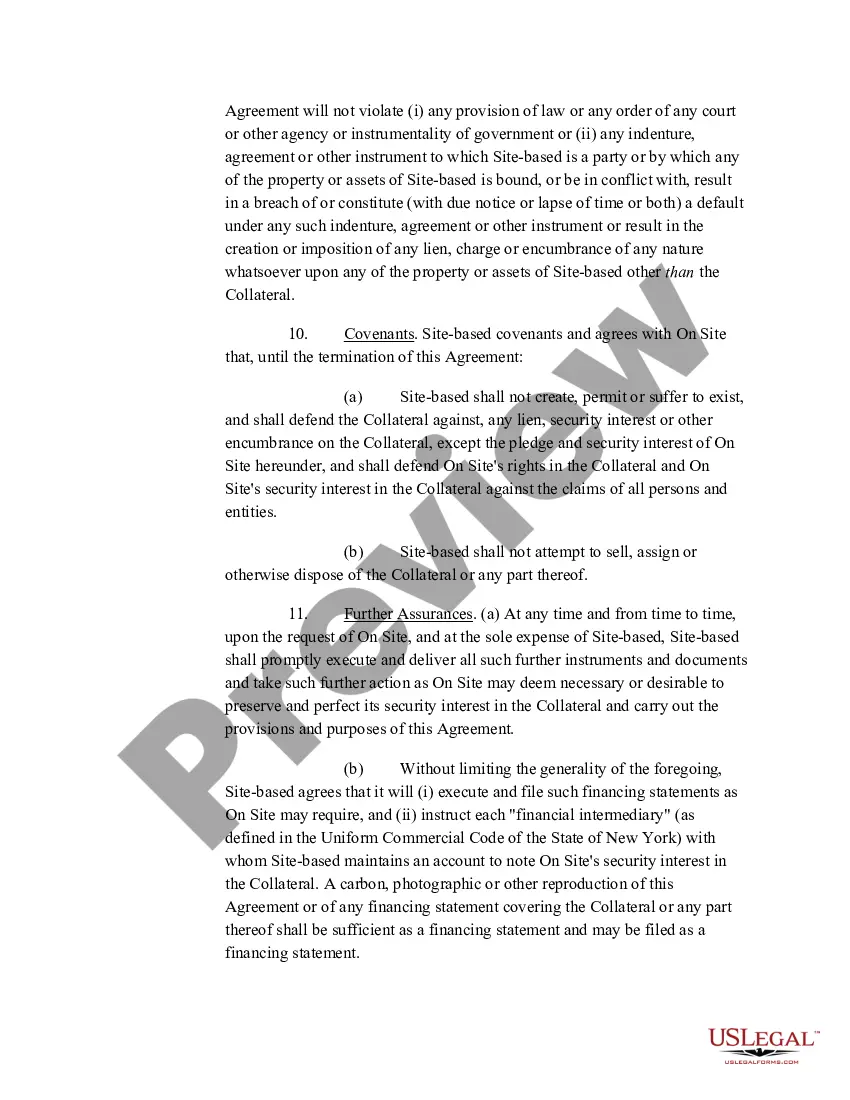
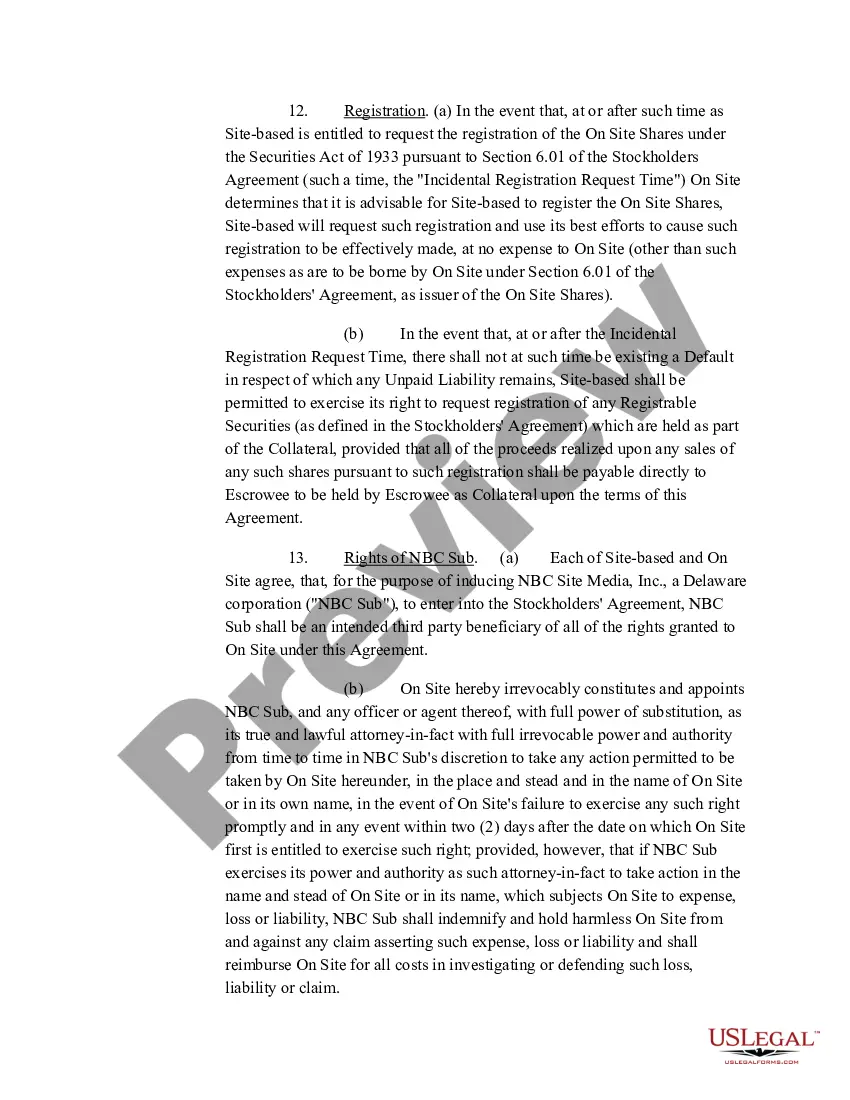

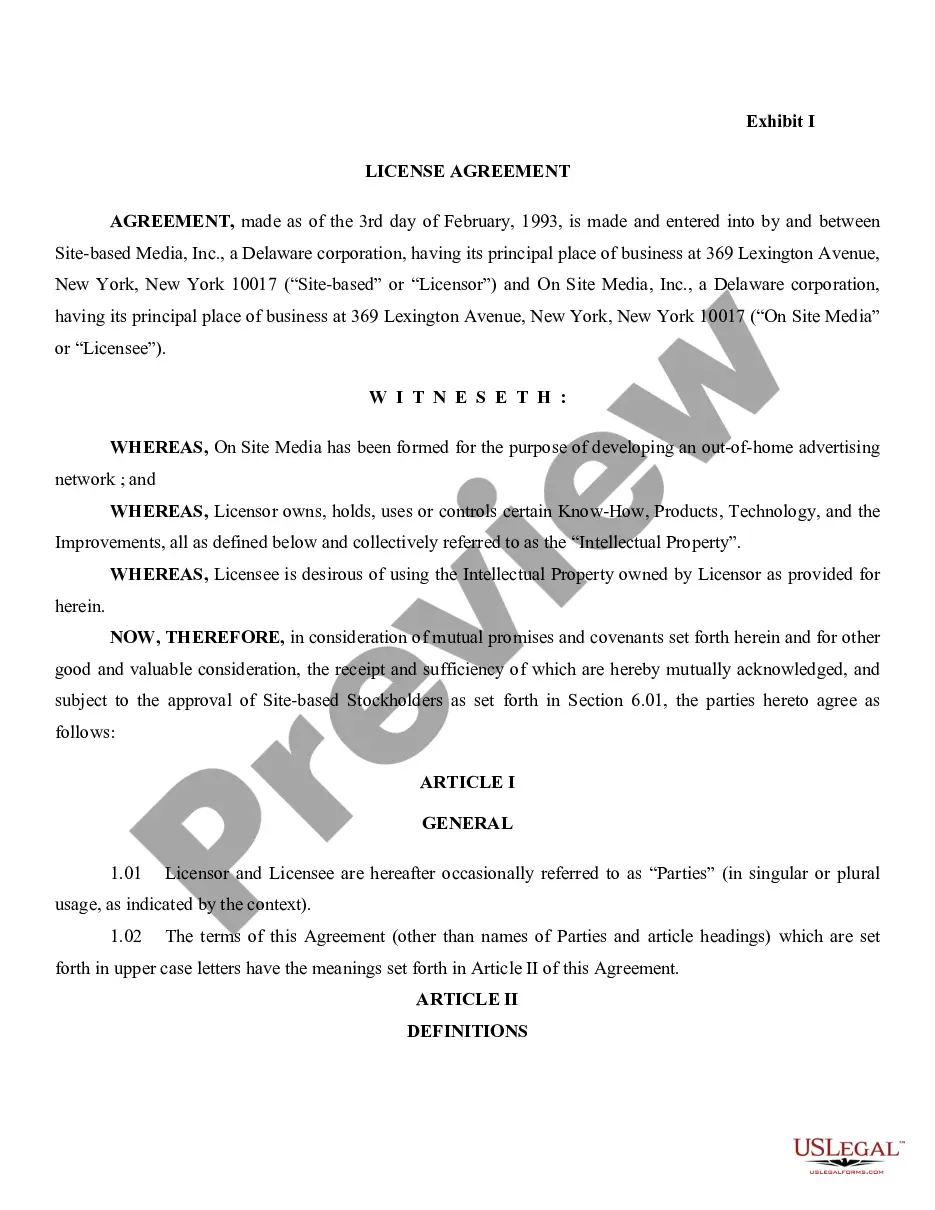
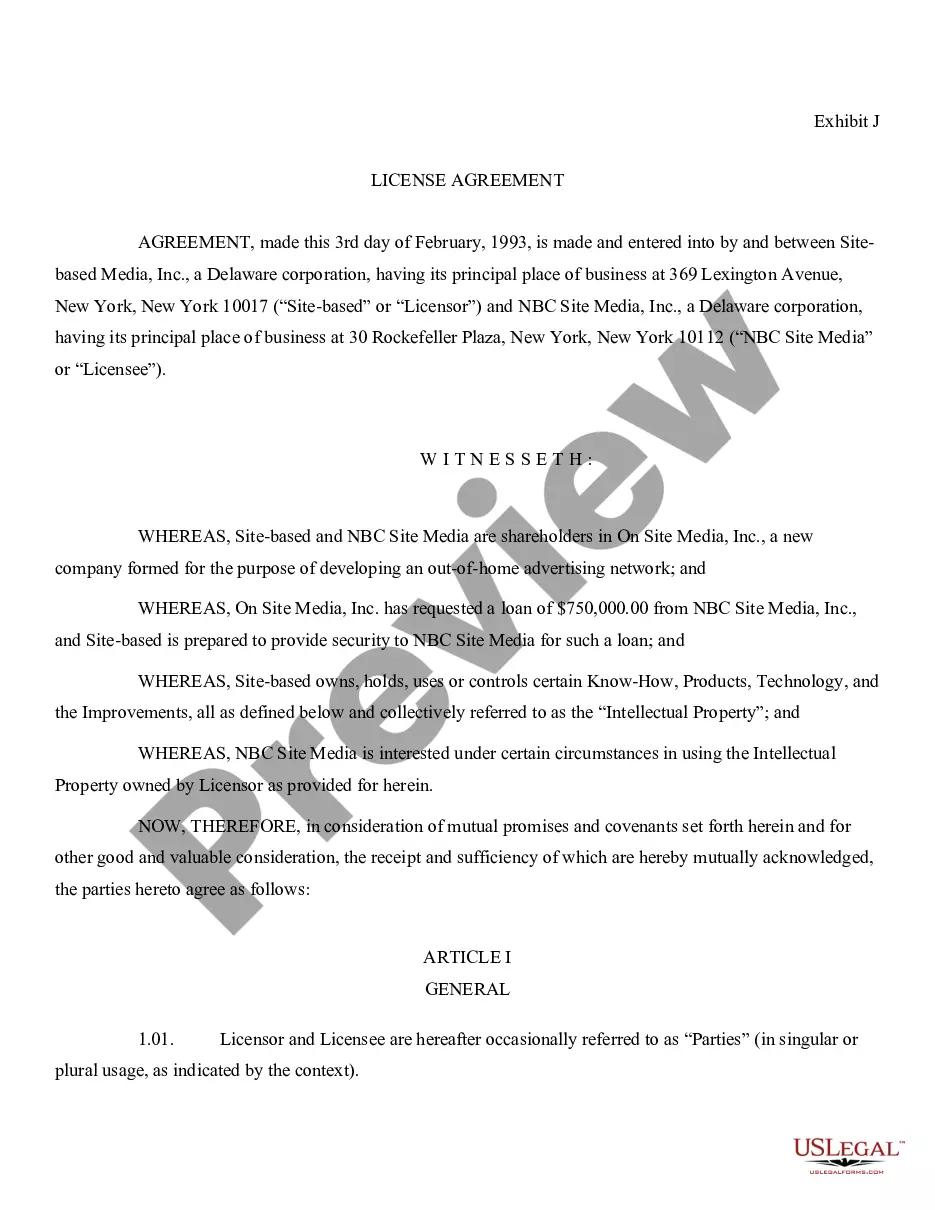
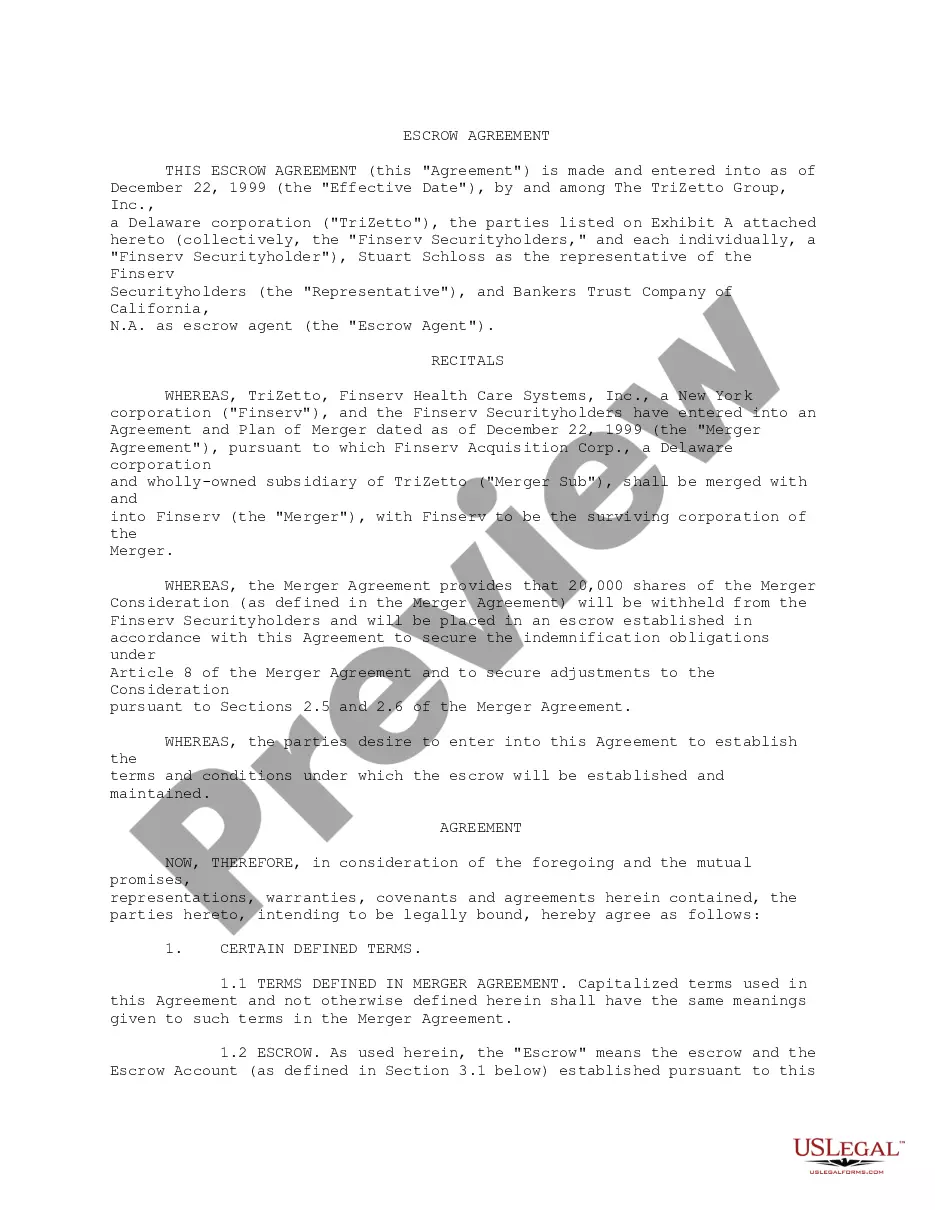






How to fill out Escrow And Security Agreement Between On Site Media, Inc., Site-Based Media, Inc., And Citibank, N.A.?
It’s clear that you cannot become a legal professional instantly, nor can you determine how to swiftly create a Citibank Form Statement For Entities without specialized training.
Producing legal documents is a lengthy task that necessitates specific education and competencies.
So, why not entrust the creation of the Citibank Form Statement For Entities to the experts.
You can re-access your documents from the My documents section at any time. If you’re a current client, you can simply Log In, and locate and download the template from the same section.
No matter the intent of your documentation—whether financial, legal, or personal—our platform has what you need. Try US Legal Forms today!
- Locate the form you require using the search bar at the top of the webpage.
- View it (if this feature is available) and review the accompanying description to determine if Citibank Form Statement For Entities is what you need.
- Initiate your search again if you require another form.
- Create a free account and choose a subscription plan to purchase the template.
- Click Buy now. Once the payment has been finalized, you can obtain the Citibank Form Statement For Entities, complete it, print it, and send or mail it to the appropriate individuals or organizations.
Form popularity
FAQ
The CRS self-certification form is designed for individuals and entities to declare their tax residency in alignment with the Common Reporting Standard. This form ensures that financial institutions can accurately report information to tax authorities, preventing tax evasion. By filling out this form, you contribute to a comprehensive global effort for financial transparency. When dealing with such documentation, consider the Citibank form statement for entities to streamline your reporting process.
certification form is a document that individuals or entities complete to confirm their personal or business tax details to financial institutions. It is crucial for compliance with local and international tax regulations. This form serves as a selfreported affirmation of one's tax status, making it a vital tool for financial transparency. Utilizing the Citibank form statement for entities can simplify the selfcertification process.
On the Home Page, click on 'View Account Summary' on the left. Click on the required account for statement, e.g. your Savings Account. If you wish to download your statement, scroll down, enter the required details, choose file format (e.g. XLS file) and click on 'OK'. That's it, you're done!
You can sign up for Statement on E-mail by logging onto Citibank Online and selecting 'Statement on E-mail' under the Banking/Credit Card tab. You may also sign-up by calling our 24-Hr. CitiPhone Priority Service Numbers. Our CitiPhone officers will be happy to assist you.
How to download your Income Tax Statement Step 4a(1): To get your annual statement for Tax Filing, click on 'Annual Bank account statements and then on 'Request now' when redirected. Step 4a(2): To get your annual statement for Tax Filing, click on 'Annual Bank account statements and then on 'Request now' when redirected.
You will be prompted to enter your unique password, which should be a combination of the first four letters of your name (as mentioned on your Credit Card or Account Statement), followed by the first four numbers of your date of birth (in DD/MM/YYYY format).
EStatement access If you would like a Statement to be mailed to you with your personal information displayed, you will need to login to your account and select "Statement in your Inbox/Doorstep" option under eStatement link on the left navigation.