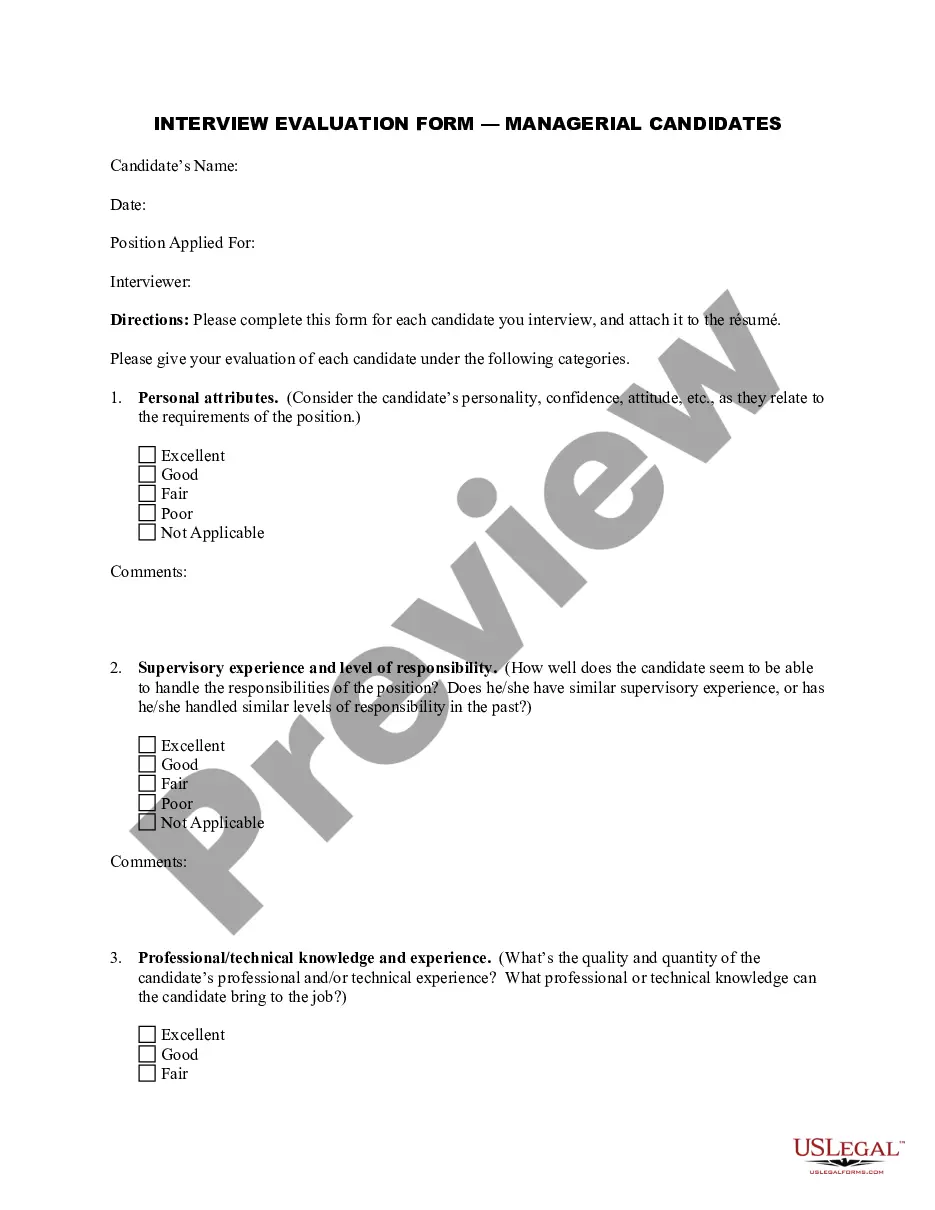
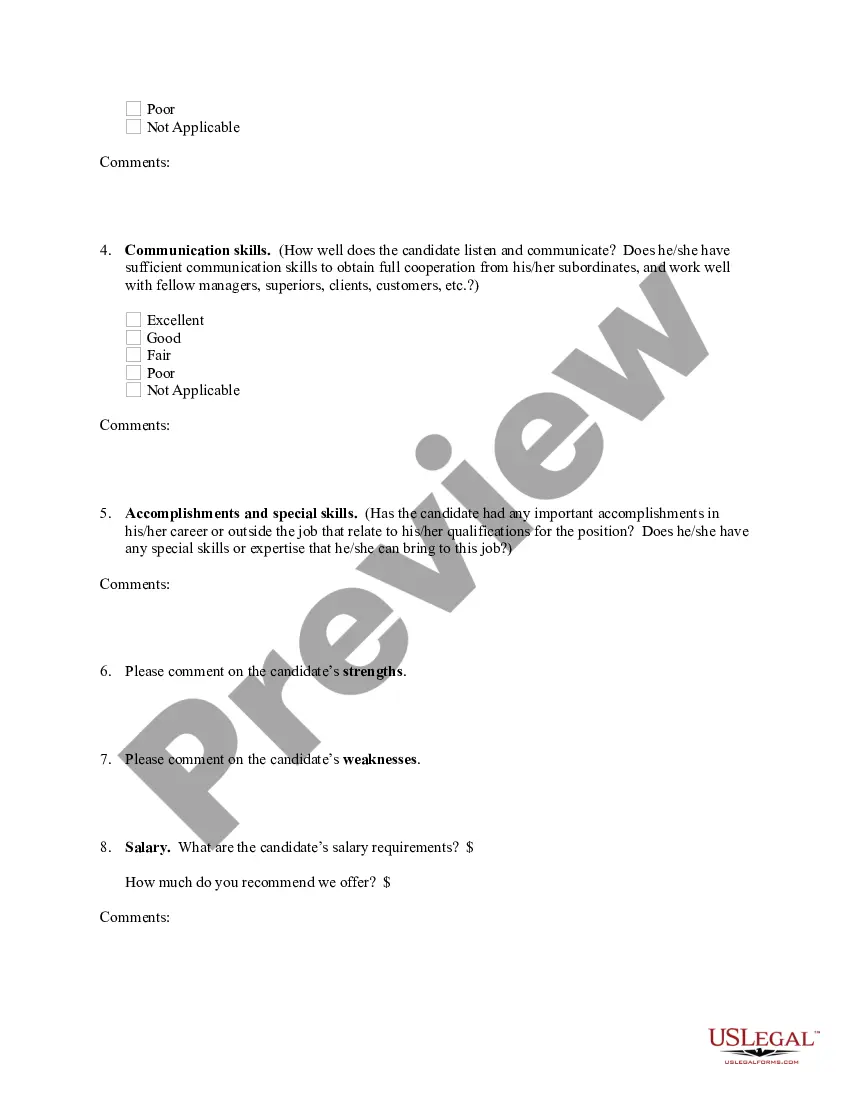
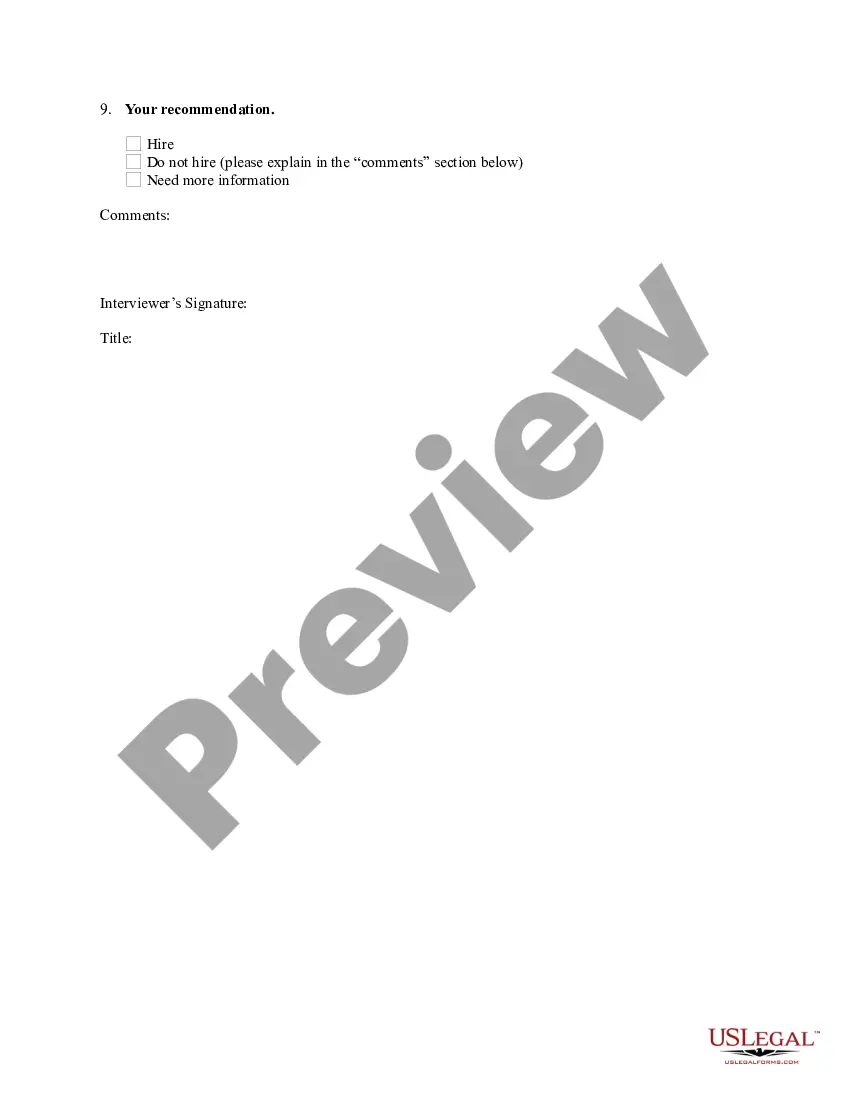
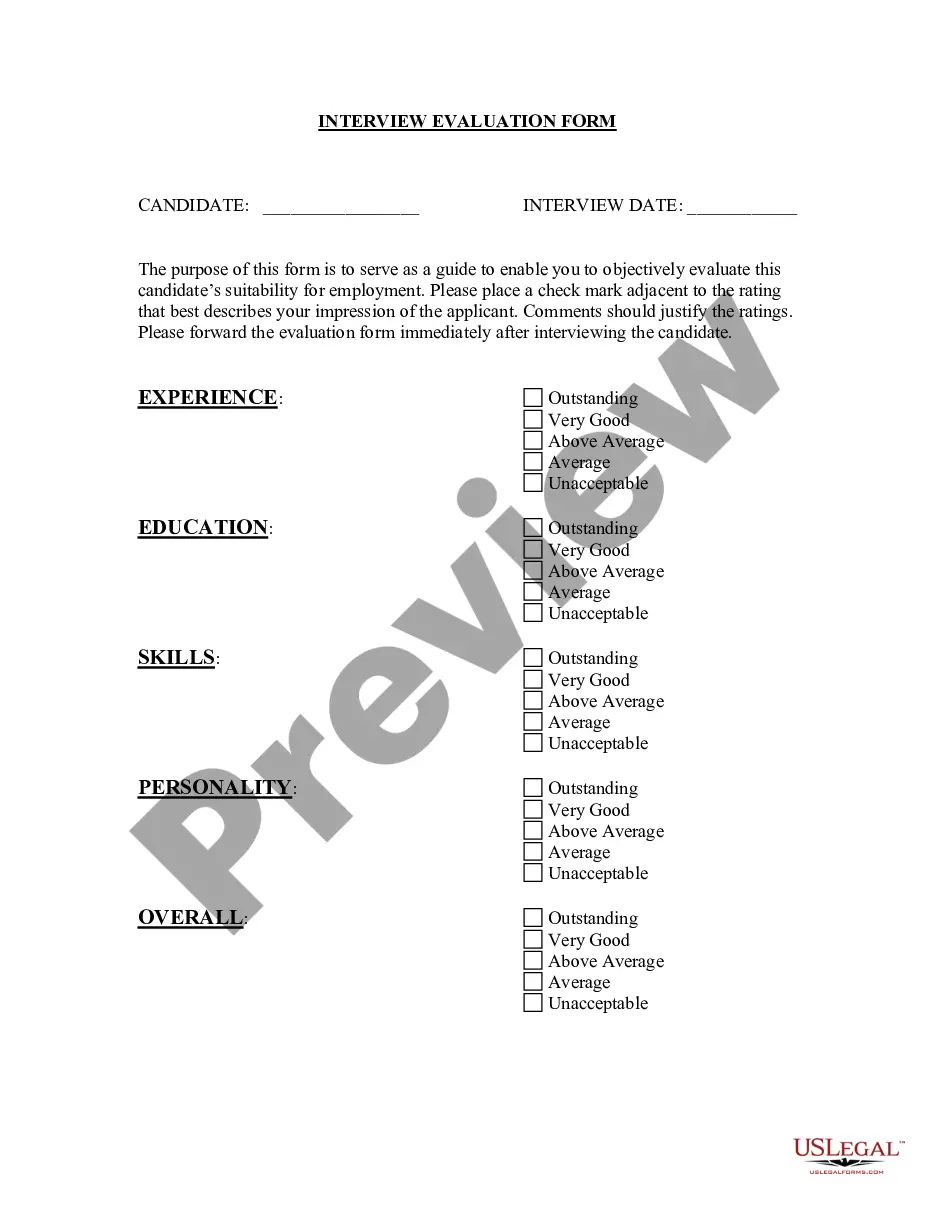
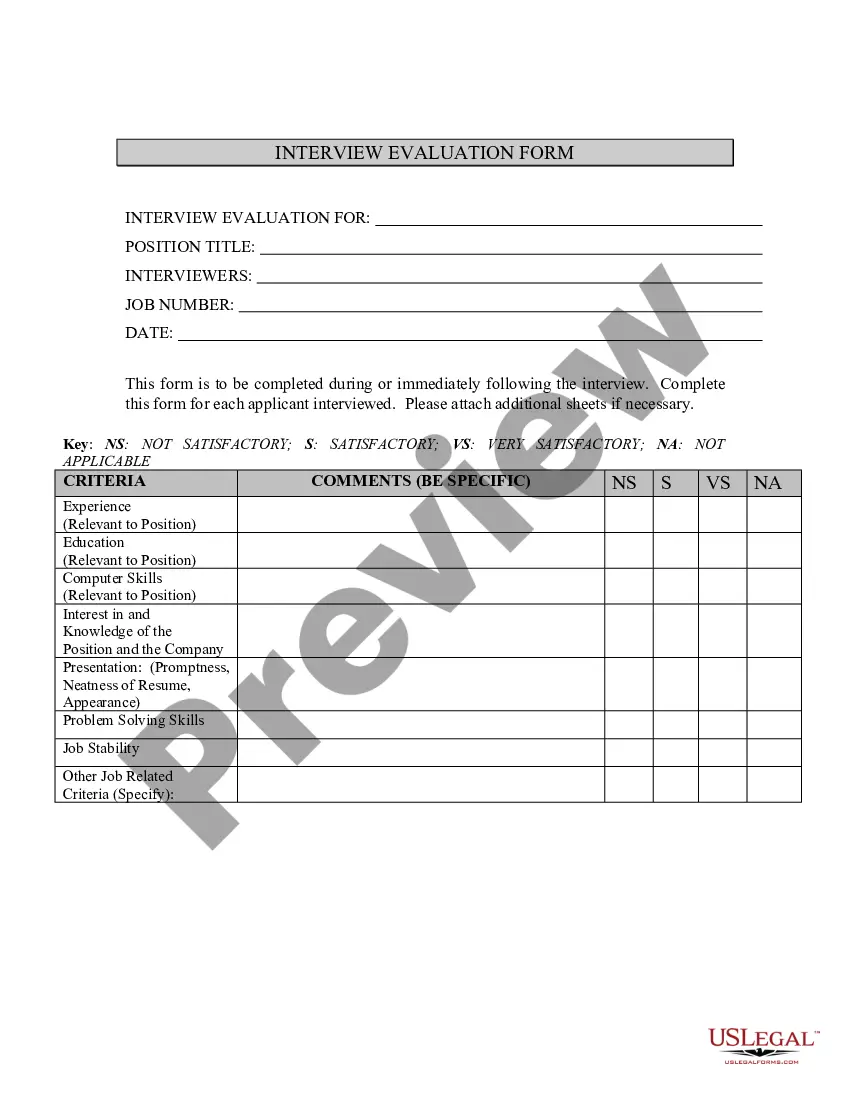
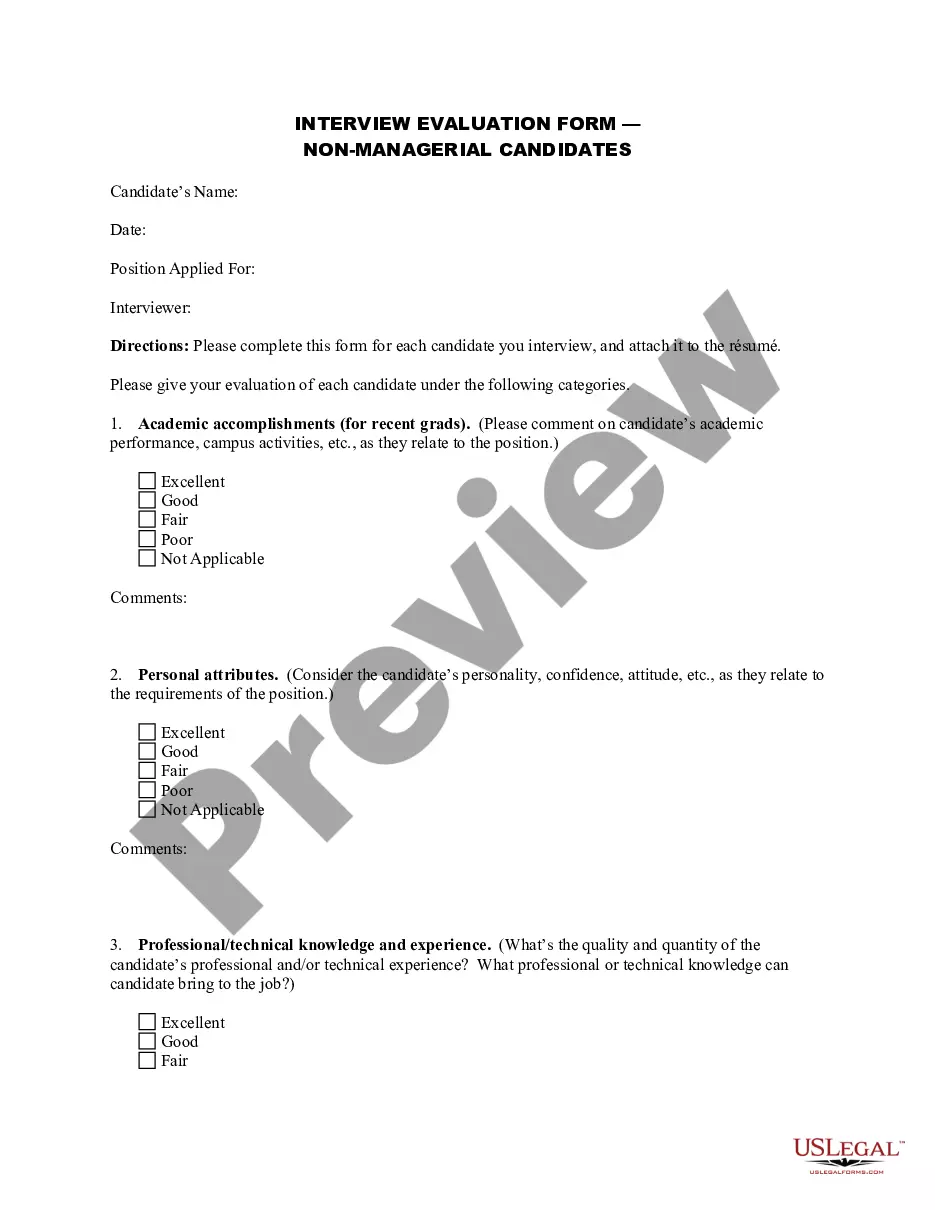
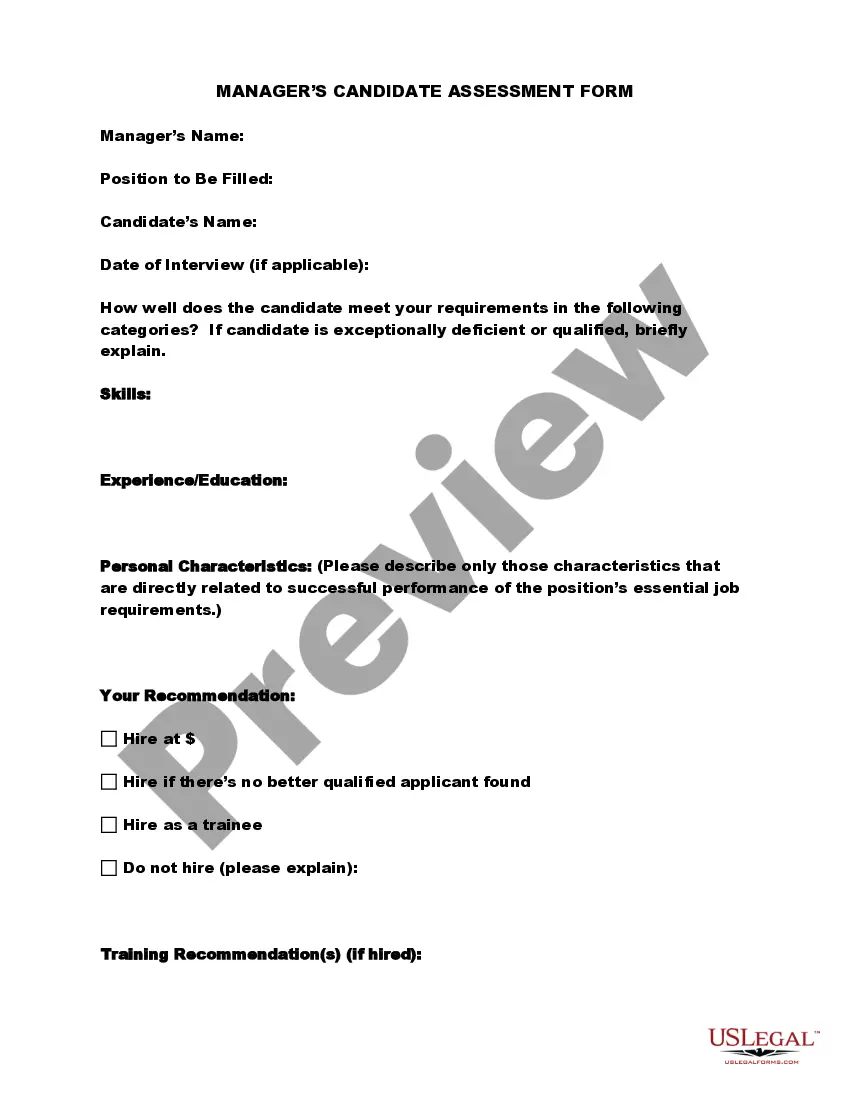
Interview Feedback Template For Managers
Description
Get your form ready online
Our built-in tools help you complete, sign, share, and store your documents in one place.
Make edits, fill in missing information, and update formatting in US Legal Forms—just like you would in MS Word.
Download a copy, print it, send it by email, or mail it via USPS—whatever works best for your next step.
Sign and collect signatures with our SignNow integration. Send to multiple recipients, set reminders, and more. Go Premium to unlock E-Sign.
If this form requires notarization, complete it online through a secure video call—no need to meet a notary in person or wait for an appointment.
We protect your documents and personal data by following strict security and privacy standards.

Make edits, fill in missing information, and update formatting in US Legal Forms—just like you would in MS Word.

Download a copy, print it, send it by email, or mail it via USPS—whatever works best for your next step.

Sign and collect signatures with our SignNow integration. Send to multiple recipients, set reminders, and more. Go Premium to unlock E-Sign.

If this form requires notarization, complete it online through a secure video call—no need to meet a notary in person or wait for an appointment.

We protect your documents and personal data by following strict security and privacy standards.
Looking for another form?
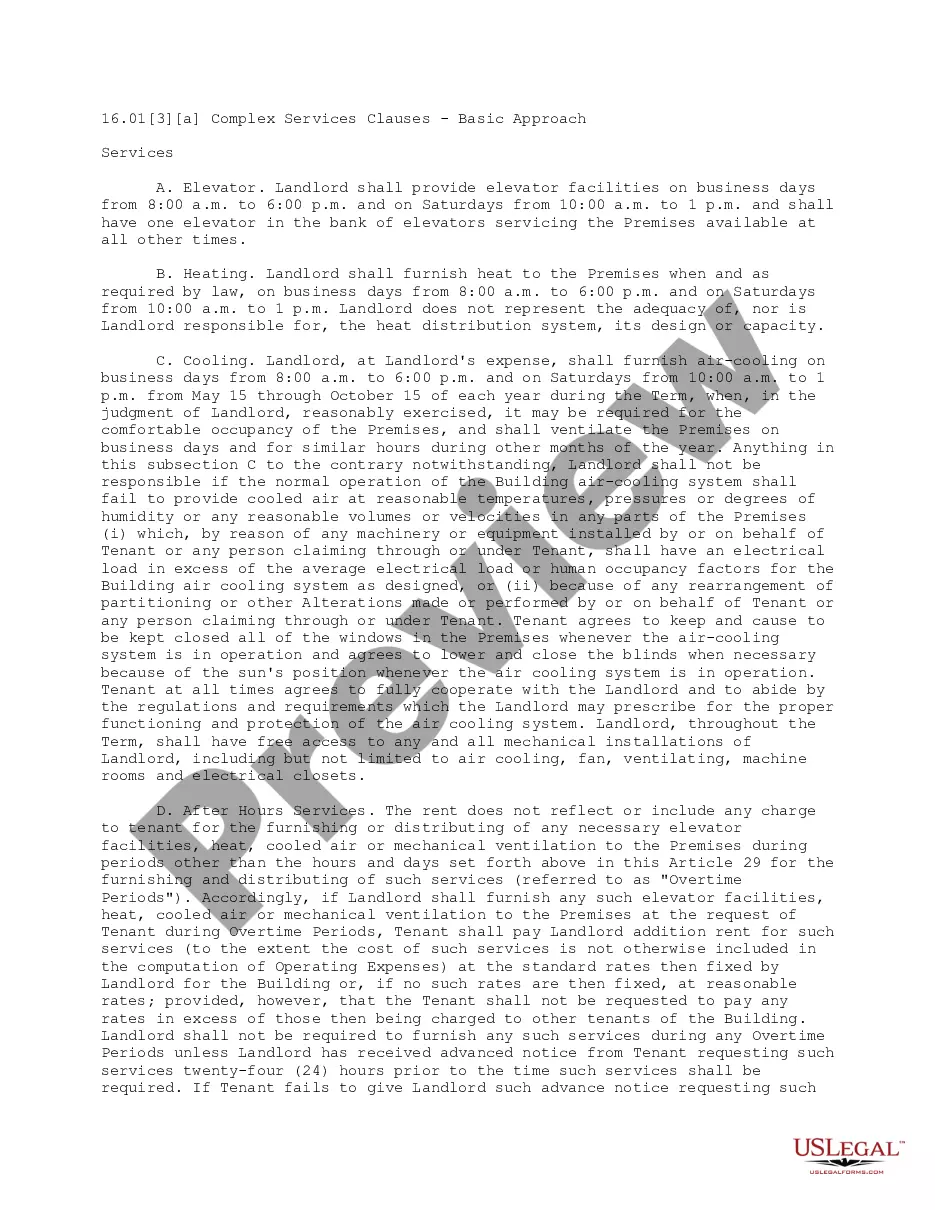
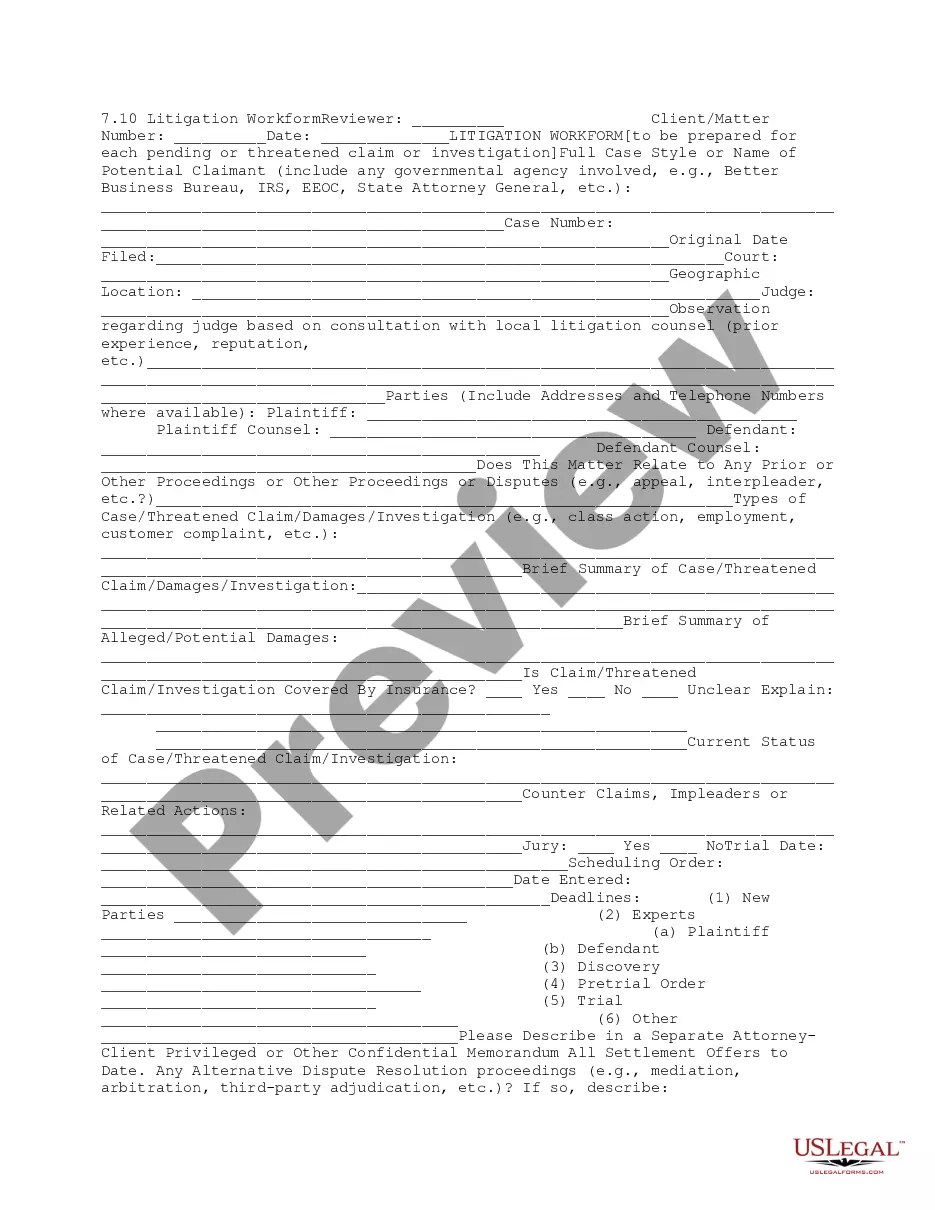

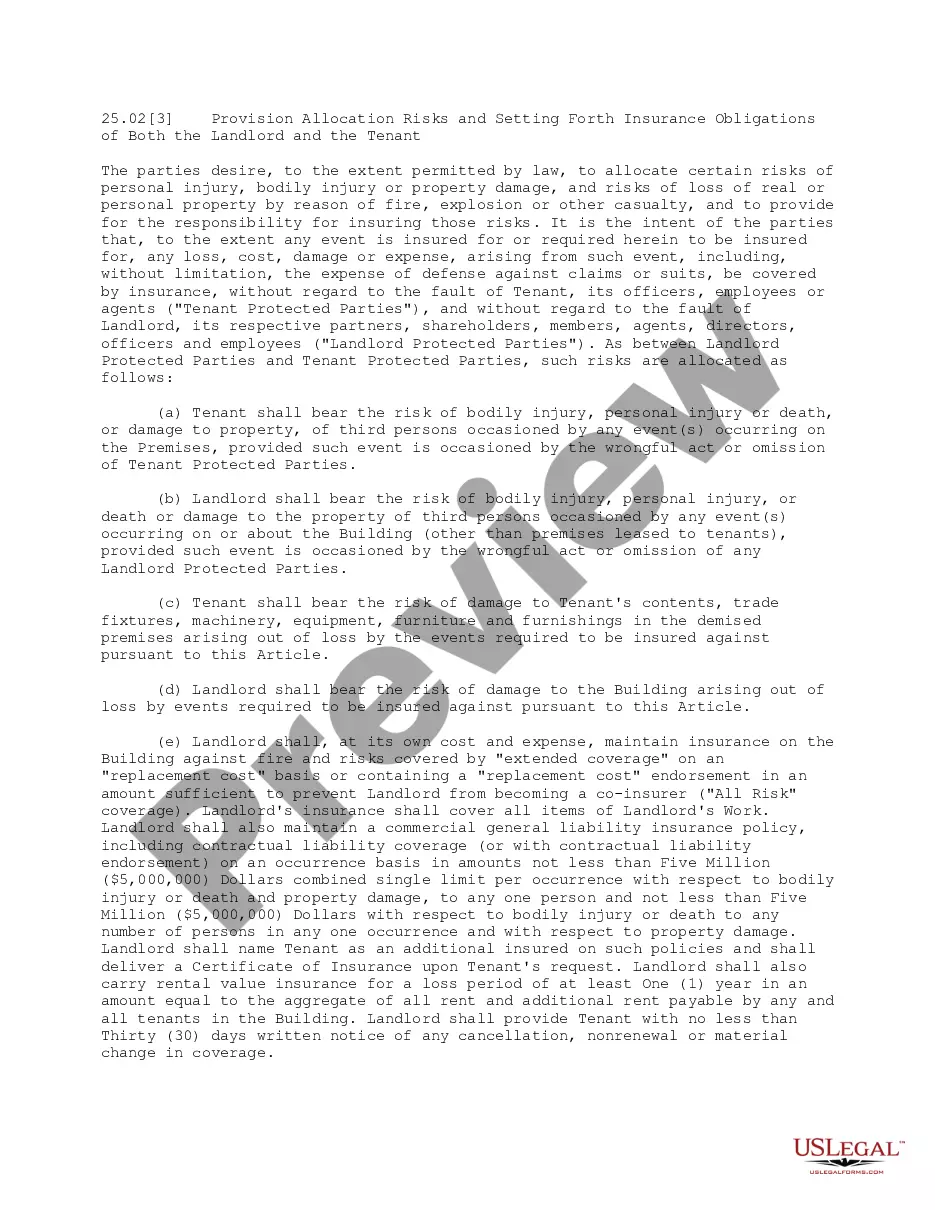
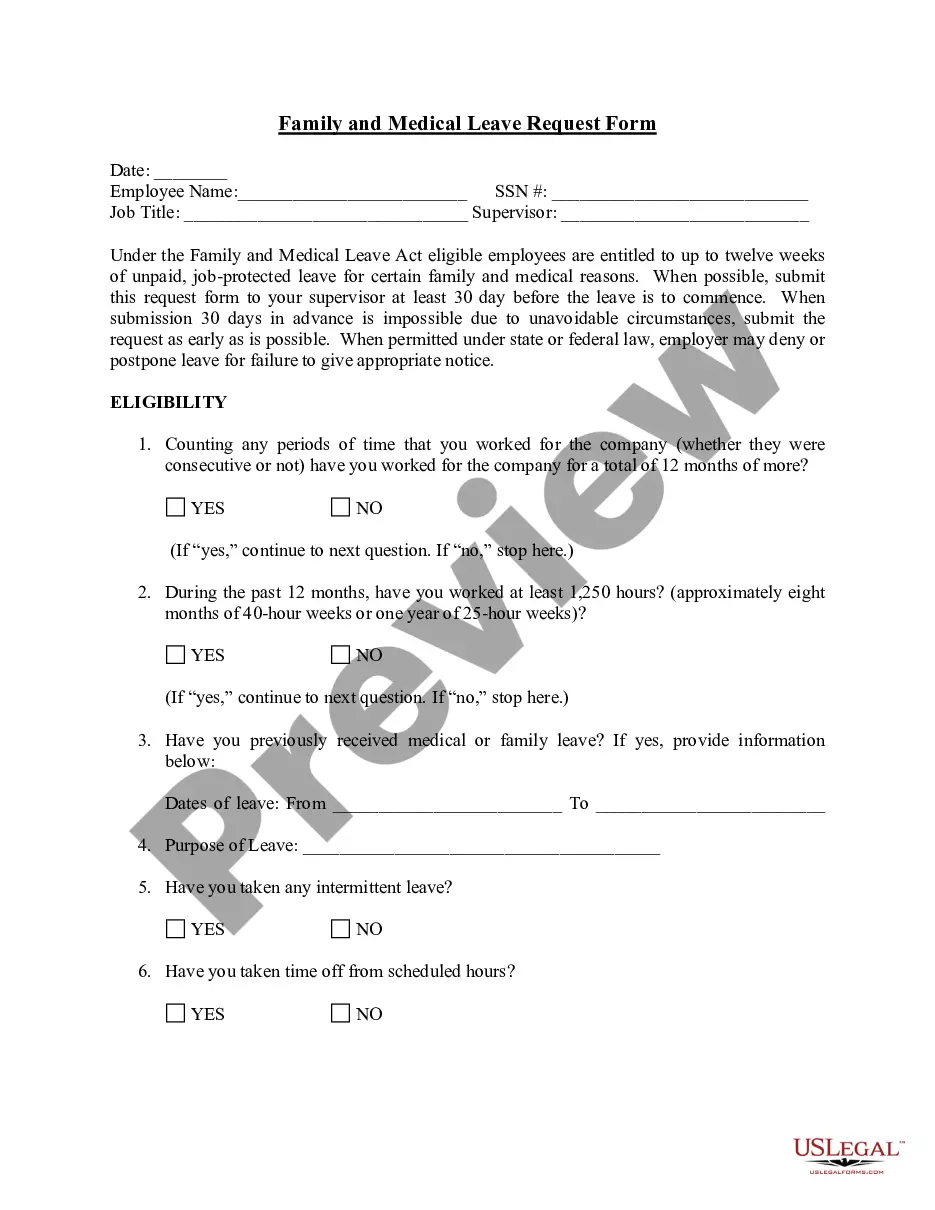

How to fill out Interview Evaluation Form - Managerial Candidates?
Identifying a reliable source for the latest and suitable legal templates is a significant part of navigating red tape. Locating the appropriate legal documents requires accuracy and meticulousness, which is why it is essential to obtain samples of the Interview Feedback Template For Managers exclusively from trustworthy providers, like US Legal Forms. An incorrect template can waste valuable time and postpone your proceedings.
With US Legal Forms, your concerns are minimized. You can access and verify all details regarding the document’s applicability and significance for your situation and in your jurisdiction.
Eliminate the hassle associated with your legal documents. Browse the extensive US Legal Forms catalog to discover legal templates, assess their relevance to your situation, and download them promptly.
- Use the library navigation or search feature to find your sample.
- Review the form’s details to ensure it conforms to your state and county requirements.
- If available, open the form preview to verify it aligns with your interests.
- If the Interview Feedback Template For Managers does not meet your needs, continue your search for the right template.
- If you are confident about the form’s suitability, proceed to download it.
- As an authorized user, click Log in to authenticate and access your selected forms in My documents.
- If you haven’t created an account yet, click Buy now to acquire the form.
- Select the payment plan that accommodates your needs.
- Complete the registration process to finalize your purchase.
- Conclude your purchase by choosing a payment method (credit card or PayPal).
- Decide on the file format for downloading the Interview Feedback Template For Managers.
- After obtaining the form on your device, you can edit it using the editor or print it out to fill it in by hand.
Form popularity
FAQ
?Your positive attitude and friendliness made interviewing you a pleasure.? ?You spoke knowledgeably about the topics we covered in the interview and demonstrated expertise in the field.? ?You were confident and comfortable during the interview.? ?You communicated effectively and gave clear and concise answers.?
How Do You Write Feedback for an Interview? First, provide an answer. (Are you hiring them? ... Explain their strengths. (E.g. The candidate demonstrated excellent communication skills. ... Explain why they weren't a good fit for the company or talk about areas where they can improve. ... Summarise the experience and next steps.
Make your feedback actionable and be concise. Don't be vague. Share specific examples. Make suggestions about what they could do differently in future.
One way to rate candidates post-interview is to use a standard rating system, such as a numerical scale, a letter grade, or a star rating. This can help you quantify your impressions and avoid bias. You can also use a rating system to measure specific skills, competencies, or behaviors that are relevant for the role.
Interview feedback form template INTERVIEW FEEDBACK FORM. Name of Candidate: Name of Interviewer(s) ... QUESTIONS. Please determine candidate suitability for role using the following scale: ... Essential Requirements. ... Desirable Qualities. ... Company Values. ... Overall Comments: ... Recommendation: Hire: