Termination-action
Description
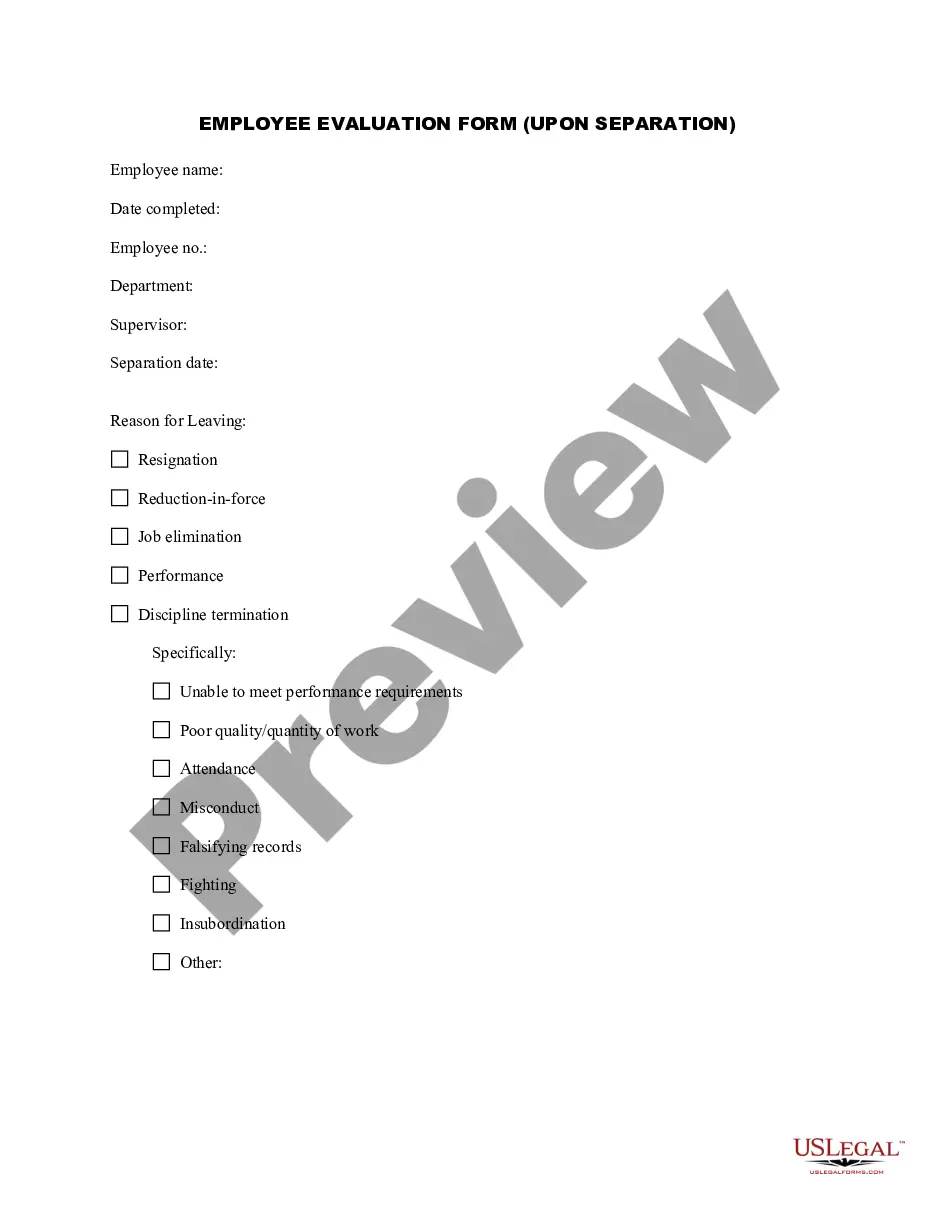
Get your form ready online
Our built-in tools help you complete, sign, share, and store your documents in one place.
Make edits, fill in missing information, and update formatting in US Legal Forms—just like you would in MS Word.
Download a copy, print it, send it by email, or mail it via USPS—whatever works best for your next step.
Sign and collect signatures with our SignNow integration. Send to multiple recipients, set reminders, and more. Go Premium to unlock E-Sign.
If this form requires notarization, complete it online through a secure video call—no need to meet a notary in person or wait for an appointment.
We protect your documents and personal data by following strict security and privacy standards.

Make edits, fill in missing information, and update formatting in US Legal Forms—just like you would in MS Word.

Download a copy, print it, send it by email, or mail it via USPS—whatever works best for your next step.

Sign and collect signatures with our SignNow integration. Send to multiple recipients, set reminders, and more. Go Premium to unlock E-Sign.

If this form requires notarization, complete it online through a secure video call—no need to meet a notary in person or wait for an appointment.

We protect your documents and personal data by following strict security and privacy standards.
Looking for another form?


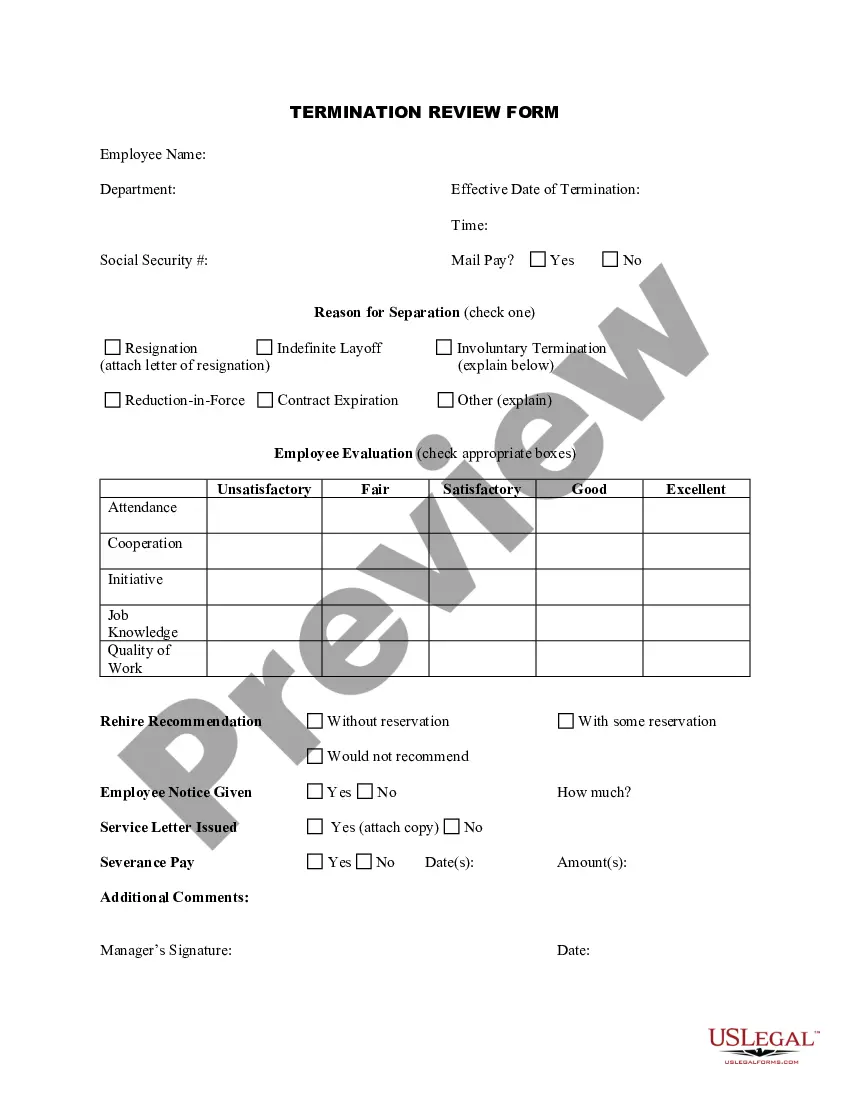
How to fill out Termination Review Form?
- If you have used US Legal Forms before, log into your account to access your previously downloaded form templates. Ensure your subscription is active, or renew it as per your payment plan.
- For first-time users, begin by visiting the US Legal Forms website and entering the Preview mode. Review the form descriptions to confirm that you are selecting the most appropriate form that aligns with your local jurisdiction requirements.
- If you do not find a suitable form, utilize the Search tab to explore additional templates that might better suit your needs. Once located, confirm the selection to proceed.
- After selecting your document, proceed to purchase by clicking the Buy Now button. Choose your preferred subscription plan, which will require account registration.
- Complete the payment process by providing your credit card information or logging into your PayPal account to finalize the transaction.
- Once purchased, download your termination-action form directly to your device. You can also access it anytime through the My Forms menu in your profile.
The US Legal Forms library stands out with its robust collection, featuring over 85,000 customizable legal forms available for use at an affordable price. Furthermore, users have access to expert assistance, ensuring that all documents are completed accurately and meet legal standards.
In conclusion, navigating the termination-action process is simplified with the extensive resources available through US Legal Forms. Start your free trial today and experience our user-friendly platform for all your legal documentation needs.
Form popularity
FAQ
An example of a termination document is a formal termination letter that specifies the reasons for the termination action, the effective date, and any final compensation details. This document serves as legal proof of the termination process. Utilizing platforms like USLegalForms can provide templates to ensure that you create a compliant and comprehensive termination document.
Termination and being fired are often seen as synonymous, but they can have different connotations. Termination can occur for various reasons, including layoffs or restructuring, while being fired typically refers to performance-related issues. Understanding the context of a termination action helps clarify the situation for both the employer and employee.
To write a termination notice, start by addressing the employee directly, and clearly state that their employment is being terminated. Provide the reasons for the termination action and include details such as the effective date. Conclude the notice by outlining any remaining steps regarding final payments or retrieval of company property.
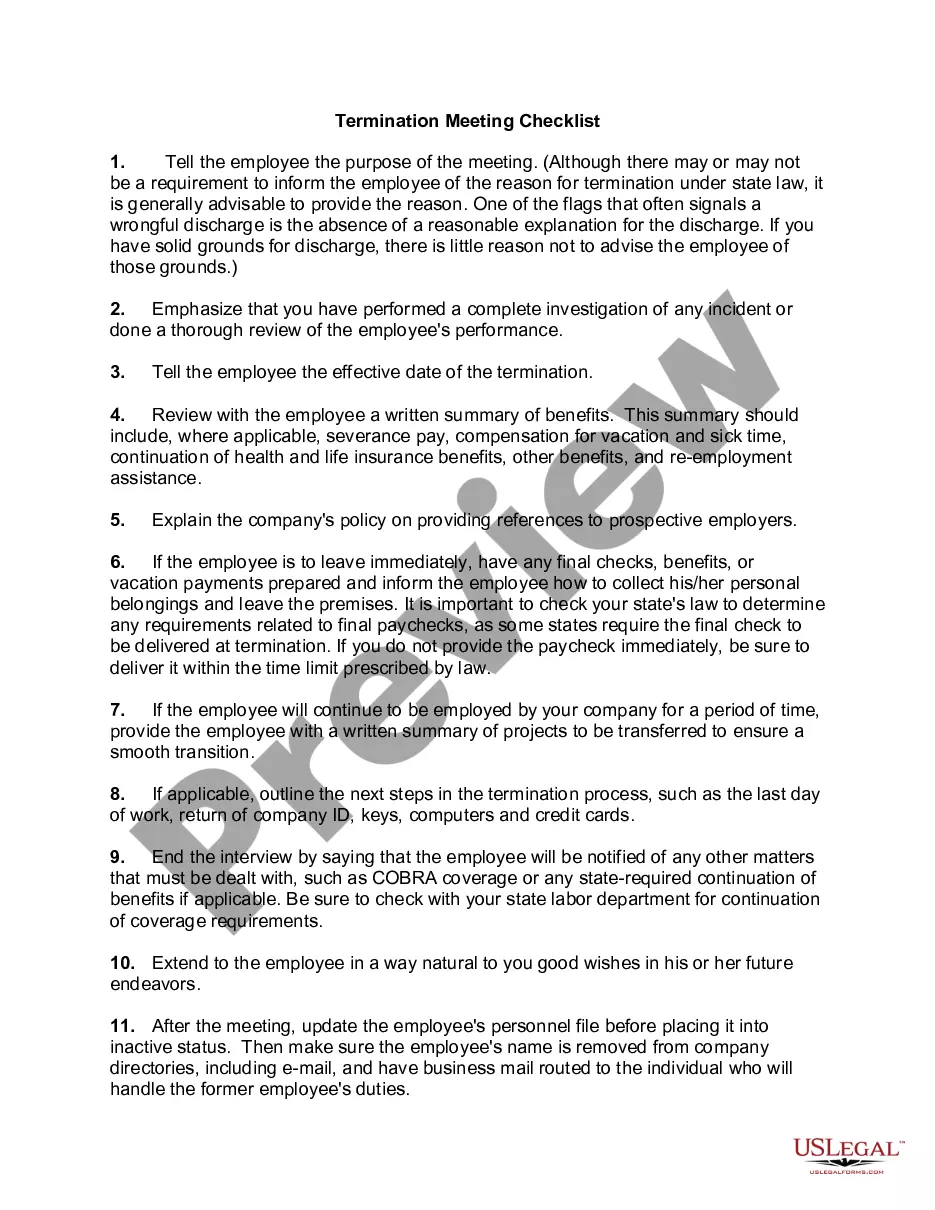
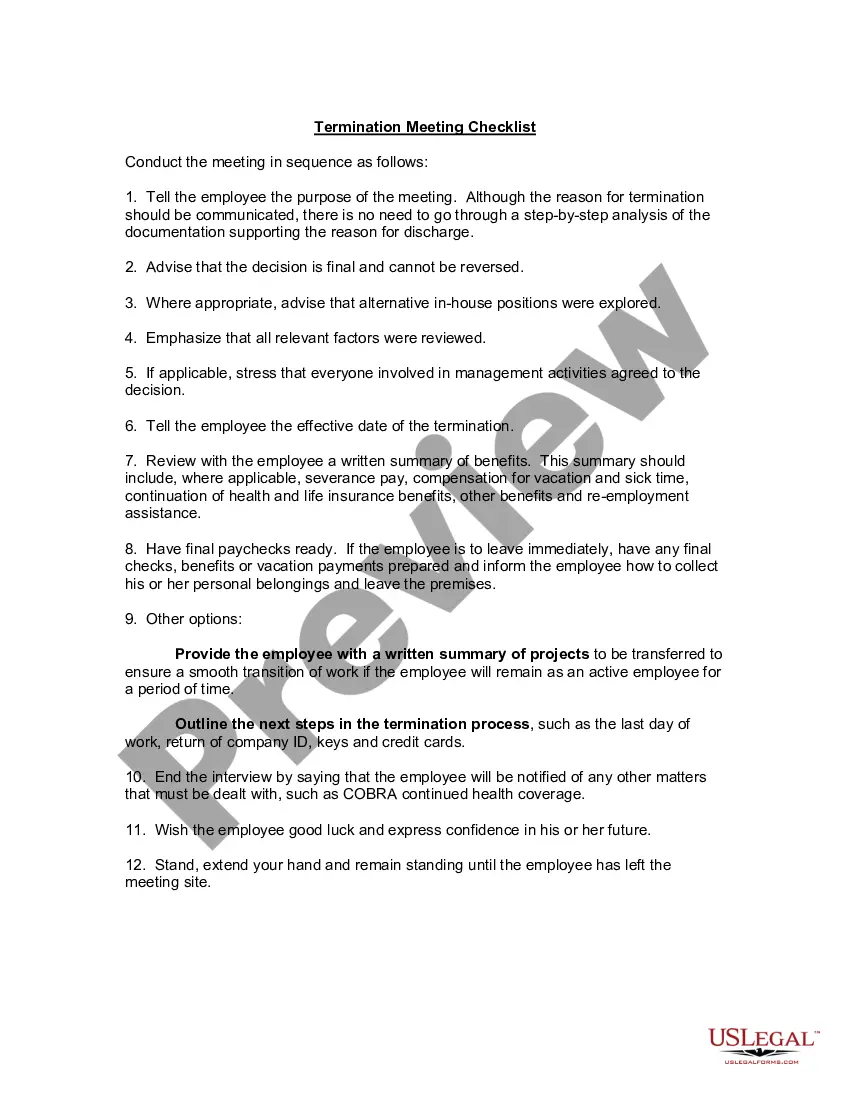
During a termination meeting, avoid making personal remarks or judgments about the employee’s character. Steer clear of ambiguous language that may confuse the situation. Instead, focus solely on the termination action and the related facts to maintain professionalism and clarity.
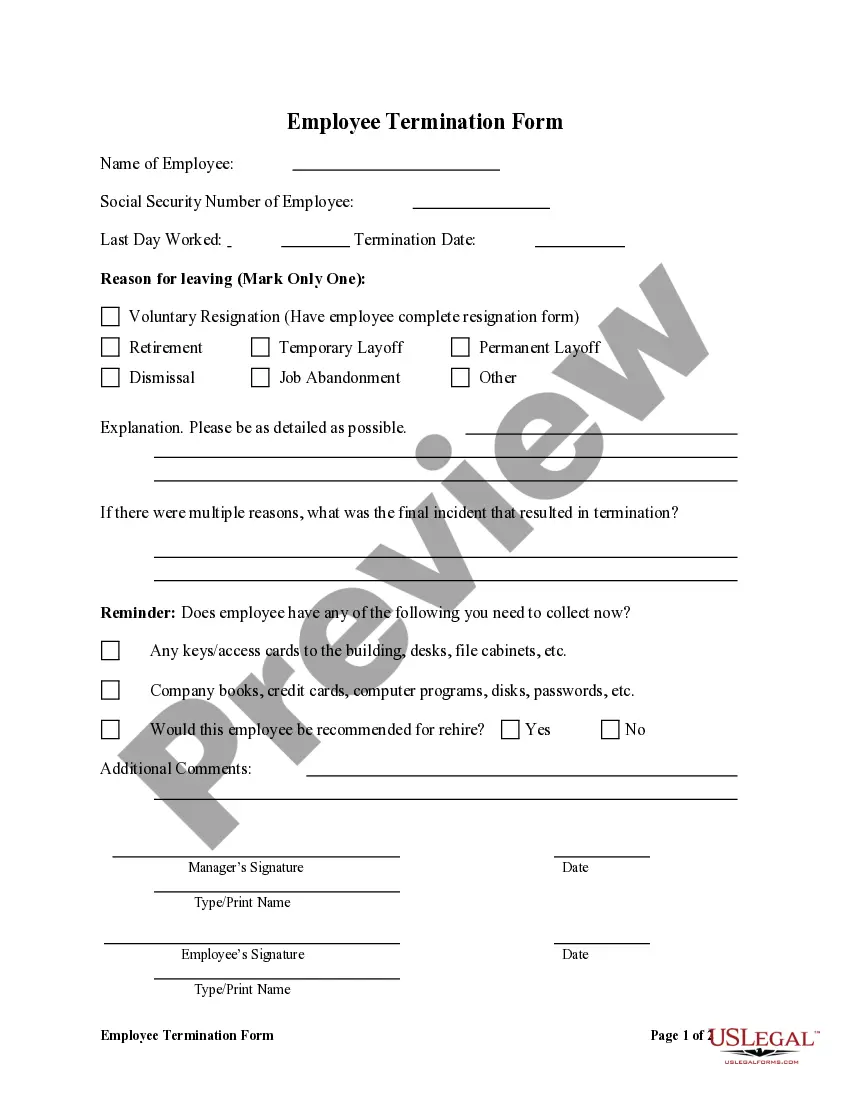
To fill out a termination form, ensure you gather all necessary details, including the employee's information, termination reason, and effective date. Be thorough and objective, avoiding any language that may seem personal. If you're unsure about any specific details, consulting your HR guidelines or using USLegalForms can streamline the process.
When terminating an employee, it is crucial to be direct and respectful. Start by clearly stating the purpose of the meeting and the termination action itself. Maintain a calm tone, express gratitude for their contributions, and offer information on any next steps, such as final paychecks or benefits.
To fill out a termination form, start by entering the employee's full name, job title, and department. Include the reason for the termination action, being clear and concise. Make sure to follow your company’s policies regarding documentation, and provide any necessary signatures before submitting the form.
To terminate an employee in Oracle Fusion, access the employee's profile and initiate the termination process. Choose the appropriate reason for termination and set the effective date. Complete any related documentation and ensure that all steps comply with company policies. This termination-action ensures a smooth transition for both the employee and the organization.
Resigning on Oracle Fusion is a straightforward process. Begin by logging into your account and navigating to the resignation section. Complete the form by selecting your last working day and the reason for leaving, and then submit your resignation. This action will officially mark your termination-action in the system.
In Oracle Fusion, writing off typically pertains to financial adjustments rather than employment matters. To execute a write-off, navigate to the financial section of the platform and select the account needing adjustment. Enter relevant details and execute the adjustment, ensuring all information aligns with company policy to document the write-off correctly.