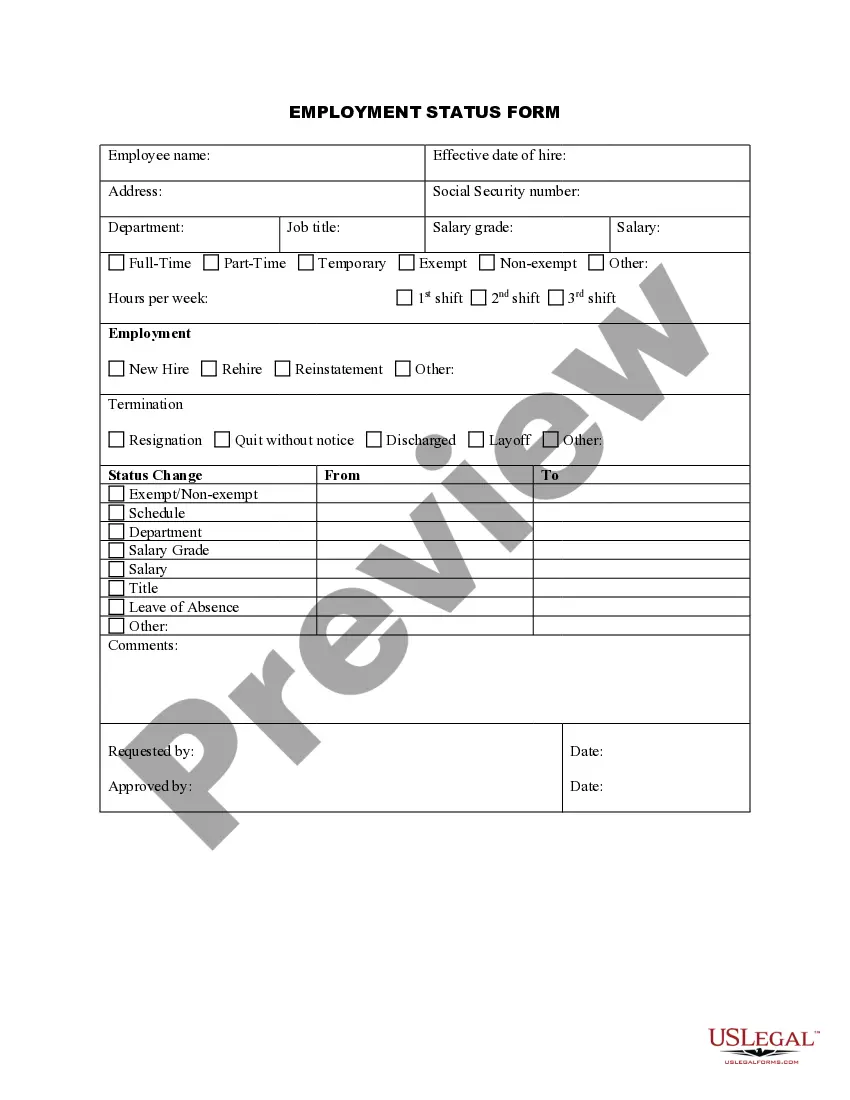
Personnel Change Statement Format
Description

Get your form ready online
Our built-in tools help you complete, sign, share, and store your documents in one place.
Make edits, fill in missing information, and update formatting in US Legal Forms—just like you would in MS Word.
Download a copy, print it, send it by email, or mail it via USPS—whatever works best for your next step.
Sign and collect signatures with our SignNow integration. Send to multiple recipients, set reminders, and more. Go Premium to unlock E-Sign.
If this form requires notarization, complete it online through a secure video call—no need to meet a notary in person or wait for an appointment.
We protect your documents and personal data by following strict security and privacy standards.

Make edits, fill in missing information, and update formatting in US Legal Forms—just like you would in MS Word.

Download a copy, print it, send it by email, or mail it via USPS—whatever works best for your next step.

Sign and collect signatures with our SignNow integration. Send to multiple recipients, set reminders, and more. Go Premium to unlock E-Sign.

If this form requires notarization, complete it online through a secure video call—no need to meet a notary in person or wait for an appointment.

We protect your documents and personal data by following strict security and privacy standards.
Looking for another form?



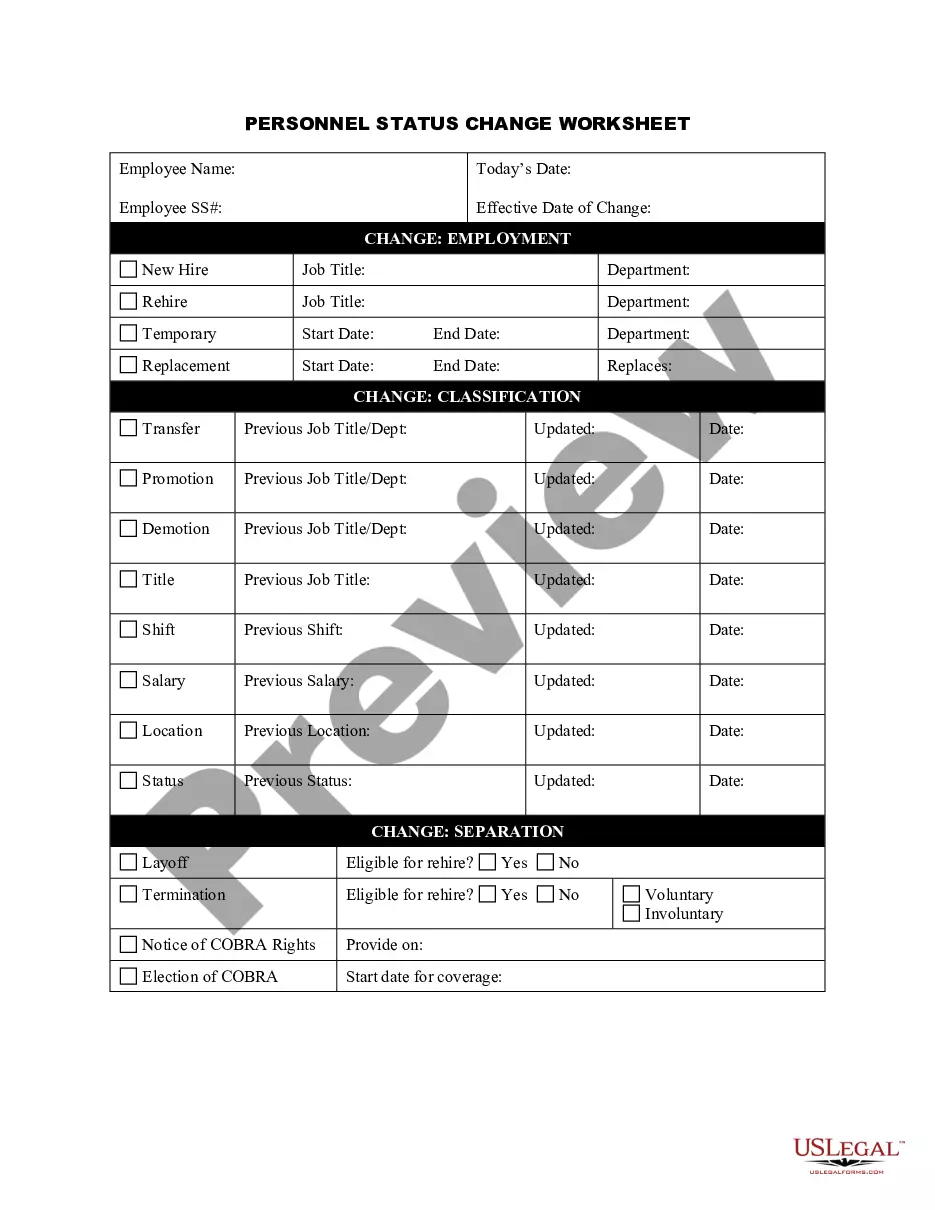
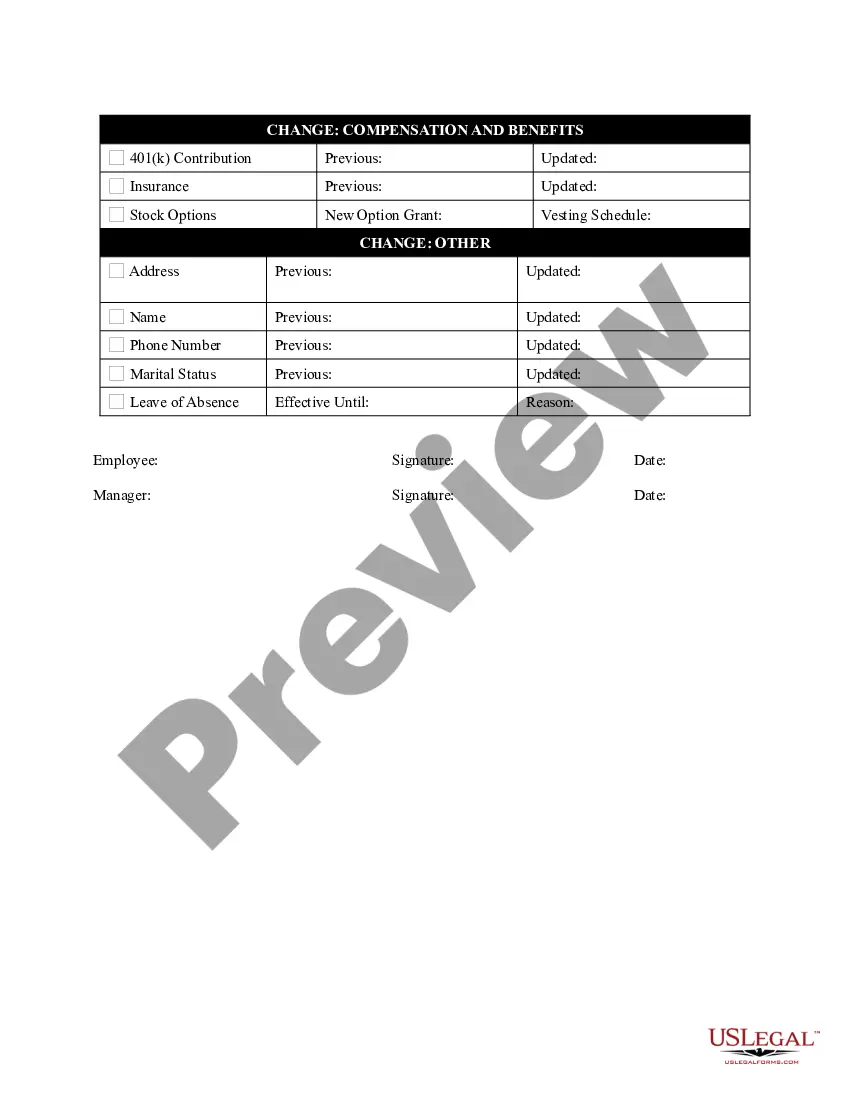
How to fill out Personnel Status Change Worksheet?
The Personnel Change Statement Format you see on this page is a reusable formal template drafted by professional lawyers in compliance with federal and state laws and regulations. For more than 25 years, US Legal Forms has provided people, companies, and legal professionals with more than 85,000 verified, state-specific forms for any business and personal occasion. It’s the quickest, easiest and most trustworthy way to obtain the documents you need, as the service guarantees the highest level of data security and anti-malware protection.
Obtaining this Personnel Change Statement Format will take you only a few simple steps:
- Browse for the document you need and review it. Look through the file you searched and preview it or check the form description to verify it fits your requirements. If it does not, use the search option to find the right one. Click Buy Now once you have found the template you need.
- Sign up and log in. Opt for the pricing plan that suits you and register for an account. Use PayPal or a credit card to make a quick payment. If you already have an account, log in and check your subscription to proceed.
- Obtain the fillable template. Pick the format you want for your Personnel Change Statement Format (PDF, Word, RTF) and save the sample on your device.
- Fill out and sign the document. Print out the template to complete it manually. Alternatively, use an online multi-functional PDF editor to rapidly and precisely fill out and sign your form with a valid.
- Download your paperwork again. Utilize the same document once again anytime needed. Open the My Forms tab in your profile to redownload any previously downloaded forms.
Sign up for US Legal Forms to have verified legal templates for all of life’s circumstances at your disposal.
Form popularity
FAQ
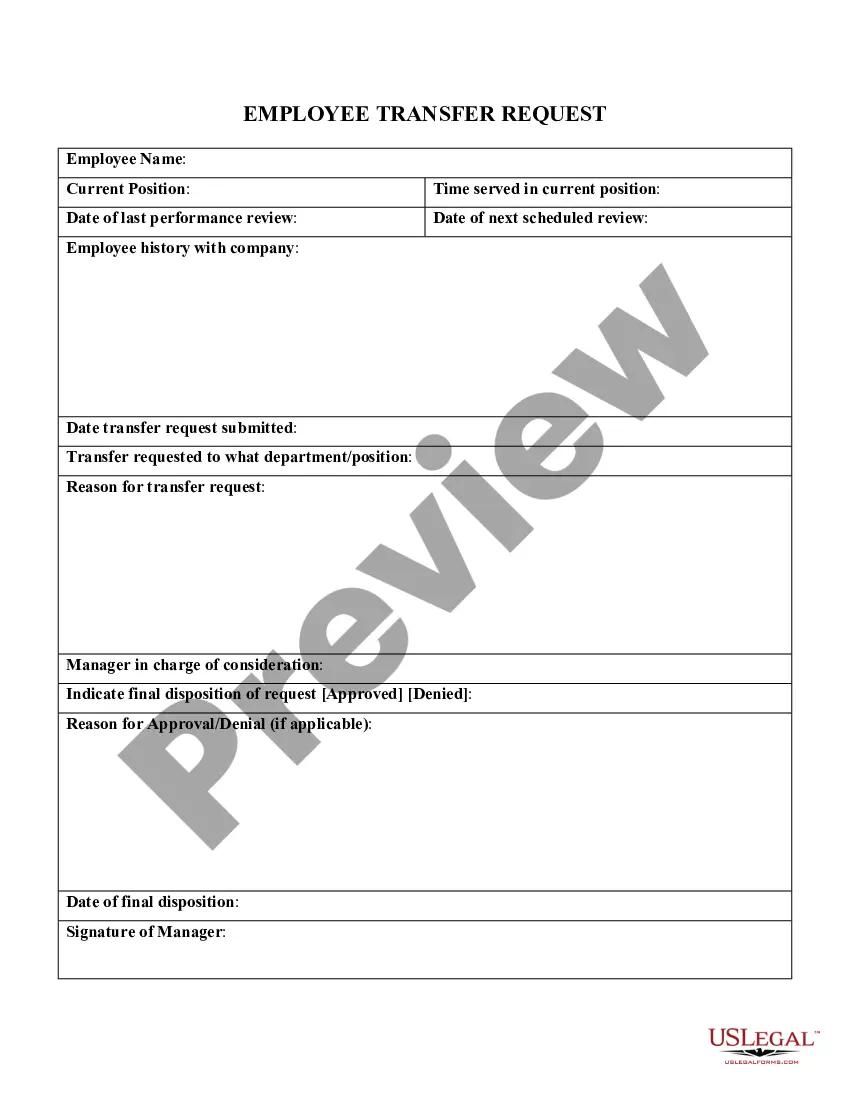
A: An internal transfer announcement email should include the name of the employee, their current role and department, the new role and department, the effective date of the transfer, and any additional details or instructions.
Use simple writing and clearly communicate the nature of the change or process. Emphasize the importance of the change and why your employees should adhere to it. Mention the benefits of new processes or changes, but also consider how this may impact your employees' regular routines.
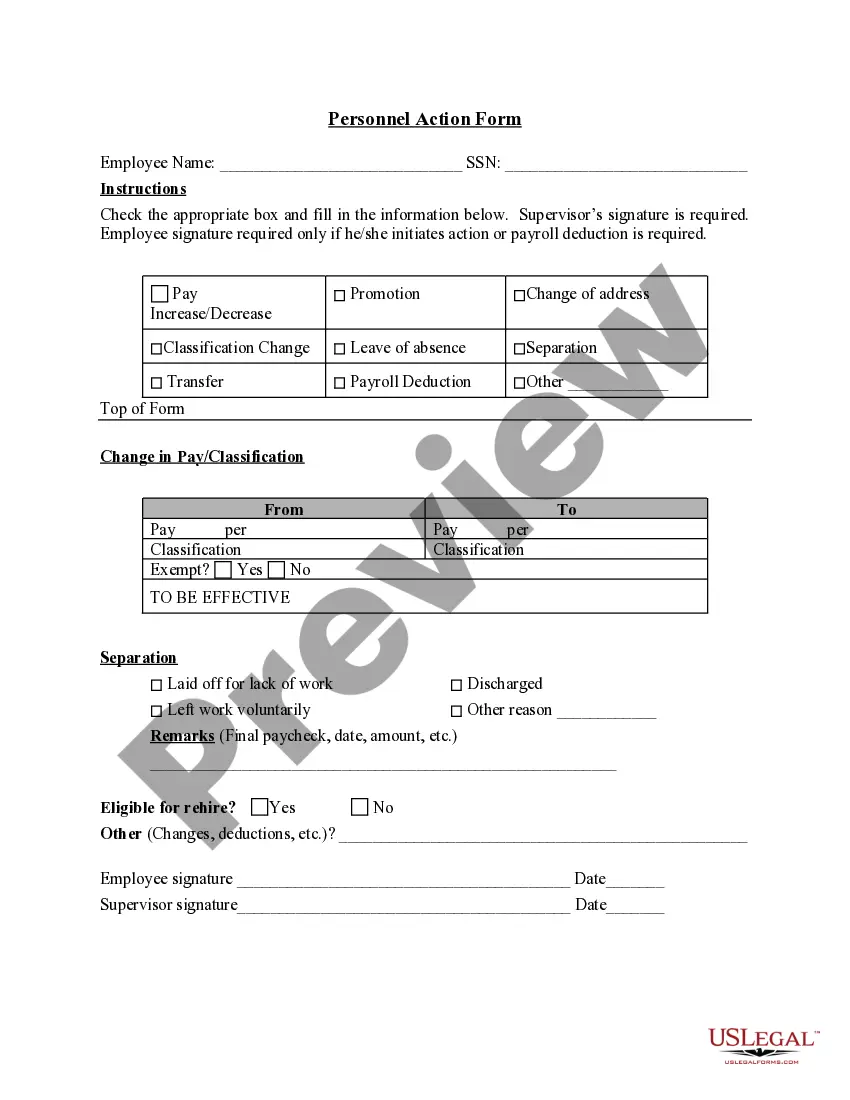
The purpose of the Employee Change of Status Form is to collect historical documentation and communication information. All Employee Change of Status Forms must include the employee's name, department if applicable, job title, effective date, date it was prepared and signed, and the change of status.
Employee status change form is a document used by human resources department of the company or employer to make changes in employees' status. Employee status is changed due to many reasons and one of them is job promotion.
How to make a change in leadership announcement Choose your method of communication. ... Identify your audience. ... Write a clear subject headline. ... Address your team. ... Briefly explain the change. ... Introduce the new leader. ... Provide relevant information. ... Close your message.