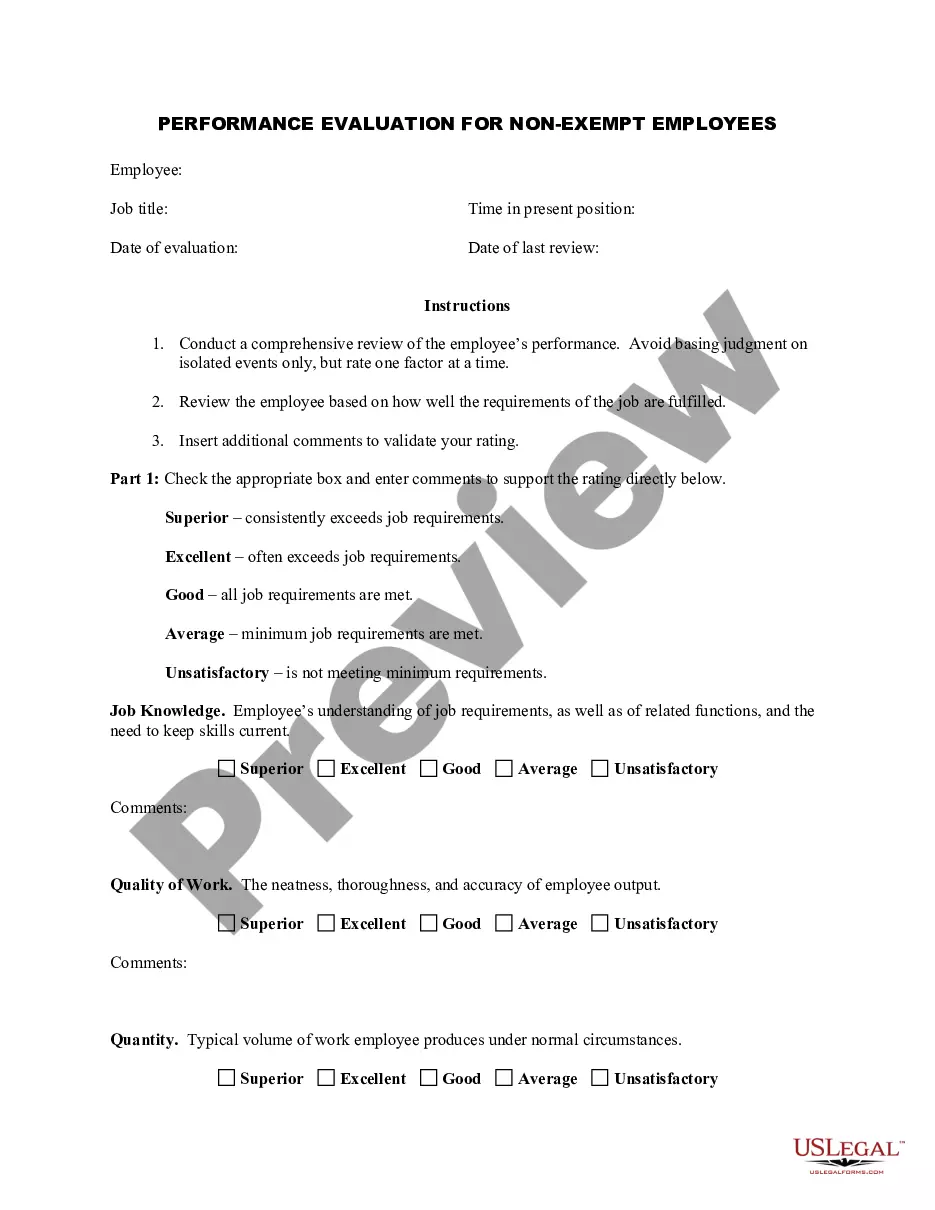
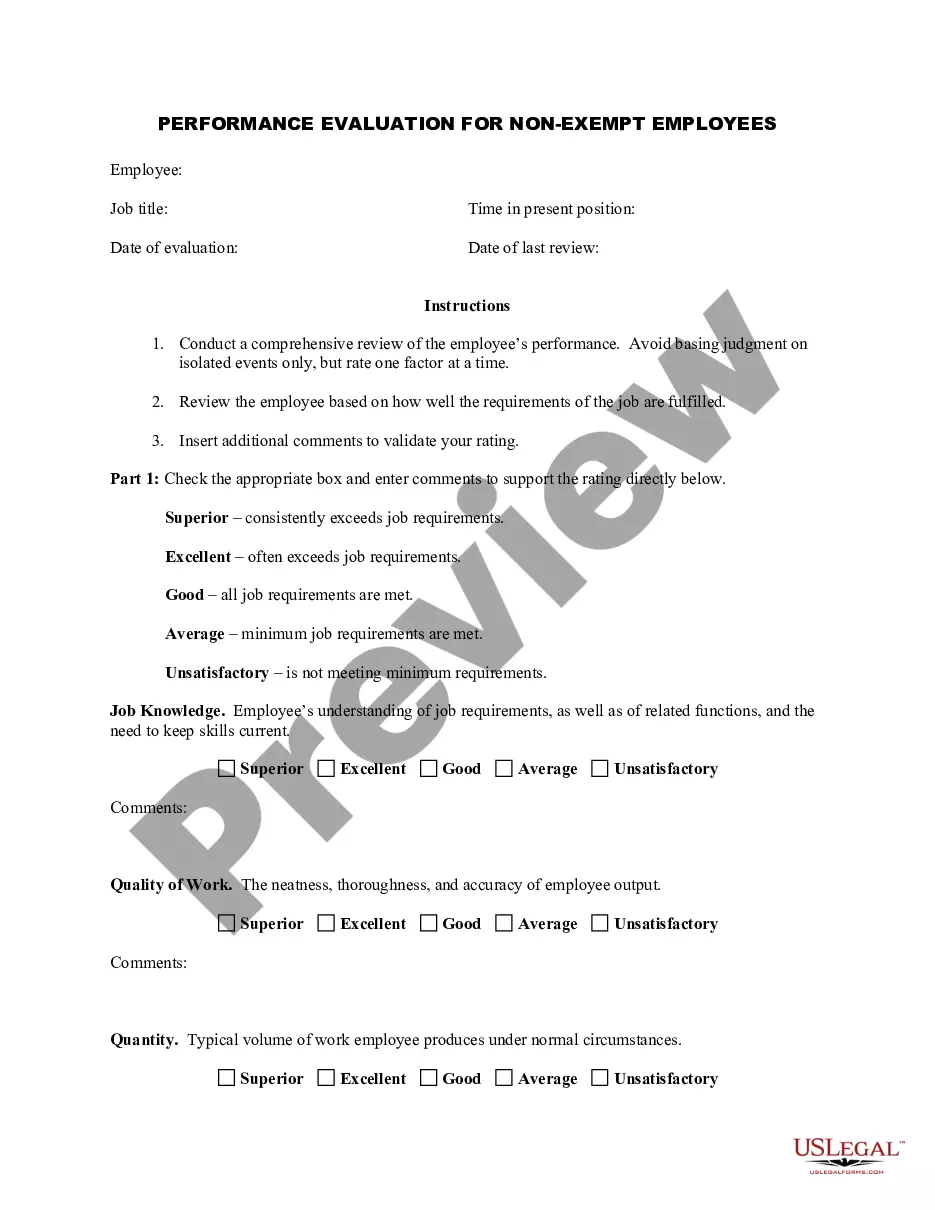
Mechanic Evaluation Form For Car
Description
Get your form ready online
Our built-in tools help you complete, sign, share, and store your documents in one place.
Make edits, fill in missing information, and update formatting in US Legal Forms—just like you would in MS Word.
Download a copy, print it, send it by email, or mail it via USPS—whatever works best for your next step.
Sign and collect signatures with our SignNow integration. Send to multiple recipients, set reminders, and more. Go Premium to unlock E-Sign.
If this form requires notarization, complete it online through a secure video call—no need to meet a notary in person or wait for an appointment.
We protect your documents and personal data by following strict security and privacy standards.

Make edits, fill in missing information, and update formatting in US Legal Forms—just like you would in MS Word.

Download a copy, print it, send it by email, or mail it via USPS—whatever works best for your next step.

Sign and collect signatures with our SignNow integration. Send to multiple recipients, set reminders, and more. Go Premium to unlock E-Sign.

If this form requires notarization, complete it online through a secure video call—no need to meet a notary in person or wait for an appointment.

We protect your documents and personal data by following strict security and privacy standards.
Looking for another form?









How to fill out Employee Evaluation Form For Mechanic?
Whether for commercial reasons or personal matters, everyone encounters legal circumstances at some stage in their life.
Completing legal paperwork requires meticulous consideration, beginning with selecting the correct form template. For instance, if you select an incorrect version of a Mechanic Evaluation Form For Car, it will be rejected once submitted. Thus, it is crucial to have a trustworthy source of legal documents like US Legal Forms.
With an extensive US Legal Forms collection available, you do not need to waste time searching for the correct sample online. Utilize the library’s user-friendly navigation to find the right template for any circumstance.
- Locate the template you need by utilizing the search bar or browsing the catalog.
- Review the form’s details to ensure it fits your situation, jurisdiction, and county.
- Click on the form’s preview to examine it.
- If it is the incorrect document, return to the search feature to find the Mechanic Evaluation Form For Car template you need.
- Download the document if it aligns with your requirements.
- If you already possess a US Legal Forms account, simply click Log in to access your previously saved documents in My documents.
- If you haven’t created an account yet, you can obtain the form by clicking Buy now.
- Select the appropriate pricing option.
- Fill out the profile registration form.
- Choose your payment method: use a credit card or PayPal account.
- Select the file format you prefer and download the Mechanic Evaluation Form For Car.
- Once it is saved, you can complete the form using editing software or print it and fill it out by hand.
Form popularity
FAQ
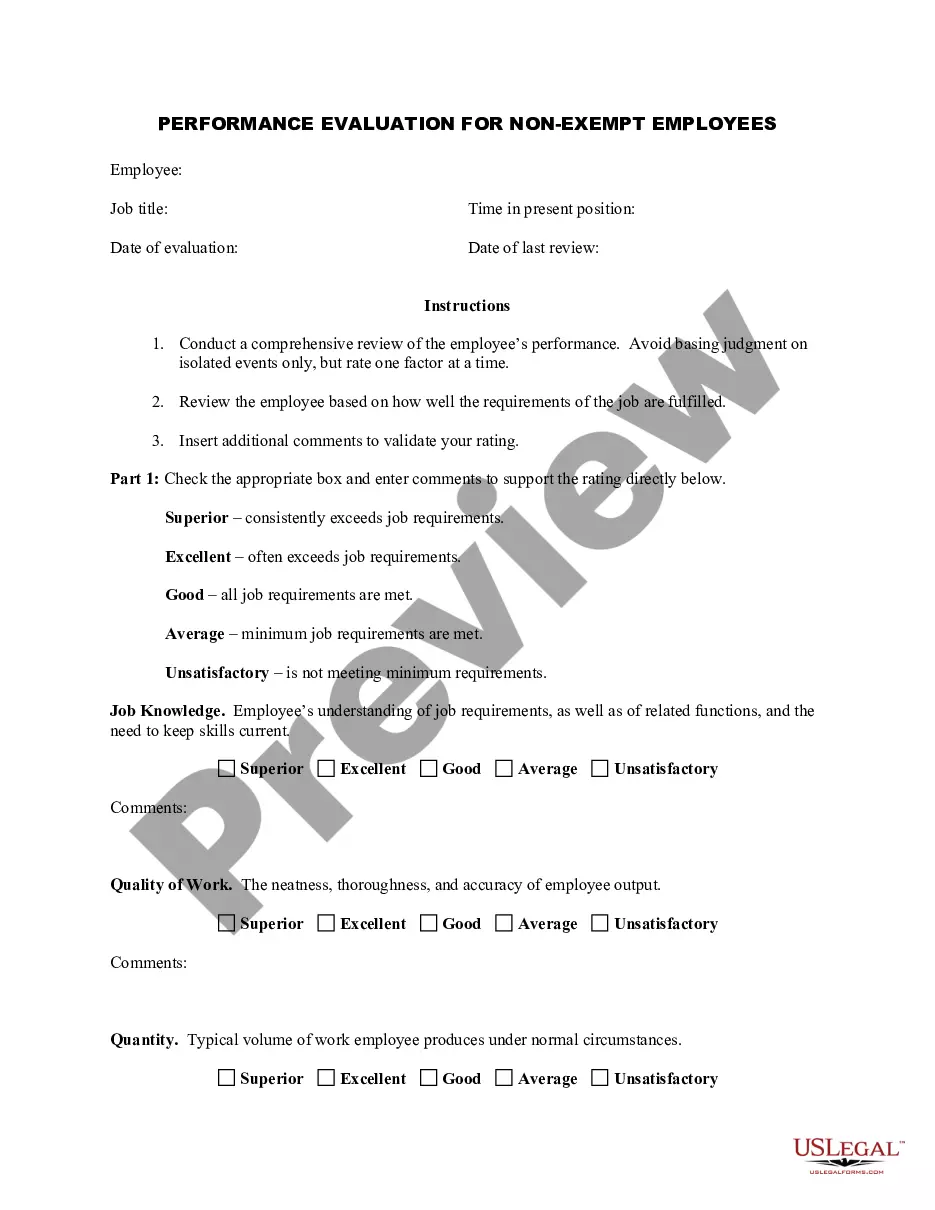
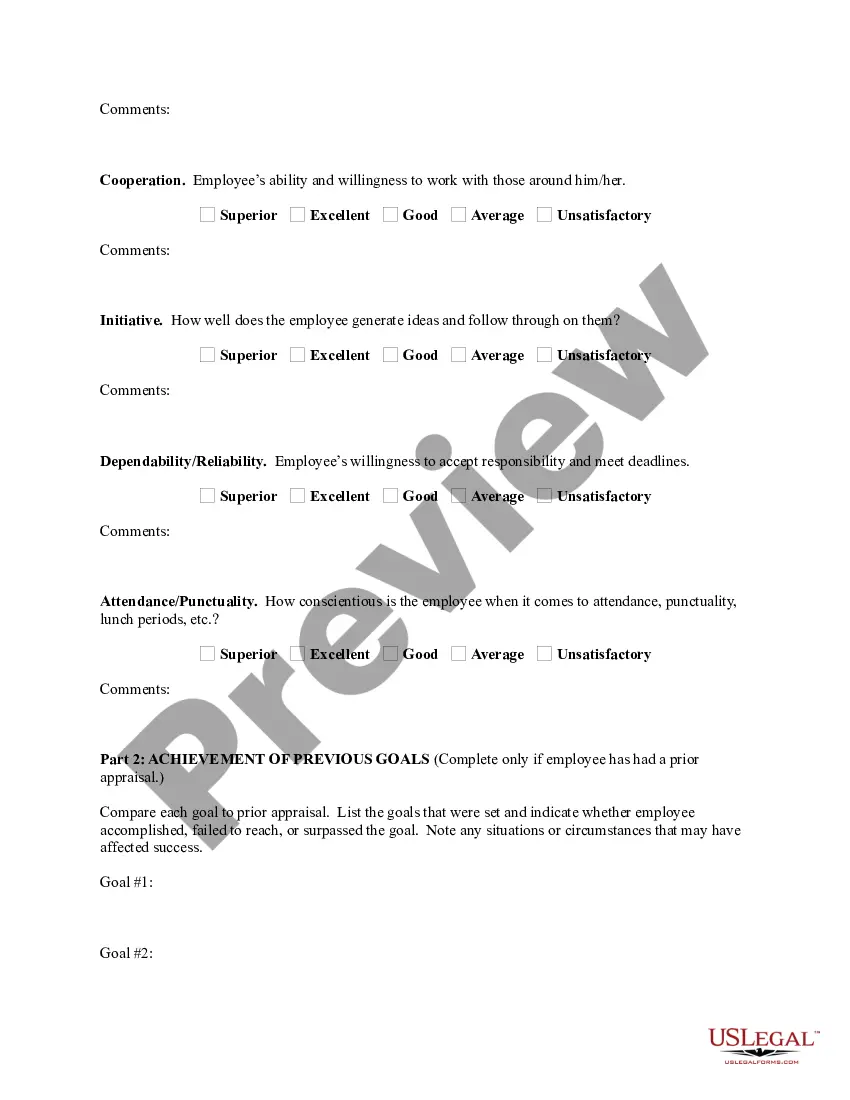
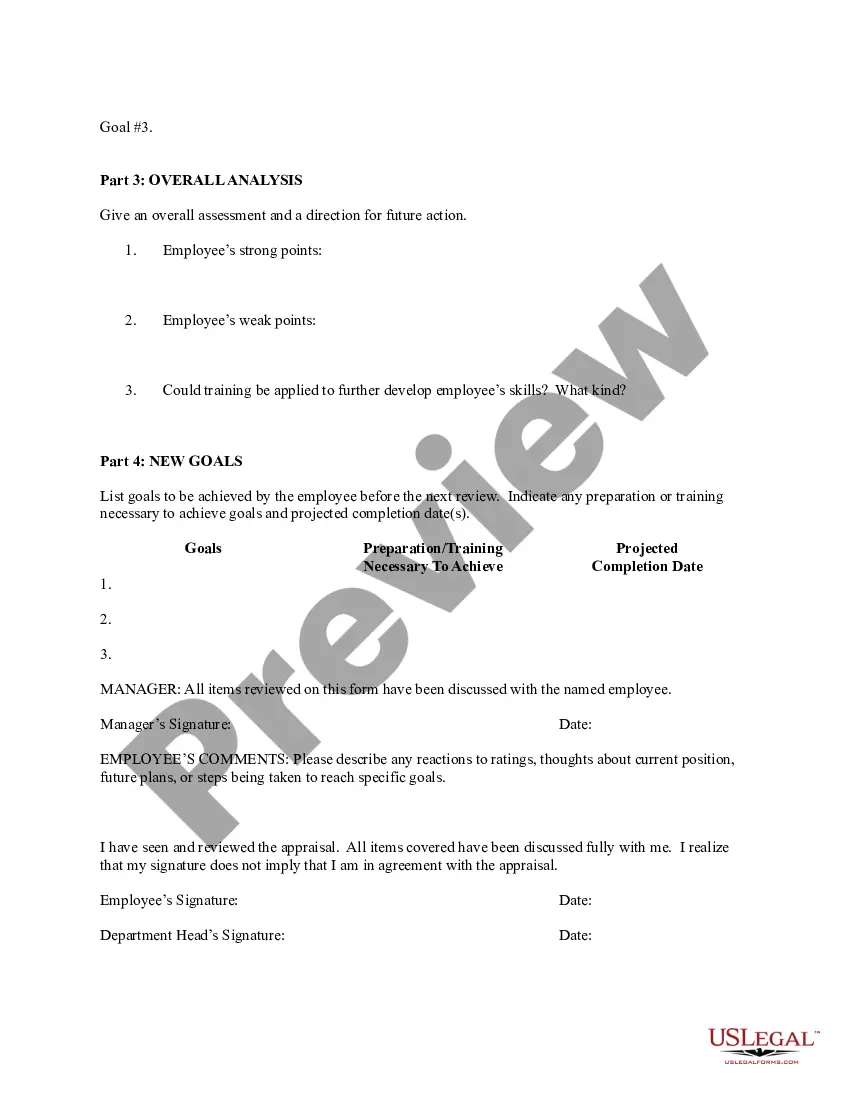
Employee and reviewer information, such as names, employee IDs, job titles, and signatures. The review period to determine the progress of an employee's performance over time. This should include the time period being assessed, as well as the date of the review itself. A rating system that's easy to understand.
The employee performance evaluation form, also known as the performance review form, is a document that highlights an individual's strengths and weaknesses when it comes to workplace performance feedback. In order to stimulate positive change, employee feedback has to be tailored to the specific work each person does.
Evaluation Forms Examples Employee Evaluation Form. Customer Service Evaluation Form. Peer Evaluation Form. Performance Improvement Plan Form. Event Evaluation Form. Training Course Feedback Template.
When approaching comments for your performance review, be specific and provide concrete examples of your achievements, challenges, and areas for growth. It's important to focus on both the positive aspects of your performance and areas where you need to improve.
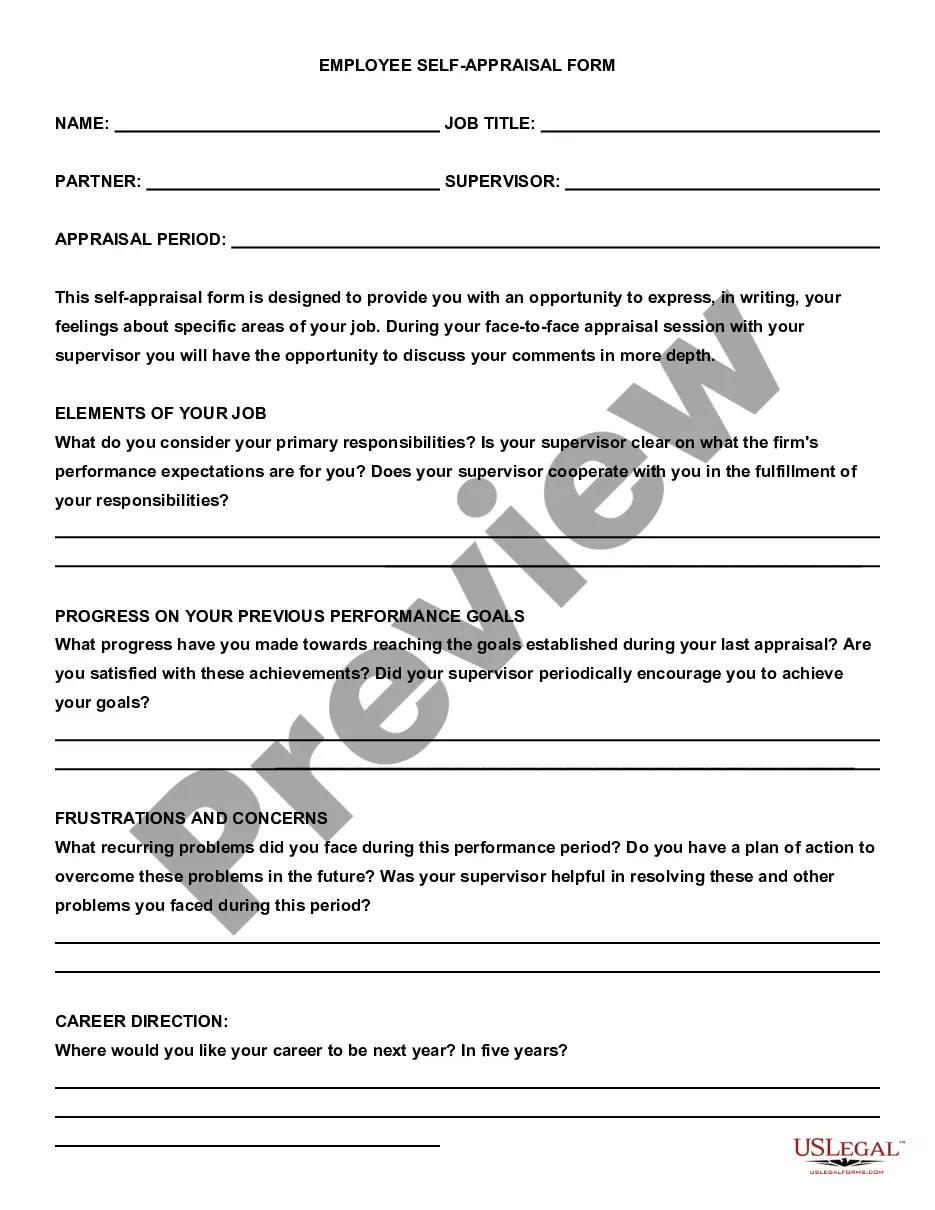
When you fill the form: Be honest and critical. Analyze your failures and mention the reasons for it. ... Keep the words minimal. ... Identify weaknesses. ... Mention your achievements. ... Link achievements to the job description and the organization's goals. ... Set the goals for the next review period. ... Resolve conflicts and grievances.