Pay Review Template With Formulas
Description
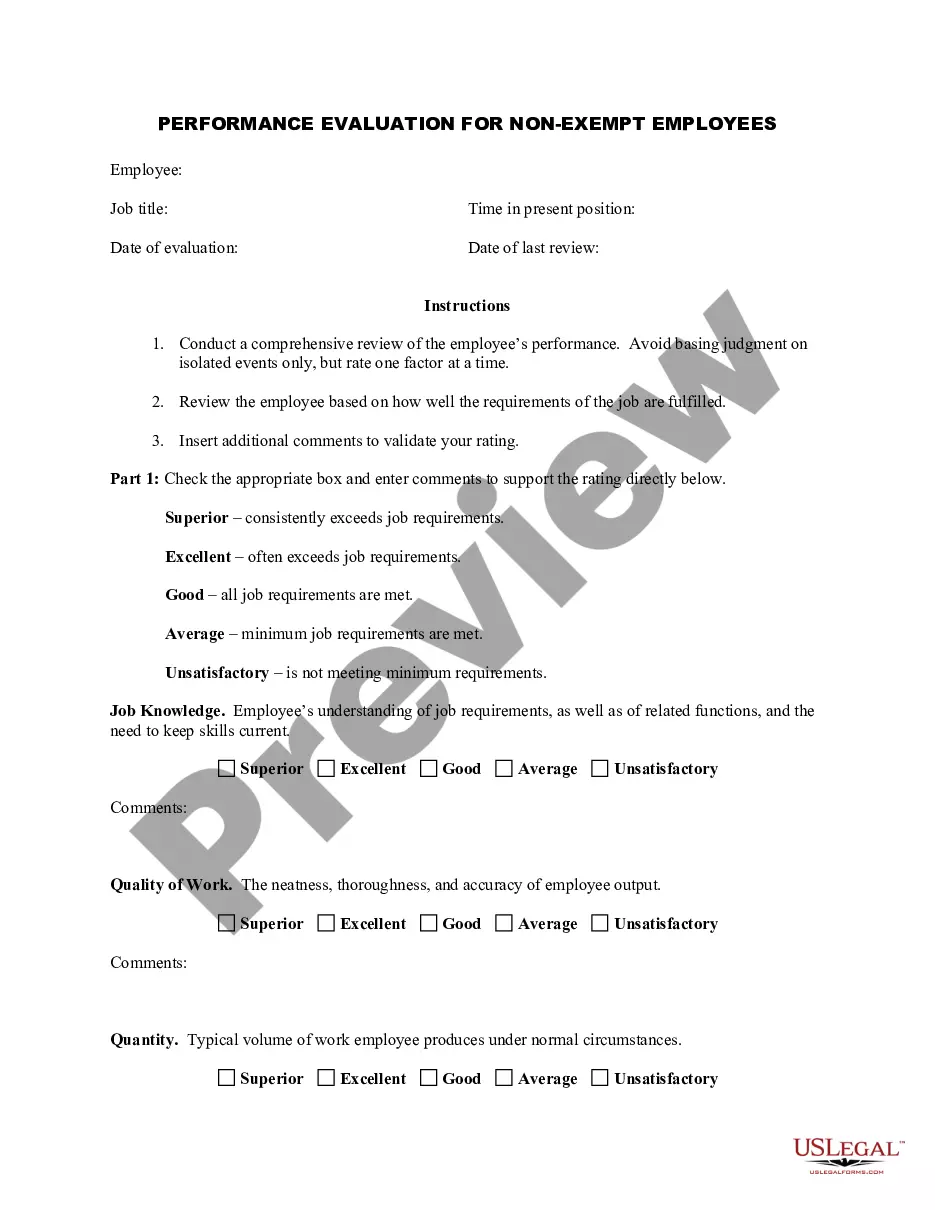
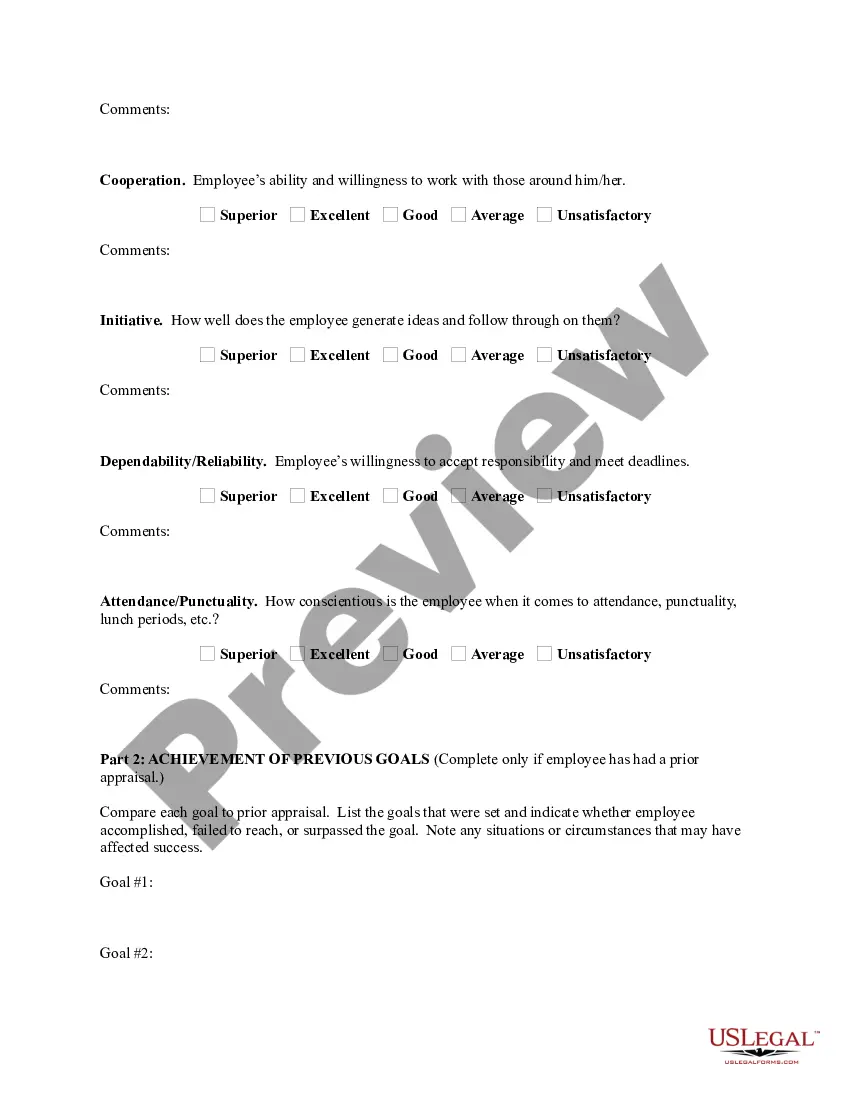
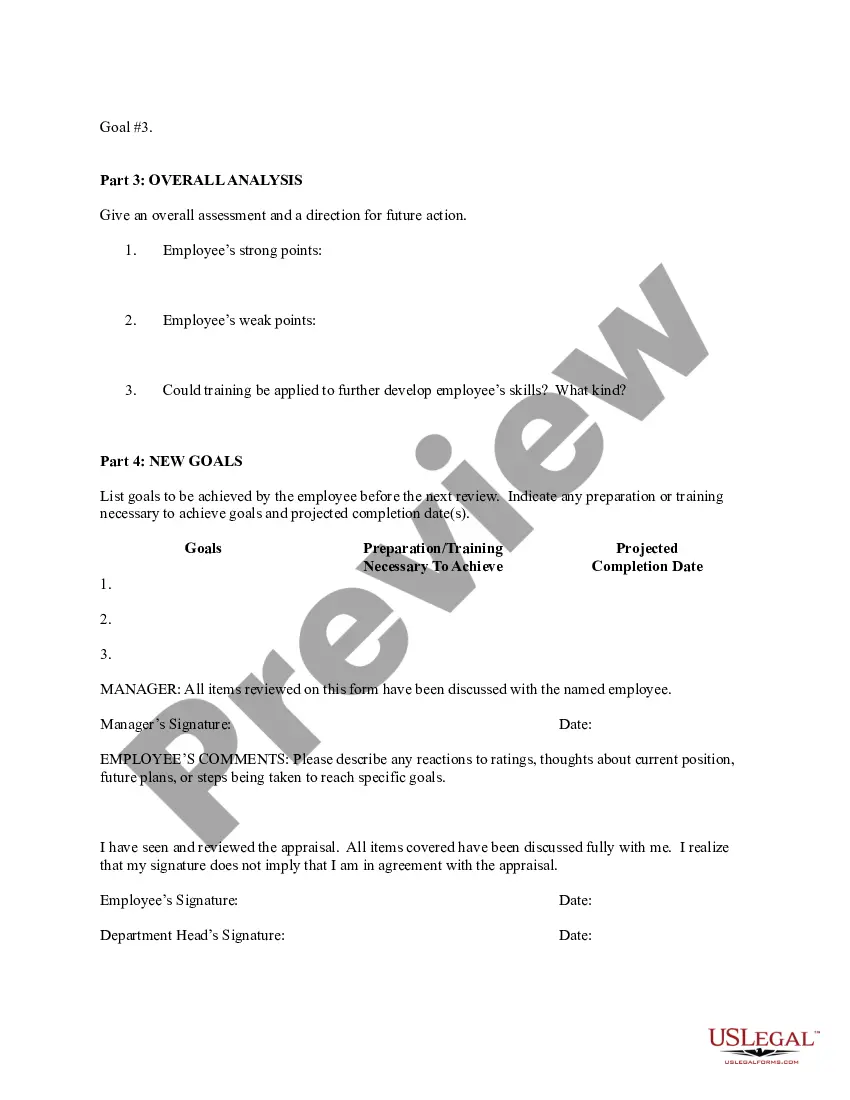

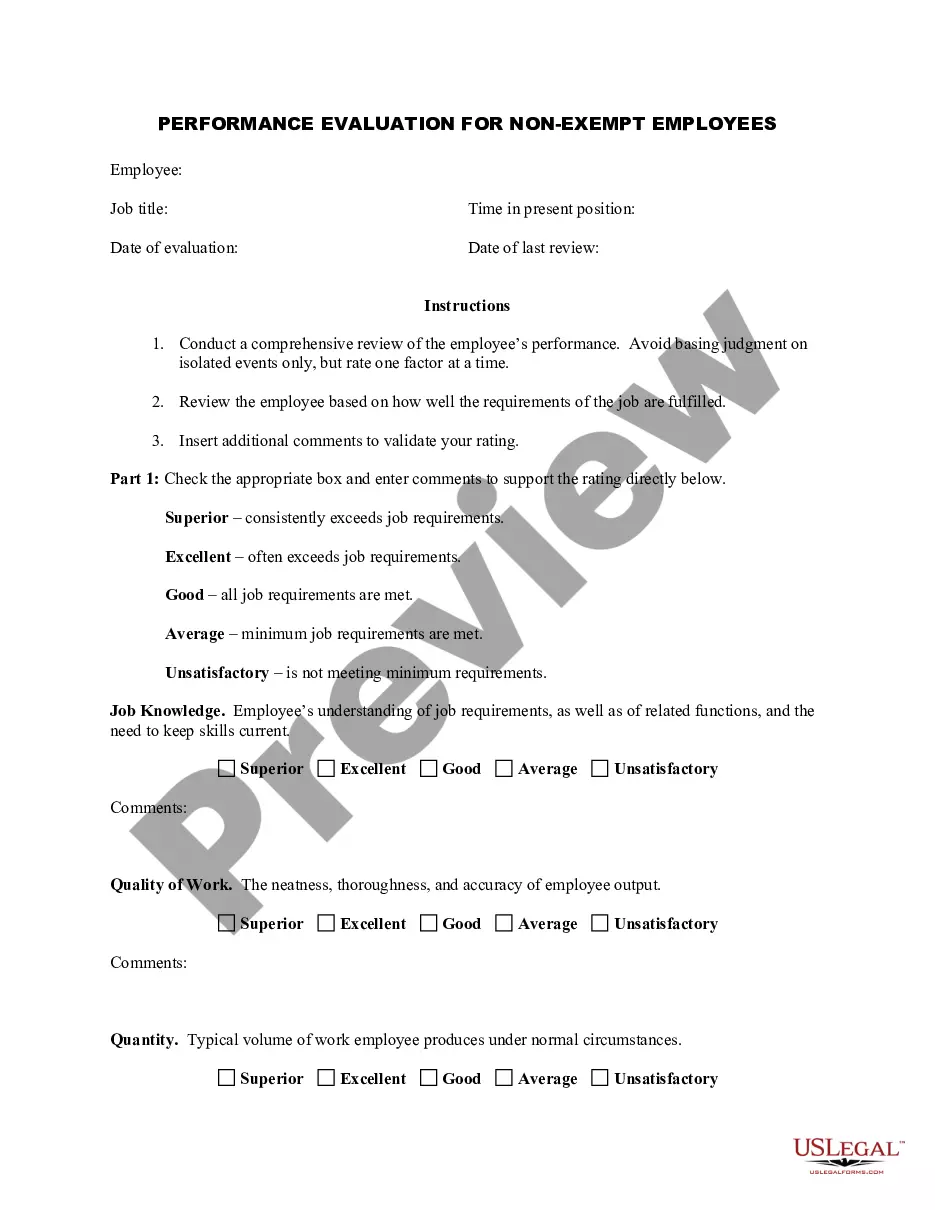
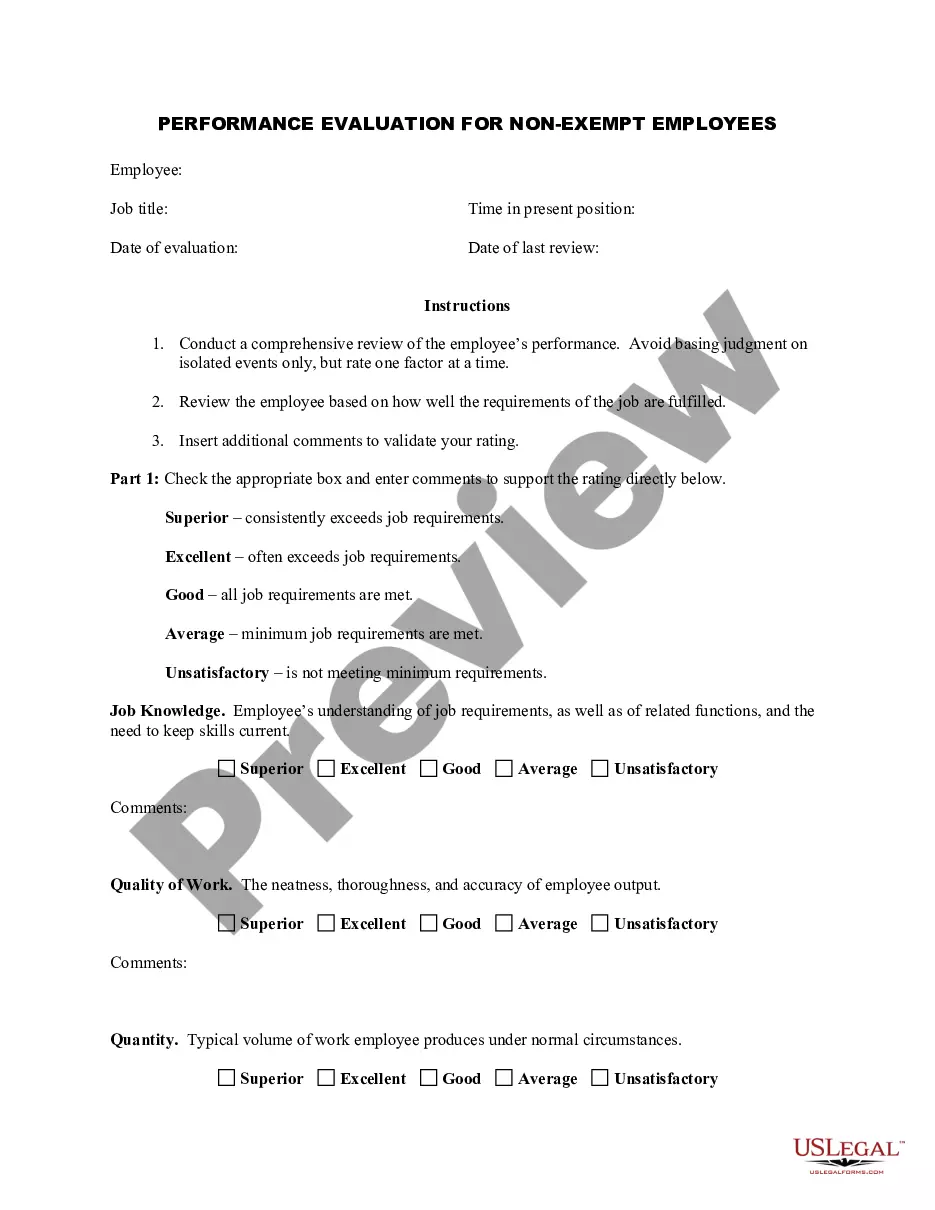



How to fill out Employee Evaluation Form For Salary Increase?
The Compensation Review Template With Formulas presented on this page is a reusable official template created by experienced attorneys in accordance with national and local regulations.
For over 25 years, US Legal Forms has supplied individuals, organizations, and lawyers with more than 85,000 validated, state-specific documents for any business and personal situation. It’s the quickest, easiest, and most reliable method to acquire the documents you require, as the service guarantees bank-level data security and anti-malware safeguards.
Download your documents again when necessary. Use the same document anytime needed. Open the My documents tab in your profile to redownload any forms you have previously downloaded. Sign up for US Legal Forms to have validated legal templates for all of life’s scenarios readily accessible.
- Search for the document you require and examine it.
- Browse through the sample you searched for and preview it or review the form description to ensure it matches your needs. If it doesn’t, utilize the search bar to find the suitable one. Click Buy Now when you have found the template you need.
- Register and Log In. Choose the payment plan that works for you and create an account. Use PayPal or a credit card to make a fast payment. If you already have an account, Log In and verify your subscription to continue.
- Receive the fillable template. Select the format you want for your Compensation Review Template With Formulas (PDF, DOCX, RTF) and download the document on your device.
- Fill out and sign the documents. Print the template to fill it out manually. Alternatively, use an online versatile PDF editor to quickly and accurately complete and sign your form with an electronic signature.
Form popularity
FAQ
Yes, Excel templates can include formulas, which makes them extremely versatile for various applications. By integrating formulas into your template, you can automate calculations and ensure data accuracy. A pay review template with formulas allows users to manage payroll more effectively while reducing manual entry errors. This feature can significantly enhance your workflow, making it easier to handle financial data efficiently.
Creating a template with formulas in Excel begins with setting up your desired layout and including the relevant data fields. Afterward, you can input the necessary formulas to automate calculations, such as totals and averages. A pay review template with formulas is an excellent tool for maintaining consistency and accuracy in your financial calculations. You can reuse this template for different situations, saving you time and effort.
To create a salary sheet in Excel with formulas, start by laying out the necessary columns, such as employee names, hours worked, and hourly rates. Then, you can insert formulas to calculate gross pay, deductions, and net pay. Using a pay review template with formulas can streamline this process, allowing you to easily adjust figures and instantly see the results. Make sure to save your sheet for future use, as it can help simplify your payroll management.
To create an income sheet in Excel, start by listing all revenue sources in one column and the corresponding amounts in another. Use formulas to sum up total income, and consider including sections for expenses to track net income. Incorporating a pay review template with formulas can greatly enhance your income analysis. US Legal Forms provides excellent resources to help you design your income sheet with ease.
Creating a template with formulas in Excel involves setting up a grid for the data you want to capture. Define the necessary variables, and input formulas that will automate calculations for future use. A pay review template with formulas can be particularly beneficial for payroll processing, making it easier to update and reuse your work. Explore the US Legal Forms library for templates designed specifically for salary management.
To create a payroll sheet in Excel, start by setting up columns for employee information, hours worked, pay rates, and deductions. Incorporate formulas to calculate gross pay and net income effortlessly. Using a pay review template with formulas can save you time and reduce errors in payroll processing. Don’t forget, US Legal Forms offers useful templates that can streamline this task.
The basic formula for salary combines the hourly pay rate with the number of hours worked. You can multiply these two values to determine gross pay: Gross Pay = Hourly Rate × Hours Worked. For a comprehensive overview, a pay review template with formulas can help manage various elements of payroll. This ensures you account for overtime and other adjustments effectively.
To create a salary sheet in Excel with formulas, start by organizing your columns to include essential details such as employee names, hours worked, and pay rates. Use formulas to calculate gross income, deductions, and net pay. A pay review template with formulas can simplify this process, allowing you to automate calculations and enhance accuracy. Consider utilizing the US Legal Forms platform for ready-made templates that fit your needs.