Review Employees Template With Calculator
Description
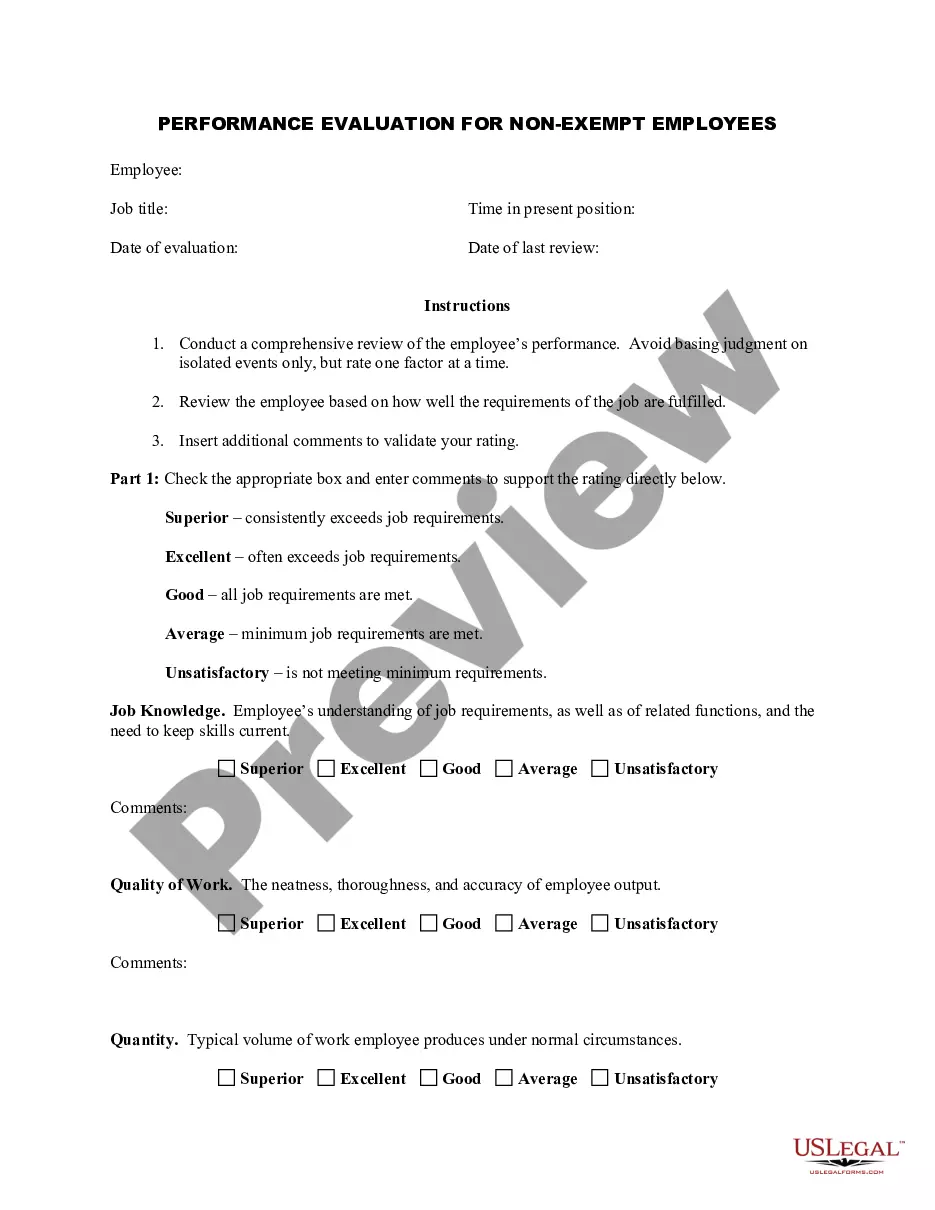
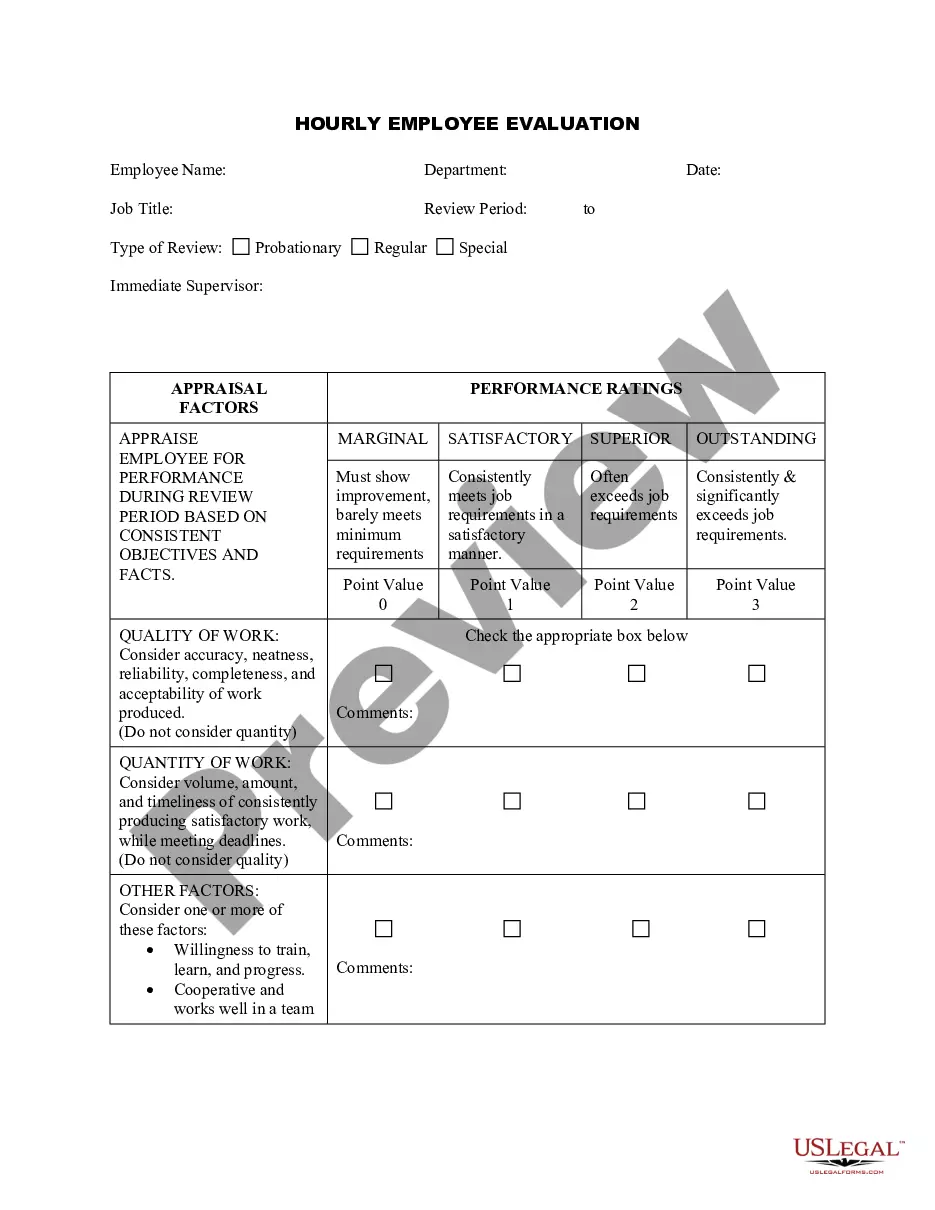
Get your form ready online
Our built-in tools help you complete, sign, share, and store your documents in one place.
Make edits, fill in missing information, and update formatting in US Legal Forms—just like you would in MS Word.
Download a copy, print it, send it by email, or mail it via USPS—whatever works best for your next step.
Sign and collect signatures with our SignNow integration. Send to multiple recipients, set reminders, and more. Go Premium to unlock E-Sign.
If this form requires notarization, complete it online through a secure video call—no need to meet a notary in person or wait for an appointment.
We protect your documents and personal data by following strict security and privacy standards.

Make edits, fill in missing information, and update formatting in US Legal Forms—just like you would in MS Word.

Download a copy, print it, send it by email, or mail it via USPS—whatever works best for your next step.

Sign and collect signatures with our SignNow integration. Send to multiple recipients, set reminders, and more. Go Premium to unlock E-Sign.

If this form requires notarization, complete it online through a secure video call—no need to meet a notary in person or wait for an appointment.

We protect your documents and personal data by following strict security and privacy standards.
Looking for another form?






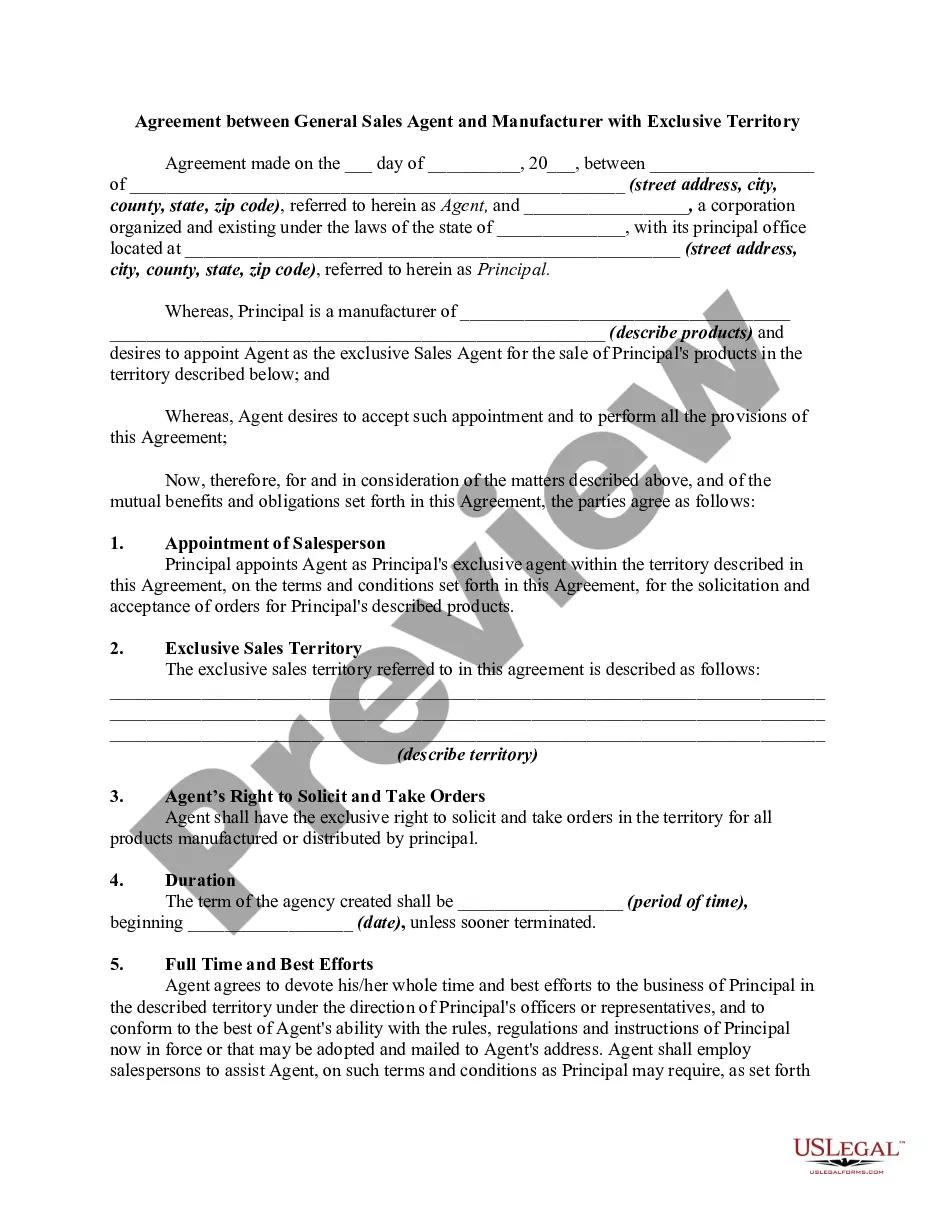


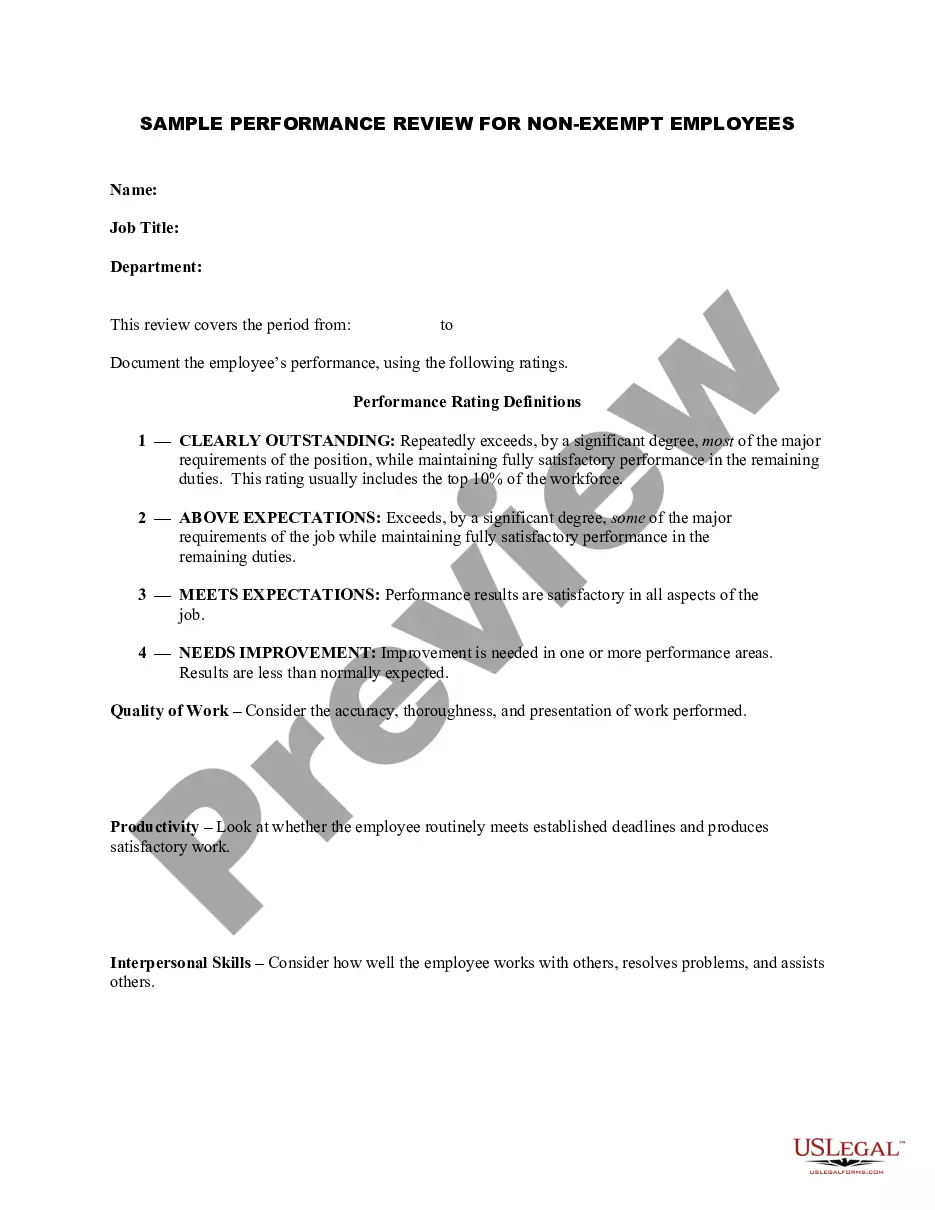
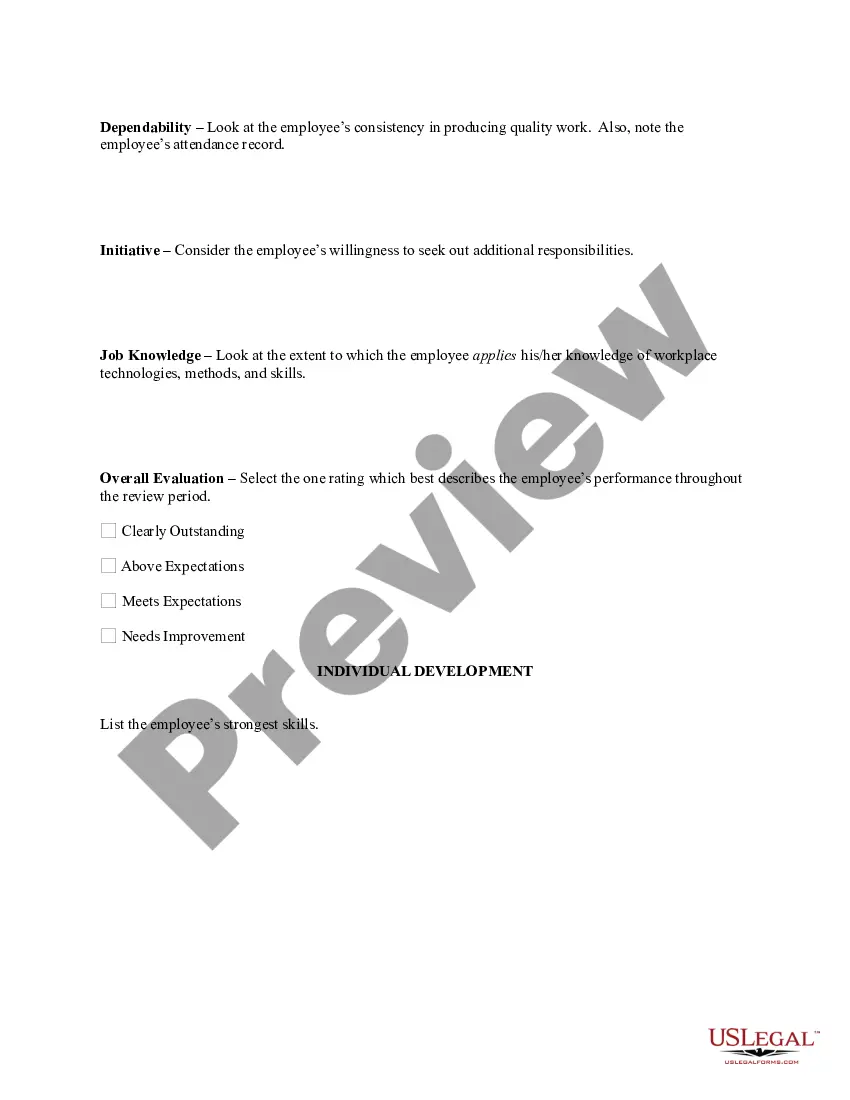
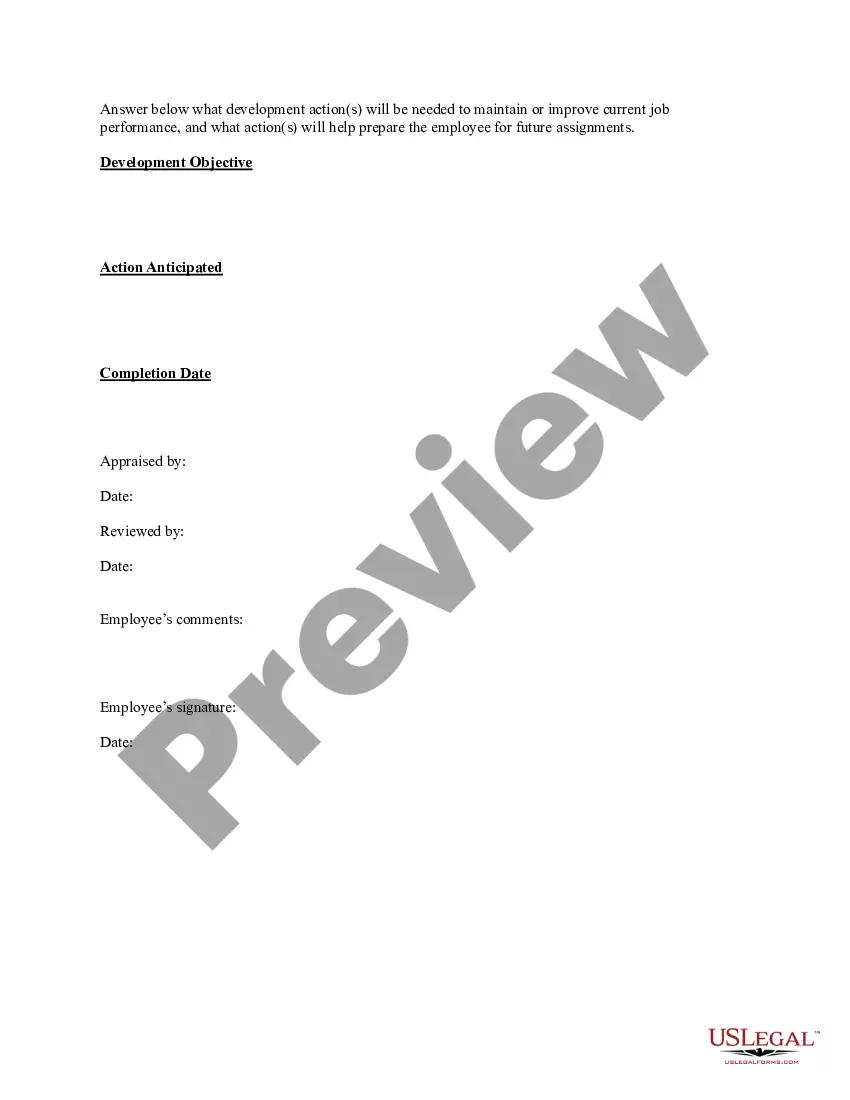
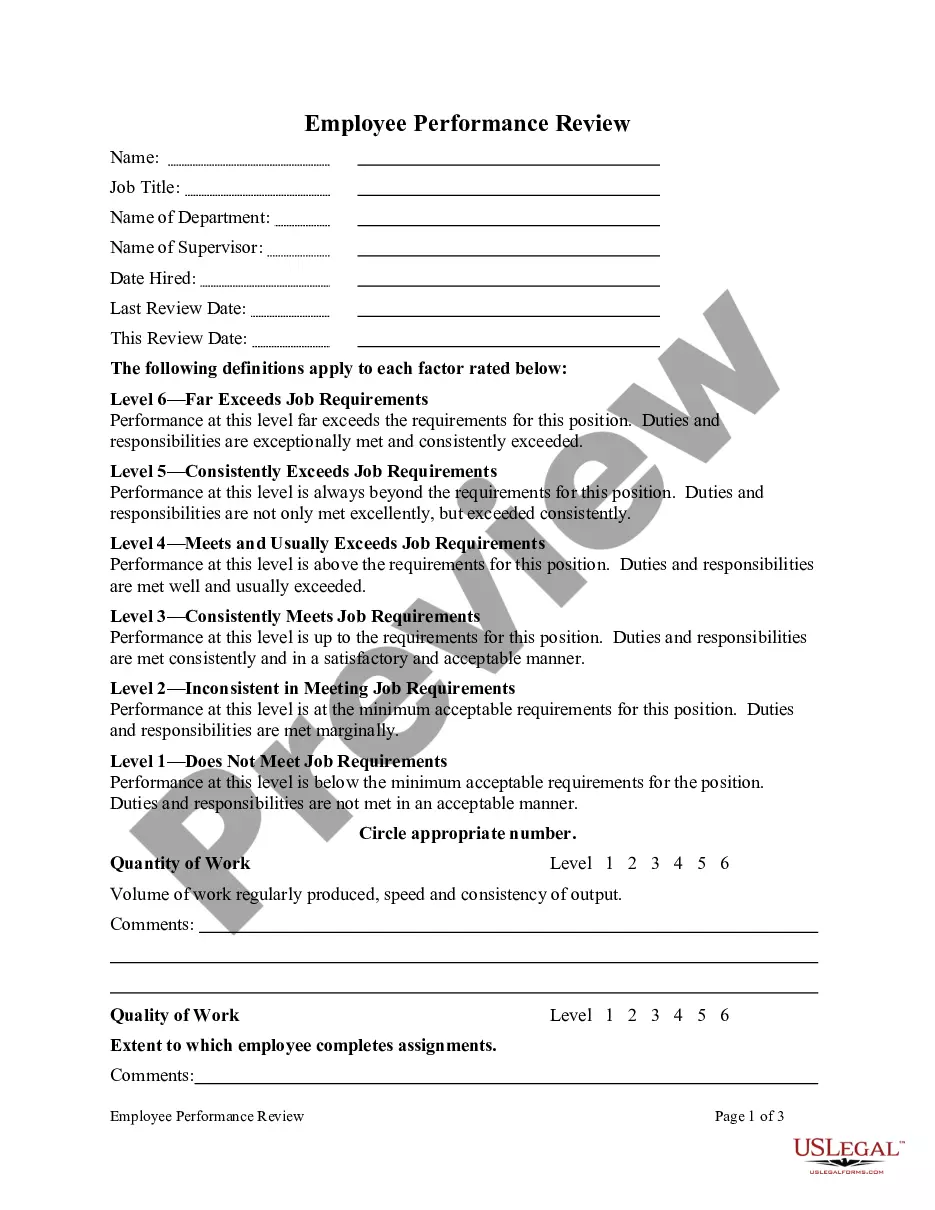
How to fill out Sample Performance Review For Nonexempt Employees?
Finding a go-to place to access the most current and relevant legal templates is half the struggle of handling bureaucracy. Finding the right legal documents demands precision and attention to detail, which is why it is vital to take samples of Review Employees Template With Calculator only from trustworthy sources, like US Legal Forms. An improper template will waste your time and delay the situation you are in. With US Legal Forms, you have little to be concerned about. You may access and view all the details about the document’s use and relevance for the situation and in your state or region.
Take the listed steps to finish your Review Employees Template With Calculator:
- Make use of the catalog navigation or search field to locate your sample.
- View the form’s description to see if it matches the requirements of your state and region.
- View the form preview, if there is one, to make sure the template is definitely the one you are searching for.
- Return to the search and locate the proper document if the Review Employees Template With Calculator does not fit your needs.
- When you are positive about the form’s relevance, download it.
- If you are an authorized customer, click Log in to authenticate and gain access to your picked forms in My Forms.
- If you do not have an account yet, click Buy now to obtain the template.
- Choose the pricing plan that fits your needs.
- Proceed to the registration to complete your purchase.
- Finalize your purchase by selecting a payment method (bank card or PayPal).
- Choose the document format for downloading Review Employees Template With Calculator.
- Once you have the form on your gadget, you may change it with the editor or print it and complete it manually.
Eliminate the headache that comes with your legal paperwork. Check out the extensive US Legal Forms collection where you can find legal templates, examine their relevance to your situation, and download them immediately.
Form popularity
FAQ
If the employee received a disciplinary action during the performance cycle that is still active (Y), then the overall rating cannot be greater than "Meeting Expectations." Overall Ratings: Exceeding Expectations = 2.70-3.00. Meeting Expectations = 1.70-2.69. Not Meeting Expectations = 1.00-1.69.
The Performance Evaluation of Record is the whole number evaluation of record and descriptor (e.g. "3 - Successful") converted from the Overall Rating as follows: 4.6-5.0 = "5- Outstanding"; 3.6-4.5="4- Excellent"; 2.6-3.5= "3-Successful"; 2.0-2.5= "2 - Minimally Successful"; < 2 on any objective = "1 - Unacceptable".
Make space to identify and establish future training goals. Stay objective: Write in plain language so there can be no ambiguity or subjectivity, and back up feedback with hard numbers. Give detailed feedback: Employees need to understand exactly what they need to do to improve and develop.
How to Fill Out an Employee Evaluation Form Step 1: Gather Employee Information. ... Step 2: Assess Employee Responsibilities and Performance. ... Step 3: Use Objective Language. ... Step 4: Use Action Verbs. ... Step 5: Compare Performance Ratings. ... Step 6: Ask Open-Ended Questions. ... Step 7: Use a Point System.
When you fill the form: Be honest and critical. Analyze your failures and mention the reasons for it. ... Keep the words minimal. ... Identify weaknesses. ... Mention your achievements. ... Link achievements to the job description and the organization's goals. ... Set the goals for the next review period. ... Resolve conflicts and grievances.