Application For Medical Leave For Office
Description
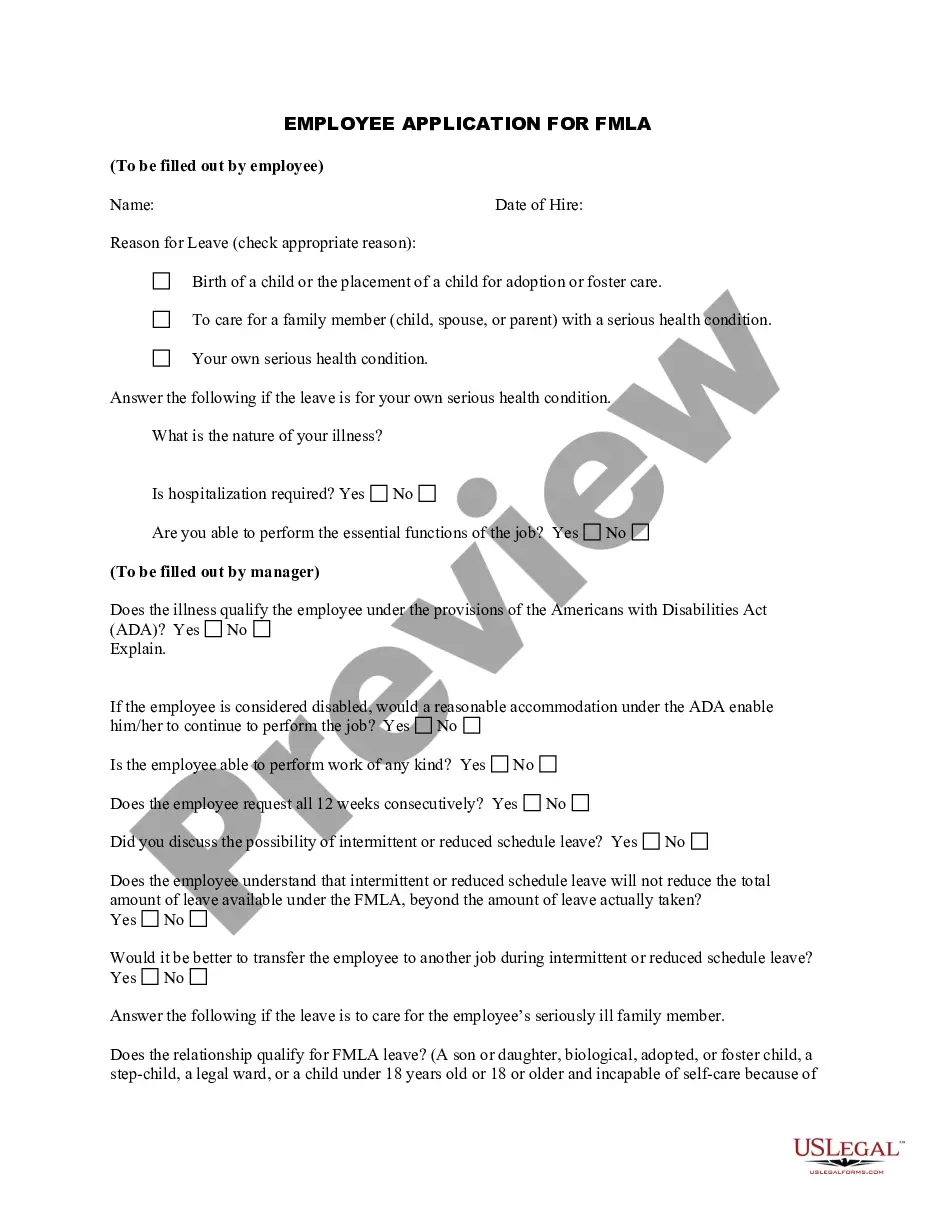
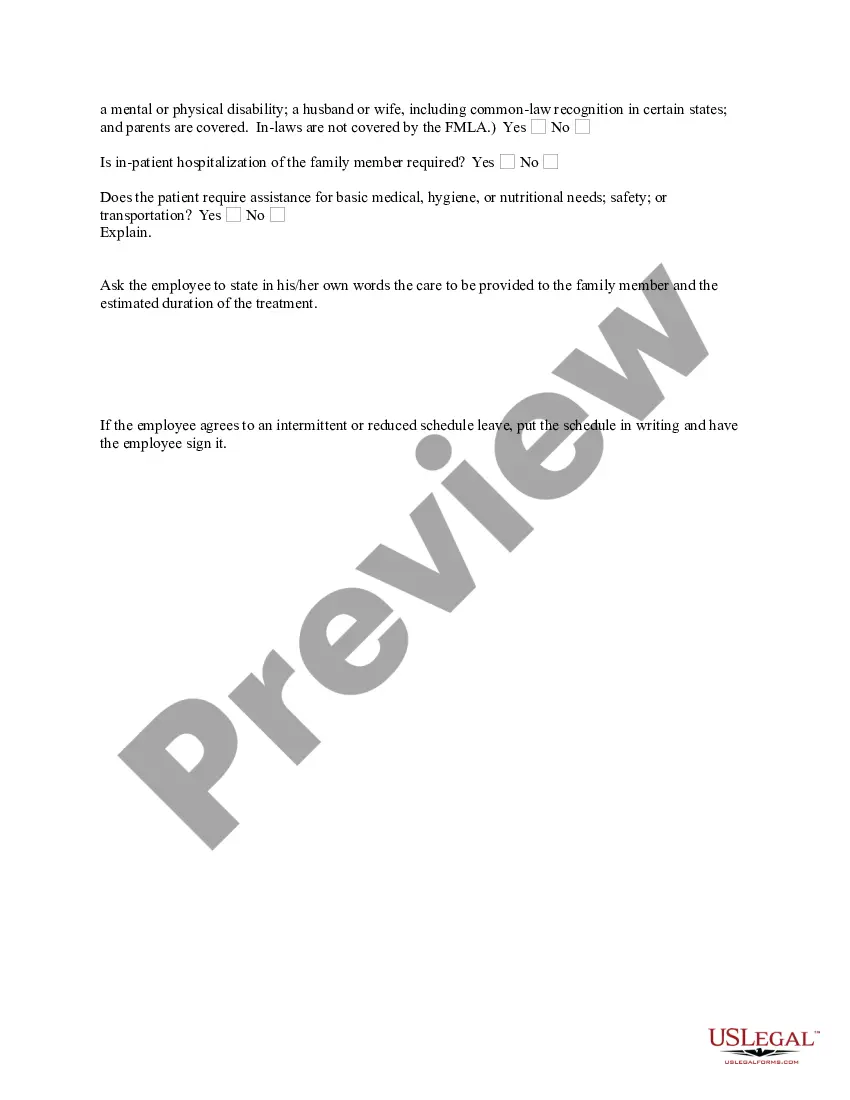
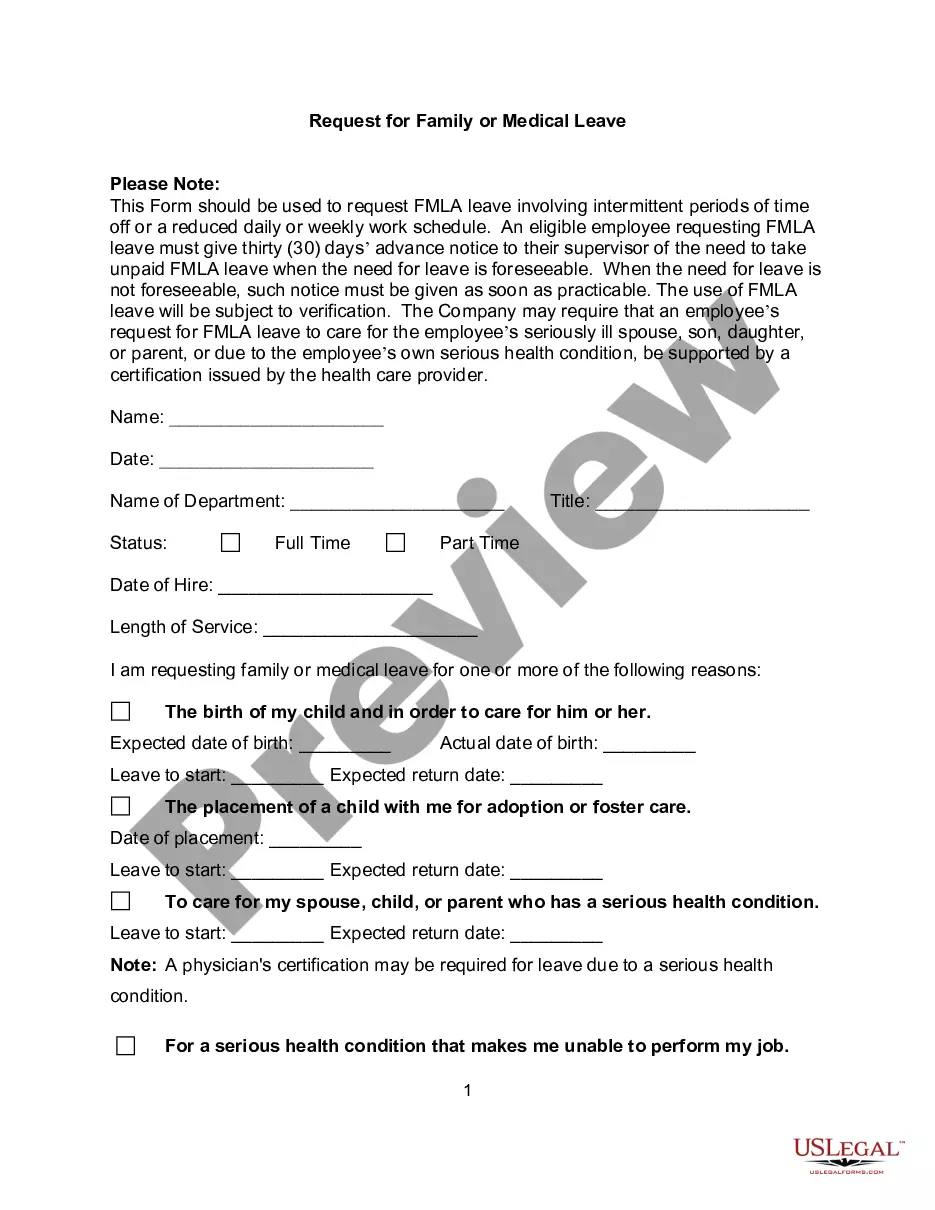
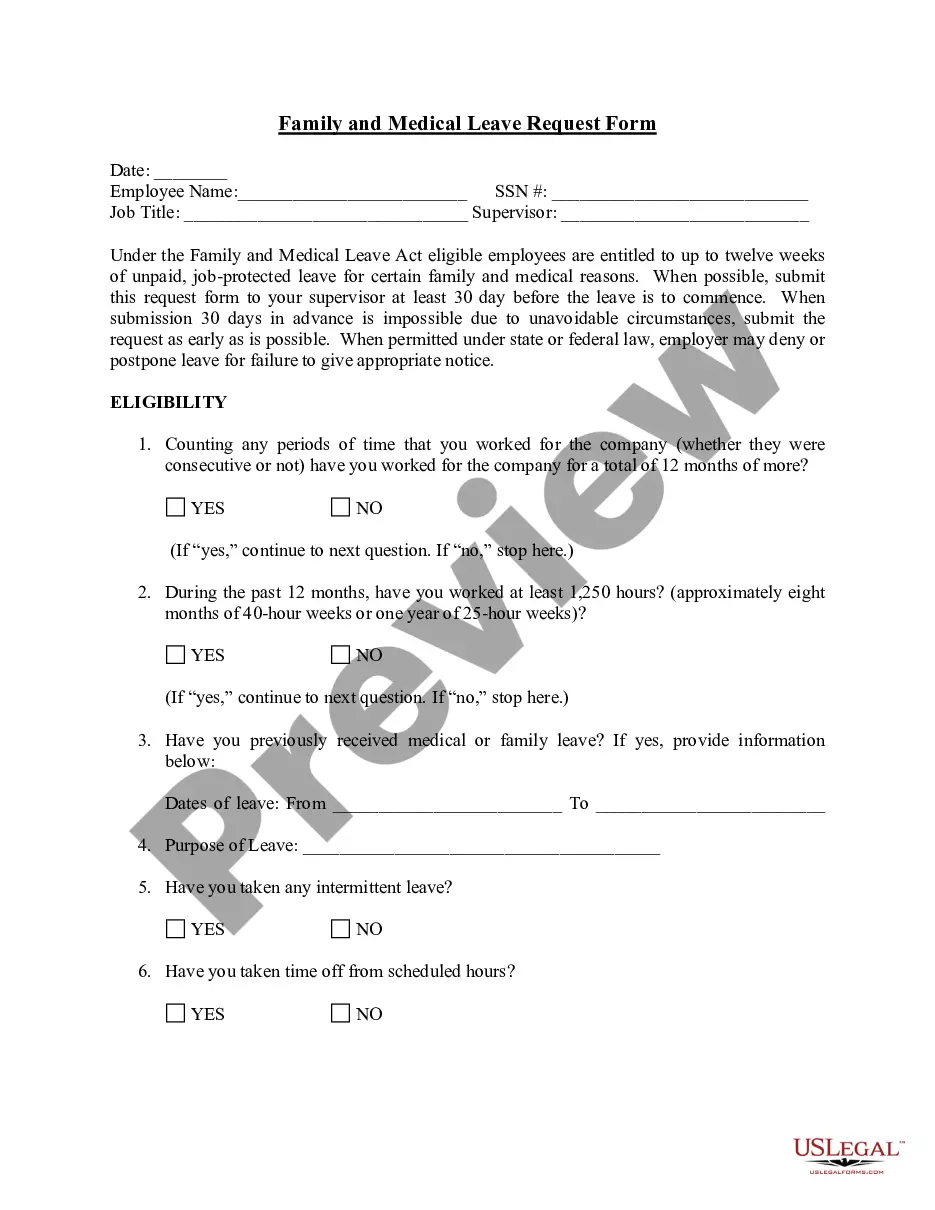
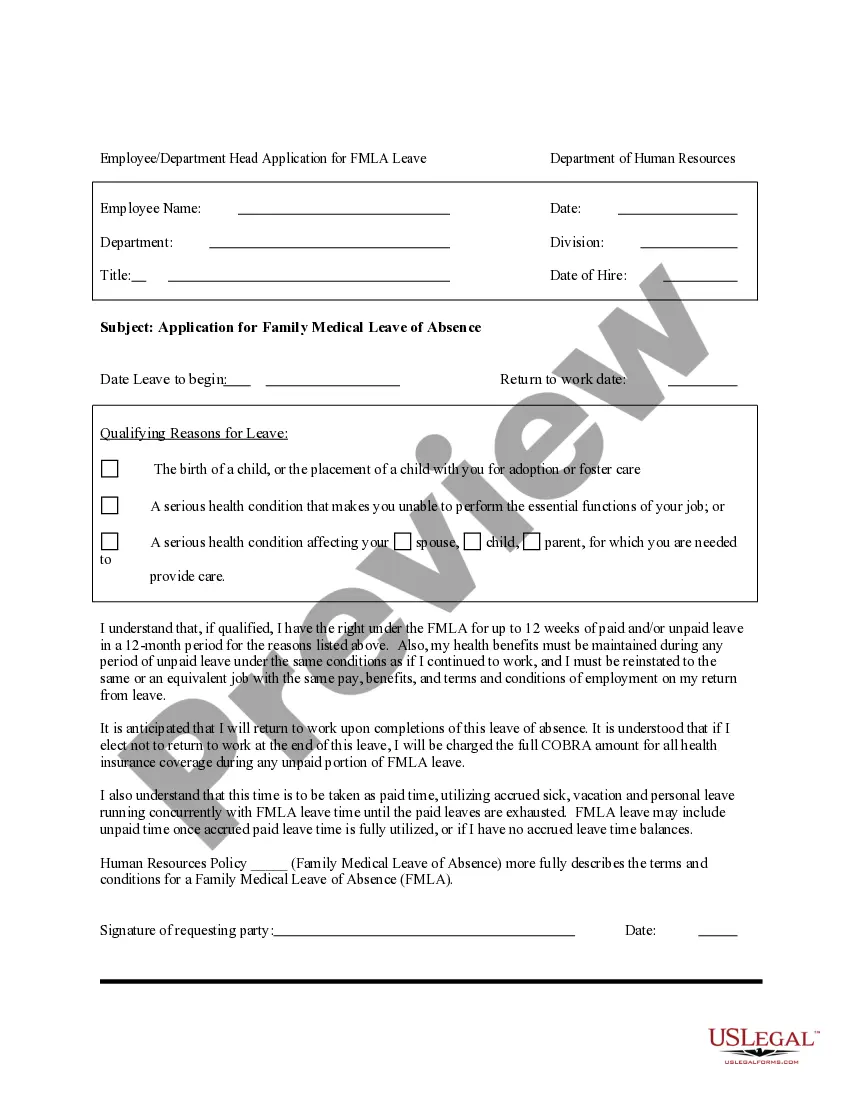
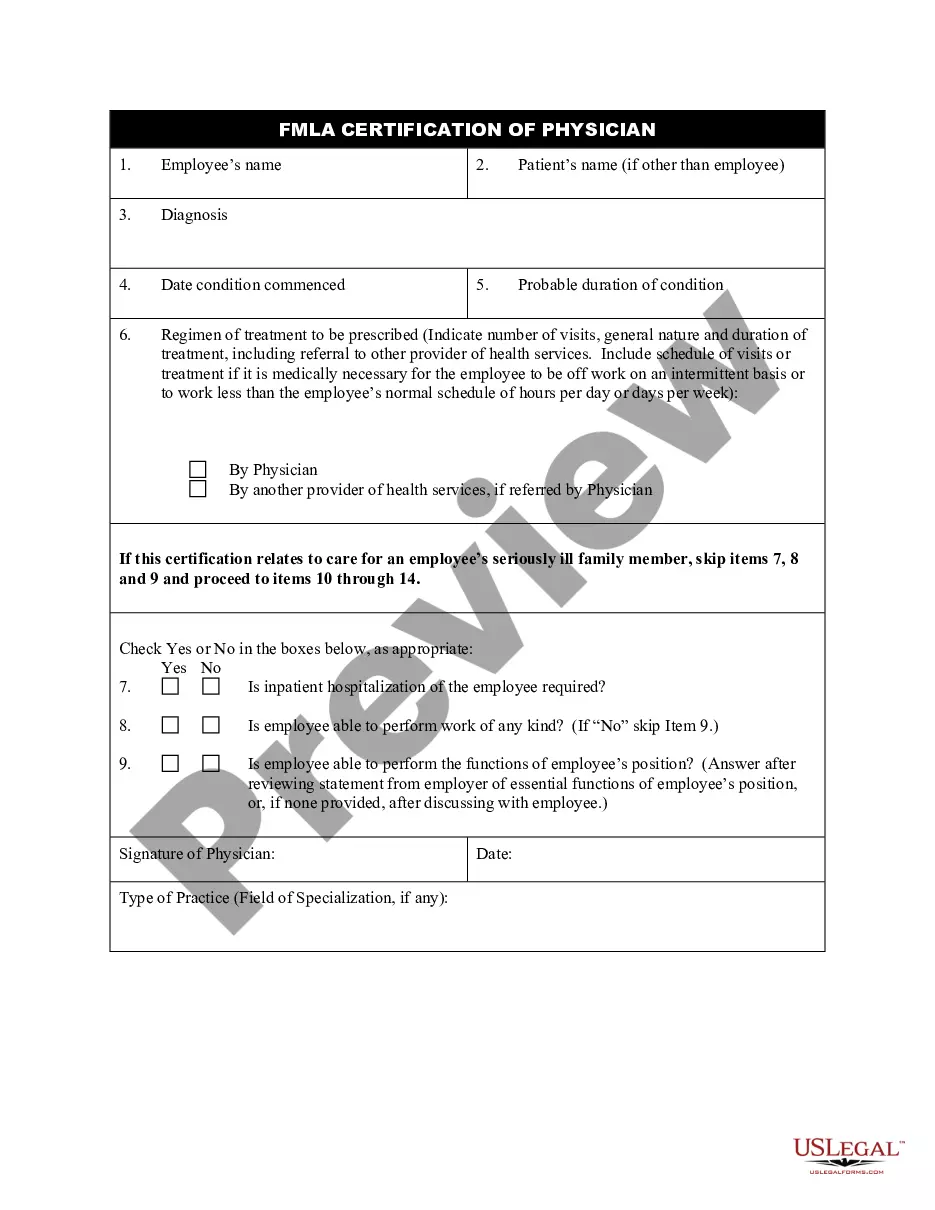
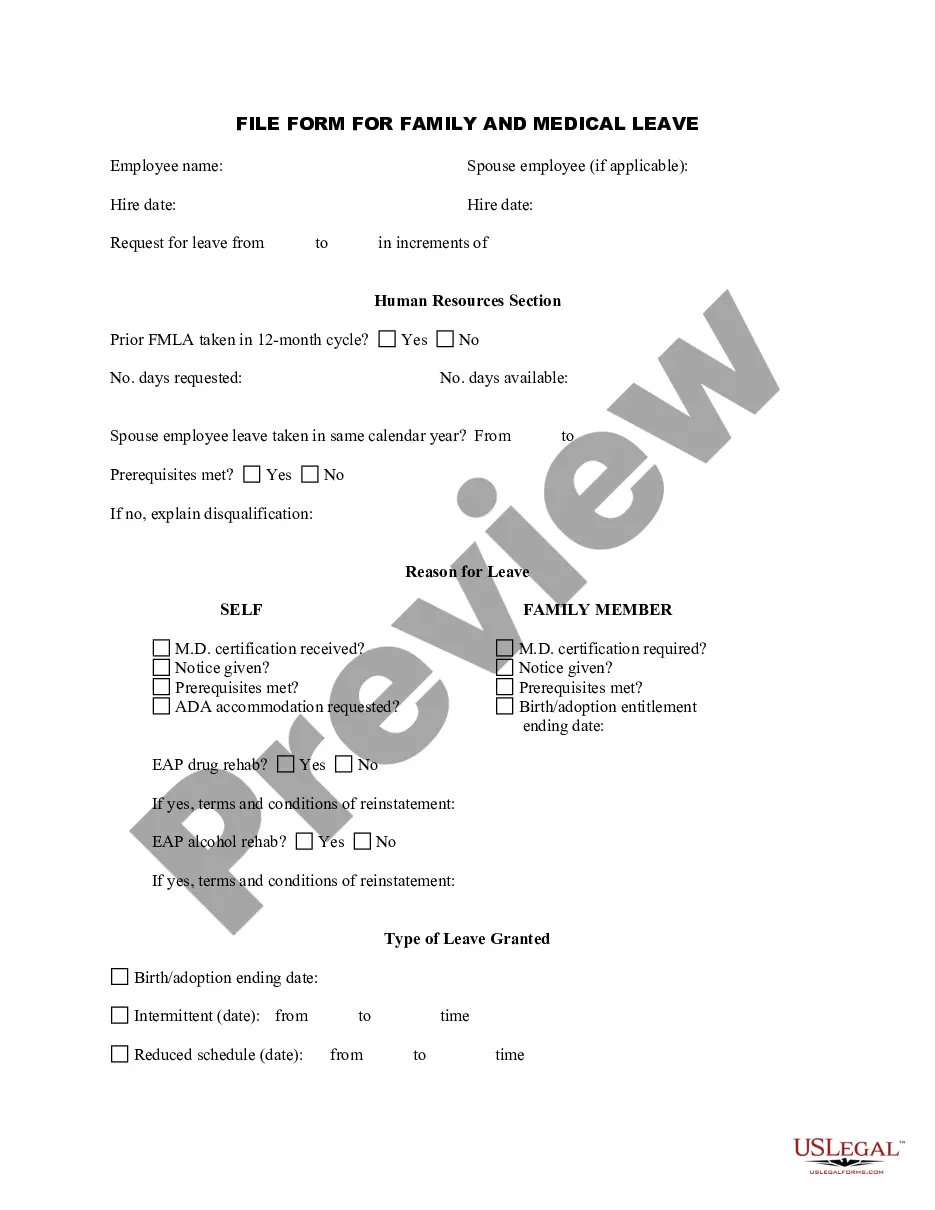
Get your form ready online
Our built-in tools help you complete, sign, share, and store your documents in one place.
Make edits, fill in missing information, and update formatting in US Legal Forms—just like you would in MS Word.
Download a copy, print it, send it by email, or mail it via USPS—whatever works best for your next step.
Sign and collect signatures with our SignNow integration. Send to multiple recipients, set reminders, and more. Go Premium to unlock E-Sign.
If this form requires notarization, complete it online through a secure video call—no need to meet a notary in person or wait for an appointment.
We protect your documents and personal data by following strict security and privacy standards.

Make edits, fill in missing information, and update formatting in US Legal Forms—just like you would in MS Word.

Download a copy, print it, send it by email, or mail it via USPS—whatever works best for your next step.

Sign and collect signatures with our SignNow integration. Send to multiple recipients, set reminders, and more. Go Premium to unlock E-Sign.

If this form requires notarization, complete it online through a secure video call—no need to meet a notary in person or wait for an appointment.

We protect your documents and personal data by following strict security and privacy standards.
Looking for another form?








How to fill out Employee Application For FMLA?
Regardless of whether it is for commercial objectives or personal affairs, everyone eventually encounters legal situations in their lifetime.
Filling out legal paperwork demands meticulous care, starting with the selection of the correct form template.
Once downloaded, you can fill out the form with editing software or print it out and complete it by hand. With a comprehensive catalog from US Legal Forms at your disposal, you do not need to waste time searching for the correct template across the internet. Utilize the library’s straightforward navigation to find the suitable form for any scenario.
- Acquire the template you need by using the search bar or browsing the catalog.
- Review the form’s description to ensure it matches your circumstance, state, and county.
- Click on the form’s preview to take a look at it.
- If it is the wrong document, return to the search feature to find the Application For Medical Leave For Office template you need.
- Download the file when it fits your requirements.
- If you already possess a US Legal Forms account, simply click Log in to access previously stored files in My documents.
- In case you don’t have an account yet, you can acquire the form by clicking Buy now.
- Choose the appropriate pricing option.
- Complete the account registration form.
- Select your payment method: use a credit card or PayPal account.
- Choose the document format you wish and download the Application For Medical Leave For Office.
Form popularity
FAQ
I wish to inform you that I would require ____(add days) of leave in ____(add time) due to a chronic medical condition. I require regular treatment and bed rest during this time and thus request time off.
Use the following tips and steps to write a professional leave application: Review your company's leave policy. ... Know the right person to authorise your leave. ... Begin with the date. ... Write the name and address of the recipient. ... Include a subject line. ... Add a salutation. ... Make a formal request for leave.
It could be for one of many reasons: personal or family health problems, the birth or adoption of a child, relief from excessive job stress, the loss of a loved one, the desire to travel or pursue a hobby, or another reason.
How to write a leave application Write your name, job title and the purpose of the email in the subject line. ... Begin with an appropriate opening salutation. ... Keep the body of the leave application concise. ... Let the recipient know that you need to take a leave of absence from work.
I am taking time off from work because (state the reason that explains why you need to be away for a specified period of time). For the duration of my leave, I will be/will not be available to take calls or answer emails from my colleagues.