Advance Employee Template With Time
Description
Get your form ready online
Our built-in tools help you complete, sign, share, and store your documents in one place.
Make edits, fill in missing information, and update formatting in US Legal Forms—just like you would in MS Word.
Download a copy, print it, send it by email, or mail it via USPS—whatever works best for your next step.
Sign and collect signatures with our SignNow integration. Send to multiple recipients, set reminders, and more. Go Premium to unlock E-Sign.
If this form requires notarization, complete it online through a secure video call—no need to meet a notary in person or wait for an appointment.
We protect your documents and personal data by following strict security and privacy standards.

Make edits, fill in missing information, and update formatting in US Legal Forms—just like you would in MS Word.

Download a copy, print it, send it by email, or mail it via USPS—whatever works best for your next step.

Sign and collect signatures with our SignNow integration. Send to multiple recipients, set reminders, and more. Go Premium to unlock E-Sign.

If this form requires notarization, complete it online through a secure video call—no need to meet a notary in person or wait for an appointment.

We protect your documents and personal data by following strict security and privacy standards.
Looking for another form?


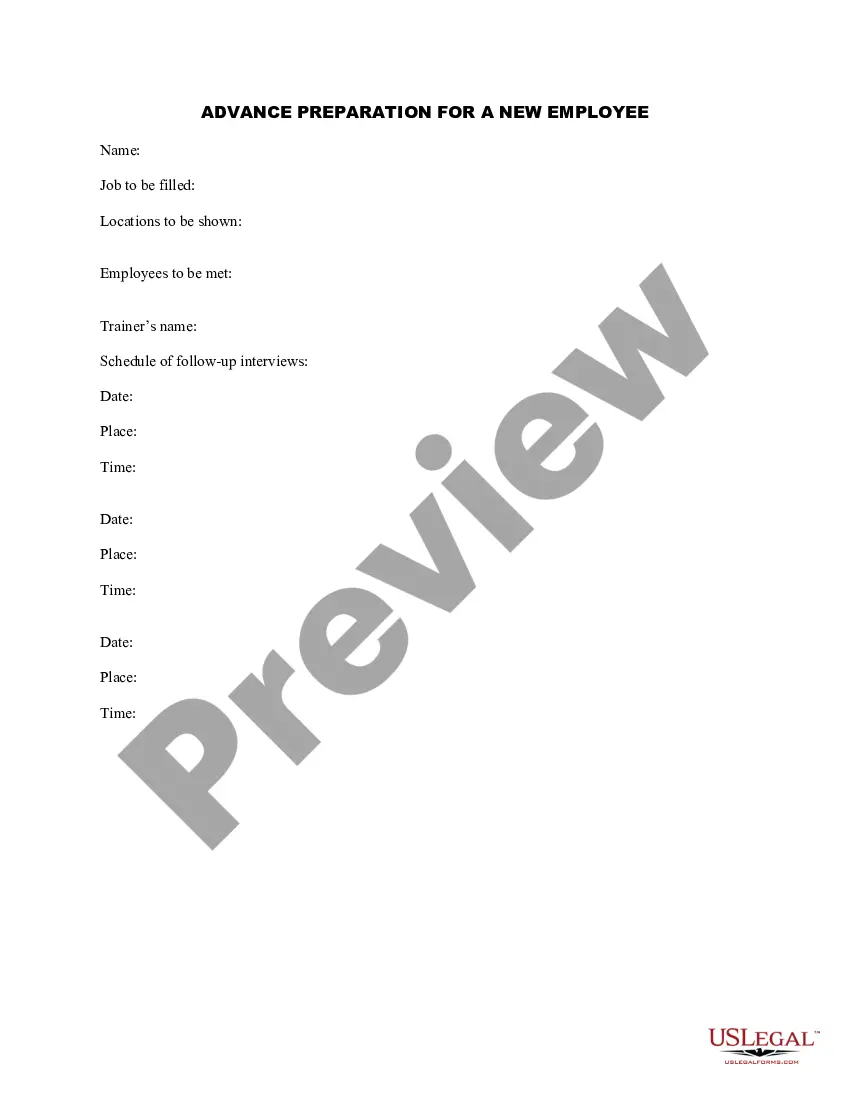
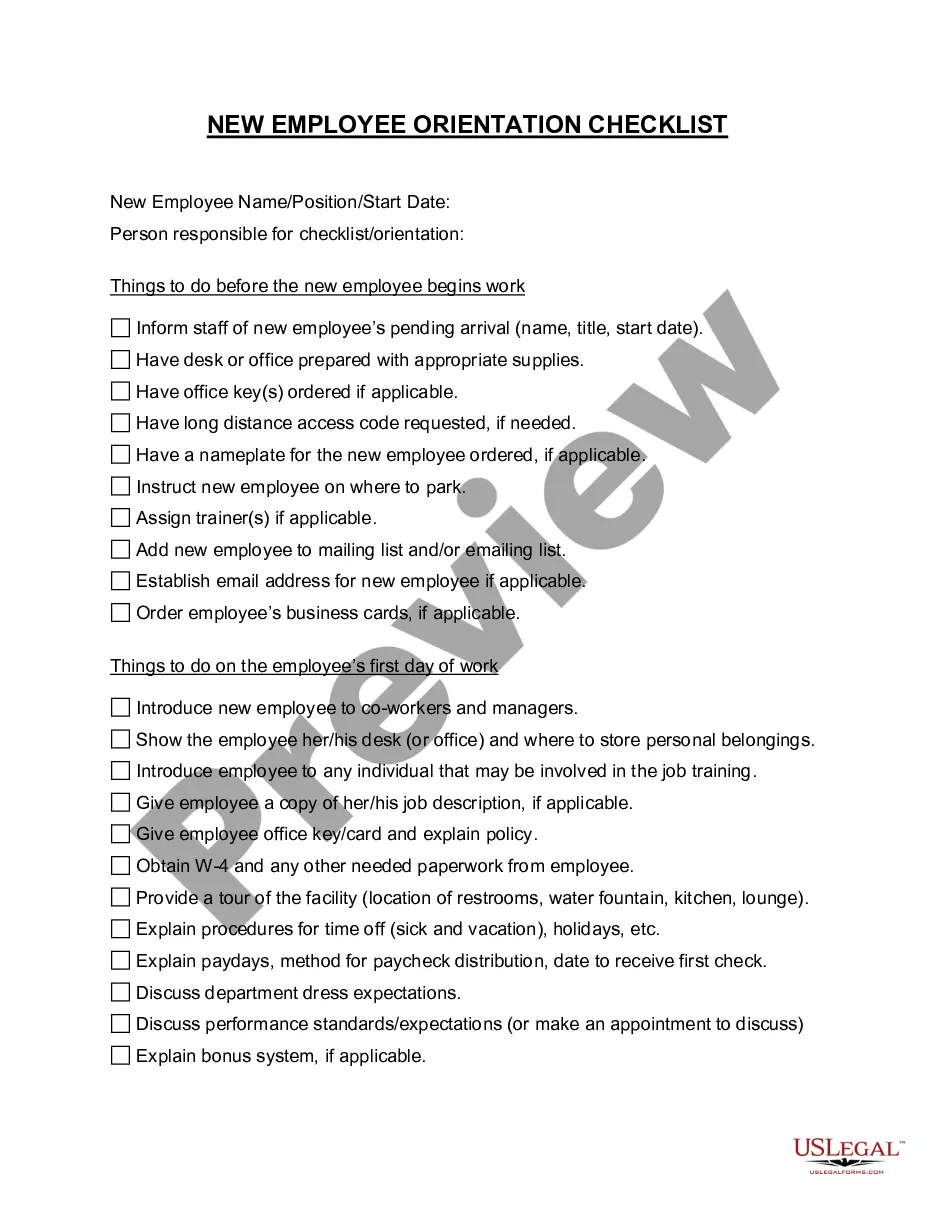
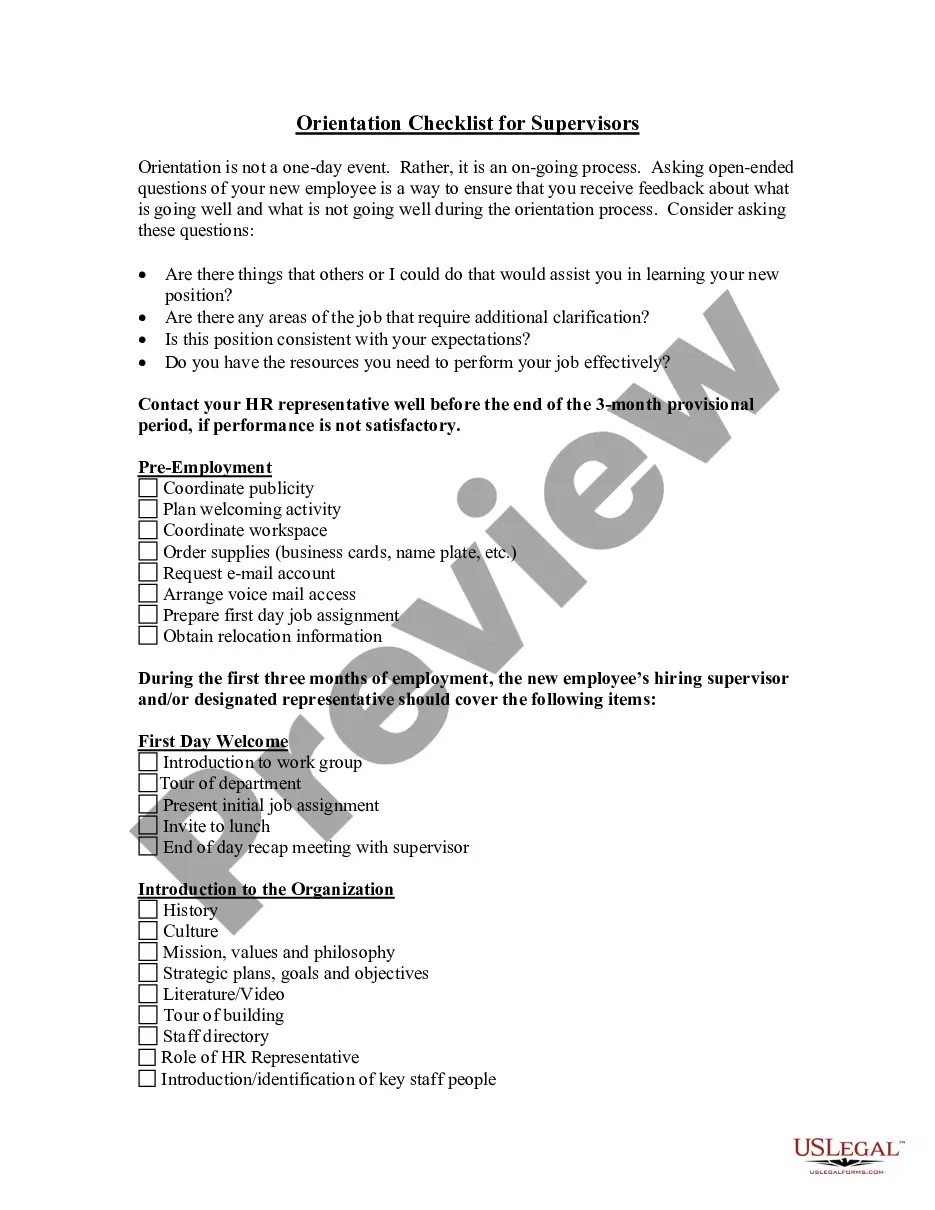
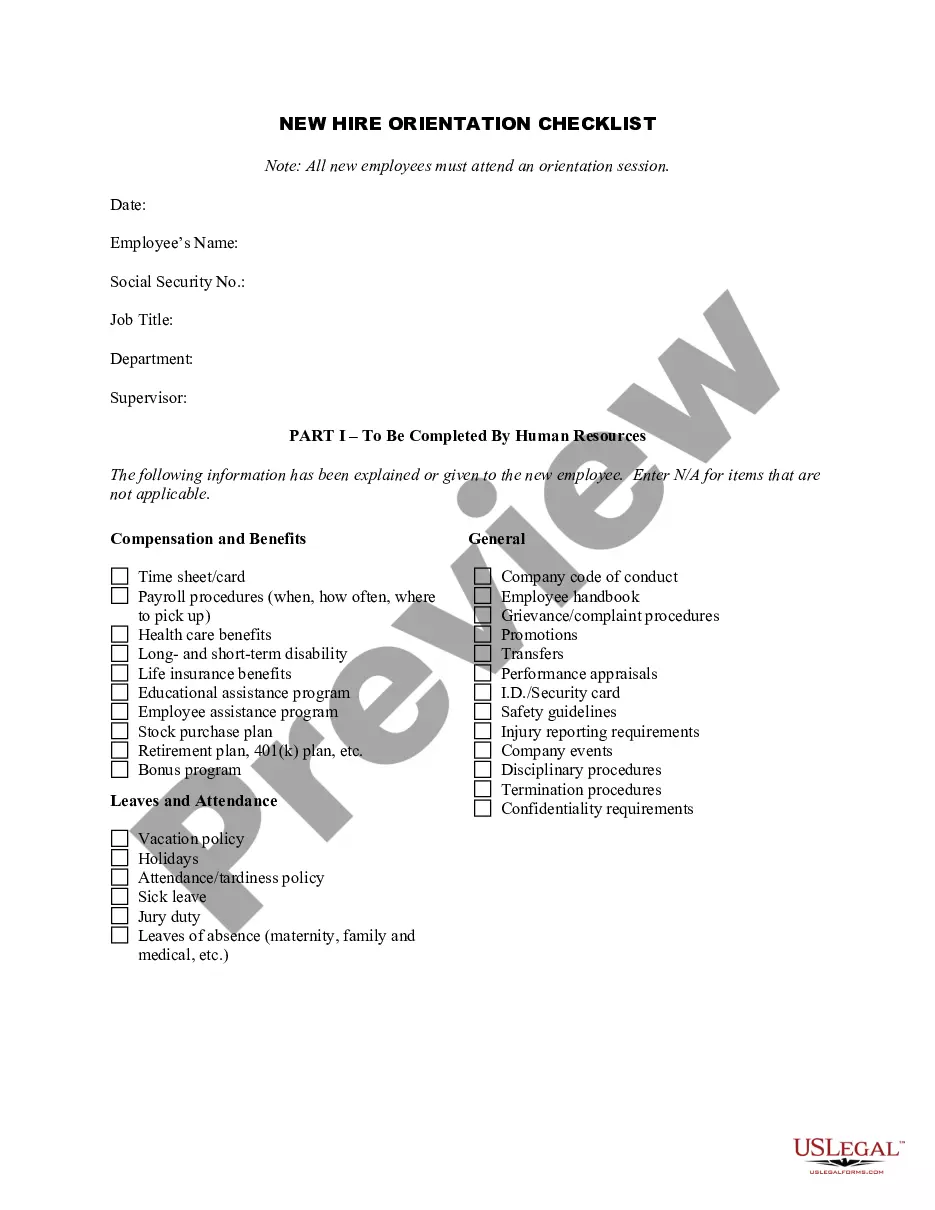
How to fill out Advance Preparation For A New Employee?
The Advanced Employee Template With Time showcased on this page is a versatile legal document formulated by expert attorneys in accordance with federal and state laws. For over 25 years, US Legal Forms has supplied individuals, companies, and legal professionals with over 85,000 authenticated, state-specific documents for any business and personal scenario. It’s the fastest, simplest, and most dependable method to acquire the paperwork you require, as the service promises bank-level data security and anti-malware safeguards.
Acquiring this Advanced Employee Template With Time will only require a few straightforward steps.
Register for US Legal Forms to have verified legal templates for all of life's situations at your fingertips.
- Search for the document you require and examine it. Browse through the file you sought and preview it or review the form description to ensure it meets your requirements. If it doesn’t, utilize the search bar to find the suitable one. Click Buy Now once you have found the template you need.
- Create an account and sign in. Choose the pricing option that works for you and register for an account. Use PayPal or a credit card to make a quick payment. If you already possess an account, Log In and verify your subscription to continue.
- Access the editable template. Choose the format you desire for your Advanced Employee Template With Time (PDF, DOCX, RTF) and download the sample to your device.
- Complete and sign the document. Print the template to finish it by hand. Alternatively, employ an online multifunctional PDF editor to swiftly and accurately fill out and sign your form digitally.
- Redownload your documents as needed. Use the same document again whenever necessary. Access the My documents tab in your profile to redownload any forms you previously purchased.
Form popularity
FAQ
To fill out a time management sheet, begin by identifying key tasks and activities that need tracking. Use an advance employee template with time for a structured approach, making it easier to allocate time effectively. Record the start and end times for each task, and be sure to include breaks to accurately reflect the total time spent. Regularly reviewing this sheet will help you assess productivity and make necessary adjustments.
Yes, Excel offers several employee schedule templates that can be easily customized to fit your needs. These templates allow you to create a clear schedule for your team, helping you optimize resource allocation. By incorporating an advance employee template with time, you can enhance the scheduling process, making it more efficient. Explore the available options in Excel and choose a template that aligns with your requirements.
Filling a timesheet template involves entering the date, the hours worked, and the specific tasks completed by the employee. Use an advance employee template with time to simplify this process, as it provides a structured format for accurate data entry. Ensure that employees record their hours daily to maintain consistency and avoid errors. After filling in the details, review the sheet for completeness before submission.
To create a time sheet for employees, start by determining the time frame for tracking hours, such as weekly or biweekly. Next, include essential columns like employee names, dates, hours worked, and tasks performed. You can use an advance employee template with time to streamline this process, ensuring that all necessary information is clearly organized. Finally, review the completed sheet for accuracy before distribution.
To create a schedule template, begin by outlining the days of the week and time slots you want to cover. You can create rows for each employee and fill in their assigned tasks for corresponding time frames. This method helps maintain organization and clarity. Alternatively, the Advance employee template with time from US Legal Forms offers a ready-made solution, making it easy to customize schedules according to your needs.
To create a time tracking sheet in Excel, start by opening a new spreadsheet. You can label columns for employee names, tasks, start times, end times, and total hours worked. Next, use formulas to calculate the total hours based on the start and end times. For a more efficient solution, consider using the Advance employee template with time available on the US Legal Forms platform, which simplifies this process.
In order to write an application for an advanced salary, use this format: I am _______ working as ____ writing this letter to inform you that due to ______ (reasons), I am requesting you for an advanced salary of Rs. ___. The amount can be deducted from my salary.
The journal entry for a salary advance would be a debit to the salary expense account and a credit to the cash account. This would indicate that cash has been paid out and the salary expense account has been increased. Dr Personal account of recipient Cr Bank (with payment of remainder of salary).
Here's how to record an advance to an employee: Record the Advance: When the advance is made, you would decrease (credit) your Bank Account and increase (debit) an Employee Advance account (a type of receivable account). This records the fact that the company has paid out money and is owed money by the employee.
For example, if an employee is given money by a company and the money is expected to be repaid or spent for company purposes, the amount will be recorded in this current asset account until it is repaid or until the expense documentation is provided.