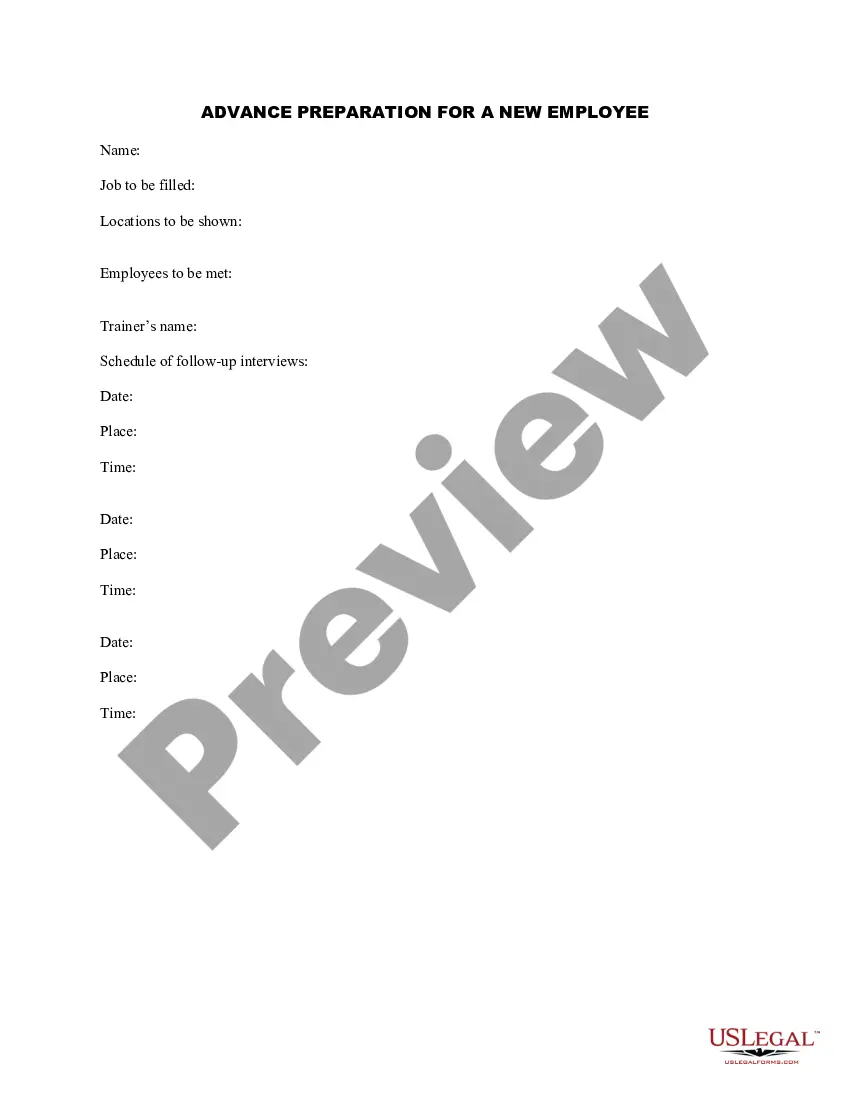
Advance Employee Template With Lines
Description
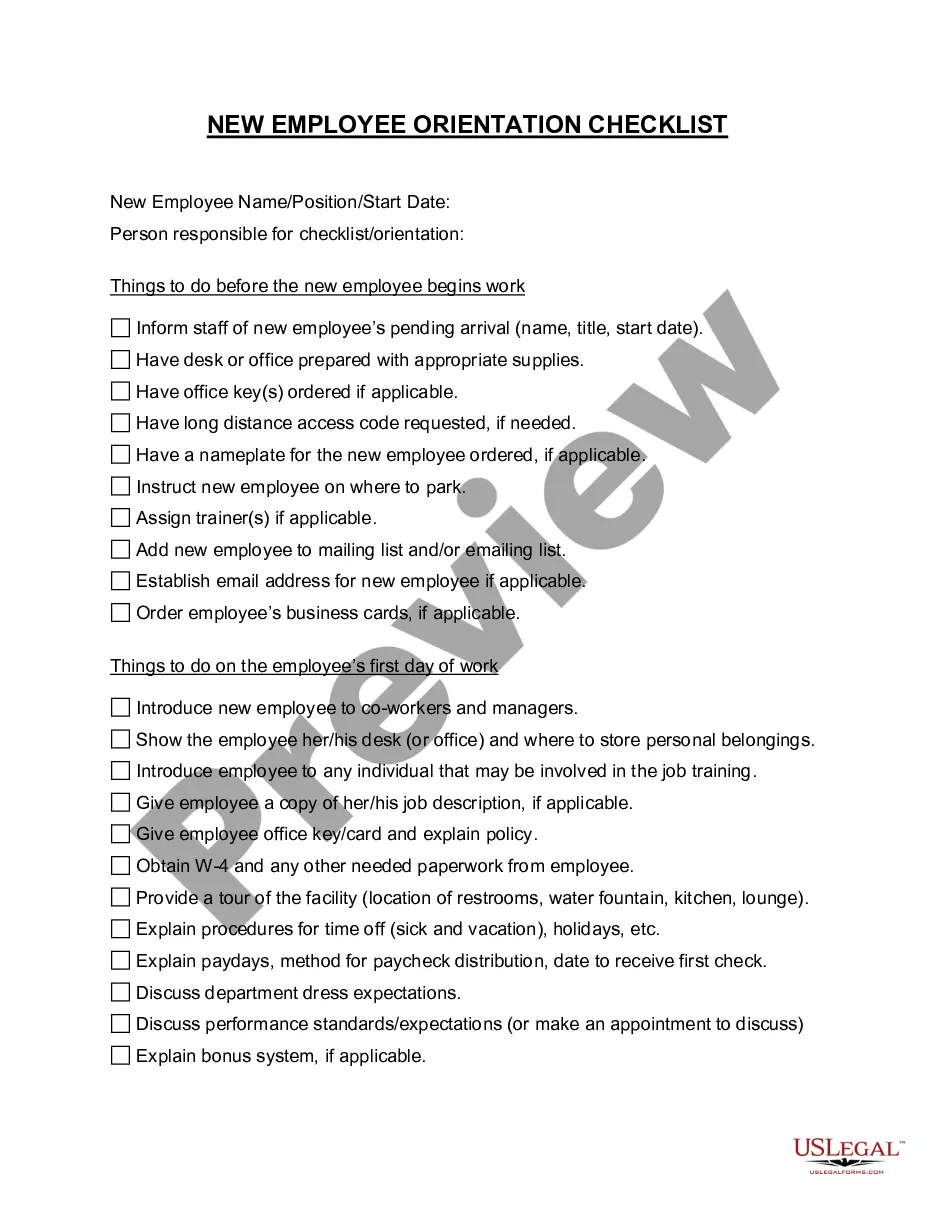
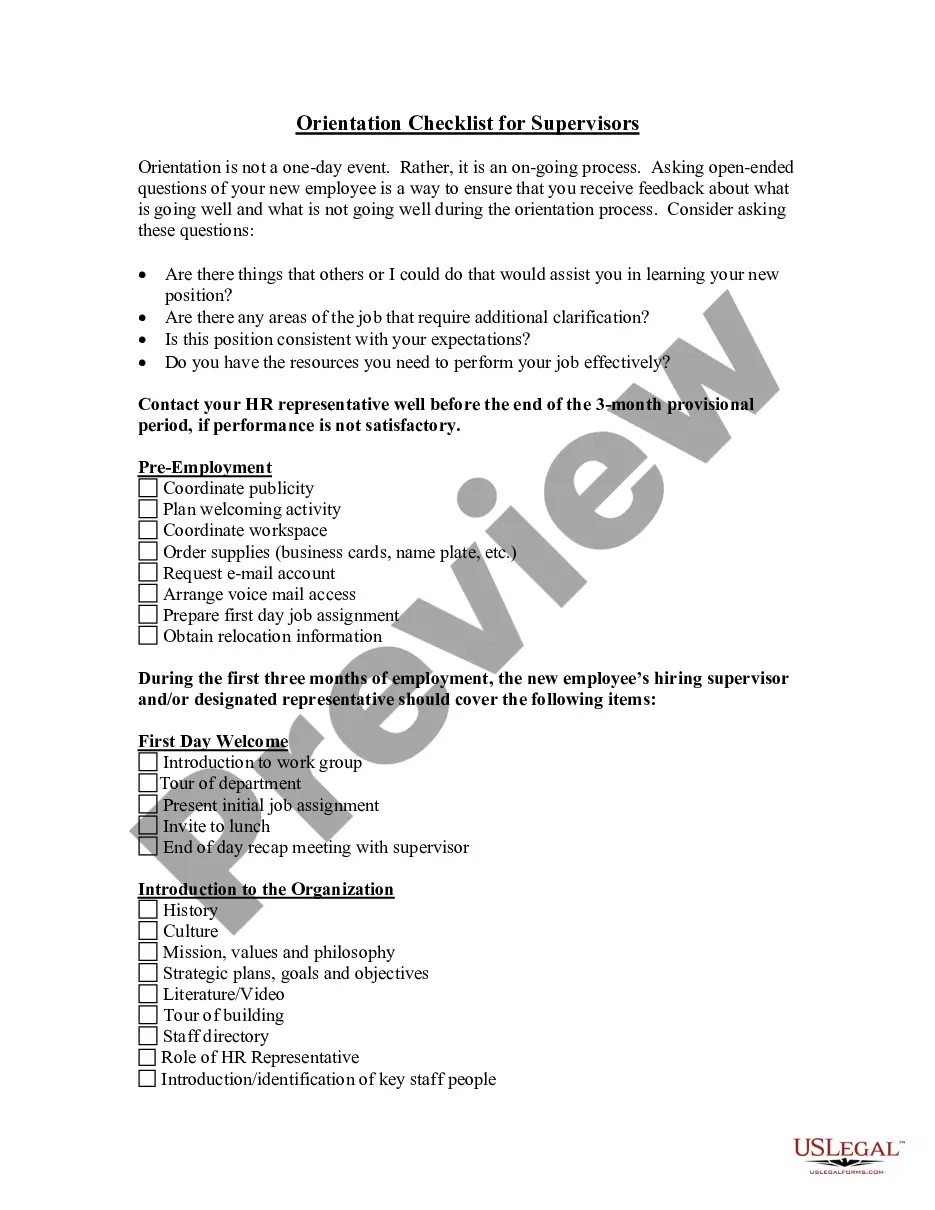
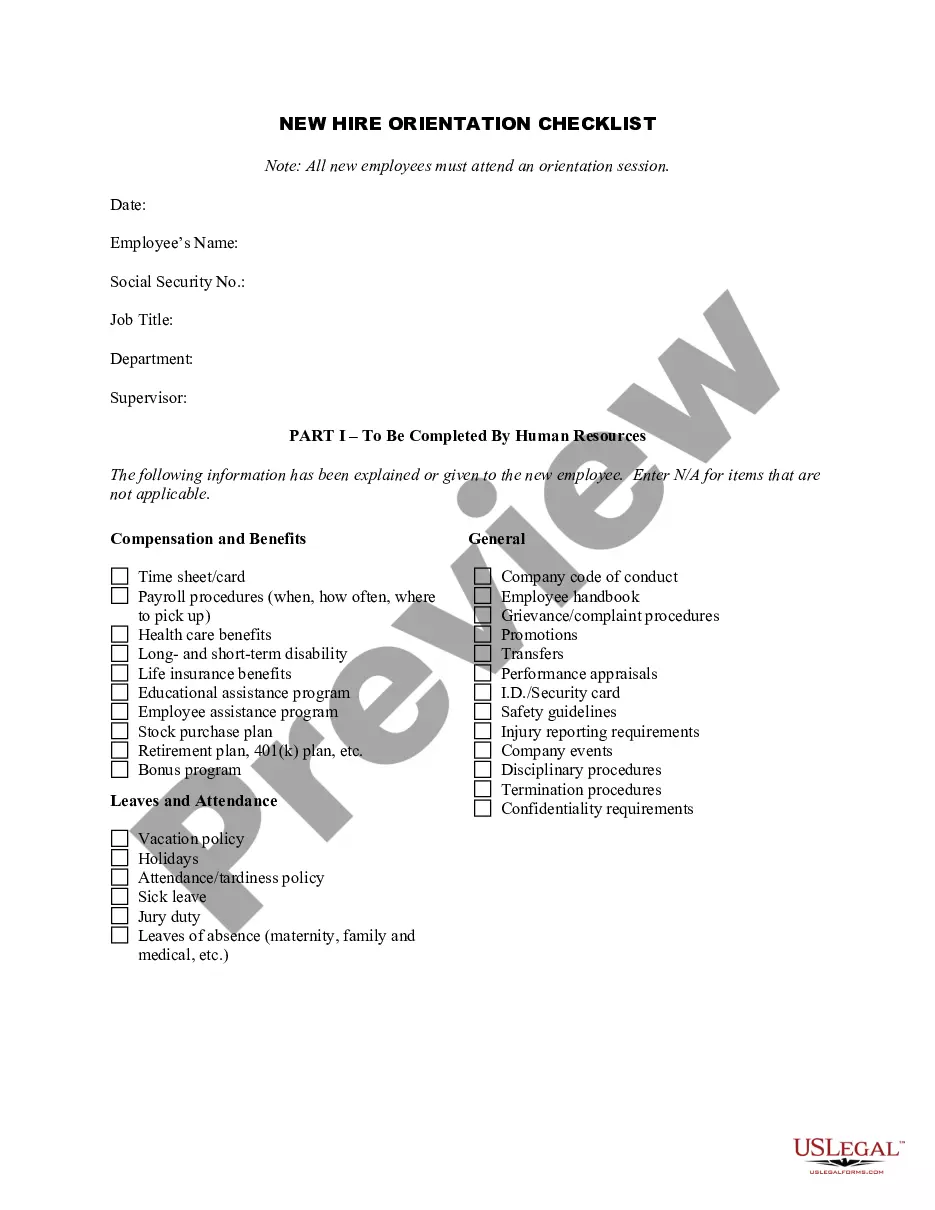

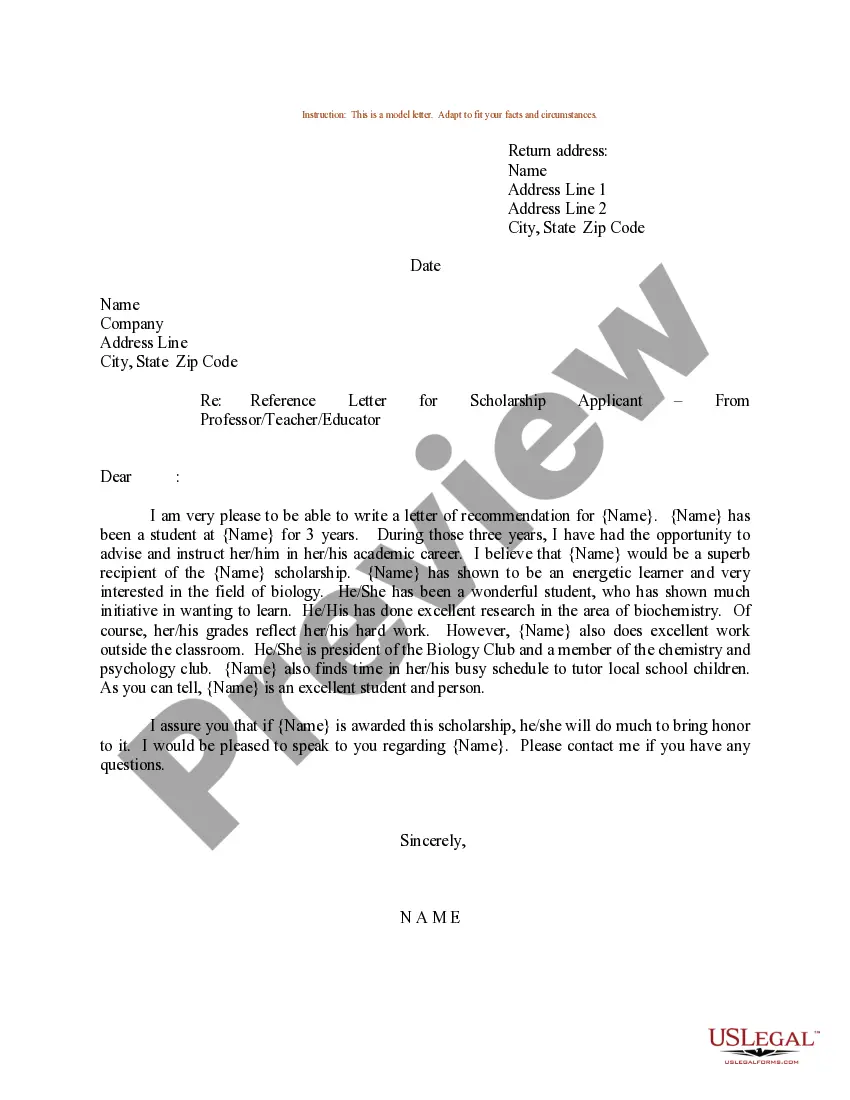
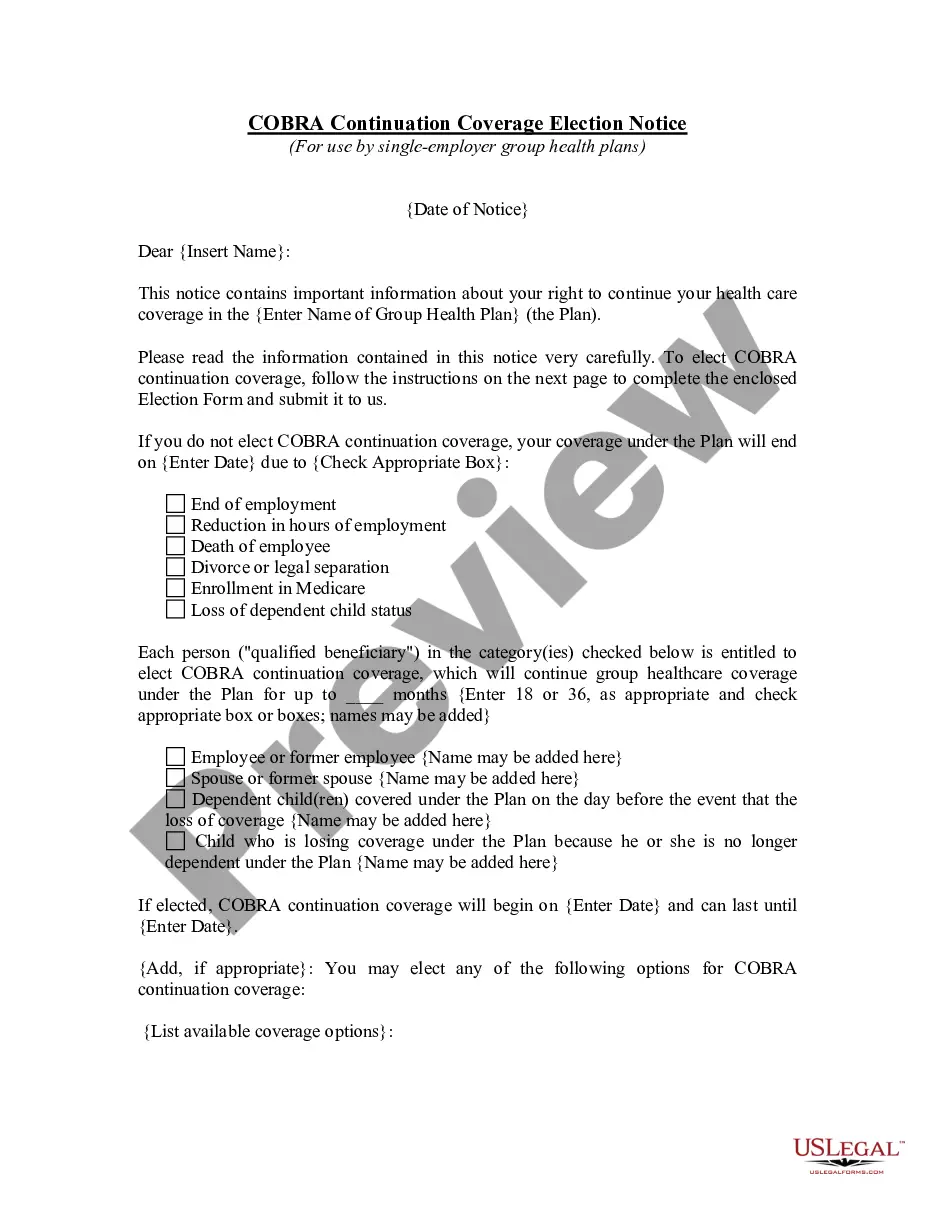

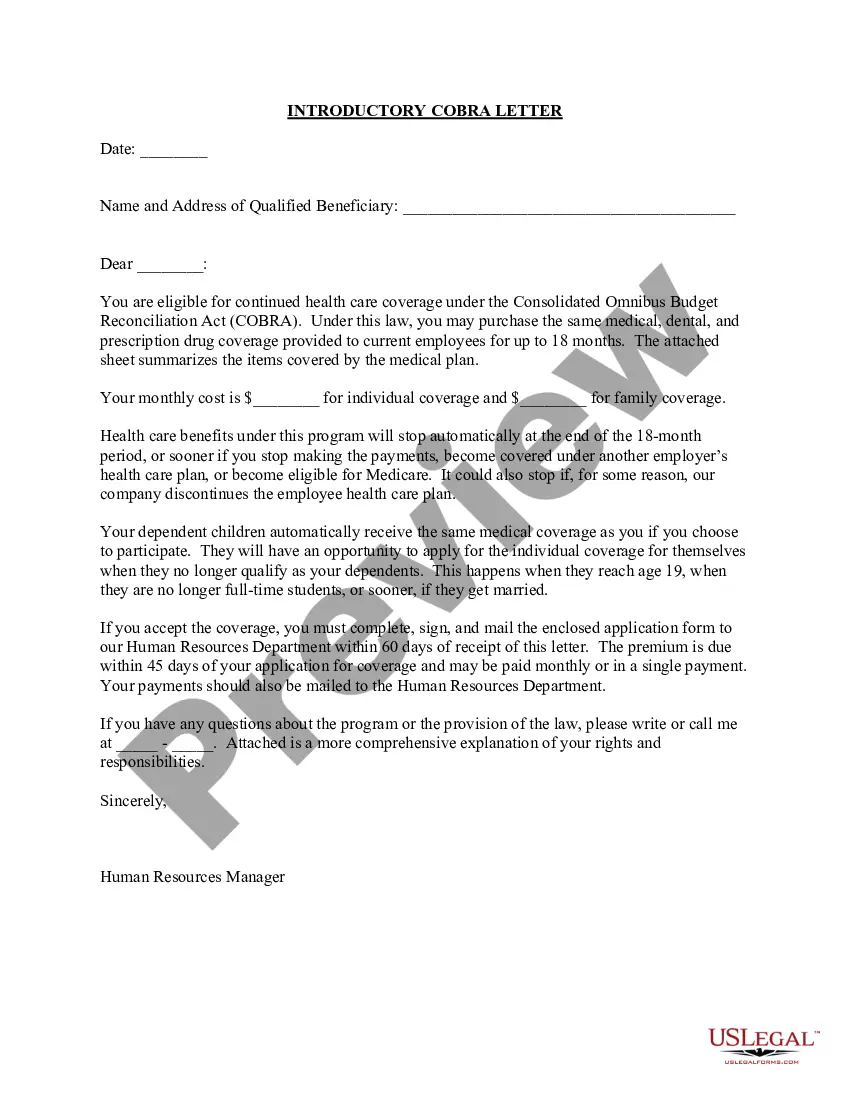

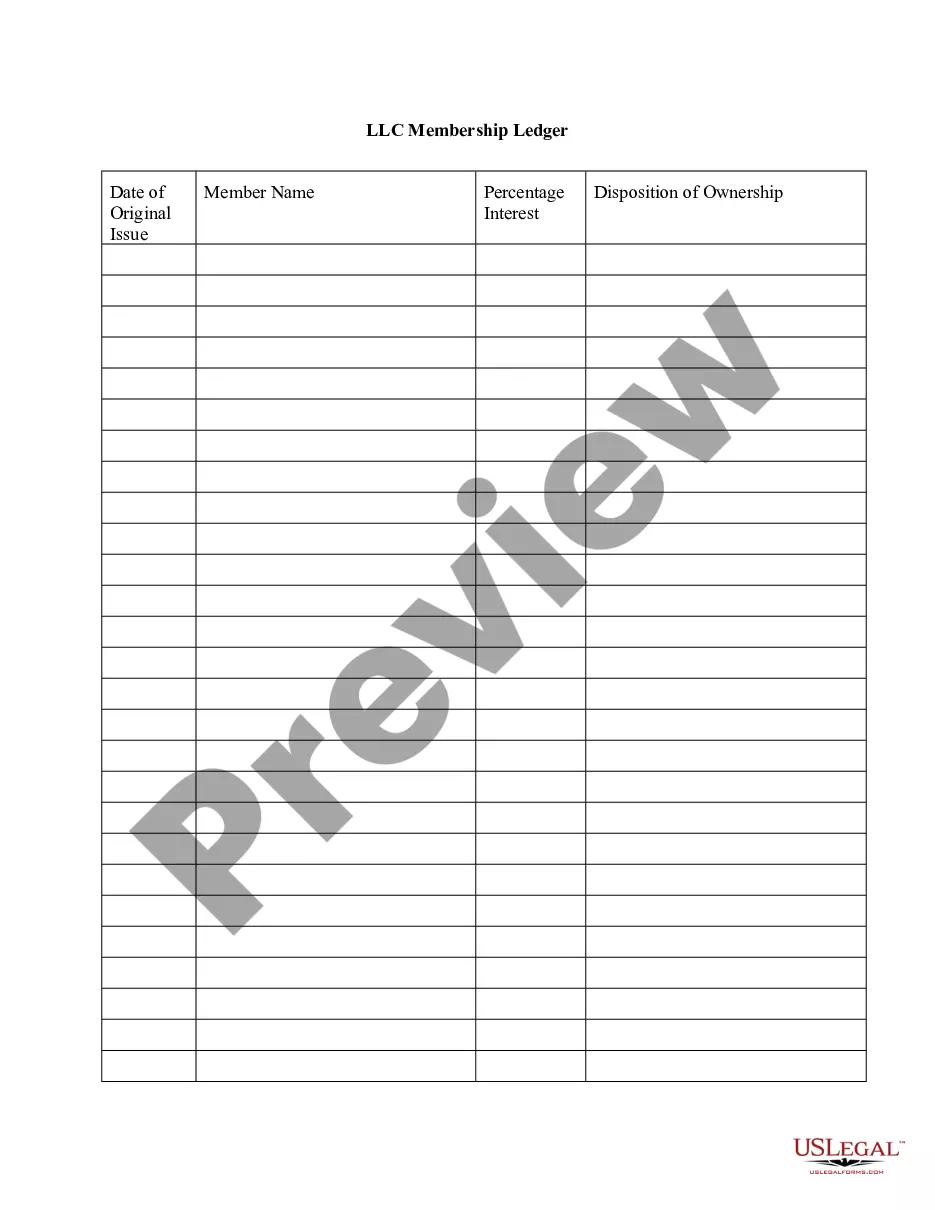


How to fill out Advance Preparation For A New Employee?
Whether for professional objectives or for personal matters, everyone must handle legal issues at some stage in their life.
Filling out legal documents requires meticulous care, starting from choosing the appropriate form template.
Once it is downloaded, you can complete the form using editing software or print it out and finish it manually. With an extensive US Legal Forms catalog available, you never have to waste time searching for the right sample online. Use the library's intuitive navigation to find the correct template for any circumstance.
- For instance, if you select an incorrect version of the Advance Employee Template With Lines, it will be rejected upon submission.
- Thus, it is crucial to have a trustworthy source of legal documents like US Legal Forms.
- If you need to acquire an Advance Employee Template With Lines template, follow these simple steps.
- Locate the sample you require by using the search bar or catalog navigation.
- Review the form's description to confirm it suits your situation, state, and county.
- Click on the form's preview to examine it.
- If it is the incorrect document, return to the search function to find the Advance Employee Template With Lines sample you require.
- Obtain the template if it aligns with your needs.
- If you already possess a US Legal Forms account, simply click Log in to access previously saved templates in My documents.
- If you do not have an account yet, you can download the form by clicking Buy now.
- Select the appropriate pricing option.
- Fill out the account registration form.
- Choose your payment method: utilize a credit card or PayPal account.
- Select the document format you desire and download the Advance Employee Template With Lines.
Form popularity
FAQ
To introduce a new employee to a client, start with a warm greeting and provide the client's name. Clearly state the new employee's role and how they will assist the client moving forward. Consider using an advance employee template with lines to create a formal introduction letter or email, ensuring all necessary information is included.
When writing a letter to inform that an employee no longer works with you, begin with a clear subject line and date. State the employee's name, position, and the last working day, followed by any relevant details regarding their departure. Using an advance employee template with lines can help structure this letter for clarity and professionalism.
In QuickBooks, you can manage employee advances by creating a separate account for advances. Record the advance as a negative expense, which offsets your income. Utilize an advance employee template with lines to document the details, ensuring you maintain clarity on amounts owed by employees.
To record an employee advance, start by documenting the transaction in your accounting system. Use an advance employee template with lines to note the amount, date, and purpose of the advance. This ensures that you have a clear record for both accounting and compliance purposes.
To get an advance from your employer, first check your company's policy on salary advances. Prepare your request using an advance employee template with lines, detailing the amount and reason for the request. Submit this document to your supervisor or HR to initiate the process.
To record advance payments in accounting, create a journal entry that reflects the advance given to the employee. Use an advance employee template with lines to keep track of the amount and repayment schedule. This practice maintains clarity in your financial records and ensures that advances are accounted for correctly.
Writing up an employee template involves outlining the essential information clearly. Use an advance employee template with lines to capture details such as the employee's name, date of request, and amount of advance. This structured approach helps ensure that all necessary information is included and easily accessible.
To request an advance salary letter, prepare a formal letter using an advance employee template with lines to clearly state your request. Include your reasons for needing the advance and the amount you are requesting. Submit the letter to your supervisor or HR department for consideration.
In QuickBooks, you can record an employee advance by creating a new expense transaction. Select the employee as the payee and utilize an advance employee template with lines for detailed notes about the advance. This ensures accurate tracking and simplifies the repayment process in your accounting records.
To book employee advances, start by determining the amount needed by the employee. Use an advance employee template with lines to document the details, including the purpose of the advance and repayment terms. Ensure that you have both the employee's and supervisor's signatures for approval before processing the advance.