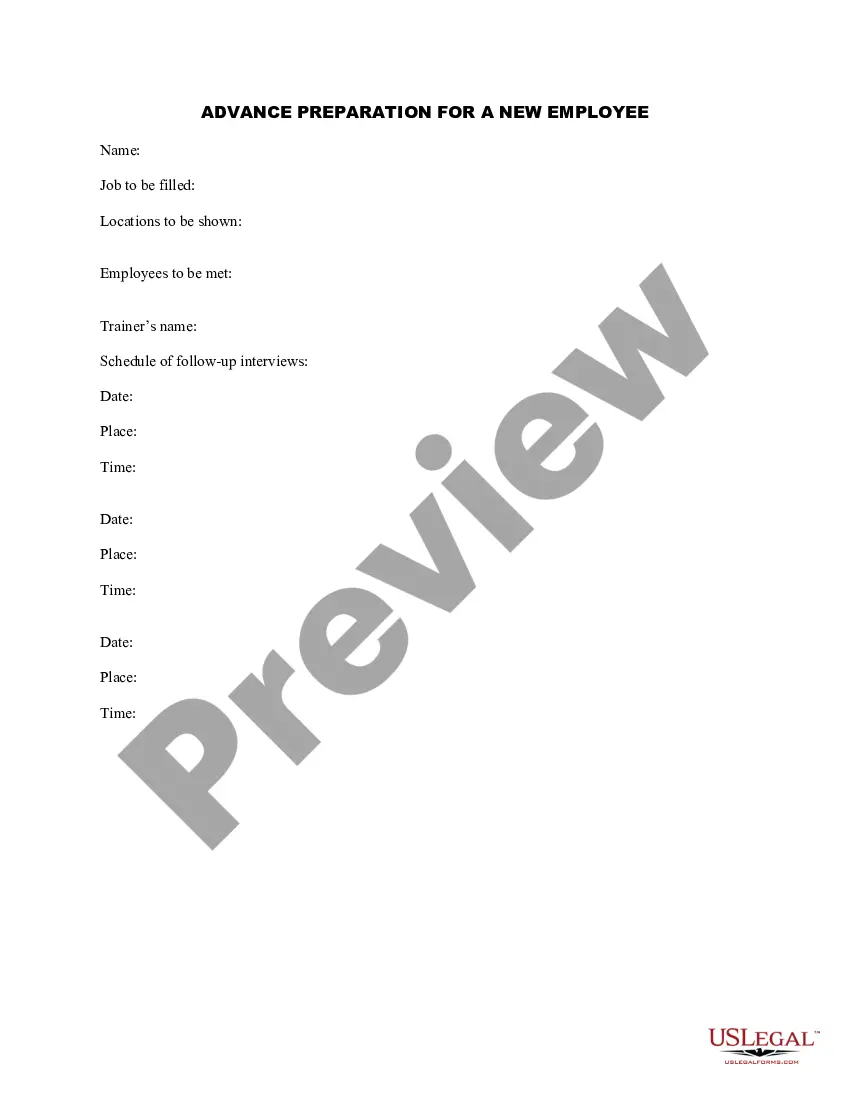
Advance Employee Form With 2 Points
Description
Get your form ready online
Our built-in tools help you complete, sign, share, and store your documents in one place.
Make edits, fill in missing information, and update formatting in US Legal Forms—just like you would in MS Word.
Download a copy, print it, send it by email, or mail it via USPS—whatever works best for your next step.
Sign and collect signatures with our SignNow integration. Send to multiple recipients, set reminders, and more. Go Premium to unlock E-Sign.
If this form requires notarization, complete it online through a secure video call—no need to meet a notary in person or wait for an appointment.
We protect your documents and personal data by following strict security and privacy standards.

Make edits, fill in missing information, and update formatting in US Legal Forms—just like you would in MS Word.

Download a copy, print it, send it by email, or mail it via USPS—whatever works best for your next step.

Sign and collect signatures with our SignNow integration. Send to multiple recipients, set reminders, and more. Go Premium to unlock E-Sign.

If this form requires notarization, complete it online through a secure video call—no need to meet a notary in person or wait for an appointment.

We protect your documents and personal data by following strict security and privacy standards.
Looking for another form?








How to fill out Advance Preparation For A New Employee?
Acquiring legal document samples that comply with federal and local laws is essential, and the internet provides numerous choices.
However, what's the benefit of spending time looking for the appropriate Advance Employee Form With 2 Points template online when the US Legal Forms digital library already compiles such templates in one location.
US Legal Forms is the largest online legal directory featuring over 85,000 editable templates created by attorneys for various business and personal scenarios.
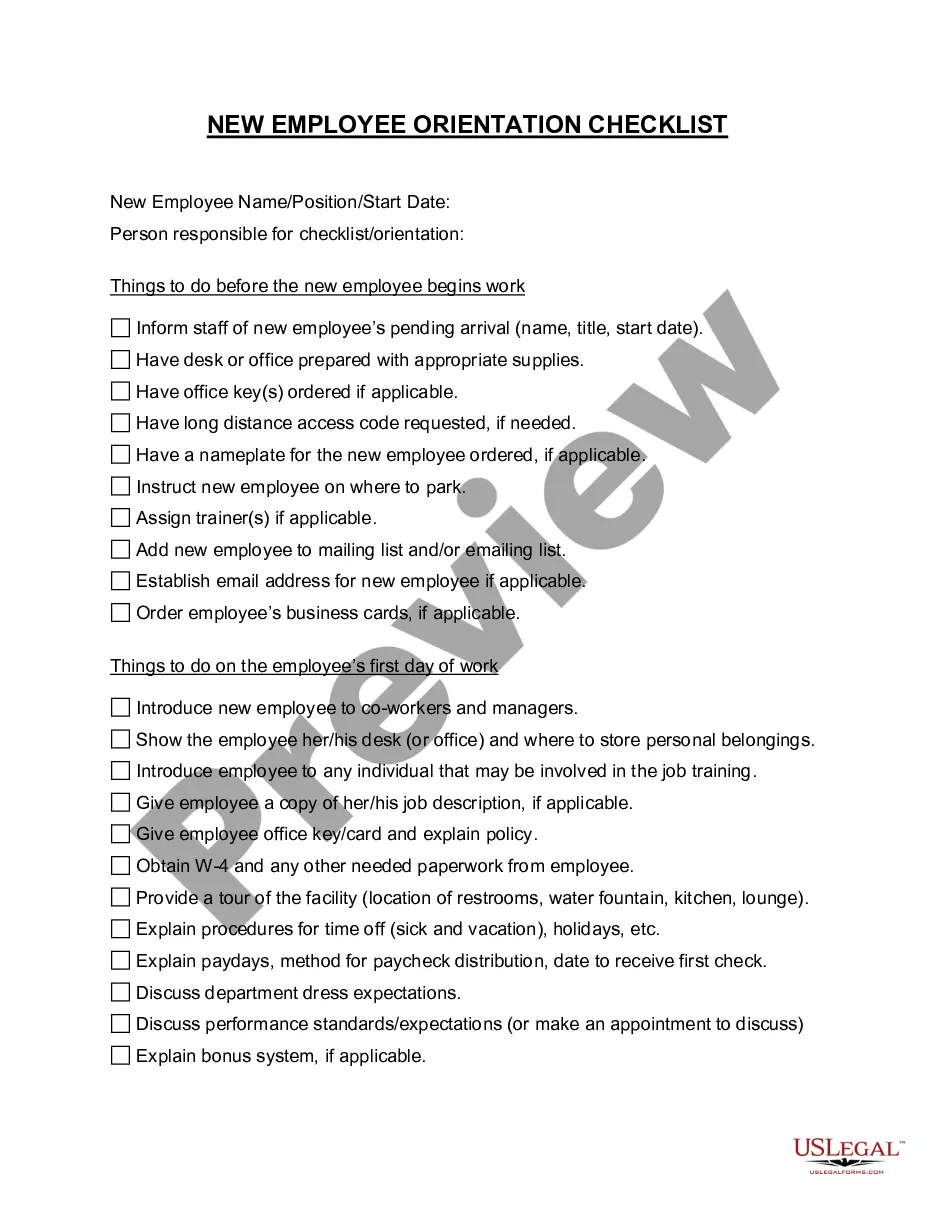
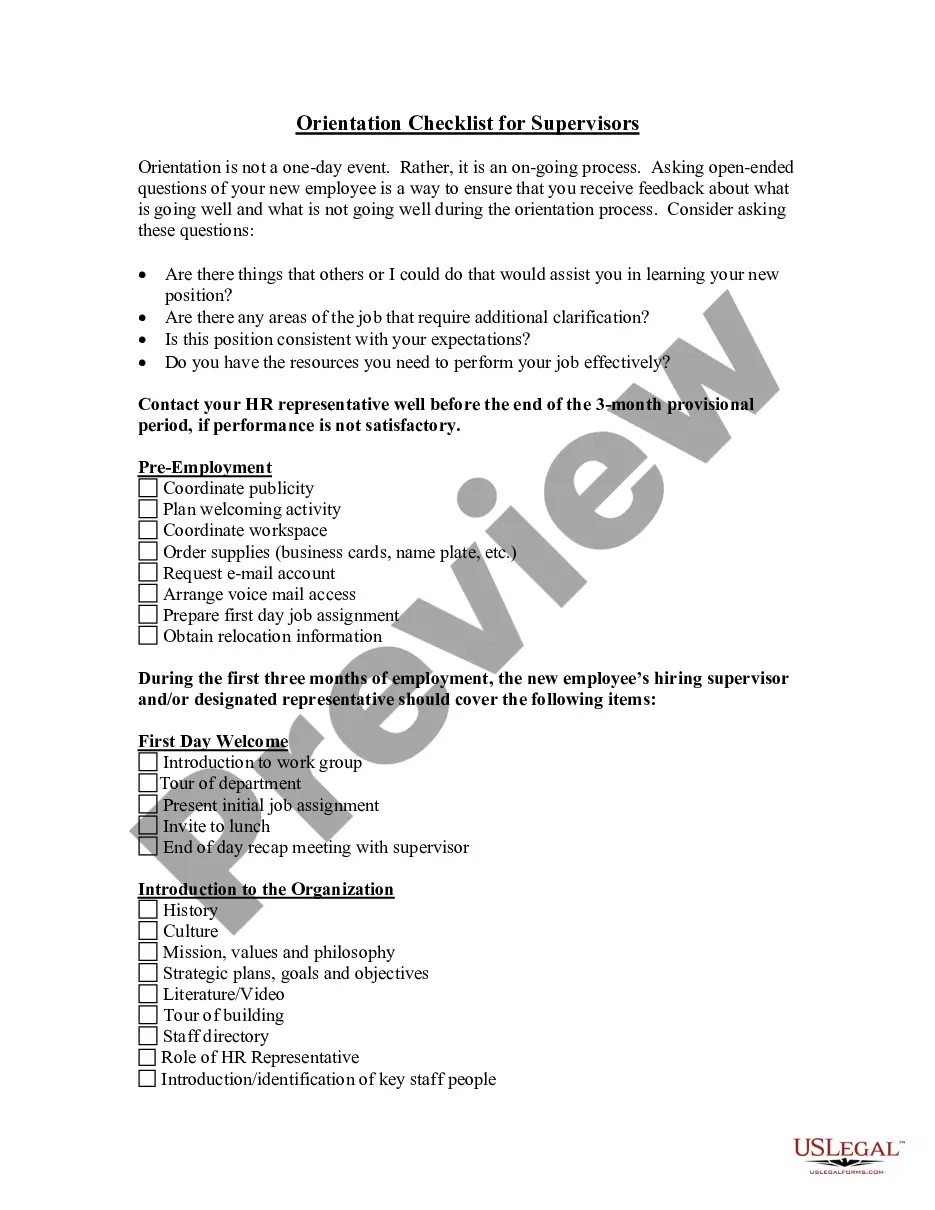
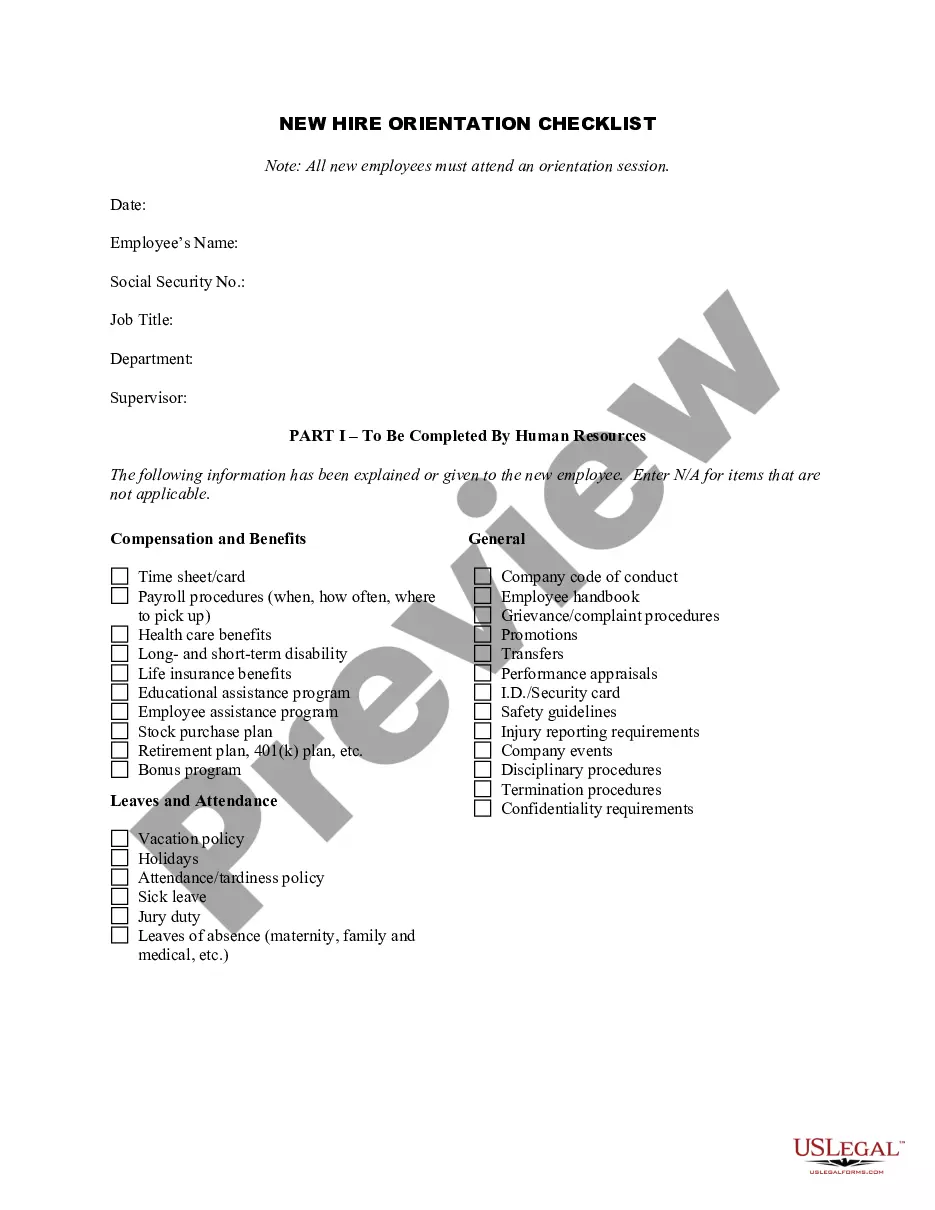
Review the template using the Preview option or through the text outline to confirm it meets your needs.
- They are easy to navigate with all documents organized by state and intended use.
- Our specialists keep up with legal changes, ensuring your documents are current and compliant when you obtain a Advance Employee Form With 2 Points from our platform.
- Acquiring a Advance Employee Form With 2 Points is quick and straightforward for both existing and new users.
- If you have an account with an active subscription, Log In and save the document sample you require in the preferred format.
- If you're a newcomer to our site, follow the steps outlined below.
Form popularity
FAQ
If you don't want to reveal to your employer that you have a second job, or that you get income from other non-job sources, you have a few options: On line 4(c), you can instruct your employer to withhold an extra amount of tax from your paycheck. Alternatively, don't factor the extra income into your W-4.
Claiming 1 reduces the amount of taxes that are withheld from weekly paychecks, so you get more money now with a smaller refund. Claiming 0 allowances may be a better option if you'd rather receive a larger lump sum of money in the form of your tax refund.
By placing a ?0? on line 5, you are indicating that you want the most amount of tax taken out of your pay each pay period. If you wish to claim 1 for yourself instead, then less tax is taken out of your pay each pay period. 2. You can choose to have no taxes taken out of your tax and claim Exemption (see Example 2).
If there are only two jobs held at the same time in your household, you may check the box in Step 2 on the forms for both jobs. The standard deduction and tax brackets will be divided equally between the two jobs. You will not need to furnish a new Form W-4 to account for pay changes at either job.