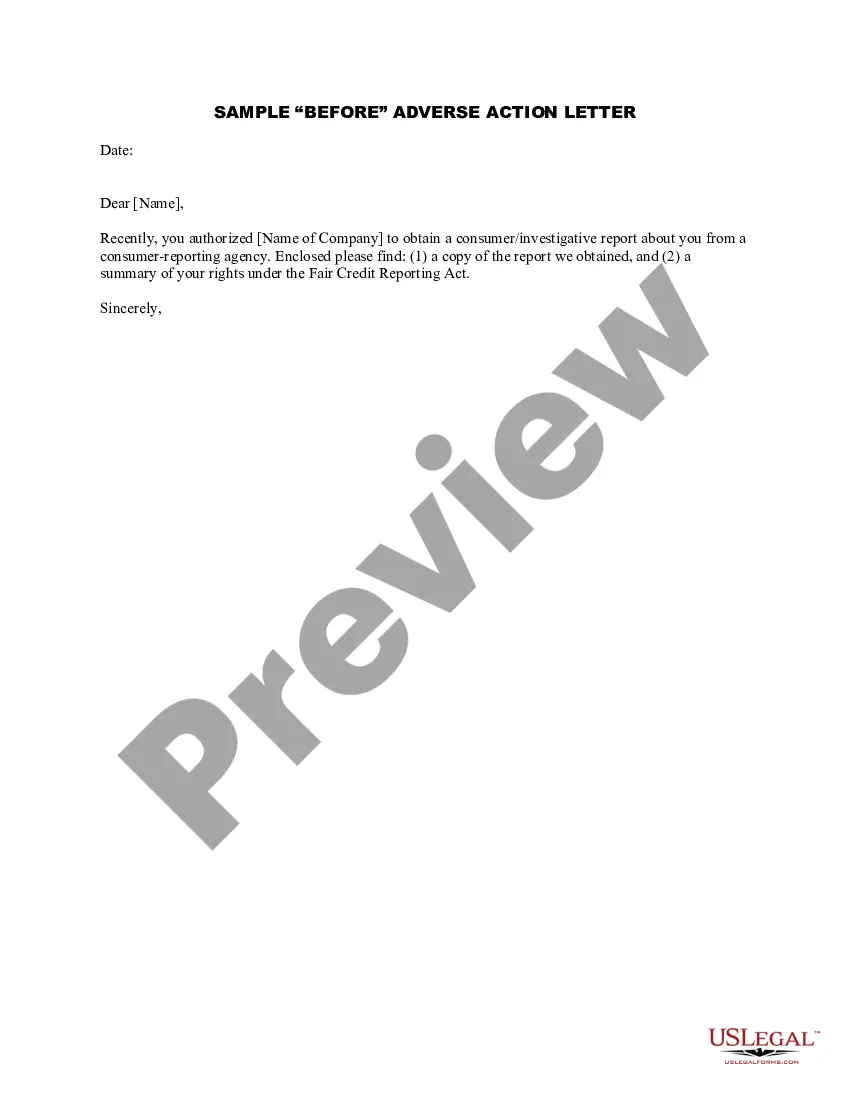
Sample Action Form For Attendance
Description
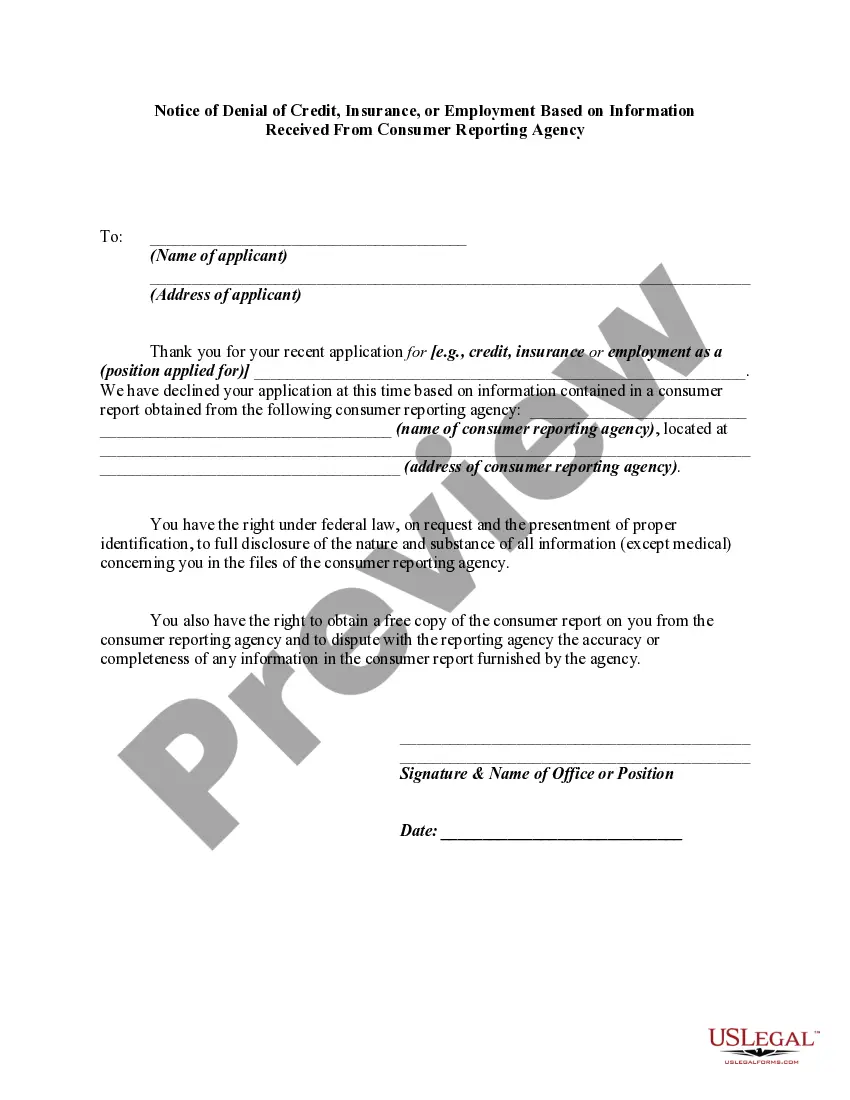
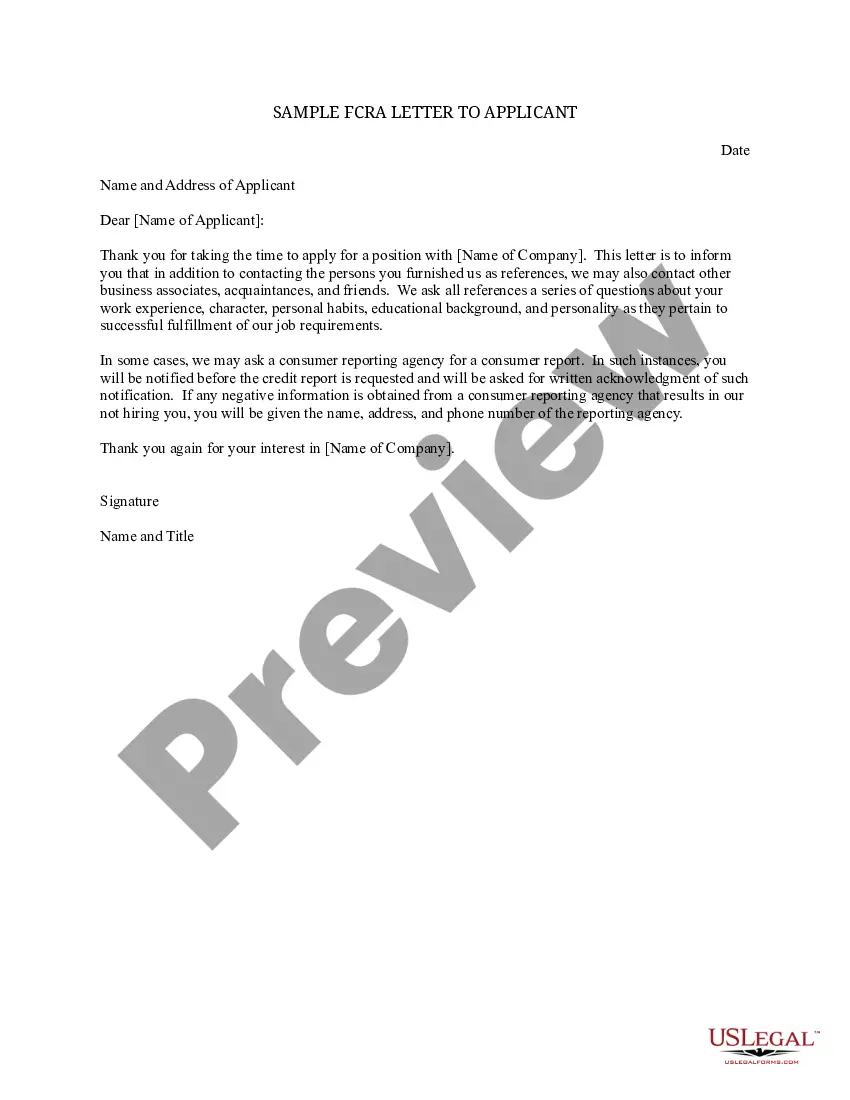
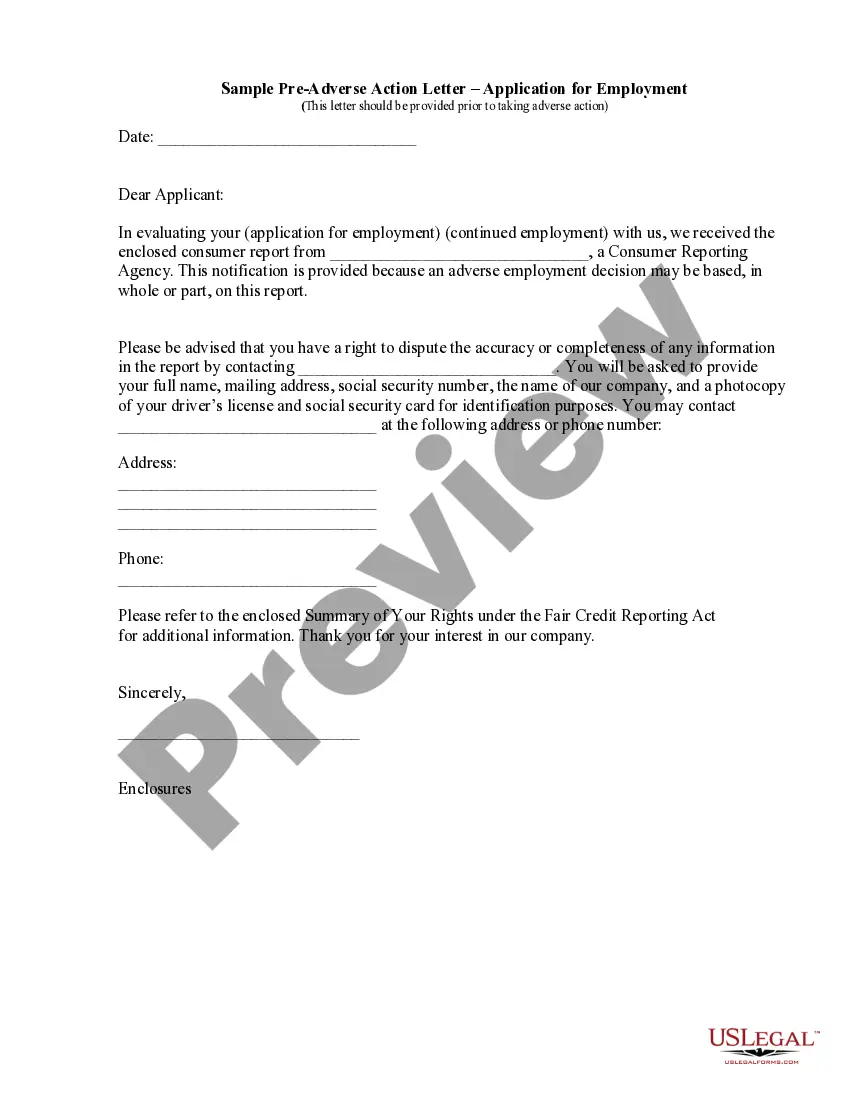
Get your form ready online
Our built-in tools help you complete, sign, share, and store your documents in one place.
Make edits, fill in missing information, and update formatting in US Legal Forms—just like you would in MS Word.
Download a copy, print it, send it by email, or mail it via USPS—whatever works best for your next step.
Sign and collect signatures with our SignNow integration. Send to multiple recipients, set reminders, and more. Go Premium to unlock E-Sign.
If this form requires notarization, complete it online through a secure video call—no need to meet a notary in person or wait for an appointment.
We protect your documents and personal data by following strict security and privacy standards.

Make edits, fill in missing information, and update formatting in US Legal Forms—just like you would in MS Word.

Download a copy, print it, send it by email, or mail it via USPS—whatever works best for your next step.

Sign and collect signatures with our SignNow integration. Send to multiple recipients, set reminders, and more. Go Premium to unlock E-Sign.

If this form requires notarization, complete it online through a secure video call—no need to meet a notary in person or wait for an appointment.

We protect your documents and personal data by following strict security and privacy standards.
Looking for another form?


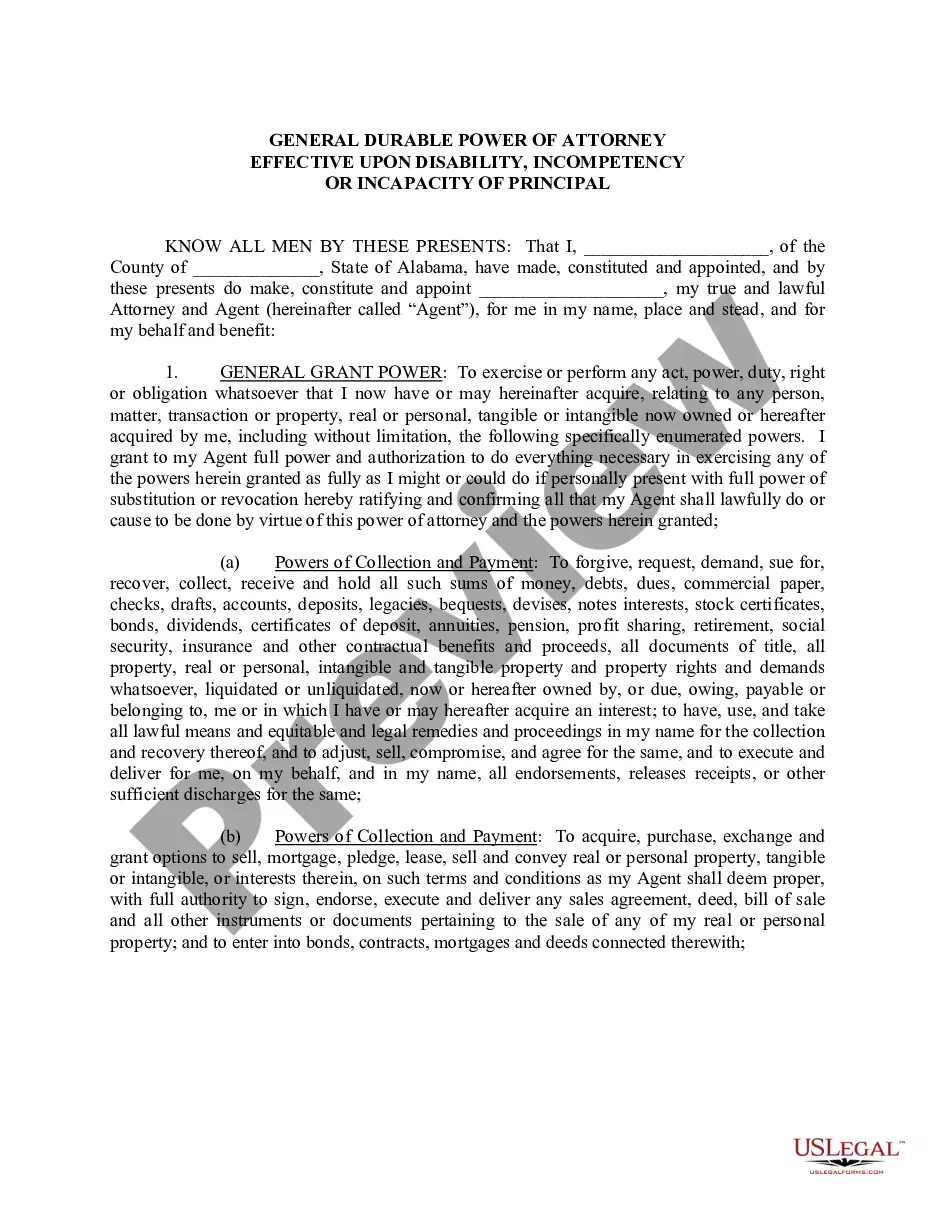






How to fill out Sample "Before" Adverse Action Letter?
The Example Action Form For Attendance you see on this page is a reusable legal model crafted by professional attorneys in accordance with federal and state regulations.
For over 25 years, US Legal Forms has supplied individuals, companies, and lawyers with more than 85,000 authenticated, state-specific documents for any business and personal circumstance. It’s the fastest, easiest, and most trustworthy method to obtain the papers you require, as the service guarantees bank-level data protection and anti-malware security.
Select the format you want for your Example Action Form For Attendance (PDF, Word, RTF) and download the sample onto your device. Complete and sign the document. Print out the template to fill it out manually. Alternatively, use an online multifunctional PDF editor to quickly and accurately complete and sign your form with a valid signature. Download your paperwork one more time. Use the same document again whenever needed. Access the My documents tab in your profile to redownload any previously acquired forms. Subscribe to US Legal Forms to have verified legal templates for all of life’s situations at your fingertips.
- Search for the document you need and examine it.
- Browse through the file you searched and preview it or check the form description to confirm it meets your requirements. If it does not, utilize the search bar to find the suitable one. Click Buy Now once you have found the template you need.
- Register and Log In.
- Choose the pricing plan that fits you and sign up for an account. Use PayPal or a credit card to make a swift payment. If you already possess an account, Log In and verify your subscription to proceed.
- Obtain the fillable template.
Form popularity
FAQ
How to Write an Effective Employee Attendance Write Up: A Step-by-step Guide Step 1: Document the Attendance Issue. Firstly, gather your facts. ... Step 2: Include Essential Information. ... Step 3: Describe the Impact. ... Step 4: Reference Company Policies. ... Step 5: Provide an Opportunity for Improvement. ... Step 6: Obtain Signatures.
An employee attendance improvement plan is an official document that usually comes from a supervisor or manager to address an employee's excessive or chronic absenteeism. Simply put, an Employee Attendance Improvement Plan is your game plan, your strategy.
Dear: Please consider this a letter of warning concerning your continuing attendance problems. Your uneven attendance is beginning to affect other parts of your job, making improvement even more essential. Attendance records indicate that since ___________, you have used a total of ______ days on ______ occasions.
Six tips for creating an employee attendance improvement plan Create a clear and easy-to-understand employee attendance policy. ... Track the attendance of employees. ... Identify the causes of absence. ... Explain what will happen if employees take unplanned leaves. ... Train managers on how to deal with absenteeism.
An attendance write up is a necessary form of documented disciplinary action. This letter ensures that all parties involved are properly notified of attendance issues and given the opportunity to correct the issue.