Self Employment Tax For Social Security
Description
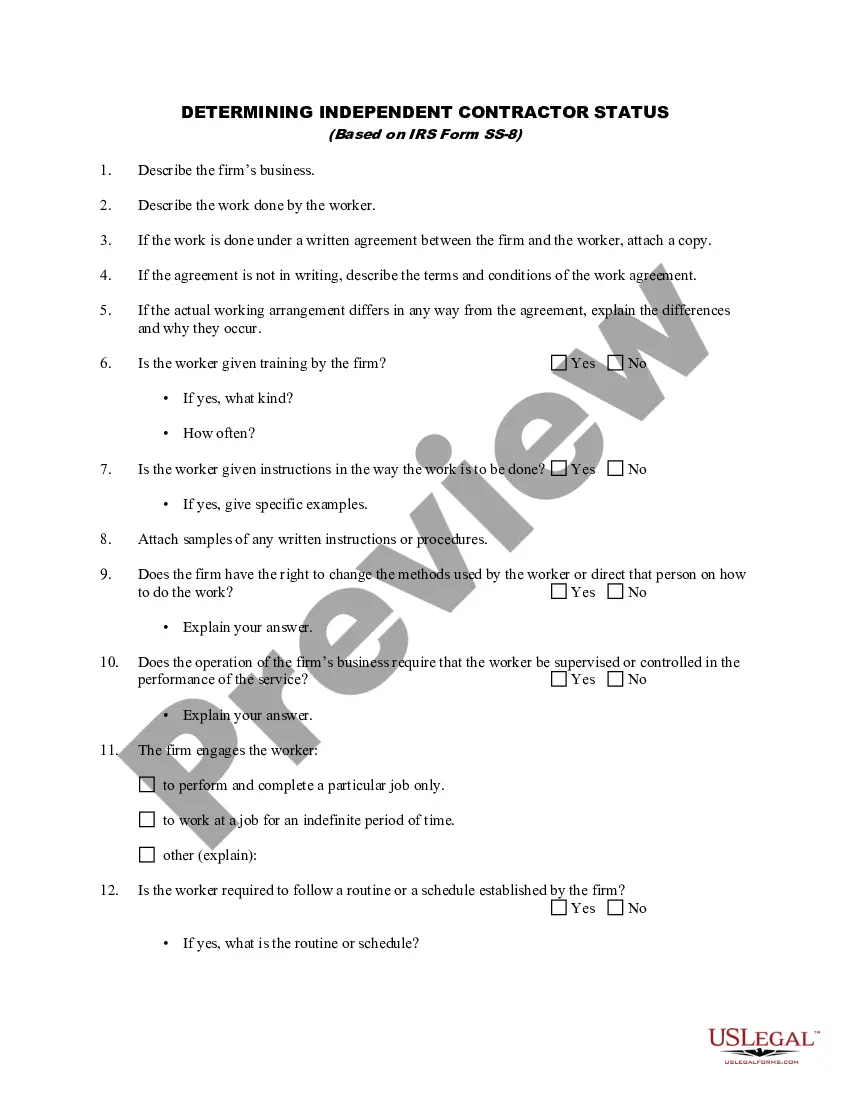
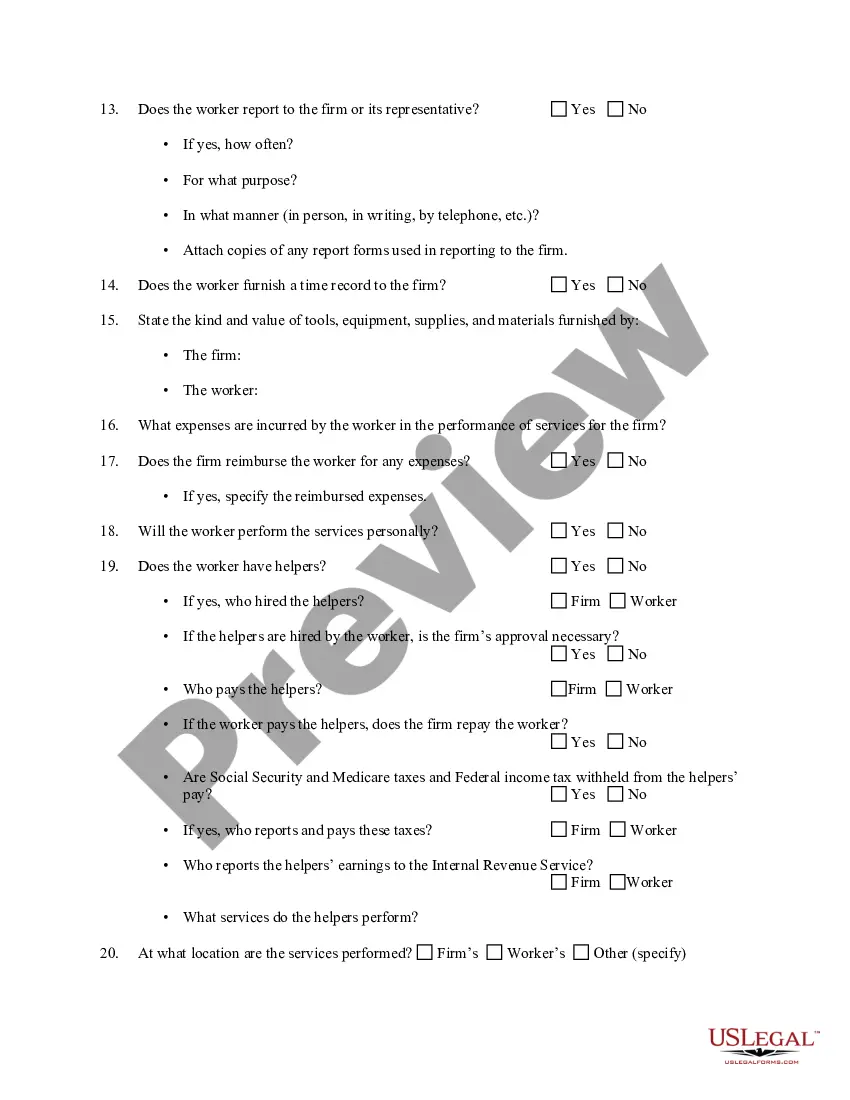
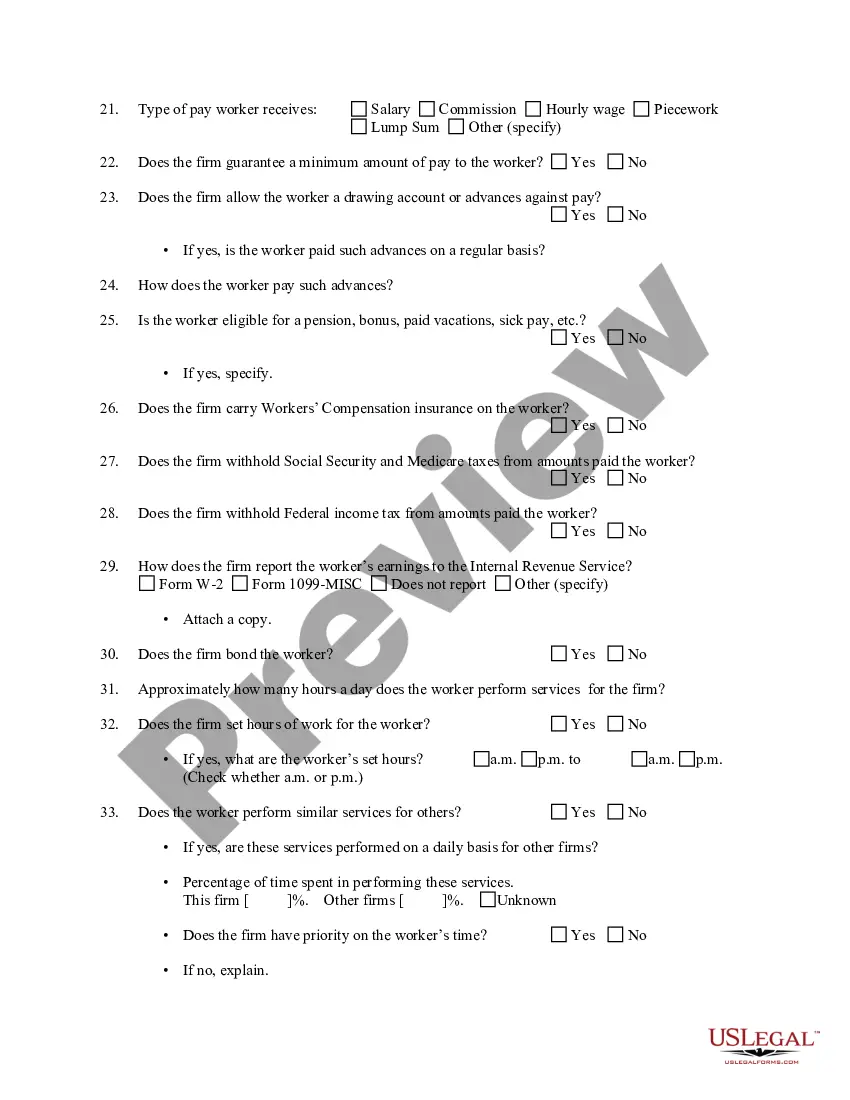
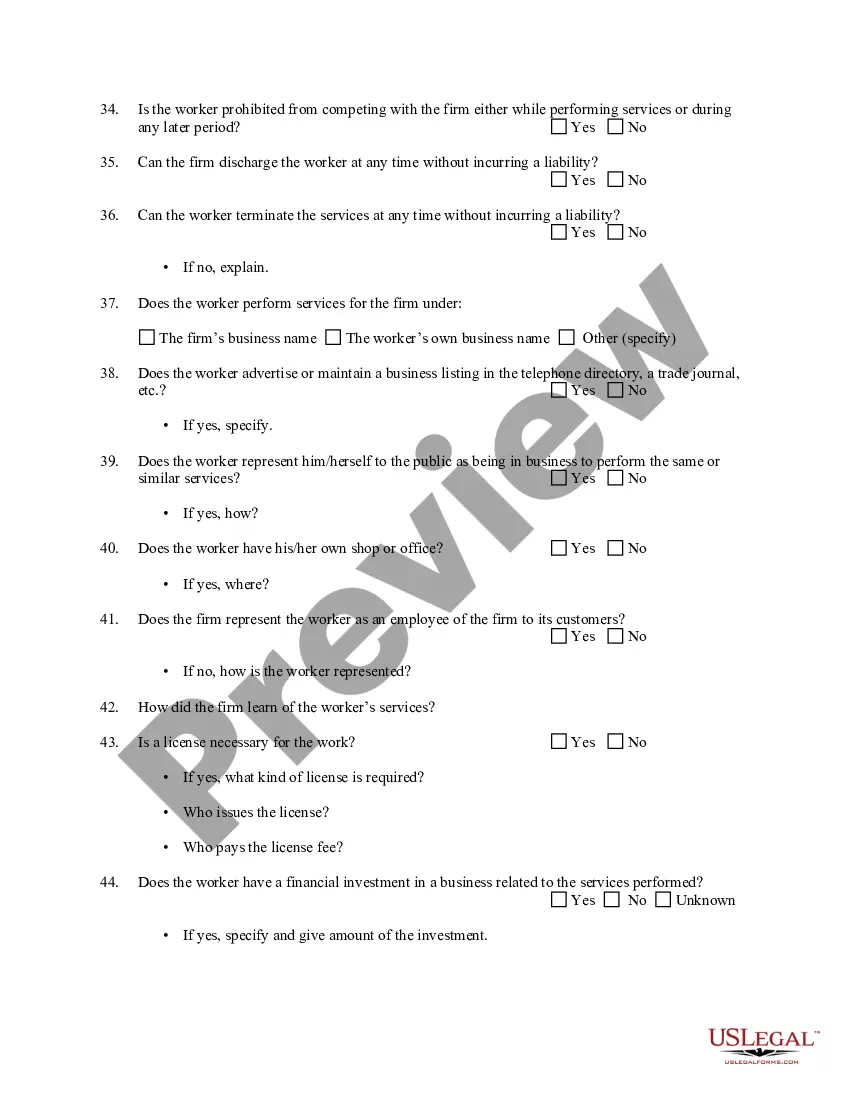
Get your form ready online
Our built-in tools help you complete, sign, share, and store your documents in one place.
Make edits, fill in missing information, and update formatting in US Legal Forms—just like you would in MS Word.
Download a copy, print it, send it by email, or mail it via USPS—whatever works best for your next step.
Sign and collect signatures with our SignNow integration. Send to multiple recipients, set reminders, and more. Go Premium to unlock E-Sign.
If this form requires notarization, complete it online through a secure video call—no need to meet a notary in person or wait for an appointment.
We protect your documents and personal data by following strict security and privacy standards.

Make edits, fill in missing information, and update formatting in US Legal Forms—just like you would in MS Word.

Download a copy, print it, send it by email, or mail it via USPS—whatever works best for your next step.

Sign and collect signatures with our SignNow integration. Send to multiple recipients, set reminders, and more. Go Premium to unlock E-Sign.

If this form requires notarization, complete it online through a secure video call—no need to meet a notary in person or wait for an appointment.

We protect your documents and personal data by following strict security and privacy standards.
Looking for another form?








How to fill out Determining Self-Employed Independent Contractor Status?
The Self Employment Tax For Social Security you see on this page is a versatile legal template crafted by professional attorneys in accordance with federal and state laws and regulations.
For over 25 years, US Legal Forms has supplied individuals, businesses, and lawyers with more than 85,000 validated, state-specific forms for any business and personal circumstance. It’s the quickest, simplest, and most reliable way to acquire the documentation you require, as the service ensures bank-level data security and anti-malware safeguards.
Select the format you desire for your Self Employment Tax For Social Security (PDF, Word, RTF) and download the sample onto your device. Complete and sign the documentation. Print out the template to fill it out manually. Alternatively, use an online multi-functional PDF editor to quickly and accurately fill out and sign your form with a legally binding electronic signature. Download your documents again. Access the same document again whenever necessary. Open the My documents tab in your profile to redownload any previously saved forms. Sign up for US Legal Forms to have verified legal templates for all of life’s situations at your fingertips.
- Look for the document you need and review it.
- Browse through the sample you searched and preview it or check the form description to ensure it meets your needs. If it does not, utilize the search bar to find the correct one. Click Buy Now once you have located the template you require.
- Register and Log In.
- Choose the pricing plan that fits you and create an account. Use PayPal or a credit card for a swift payment. If you already possess an account, Log In and review your subscription to continue.
- Acquire the editable template.
Form popularity
FAQ
How Tax Is Calculated for Self-Employment Determine your self-employment tax base. Multiply your net earnings by 92.35% (0.9235) to get your tax base: $50,000 x 92.35% = $46,175. Calculate your self-employment tax. Multiply your tax base by the self-employed tax rate: $46,175 x 15.3% (0.153) = $7,064.78.
Social Security is financed through a dedicated payroll tax. Employers and employees each pay 6.2 percent of wages up to the taxable maximum of $160,200 (in 2023), while the self-employed pay 12.4 percent.
Nevertheless, independent contractors are usually responsible for paying the Self-Employment Tax and income tax. With that in mind, it's best practice to save about 25?30% of your self-employed income to pay for taxes. And, remember, the more deductions you find, the less you'll have to pay.
Is Social Security Taxable After Age 70? Though there are some rumors on the internet that the government stops taxing Social Security payments once you reach a certain age, such as 70, this is simply not true. Social Security payments are taxable from the moment you start receiving them until you die.
Social Security can potentially be subject to tax regardless of your age. While you may have heard at some point that Social Security is no longer taxable after 70 or some other age, this isn't the case. In reality, Social Security is taxed at any age if your income exceeds a certain level.