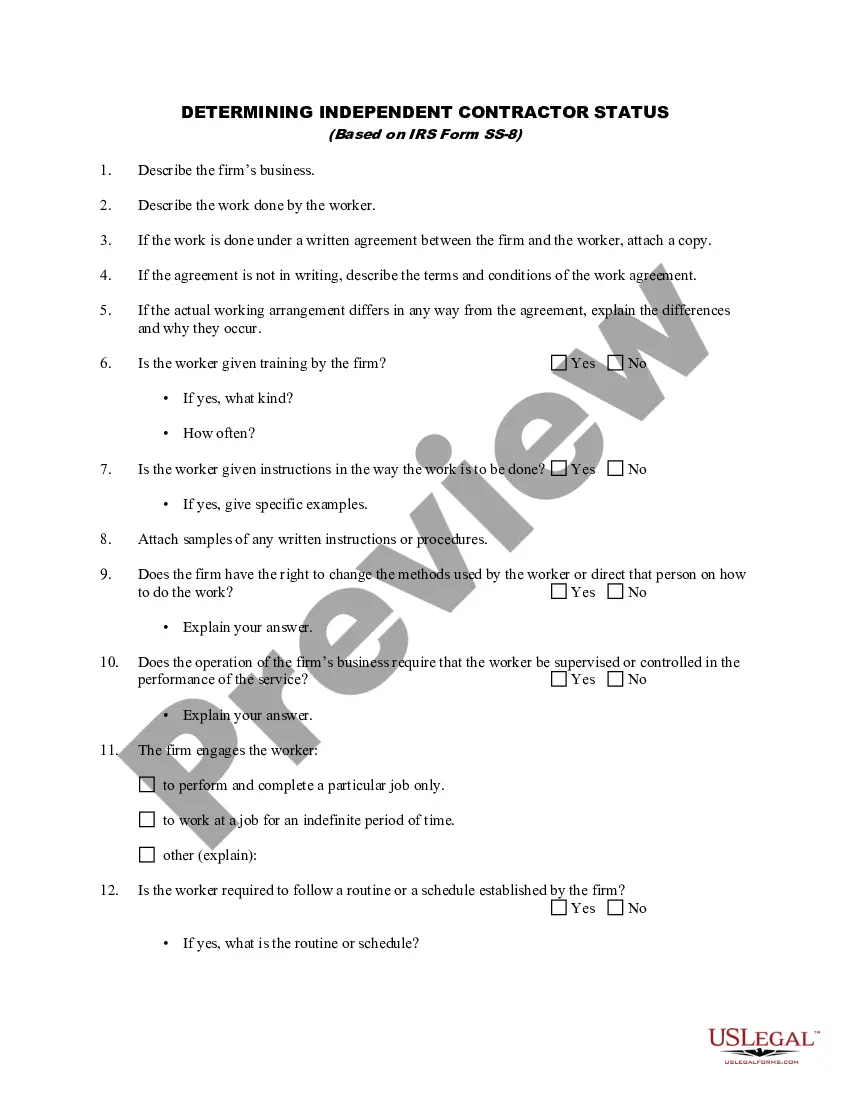
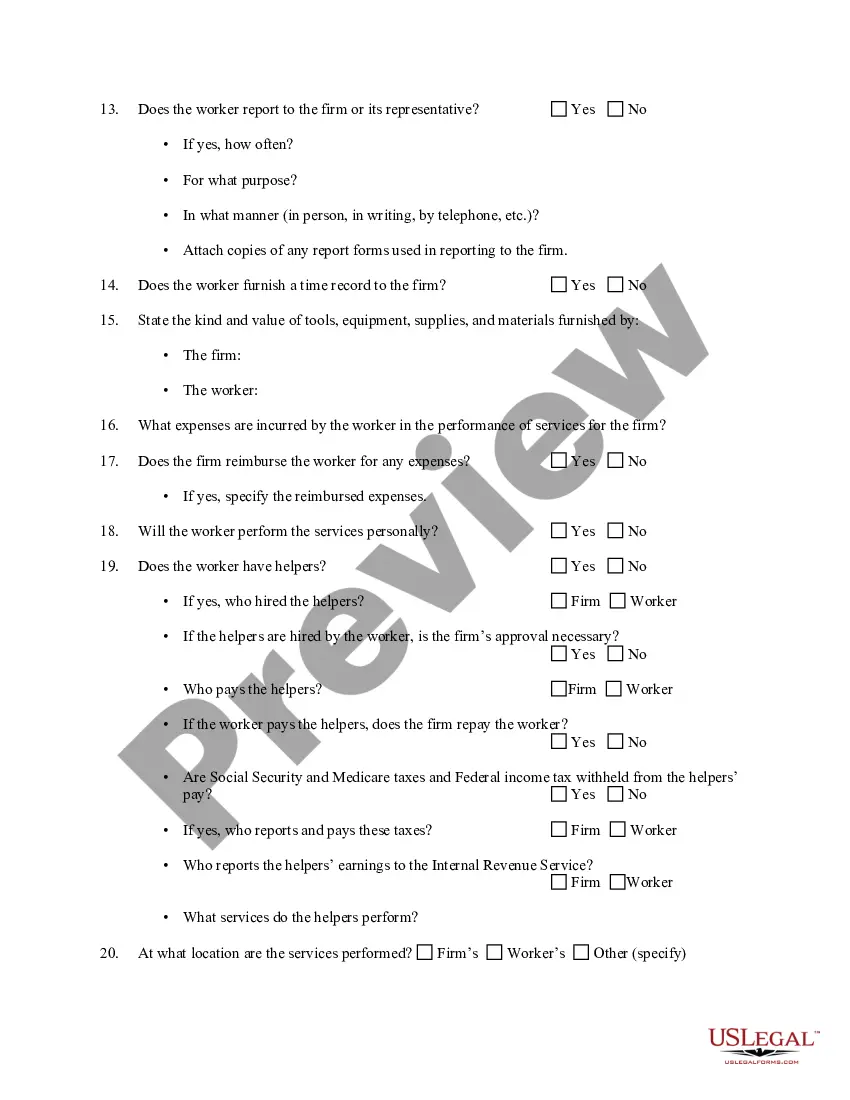
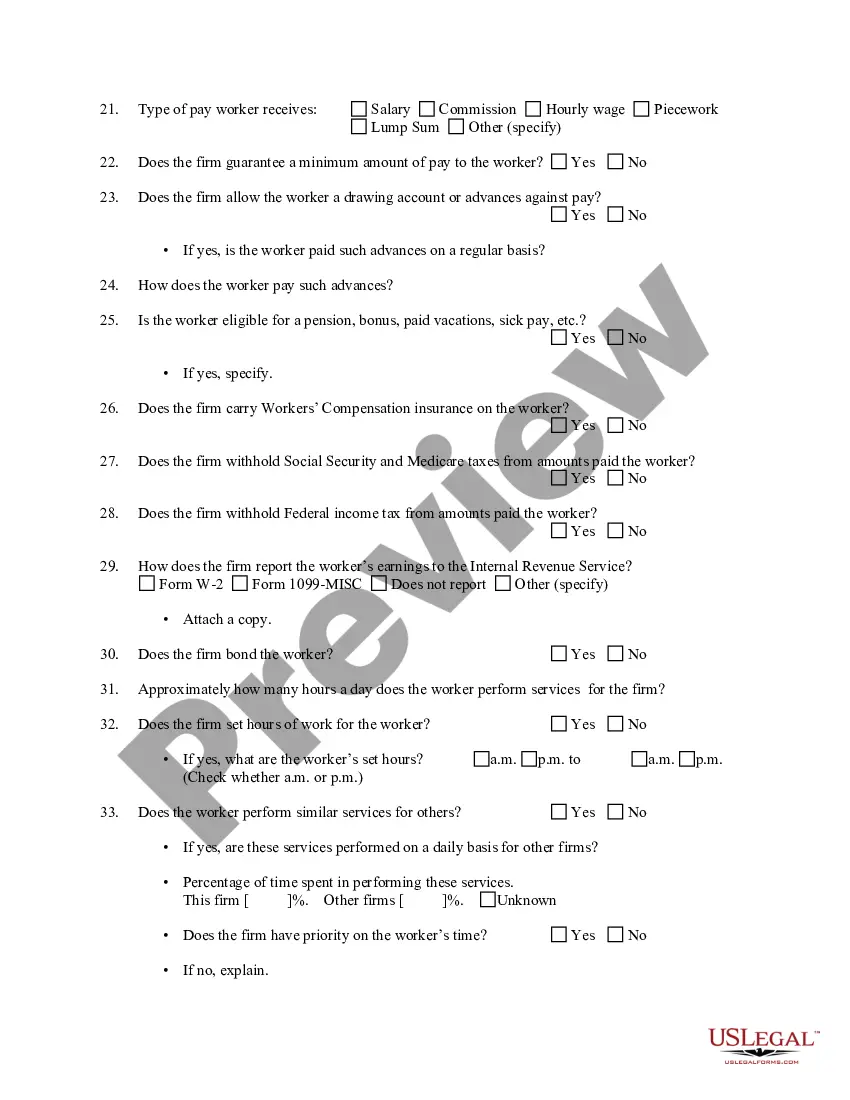
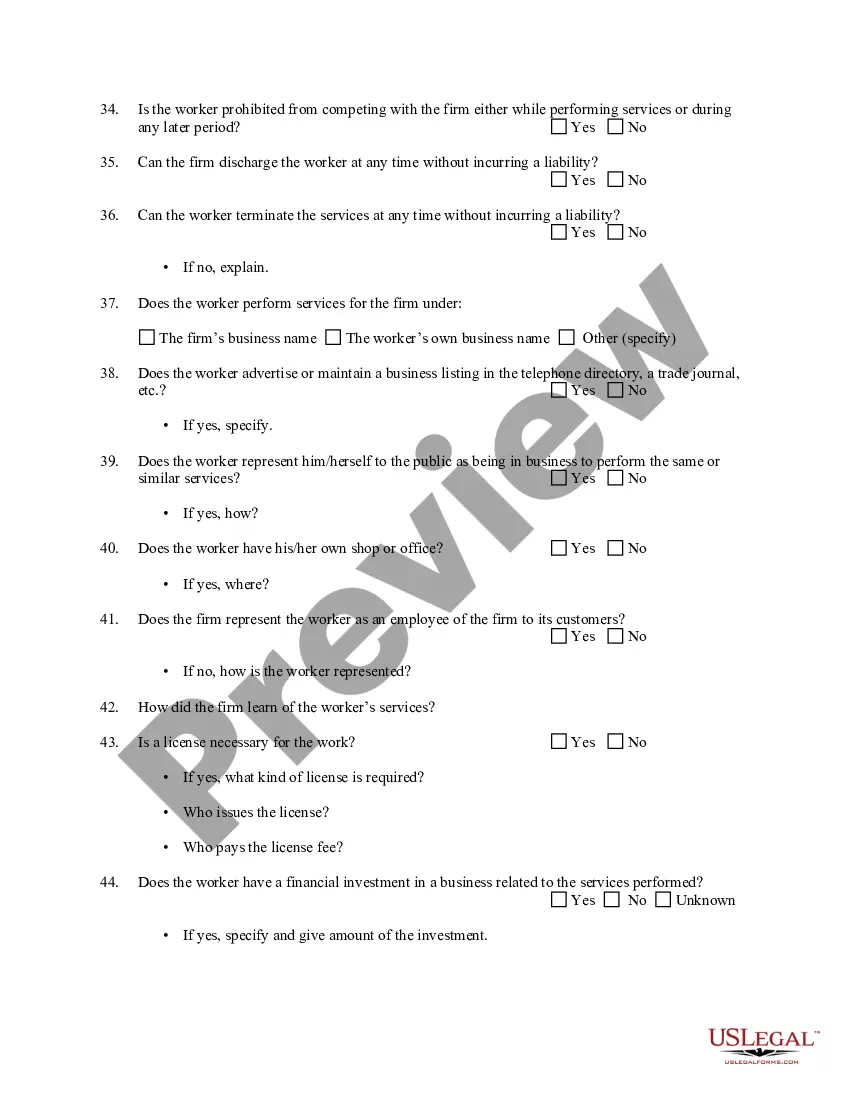
Independent Contractor Based For Atm
Description
Get your form ready online
Our built-in tools help you complete, sign, share, and store your documents in one place.
Make edits, fill in missing information, and update formatting in US Legal Forms—just like you would in MS Word.
Download a copy, print it, send it by email, or mail it via USPS—whatever works best for your next step.
Sign and collect signatures with our SignNow integration. Send to multiple recipients, set reminders, and more. Go Premium to unlock E-Sign.
If this form requires notarization, complete it online through a secure video call—no need to meet a notary in person or wait for an appointment.
We protect your documents and personal data by following strict security and privacy standards.

Make edits, fill in missing information, and update formatting in US Legal Forms—just like you would in MS Word.

Download a copy, print it, send it by email, or mail it via USPS—whatever works best for your next step.

Sign and collect signatures with our SignNow integration. Send to multiple recipients, set reminders, and more. Go Premium to unlock E-Sign.

If this form requires notarization, complete it online through a secure video call—no need to meet a notary in person or wait for an appointment.

We protect your documents and personal data by following strict security and privacy standards.
Looking for another form?






How to fill out Determining Self-Employed Independent Contractor Status?
It’s widely acknowledged that you cannot become a legal specialist overnight, nor can you learn to swiftly create Independent Contractor Based For Atm without possessing a specific skill set.
Assembling legal documents is a lengthy endeavor that demands specialized training and expertise. So why not entrust the creation of the Independent Contractor Based For Atm to the experts.
With US Legal Forms, one of the most extensive legal template repositories, you can find everything from court documents to templates for office correspondence. We understand how vital it is to comply with federal and state regulations. That’s why, on our site, all templates are location-specific and current.
You can access your documents again from the My documents section at any time. If you’re a current customer, you can simply Log In and find and download the template from the same section.
No matter the reason for your forms—be it financial, legal, or personal—our site has everything you need. Try US Legal Forms today!
- Locate the form you require using the search field at the top of the page.
- Preview it (if this option is available) and review the accompanying description to ascertain if Independent Contractor Based For Atm is what you need.
- Initiate your search again if you require any other form.
- Register for a complimentary account and select a subscription plan to acquire the template.
- Click Buy now. After the transaction is finalized, you can download the Independent Contractor Based For Atm, fill it out, print it, and send or mail it to the appropriate individuals or organizations.
Form popularity
FAQ
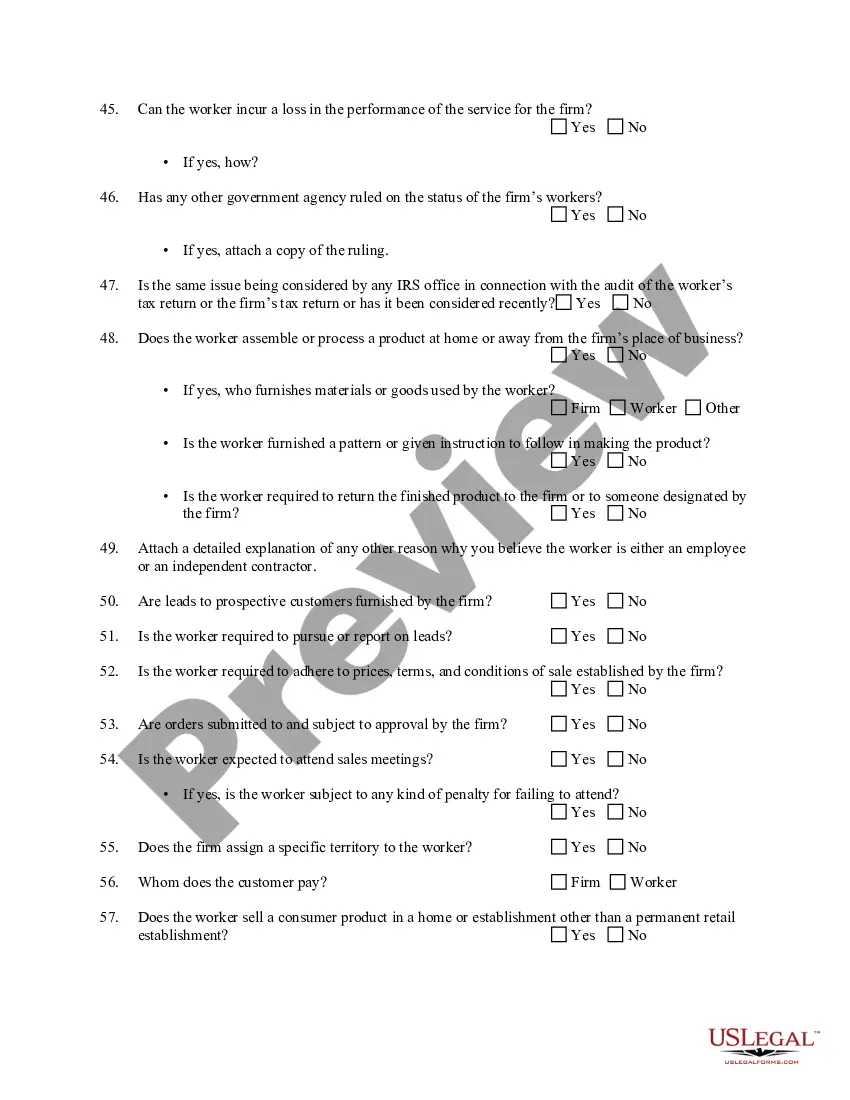
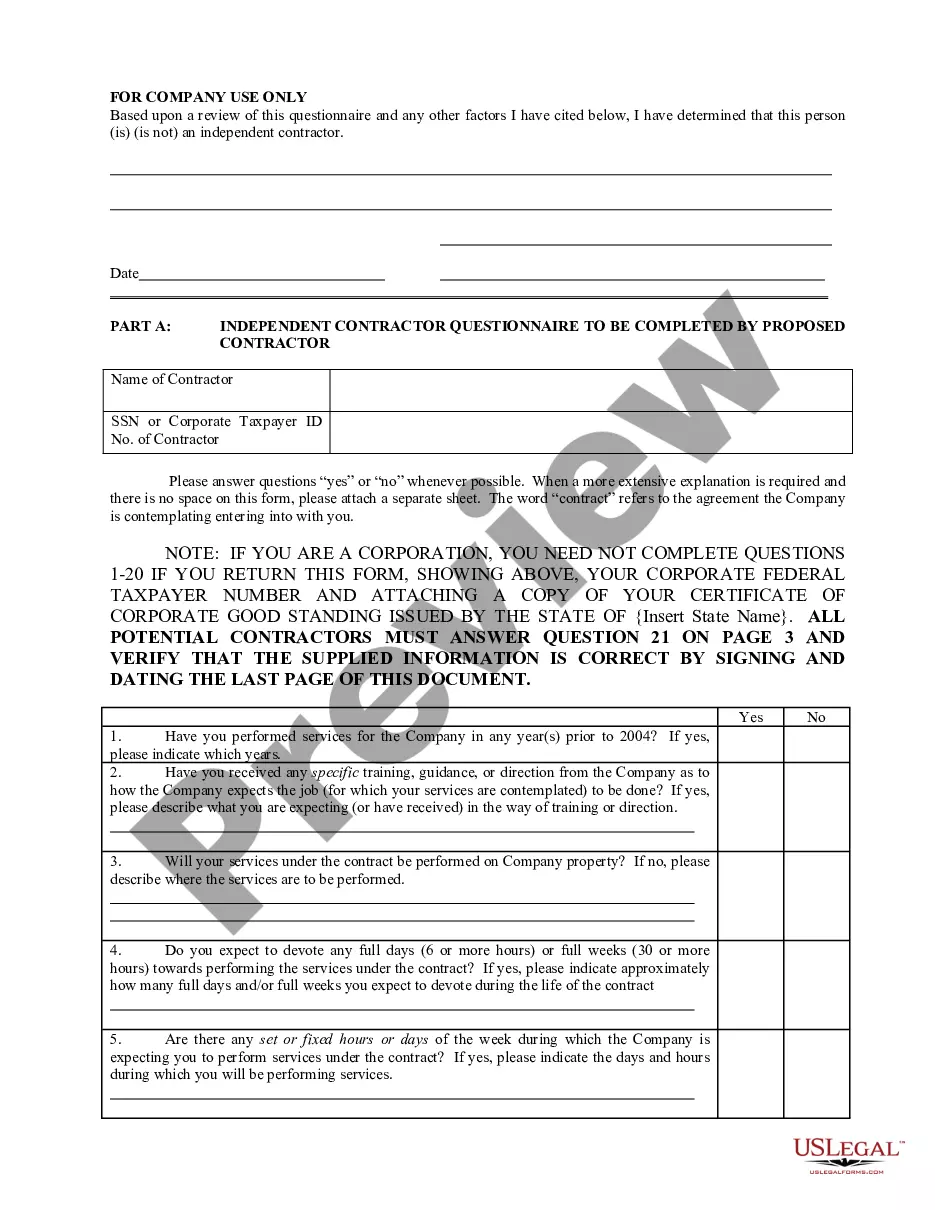
Service-provider (independent contractor): First name, middle initial, and last name. Social Security number. Address. Start date of contract (if no contract, date payments equal $600 or more) Amount of contract, including cents (if applicable) Contract expiration date (if applicable)
How to fill out a W-9 form Download the W-9 form from IRS.gov. ... Provide your full legal name and business name. ... Describe your business structure. ... Exemption. ... Enter your mailing address. ... Add any account numbers. ... Provide your Social Security number or Employer Identification Number. ... See if you need to sign and date the form.
Form W-9. If you've made the determination that the person you're paying is an independent contractor, the first step is to have the contractor complete Form W-9, Request for Taxpayer Identification Number and Certification.
How is Form 1099-NEC completed? Obtain a copy of Form 1099-NEC from the IRS or a payroll service provider. Provide the name and address of both the payer and the recipient. Calculate the total compensation paid. Note the amount of taxes withheld if backup withholding applied.
2. IRS Tax Form 1099-NEC. The IRS Form 1099-NEC is the independent contractor tax form used by businesses to report payments to a contract worker in the previous tax year. This tax form for independent contractors is filed with the IRS and is also provided to the contractor for reporting income.