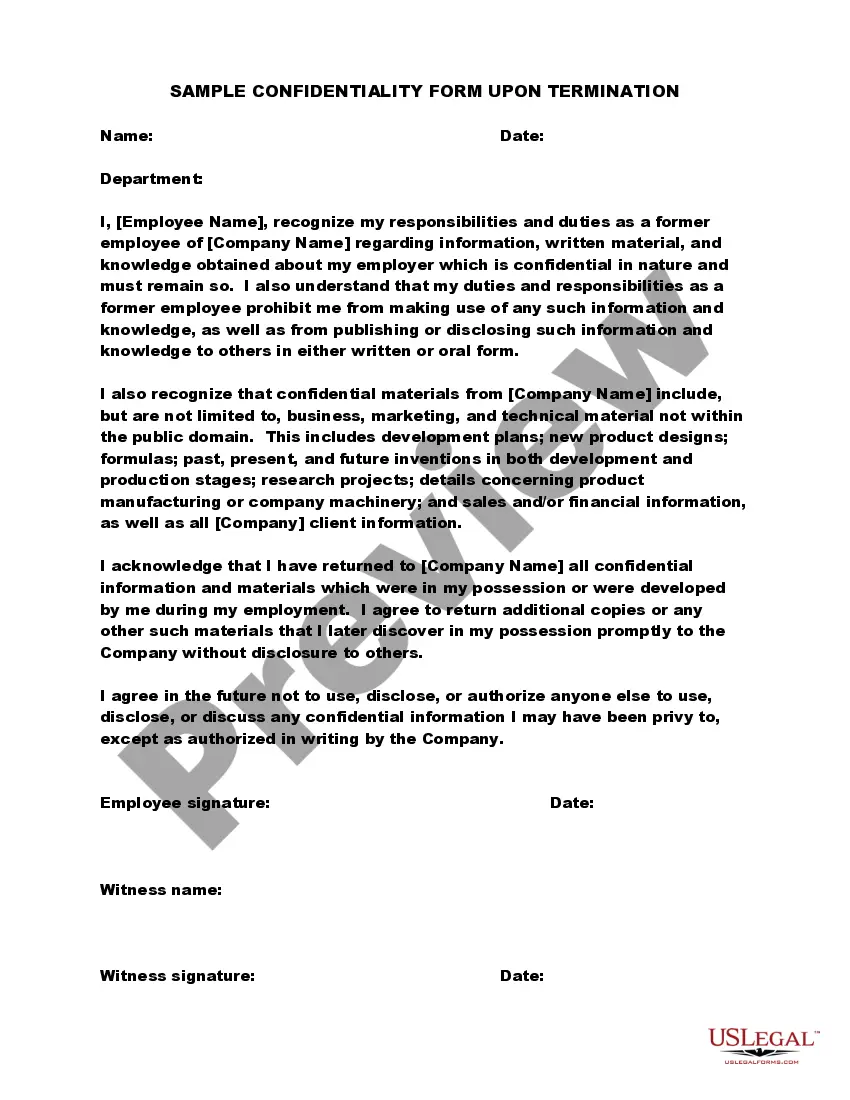
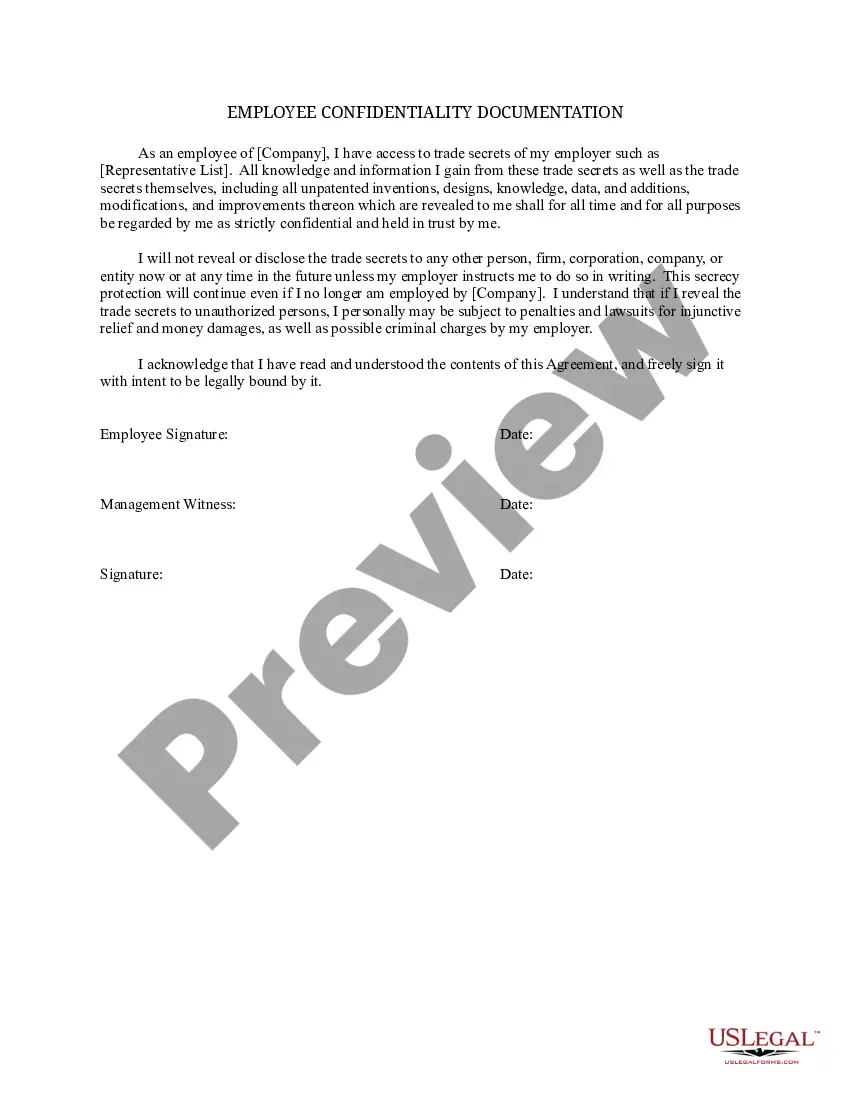
Sample Confidentiality Form
Description
Get your form ready online
Our built-in tools help you complete, sign, share, and store your documents in one place.
Make edits, fill in missing information, and update formatting in US Legal Forms—just like you would in MS Word.
Download a copy, print it, send it by email, or mail it via USPS—whatever works best for your next step.
Sign and collect signatures with our SignNow integration. Send to multiple recipients, set reminders, and more. Go Premium to unlock E-Sign.
If this form requires notarization, complete it online through a secure video call—no need to meet a notary in person or wait for an appointment.
We protect your documents and personal data by following strict security and privacy standards.

Make edits, fill in missing information, and update formatting in US Legal Forms—just like you would in MS Word.

Download a copy, print it, send it by email, or mail it via USPS—whatever works best for your next step.

Sign and collect signatures with our SignNow integration. Send to multiple recipients, set reminders, and more. Go Premium to unlock E-Sign.

If this form requires notarization, complete it online through a secure video call—no need to meet a notary in person or wait for an appointment.

We protect your documents and personal data by following strict security and privacy standards.
Looking for another form?








How to fill out Sample Confidentiality Form Upon Termination?
Precisely composed official documentation serves as one of the key assurances for preventing conflicts and legal disputes, yet securing it without legal counsel's help can be time-consuming.
Whether you need to swiftly locate a current Sample Confidentiality Form or other templates for workplace, family, or commercial scenarios, US Legal Forms is always available to assist.
The procedure is even more straightforward for existing users of the US Legal Forms library. If your subscription is active, simply Log In to your account and click the Download button adjacent to the selected document. Moreover, you can access the Sample Confidentiality Form at any time later, as all documents ever acquired on the platform are retrievable within the My documents section of your profile. Save time and resources on preparing official documents. Experience US Legal Forms today!
- Ensure that the document is appropriate for your situation and locale by reviewing the description and preview.
- Search for an alternate sample (if necessary) using the Search bar located in the page header.
- Press Buy Now once you identify the suitable template.
- Select your pricing option, sign in to your account, or create a new account.
- Choose your preferred payment method to acquire the subscription plan (via credit card or PayPal).
- Select PDF or DOCX format for your Sample Confidentiality Form.
- Press Download, then print the document to complete it or upload it to an online editor.
Form popularity
FAQ
A typical confidentiality clause might say, "The phrases and circumstances of this Agreement are completely confidential between the parties and shall not be disclosed to anybody else. Any disclosure in violation shall be deemed a breach of this Agreement."
"There are several key pieces of information that should be included in NDAs, or non-disclosure agreements. The most important items include customer lists, financial and profit margin information, product breakdowns, bestselling segments and sales scripting and messaging."
2. Clearly label all confidential information as confidential. This means writing confidential on documents or any folder you keep them in. If you are sending an email, make sure the title clearly identifies it as confidential.
Writing the Confidentiality Agreement. Start with the basic information. This will include the title of your contract and the parties making the agreement. You may also want to include a general introduction that states the purpose of the contract.
Generally, an effective confidentiality statement example must include these basic parts:The definition of confidential information.The parties involved.The reason the recipient received the information.Any limitations or exclusions on confidential information.The obligations of the receiving party.Term or time frame.More items...