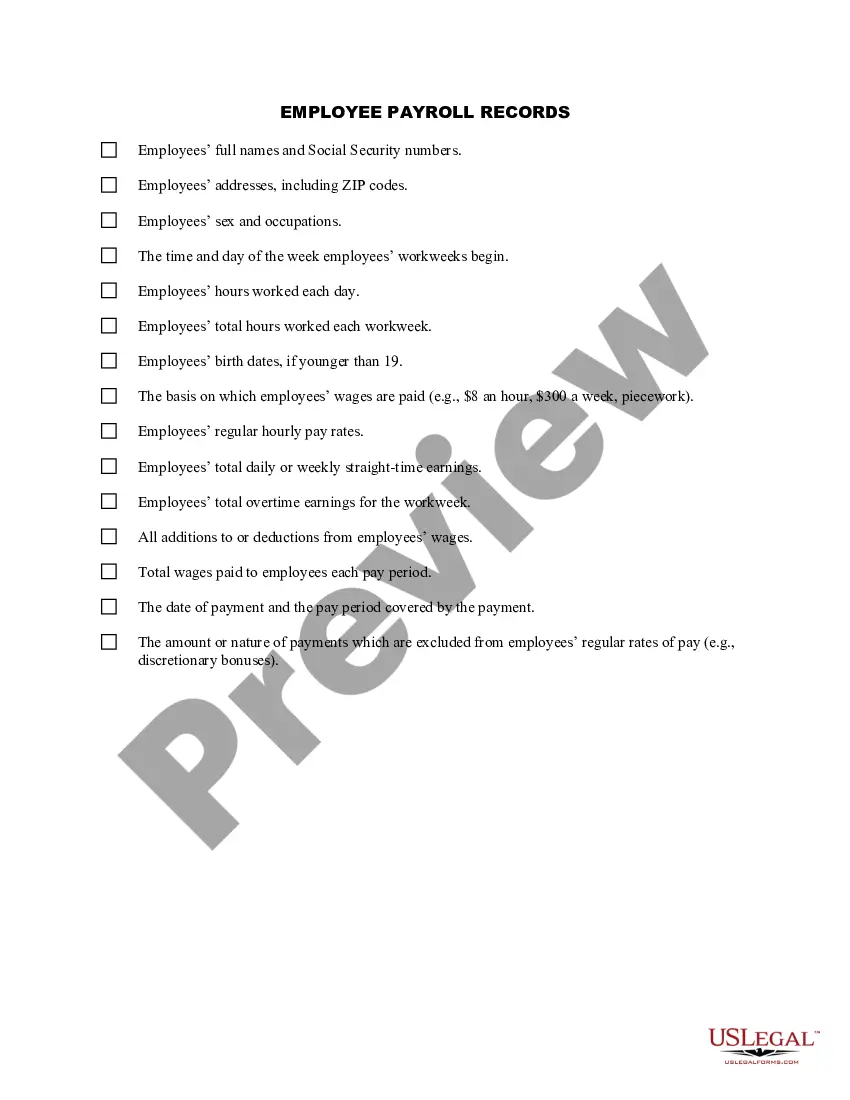
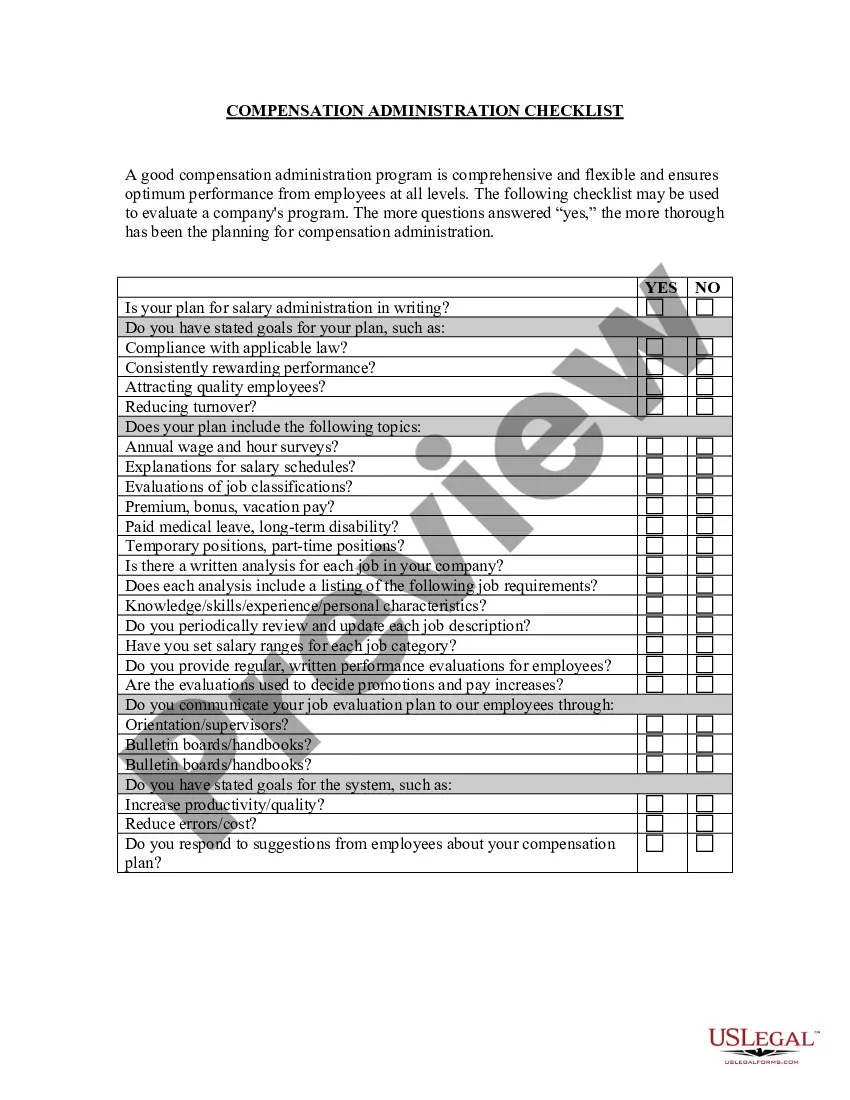
Payroll Records Online With 401k
Description

Get your form ready online
Our built-in tools help you complete, sign, share, and store your documents in one place.
Make edits, fill in missing information, and update formatting in US Legal Forms—just like you would in MS Word.
Download a copy, print it, send it by email, or mail it via USPS—whatever works best for your next step.
Sign and collect signatures with our SignNow integration. Send to multiple recipients, set reminders, and more. Go Premium to unlock E-Sign.
If this form requires notarization, complete it online through a secure video call—no need to meet a notary in person or wait for an appointment.
We protect your documents and personal data by following strict security and privacy standards.

Make edits, fill in missing information, and update formatting in US Legal Forms—just like you would in MS Word.

Download a copy, print it, send it by email, or mail it via USPS—whatever works best for your next step.

Sign and collect signatures with our SignNow integration. Send to multiple recipients, set reminders, and more. Go Premium to unlock E-Sign.

If this form requires notarization, complete it online through a secure video call—no need to meet a notary in person or wait for an appointment.

We protect your documents and personal data by following strict security and privacy standards.
Looking for another form?






How to fill out Employee Payroll Records Checklist?
The Payroll Records Online With 401k presented on this page is a versatile official template created by experienced attorneys in accordance with federal and local laws.
For over 25 years, US Legal Forms has supplied individuals, businesses, and legal experts with over 85,000 validated, state-specific documents for various business and personal scenarios. It’s the quickest, simplest, and most dependable method to secure the documents you require, as the service ensures bank-grade data protection and anti-malware safeguards.
Register for US Legal Forms to have validated legal templates for all of life's situations readily available.
- Search for the document you require and examine it.
- Browse through the file you looked for and preview it or review the form description to confirm it meets your requirements. If it doesn’t, utilize the search bar to locate the appropriate one. Click Buy Now once you have found the template you need.
- Register and Log In.
- Select the pricing option that fits you and create an account. Use PayPal or a credit card for a swift payment. If you already possess an account, Log In and verify your subscription to proceed.
- Obtain the fillable template.
- Select the format you prefer for your Payroll Records Online With 401k (PDF, DOCX, RTF) and download the example to your device.
- Complete and sign the document.
- Print the template to fill it out manually. Alternatively, use an online multifunctional PDF editor to swiftly and accurately complete and sign your form with an eSignature.
- Redownload your documents.
- Use the same document again as needed. Access the My documents tab in your profile to redownload any forms previously acquired.
Form popularity
FAQ
A 401(k) plan is a qualified plan that allows employees to have their employer contribute a portion of their paycheck to a retirement savings account. When we say ?qualified,? it means the plan is eligible for tax benefits under IRS guidelines.
Employer's website: Some employers provide access to 401k information through their website. Check with your HR department for information on how to access your account. Mobile app: Some plan providers also offer a mobile app that allows you to access your account information from your smartphone or tablet.
How to Fix Excess 401(k) Contributions Notify your employer or plan administrator immediately. ... Calculate your excess contributions plus earnings. ... Get an accurate W-2. ... File your return, or an amended return. ... Add the excess contribution to your next return. ... Double-check your contributions going forward.
Employer 401K Match Expense Journal Entry Set Type of Entry to Cash Disbursement. Ensure that the correct account is selected for Account Number. ... For Payee, select the 401K retirement provider. For Date, enter the date of the payment to the payroll solutions vendor as reflected on the bank statement.
QuickBooks Online Payroll Go to Payroll, then Employees (Take me there). Select your employee. From Deductions & contributions, select Start or Edit. Select + Add deduction/contribution. Select Retirement Plans in the Deduction/contribution type?dropdown. For Type, select the applicable retirement plan.