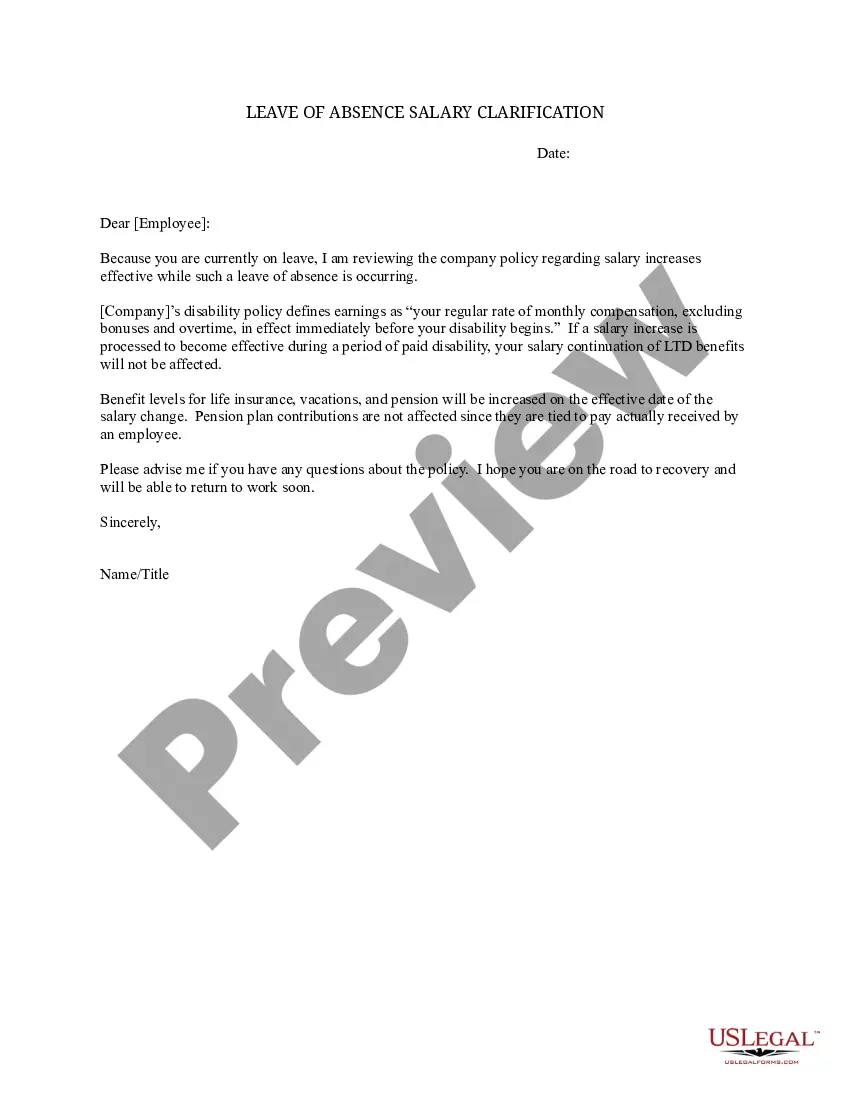
Leave Absence Template With Formulas
Description

Get your form ready online
Our built-in tools help you complete, sign, share, and store your documents in one place.
Make edits, fill in missing information, and update formatting in US Legal Forms—just like you would in MS Word.
Download a copy, print it, send it by email, or mail it via USPS—whatever works best for your next step.
Sign and collect signatures with our SignNow integration. Send to multiple recipients, set reminders, and more. Go Premium to unlock E-Sign.
If this form requires notarization, complete it online through a secure video call—no need to meet a notary in person or wait for an appointment.
We protect your documents and personal data by following strict security and privacy standards.

Make edits, fill in missing information, and update formatting in US Legal Forms—just like you would in MS Word.

Download a copy, print it, send it by email, or mail it via USPS—whatever works best for your next step.

Sign and collect signatures with our SignNow integration. Send to multiple recipients, set reminders, and more. Go Premium to unlock E-Sign.

If this form requires notarization, complete it online through a secure video call—no need to meet a notary in person or wait for an appointment.

We protect your documents and personal data by following strict security and privacy standards.
Looking for another form?




How to fill out Leave Of Absence Salary Clarification?
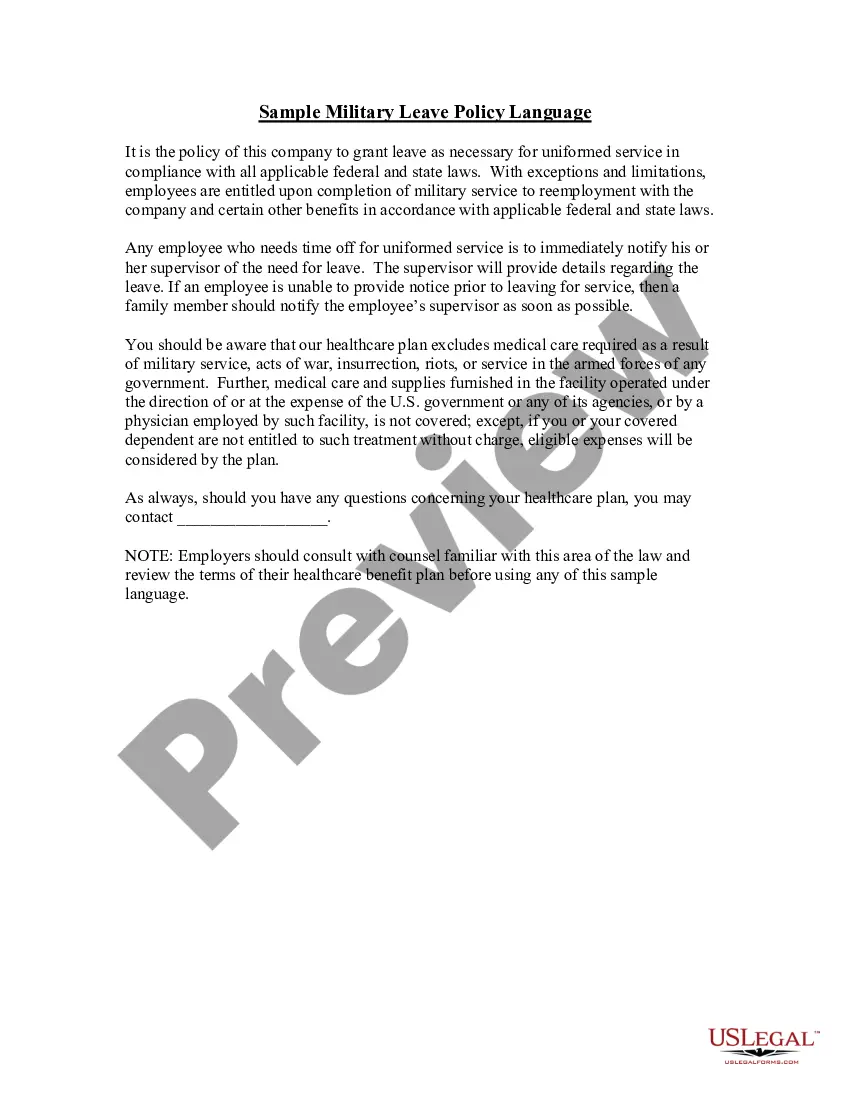
The Leave Absence Template With Formulas displayed on this site is a versatile official template crafted by expert attorneys in accordance with federal and local statutes and regulations. For over 25 years, US Legal Forms has supplied individuals, organizations, and lawyers with more than 85,000 validated, state-specific documents for any professional and personal circumstance. It’s the fastest, simplest, and most dependable method to acquire the documentation you require, as the service guarantees bank-level data protection and anti-malware safeguards.
Obtaining this Leave Absence Template With Formulas will require just a few easy steps.
Register for US Legal Forms to have verified legal templates for all of life’s situations readily available.
- Search for the document you require and examine it. Look through the file you sought and preview it or review the form description to confirm it meets your requirements. If it does not, use the search feature to find the correct one. Click Buy Now once you have found the template you need.
- Subscribe and Log In. Choose the pricing option that fits you and establish an account. Use PayPal or a credit card for a swift payment. If you already possess an account, Log In and check your subscription to proceed.
- Obtain the fillable template. Select the format you desire for your Leave Absence Template With Formulas (PDF, DOCX, RTF) and save the document on your device.
- Complete and sign the document. Print the template to fill it out by hand. Alternatively, utilize an online multifunctional PDF editor to swiftly and precisely complete and sign your form with a legally-binding electronic signature.
- Re-download your paperwork. Use the same document again whenever necessary. Access the My documents section in your profile to redownload any forms you have downloaded previously.
Form popularity
FAQ
To make an absent formula in Excel, you can use the IF function to determine if an employee is marked as absent. For instance, you might set a condition that checks if a cell contains 'Absent' and then calculates the total days absent accordingly. By incorporating this into your Leave absence template with formulas, you streamline tracking and reporting. Additionally, consider using US Legal Forms to find templates that already include these formulas for your convenience.
To create a Leave absence template with formulas in Excel, start by opening a new workbook. First, define the columns you need, such as employee name, leave type, and dates. Then, use Excel's formula functionality to calculate totals or track leave balances, ensuring you reference the correct cells. This way, your template becomes a powerful tool for managing employee absences effectively.
The formula for calculating absences in Excel typically involves comparing attendance records against expected attendance. A common formula is =COUNTIF(A:A, 'Absent'), which counts the number of times 'Absent' appears in the attendance column. Using this approach within a leave absence template with formulas can help you easily identify trends in employee absences, enabling better workforce management.
To calculate leave days using a formula in Excel, you can use the NETWORKDAYS function. This function counts the number of weekdays between two dates, excluding weekends and specified holidays. Implementing this formula in a leave absence template with formulas helps ensure accurate calculations of leave days, providing a clear representation of employee leave utilization.
To create an employee attendance sheet in Excel, start by listing employee names in one column and dates in subsequent columns. You can use formulas to track attendance, such as =IF(B2='P', 'Present', 'Absent'). This approach allows you to efficiently manage attendance records, especially when utilizing a leave absence template with formulas, making tracking easier and more organized.
Calculating leave days in Excel involves subtracting the start date from the end date of the leave. You can use a simple formula like =B1-A1, where A1 is the start date and B1 is the end date. This calculation is crucial when working with a leave absence template with formulas, as it provides a clear overview of the total leave days taken by employees.
To use the IF formula in Excel for attendance, start by identifying the criteria for attendance, such as present or absent. You can create a formula that checks the attendance status and assigns a corresponding value. For example, use the formula =IF(A1='Present', 1, 0) to assign 1 for present and 0 for absent. This method is essential when utilizing a leave absence template with formulas, as it streamlines the calculation process.
The formula for tracking present and absent leave in Excel typically involves using the COUNTIF function to tally attendance records. For example, you can set a formula to count the number of 'Present' entries in your attendance sheet. Integrating a leave absence template with formulas can enhance this process by allowing you to automate calculations for leave balances. US Legal Forms provides templates that can help you implement these formulas effectively.
To create a leave tracker in Excel, start by designing a spreadsheet that captures employee details and their leave requests. Use formulas to calculate total leave days taken, remaining leave, and types of leave. A leave absence template with formulas can make this process more efficient, providing clear insights into employee leave patterns. Platforms like US Legal Forms offer customizable templates that can simplify your leave tracking efforts.
Making an attendance sheet in Excel involves creating a table with employee names, dates, and attendance statuses. You can use formulas to automatically count the number of days present or absent for each employee. By incorporating a leave absence template with formulas, you can effectively track attendance and leave days. Consider using templates from US Legal Forms to streamline your attendance tracking process.