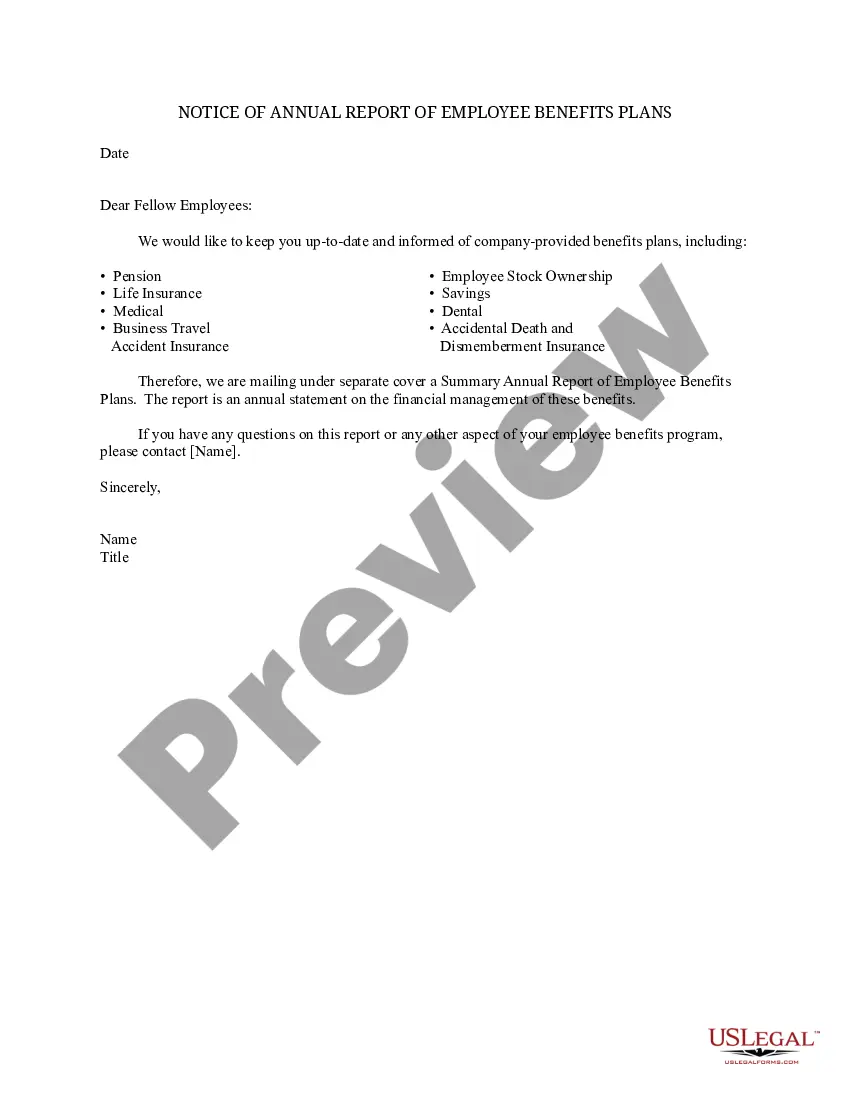
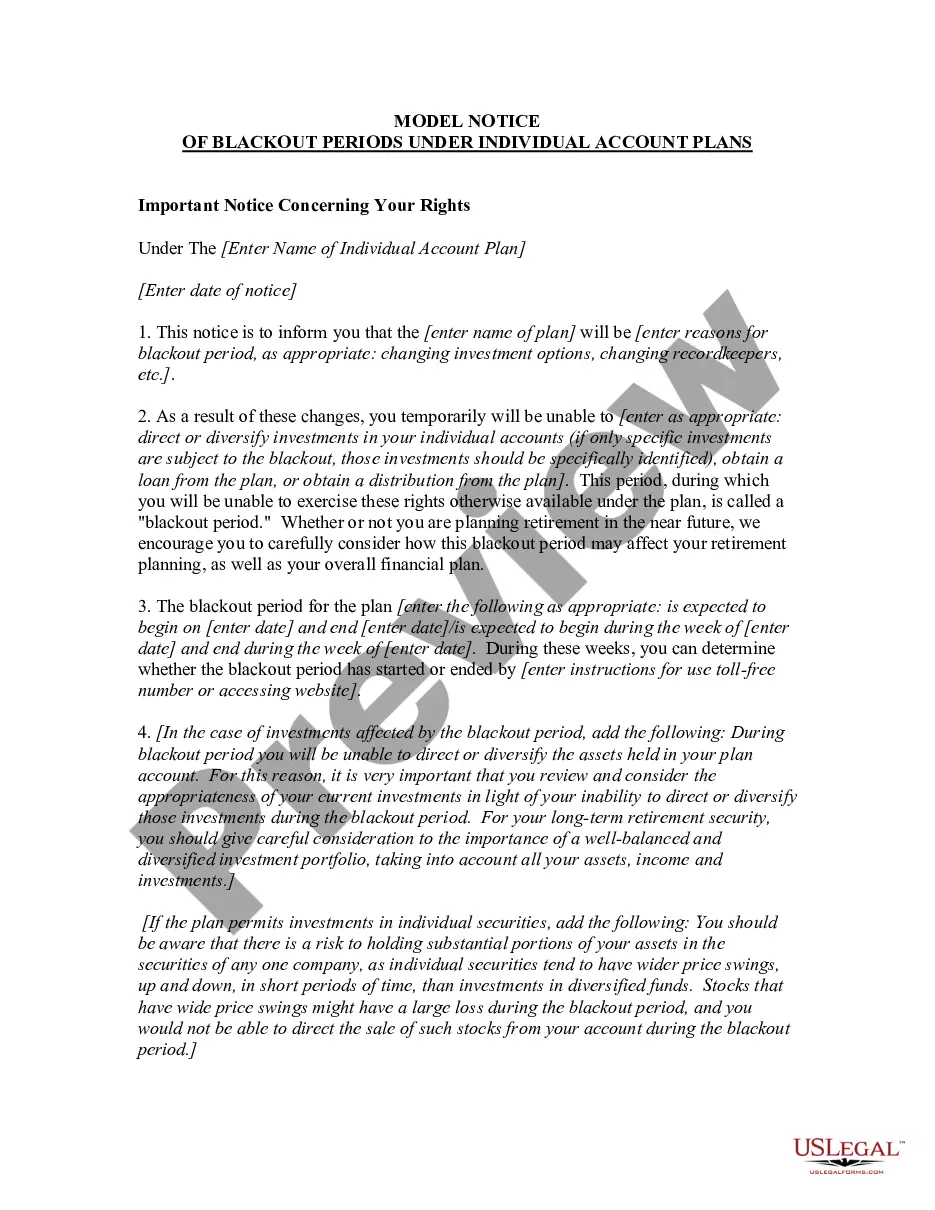
Annual Report Form Template With Pictures
Description
Get your form ready online
Our built-in tools help you complete, sign, share, and store your documents in one place.
Make edits, fill in missing information, and update formatting in US Legal Forms—just like you would in MS Word.
Download a copy, print it, send it by email, or mail it via USPS—whatever works best for your next step.
Sign and collect signatures with our SignNow integration. Send to multiple recipients, set reminders, and more. Go Premium to unlock E-Sign.
If this form requires notarization, complete it online through a secure video call—no need to meet a notary in person or wait for an appointment.
We protect your documents and personal data by following strict security and privacy standards.

Make edits, fill in missing information, and update formatting in US Legal Forms—just like you would in MS Word.

Download a copy, print it, send it by email, or mail it via USPS—whatever works best for your next step.

Sign and collect signatures with our SignNow integration. Send to multiple recipients, set reminders, and more. Go Premium to unlock E-Sign.

If this form requires notarization, complete it online through a secure video call—no need to meet a notary in person or wait for an appointment.

We protect your documents and personal data by following strict security and privacy standards.
Looking for another form?







How to fill out Notice Of Annual Report Of Employee Benefits Plans?
Managing legal documents and processes can be a lengthy addition to your entire day.
Annual Report Form Template With Images and similar forms frequently require you to search for them and comprehend the best method to complete them correctly.
For this reason, whether you are managing financial, legal, or personal affairs, utilizing a thorough and effective online directory of forms readily available will significantly help.
US Legal Forms is the leading online platform for legal templates, featuring over 85,000 state-specific forms and numerous tools to aid you in finishing your documentation swiftly.
Is it your first time using US Legal Forms? Sign up and establish your account in just a few minutes and you’ll gain entrance to the form directory and Annual Report Form Template With Images. Then, follow the steps below to finalize your form.
- Explore the inventory of relevant documents available to you with just a single click.
- US Legal Forms provides state- and county-specific forms available at any time for downloading.
- Protect your document management processes with a high-quality service that enables you to prepare any form within minutes without extra or hidden charges.
- Simply Log In to your account, locate Annual Report Form Template With Images and download it instantly within the My documents section.
- You can also access previously downloaded forms.
Form popularity
FAQ
How to Create a Great Annual Report 1) Choose the right format. 2) Craft a narrative. 3) Demonstrate your impact. 4) Humanize your work. 5) Visualize the numbers. 6) Follow design best practices. 7) Surprise your readers.
In 2023, audiences expect companies to make data more accessible in their digital annual reports. This can involve making core facts and statistics more visible and user-friendly, as well as providing easy-to-use tools that allow stakeholders to explore data in new ways.
3 Steps to Nail Your Annual Report Narrative First, determine the story you want to tell. Start by asking yourself questions. ... Next, decide what story will resonate most with your audience. ... Lastly, weave in the narrative throughout the report with imagery, graphics, other data visualizations, and consistent messaging.
Use a 2-column layout for optimal readability. Leave plenty of whitespace in your report design. Apply consistent motifs across every page of your report design. Use color blocks to group related information.
Vibrant and bold brand colors breathe life into any Annual Report. By using a bright and bold color palette, not only are you enhancing the brand's visual style but making it more attractive to the audience. Additionally, bold colors can be used to highlight important points and grab the audience's attention quickly.