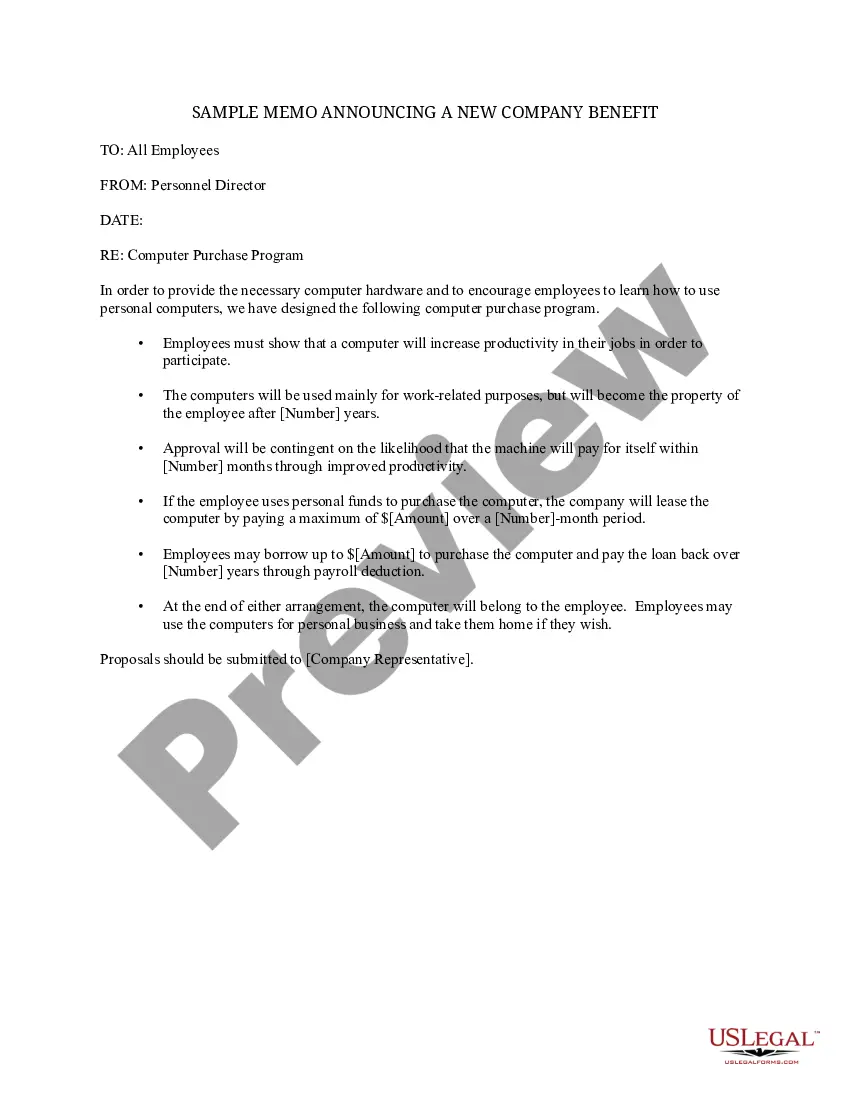
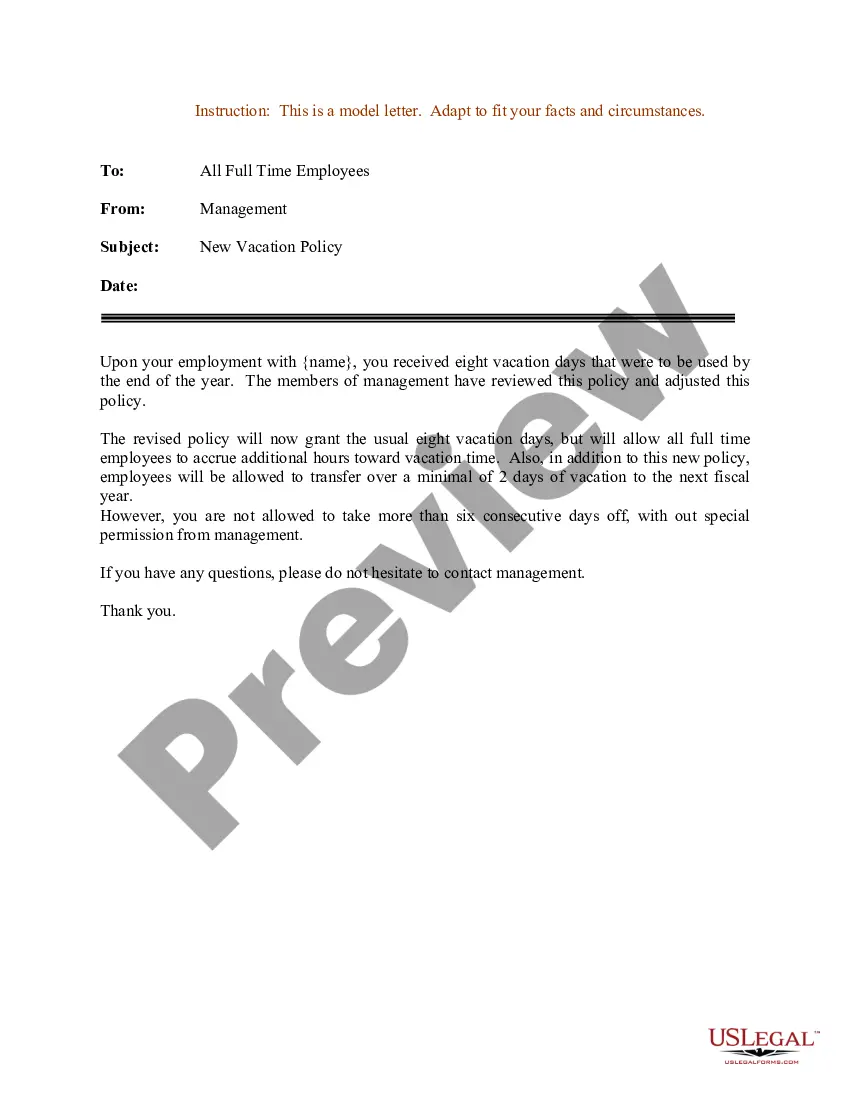
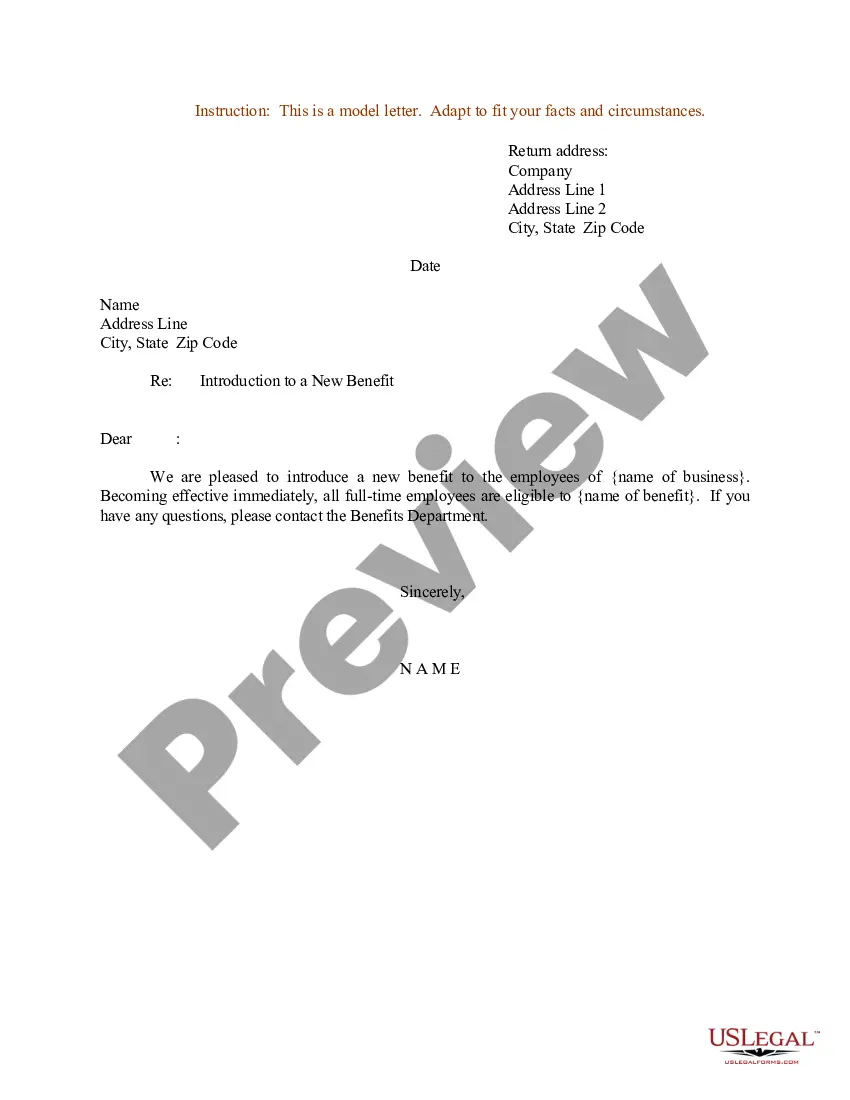
New Benefits Announcement Sample With Employees
Description
Get your form ready online
Our built-in tools help you complete, sign, share, and store your documents in one place.
Make edits, fill in missing information, and update formatting in US Legal Forms—just like you would in MS Word.
Download a copy, print it, send it by email, or mail it via USPS—whatever works best for your next step.
Sign and collect signatures with our SignNow integration. Send to multiple recipients, set reminders, and more. Go Premium to unlock E-Sign.
If this form requires notarization, complete it online through a secure video call—no need to meet a notary in person or wait for an appointment.
We protect your documents and personal data by following strict security and privacy standards.

Make edits, fill in missing information, and update formatting in US Legal Forms—just like you would in MS Word.

Download a copy, print it, send it by email, or mail it via USPS—whatever works best for your next step.

Sign and collect signatures with our SignNow integration. Send to multiple recipients, set reminders, and more. Go Premium to unlock E-Sign.

If this form requires notarization, complete it online through a secure video call—no need to meet a notary in person or wait for an appointment.

We protect your documents and personal data by following strict security and privacy standards.
Looking for another form?








How to fill out Sample Memo Announcing A New Company Benefit?
Legal papers managing can be frustrating, even for the most knowledgeable specialists. When you are searching for a New Benefits Announcement Sample With Employees and don’t have the time to spend trying to find the correct and up-to-date version, the processes may be nerve-racking. A strong online form catalogue could be a gamechanger for anyone who wants to manage these situations efficiently. US Legal Forms is a market leader in online legal forms, with over 85,000 state-specific legal forms available at any time.
With US Legal Forms, you are able to:
- Gain access to state- or county-specific legal and business forms. US Legal Forms handles any requirements you might have, from individual to enterprise documents, all in one spot.
- Utilize innovative resources to finish and handle your New Benefits Announcement Sample With Employees
- Gain access to a resource base of articles, guides and handbooks and resources related to your situation and needs
Help save effort and time trying to find the documents you need, and employ US Legal Forms’ advanced search and Preview feature to locate New Benefits Announcement Sample With Employees and download it. For those who have a membership, log in in your US Legal Forms account, search for the form, and download it. Review your My Forms tab to view the documents you previously saved and to handle your folders as you can see fit.
Should it be the first time with US Legal Forms, make a free account and have unlimited usage of all benefits of the library. Listed below are the steps to consider after downloading the form you need:
- Confirm this is the proper form by previewing it and reading its description.
- Ensure that the sample is acknowledged in your state or county.
- Choose Buy Now when you are all set.
- Select a monthly subscription plan.
- Pick the formatting you need, and Download, complete, eSign, print and deliver your papers.
Take advantage of the US Legal Forms online catalogue, supported with 25 years of experience and reliability. Change your everyday papers administration in a easy and intuitive process right now.
Form popularity
FAQ
What should I include in a new employee announcement email? the new employee's name, job title, location, and start date. the department/team they'll be joining. a short overview of their background and experience. reiterate context for the hire (why the role was open to begin with, and/or the vision for it)
Dear all, I'm delighted to introduce [New Employee's Name] as the newest member of our team at [Company Name]! [He/She] will be joining us as [position], and we couldn't be more thrilled to have [him/her] on board. [New Employee's Name] comes with a strong background in [mention relevant experience].
Avoid noninformation that's factually accurate but of little value to someone who isn't a benefits wonk. Appeal to employees' logic ("Here's what is changing for you") and their emotions ("Here's how it will benefit you"). Provide timelines and a clearly designed side-by-side comparison of different options.
Dear Colleagues: I am pleased to announce that [new hire's name] has accepted the position of [job title] in [department], effective [date]. This position reports to [manager's name]. [New hire's first name] will be responsible for [high level overview of major responsibilities].
How to Introduce a New Benefits Plan to Your Workforce Organize an Exciting and Detailed Launch Event. Focus on What's Important. Communicate Through Multiple Channels. Open or Create a Dialogue. Consider External Support for Success.