Privacy Act Statement For Email
Description

Get your form ready online
Our built-in tools help you complete, sign, share, and store your documents in one place.
Make edits, fill in missing information, and update formatting in US Legal Forms—just like you would in MS Word.
Download a copy, print it, send it by email, or mail it via USPS—whatever works best for your next step.
Sign and collect signatures with our SignNow integration. Send to multiple recipients, set reminders, and more. Go Premium to unlock E-Sign.
If this form requires notarization, complete it online through a secure video call—no need to meet a notary in person or wait for an appointment.
We protect your documents and personal data by following strict security and privacy standards.

Make edits, fill in missing information, and update formatting in US Legal Forms—just like you would in MS Word.

Download a copy, print it, send it by email, or mail it via USPS—whatever works best for your next step.

Sign and collect signatures with our SignNow integration. Send to multiple recipients, set reminders, and more. Go Premium to unlock E-Sign.

If this form requires notarization, complete it online through a secure video call—no need to meet a notary in person or wait for an appointment.

We protect your documents and personal data by following strict security and privacy standards.
Looking for another form?
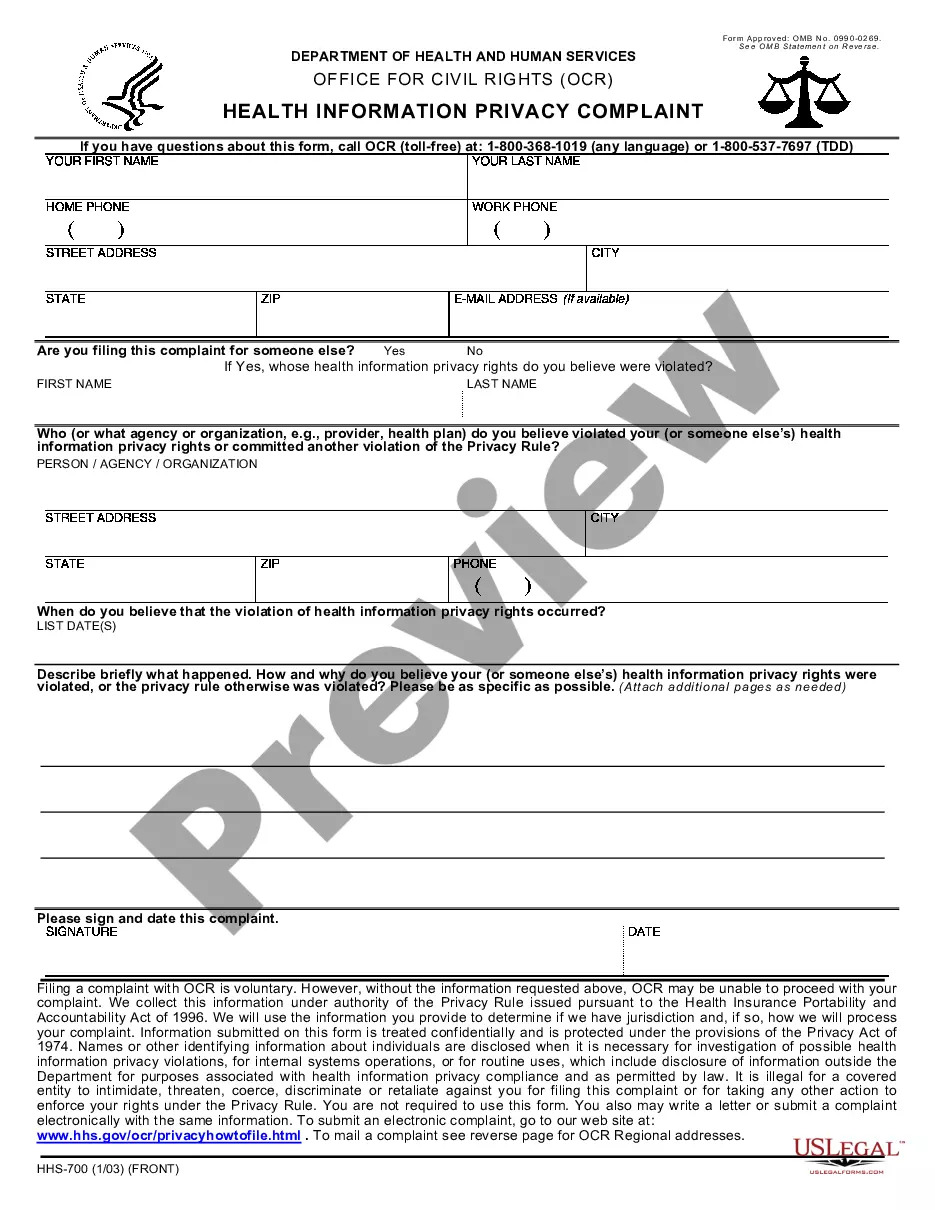
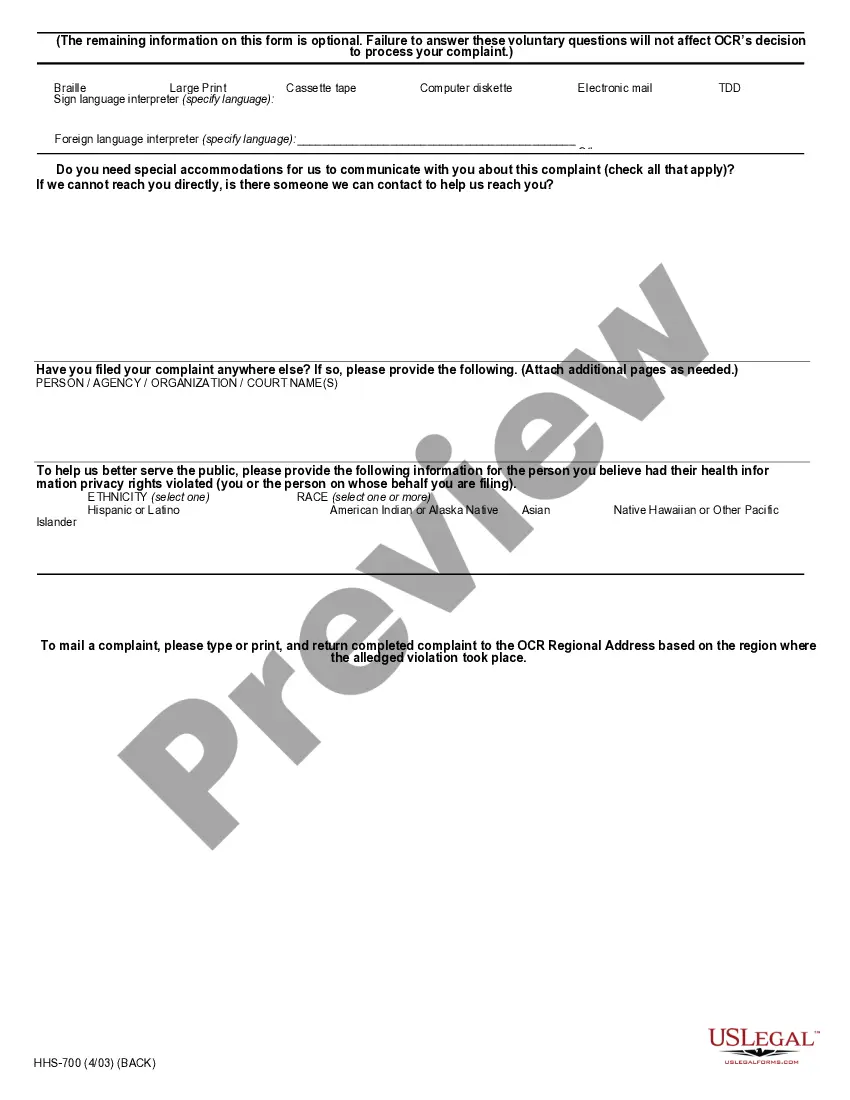
How to fill out Health Information Privacy Complaint For Filing With Dept. Of Health And Human Services Office Of Civil Rights?
It’s clear that you cannot transform into a legal authority in an instant, nor can you master how to swiftly draft a Privacy Act Statement For Email without acquiring a certain set of expertise.
Assembling legal documentation is a prolonged procedure that necessitates specific education and expertise. Therefore, why not entrust the development of the Privacy Act Statement For Email to the professionals.
With US Legal Forms, one of the most comprehensive legal template repositories, you can discover everything from court documents to templates for internal business communication.
If you require another form, restart your search.
Create a free account and select a subscription plan to acquire the form.
- We recognize how vital compliance and adherence to federal and local regulations are.
- That’s the reason why, on our site, all templates are geographically specific and current.
- To get started, visit our website and obtain the document you require in just minutes.
- Locate the document you seek by utilizing the search bar at the top of the page.
- If available, preview it and review the accompanying description to ascertain if the Privacy Act Statement For Email is what you are inquiring about.
Form popularity
FAQ
You do not need a lawyer to create and sign a non-disclosure agreement. However, if the information you are trying to protect is important enough to warrant an NDA, you may want to have the document reviewed by someone with legal expertise.
To be valid, a Non-Disclosure Agreement only needs two signatures ? the disclosing party and the receiving party. It doesn't need to be notarized or filed with any state or local administrative office.
How to Write an NDA (6 steps) Choose Your NDA Template. Select a Type of NDA: Unilateral or Mutual. Define ?Confidential Information? Enter the Consequences of a Breach. Sign the Non-Disclosure Agreement. Disclose the Information.
You do not need a lawyer to create and sign a non-disclosure agreement. However, if the information you are trying to protect is important enough to warrant an NDA, you may want to have the document reviewed by someone with legal expertise.
While legal counsel is always recommended, you may navigate the process on your own as long as you follow the directions closely. Choose Your NDA Template. ... Select a Type of NDA: Unilateral or Mutual. ... Define ?Confidential Information? ... Enter the Consequences of a Breach. ... Sign the Non-Disclosure Agreement.
To be valid, a Non-Disclosure Agreement only needs two signatures ? the disclosing party and the receiving party. It doesn't need to be notarized or filed with any state or local administrative office.
To create a Non-Disclosure Agreement, include the following information: The parties' names and contact information. The length of the non-disclosure period. The scope and definition of the confidential information. The obligations of the Non-Disclosure Agreement. The ownership and return information.
Typically, a legal professional writing the NDA will complete these steps: Step 1 - Describe the scope. Which information is considered confidential? ... Step 2 - Detail party obligations. ... Step 3 - Note potential exclusions. ... Step 4 - Set the term. ... Step 5 - Spell out consequences.