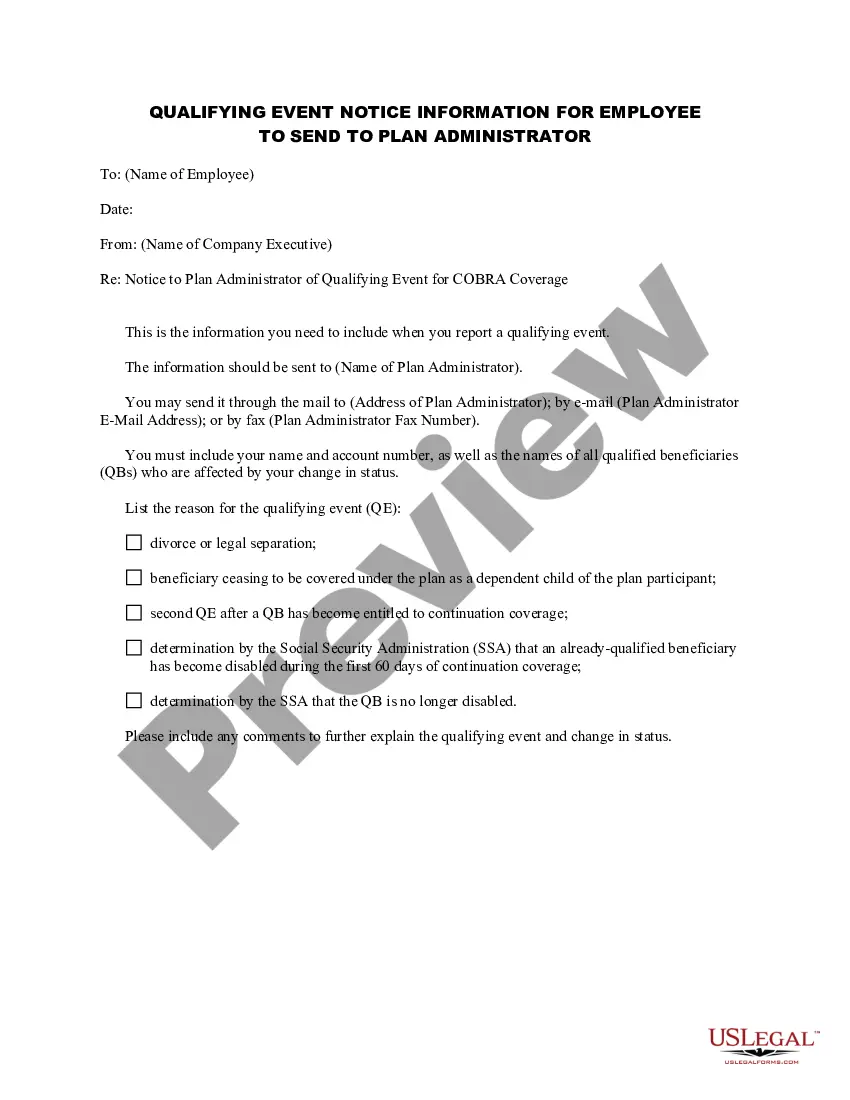
Qualifying Notice Employer Without
Description
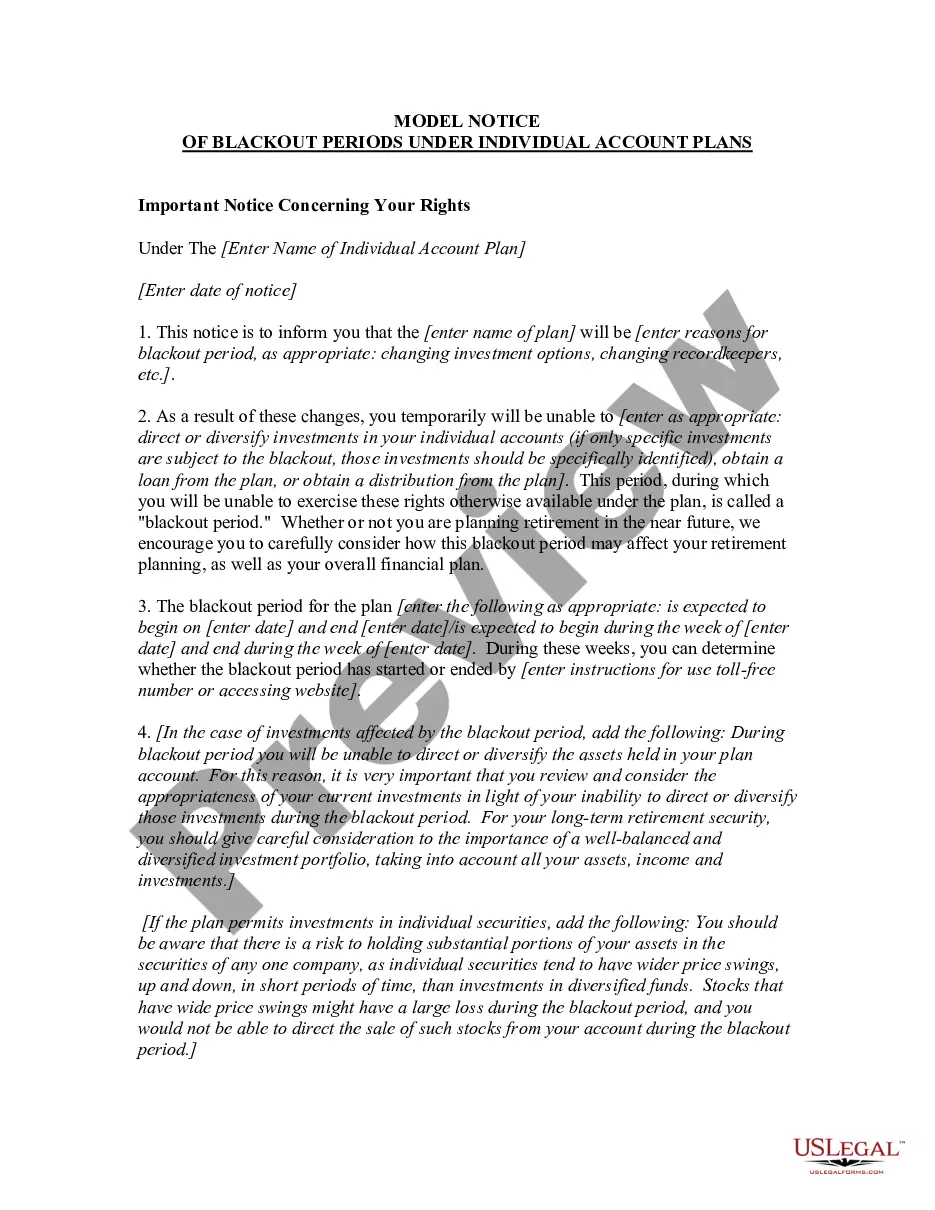
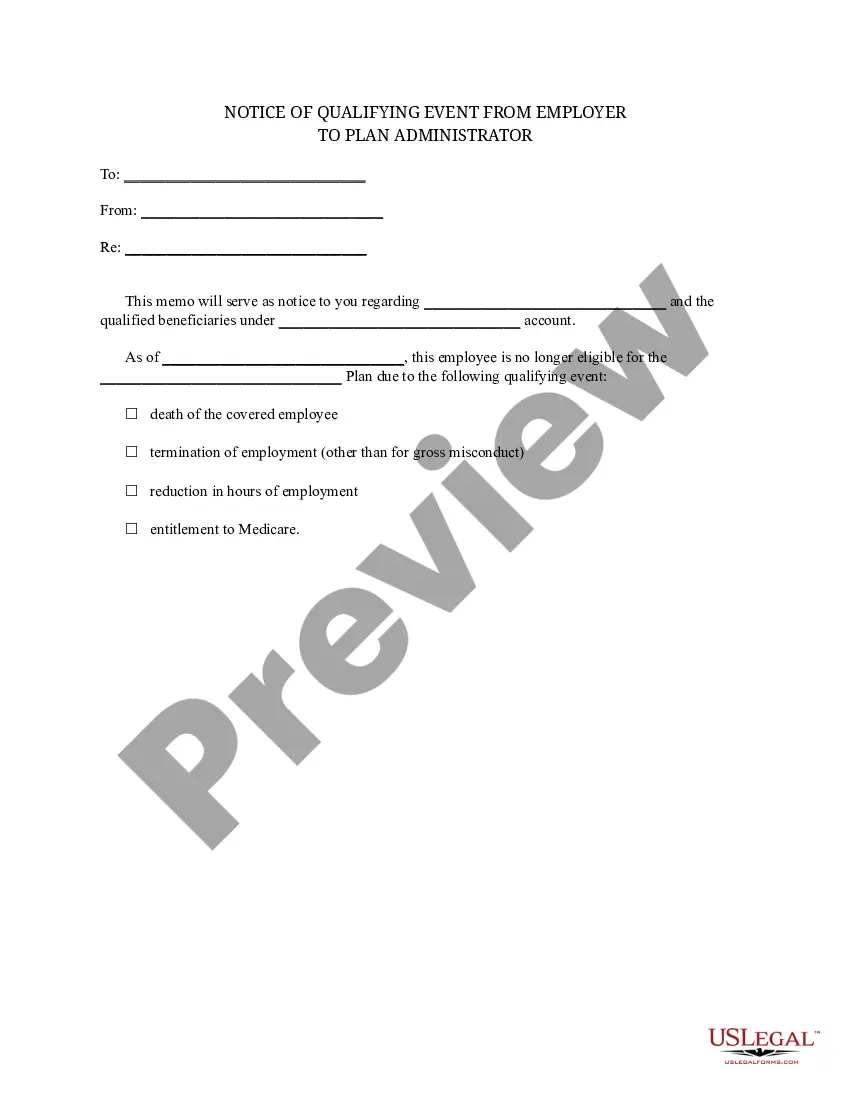
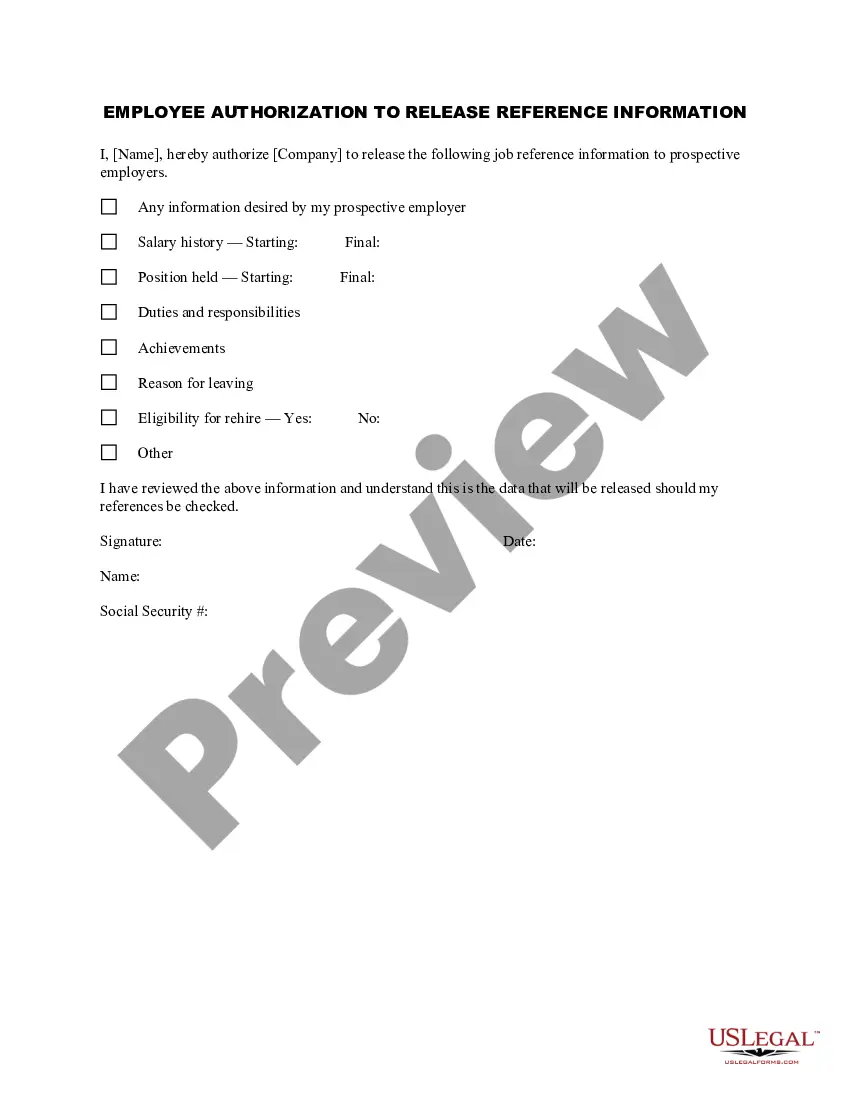




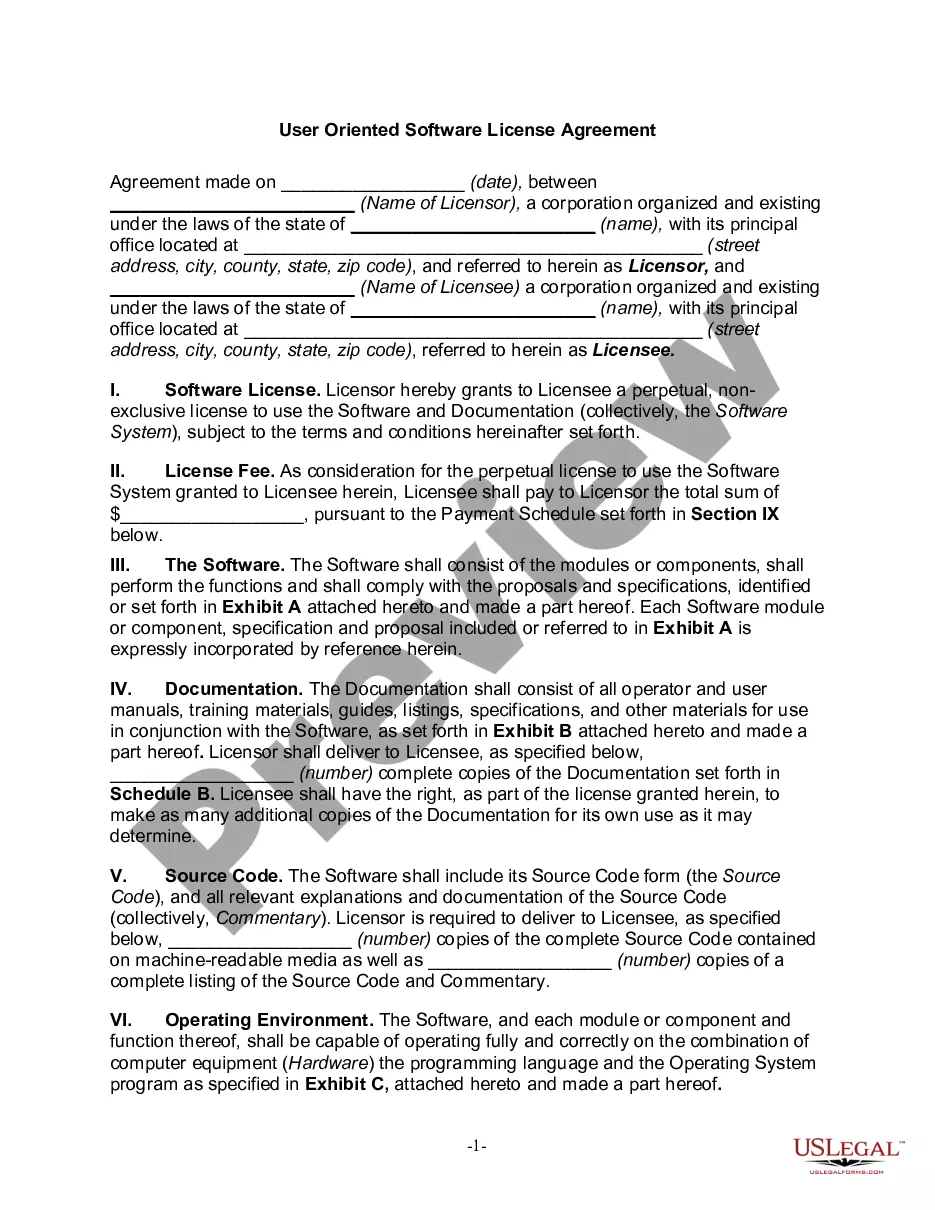
How to fill out Qualifying Event Notice Information For Employer To Plan Administrator?
The Qualifying Notice Employer Without you observe on this page is a reusable formal template created by professional attorneys in accordance with federal and local regulations.
For over 25 years, US Legal Forms has supplied individuals, businesses, and lawyers with over 85,000 validated, state-specific forms for any commercial and personal situation. It’s the quickest, easiest, and most dependable method to acquire the documents you require, as the service ensures the utmost level of data security and anti-malware safeguards.
Register for US Legal Forms to access authenticated legal templates for all of life’s situations at your convenience.
- Browse for the document you require and examine it.
- Select the pricing plan that suits your needs and create an account. Utilize PayPal or a credit card for a swift payment. If you already possess an account, Log In and verify your subscription to continue.
- Choose the format you desire for your Qualifying Notice Employer Without (PDF, Word, RTF) and store the sample on your device.
- Print the template to fill it out manually. Alternatively, utilize an online multifunctional PDF editor to quickly and accurately complete and sign your form with an eSignature.
- Use the same document again whenever necessary. Access the My documents tab in your profile to redownload any previously acquired forms.
Form popularity
FAQ
Can you give a 2-week notice while on FMLA? If you are on FMLA leave, you may notify your employer that you are leaving the company in 2 weeks.
Your employer cannot retaliate against you for taking FMLA leave, such as by withholding promotions or raises, or firing or disciplining you. Your employer must allow you to use paid time off in tandem with your FMLA leave to continue getting paid, if you have paid leave accrued.
Intermittent FMLA is when an employee uses their 12 weeks of unpaid leave off and on. This is in contrast to continuous family medical leave or working a reduced work schedule. However, an employer may require that any accrued vacation or personal leave is used prior to taking the leave.
Employees must give notice at least 30 days in advance if their need for FMLA leave is foreseeable (for example, for non-emergency surgery). An employee who does not give 30 days' notice must explain why such notice was not practicable, if the employer requests.
Do I have to return to work to quit? FMLA does not require that you must return to your employment at the end of your leave of absence, or provide two weeks notice of not returning to the company. Unfortunately, you may be immediately terminated if you provide two weeks notice.