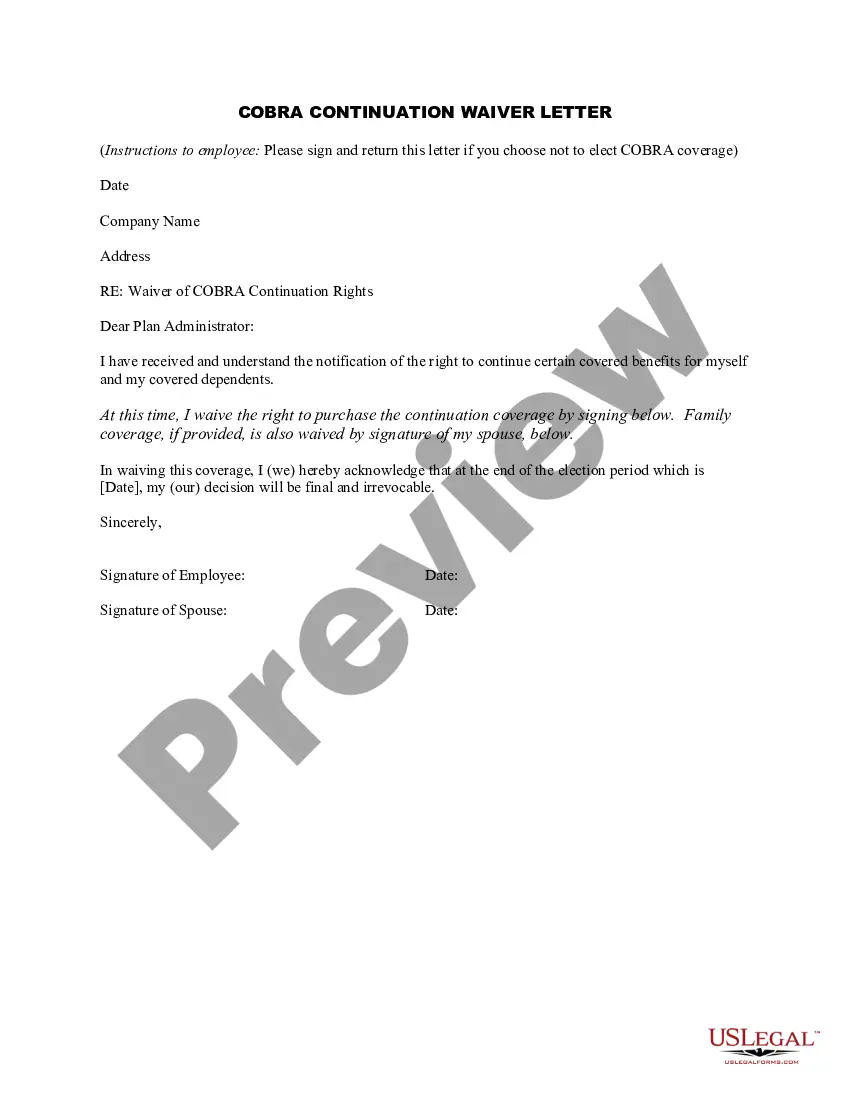
Waiver Letter For Pregnant Employee
Description
Get your form ready online
Our built-in tools help you complete, sign, share, and store your documents in one place.
Make edits, fill in missing information, and update formatting in US Legal Forms—just like you would in MS Word.
Download a copy, print it, send it by email, or mail it via USPS—whatever works best for your next step.
Sign and collect signatures with our SignNow integration. Send to multiple recipients, set reminders, and more. Go Premium to unlock E-Sign.
If this form requires notarization, complete it online through a secure video call—no need to meet a notary in person or wait for an appointment.
We protect your documents and personal data by following strict security and privacy standards.

Make edits, fill in missing information, and update formatting in US Legal Forms—just like you would in MS Word.

Download a copy, print it, send it by email, or mail it via USPS—whatever works best for your next step.

Sign and collect signatures with our SignNow integration. Send to multiple recipients, set reminders, and more. Go Premium to unlock E-Sign.

If this form requires notarization, complete it online through a secure video call—no need to meet a notary in person or wait for an appointment.

We protect your documents and personal data by following strict security and privacy standards.
Looking for another form?
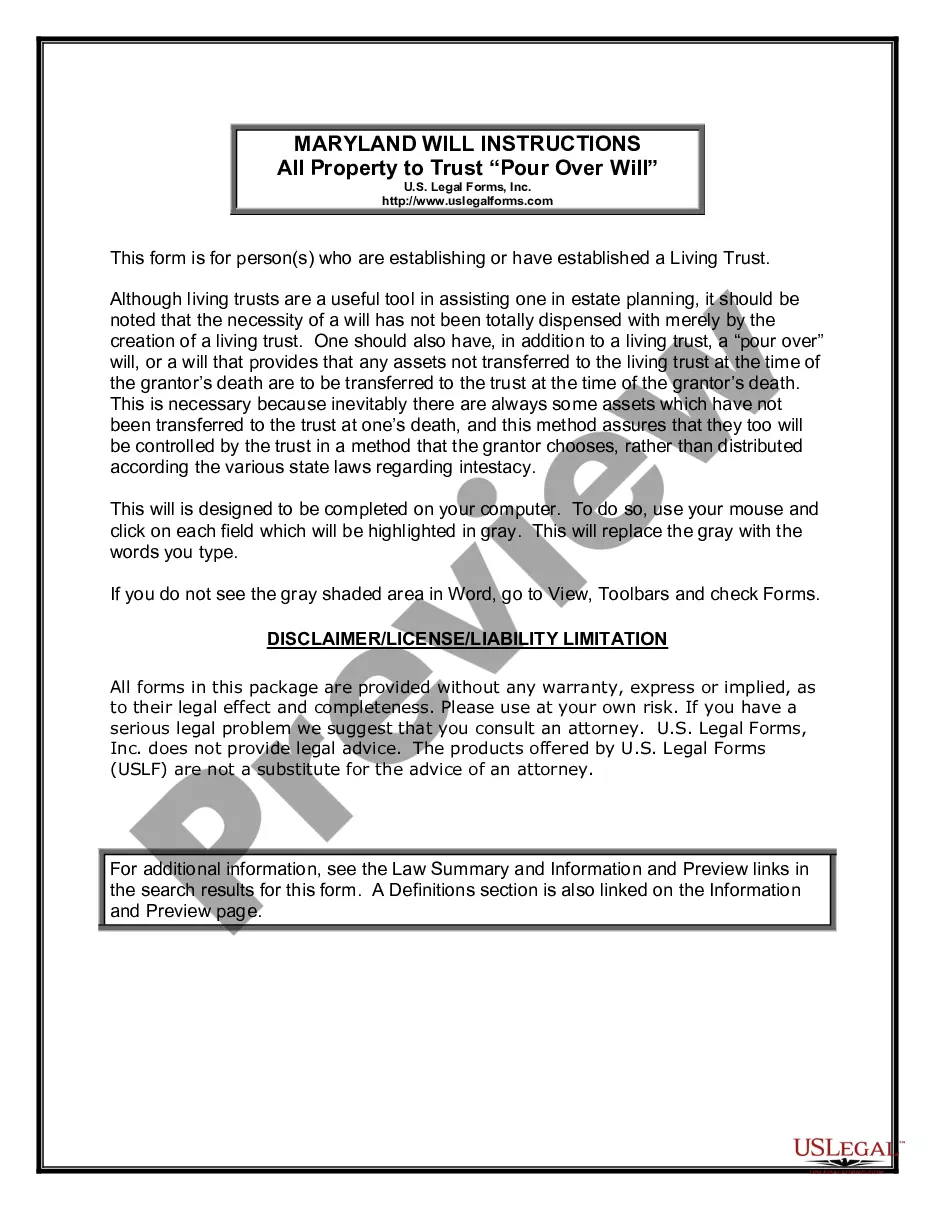
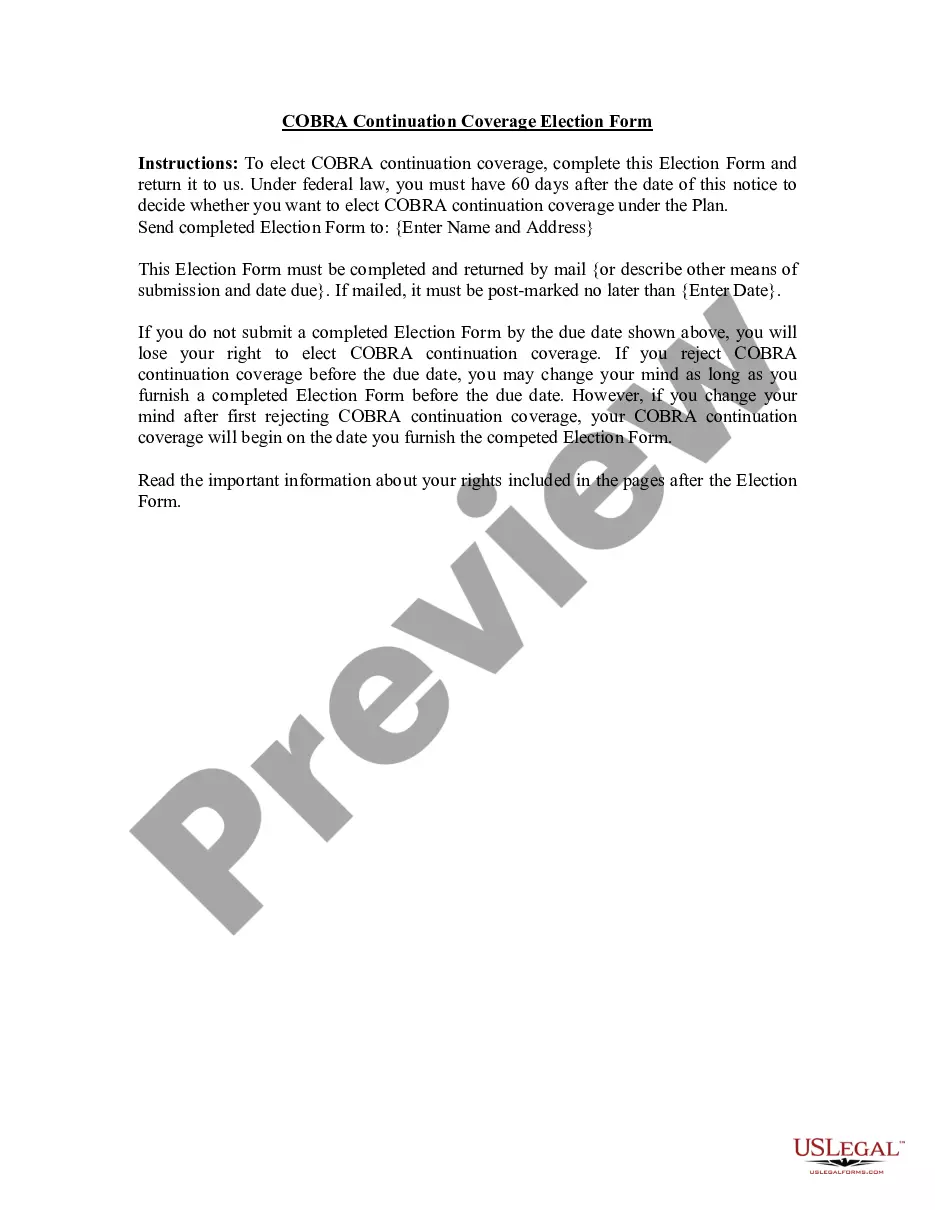
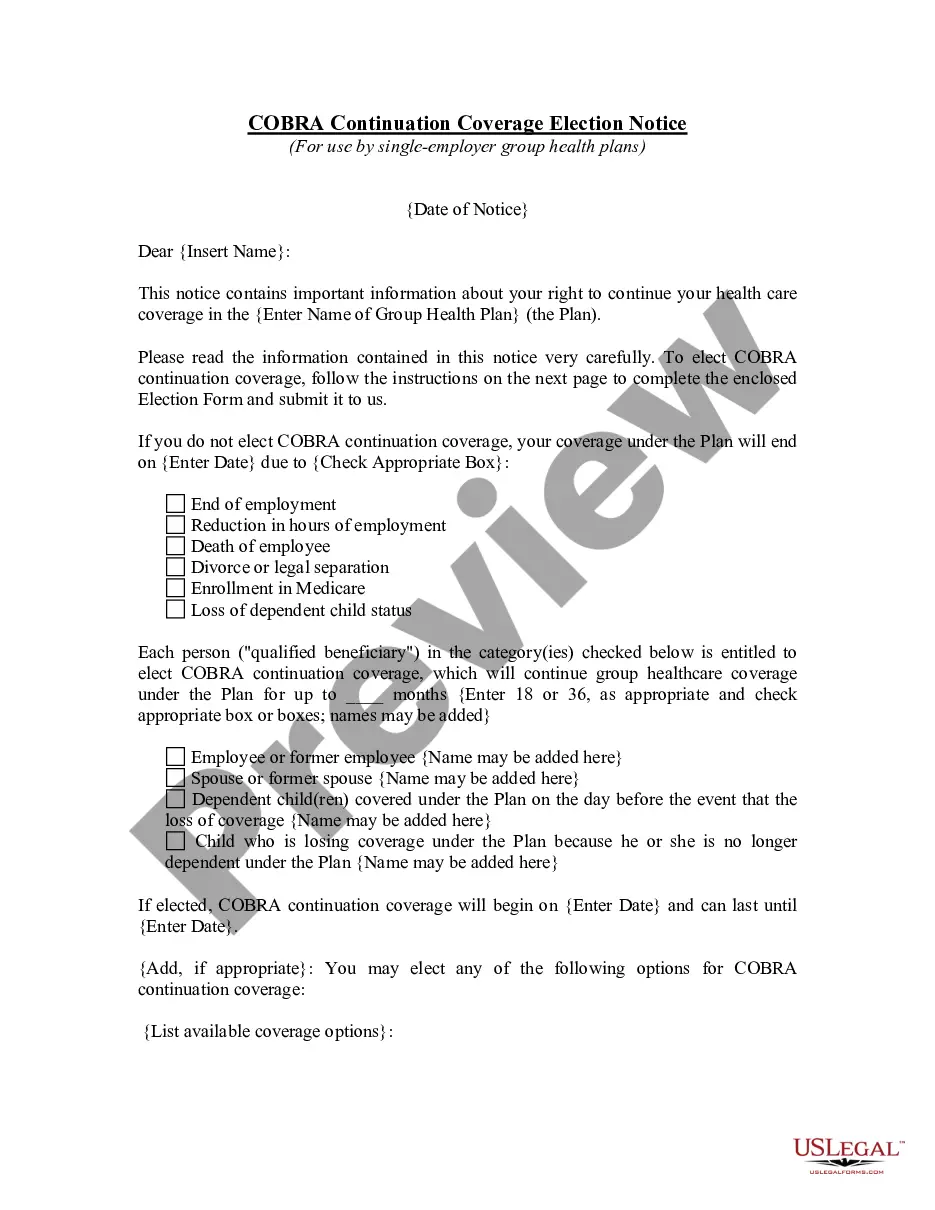
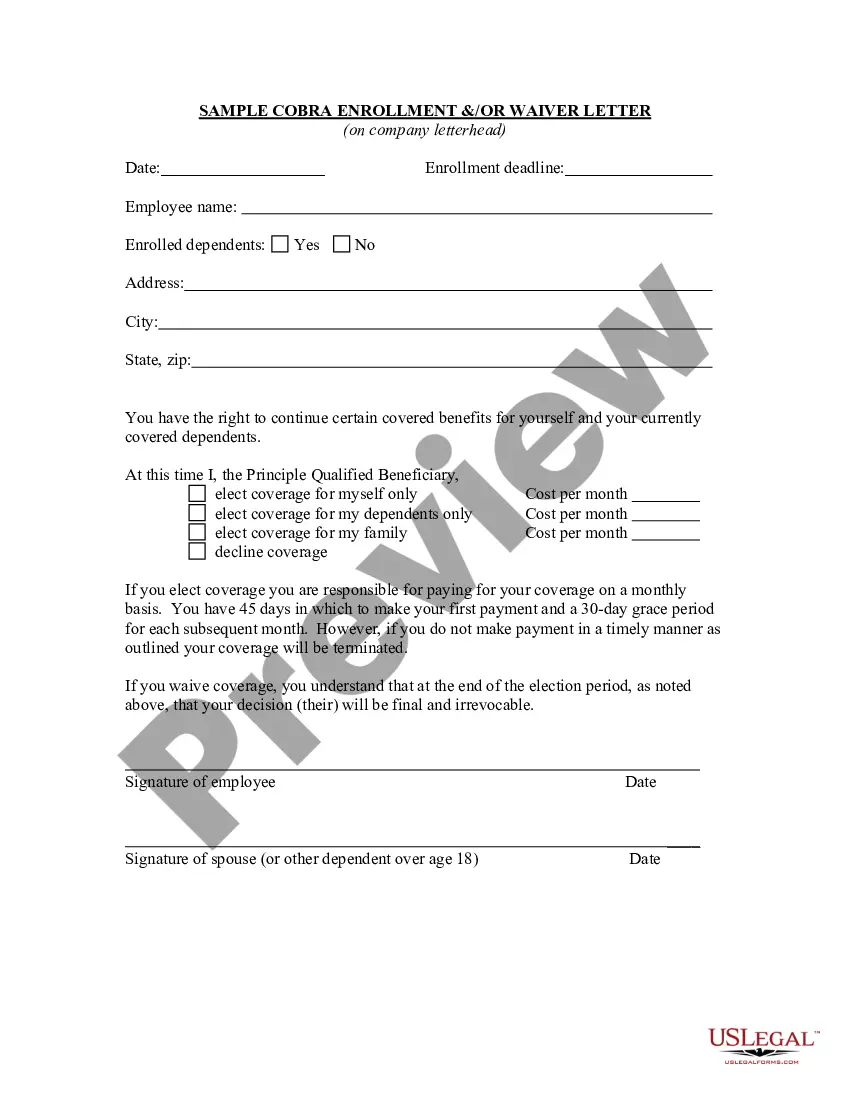
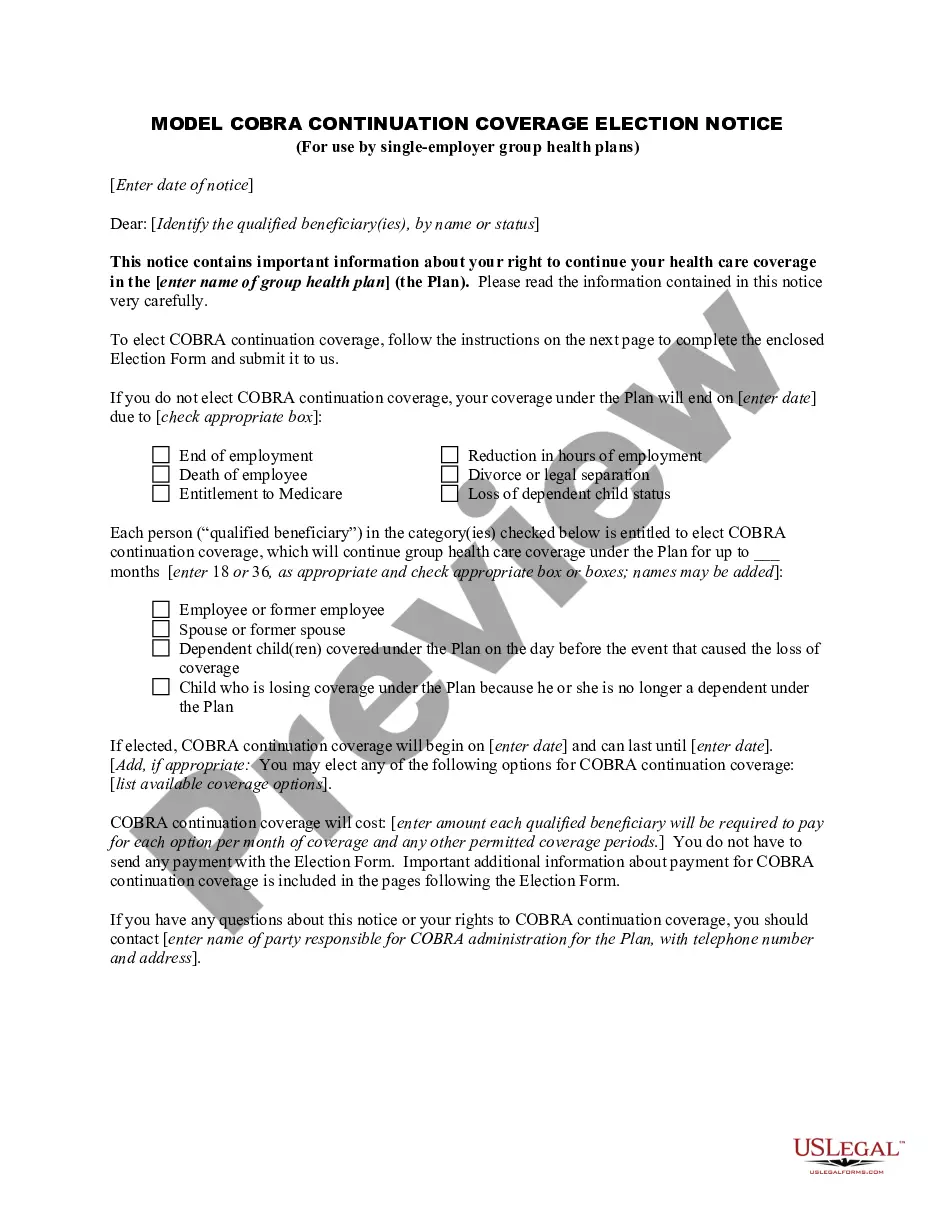
How to fill out COBRA Continuation Waiver Letter?
Regardless of whether it's for professional reasons or personal issues, everyone must confront legal matters at some point in their lives. Filling out legal documents necessitates meticulous attention, starting from selecting the correct form template. For example, if you choose an incorrect version of a Waiver Letter For Pregnant Employee, it will be rejected upon submission. Thus, it is essential to obtain a reliable source of legal documents like US Legal Forms.
If you need to acquire a Waiver Letter For Pregnant Employee template, follow these straightforward steps: Obtain the template you require by using the search bar or catalog navigation. Review the form’s details to confirm it aligns with your circumstances, state, and locality. Click on the form’s preview to examine it. If it is the wrong document, return to the search feature to find the Waiver Letter For Pregnant Employee template you need. Download the template when it meets your requirements. If you have a US Legal Forms account, click Log in to access previously saved templates in My documents. If you do not have an account yet, you can download the form by clicking Buy now. Select the appropriate pricing option. Complete the profile registration form. Choose your payment method: use a credit card or PayPal account. Select the document format you prefer and download the Waiver Letter For Pregnant Employee. Once it is downloaded, you can fill out the form using editing software or print it and complete it manually.
- With an extensive US Legal Forms catalog available, you do not need to waste time searching for the suitable template on the internet.
- Utilize the library’s straightforward navigation to obtain the right template for any situation.
Form popularity
FAQ
Under the federal Pregnancy Discrimination Act (?PDA?), if you work for an employer with 15 or more employees, you may have the right to a reasonable accommodation, which can include seeking protective equipment, temporarily moving positions, working from home, or time off, to ensure you stay healthy while pregnant.
Introduction. At the beginning of your letter, state that you are resigning and the effective date. You can also include your reason, such as ?I am happy to announce that I am pregnant and plan to focus on my family once the baby is here.?
Dear [name of employer], I am writing to notify you of my pregnancy. My expected week of childbirth is [insert date]. I would like to start my maternity leave on [insert date you would like to start your maternity leave].
Template of a parental leave letter Dear [Manager's name], This letter is to inform you that I plan to take maternity leave. My due date is [date] and I plan to continue working until [date or suggest working from home until your due date or delivery]. I plan to take [number] weeks of maternity leave.
Can you ask for remote work when you're pregnant? You can ask for remote work, but the PWFA doesn't explicitly name it as a reasonable accommodation. Whether your employer will grant a work-from-home request depends on the type of work you do, Stuart says.