Final Dow
Description

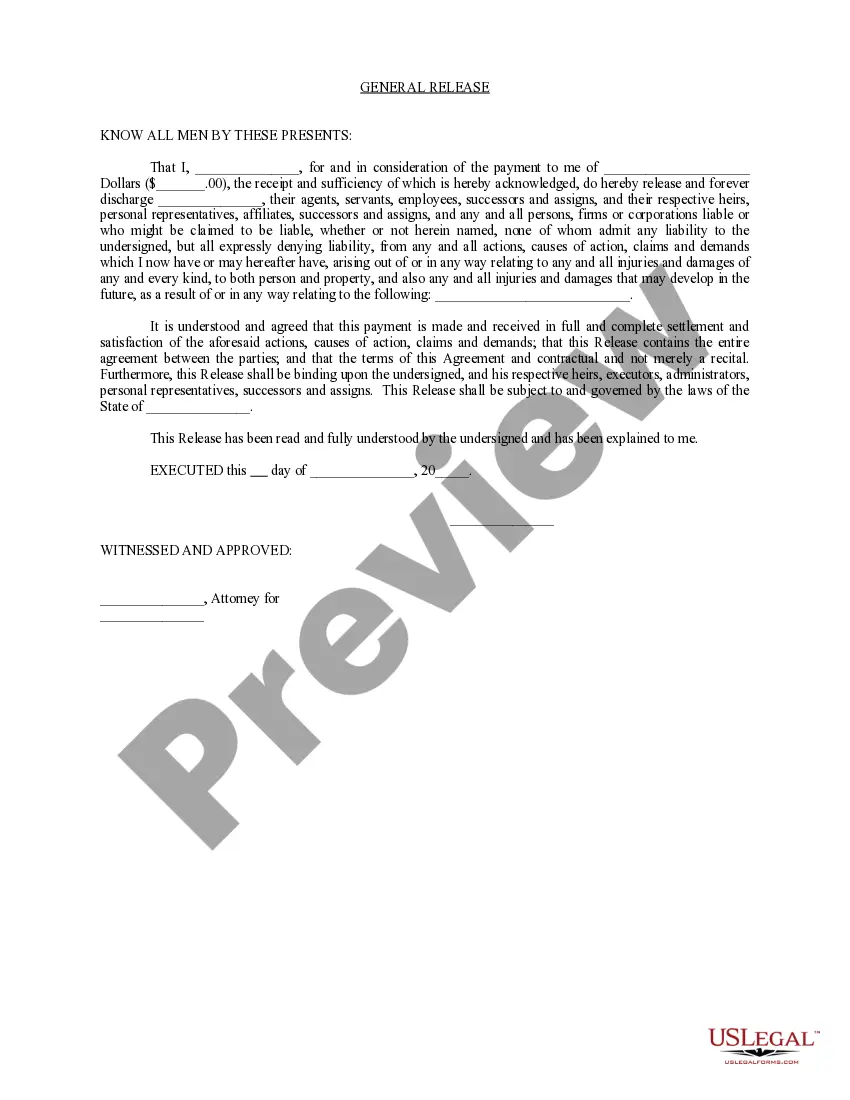

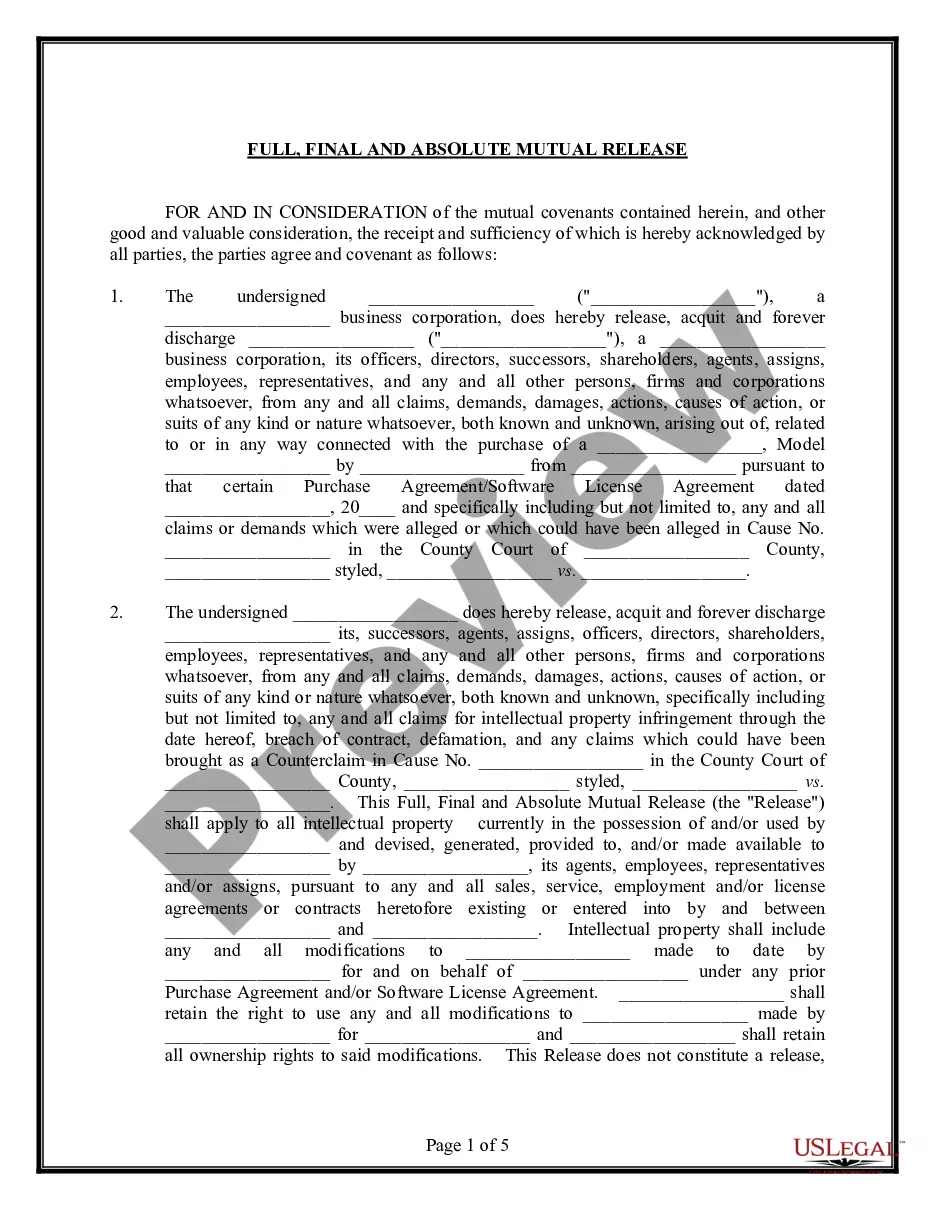
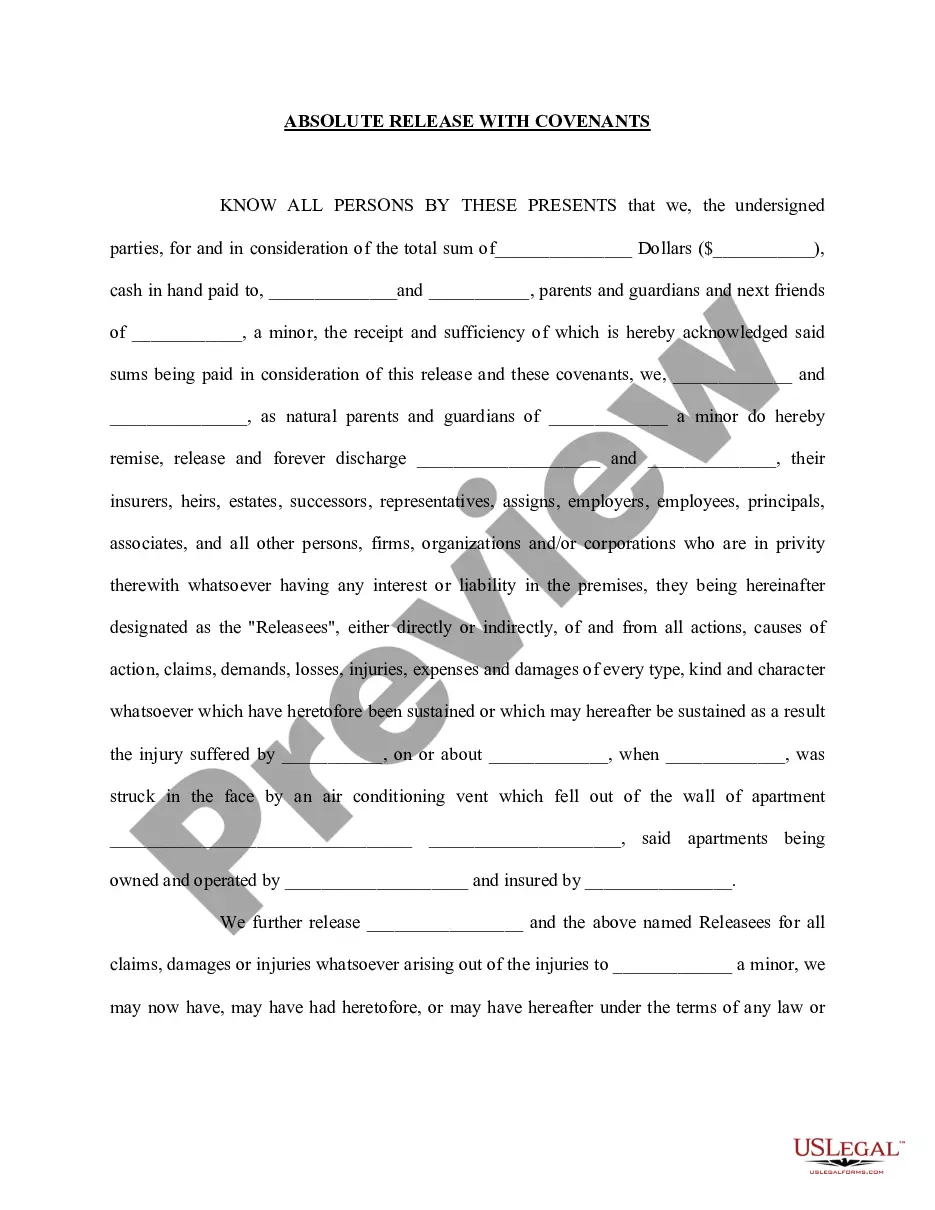
Get your form ready online
Our built-in tools help you complete, sign, share, and store your documents in one place.
Make edits, fill in missing information, and update formatting in US Legal Forms—just like you would in MS Word.
Download a copy, print it, send it by email, or mail it via USPS—whatever works best for your next step.
Sign and collect signatures with our SignNow integration. Send to multiple recipients, set reminders, and more. Go Premium to unlock E-Sign.
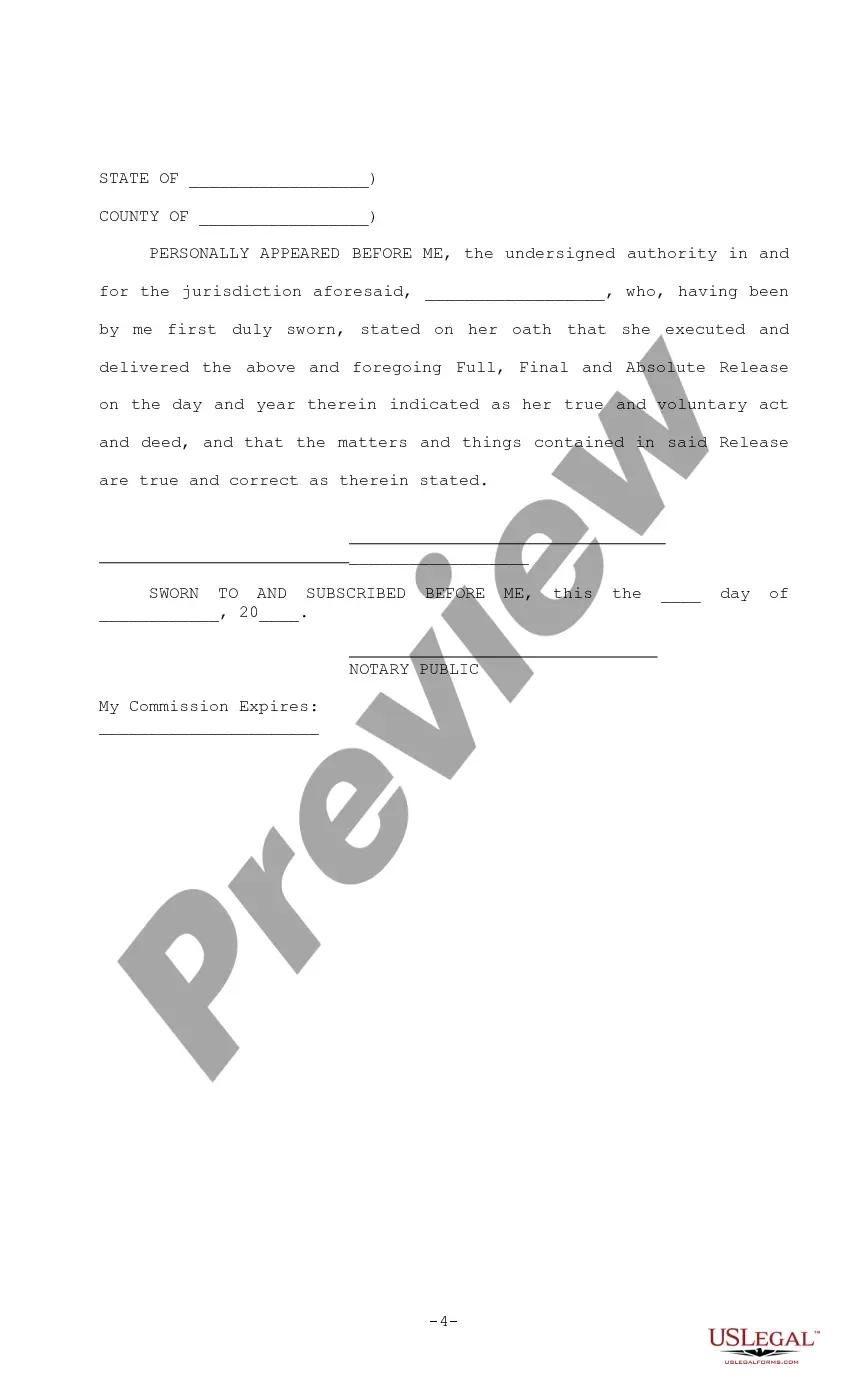
If this form requires notarization, complete it online through a secure video call—no need to meet a notary in person or wait for an appointment.
We protect your documents and personal data by following strict security and privacy standards.

Make edits, fill in missing information, and update formatting in US Legal Forms—just like you would in MS Word.

Download a copy, print it, send it by email, or mail it via USPS—whatever works best for your next step.

Sign and collect signatures with our SignNow integration. Send to multiple recipients, set reminders, and more. Go Premium to unlock E-Sign.

If this form requires notarization, complete it online through a secure video call—no need to meet a notary in person or wait for an appointment.

We protect your documents and personal data by following strict security and privacy standards.
Looking for another form?
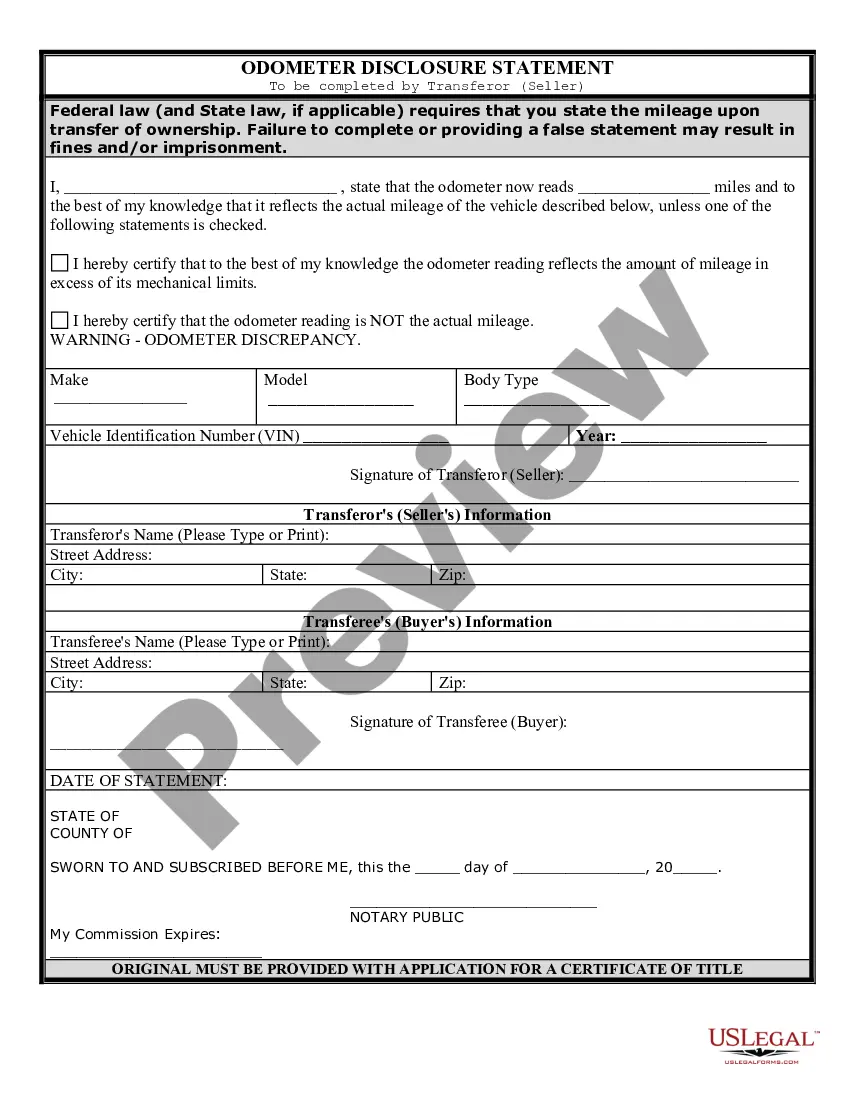
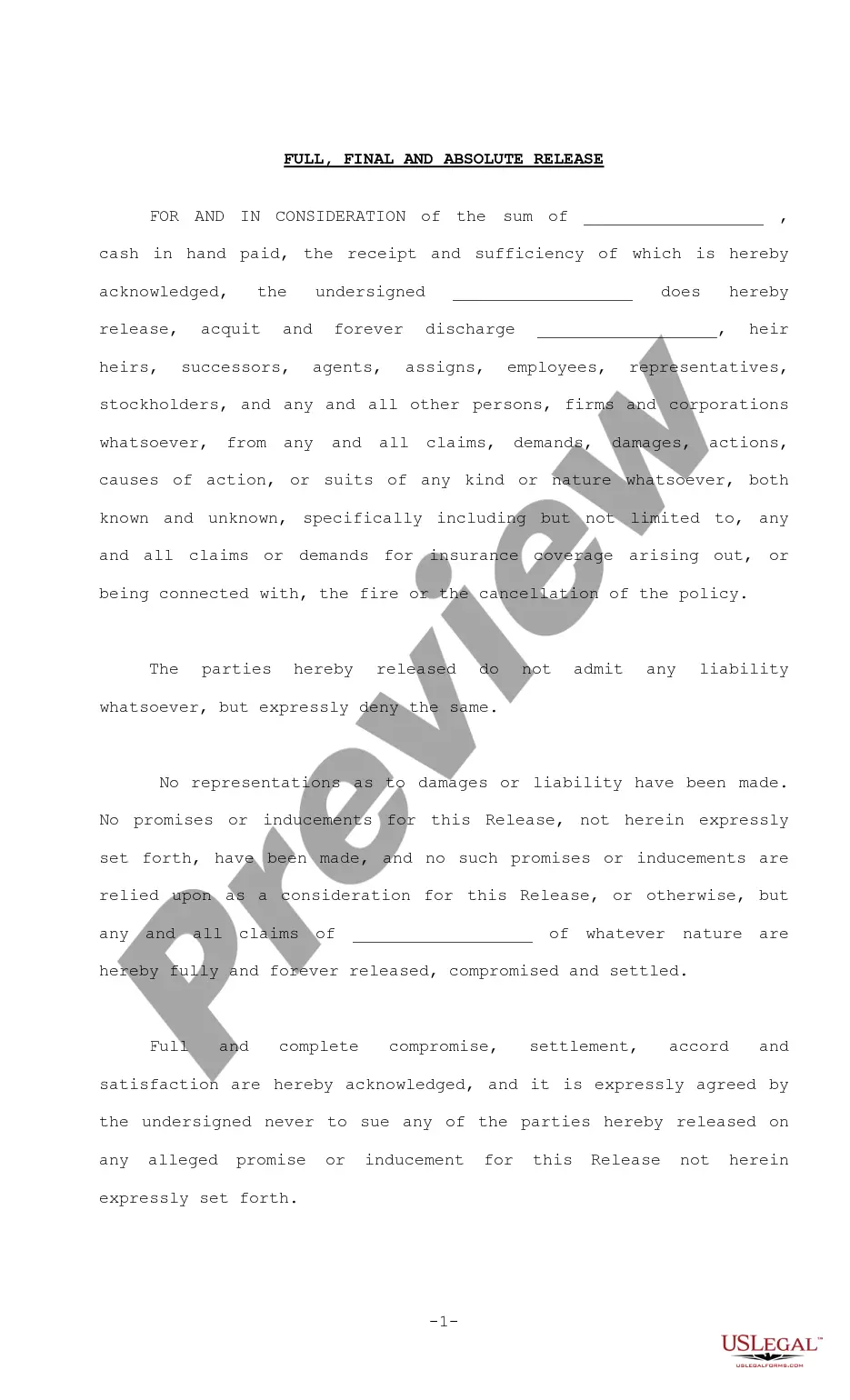
How to fill out Full, Final And Absolute Release?
- If you're a returning user, log in to your account and ensure your subscription is active to download your desired form template.
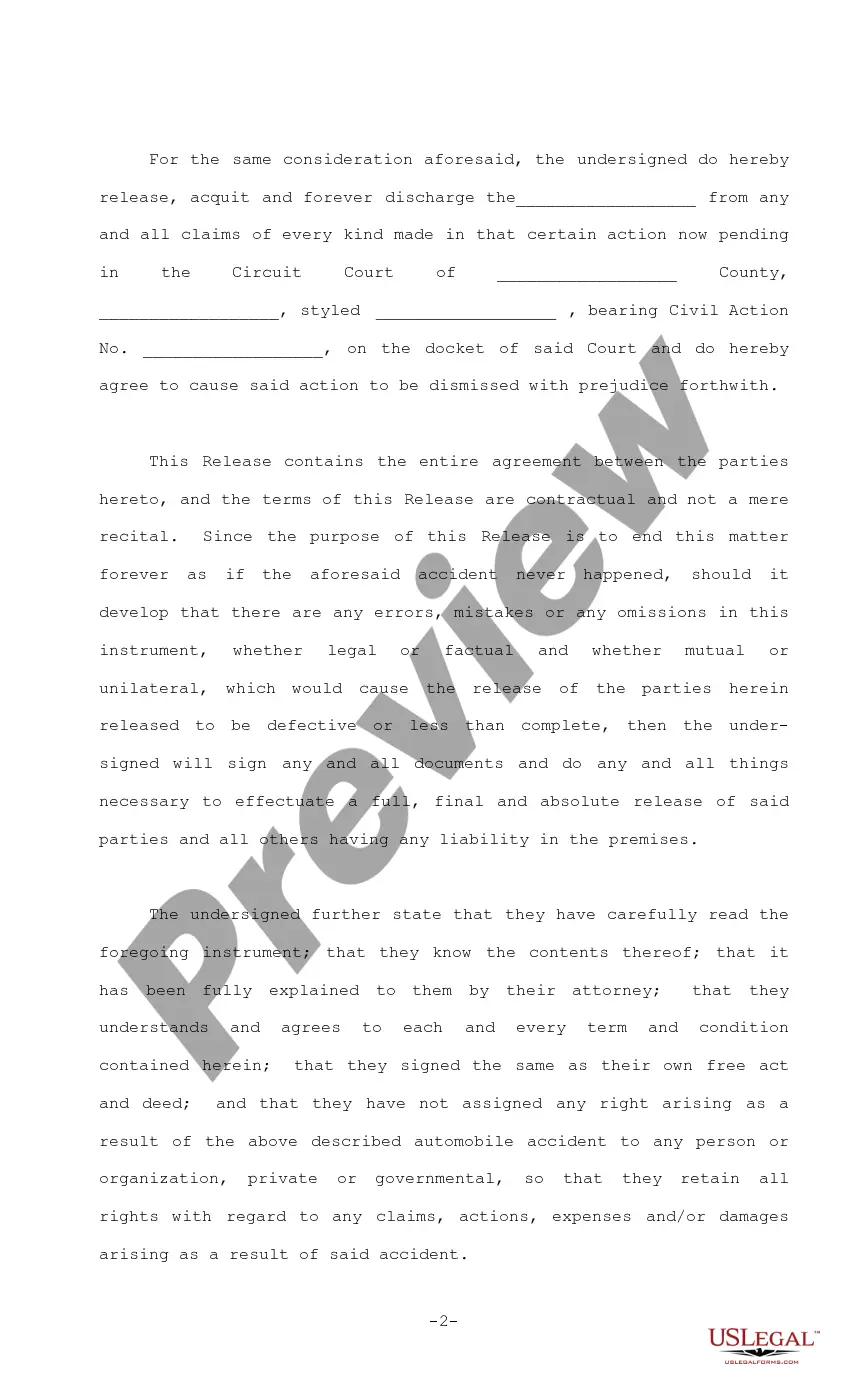
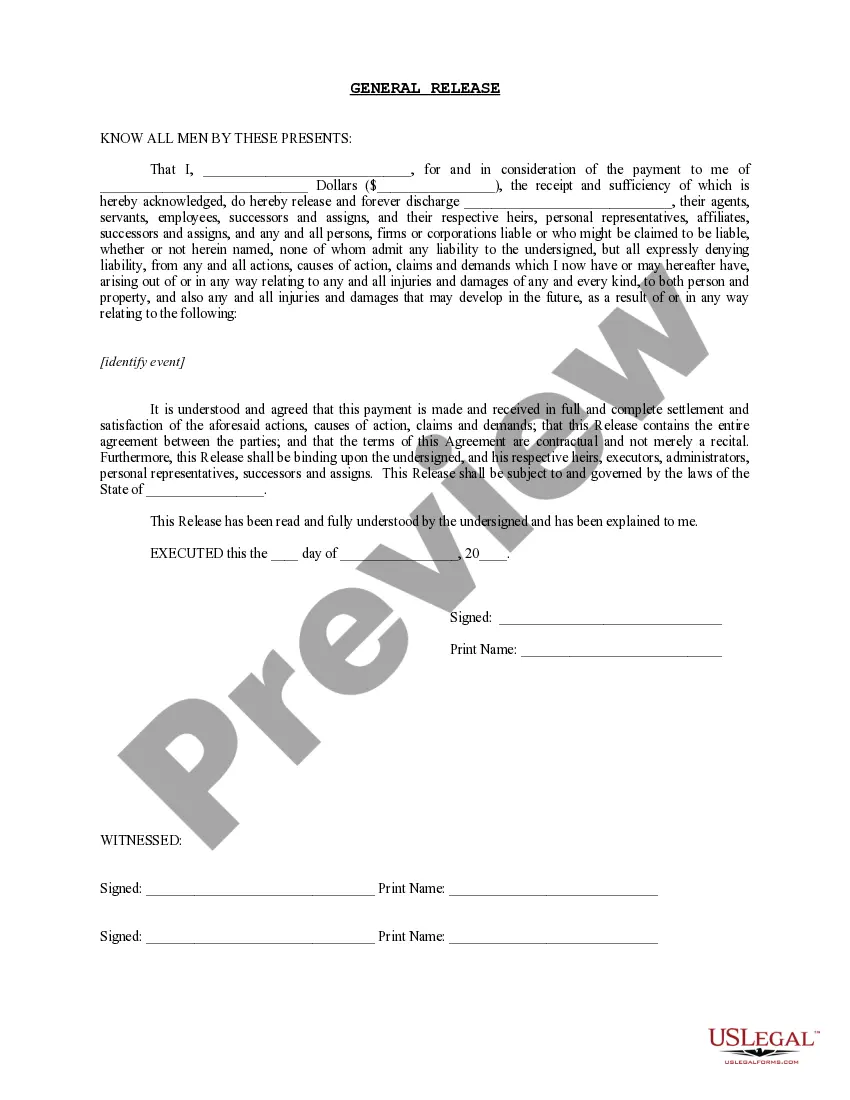
- If you're a first-time user, select a form that meets your needs by checking the Preview mode and description thoroughly.
- Should you find discrepancies or need an alternative, utilize the Search tab to find a more appropriate template.
- Click 'Buy Now' and choose your preferred subscription plan; registration for an account is necessary to access the library.
- Complete your purchase by entering your credit card information or choosing PayPal.
- Download the form and save it to your device. You can access it anytime through the My Forms menu.
Using US Legal Forms not only saves time but also offers peace of mind with expert assistance available for form completion.
Start your journey to effortless legal document preparation by visiting US Legal Forms today!
Form popularity
FAQ
Yes, cancelling your EIN is necessary when you close your business. This action prevents potential confusion and ensures your final dow is clear to the IRS. You will need to submit a written request to the IRS to cancel the EIN. For an effective cancellation process, consider USLegalForms, which provides resources tailored for business closures.
To file a final partnership tax return, begin by completing Form 1065, marking it as the final return. Make sure to distribute profits and losses to each partner as dictated by your partnership agreement. This acts as your final dow, allowing you and your partners to fulfill your tax obligations. If you encounter challenges, USLegalForms can help simplify the tax filing process.
Yes, notifying the IRS of your LLC dissolution is important. This communication ensures that your final dow is properly recorded, eliminating any confusion about your business's status. You will need to file your final tax return, marking it as a final return. For assistance with this process, consult USLegalForms for streamlined procedures.
Dissolving your LLC before filing taxes is generally advisable. This approach allows you to correctly report the financial status of your business as you enter your final dow. However, you must finalize any outstanding tax obligations before proceeding with the dissolution. For clarity and accuracy, consider using USLegalForms to assist with the necessary steps.
To officially inform the IRS that your business is closed, you should complete your final tax return for the year of closure. Along with this return, indicate that it is your final dow by checking the correct box. This way, you complete your responsibilities and avoid future complications. If you require more guidance, USLegalForms offers forms and instructions to help you through the process.
Yes, notifying the IRS is essential when you close your LLC. You should inform them of the dissolution by filing the appropriate paperwork, which may include your final tax return. This step ensures that you fulfill your compliance obligations as you navigate your final dow. USLegalForms can assist you with the necessary documentation.
To close your EIN with the IRS, you will need to send a letter indicating your intention to close the account. In the letter, include your business name, EIN, and the reason for closing the EIN. After you submit this, the IRS will process your request, which helps you maintain clarity in your final dow. For a more streamlined process, check out USLegalForms for templates and guidance.
To report accrued market discount on your tax return, you must determine the amount of discount that accrued during the tax year. Include this sum in your income as you report your gains. When you file your taxes, ensure you reference the appropriate forms and schedules for reporting your final dow. If you need assistance organizing this process, consider using USLegalForms to simplify your filing.
To calculate the Dow, you need to sum the stock prices of the 30 large companies included in the Final dow and divide that sum by the current divisor. This process simplifies understanding the overall movement of the market. Exploring this calculation can enhance your investment knowledge and strategy, providing clarity on market dynamics.
The index value for the Final dow is calculated by adding the prices of selected stocks and then dividing that total by a specified divisor. This divisor accounts for stock splits and other adjustments, ensuring the index reflects true market performance. In essence, the Final dow provides a snapshot of market trends, allowing you to gauge overall economic health.