Confidencialidad Empleados Formula
Description
Get your form ready online
Our built-in tools help you complete, sign, share, and store your documents in one place.
Make edits, fill in missing information, and update formatting in US Legal Forms—just like you would in MS Word.
Download a copy, print it, send it by email, or mail it via USPS—whatever works best for your next step.
Sign and collect signatures with our SignNow integration. Send to multiple recipients, set reminders, and more. Go Premium to unlock E-Sign.
If this form requires notarization, complete it online through a secure video call—no need to meet a notary in person or wait for an appointment.
We protect your documents and personal data by following strict security and privacy standards.

Make edits, fill in missing information, and update formatting in US Legal Forms—just like you would in MS Word.

Download a copy, print it, send it by email, or mail it via USPS—whatever works best for your next step.

Sign and collect signatures with our SignNow integration. Send to multiple recipients, set reminders, and more. Go Premium to unlock E-Sign.

If this form requires notarization, complete it online through a secure video call—no need to meet a notary in person or wait for an appointment.

We protect your documents and personal data by following strict security and privacy standards.
Looking for another form?

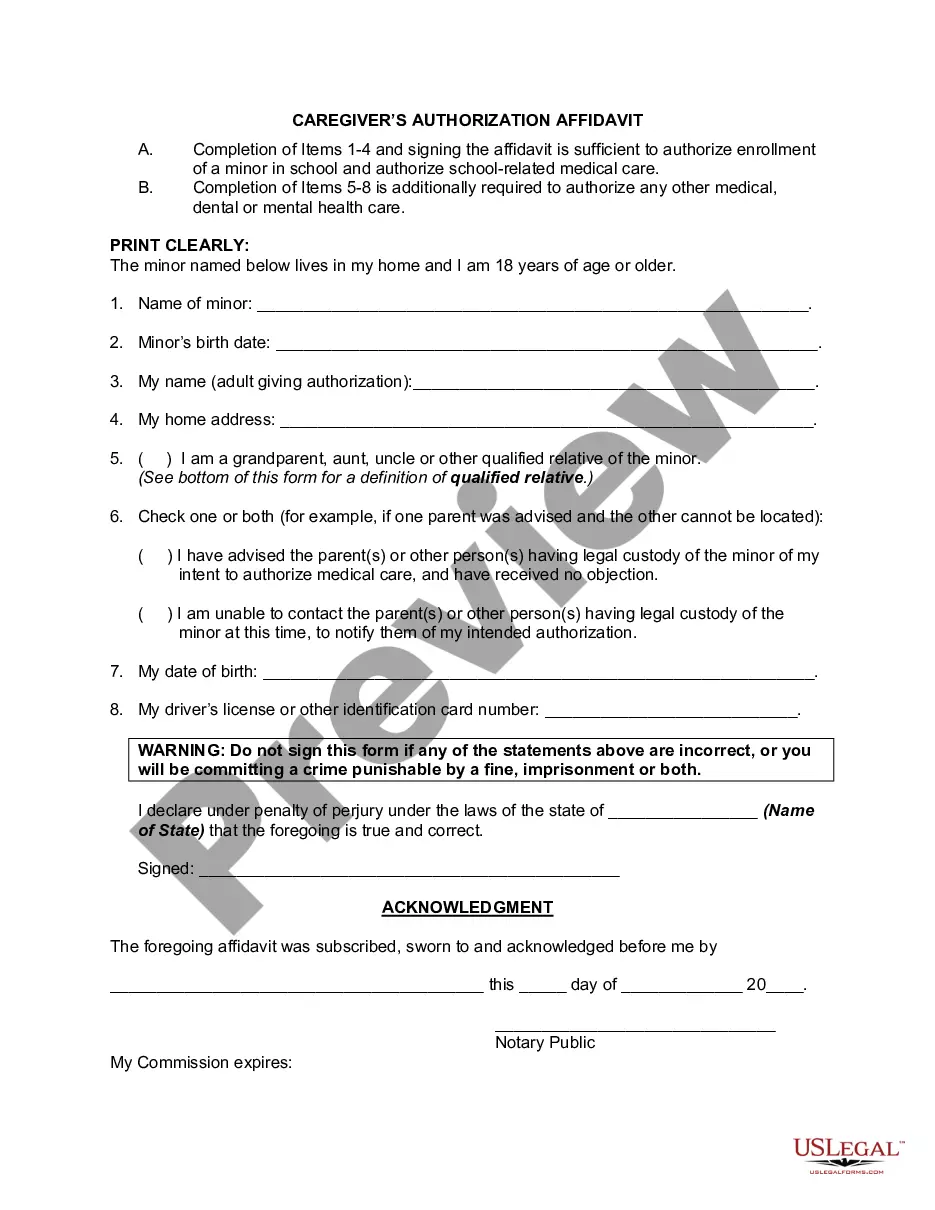






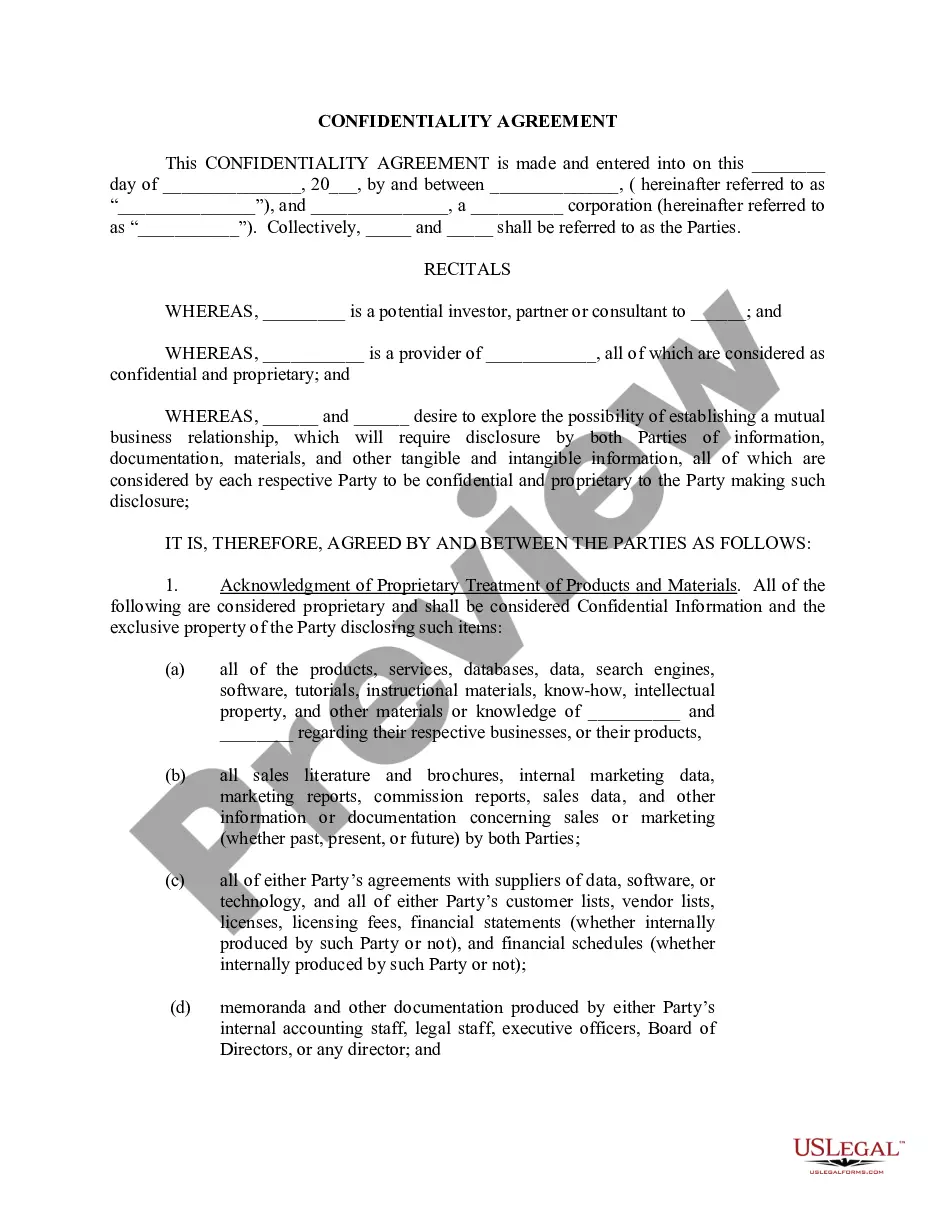
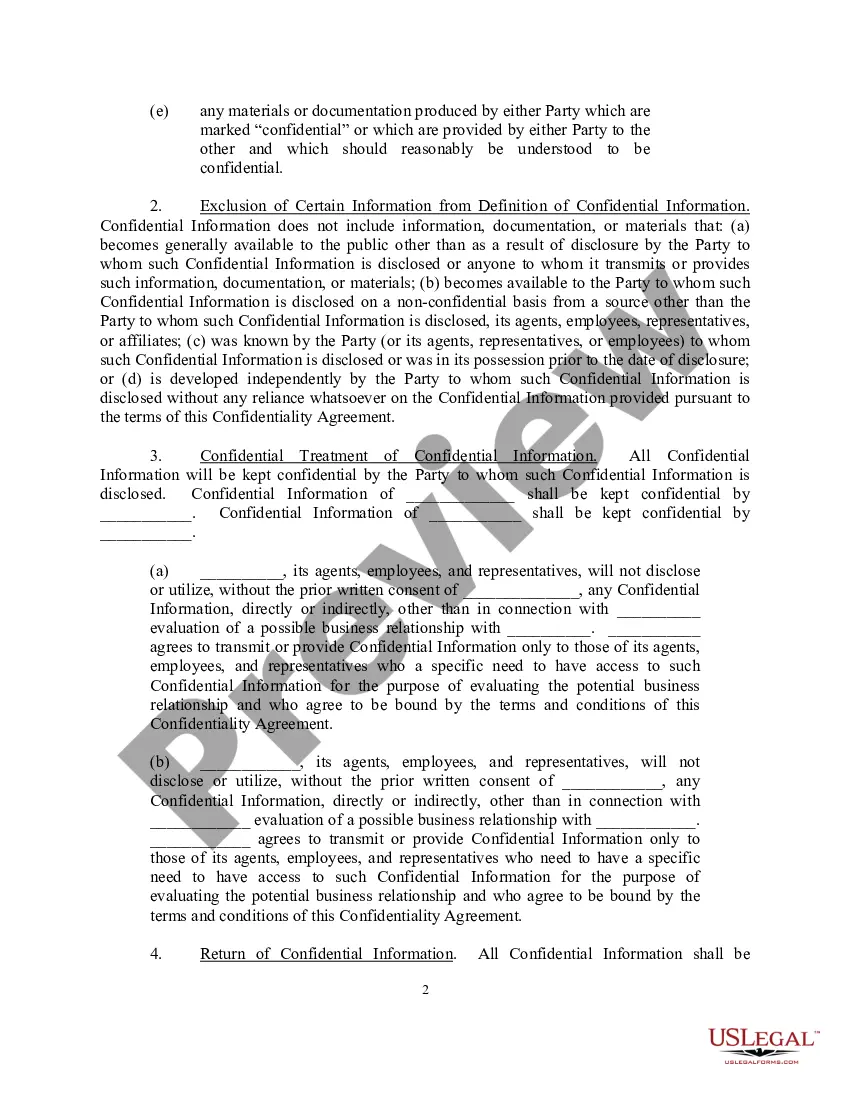
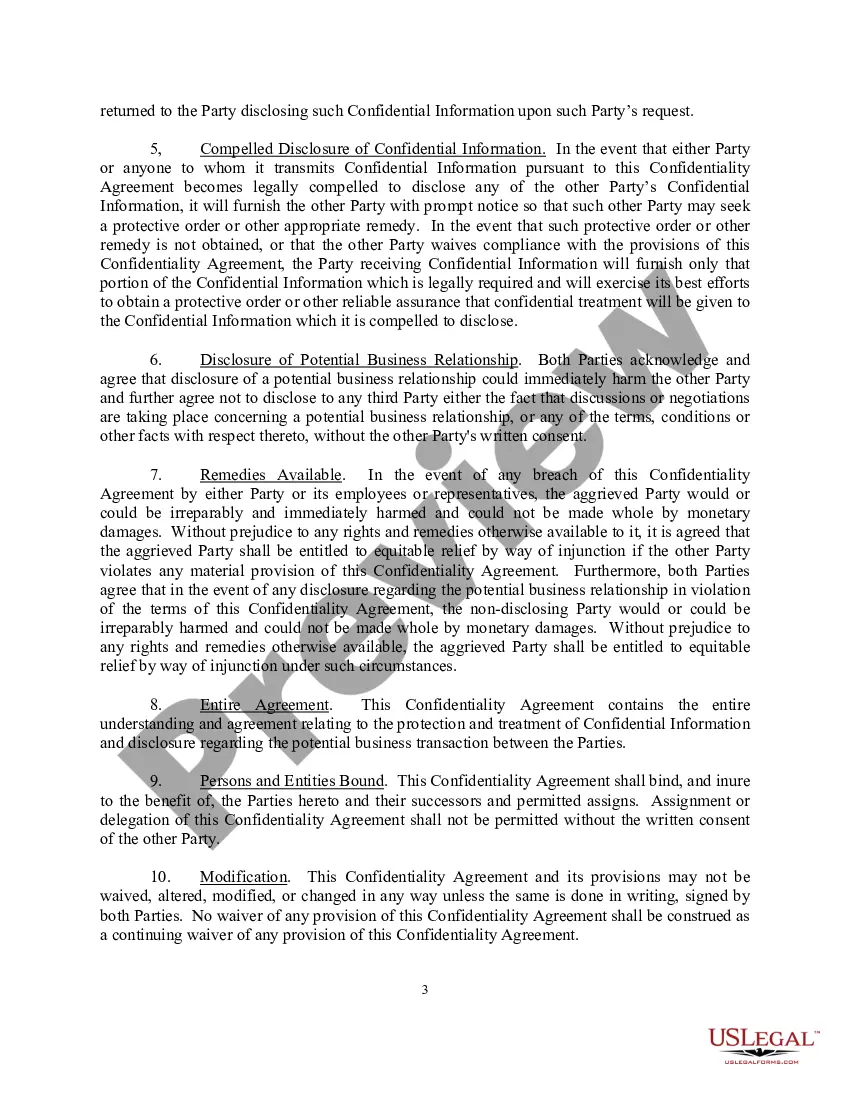
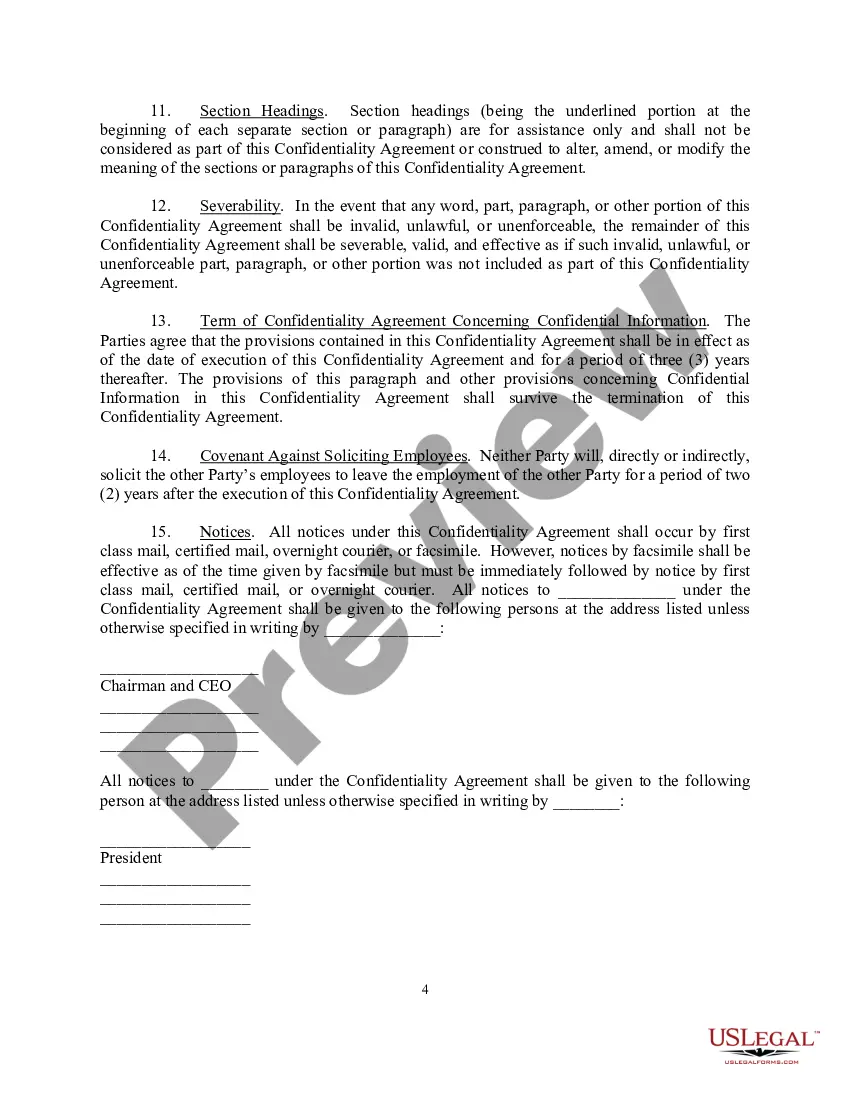
How to fill out Confidentiality Agreement For A Potential Investor, Partner Or Consultant Company?
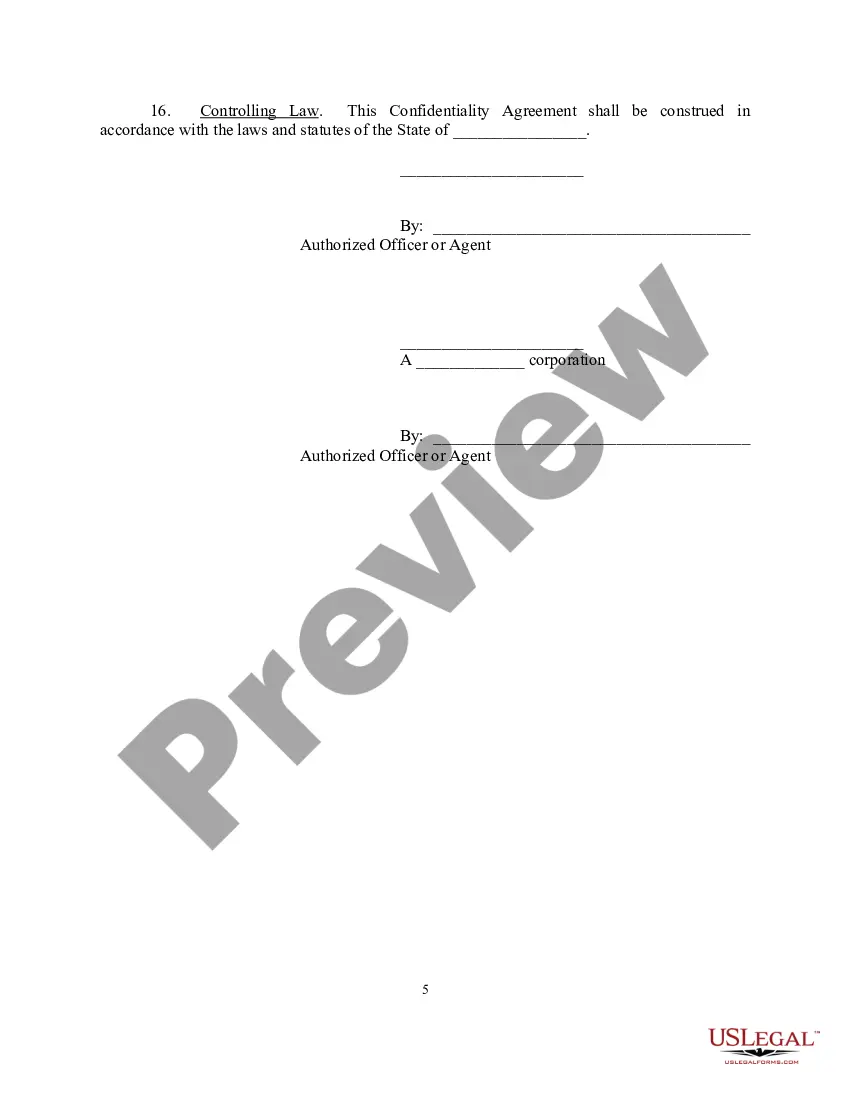
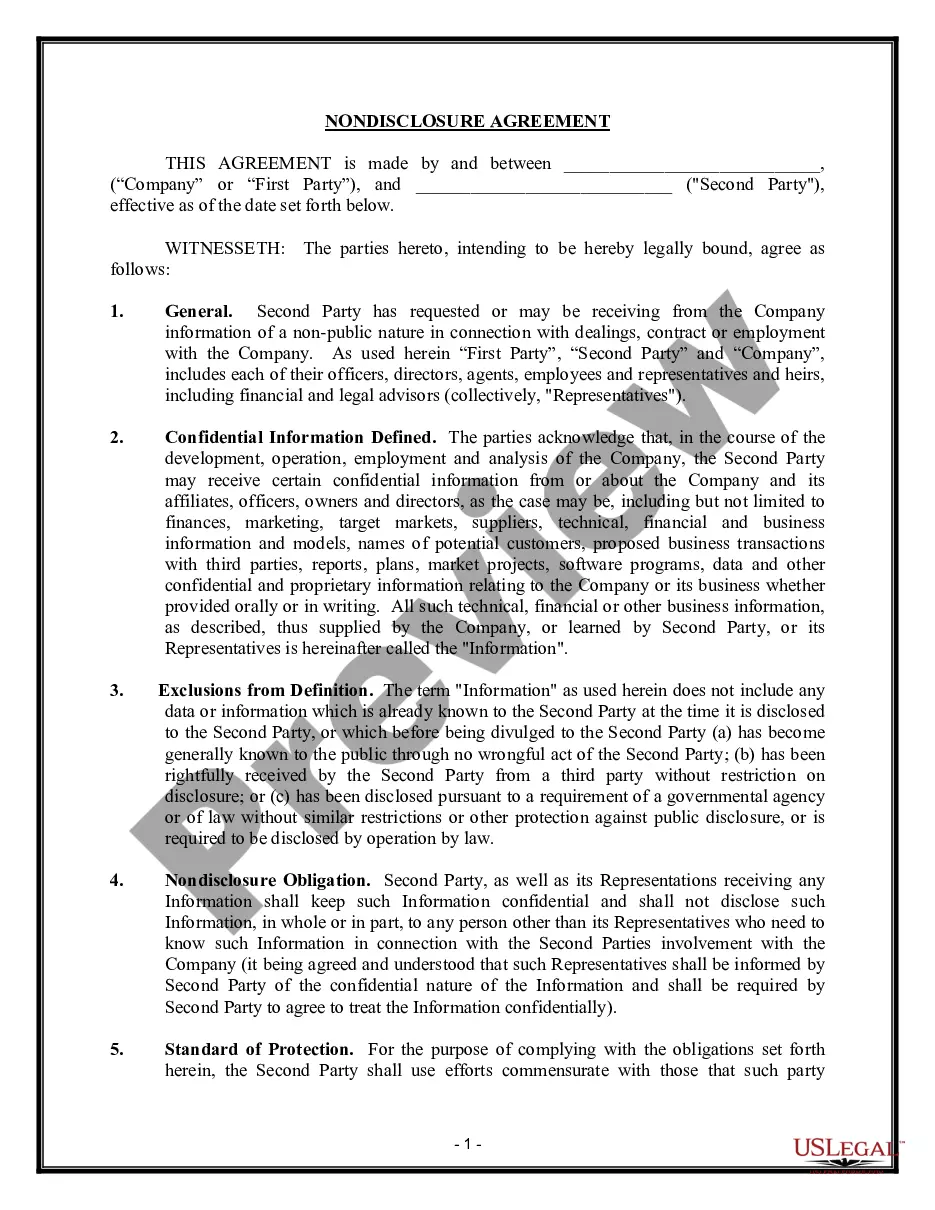
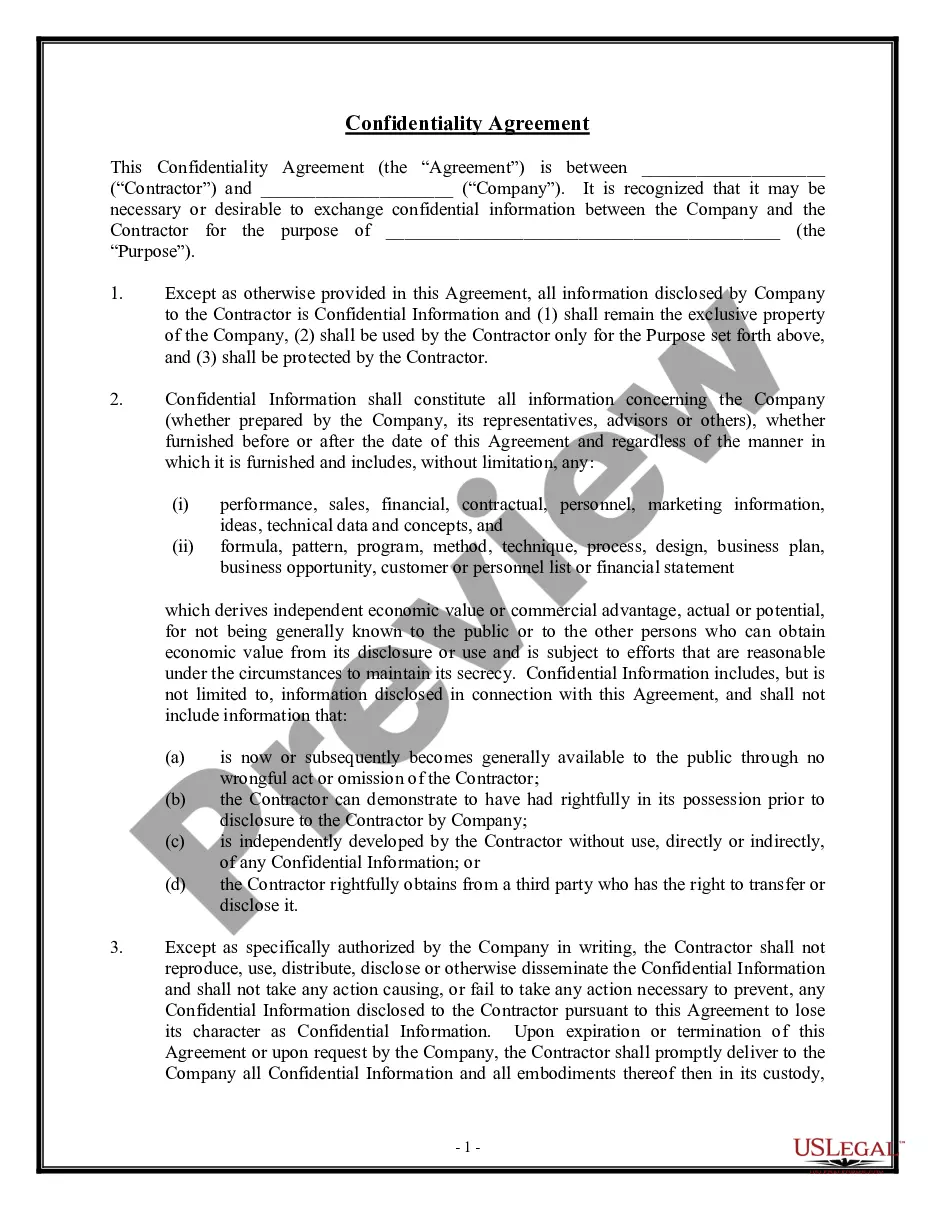
Creating legal documents from the ground up can frequently feel a bit daunting. Certain situations may require extensive research and significant financial investment. If you're looking for a simpler and more economical method of generating the Confidencialidad Empleados Formula or any other documentation without unnecessary complications, US Legal Forms is always available to assist you.
Our online collection of more than 85,000 current legal documents covers nearly every aspect of your financial, legal, and personal concerns. With just a few clicks, you can immediately access state- and county-compliant forms meticulously prepared for you by our legal experts.
Utilize our website whenever you require dependable and trustworthy services to quickly locate and download the Confidencialidad Empleados Formula. If you're familiar with our services and have previously established an account with us, simply Log In to your account, find the template, and download it or re-download it anytime from the My documents section.
Don’t have an account? No worries. It takes minimal time to register and browse the library. But before diving straight into downloading the Confidencialidad Empleados Formula, consider these tips.
US Legal Forms has a strong reputation and over 25 years of experience. Join us today and make the process of completing forms straightforward and efficient!
- Review the document preview and descriptions to confirm that you have located the document you need.
- Ensure that the template you select meets the regulations of your state and county.
- Pick the appropriate subscription option to obtain the Confidencialidad Empleados Formula.
- Download the form. Then fill it out, sign it, and print it.
Form popularity
FAQ
Para dejar claros los conceptos, se entiende por clausula de confidencialidad aquella obligacion contenida en el contrato laboral mediante la cual el trabajador se compromete a no difundir secretos de la compania.
Solo revele informacion a otros empleados cuando sea necesario y autorizado. Mantener documentos confidenciales dentro de las instalaciones de nuestra empresa a menos que sea absolutamente necesario trasladarlos.
¿Como pueden las empresas garantizar la confidencialidad de los datos? Restringir el acceso a los datos. Cifra tus datos. Implementa una politica de confidencialidad. Implementa una politica de retencion de datos. Desarrollar e implementar un programa de ciberseguridad. Toma medidas de seguridad fisica.
En la elaboracion de un acuerdo de confidencialidad debes incluir cual va a ser el proyecto, idea o invencion confidencial que se va a compartir con la otra parte y que se debe proteger.
La clausula de confidencialidad debe contener y especificar: Que informacion se considera confidencial (no toda informacion puede ser secreta y, por tanto, debe especificarse cual considera la empresa que lo es).