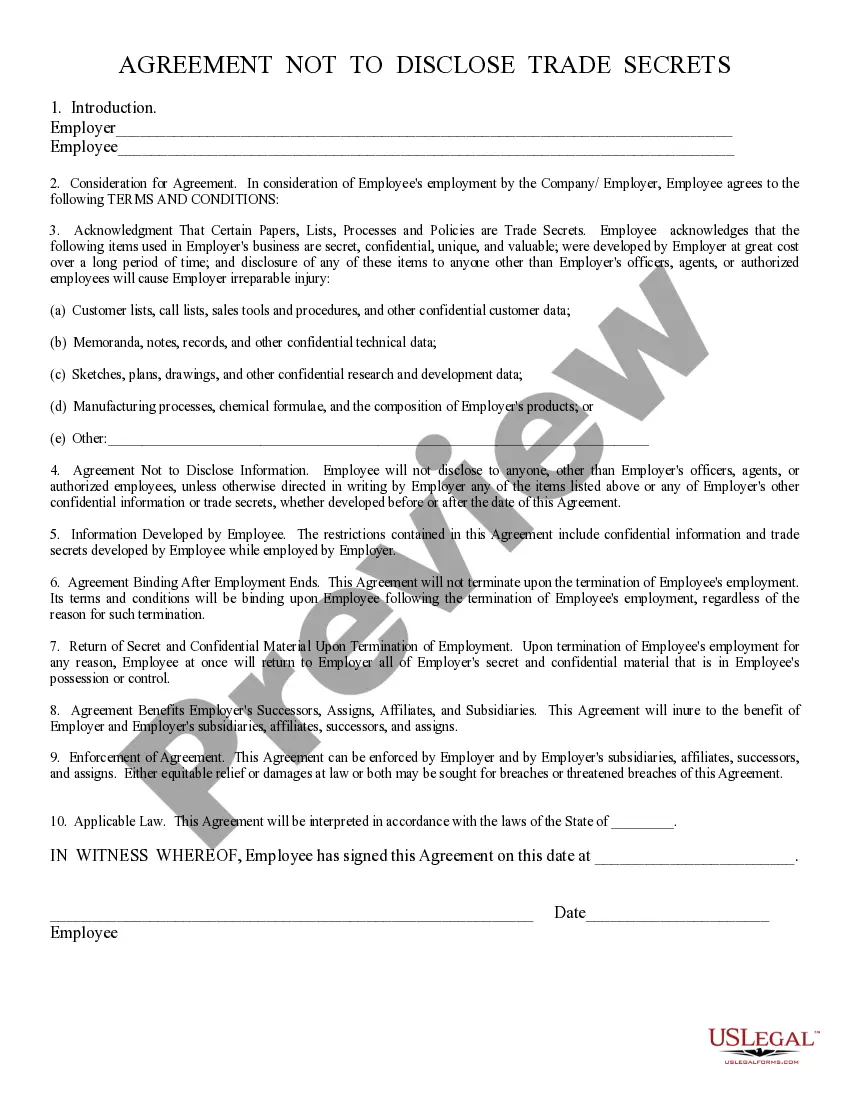
Agreement Not To Disclose Confidential Information
Description
Get your form ready online
Our built-in tools help you complete, sign, share, and store your documents in one place.
Make edits, fill in missing information, and update formatting in US Legal Forms—just like you would in MS Word.
Download a copy, print it, send it by email, or mail it via USPS—whatever works best for your next step.
Sign and collect signatures with our SignNow integration. Send to multiple recipients, set reminders, and more. Go Premium to unlock E-Sign.
If this form requires notarization, complete it online through a secure video call—no need to meet a notary in person or wait for an appointment.
We protect your documents and personal data by following strict security and privacy standards.

Make edits, fill in missing information, and update formatting in US Legal Forms—just like you would in MS Word.

Download a copy, print it, send it by email, or mail it via USPS—whatever works best for your next step.

Sign and collect signatures with our SignNow integration. Send to multiple recipients, set reminders, and more. Go Premium to unlock E-Sign.

If this form requires notarization, complete it online through a secure video call—no need to meet a notary in person or wait for an appointment.

We protect your documents and personal data by following strict security and privacy standards.
Looking for another form?
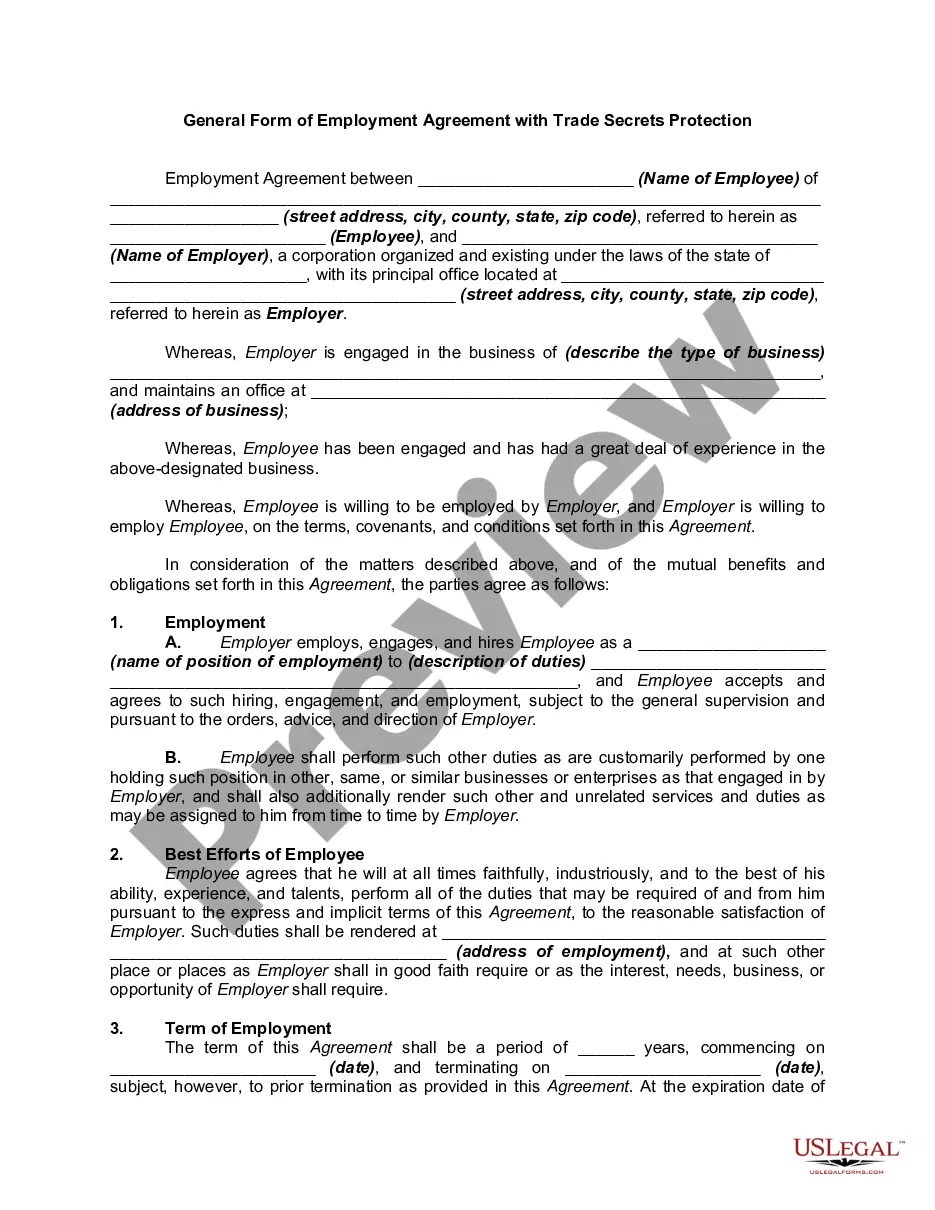
How to fill out Agreement Not To Disclose Trade Secrets?
When you have to submit an Agreement Not To Disclose Confidential Information that adheres to your local state's regulations, there are various choices to select from.
You don't have to verify every form to ensure it meets all the legal requirements if you are a subscriber of US Legal Forms.
It is a reliable service that can assist you in acquiring a reusable and current template on any subject.
Acquiring professionally formulated official documents becomes easy with US Legal Forms. Additionally, Premium users can benefit from the robust integrated solutions for online document editing and signing. Try it today!
- US Legal Forms is the most extensive online repository with a collection of over 85k ready-to-use documents for business and personal legal matters.
- All templates are verified to meet each state's regulations.
- Thus, when you download the Agreement Not To Disclose Confidential Information from our platform, you can confidently know that you possess a valid and up-to-date document.
- Accessing the necessary sample from our platform is extremely simple.
- If you already have an account, just Log In to the system, ensure your subscription is active, and save the selected file.
- Later, you can visit the My documents tab in your profile and access the Agreement Not To Disclose Confidential Information at any time.
- If this is your first time using our website, please follow the instructions below.
- Review the recommended page and verify it for compliance with your criteria.
Form popularity
FAQ
Below are some of the best ways to better protect the confidential information that your business handles.Control access.Use confidential waste bins and shredders.Lockable document storage cabinets.Secure delivery of confidential documents.Employee training.
Clearly label all confidential information as confidential. This means writing confidential on documents or any folder you keep them in. If you are sending an email, make sure the title clearly identifies it as confidential.
Protecting Confidential InformationLabel confidential information.Train staff to know what is confidential and what is not.Put in place rules and procedures.Update your employee handbook.Sign a non-disclosure agreement.Regulate online conduct.Have a digital device policy.Extend your non-disclosure agreement.More items...
A typical confidentiality clause might say, "The phrases and circumstances of this Agreement are completely confidential between the parties and shall not be disclosed to anybody else. Any disclosure in violation shall be deemed a breach of this Agreement."
Writing the Confidentiality Agreement. Start with the basic information. This will include the title of your contract and the parties making the agreement. You may also want to include a general introduction that states the purpose of the contract.