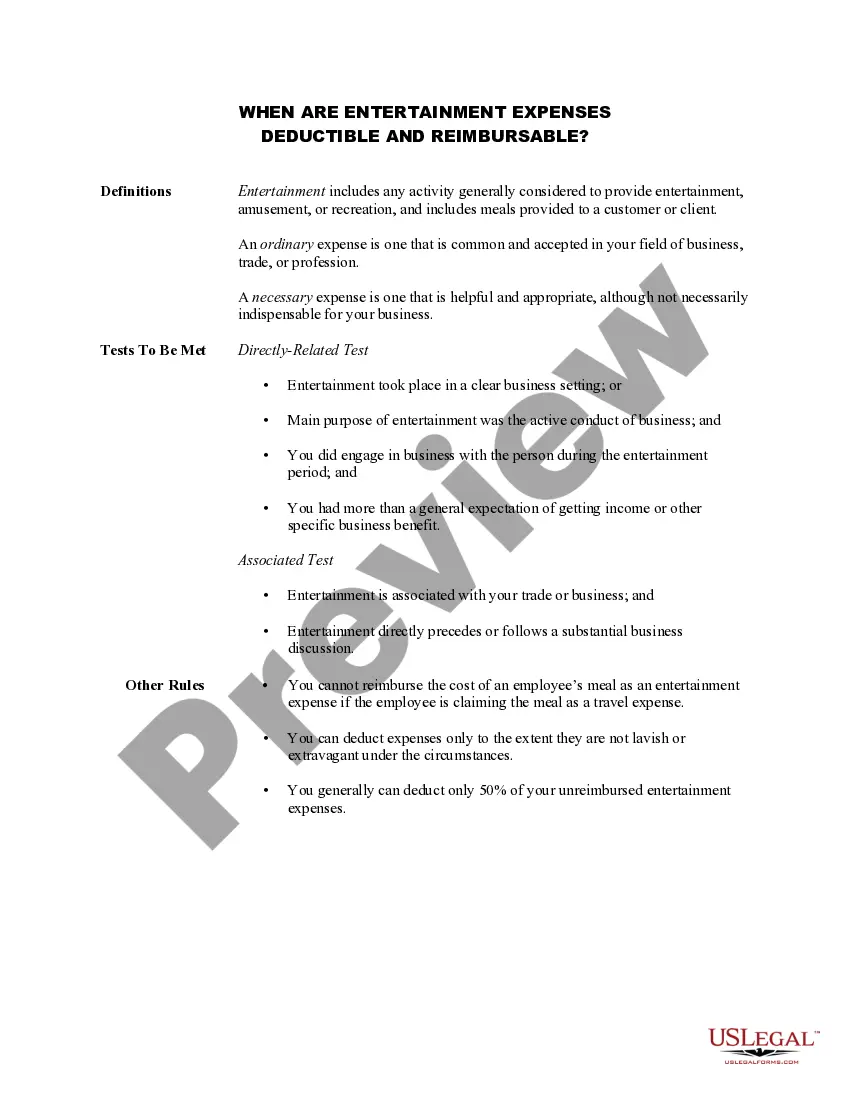
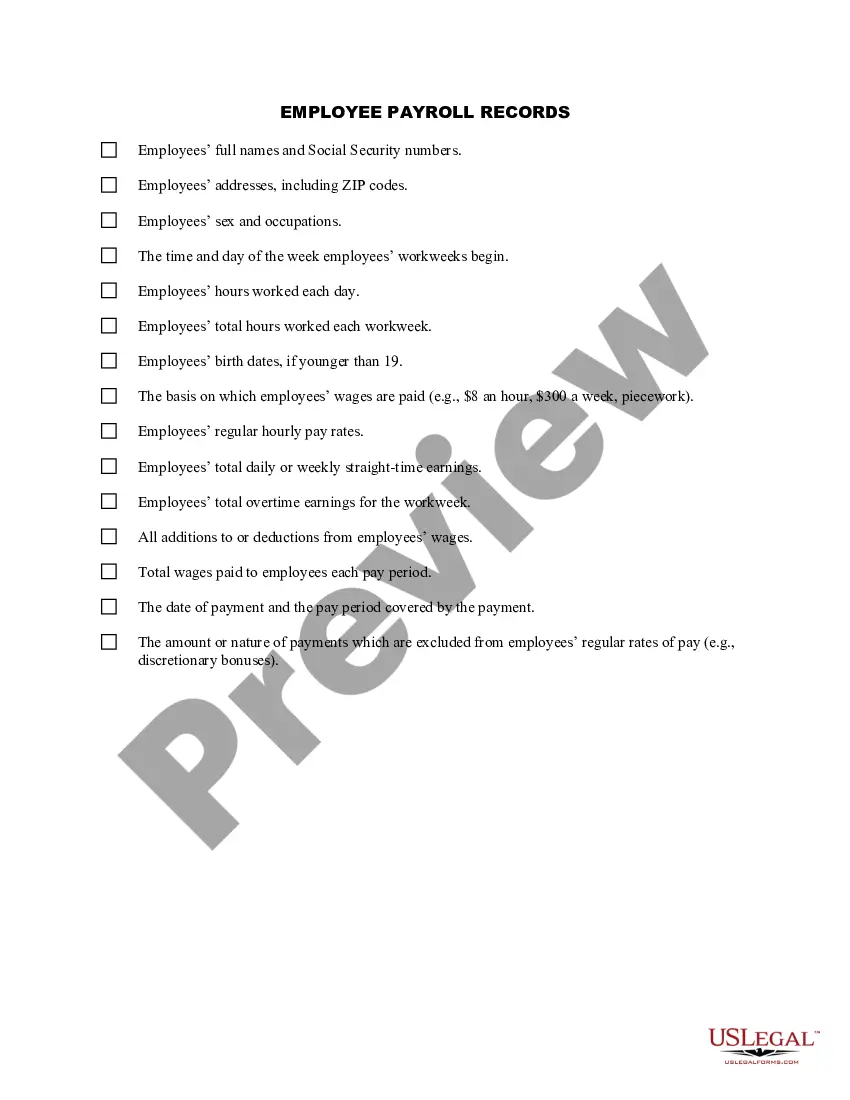
Printable Business Tax Deduction List With Pictures
Description
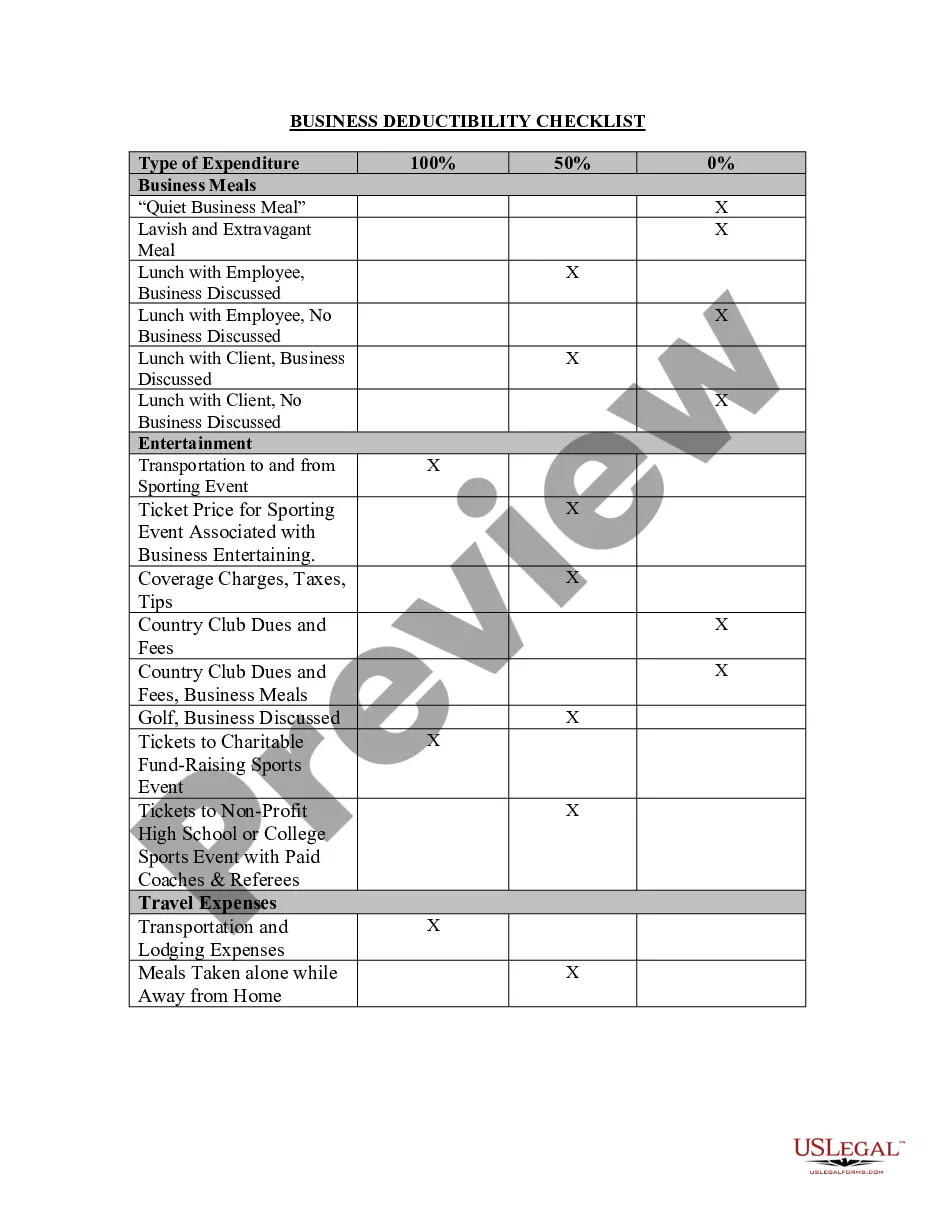
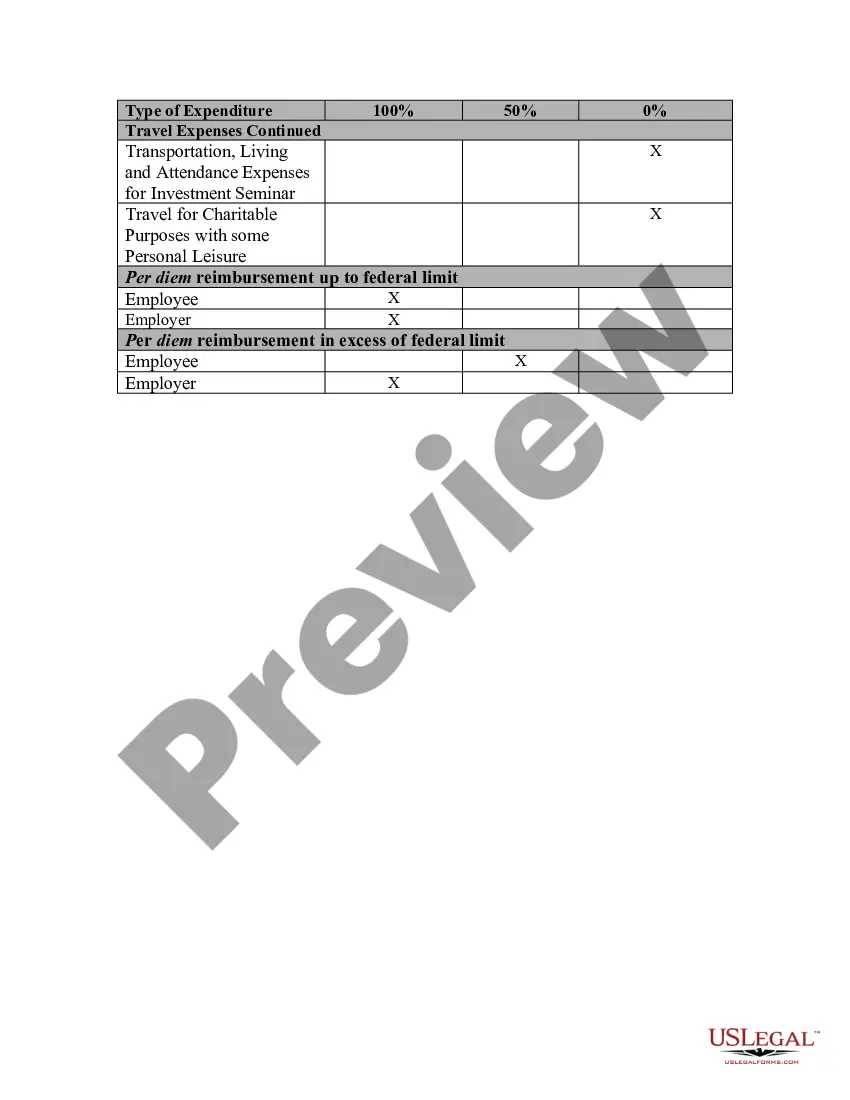
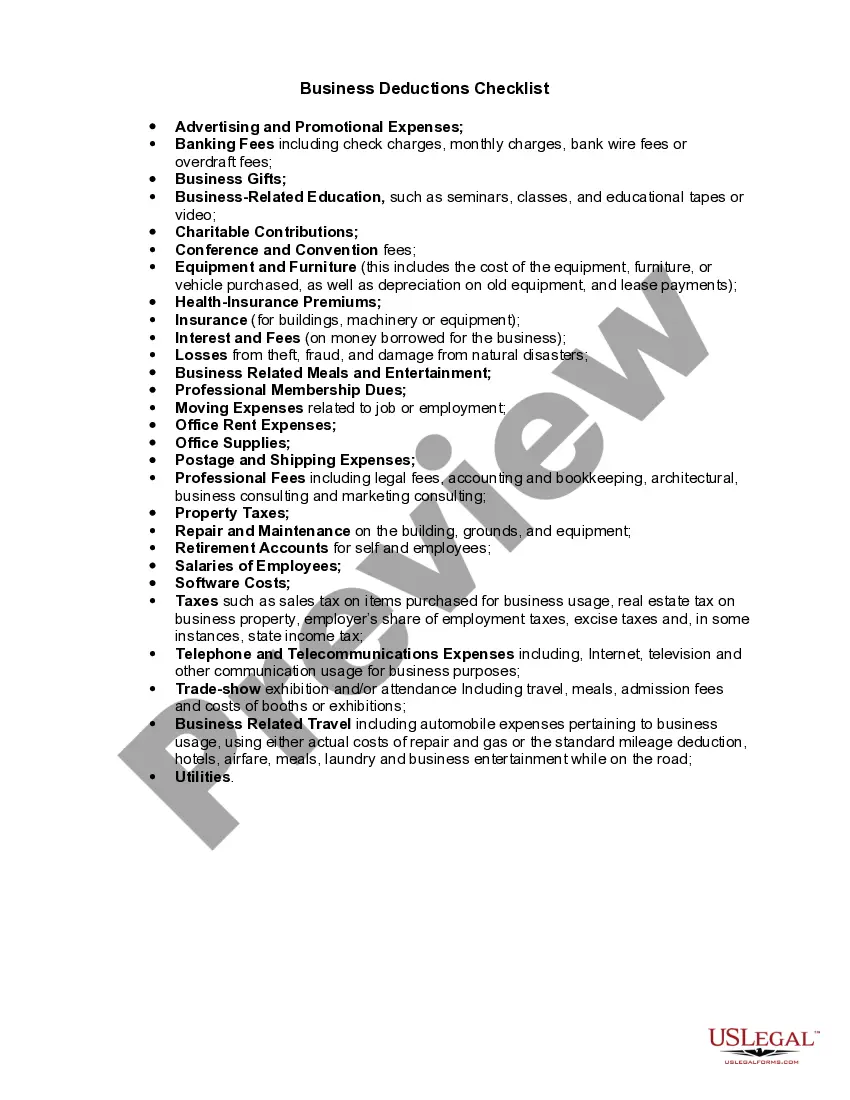
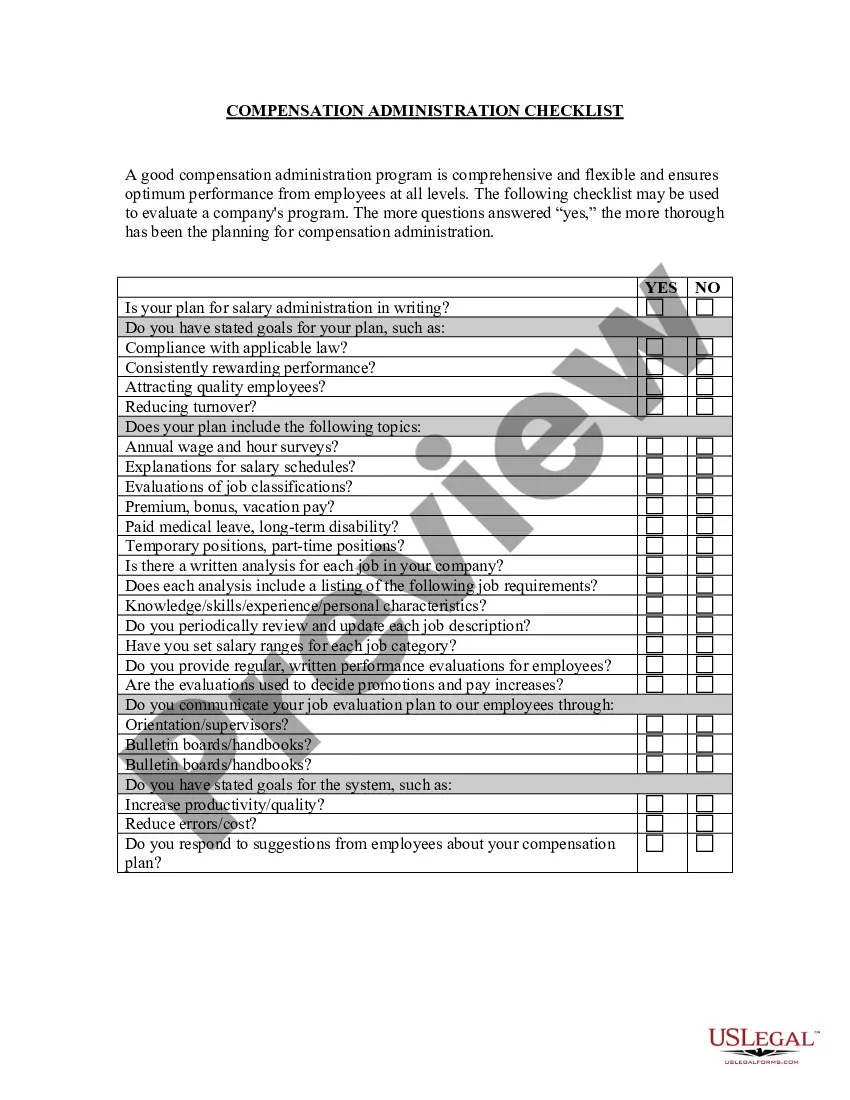

Get your form ready online
Our built-in tools help you complete, sign, share, and store your documents in one place.
Make edits, fill in missing information, and update formatting in US Legal Forms—just like you would in MS Word.
Download a copy, print it, send it by email, or mail it via USPS—whatever works best for your next step.
Sign and collect signatures with our SignNow integration. Send to multiple recipients, set reminders, and more. Go Premium to unlock E-Sign.
If this form requires notarization, complete it online through a secure video call—no need to meet a notary in person or wait for an appointment.
We protect your documents and personal data by following strict security and privacy standards.

Make edits, fill in missing information, and update formatting in US Legal Forms—just like you would in MS Word.

Download a copy, print it, send it by email, or mail it via USPS—whatever works best for your next step.

Sign and collect signatures with our SignNow integration. Send to multiple recipients, set reminders, and more. Go Premium to unlock E-Sign.

If this form requires notarization, complete it online through a secure video call—no need to meet a notary in person or wait for an appointment.

We protect your documents and personal data by following strict security and privacy standards.
Looking for another form?





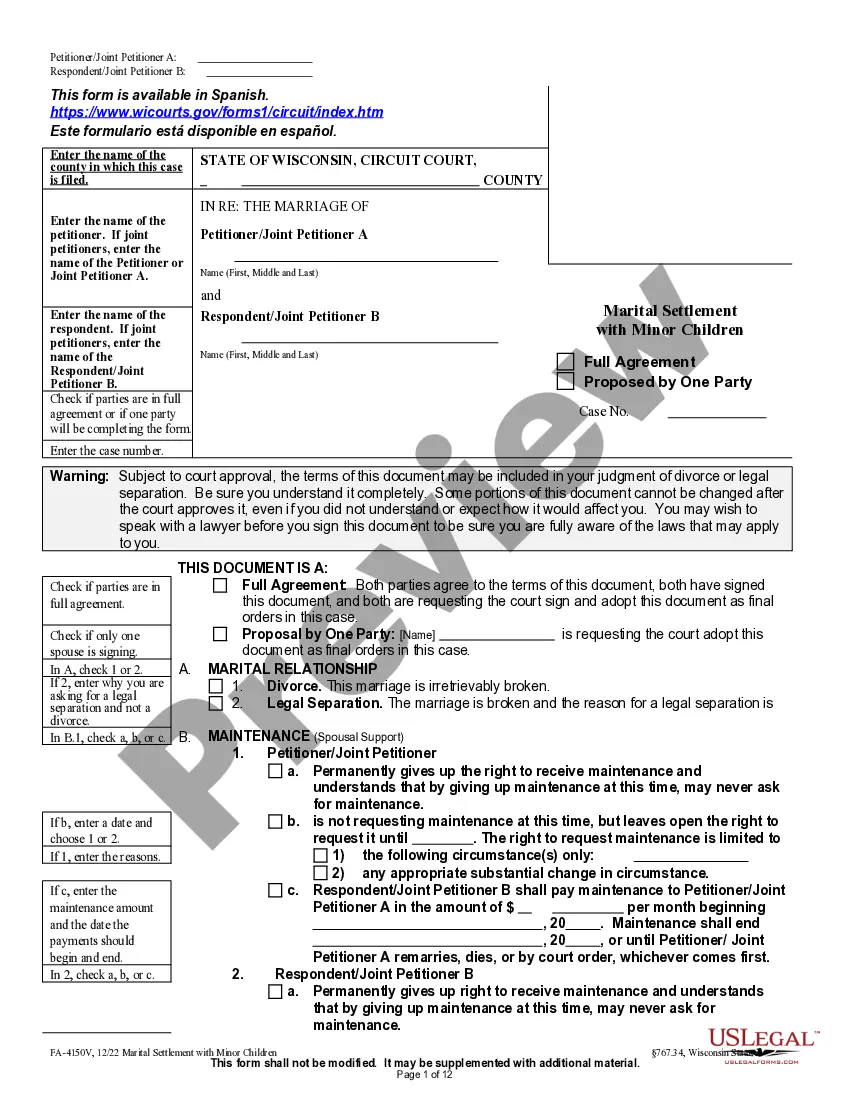




How to fill out Business Deductibility Checklist?
Creating legal documents from the ground up can occasionally be daunting. Certain situations may demand extensive research and considerable financial commitment.
If you’re seeking a more direct and cost-effective method for producing Printable Business Tax Deduction List With Pictures or any other forms without unnecessary complications, US Legal Forms is always available to assist.
Our online library of over 85,000 current legal documents encompasses nearly all aspects of your financial, legal, and personal matters. With just a few clicks, you can promptly access state- and county-specific templates meticulously prepared for you by our legal experts.
Utilize our service whenever you require a dependable and trustworthy platform where you can easily locate and download the Printable Business Tax Deduction List With Pictures. If you’re already familiar with our site and have previously created an account, simply sign in to your account, find the template, and download it or retrieve it anytime later in the My documents section.
Select the appropriate subscription option to obtain the Printable Business Tax Deduction List With Pictures. Download the form and then complete, verify, and print it. US Legal Forms boasts an impeccable reputation and over 25 years of experience. Join us today and simplify the process of form completion!
- Don’t possess an account? No issue. It requires minimal time to sign up and browse the catalog.
- However, before you proceed to download the Printable Business Tax Deduction List With Pictures, adhere to these guidelines.
- Examine the document preview and descriptions to verify that you are on the correct document.
- Ensure that the form you choose aligns with the regulations of your state and county.
Form popularity
FAQ
Picture copies are fine (as long as they meet the requirements above), but they don't actually do anything for your business beyond functioning as a record. New business owners still need to copy receipt data into a spreadsheet and add everything up to manage their finances ? draining your time almost as much.
The quick answer to your worries: Receipt scans are 100% legitimate and approved by the IRS. In fact, the IRS has accepted scanned and digitized receipts as valid tax records for tax purposes since 1997!
7 ways to organize small business expenses Open a business bank account. ... Use a spreadsheet to record transactions. ... Categorize your expenses by how often they occur. ... Choose (and stick to) an accounting method. ... Keep (and digitize) your receipts and records. ... Use accounting software to avoid missing expenses.
In order to claim itemized deductions, you must file your income taxes using Form 1040 and list your itemized deductions on Schedule A: Enter your expenses on the appropriate lines of Schedule A. Add them up. Copy the total amount to the second page of your Form 1040.
If it's designed to last more than one year, such as computers and cameras, then it's considered ?capital property.? With capital property, you have two deduction options. If the equipment qualifies, you can deduct the entire cost of the equipment in the purchase year using the Section 179 deduction.