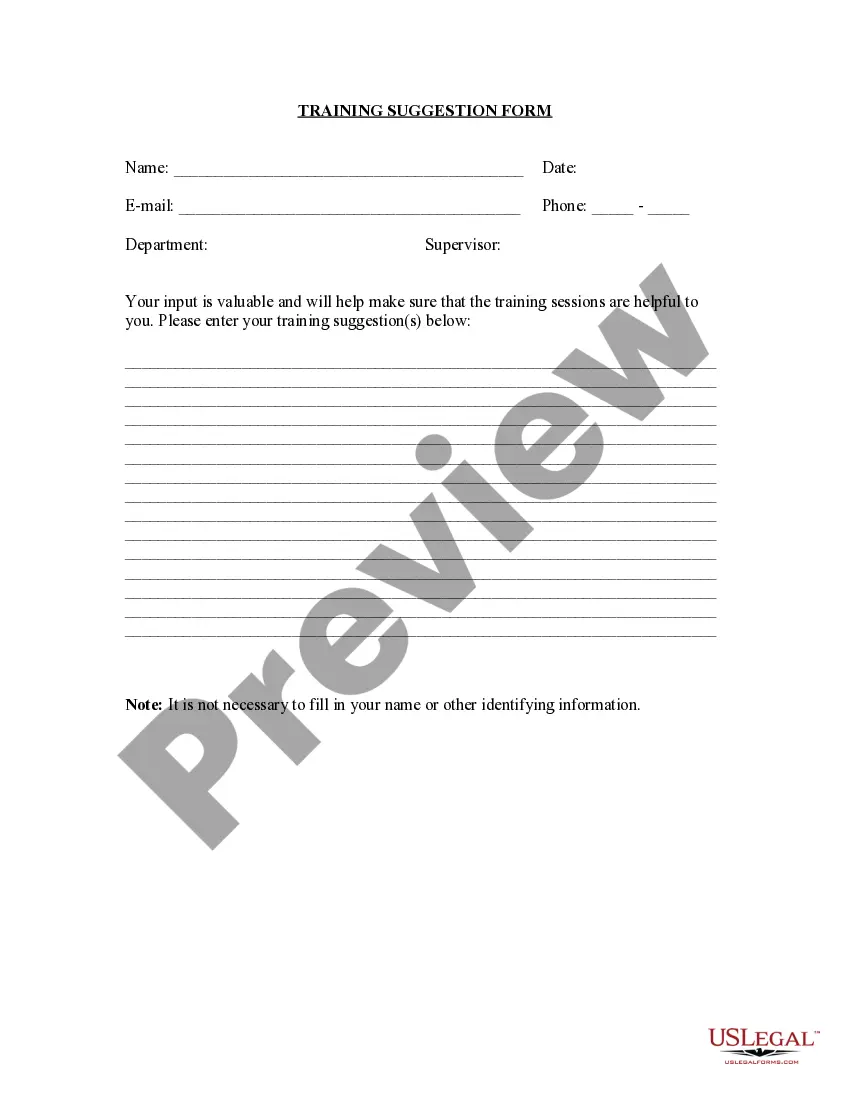
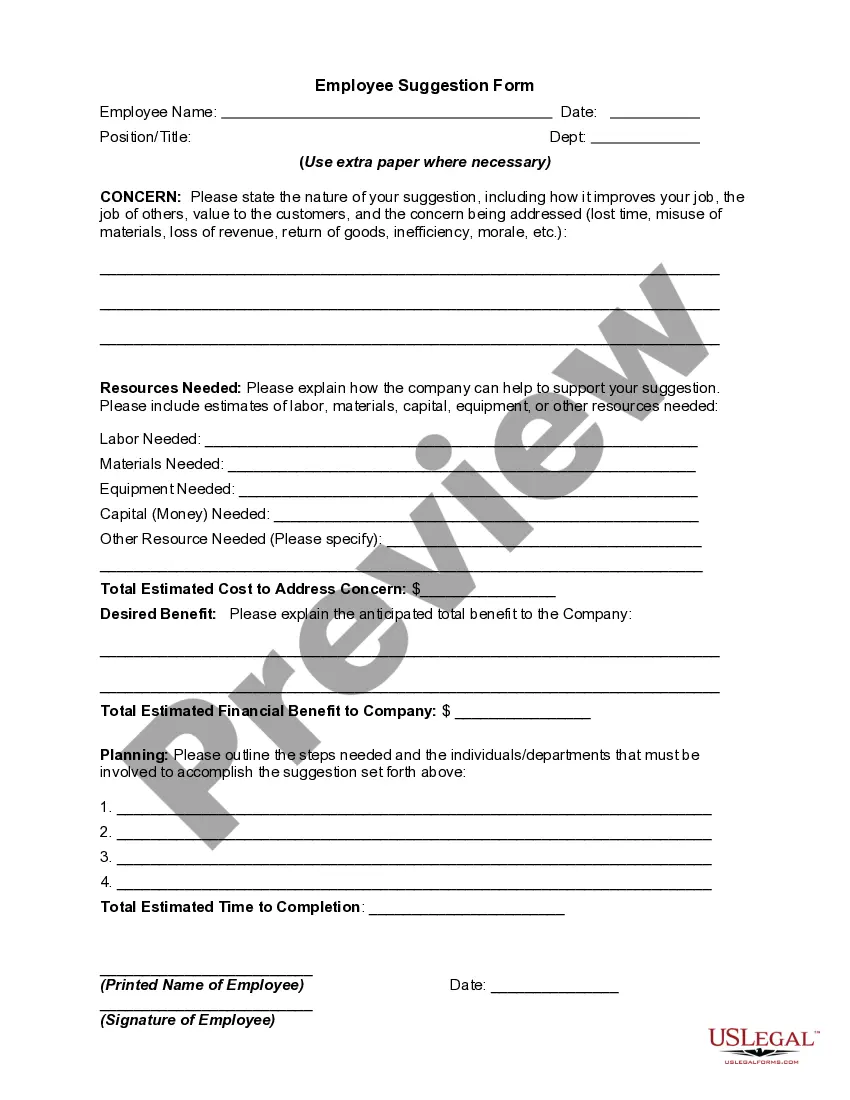
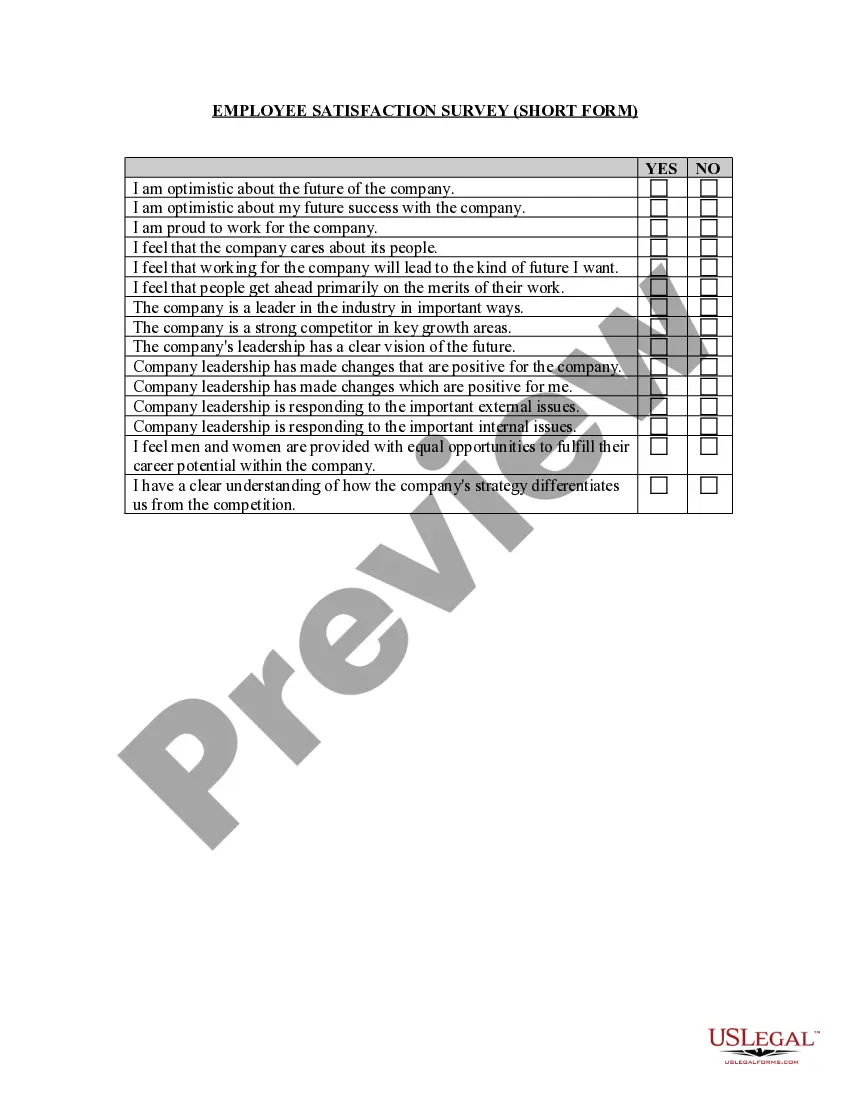
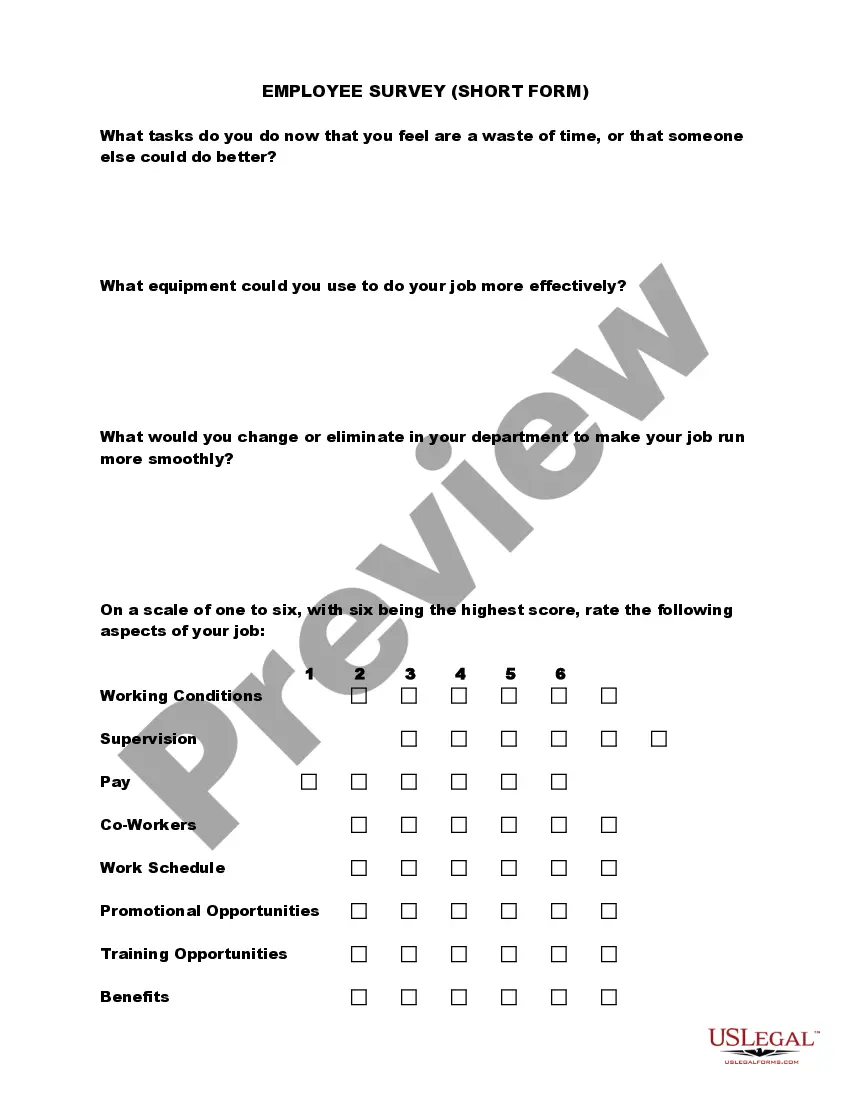
Customer Feedback Form Template For It
Description

Get your form ready online
Our built-in tools help you complete, sign, share, and store your documents in one place.
Make edits, fill in missing information, and update formatting in US Legal Forms—just like you would in MS Word.
Download a copy, print it, send it by email, or mail it via USPS—whatever works best for your next step.
Sign and collect signatures with our SignNow integration. Send to multiple recipients, set reminders, and more. Go Premium to unlock E-Sign.
If this form requires notarization, complete it online through a secure video call—no need to meet a notary in person or wait for an appointment.
We protect your documents and personal data by following strict security and privacy standards.

Make edits, fill in missing information, and update formatting in US Legal Forms—just like you would in MS Word.

Download a copy, print it, send it by email, or mail it via USPS—whatever works best for your next step.

Sign and collect signatures with our SignNow integration. Send to multiple recipients, set reminders, and more. Go Premium to unlock E-Sign.

If this form requires notarization, complete it online through a secure video call—no need to meet a notary in person or wait for an appointment.

We protect your documents and personal data by following strict security and privacy standards.
Looking for another form?


How to fill out Training Suggestion Form?
Legal administration can be daunting, even for seasoned professionals.
When you are in search of a Customer Feedback Form Template For It but lack the time to dedicate to finding the suitable and current version, the process can be stressful.
Access a valuable resource library of articles, guides, and materials related to your needs and circumstances.
Save time and energy searching for the documents you need, and utilize US Legal Forms’ advanced search and Review feature to find Customer Feedback Form Template For It and obtain it.
Take advantage of the US Legal Forms online library, supported by 25 years of experience and trustworthiness. Revolutionize your daily document management into a straightforward and user-friendly process today.
- If you possess a membership, Log In to your US Legal Forms account, search for the form, and acquire it.
- Check the My documents section to review the documents you have previously downloaded and to manage your folders as necessary.
- If this is your first experience with US Legal Forms, establish a free account and gain unlimited access to all library benefits.
- Here are the steps to follow after retrieving the form you require.
- Confirm this is the correct document by previewing it and reviewing its details.
- Make sure the template is valid in your state or county.
- Click Buy Now when you are prepared.
- Select a subscription plan.
- Choose the format you need, and Download, fill it out, eSign, print, and distribute your documents.
- Access state- or county-specific legal and business documents.
- US Legal Forms addresses every requirement you might have, from personal to corporate paperwork, all in one location.
- Utilize sophisticated tools to create and manage your Customer Feedback Form Template For It.
Form popularity
FAQ
As with any contract, a nondisclosure agreement can be legally broken or ended. For example, the agreement might not be legally enforceable, in which case you can break it because you'll win a lawsuit. Alternately, you might negotiate with the other party to end the agreement early.
Violating an NDA can have serious consequences ? NDAs are legally binding contracts. If an employee has violated an NDA, then the company may take legal action. The most common claims in NDA lawsuits include: Breach of the contract (such as the breach of NDA)
Since NDAs are civil contracts, breaking one isn't technically a crime. However, it could come with severe financial penalties. Violating an NDA leaves you open to lawsuits from your employer, and you could be required to pay financial damages and possibly associated legal costs.
An NDA can last indefinitely if there is no end date included within the agreement.
Limited protection: An NDA only provides protection for information that is specifically identified and defined in the agreement. If information is not covered by the NDA, or if it is disclosed in a way that is not prohibited by the agreement, it may not be protected.
How to get out of an NDA. Check for a termination clause. ... Check the language. ... Determine if your content is ?public domain.? If the content your NDA covers is now known by the public, you may be able to make a case to nullify your NDA from any specific issuer.
If your company discloses confidential information without having the NDA agreed to first, ensure that the NDA applies retroactively by setting the effective date as the date on which confidential information was first disclosed, not the date on which the agreement was signed.
You do not need a lawyer to create and sign a non-disclosure agreement. However, if the information you are trying to protect is important enough to warrant an NDA, you may want to have the document reviewed by someone with legal expertise.