Employment Status For Tax
Description
Get your form ready online
Our built-in tools help you complete, sign, share, and store your documents in one place.
Make edits, fill in missing information, and update formatting in US Legal Forms—just like you would in MS Word.
Download a copy, print it, send it by email, or mail it via USPS—whatever works best for your next step.
Sign and collect signatures with our SignNow integration. Send to multiple recipients, set reminders, and more. Go Premium to unlock E-Sign.
If this form requires notarization, complete it online through a secure video call—no need to meet a notary in person or wait for an appointment.
We protect your documents and personal data by following strict security and privacy standards.

Make edits, fill in missing information, and update formatting in US Legal Forms—just like you would in MS Word.

Download a copy, print it, send it by email, or mail it via USPS—whatever works best for your next step.

Sign and collect signatures with our SignNow integration. Send to multiple recipients, set reminders, and more. Go Premium to unlock E-Sign.

If this form requires notarization, complete it online through a secure video call—no need to meet a notary in person or wait for an appointment.

We protect your documents and personal data by following strict security and privacy standards.
Looking for another form?
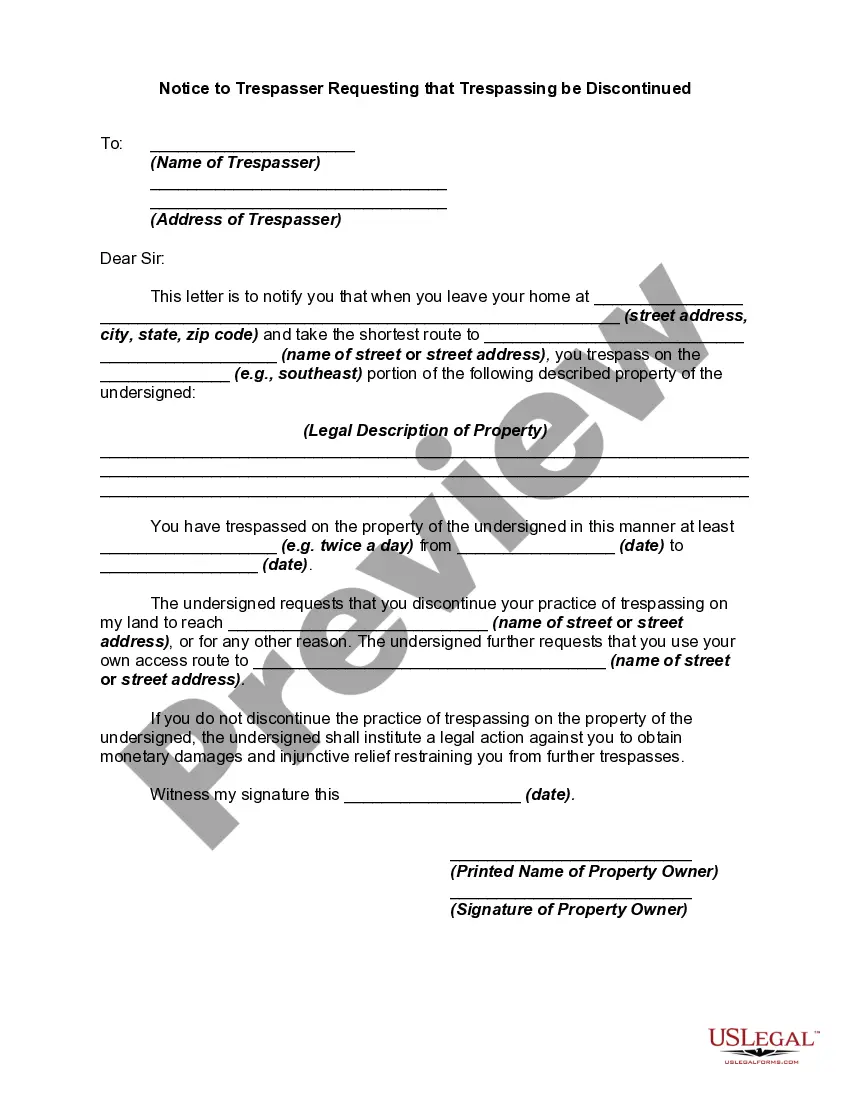

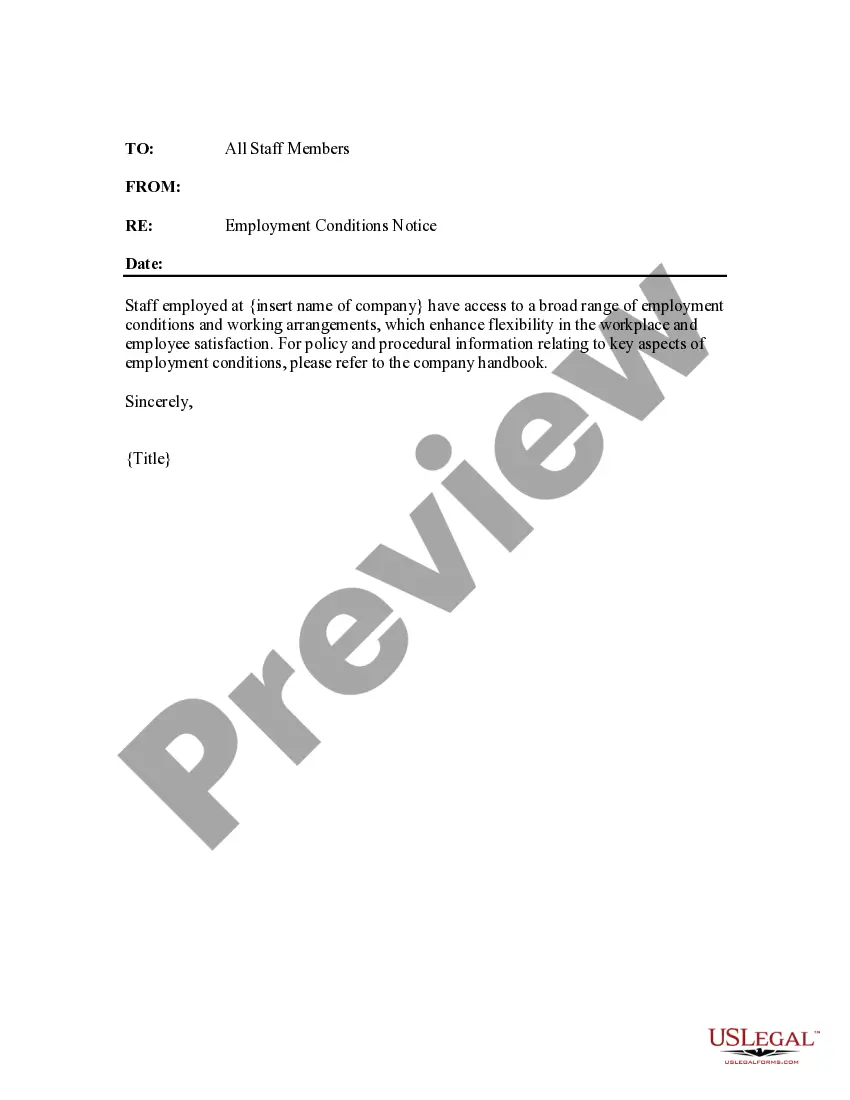
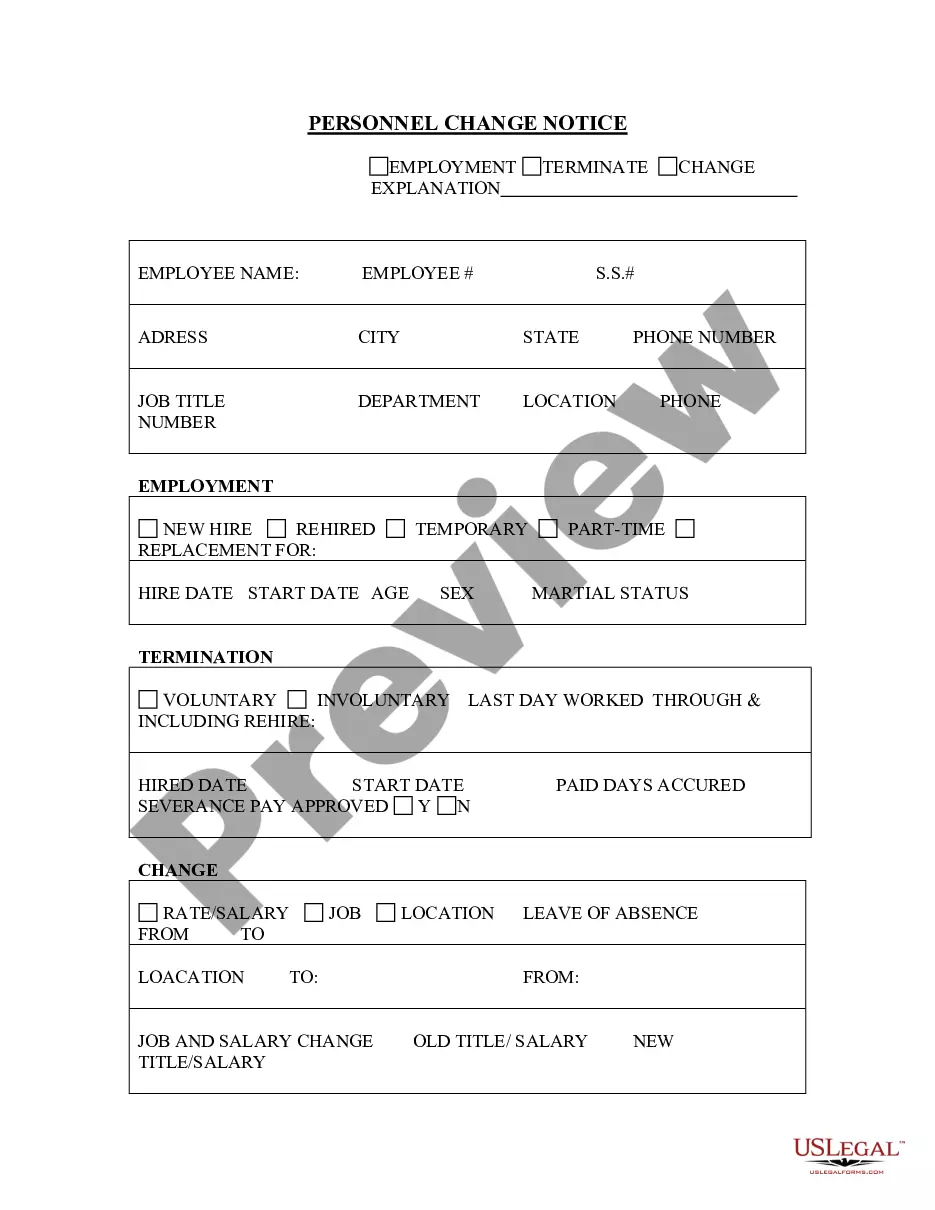
How to fill out Employment Conditions Notice - Notice To Existing Employees Of Flexibility In Working Arrangements?
Whether for corporate needs or personal matters, everyone must confront legal issues at some stage in their life. Completing legal documents requires meticulous attention, starting from choosing the proper form template. For example, if you select an incorrect version of the Employment Status For Tax, it will be denied upon submission. Hence, it is crucial to find a reliable source of legal documents like US Legal Forms.
If you need to obtain an Employment Status For Tax template, follow these straightforward steps.
Once downloaded, you can complete the form using editing software or print it and fill it out manually. With a vast US Legal Forms catalog available, you never have to waste time hunting for the correct sample online. Utilize the library’s simple navigation to find the suitable template for any situation.
- Retrieve the sample you require using the search box or catalog navigation.
- Review the form’s details to ensure it corresponds with your situation, state, and county.
- Click on the form’s preview to inspect it.
- If it is the wrong document, return to the search feature to find the Employment Status For Tax sample you need.
- Acquire the template when it aligns with your requirements.
- If you possess a US Legal Forms account, click Log in to access previously saved documents in My documents.
- If you haven’t created an account yet, you can get the form by clicking Buy now.
- Choose the appropriate pricing plan.
- Fill out the account registration form.
- Select your payment method: you may use a credit card or PayPal account.
- Choose your desired file format and download the Employment Status For Tax.
Form popularity
FAQ
Claiming 0 on your tax forms often leads to higher withholdings, which can result in a refund when you file your taxes. However, the actual refund amount depends on your total earnings, deductions, and tax credits. It’s crucial to understand how your employment status for tax influences your withholding to maximize your refund potential. A tax professional can provide tailored advice to enhance your filing strategy.
Common tax mistakes include failing to report all income and overlooking eligible deductions. Another frequent error is choosing the wrong filing status, which can impact your refund and tax liability. Keeping your employment status for tax transparent helps avoid these pitfalls. Always double-check your forms and consider using platforms like uslegalforms to assist with your tax filings.
Choosing between claiming 1 or 0 hinges on your financial goals. Claiming 0 results in higher withholdings, potentially yielding a larger tax refund. In contrast, claiming 1 lowers your withholdings, providing you with more immediate income throughout the year. Understanding your employment status for tax can clarify which option may suit your financial strategy best.
Claiming yourself on your taxes usually means you are declaring a personal exemption, which could lower your taxable income. However, claiming 0 can increase your withholding, leading to a potential refund. Understanding your employment status for tax is essential here, as it influences how much is withheld throughout the year. Evaluating your personal financial situation helps you make the best decision.
The filing status that often provides the biggest refund varies based on individual circumstances, but typically, married filing jointly offers significant benefits. This status can lead to higher deductions and credits, optimizing your overall tax situation. Always consider your employment status for tax to determine the best approach for your unique situation. Consulting a tax professional may help clarify what works best for you.
To prove self-employment to the IRS, you must provide specific documents that show your income and business activities. This may include copies of your tax returns along with any 1099 forms you received. Additionally, you can submit profit and loss statements from your business. Remember, establishing your employment status for tax purposes is critical for proper tax reporting.
There are several common employment statuses, including full-time, part-time, temporary, contractual, and self-employed. Each of these statuses has distinct implications for tax purposes. Identifying your correct employment status is crucial as it influences how you report your income and what deductions or credits you can claim. If you're uncertain, platforms like US Legal Forms can guide you through understanding your employment status for tax.
Your employment status is essentially how you classify your work engagement. It could include being a full-time employee, part-time employee, or self-employed individual. Knowing and properly declaring your employment status for tax is vital—it helps streamline your tax filing process and align with IRS requirements.
You should indicate your employment status based on your existing work arrangement. For example, if you work regularly for a company, you would select full-time or part-time. On the other hand, if you are a freelancer or an independent contractor, you should indicate that status. Accurately stating your employment status for tax is essential to avoid issues with the IRS and ensure compliance.
When filling out forms related to your employment status for tax, you should accurately reflect your current work situation. This includes selecting the appropriate category, whether you are employed full-time, part-time, or self-employed. Providing this information correctly helps ensure you meet your tax obligations and receive any potential benefits you might qualify for.