Signature Name Form With Email
Description


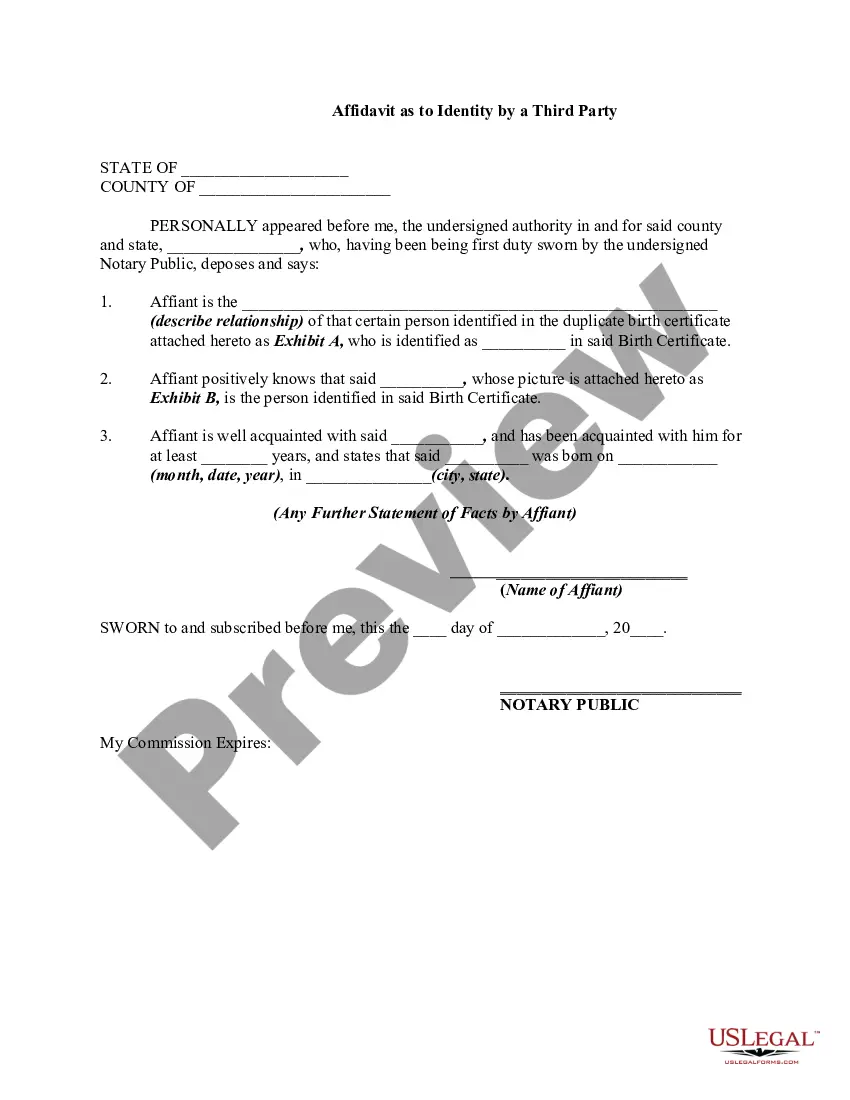
Get your form ready online
Our built-in tools help you complete, sign, share, and store your documents in one place.
Make edits, fill in missing information, and update formatting in US Legal Forms—just like you would in MS Word.
Download a copy, print it, send it by email, or mail it via USPS—whatever works best for your next step.
Sign and collect signatures with our SignNow integration. Send to multiple recipients, set reminders, and more. Go Premium to unlock E-Sign.
If this form requires notarization, complete it online through a secure video call—no need to meet a notary in person or wait for an appointment.
We protect your documents and personal data by following strict security and privacy standards.

Make edits, fill in missing information, and update formatting in US Legal Forms—just like you would in MS Word.

Download a copy, print it, send it by email, or mail it via USPS—whatever works best for your next step.

Sign and collect signatures with our SignNow integration. Send to multiple recipients, set reminders, and more. Go Premium to unlock E-Sign.

If this form requires notarization, complete it online through a secure video call—no need to meet a notary in person or wait for an appointment.

We protect your documents and personal data by following strict security and privacy standards.
Looking for another form?









How to fill out Signature And Name Affidavit?
Locating a reliable source for the latest and pertinent legal templates is a significant part of navigating bureaucracy. Identifying the appropriate legal documents necessitates accuracy and meticulousness, which is why it is crucial to obtain samples of Signature Name Form With Email exclusively from trustworthy providers, such as US Legal Forms. An incorrect template can squander your time and delay your ongoing matters. With US Legal Forms, you have minimal concerns. You can access and review all the specifics regarding the document’s application and relevance to your circumstances and in your locality.
Follow the outlined steps to complete your Signature Name Form With Email.
Eliminate the stress associated with your legal documentation. Browse the vast US Legal Forms library to discover legal templates, verify their applicability to your situation, and download them instantly.
- Utilize the catalog navigation or search function to locate your template.
- Examine the form’s description to ascertain if it meets the criteria of your state and area.
- Check the form preview, if available, to confirm it is the document you are seeking.
- Return to the search to find the appropriate document if the Signature Name Form With Email does not suit your requirements.
- If you are certain about the form’s applicability, download it.
- As an authorized user, click Log in to verify and access your chosen forms in My documents.
- If you don't have an account yet, click Buy now to acquire the template.
- Select the pricing plan that aligns with your needs.
- Proceed with the registration to complete your purchase.
- Conclude your purchase by choosing a payment method (credit card or PayPal).
- Select the file format for downloading Signature Name Form With Email.
- Once you have the form on your device, you can modify it using the editor or print it and complete it by hand.
Form popularity
FAQ
Creating an email signature file is straightforward. Start by designing your signature name form with email on a platform like US Legal Forms, which offers user-friendly templates. Once your design is complete, save it as an HTML file or an image file. Then, access your email client settings, upload your signature file, and ensure it displays correctly in your outgoing messages. This process helps maintain a professional appearance in all your communications.
To put a name signature in your email, first create your signature name form with email using a simple text editor or design software. Include your name, title, and any other essential contact information. Once your signature is designed, copy it to your clipboard. Finally, go to your email settings, find the signature section, and paste your copied signature there. This way, every email you send will automatically include your personalized signature.
Generating a signature for your name is easy with online tools. You can use a signature name form with email to create a personalized signature that reflects your identity. Platforms like US Legal Forms provide user-friendly options to customize and download your signature for various uses.
To get a signature via email, you can request your recipient to use a signature name form with email. Share a template or platform link that allows them to sign electronically. This process is efficient and ensures that documents are signed quickly and securely.
Adding a signature to your email is a straightforward process. Use a signature name form with email to design your signature, then save it. Most email services allow you to upload your signature image or enter text in the settings, enabling it to appear automatically in your outgoing emails.
Creating an electronic signature is simple with the right tools. Start by using a signature name form with email to design your signature. Many platforms, like US Legal Forms, provide templates and guided steps to help you create a secure and legally binding electronic signature.
To get a signature through email, you can use a signature name form with email. Simply create your signature using an online tool, and then save it as an image or PDF. Once you have your signature ready, you can attach it to your email or insert it into your email signature settings for easy access.
