System Evaluation Form With 100
Description

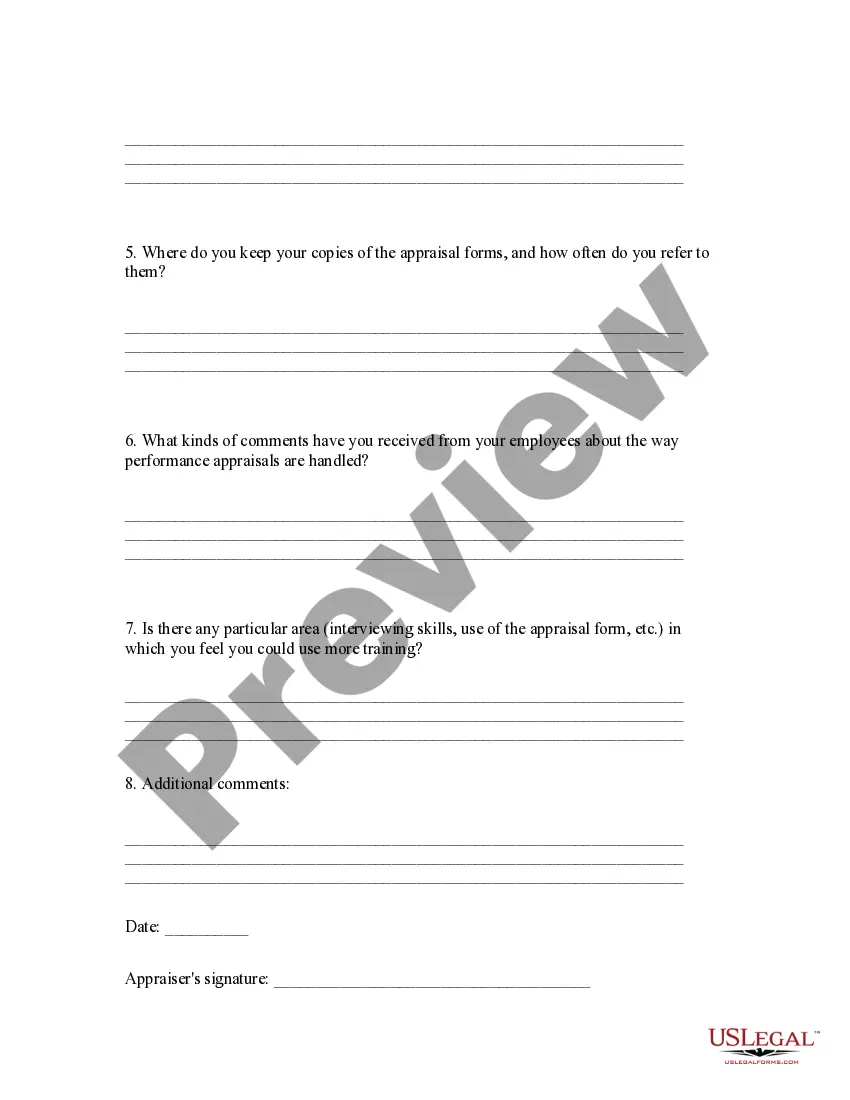


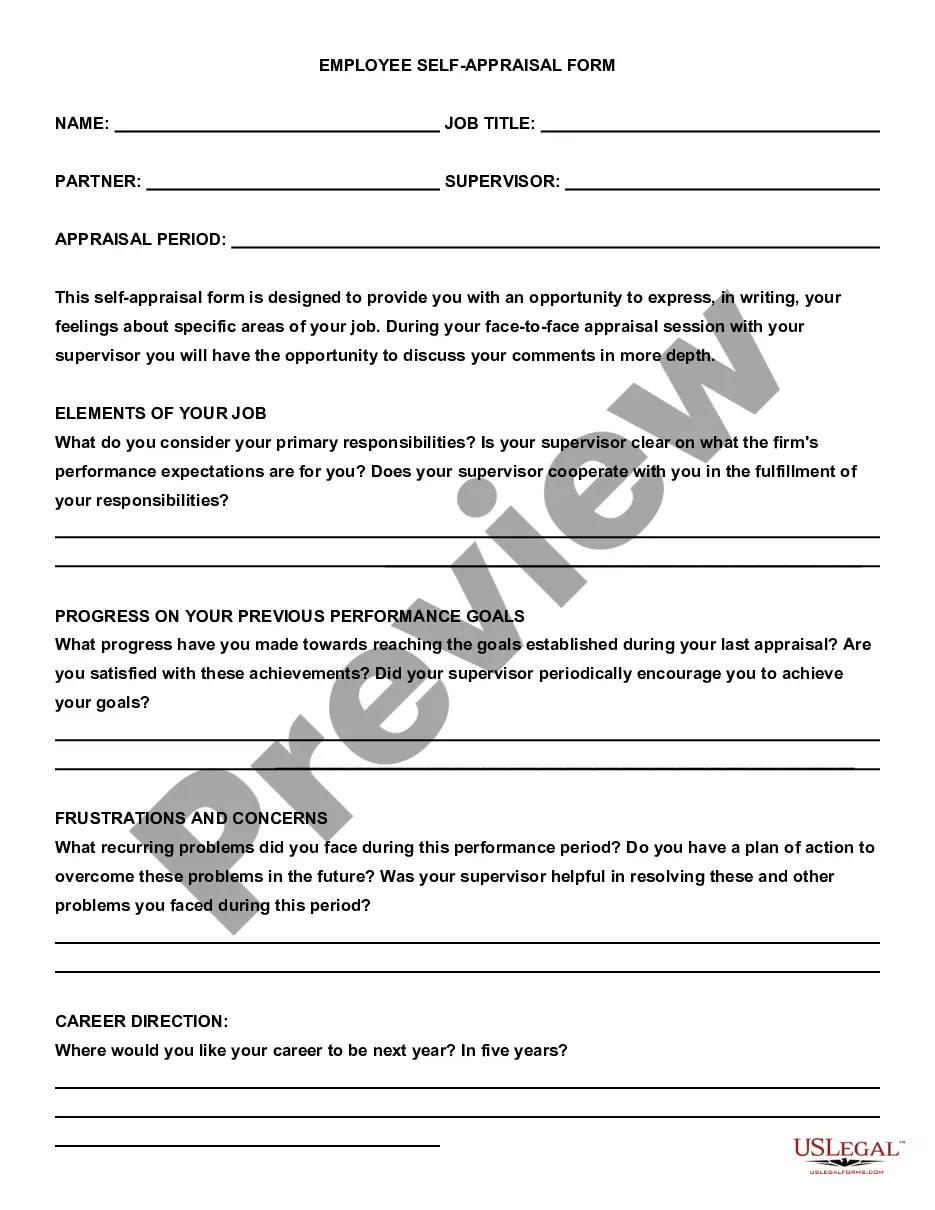
Get your form ready online
Our built-in tools help you complete, sign, share, and store your documents in one place.
Make edits, fill in missing information, and update formatting in US Legal Forms—just like you would in MS Word.
Download a copy, print it, send it by email, or mail it via USPS—whatever works best for your next step.
Sign and collect signatures with our SignNow integration. Send to multiple recipients, set reminders, and more. Go Premium to unlock E-Sign.
If this form requires notarization, complete it online through a secure video call—no need to meet a notary in person or wait for an appointment.
We protect your documents and personal data by following strict security and privacy standards.

Make edits, fill in missing information, and update formatting in US Legal Forms—just like you would in MS Word.

Download a copy, print it, send it by email, or mail it via USPS—whatever works best for your next step.

Sign and collect signatures with our SignNow integration. Send to multiple recipients, set reminders, and more. Go Premium to unlock E-Sign.

If this form requires notarization, complete it online through a secure video call—no need to meet a notary in person or wait for an appointment.

We protect your documents and personal data by following strict security and privacy standards.
Looking for another form?

How to fill out Appraisal System Evaluation Form?
Handling legal documentation can be daunting, even for proficient professionals.
When you are looking for a System Evaluation Form With 100 and lack the time to dedicate to finding the right and current version, the process can be challenging.
Access state- or county-specific legal and business documents.
US Legal Forms caters to all requirements you may have, from personal to business paperwork, all in one place.
If it is your first encounter with US Legal Forms, create an account and gain unlimited access to all the platform’s benefits. The following are the steps to follow after obtaining the form you need: Verify that it is the correct document by previewing it and reviewing its details. Ensure that the template is accepted in your state or county. Click Buy Now when you are prepared. Choose a subscription plan. Select the format you require, and Download, complete, sign, print, and submit your document. Take advantage of the US Legal Forms online catalog, supported by 25 years of experience and trustworthiness. Streamline your daily document management into a simple and user-friendly process today.
- Use advanced features to complete and manage your System Evaluation Form With 100.
- Access a resource library of articles, guides, and manuals pertinent to your situation and needs.
- Save time and energy searching for the documents you require, and utilize US Legal Forms’ sophisticated search and Preview tool to find System Evaluation Form With 100 and obtain it.
- If you have a subscription, Log In to your US Legal Forms account, search for the form, and acquire it.
- Check your My documents section to view the documents you have previously downloaded and manage your folders as desired.
- A comprehensive online form repository could be a transformative solution for anyone aiming to handle these scenarios effectively.
- US Legal Forms is a frontrunner in online legal documents, boasting over 85,000 state-specific legal forms accessible at any time.
- With US Legal Forms, you can.
Form popularity
FAQ
Completing a job evaluation form with 100 involves thorough preparation and attention to detail. Begin by gathering relevant data about your job performance and accomplishments. Use clear and concise language to express your points, and don't hesitate to utilize the US Legal platform for templates that guide you through the process efficiently.
To fill in an evaluation form with 100, ensure you provide accurate and detailed information. Start each section with a clear statement, followed by supporting details that illustrate your points. If you find yourself stuck, refer to the templates on the US Legal platform, which can streamline your process and enhance clarity.
A good evaluation example is one that clearly articulates strengths and areas for growth while providing specific instances. For instance, instead of saying 'I work well with the team,' you might say, 'I led the project team to complete our goals ahead of schedule.' Using the US Legal system evaluation form with 100 can help you format your thoughts and present a balanced view.
Filling out your own performance evaluation form with 100 requires self-reflection and honesty. Begin by reviewing your job responsibilities and achievements over the evaluation period. Highlight your contributions and areas for improvement, using concrete examples. The US Legal platform provides guidance and templates to help structure your responses effectively.
To fill an evaluation form with 100, start by carefully reading the instructions provided. Ensure that you understand each section and the purpose behind it. Use specific examples and clear language to convey your thoughts. If you need assistance, consider using the US Legal platform, which offers templates designed for effective completion.
Evaluation Forms Examples Employee Evaluation Form. Customer Service Evaluation Form. Peer Evaluation Form. Performance Improvement Plan Form. Event Evaluation Form. Training Course Feedback Template.
The main types of evaluation are process, impact, outcome and summative evaluation. Before you are able to measure the effectiveness of your project, you need to determine if the project is being run as intended and if it is reaching the intended audience.
6 Steps for Writing Effective Performance Review Comments Employee strengths and accomplishments. Weaknesses and areas for improvement. Employees' short- and long-term career goals. Opportunities for meaningful growth and development.
When you fill the form: Be honest and critical. Analyze your failures and mention the reasons for it. ... Keep the words minimal. ... Identify weaknesses. ... Mention your achievements. ... Link achievements to the job description and the organization's goals. ... Set the goals for the next review period. ... Resolve conflicts and grievances.
Employee and reviewer information, such as names, employee IDs, job titles, and signatures. The review period to determine the progress of an employee's performance over time. This should include the time period being assessed, as well as the date of the review itself. A rating system that's easy to understand.