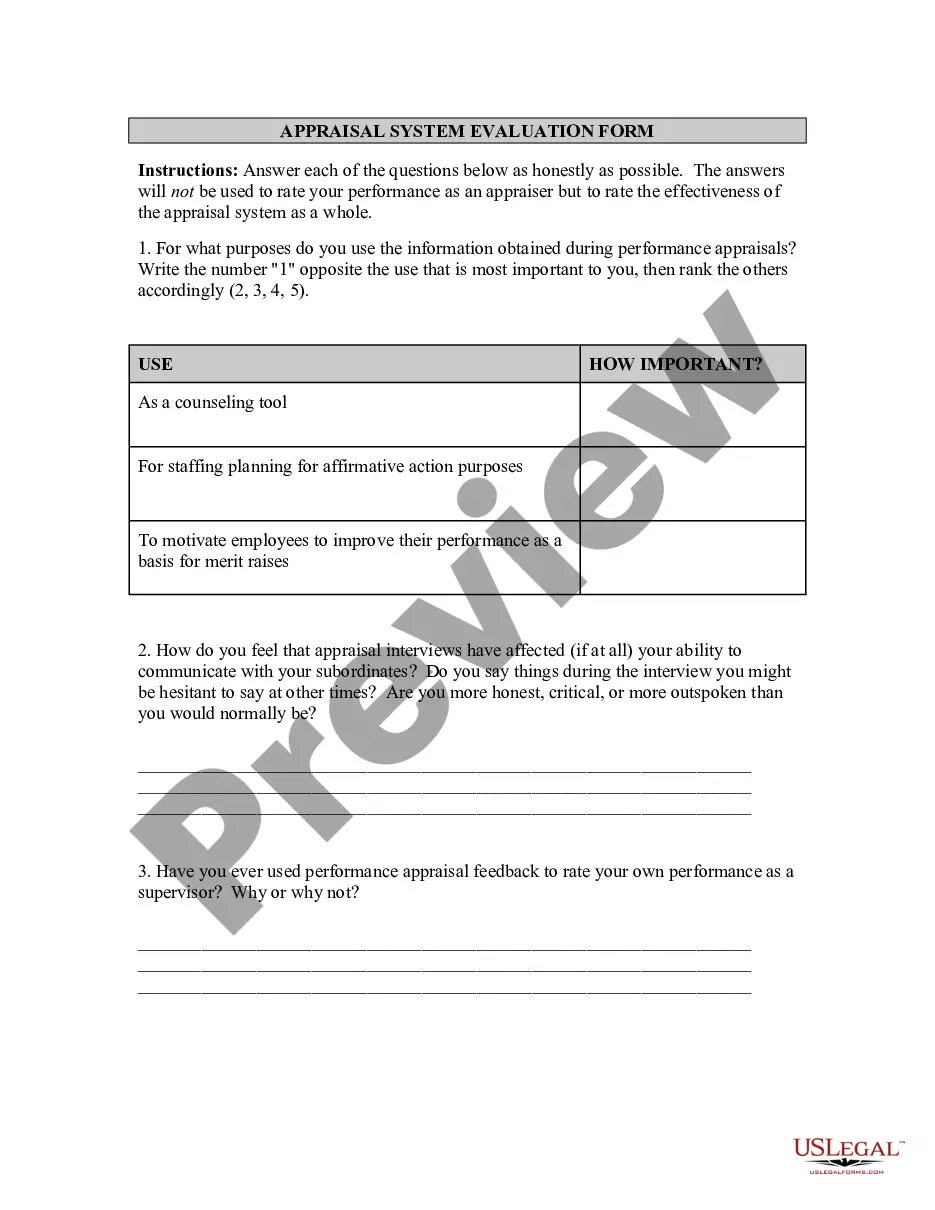
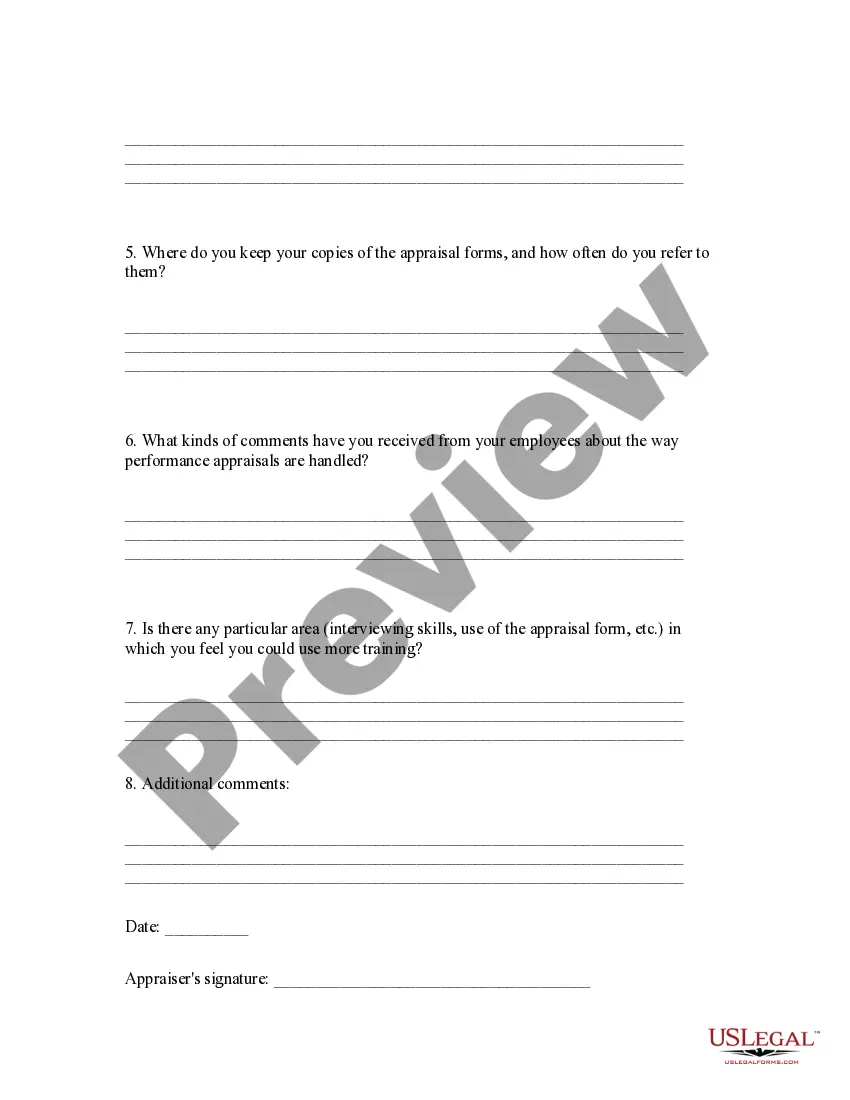
System Evaluation Form For Project
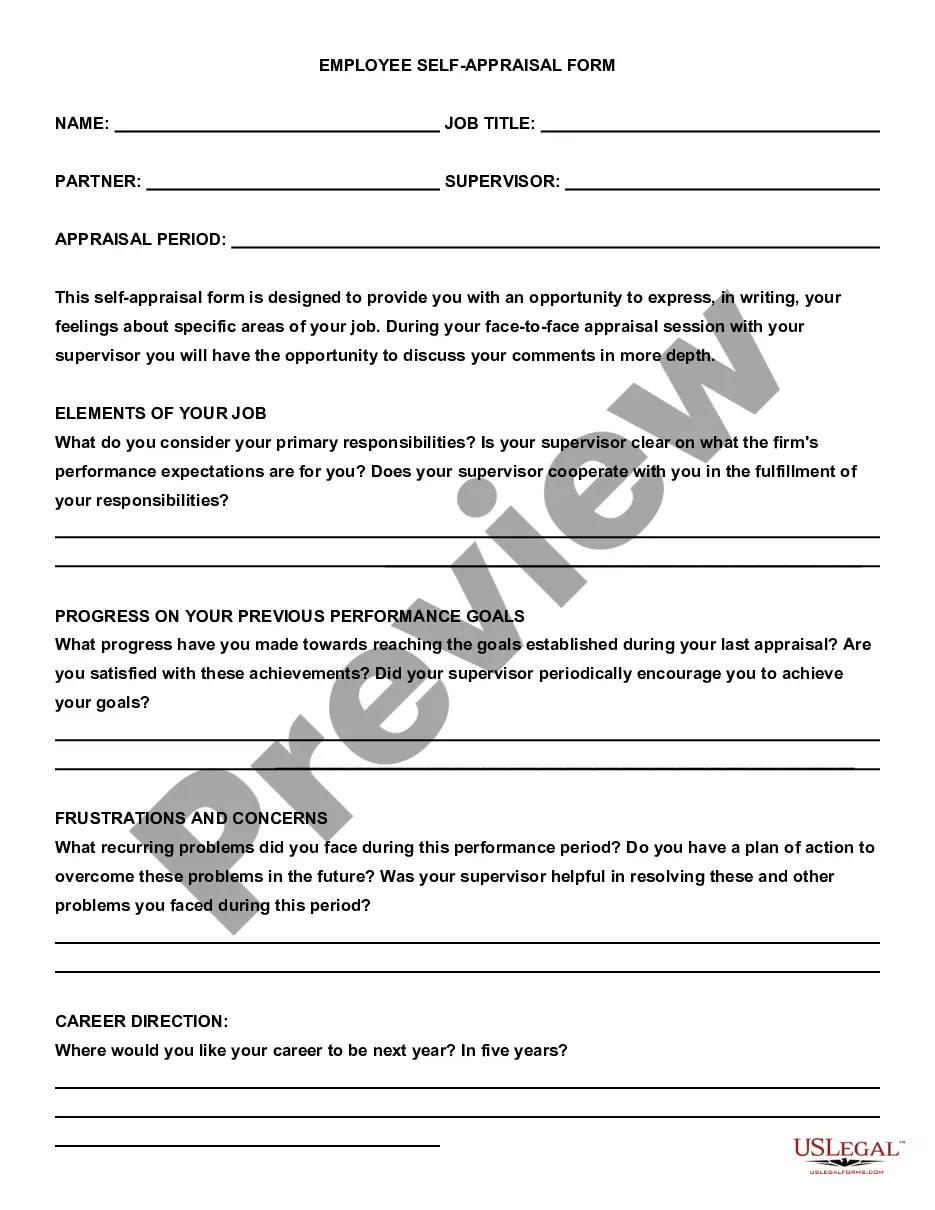
Description


Get your form ready online
Our built-in tools help you complete, sign, share, and store your documents in one place.
Make edits, fill in missing information, and update formatting in US Legal Forms—just like you would in MS Word.
Download a copy, print it, send it by email, or mail it via USPS—whatever works best for your next step.
Sign and collect signatures with our SignNow integration. Send to multiple recipients, set reminders, and more. Go Premium to unlock E-Sign.
If this form requires notarization, complete it online through a secure video call—no need to meet a notary in person or wait for an appointment.
We protect your documents and personal data by following strict security and privacy standards.

Make edits, fill in missing information, and update formatting in US Legal Forms—just like you would in MS Word.

Download a copy, print it, send it by email, or mail it via USPS—whatever works best for your next step.

Sign and collect signatures with our SignNow integration. Send to multiple recipients, set reminders, and more. Go Premium to unlock E-Sign.

If this form requires notarization, complete it online through a secure video call—no need to meet a notary in person or wait for an appointment.

We protect your documents and personal data by following strict security and privacy standards.
Looking for another form?
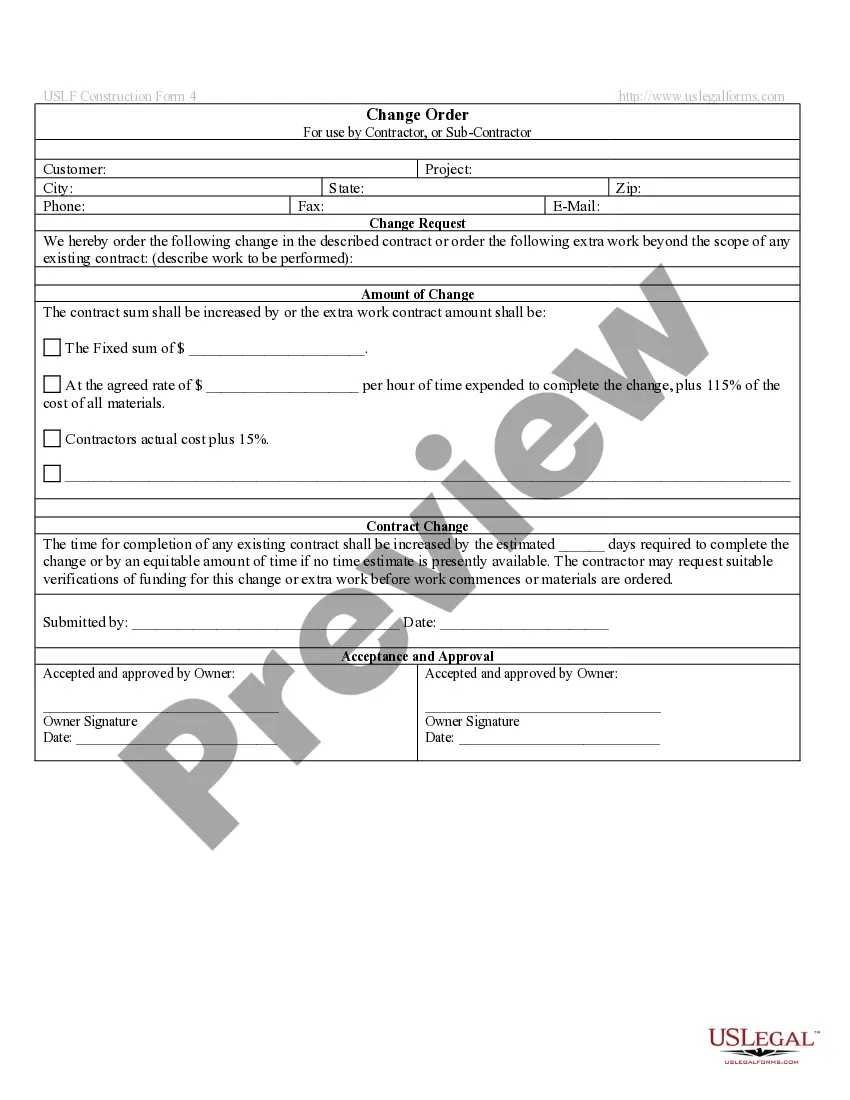
How to fill out Appraisal System Evaluation Form?
The System Evaluation Document For Project you see on this page is a versatile legal template crafted by experienced attorneys in compliance with federal and state regulations.
For over 25 years, US Legal Forms has supplied individuals, companies, and legal specialists with more than 85,000 validated, state-specific forms for any business and personal situation. It’s the fastest, simplest, and most reliable way to acquire the documentation you require, as the service ensures bank-grade data security and anti-malware safeguards.
Register for US Legal Forms to have verified legal templates for all of life’s situations readily available.
- Explore the document you need and verify it.
- Browse through the sample you searched and preview or examine the form description to ensure it meets your needs. If it doesn’t, use the search bar to locate the correct one. Click Buy Now when you find the template you require.
- Subscribe and sign in.
- Choose the pricing plan that fits you and set up an account. Use PayPal or a credit card for a swift payment. If you already possess an account, Log In and check your subscription to proceed.
- Acquire the editable template.
- Select the format you desire for your System Evaluation Document For Project (PDF, DOCX, RTF) and download the sample onto your device.
- Complete and sign the documents.
- Print the template to fill it out manually. Alternatively, use an online multifunctional PDF editor to swiftly and accurately complete and sign your form with an eSignature.
- Re-download your documents as needed.
- Access the same document anytime required. Open the My documents tab in your profile to redownload any previously acquired forms.
Form popularity
FAQ
An example of evaluation could be assessing the effectiveness of a new marketing strategy. This involves reviewing key performance indicators, such as customer engagement and sales growth. Implementing a system evaluation form for project allows you to gather structured feedback, making it easier to assess and refine your marketing efforts.
Filling out an evaluation form requires careful consideration of each question. Start by reviewing the purpose of the evaluation and the information requested. Take your time to provide thoughtful responses, and if using a system evaluation form for project, ensure you understand how your feedback will be used to improve future projects.
A good evaluation example is one that provides clear insights and actionable feedback. For instance, an evaluation of a training program might include participant satisfaction ratings, skill improvement assessments, and recommendations for future sessions. Using a system evaluation form for project can enhance the quality and depth of such evaluations.
Evaluation questions should focus on various aspects of the project, such as its effectiveness, efficiency, and impact. Examples include: 'How did the project meet its objectives?' or 'What challenges did participants face?' A system evaluation form for project can include these questions, allowing for comprehensive feedback from stakeholders.
Writing a good evaluation involves clarity, organization, and thorough analysis. Begin with a clear introduction that states the purpose, followed by detailed findings from your data collection. Incorporating a system evaluation form for project will help you structure your evaluation, making it easier to present your insights and recommendations.
To write an evaluation for a project, start by outlining the project’s goals and objectives. Next, collect relevant data through surveys or interviews, and analyze this information to assess the project's impact. Utilizing a system evaluation form for project can streamline this process, ensuring you cover all necessary aspects effectively.
Project evaluation refers to the systematic assessment of a project's design, implementation, and outcomes. It helps stakeholders understand the effectiveness of a project and informs future decisions. For instance, using a system evaluation form for project helps gather feedback on a community health initiative, allowing for adjustments based on participant responses.
To create a project evaluation, first, gather all relevant data regarding the project’s performance, including timelines, budgets, and stakeholder feedback. Analyze this information to identify strengths and weaknesses, focusing on areas that require improvement. Document your findings in a clear format, and consider using a system evaluation form for project to guide your assessment and ensure no critical details are overlooked.
To create an evaluation form in Google Docs, start by opening a new document and setting up your title and introduction. Next, list the evaluation criteria as questions, using bullet points or tables for clarity. Google Docs allows you to easily format your text and add sections, making it user-friendly. Consider using a system evaluation form for project template to save time and ensure thoroughness.
Creating an evaluation form involves outlining the criteria you want to assess. Begin by defining the purpose of the evaluation and the specific areas you want to cover. Then, organize the questions logically and clearly, ensuring they align with your evaluation goals. A well-structured system evaluation form for project can facilitate comprehensive assessments of various aspects of your project.