Monthly Work Report Format
Description
Get your form ready online
Our built-in tools help you complete, sign, share, and store your documents in one place.
Make edits, fill in missing information, and update formatting in US Legal Forms—just like you would in MS Word.
Download a copy, print it, send it by email, or mail it via USPS—whatever works best for your next step.
Sign and collect signatures with our SignNow integration. Send to multiple recipients, set reminders, and more. Go Premium to unlock E-Sign.
If this form requires notarization, complete it online through a secure video call—no need to meet a notary in person or wait for an appointment.
We protect your documents and personal data by following strict security and privacy standards.

Make edits, fill in missing information, and update formatting in US Legal Forms—just like you would in MS Word.

Download a copy, print it, send it by email, or mail it via USPS—whatever works best for your next step.

Sign and collect signatures with our SignNow integration. Send to multiple recipients, set reminders, and more. Go Premium to unlock E-Sign.

If this form requires notarization, complete it online through a secure video call—no need to meet a notary in person or wait for an appointment.

We protect your documents and personal data by following strict security and privacy standards.
Looking for another form?







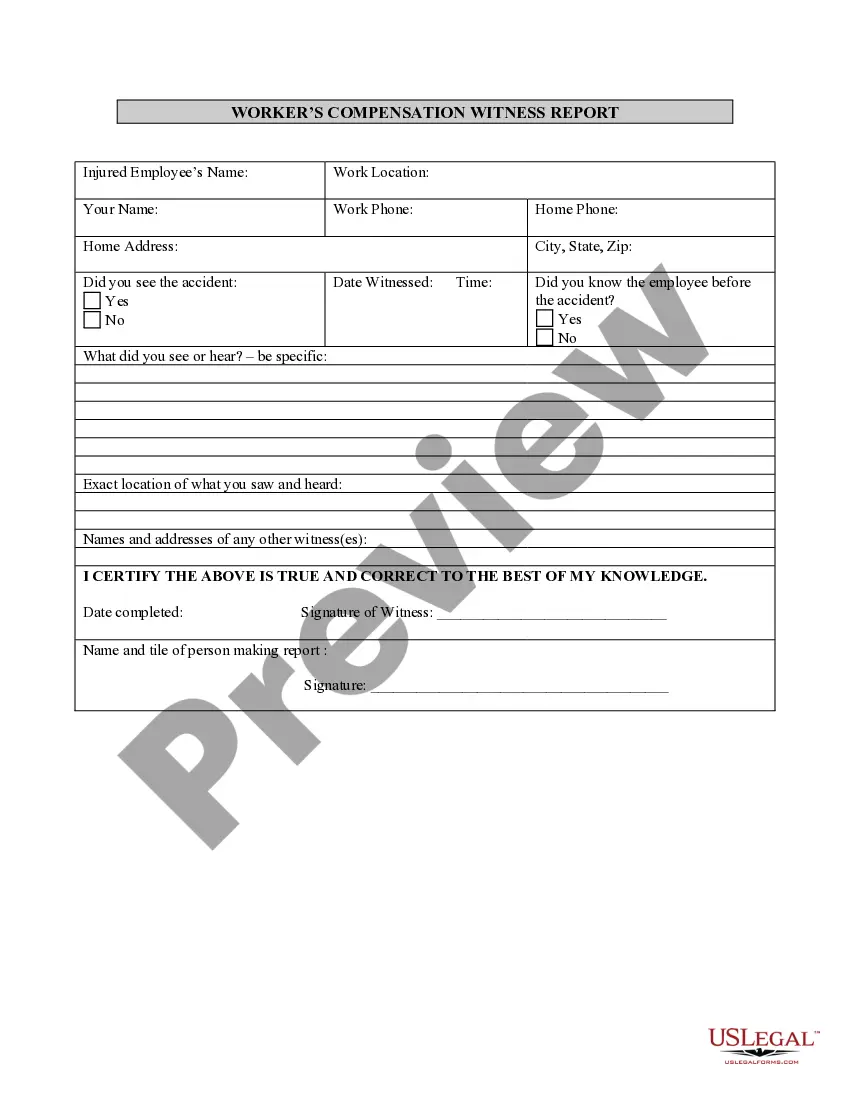
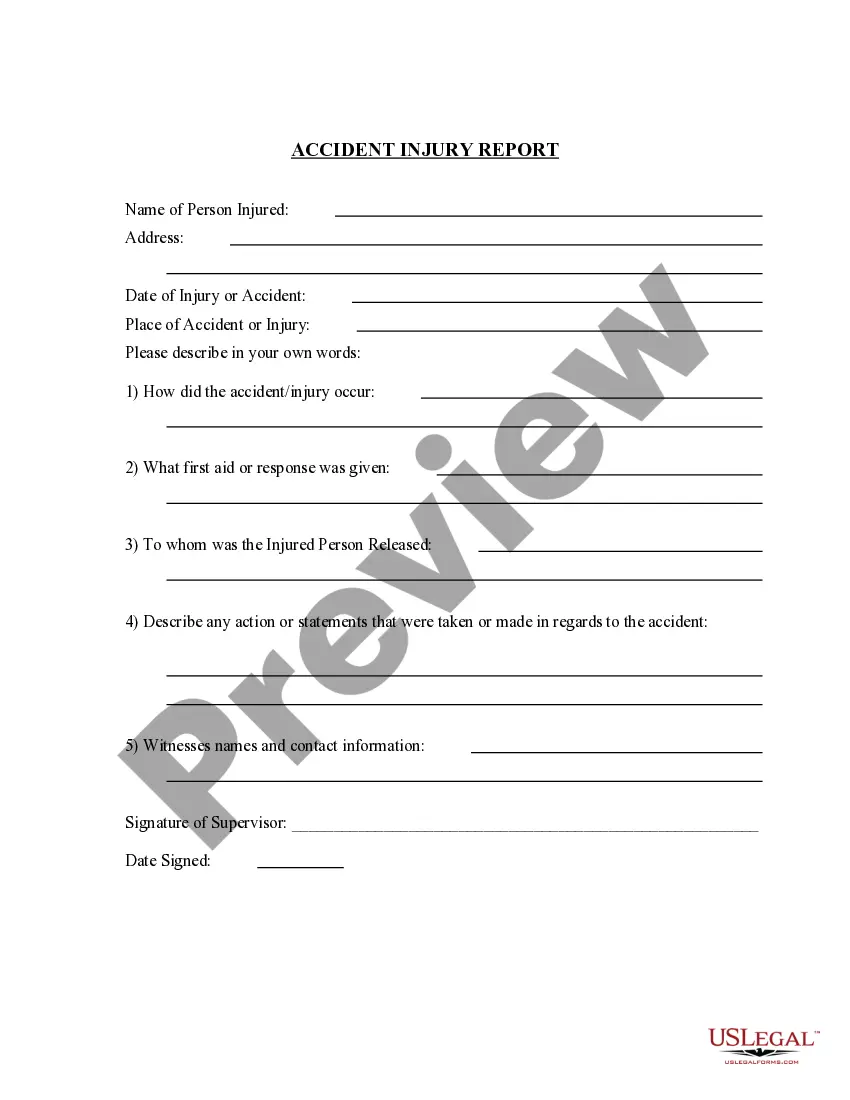
How to fill out Workers Compensation Witness Report?
Whether for business purposes or for individual affairs, everyone has to deal with legal situations sooner or later in their life. Filling out legal documents needs careful attention, starting with picking the right form sample. For instance, when you select a wrong version of the Monthly Work Report Format, it will be rejected when you submit it. It is therefore crucial to have a dependable source of legal papers like US Legal Forms.
If you need to obtain a Monthly Work Report Format sample, follow these simple steps:
- Get the template you need using the search field or catalog navigation.
- Look through the form’s information to ensure it suits your case, state, and county.
- Click on the form’s preview to view it.
- If it is the wrong document, return to the search function to locate the Monthly Work Report Format sample you need.
- Download the template if it matches your needs.
- If you have a US Legal Forms profile, click Log in to access previously saved templates in My Forms.
- If you do not have an account yet, you can obtain the form by clicking Buy now.
- Choose the appropriate pricing option.
- Complete the profile registration form.
- Choose your transaction method: use a credit card or PayPal account.
- Choose the document format you want and download the Monthly Work Report Format.
- When it is downloaded, you can fill out the form with the help of editing applications or print it and finish it manually.
With a large US Legal Forms catalog at hand, you never have to spend time searching for the appropriate template across the internet. Utilize the library’s easy navigation to find the right template for any occasion.
Form popularity
FAQ
How to write a report in 7 steps 1 Choose a topic based on the assignment. Before you start writing, you need to pick the topic of your report. ... 2 Conduct research. ... 3 Write a thesis statement. ... 4 Prepare an outline. ... 5 Write a rough draft. ... 6 Revise and edit your report. ... 7 Proofread and check for mistakes.
How to write or create Monthly report in Word 2022 Make a Cover Page. ... Add Brief Outline of Completed Achievements. ... Issues Found During Monthly Tasks. ... Planned Activities For Upcoming Month. ... Proofread Your Monthly Report.
This type of report can include elements like financial information, objectives and key results, milestones and company goals, and updates on project progress. Much of this information will be covered more compressively in other monthly reports, such as your financial report and project status reports.
Keep an ongoing record and adjust your team's workflow to improve efficiency. Create your performance report header. ... Give a high-level overview of your key accomplishments this month. ... Detail 2-3 key accomplishments from last month. ... Outline the projects and tasks that are in progress this month.
Gather Data and Information from the Past Month. The most important data and information of the month are the key contents of any good monthly report. ... Study and Analyze the Gathered Data and Information. ... Make Use of Graphs and Charts. ... Come Up with Solutions to Problems. ... Review Everything from Start to Finish.