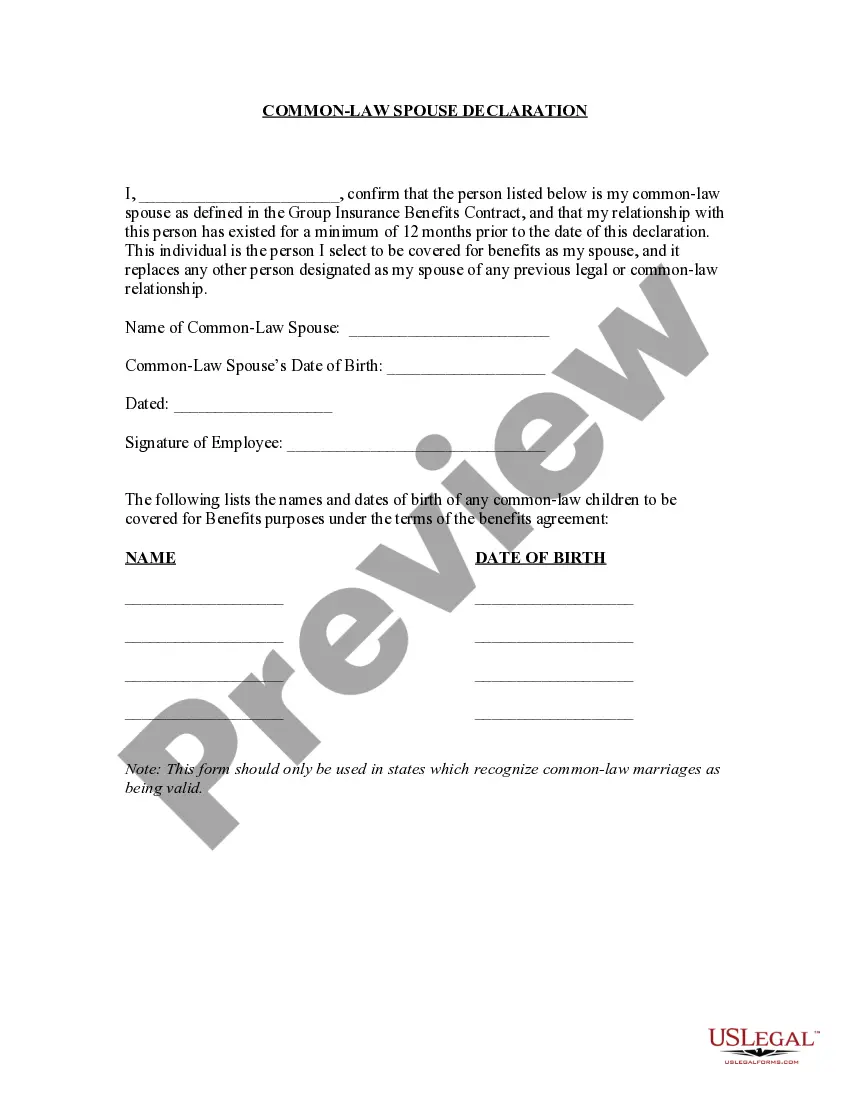
Marriage Declaration Certificate By Parties
Description
Get your form ready online
Our built-in tools help you complete, sign, share, and store your documents in one place.
Make edits, fill in missing information, and update formatting in US Legal Forms—just like you would in MS Word.
Download a copy, print it, send it by email, or mail it via USPS—whatever works best for your next step.
Sign and collect signatures with our SignNow integration. Send to multiple recipients, set reminders, and more. Go Premium to unlock E-Sign.
If this form requires notarization, complete it online through a secure video call—no need to meet a notary in person or wait for an appointment.
We protect your documents and personal data by following strict security and privacy standards.

Make edits, fill in missing information, and update formatting in US Legal Forms—just like you would in MS Word.

Download a copy, print it, send it by email, or mail it via USPS—whatever works best for your next step.

Sign and collect signatures with our SignNow integration. Send to multiple recipients, set reminders, and more. Go Premium to unlock E-Sign.

If this form requires notarization, complete it online through a secure video call—no need to meet a notary in person or wait for an appointment.

We protect your documents and personal data by following strict security and privacy standards.
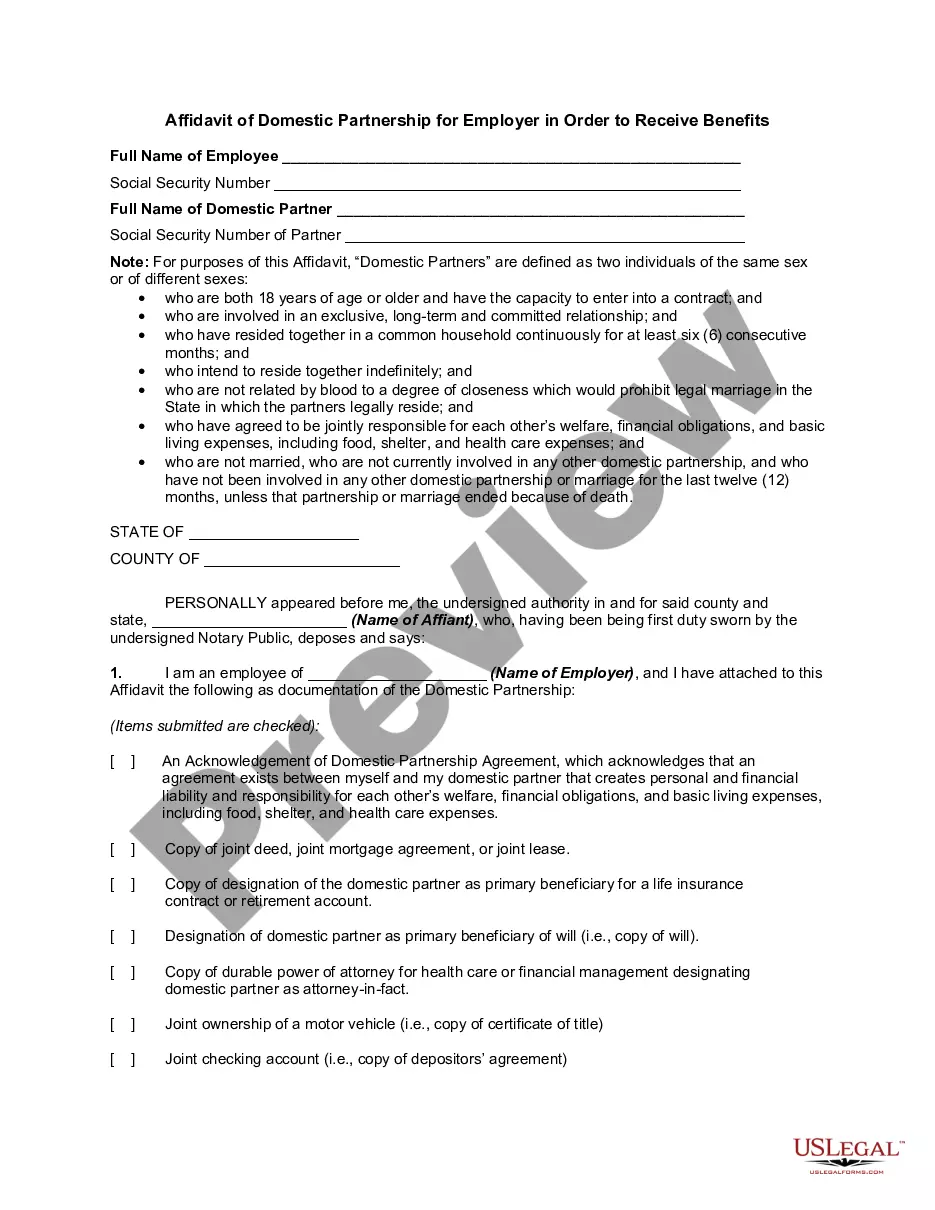
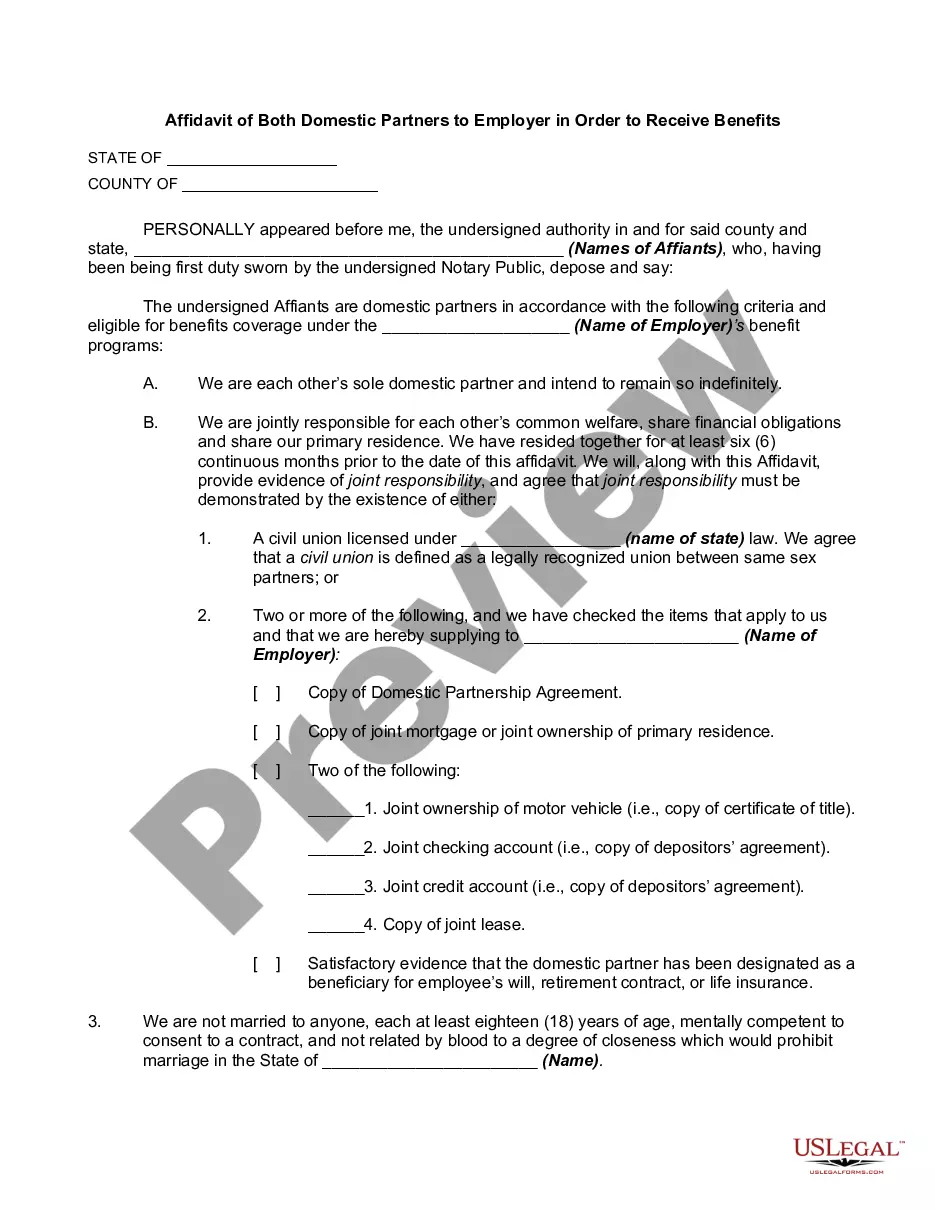
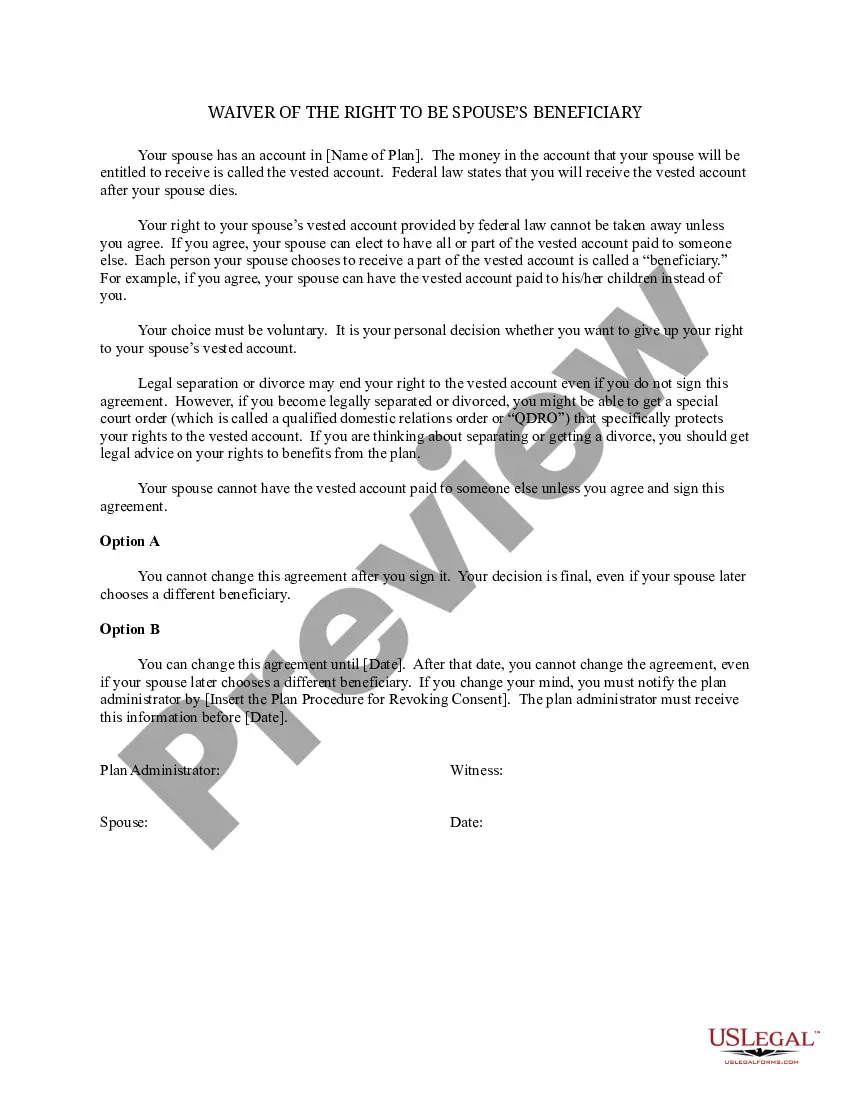
Looking for another form?
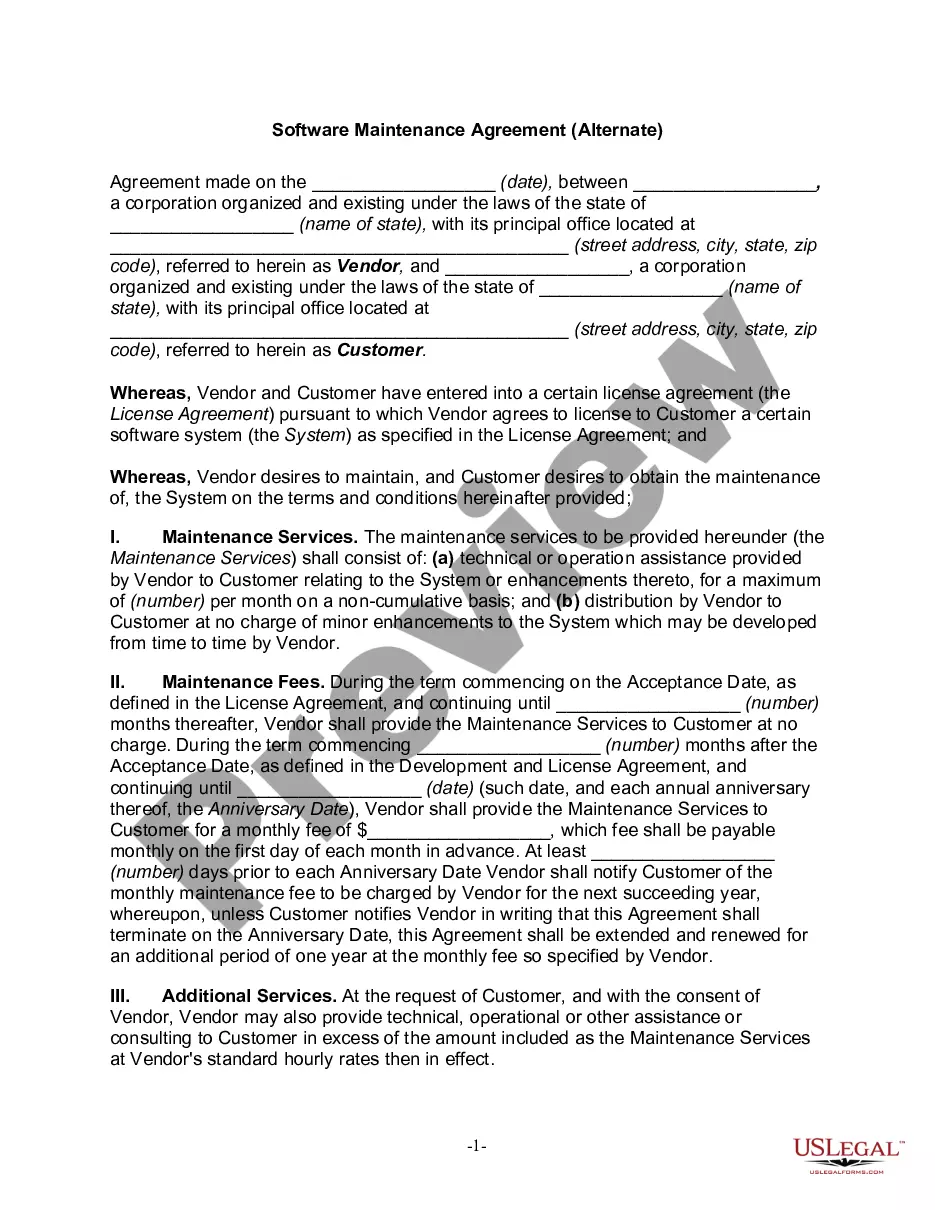
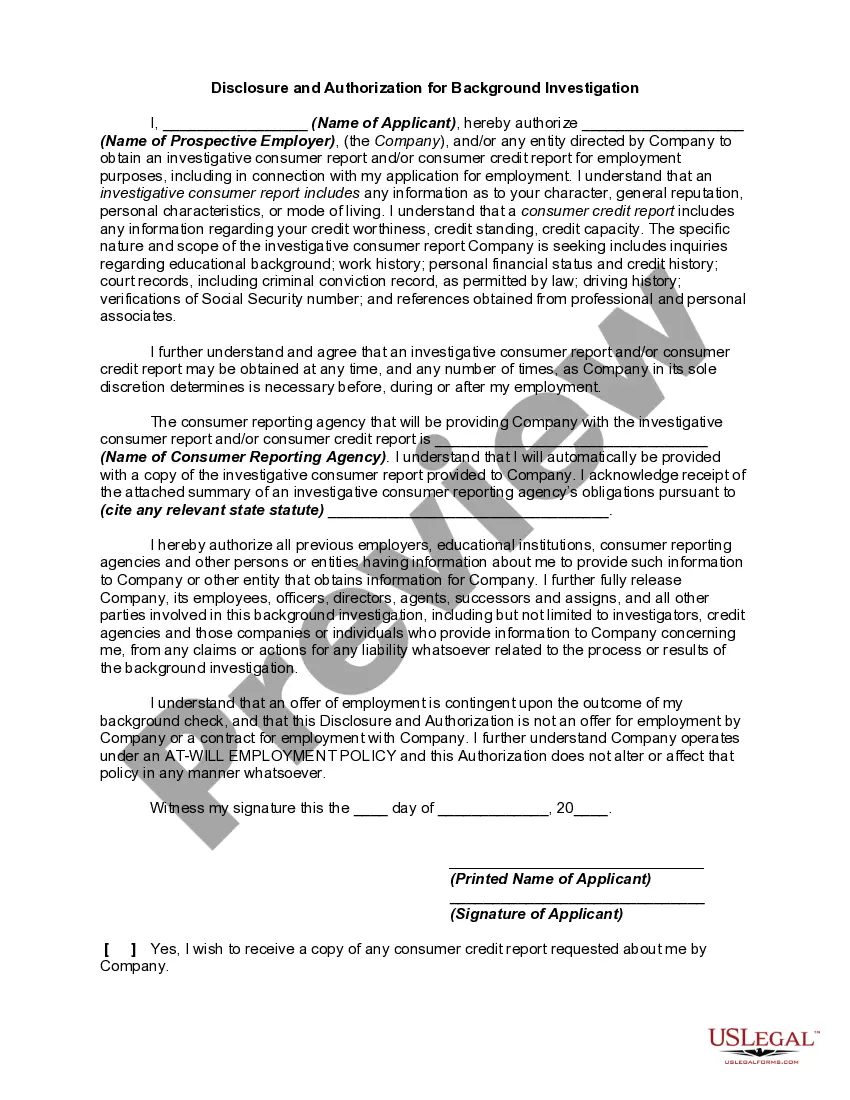
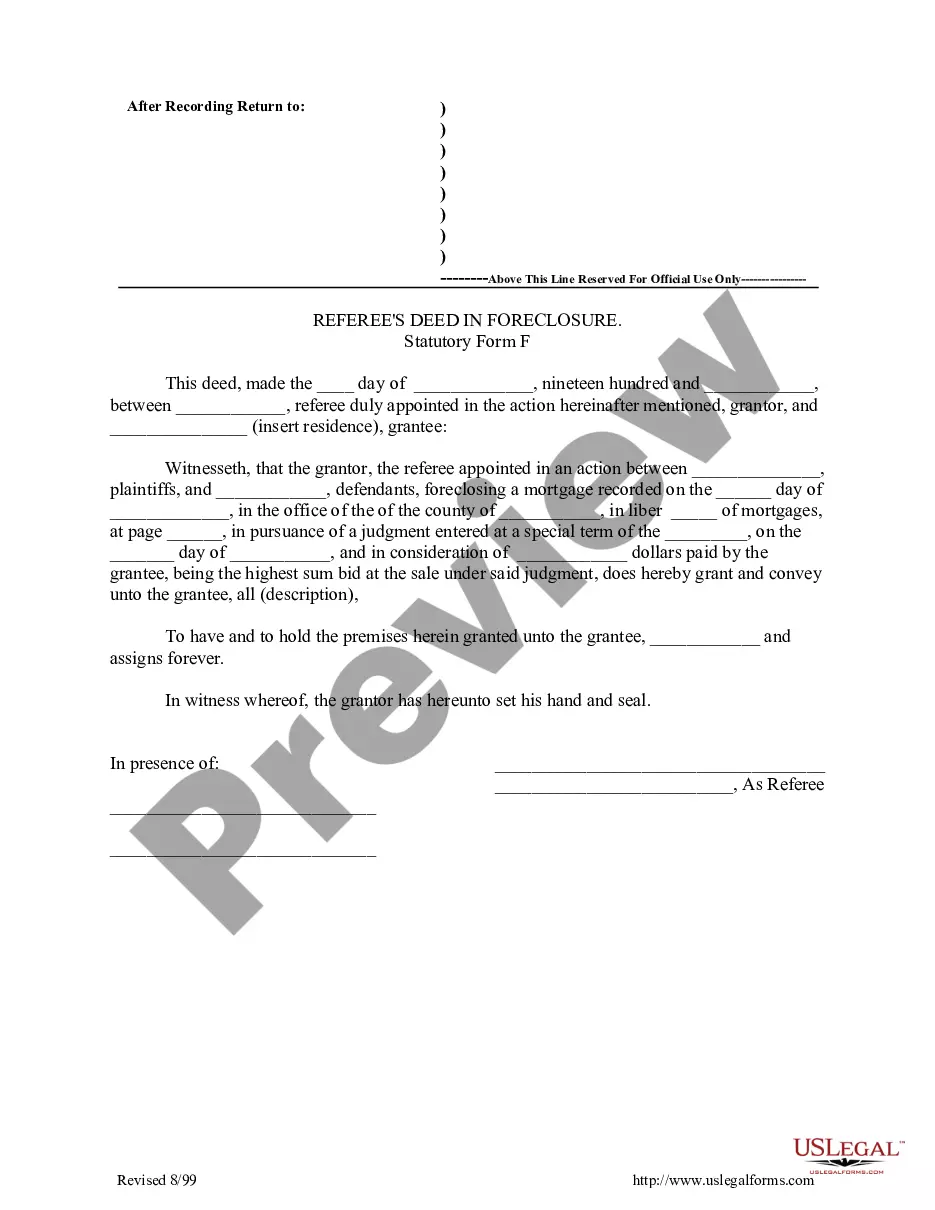
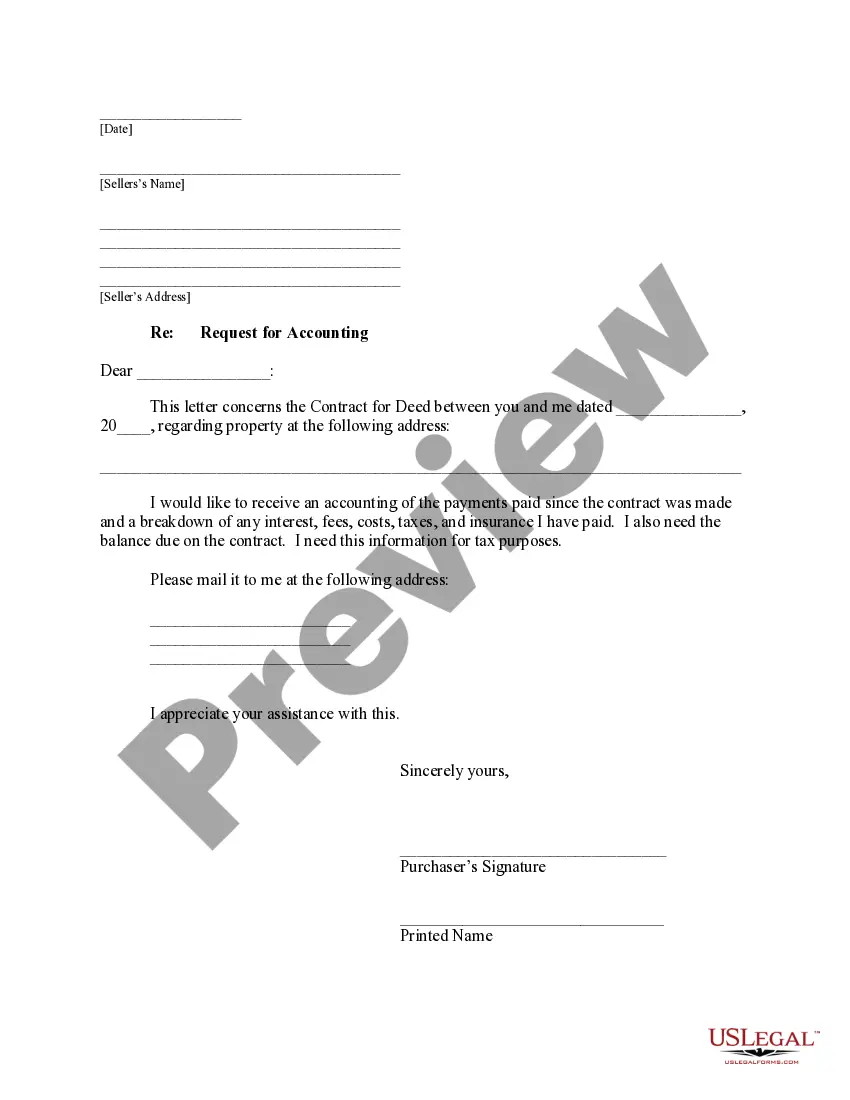

How to fill out Common Law Spouse Or Marriage Declaration Or Affidavit?
The Marriage Declaration Certificate By Parties displayed on this page is a reusable legal template crafted by expert attorneys in adherence to federal and state laws.
For over 25 years, US Legal Forms has been assisting individuals, entities, and legal experts with more than 85,000 verified, state-specific documents for any professional and personal need. It’s the quickest, simplest, and most reliable method to obtain the paperwork you require, as the service assures the highest standards of data protection and anti-malware safeguards.
Choose the format you prefer for your Marriage Declaration Certificate By Parties (PDF, Word, RTF) and save the document on your device. Complete and endorse the paperwork. Print the template to fill it out manually. Alternatively, use an online all-in-one PDF editor to efficiently and correctly fill out and sign your form with an electronic signature.
- Browse for the document you need and review it.
- Examine the file you searched and preview it or check the form details to confirm it meets your requirements. If it doesn’t, use the search bar to find the correct one. Click Buy Now when you have identified the template you require.
- Register and sign in.
- Select the subscription plan that fits you and create an account. Utilize PayPal or a credit card to make a swift payment. If you already possess an account, Log In and check your subscription to proceed.
- Obtain the editable template.
Form popularity
FAQ
I, Shri/Shrimati/Kumari ????????? declare as under :- * (i) That I am unmarried/a widower/a widow; * (ii) That I am married and have only one spouse living; * (iii) That I have entered into or contracted a marriage with a person having a spouse living. Application for grant of exemption is enclosed.
A: Both parties must appear to apply and both will sign the certificate at that time. Q: What is the fee for a Declaration of Informal Marriage? A. There is a $36.00 fee payable only in CASH or current credit or debit card, which, if used, will add a 3% surcharge to the original fee.
If you agree, you and your partner can sign a Declaration of Informal Marriage with the county clerk. Once signed, the declaration is valid proof of marriage and you are considered married for all legal purposes. The declaration form is available from the county clerk.
Documents required for marriage registration Application forms for Marriage registration. An affidavit in prescribed format. Proof of Age of the Groom and Bride ? Birth certificate or Mark Sheet. Address Proof ? Ration card, Voter ID, Driving license Passport. Address Proof ? Adhaar card, Pan Card and Voter ID.
Step 1: Visit the home page of the Integrated Grievance Redressal System (IGRSUP). Step 2: By clicking the option, apply under Marriage registration, the page will redirect to the next page. Step 3: In this page, enter the Aadhaar number of the Groom.