Get-orientation
Description
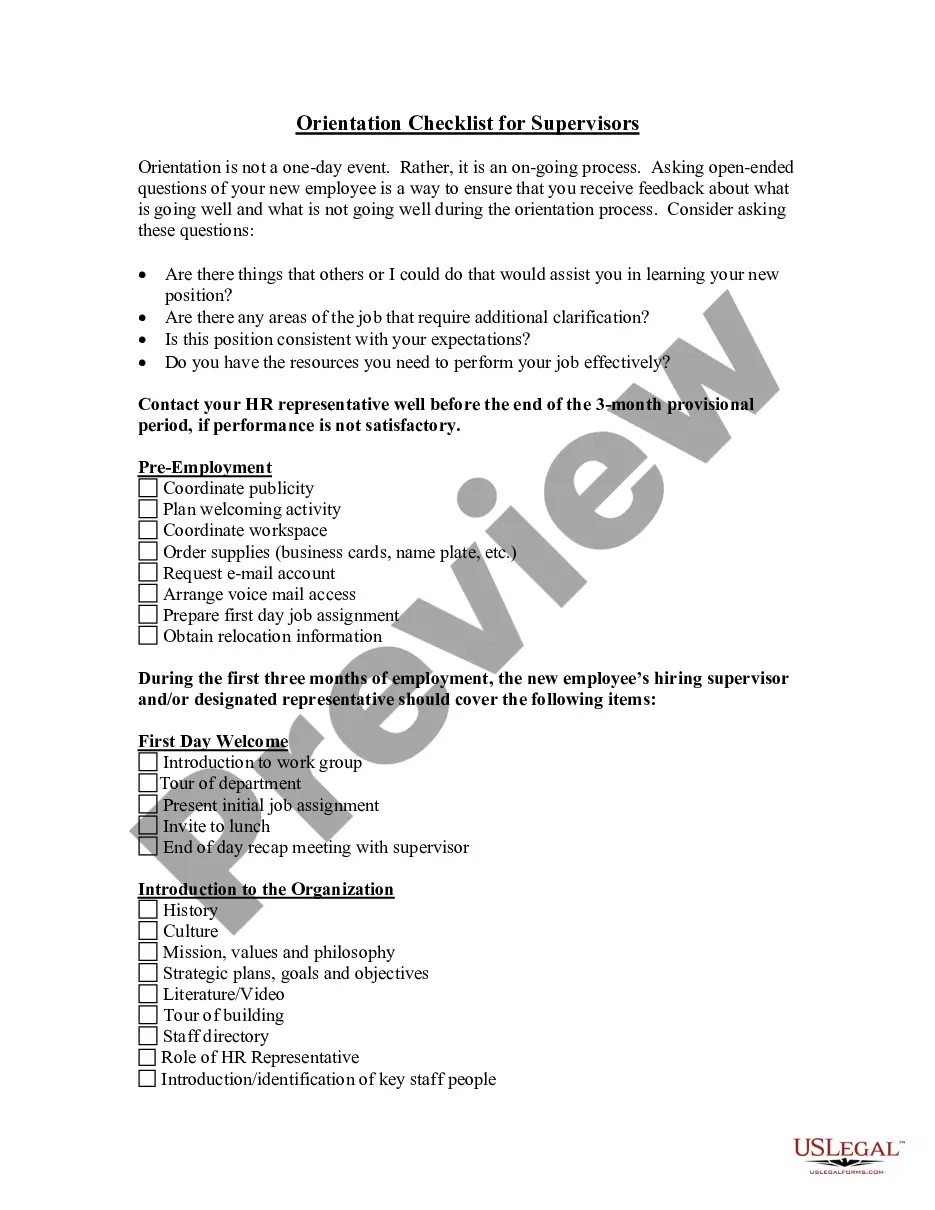
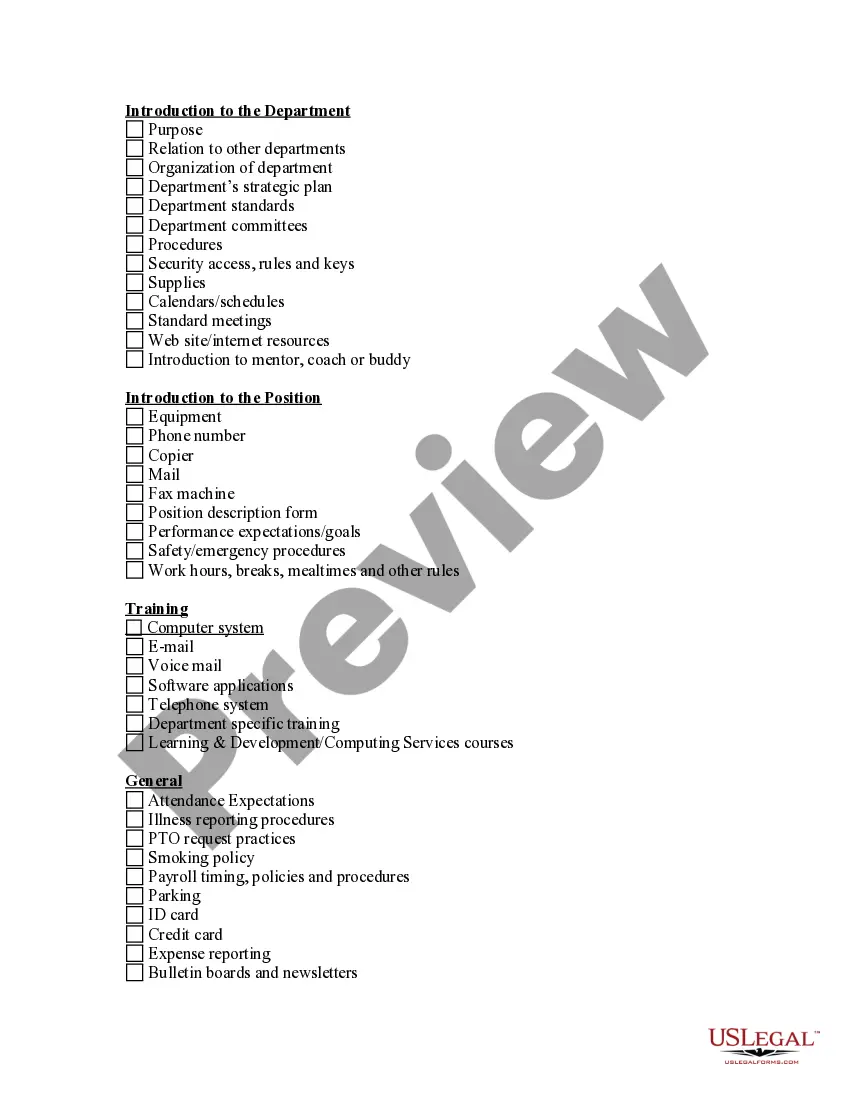
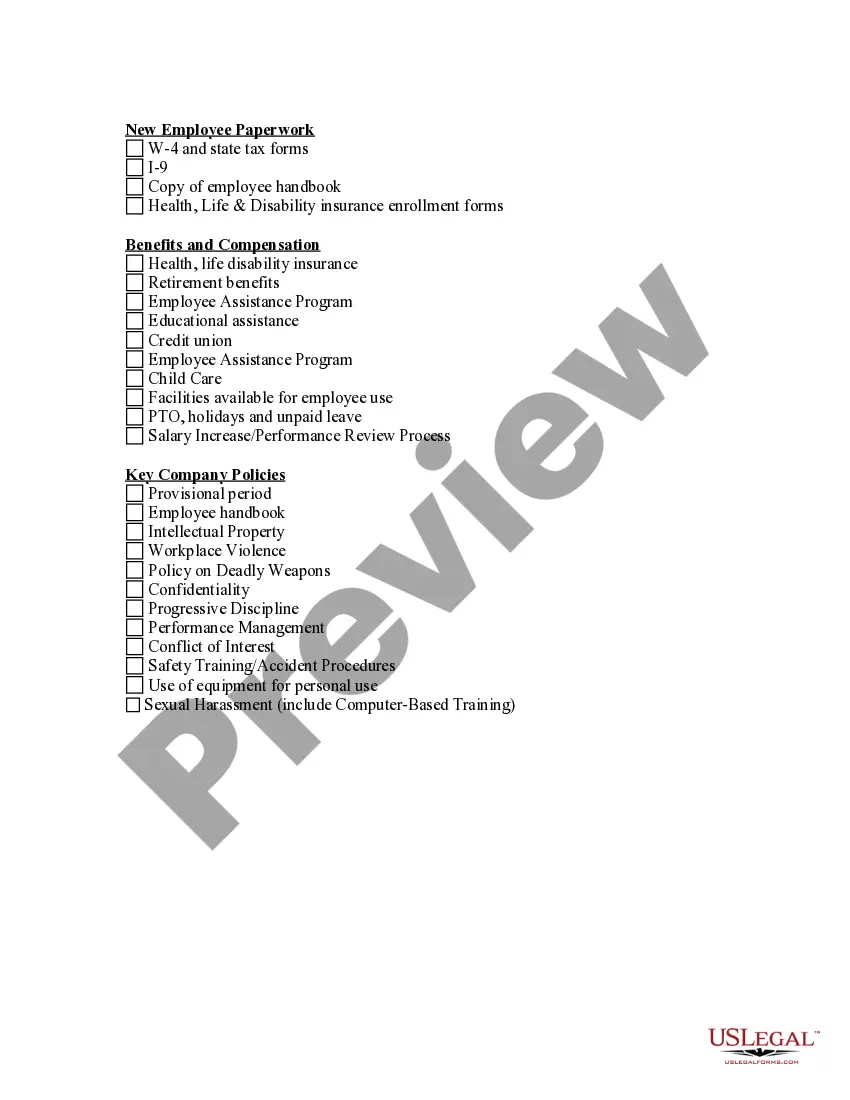
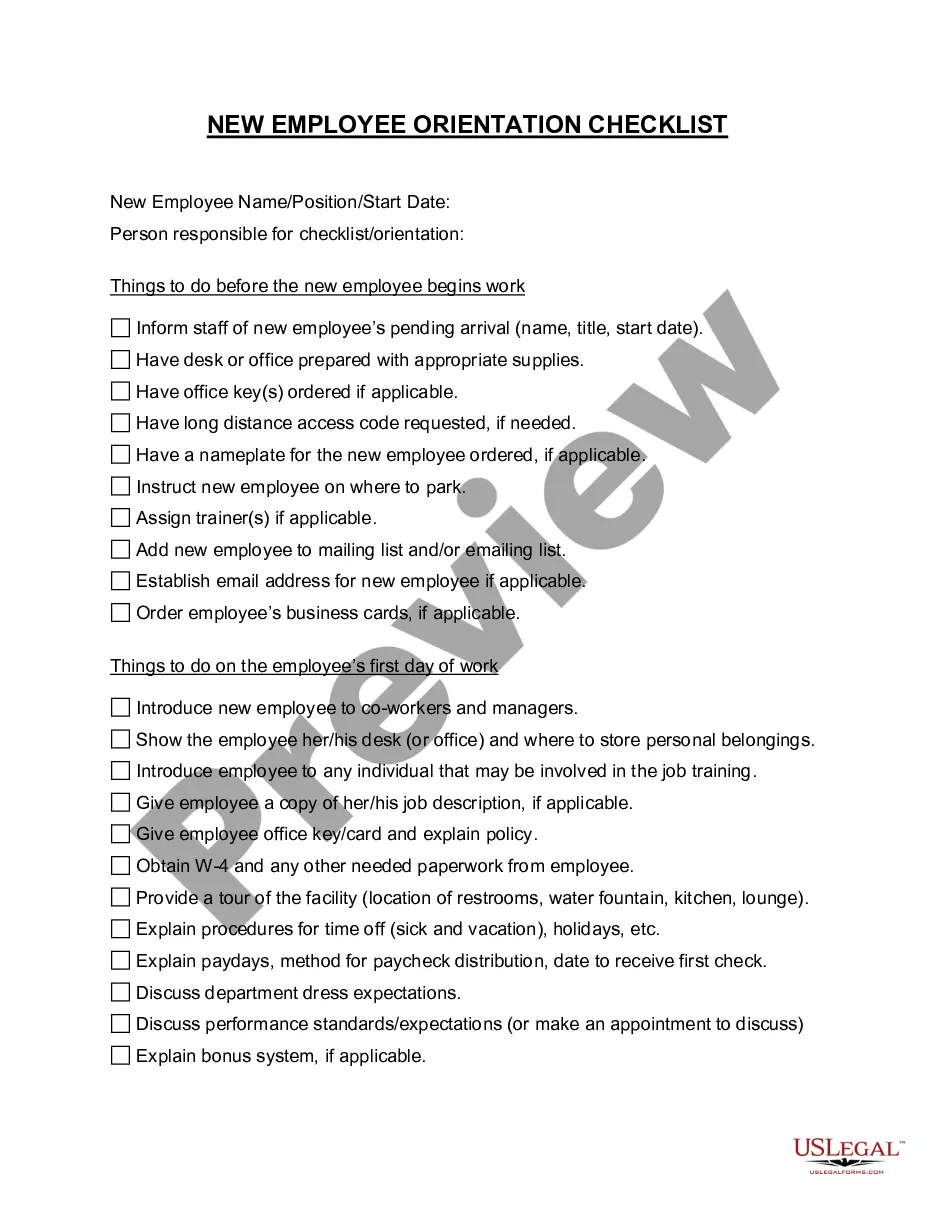
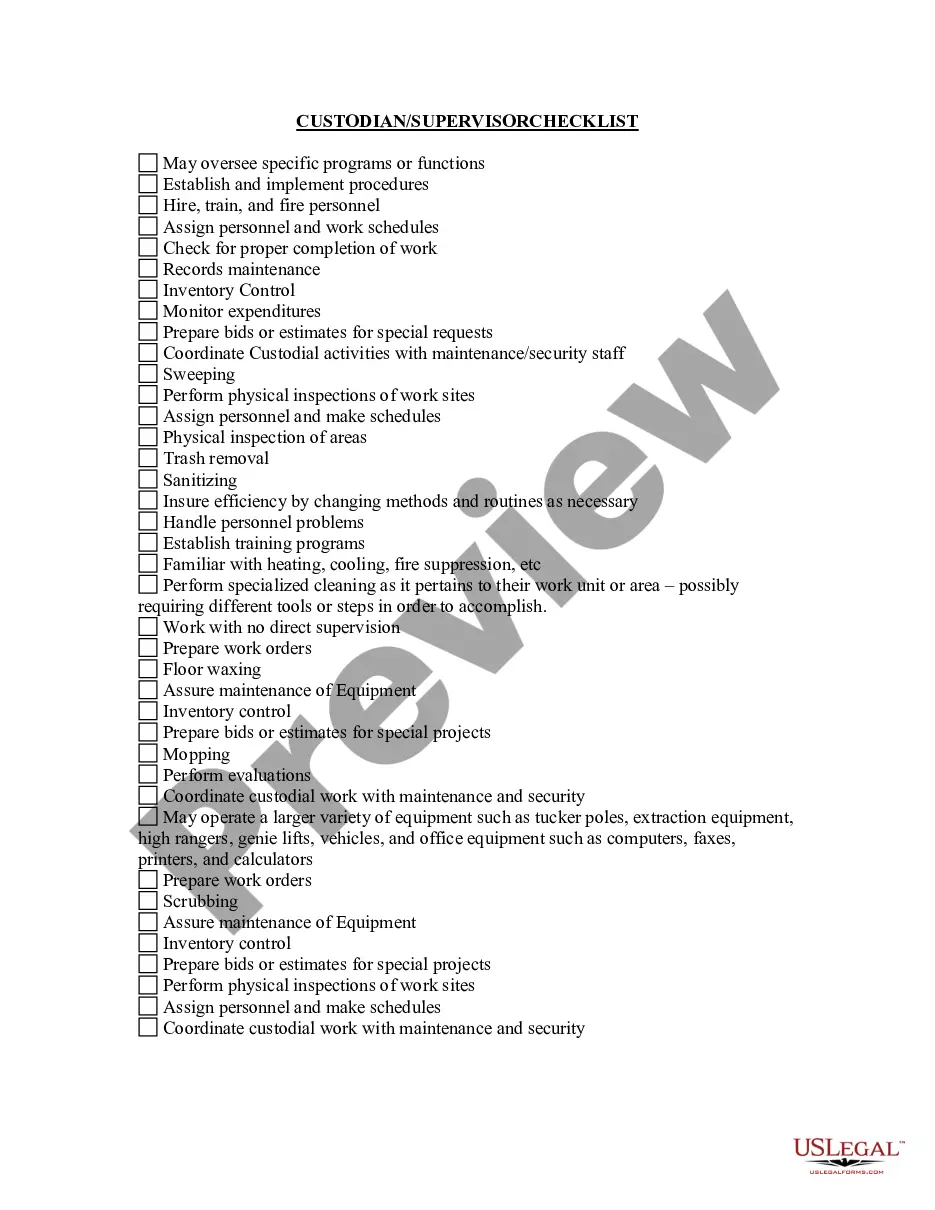
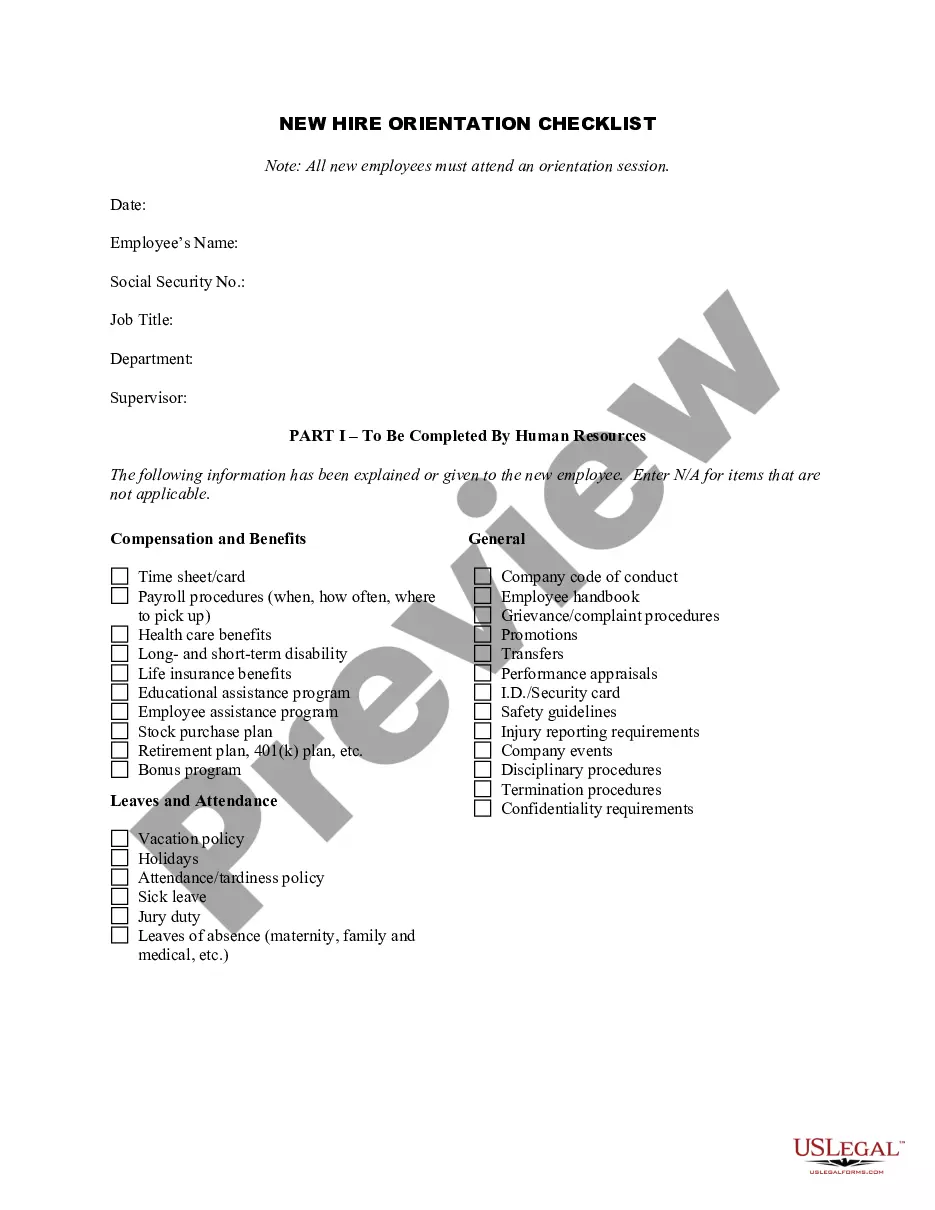
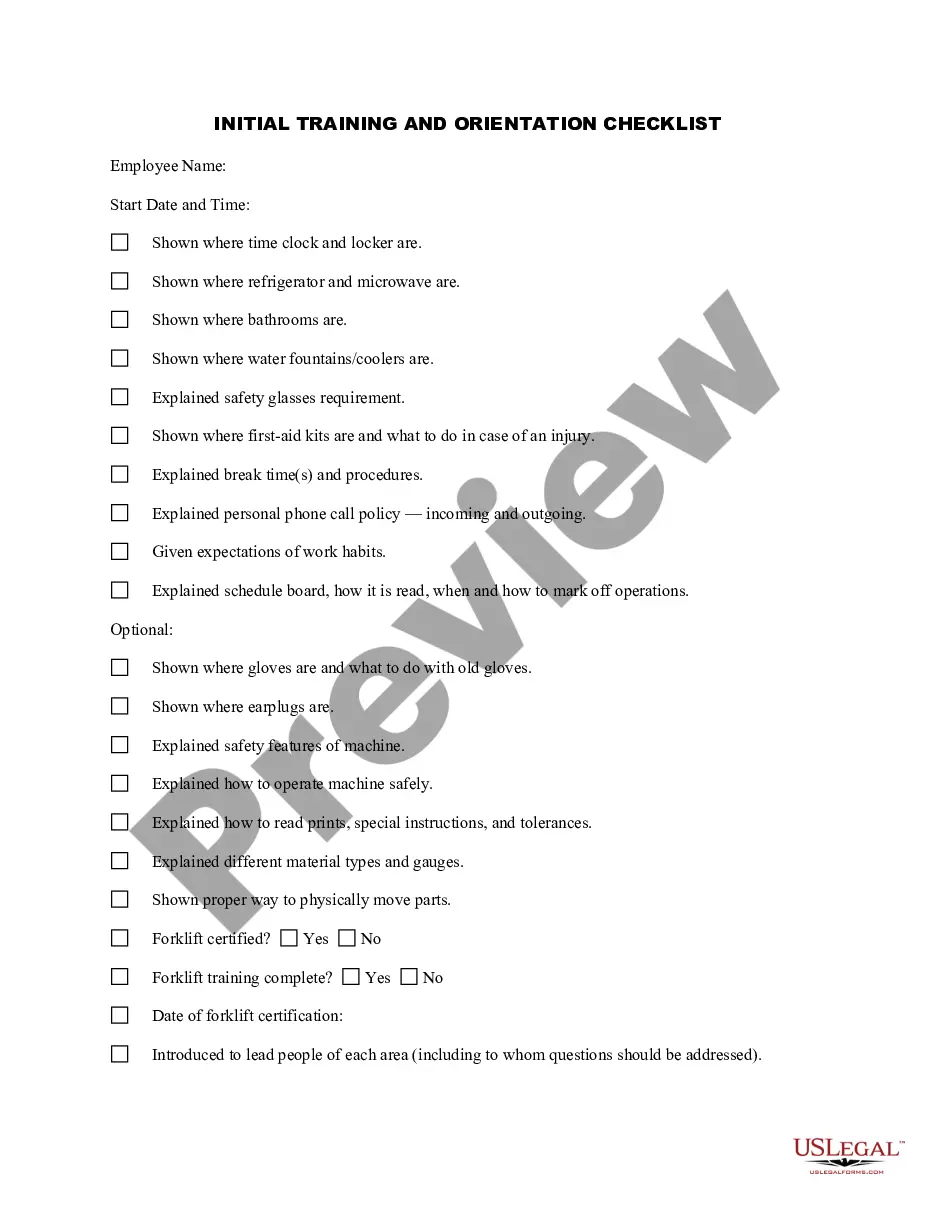
Get your form ready online
Our built-in tools help you complete, sign, share, and store your documents in one place.
Make edits, fill in missing information, and update formatting in US Legal Forms—just like you would in MS Word.
Download a copy, print it, send it by email, or mail it via USPS—whatever works best for your next step.
Sign and collect signatures with our SignNow integration. Send to multiple recipients, set reminders, and more. Go Premium to unlock E-Sign.
If this form requires notarization, complete it online through a secure video call—no need to meet a notary in person or wait for an appointment.
We protect your documents and personal data by following strict security and privacy standards.

Make edits, fill in missing information, and update formatting in US Legal Forms—just like you would in MS Word.

Download a copy, print it, send it by email, or mail it via USPS—whatever works best for your next step.

Sign and collect signatures with our SignNow integration. Send to multiple recipients, set reminders, and more. Go Premium to unlock E-Sign.

If this form requires notarization, complete it online through a secure video call—no need to meet a notary in person or wait for an appointment.

We protect your documents and personal data by following strict security and privacy standards.
Looking for another form?
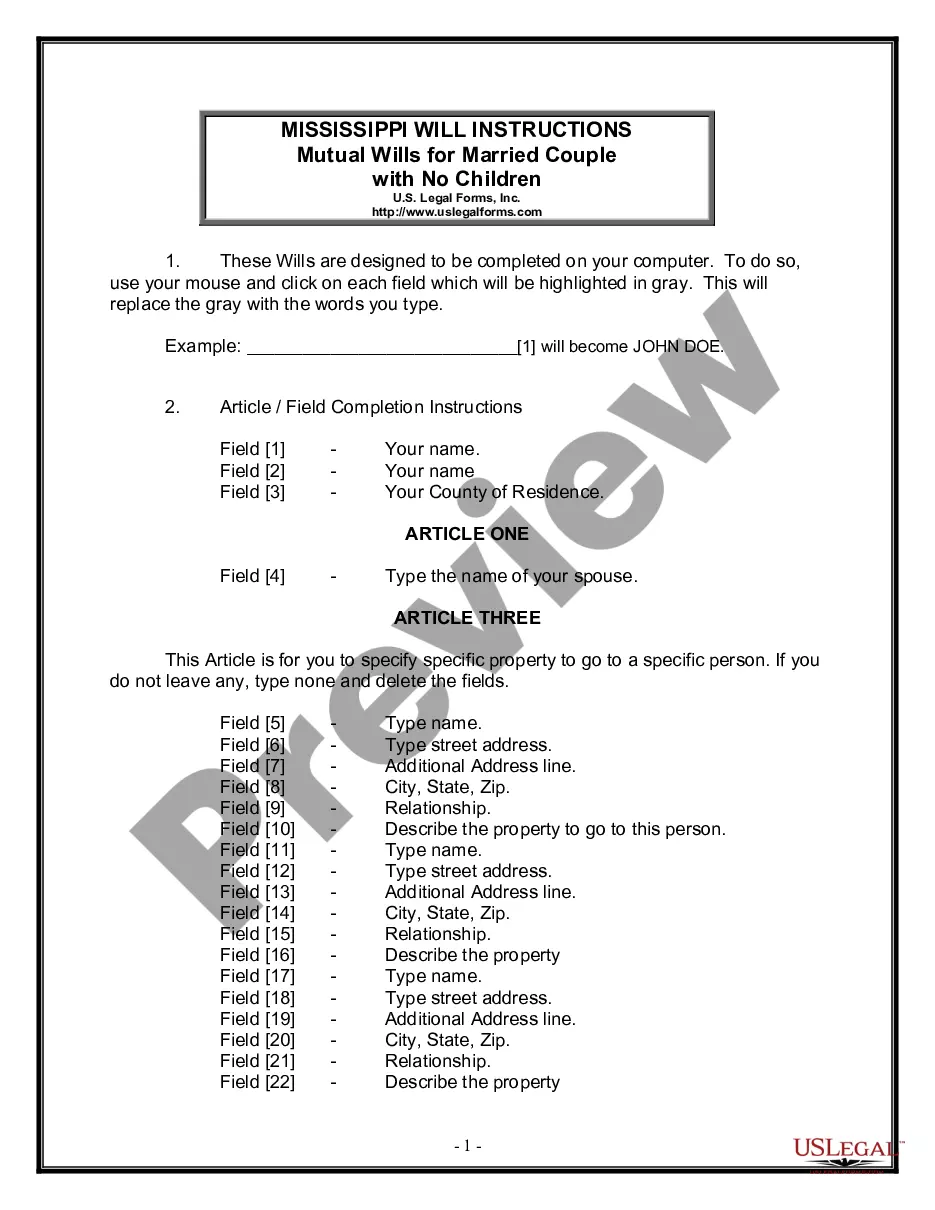

How to fill out Orientation Checklist For Supervisors?
- First, log in to your account. If you're a returning user, ensure your subscription is active. If necessary, renew it according to your payment plan.
- Preview your selected form to verify it matches your needs and jurisdiction requirements.
- If the form isn't suitable, utilize the Search feature to explore other templates in our extensive library.
- Choose your form and click the Buy Now button, then select your preferred subscription plan. Registering an account is necessary for access to the library.
- Complete your purchase by entering your credit card info or paying via PayPal for your subscription.
- Finally, download your form to your device or access it anytime from the My Forms section of your profile.
By following these steps, you'll efficiently navigate the US Legal Forms platform and obtain the necessary documents with ease.
Start your legal journey today by visiting US Legal Forms and experience the benefits of having precise, legally sound documents at your fingertips.
Form popularity
FAQ
Orientation 1 in EXIF data means that the image is in its default position, typically upright. This value indicates no rotation or flipping is necessary for correct display. Understanding this terminology can help you troubleshoot image issues effectively. Whenever you're unsure about how to get-orientation sorted, referring to these values can guide you in the right direction.
Exif orientation is a specific tag within the EXIF metadata that defines how an image should be displayed. It includes values that indicate whether the photo should be rotated or flipped. Recognizing EXIF orientation is vital for accurate image presentation. So, when you need to get-orientation for your photos, consider checking the EXIF data first.
Correcting image orientation involves rotating or flipping the image to ensure it displays properly. You can use various software programs and online tools to adjust the orientation effortlessly. Many platforms even offer automatic adjustments based on EXIF data to simplify the process. With solutions like US Legal Forms, you can get-orientation right every time.
EXIF stands for Exchangeable Image File Format, which stores metadata about a photo. This data includes details like camera settings, date and time of capture, and orientation. Understanding EXIF information can help you adjust images effectively for the best presentation. By using tools to manage EXIF data, you can easily get-orientation resolved.
Orientation in an image is the way the image is displayed based on the direction in which a camera captured it. It impacts how viewers perceive the image, affecting their experience. If an image appears tilted or rotated, users may struggle to understand its content. Make it easier for your audience to enjoy your work by learning how to get-orientation aligned properly.
The orientation of an image refers to its alignment or position relative to the viewer. This aspect determines whether the image appears upright, sideways, or upside down. Correct orientation is crucial for ensuring your images convey the intended message clearly. To get-orientation right, consider using tools that automatically adjust images for you.
If YouTube is not rotating on your iPhone, first check if the orientation lock is enabled in your device's control center. If this is off and the problem persists, consider updating your YouTube app or your iOS version. Adjusting these settings can resolve the issue and help you get-orientation seamlessly.
If your YouTube video doesn’t rotate with your device, ensure your device's auto-rotation is active. Sometimes, videos may need to be uploaded in the correct orientation. If you're facing consistent issues, platforms like USLegalForms can assist you in managing video settings or help with related legal documentation, ensuring you get-orientation effectively.
In Roblox, you can adjust the rotation of your model using your editing tools. Select the model you wish to rotate, then use the rotate feature to align it as desired. By understanding these controls, you can achieve the exact rotation you need, ensuring you get-orientation in your creations.
To open YouTube in a corner of your screen, switch to Picture-in-Picture mode if your device supports it. This feature allows you to watch videos while navigating other applications. You can often enable it through your device's settings, allowing you to get-orientation that enhances multitasking on YouTube.