Light Duty Forklift
Description

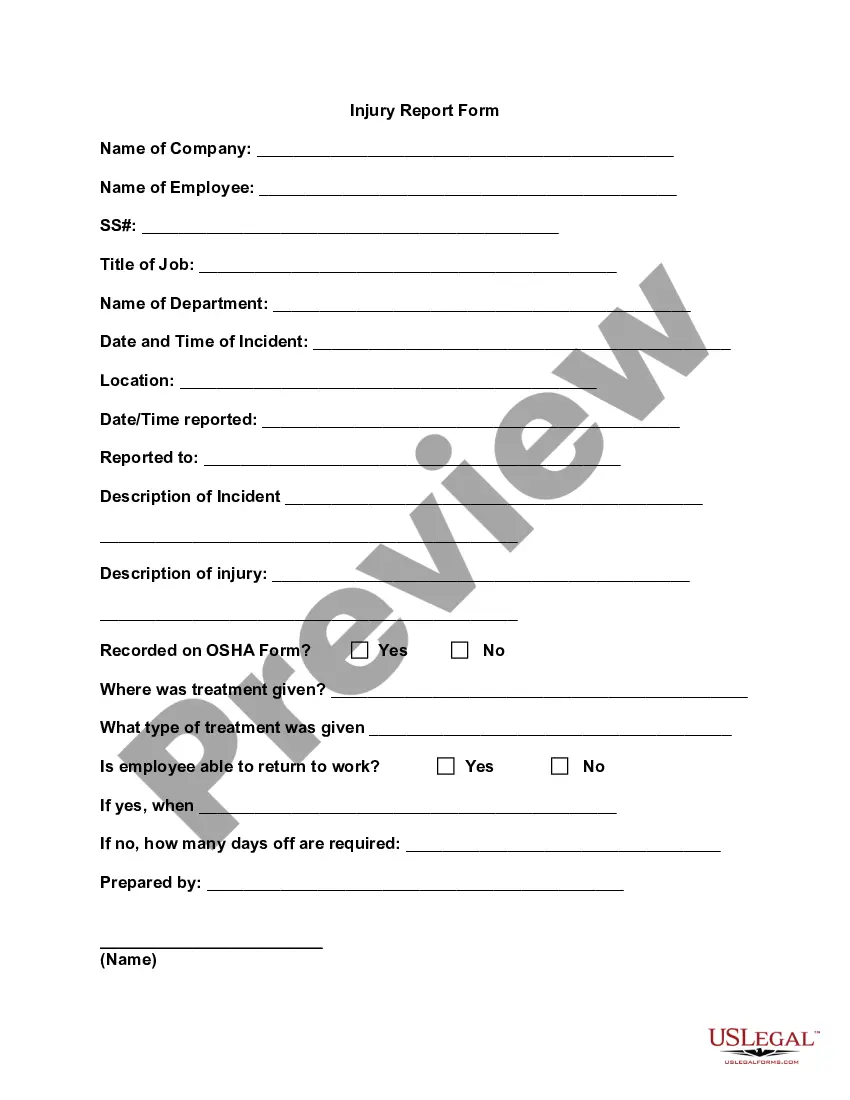
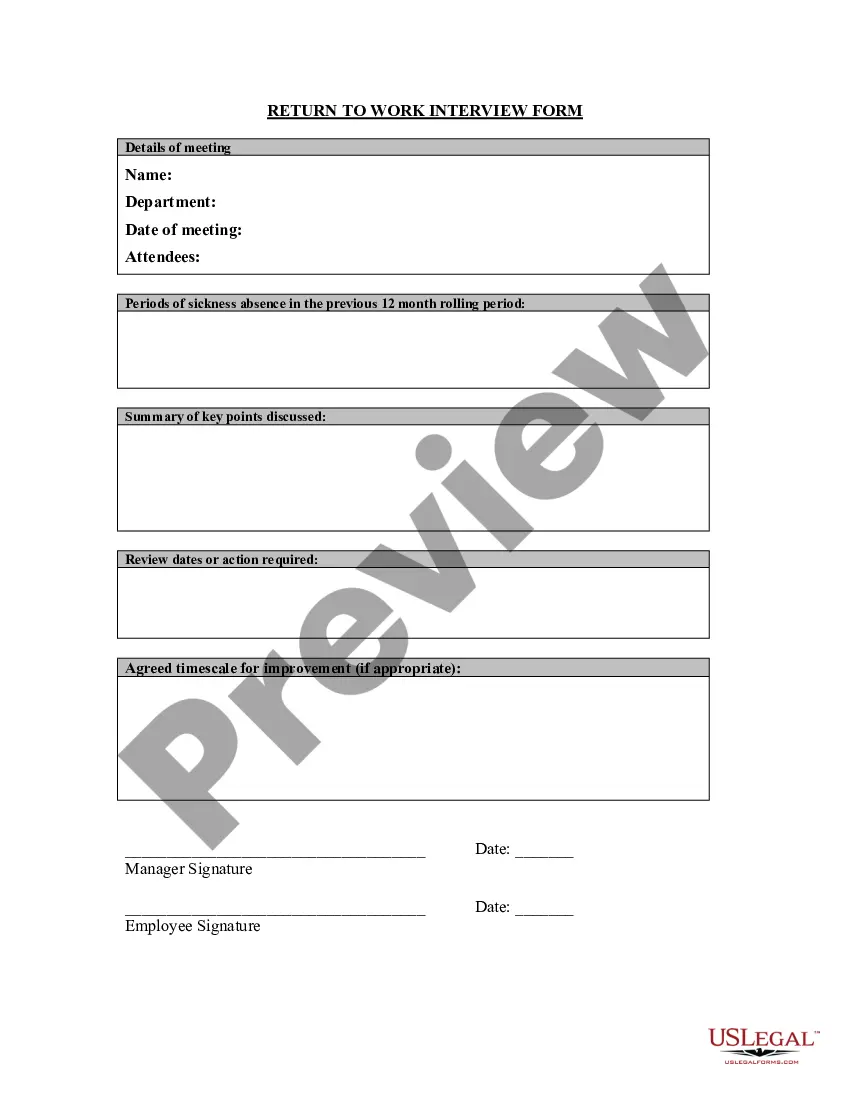
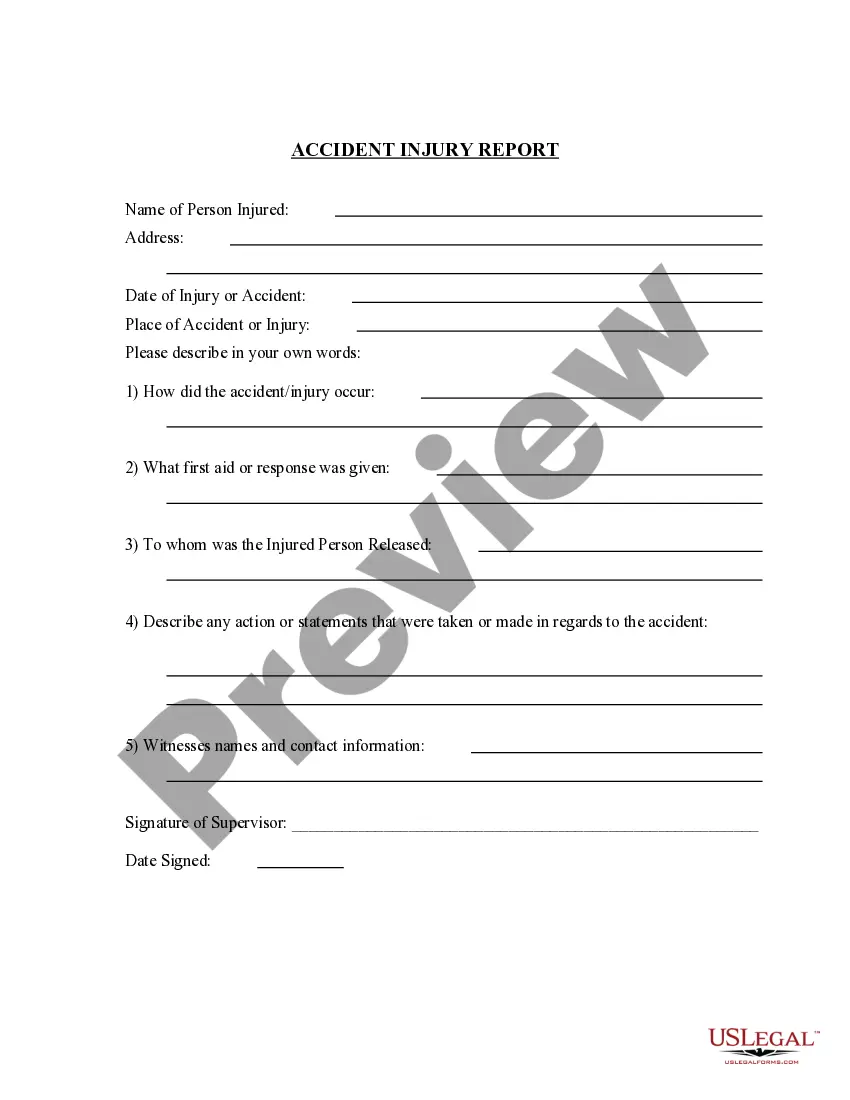


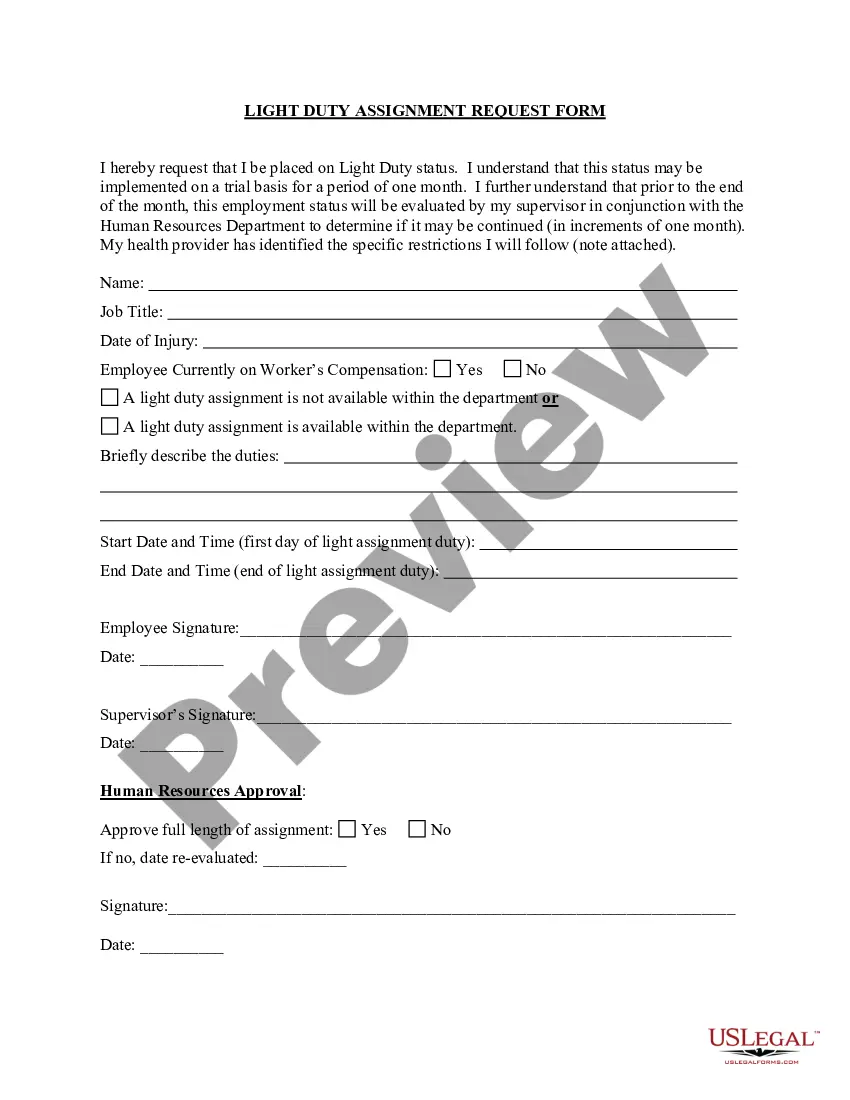
How to fill out Light Duty Assignment Request?
Engaging with legal documentation and processes may be a lengthy addition to the daily routine.
Light Duty Forklift and similar forms often necessitate searching for them and figuring out how to fill them out correctly.
As a result, whether you are managing financial, legal, or personal issues, utilizing a thorough and uncomplicated online compilation of forms at your disposal will greatly assist you.
US Legal Forms is the leading online resource for legal templates, boasting over 85,000 state-specific forms and numerous resources to help you complete your documentation with ease.
Simply Log In to your account, locate Light Duty Forklift and download it instantly from the My documents section. You can also access previously saved forms.
- Explore the collection of relevant documents accessible with just one click.
- US Legal Forms provides you with state- and county-specific forms available at any time for download.
- Safeguard your document management processes with a top-notch service that allows you to create any form in minutes without incurring additional or concealed fees.
Form popularity
FAQ
To get forklift certified, you must complete a training program that covers the safe operation of light duty forklifts. This training includes both classroom instruction and hands-on experience. Upon successfully passing the evaluation, you will receive a certification that proves your competence in operating a forklift, ensuring safety and compliance in the workplace.
Go to the upper-right corner and select the option that says Add and Edit Form Fields. Then go to the Form Fields options to the left, select Text box, and place it anywhere on the PDF.
Steps to add a signature block to a PDF. Open the PDF with Adobe Acrobat. Select Tools at the top left of the screen. In the Forms & Signature sections, choose Prepare Form. Select Start. Choose the Add a Signature block icon from the tools ribbon. Move your cursor to where you want to place the block and click.
How to create an interactive date field with a date picker in a... Open form editing mode by going to Forms -> Create/Edit Forms. Click on a text field icon on toolbar and put it in your document. Right click on text field -> select Properties. Change to Format tab. Select Date/Time format on the dropdown box.
How to add digital signature to PDF with date and time Upload your PDF document; Select the Signature field on the left; Design & Insert your digital signature; Select the Date Field button on same menu; Click anywhere to insert the date and time on the PDF; Apply changes and Download.
Adobe Acrobat Open the necessary PDF form, choose Forms & Signatures > Prepare Form and click Add a Date Field. Drag it to the designated place in your form. Double-click the field to open its Properties. ... In Date Format in the toolbar on the right, select the date format in the dropdown menu.
Adding a Combo Box (Dropdown Menu) to a form Step 1 - Choose the Combo Box feature. ... Step 2 - Place the field on your PDF. ... Step 3 - Set your Combo Box properties. ... Step 4 - Choose Value List Option. ... Step 5 - Add Values. ... Step 6 - Edit Public Name and Value Name. ... Step 7 - Confirm the new value list. ... Step 8 - Test the Combo Box.
Manage time stamp authorities Select Security > IDs and Certificates > Manage Digital Identities. The Security Settings dialog box appears. Select Time Stamp Servers in the list on the left. ... If there are existing time stamp authorities, you can set the default one, you can edit or remove them.