Interview Feedback Forms With No Response
Description
Get your form ready online
Our built-in tools help you complete, sign, share, and store your documents in one place.
Make edits, fill in missing information, and update formatting in US Legal Forms—just like you would in MS Word.
Download a copy, print it, send it by email, or mail it via USPS—whatever works best for your next step.
Sign and collect signatures with our SignNow integration. Send to multiple recipients, set reminders, and more. Go Premium to unlock E-Sign.
If this form requires notarization, complete it online through a secure video call—no need to meet a notary in person or wait for an appointment.
We protect your documents and personal data by following strict security and privacy standards.

Make edits, fill in missing information, and update formatting in US Legal Forms—just like you would in MS Word.

Download a copy, print it, send it by email, or mail it via USPS—whatever works best for your next step.

Sign and collect signatures with our SignNow integration. Send to multiple recipients, set reminders, and more. Go Premium to unlock E-Sign.

If this form requires notarization, complete it online through a secure video call—no need to meet a notary in person or wait for an appointment.

We protect your documents and personal data by following strict security and privacy standards.
Looking for another form?

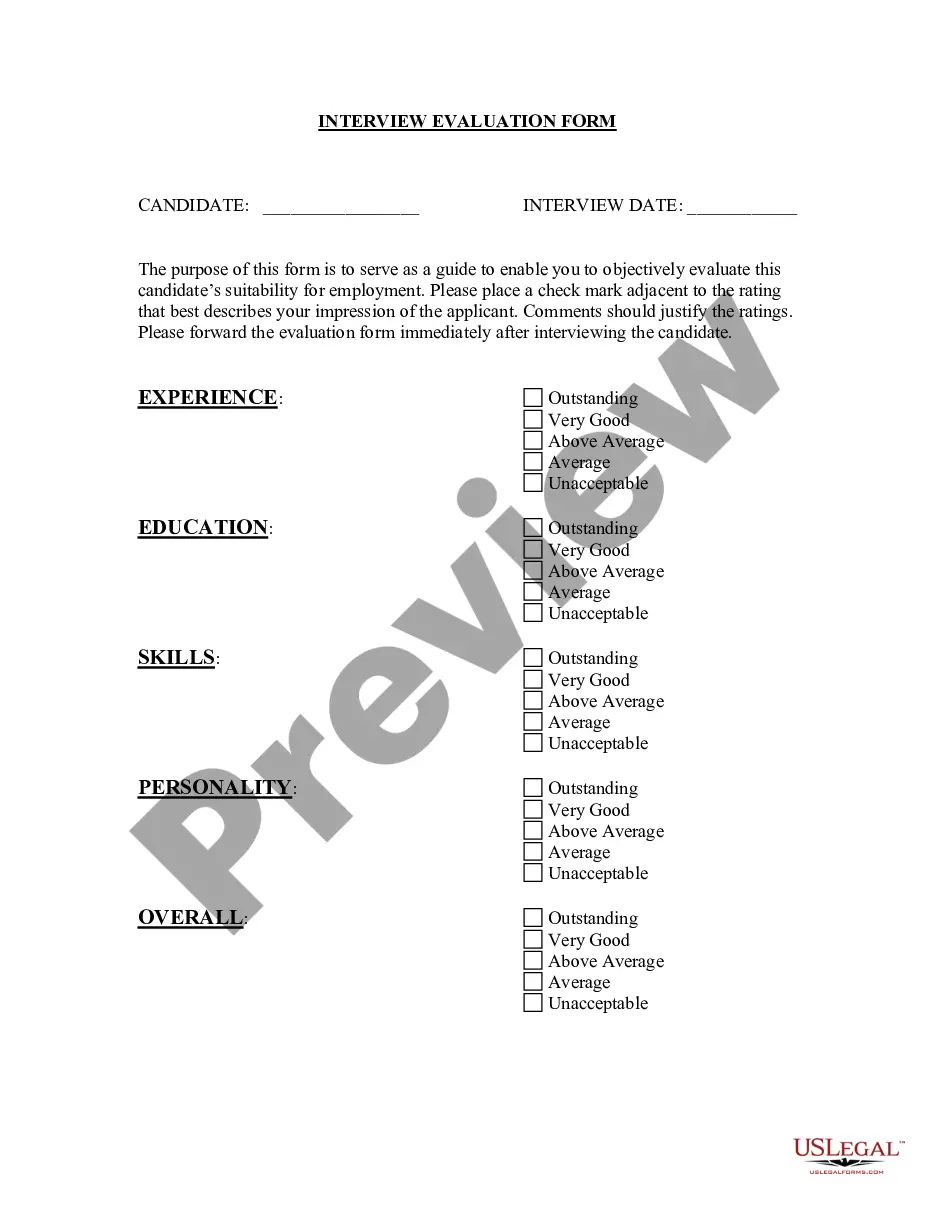
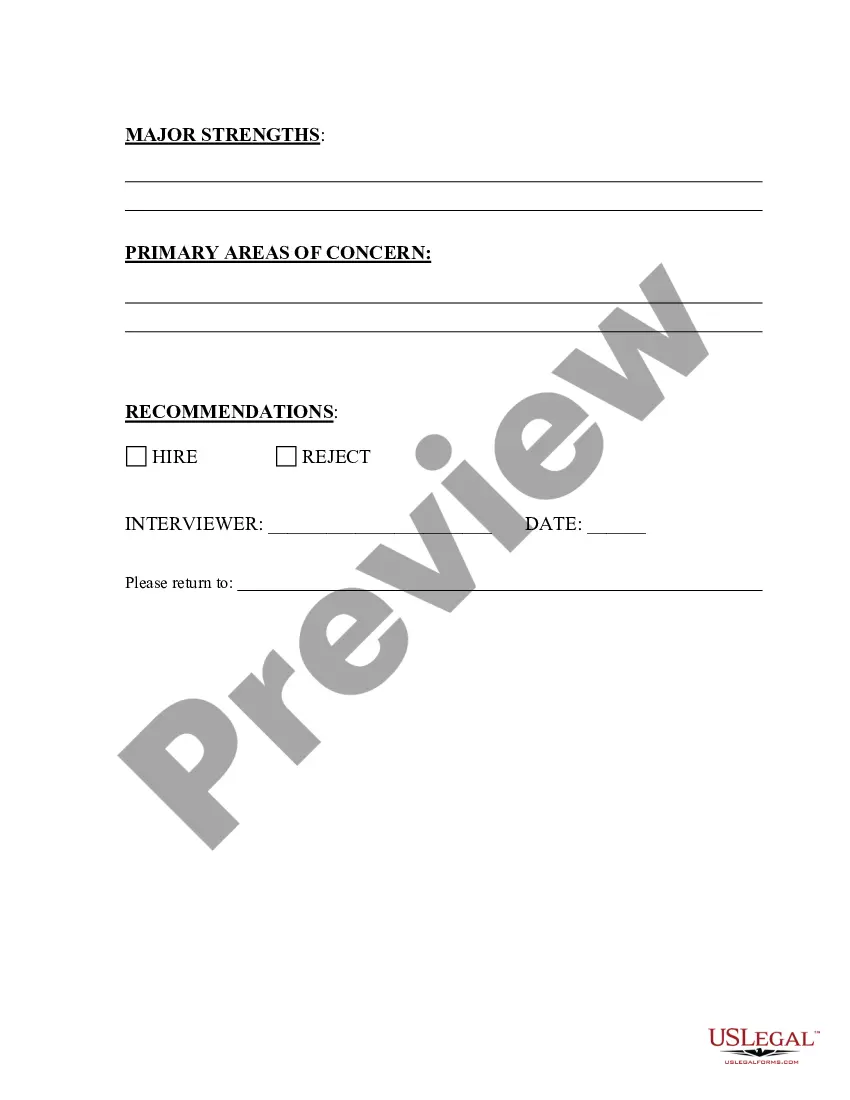
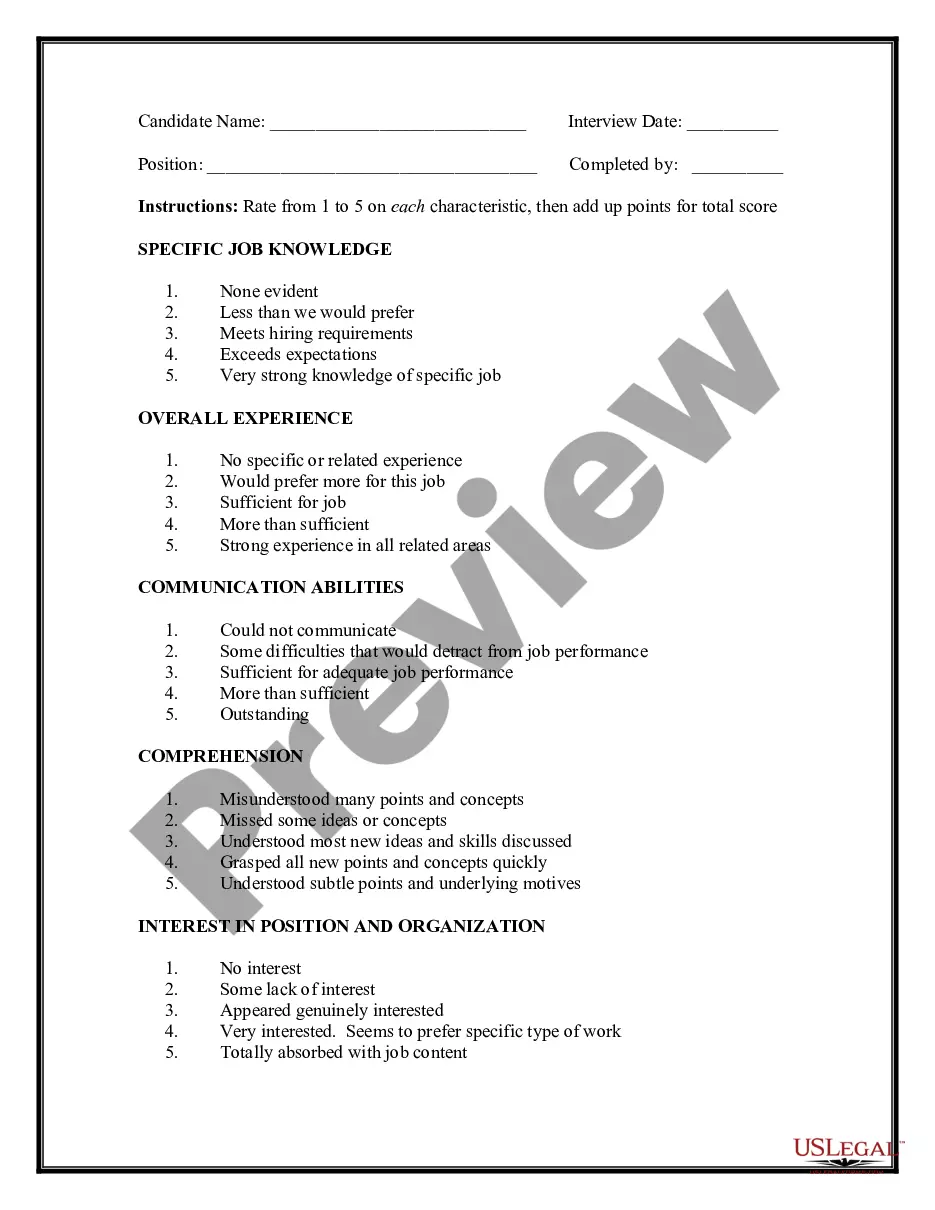
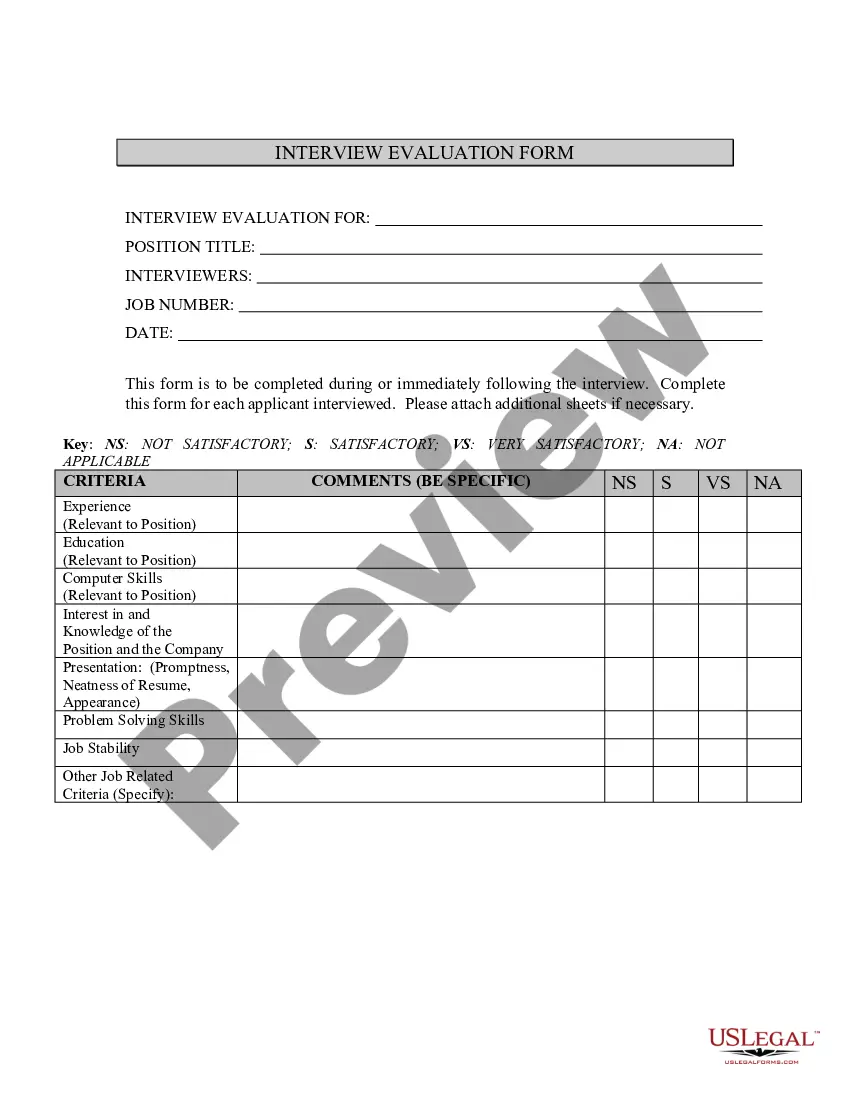
How to fill out Interview Evaluation Form - Checklist With Hiring Recommendation?
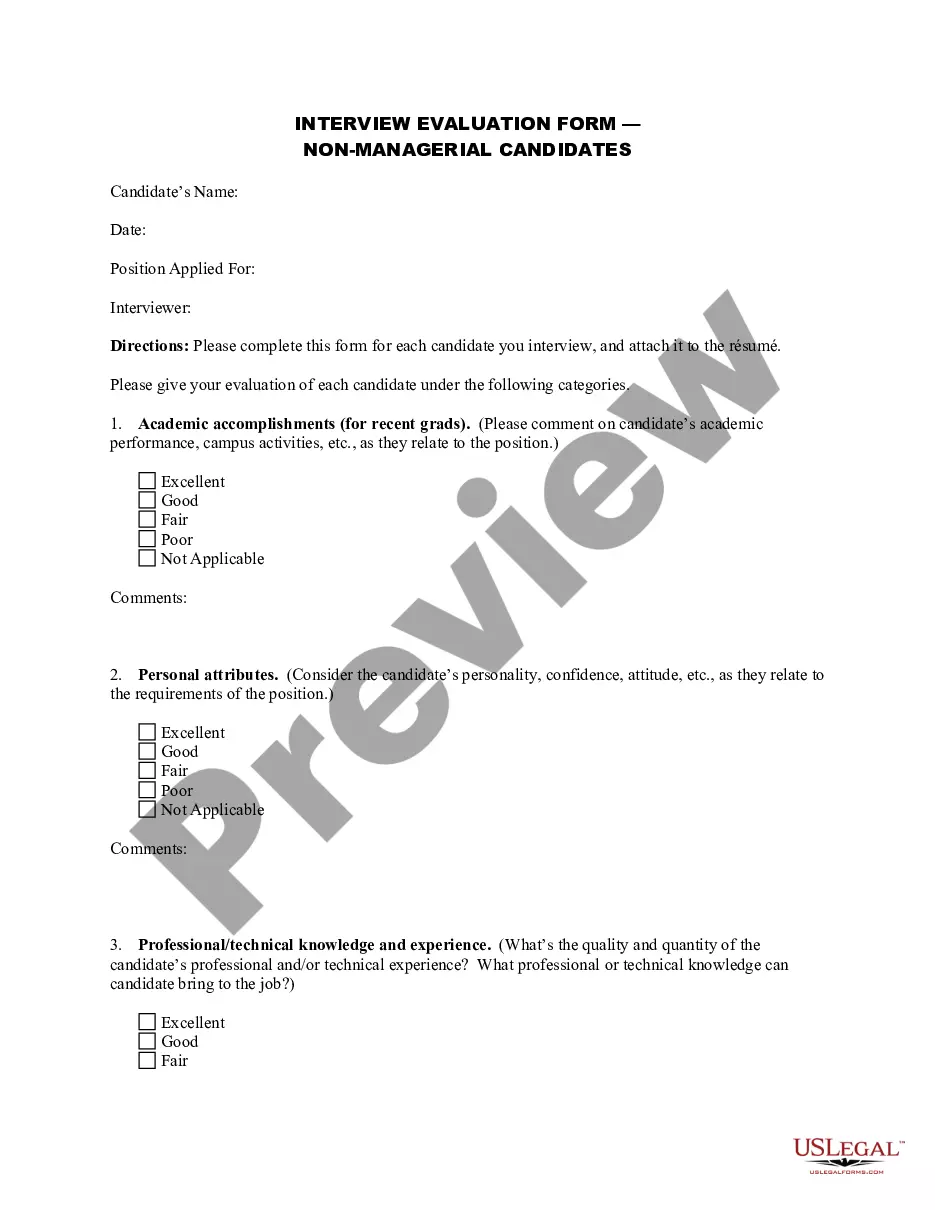
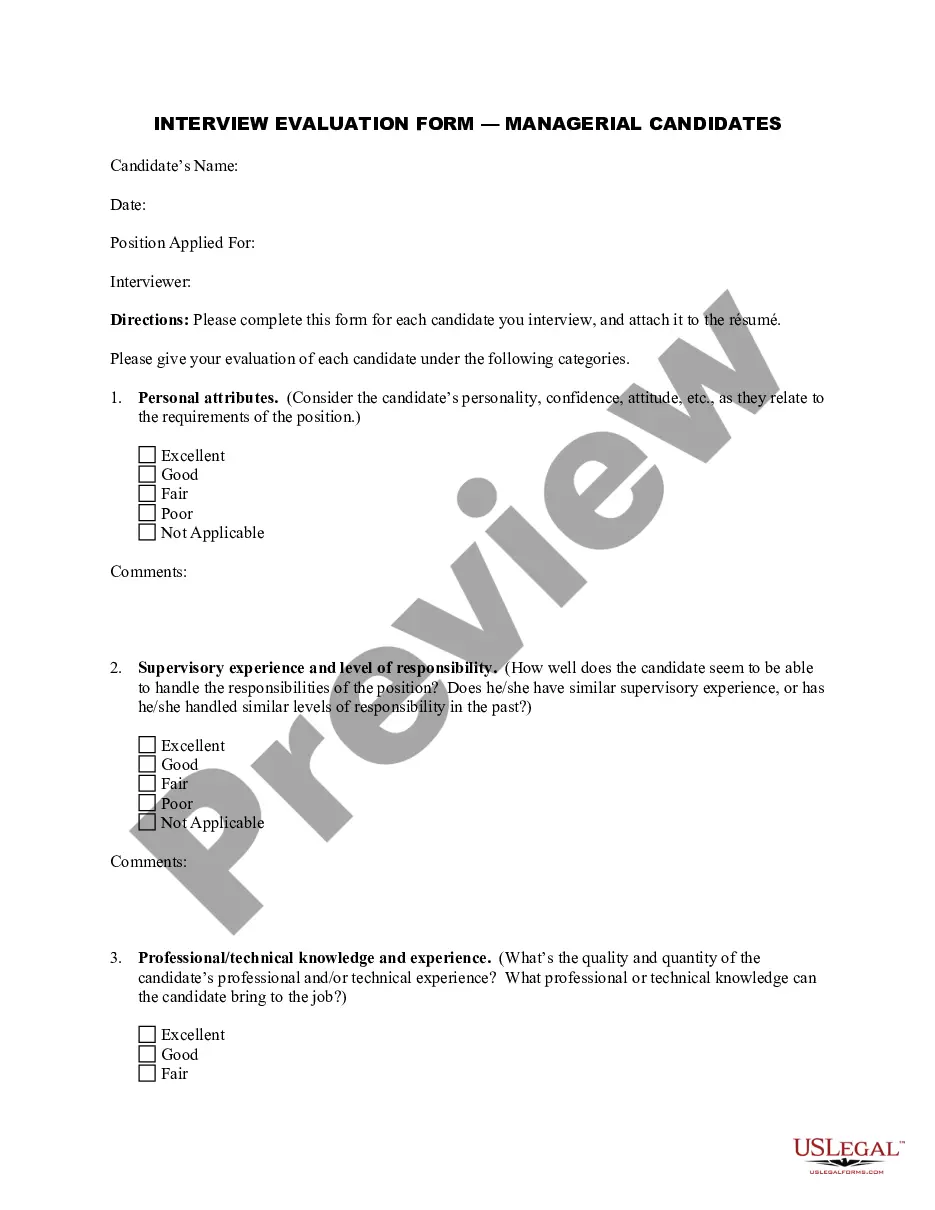
The Interview Feedback Forms Without Responses displayed on this page is a reusable formal template created by qualified attorneys in accordance with federal and state laws.
For over 25 years, US Legal Forms has supplied individuals, businesses, and legal experts with more than 85,000 validated, state-specific documents for any business and personal circumstance. It’s the fastest, simplest, and most dependable method to acquire the necessary paperwork, as the service ensures the utmost level of data safety and anti-virus protection.
Select the format you prefer for your Interview Feedback Forms Without Responses (PDF, Word, RTF) and download the sample onto your device.
- Search for the document you require and review it.
- Browse through the file you searched and preview it or read the form description to verify it meets your requirements. If it does not, use the search bar to locate the correct one. Click Buy Now when you have found the template you seek.
- Register and Log In.
- Select the pricing plan that fits your needs and create an account. Use PayPal or a credit card for a swift payment. If you already possess an account, Log In and verify your subscription to proceed.
- Acquire the editable template.
Form popularity
FAQ
Interview feedback form template INTERVIEW FEEDBACK FORM. Name of Candidate: Name of Interviewer(s) ... QUESTIONS. Please determine candidate suitability for role using the following scale: ... Essential Requirements. ... Desirable Qualities. ... Company Values. ... Overall Comments: ... Recommendation: Hire:
How to Write a Follow-Up Email After No Response Don't follow up too quickly. Ask yourself if you included a close in your first attempt. Resist the urge to re-send your first email. Write a truthful subject line. Start the message with a reminder of your last touchpoint.
What to include in a follow-up email after no response? your name. the topic of business. how you contacted the recipient previously and when. your documents/attachments/portfolio/website. call to action. contact details.
Yes, you can send a follow-up interview email after getting no response. Ask for constructive feedback to help keep the conversation flowing. That way, if you don't get the job, you may learn more about why. Most importantly, remember to be proactive ? never reactive ? and always respectful.
How to Write a Follow-Up Email After No Response Don't follow up too quickly. Ask yourself if you included a close in your first attempt. Resist the urge to re-send your first email. Write a truthful subject line. Start the message with a reminder of your last touchpoint.