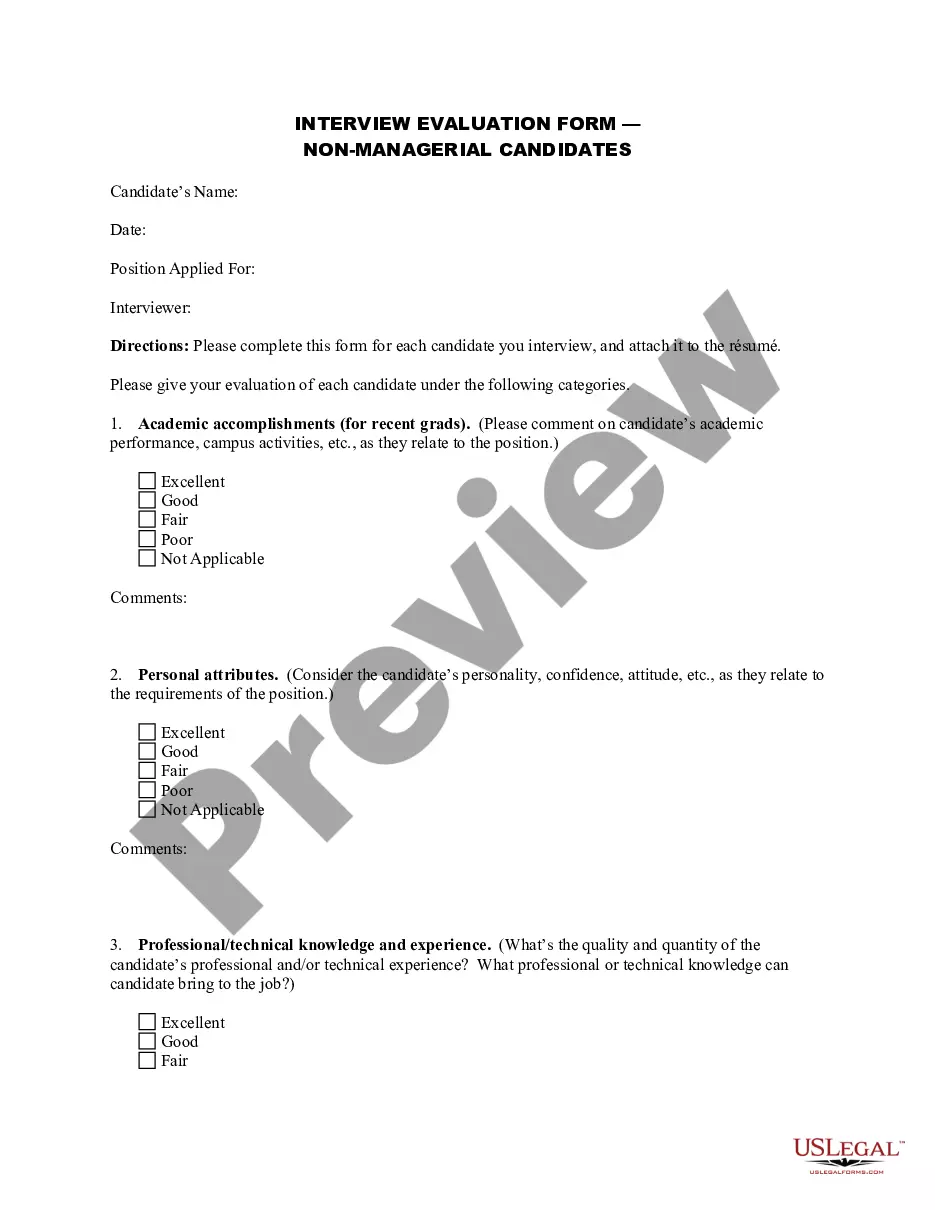
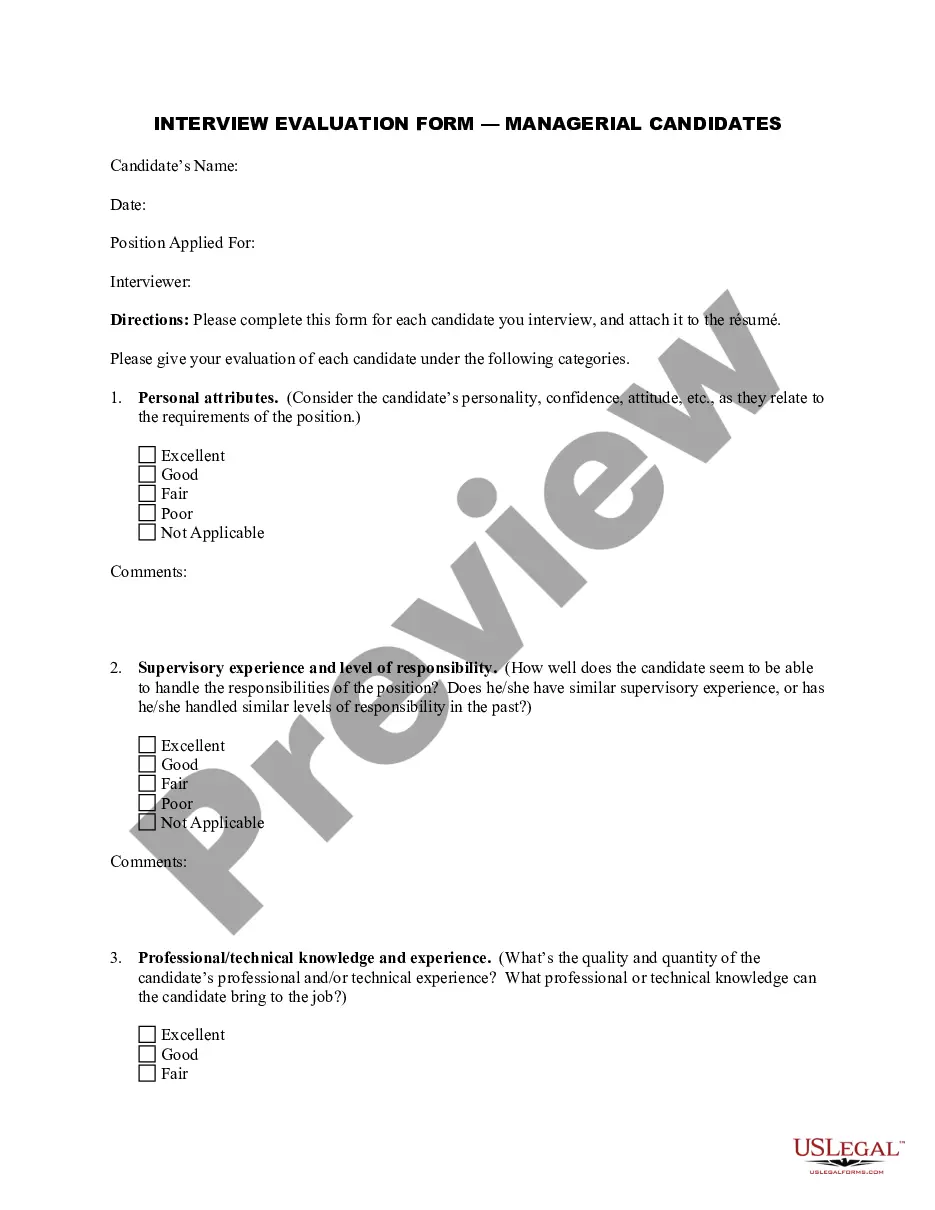
Interview Evaluation Sheet For Sales Executive
Description
Get your form ready online
Our built-in tools help you complete, sign, share, and store your documents in one place.
Make edits, fill in missing information, and update formatting in US Legal Forms—just like you would in MS Word.
Download a copy, print it, send it by email, or mail it via USPS—whatever works best for your next step.
Sign and collect signatures with our SignNow integration. Send to multiple recipients, set reminders, and more. Go Premium to unlock E-Sign.
If this form requires notarization, complete it online through a secure video call—no need to meet a notary in person or wait for an appointment.
We protect your documents and personal data by following strict security and privacy standards.

Make edits, fill in missing information, and update formatting in US Legal Forms—just like you would in MS Word.

Download a copy, print it, send it by email, or mail it via USPS—whatever works best for your next step.

Sign and collect signatures with our SignNow integration. Send to multiple recipients, set reminders, and more. Go Premium to unlock E-Sign.

If this form requires notarization, complete it online through a secure video call—no need to meet a notary in person or wait for an appointment.

We protect your documents and personal data by following strict security and privacy standards.
Looking for another form?






How to fill out Interview Evaluation Form - Checklist With Hiring Recommendation?
Regardless of whether for commercial intentions or personal matters, everyone must confront legal circumstances at some point in their existence.
Completing legal paperwork demands meticulous consideration, beginning with selecting the appropriate form example.
With an extensive US Legal Forms catalog available, you will never have to waste time searching for the right template online. Use the library’s user-friendly navigation to locate the suitable template for any occasion.
- For instance, if you choose an incorrect version of the Interview Evaluation Sheet For Sales Executive, it will be declined upon submission.
- Thus, it is crucial to have a reliable source of legal documents like US Legal Forms.
- If you wish to acquire a sample of the Interview Evaluation Sheet For Sales Executive, follow these straightforward steps.
- Search for the template you require using the search bar or catalog navigation.
- Review the form’s details to ensure it aligns with your circumstances, state, and locality.
- Click on the form’s preview to examine it.
- If it is the wrong document, return to the search feature to find the Interview Evaluation Sheet For Sales Executive sample you need.
- Obtain the template when it fits your requirements.
- If you already possess a US Legal Forms account, click Log in to access previously saved documents in My documents.
- Should you not have an account yet, you can download the form by clicking Buy now.
- Choose the suitable pricing option.
- Fill out the account registration form.
- Select your payment method: use a credit card or PayPal account.
- Choose the document format you desire and download the Interview Evaluation Sheet For Sales Executive.
- After downloading, you can complete the form using editing software or print it and finish it manually.
Form popularity
FAQ
Share specific examples. Make suggestions about what they could do differently in future. Offer feedback on any or all parts of the hiring process ? not just the interviews. Give positive feedback and praise to build their confidence..
How Do You Write Feedback for an Interview? First, provide an answer. (Are you hiring them? ... Explain their strengths. (E.g. The candidate demonstrated excellent communication skills. ... Explain why they weren't a good fit for the company or talk about areas where they can improve. ... Summarise the experience and next steps.
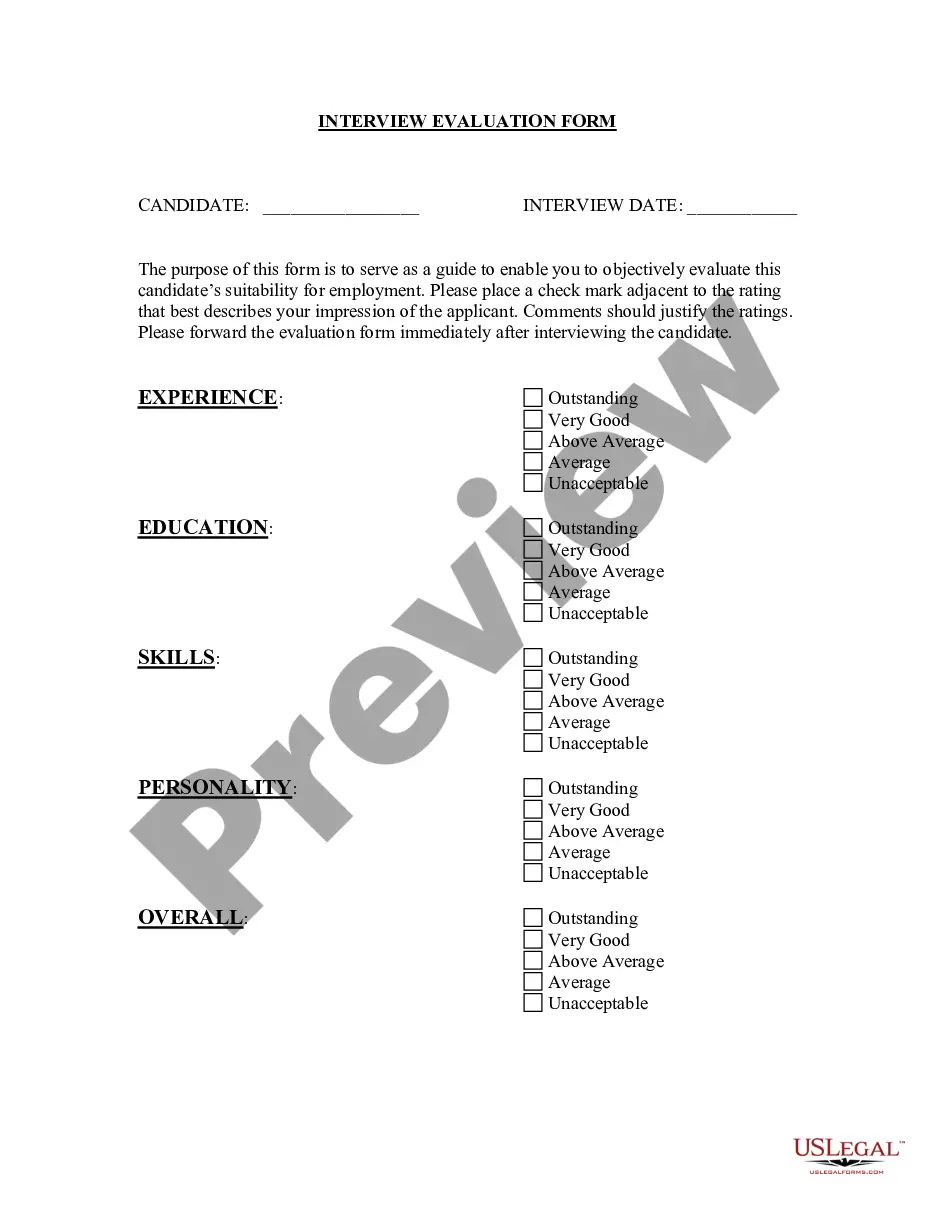
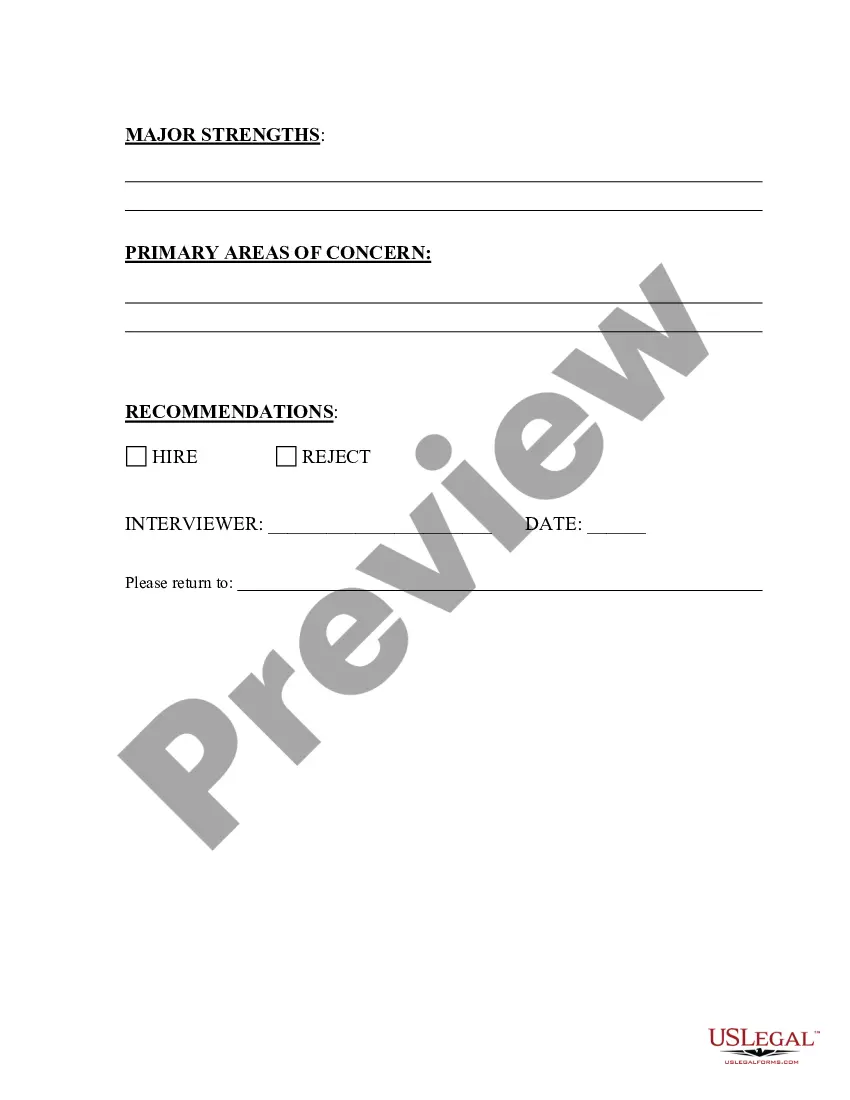
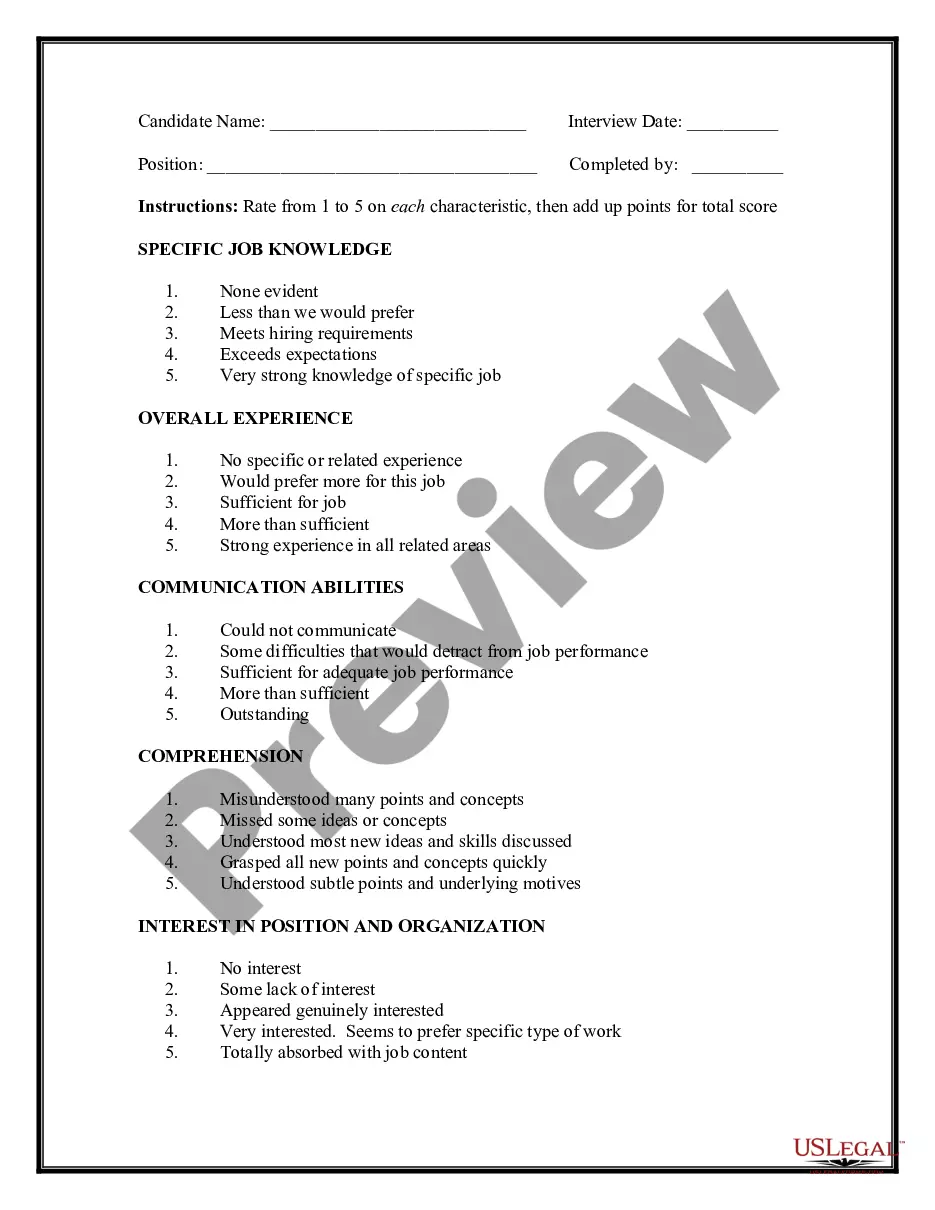
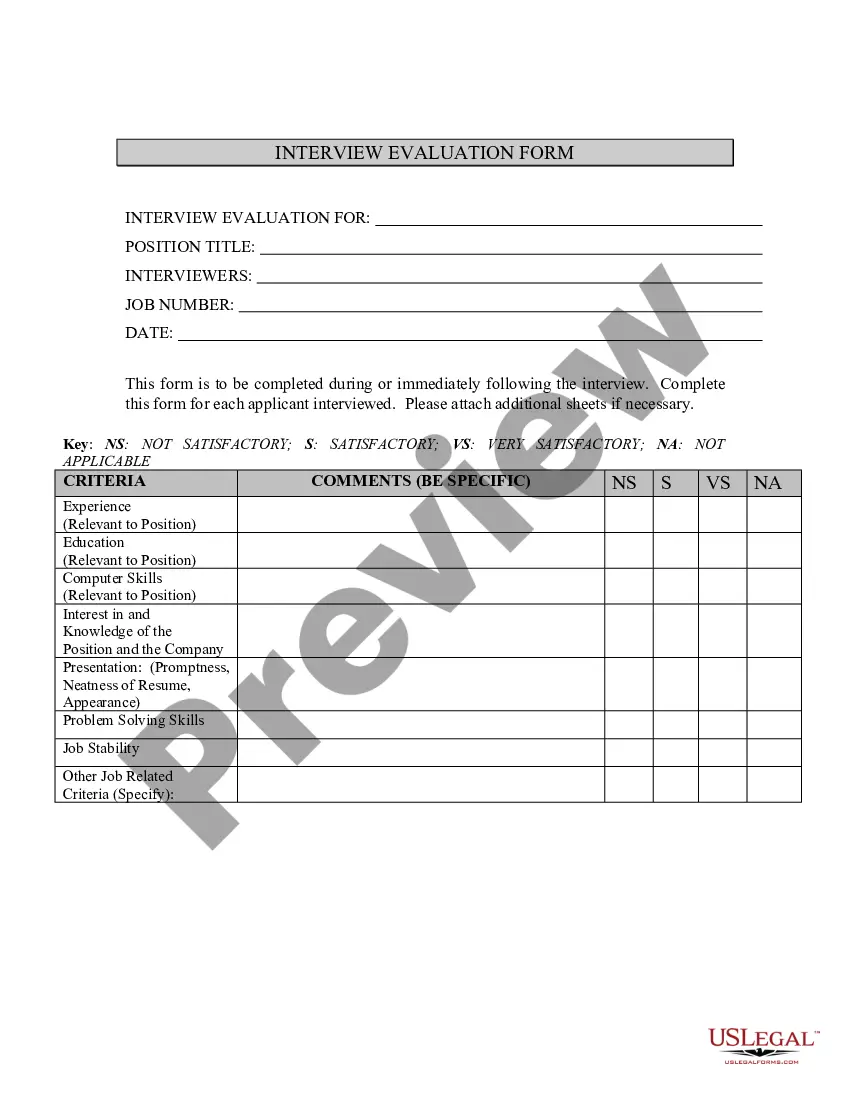
Creating an interview evaluation form in 6 steps Step 1: Identify requirements for the job role. ... Step 2: Formulate relevant questions and evaluation criteria. ... Step 3: Structure your form. ... Step 4: Determine the scoring system. ... Step 5: Include the interviewer's impressions and recommendations.
Follow these steps to create an interview report: Combine interview preparation with writing preparation. Gather all the relevant information about the interviewee and the occasion for the interview. ... Consider your audience and tone. ... Decide on a style. ... Use the report template as a guide. ... Complete the report. ... Proofread.
How to Evaluate Your Sales Interviews 4 years of sales experience in your industry. Worked a regional sales territory vs a local geographic one. Has knowledge of a specific vertical market. New territory development/Hunter experience. Can work independently-home office. Competitive. Creative.